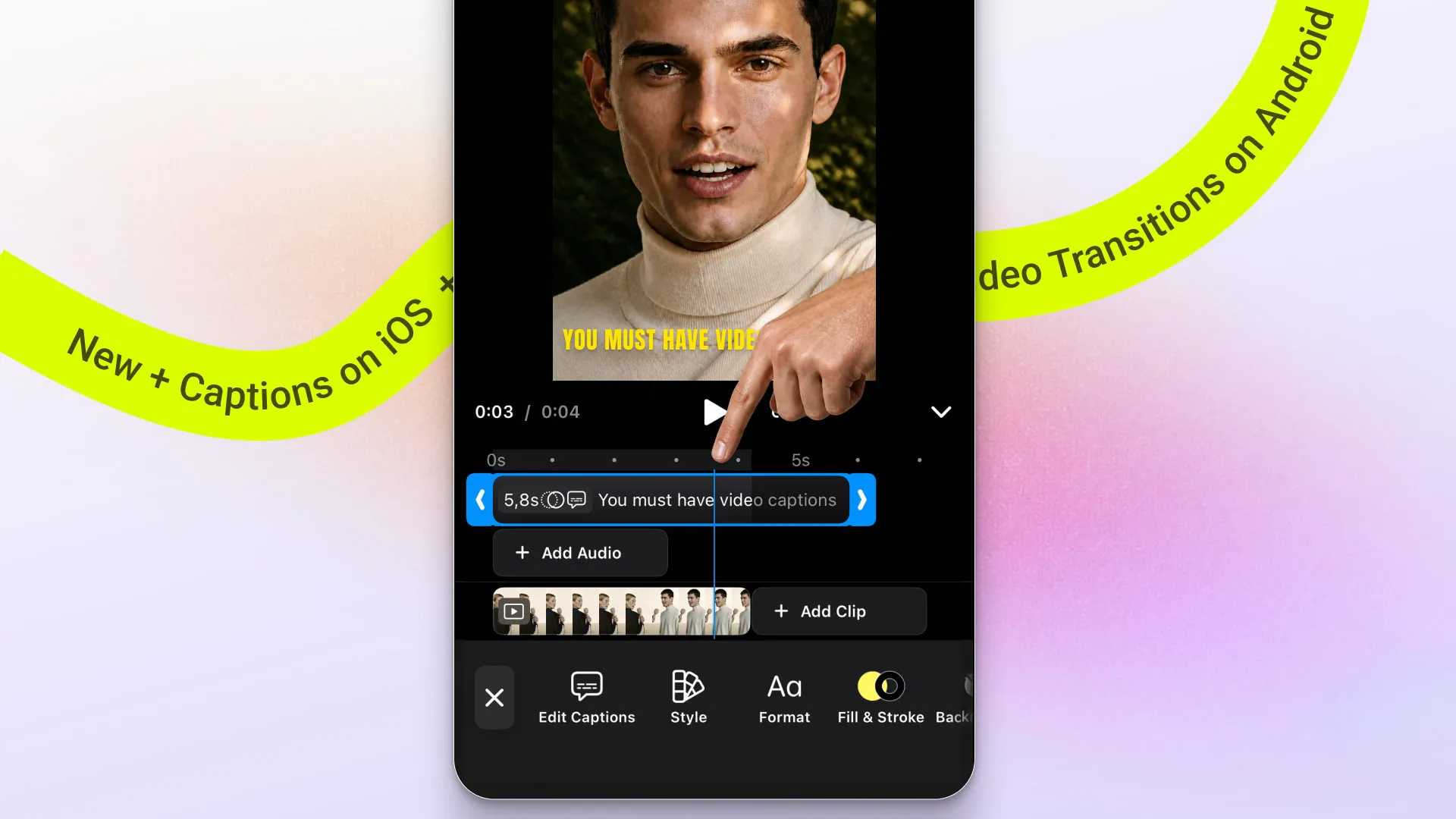
CE.SDK v1.77 is a workflow, typography, and platform release focused on making editing faster, more expressive, and more flexible across web, mobile, and backend environments.
This release brings keyboard shortcuts and better typeface discovery to the web, expands text styling and editing workflows on mobile, and improves performance for large photobook-style scenes. Lastly, you can add a branded photo camera to mobile!
Let’s dive in.
Create and Edit Faster
Speed Up Editing with Keyboard Shortcuts
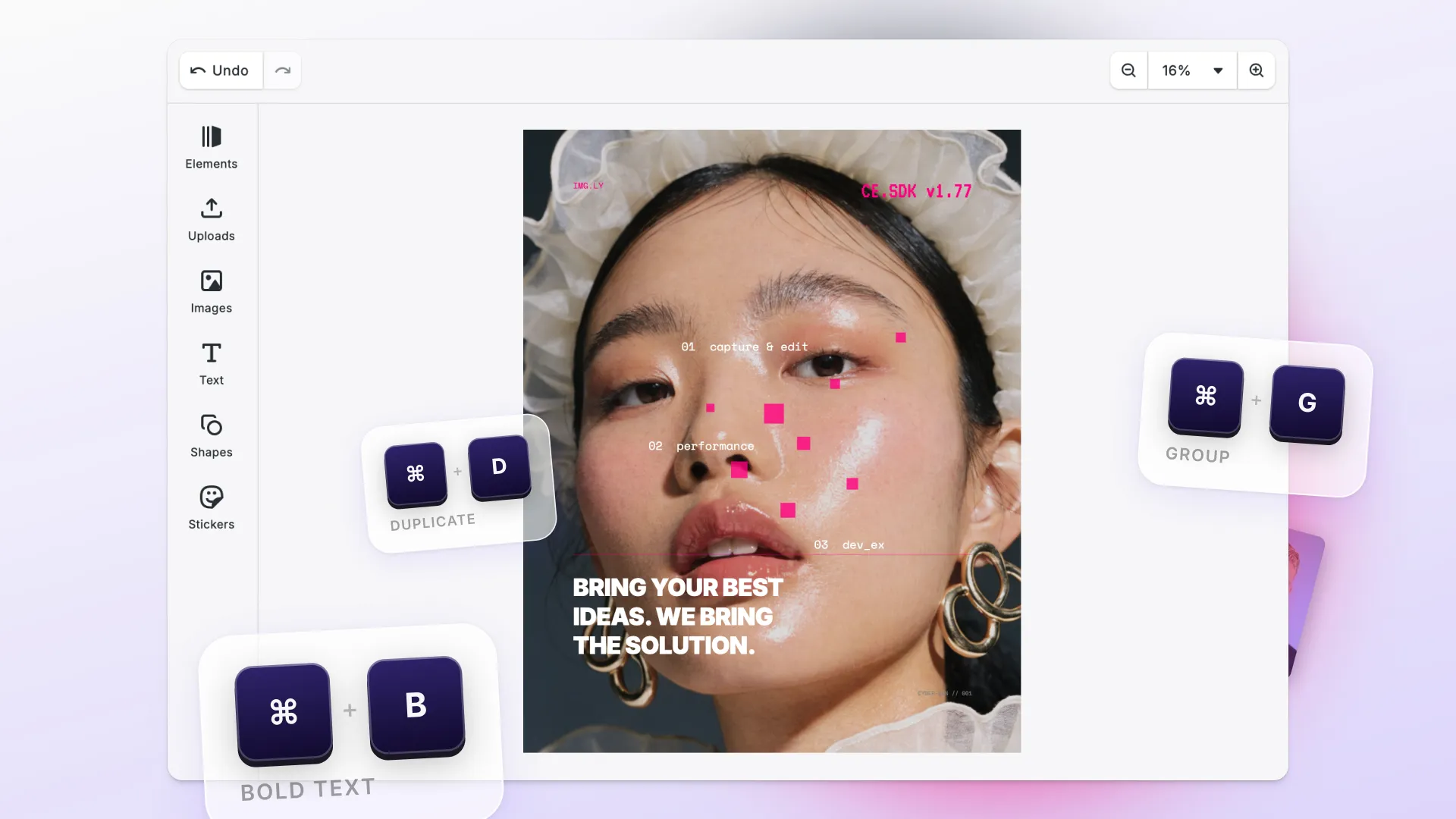
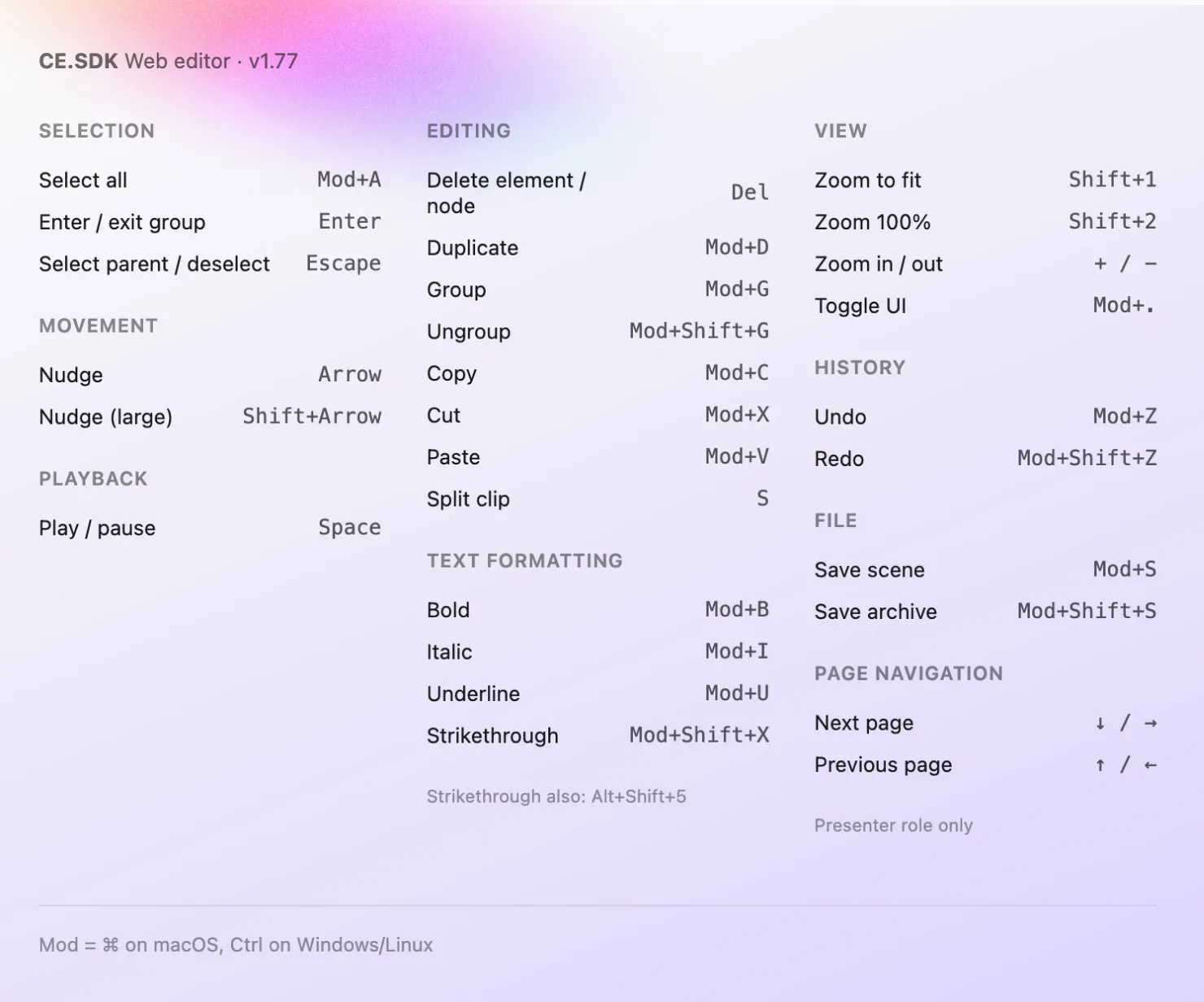
CE.SDK now ships with keyboard shortcuts in the web editor, with 30 shortcuts out of the box for selection, editing, text formatting, zoom, undo, and playback.
Need something custom? Register your own through the cesdk.shortcuts.set API with single keys, modifier combinations, or multi-step sequences. Each shortcut can be scoped to a specific part of the UI so it only fires when it should.
Users can move faster without leaving the canvas, with shortcuts that match the tools they already know.
→ Keyboard Shortcut List & Documentation
Find the Right Typeface Faster
The web editor now comes with typeface browsing. Users can search, filter, and navigate typefaces more easily, making large font libraries feel more structured and easier to manage.
For your product, this means: a more polished typography experience without needing to build your own font discovery UI.
→ Customize Fonts Documentation
More Expressive Typography
Shape Text Around Paths for Web & Mobile
CE.SDK now supports text on curves, including the APIs and layout behavior needed to place and render text along circular and curved paths.
This opens up more expressive typography workflows for logos, badges, invitations, and other layout-driven designs. Now available for Web, iOS & Android.
For your product, this means: users can create more flexible text layouts directly in the editor instead of switching to external design tools.
Edit Text Documentation:
→ Web
→ iOS
→ Android
Bring Richer Text Workflows to Mobile
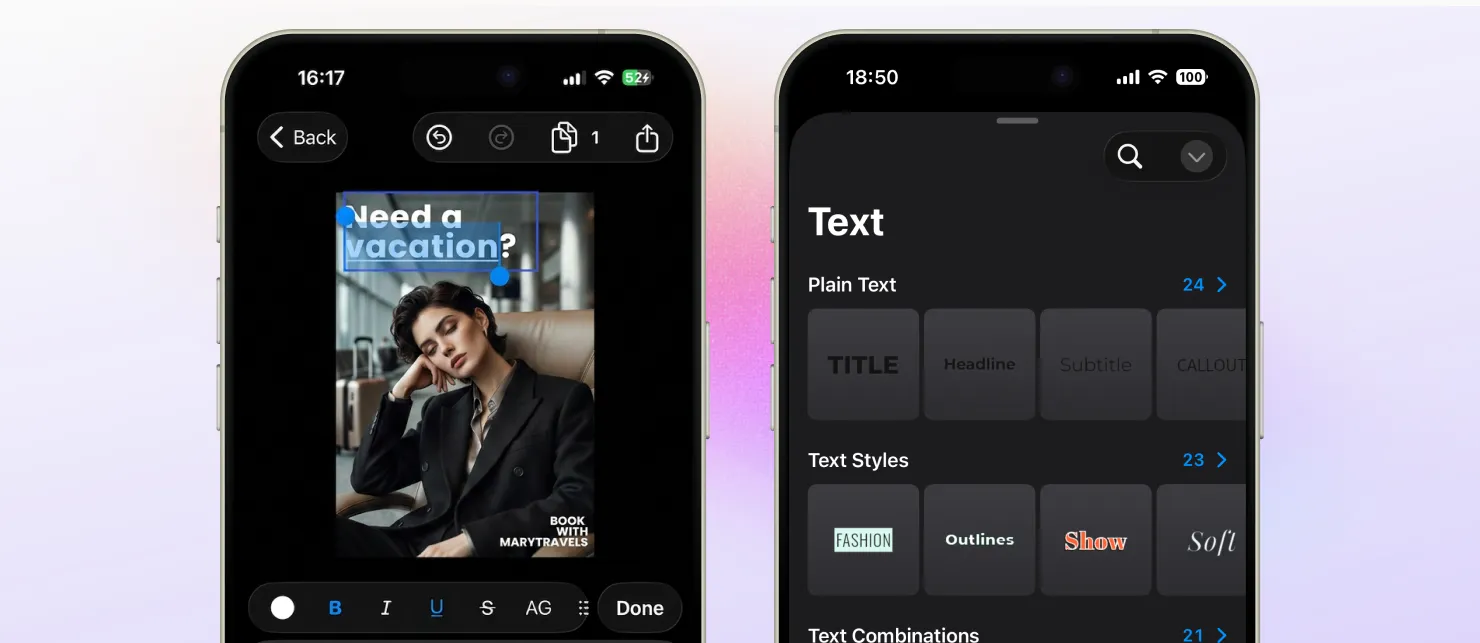
This release also expands how text is created and styled across iOS and Android.
Text and paragraph style presets are now available on iOS and Android. Apply and reuse consistent text styles without restyling everything from scratch.
Inline text run editing is also new. Select part of a text block and style just that portion, without affecting the rest.
Have More Control over Text Layout APIs
CE.SDK v1.77 also extends text positioning and layout capabilities through engine APIs.
This makes advanced text placement, alignment, and layout behavior easier to control in integrations that need more precise typography handling, including multilingual and design-heavy workflows.
Mobile Creation Workflows
Remove Image Backgrounds on iOS and Android
Background removal is now available on iOS and Android. The same plugin your web editor uses, now on mobile.
For your product, this means: users can remove image backgrounds without leaving your app, on any platform you ship on.
→ Android Background Removal Documentation
→ iOS Background Removal Documentation
Add a Photo Camera to iOS and Android
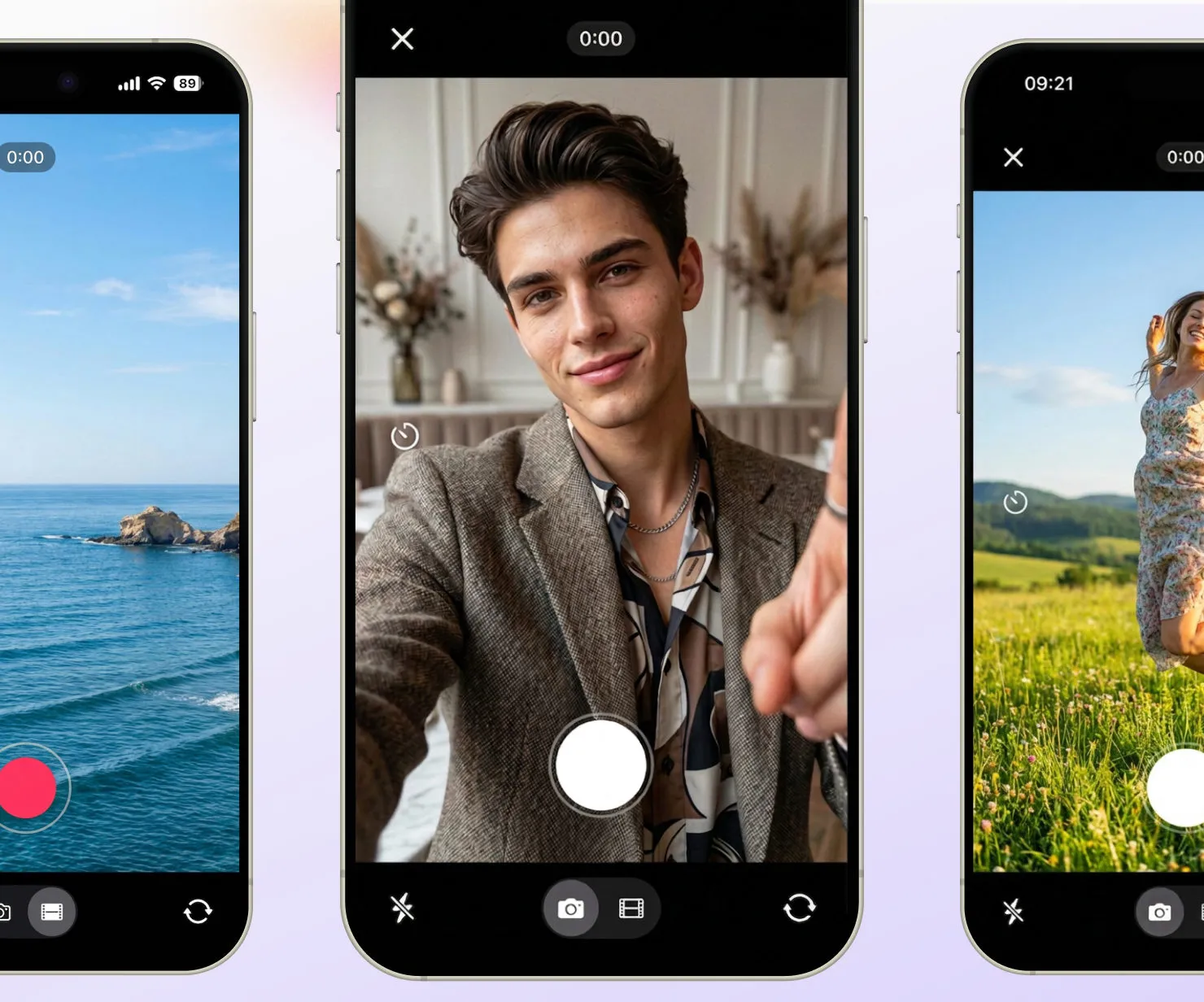
Photo Camera is now part of CE.SDK on iOS and Android. Users capture photos and videos, then move straight into editing — all inside your app.
Useful for listing flows, content creation, document capture, or any mobile workflow where capture and editing need to feel like one thing.
For your product, this means: one less integration to manage, and a creation flow that stays inside your product. From taking a photo to a finished edit.
→ iOS Camera Configuration Documentation
→ Android Camera Configuration Documentation
Improvements
Import Richer Documents With Higher Fidelity
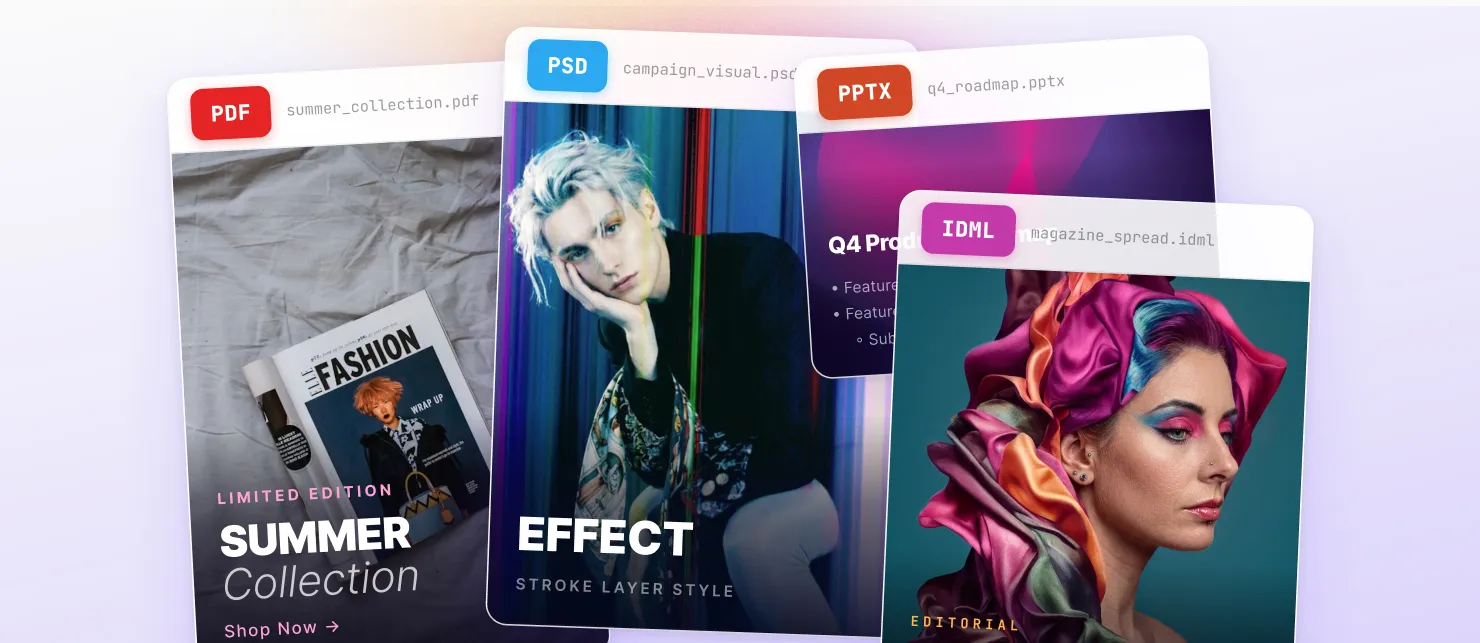
Our importer packages now preserve more of the structure and styling that matter in real-world design files.
-
PDF importer now keeps inline-styled text together as a single editable block while preserving mixed weights, styles, and colors.
-
PSD importer now supports Photoshop stroke layer styles and improves fallback behavior for off-canvas text.
-
PPTX importer now imports text decorations and nested lists. This includes your Canva designs exported as PPTX.
-
IDML importer can now import embedded PDF and Adobe Illustrator graphics as editable blocks instead of placeholders.
Imported content stays more editable, more faithful to the source, and requires less cleanup after import.
Export Print PDFs with Transparency & Vectors
Print-ready PDF export now supports PDF/X-4, preserving live transparency and vector text for more faithful, standards-compliant print workflows.
Handle Large Photobook Projects More Smoothly
We improved performance for large, image-heavy scenes such as photobooks and other complex multipage projects, reducing bottlenecks and keeping editing workflows more responsive as scene complexity grows. Users can smoothly work on and scroll through larger projects.
Developer Experience
Extend Your Mobile App with Plugins
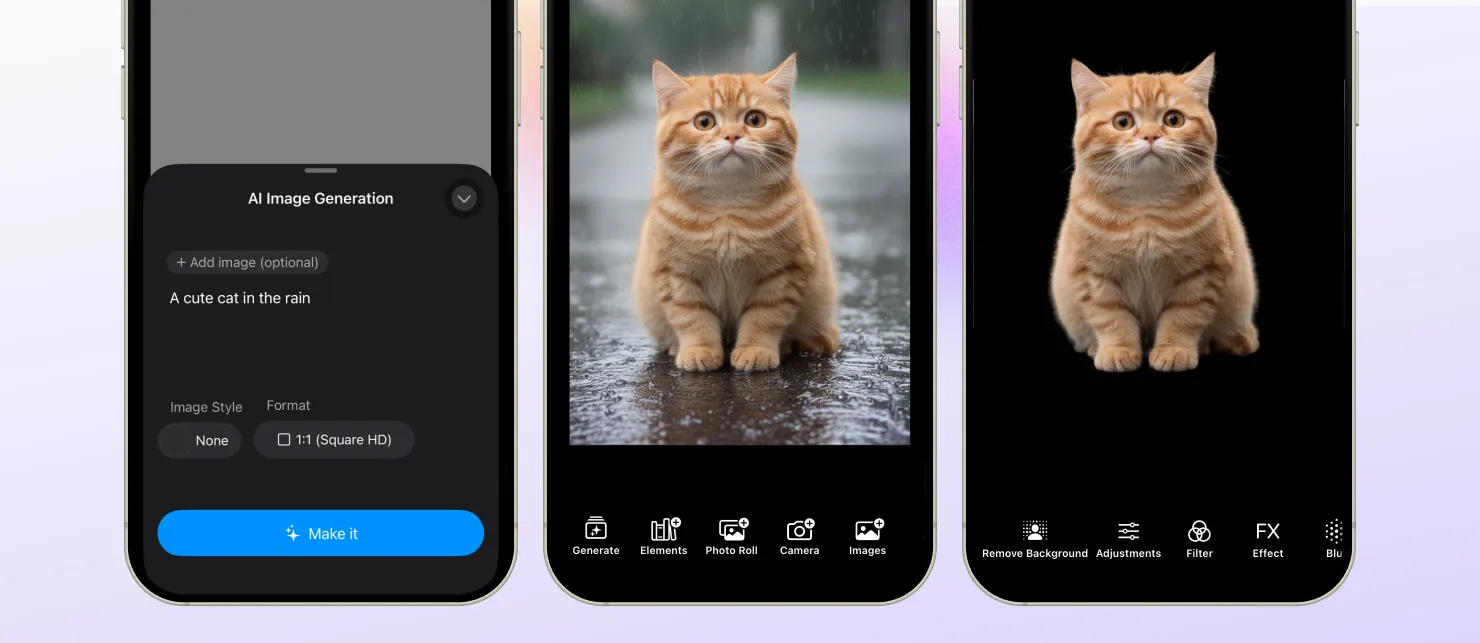
This release makes it easier to extend your mobile app with add-on features and more customizable editing flows on iOS and Android.
Build more tailored mobile editing experiences with options like:
- adding background removal on iOS and Android
- integrating AI image generation on iOS and Android
- building custom Android plugins to extend editor behavior
- packaging mobile features as reusable plugin modules that are easier to integrate and maintain
→ iOS Background Removal Documentation
→ Android Background Removal Documentation
→ Android Custom Plugin Documentation
→ iOS AI Image Generation Documentation
→ Android AI Image Generation Documentation
Make Error Handling Easier to Understand
We improved error reporting with structured errors and better surfacing through bindings, making integration issues easier to diagnose and handle.
Update to Node.js 22
Node.js 22 is now the minimum supported version. Node.js 20 stopped receiving security updates in April 2026, so we strongly recommend upgrading to a supported version.
Changelog
All performance improvements, breaking changes, and fixes are in the v1.77.0 changelog.
Thank you for building with IMG.LY.