
We talked to product teams who build design into their software. Most of them have already built AI into their product. They don’t want to replace it. They want what it makes to be editable and reliable.
Because this keeps happening:
The AI makes a banner.
The logo is off.
You ask it to fix the logo. Now the headline moved.
So you generate again. And again.
Or someone rebuilds it by hand.
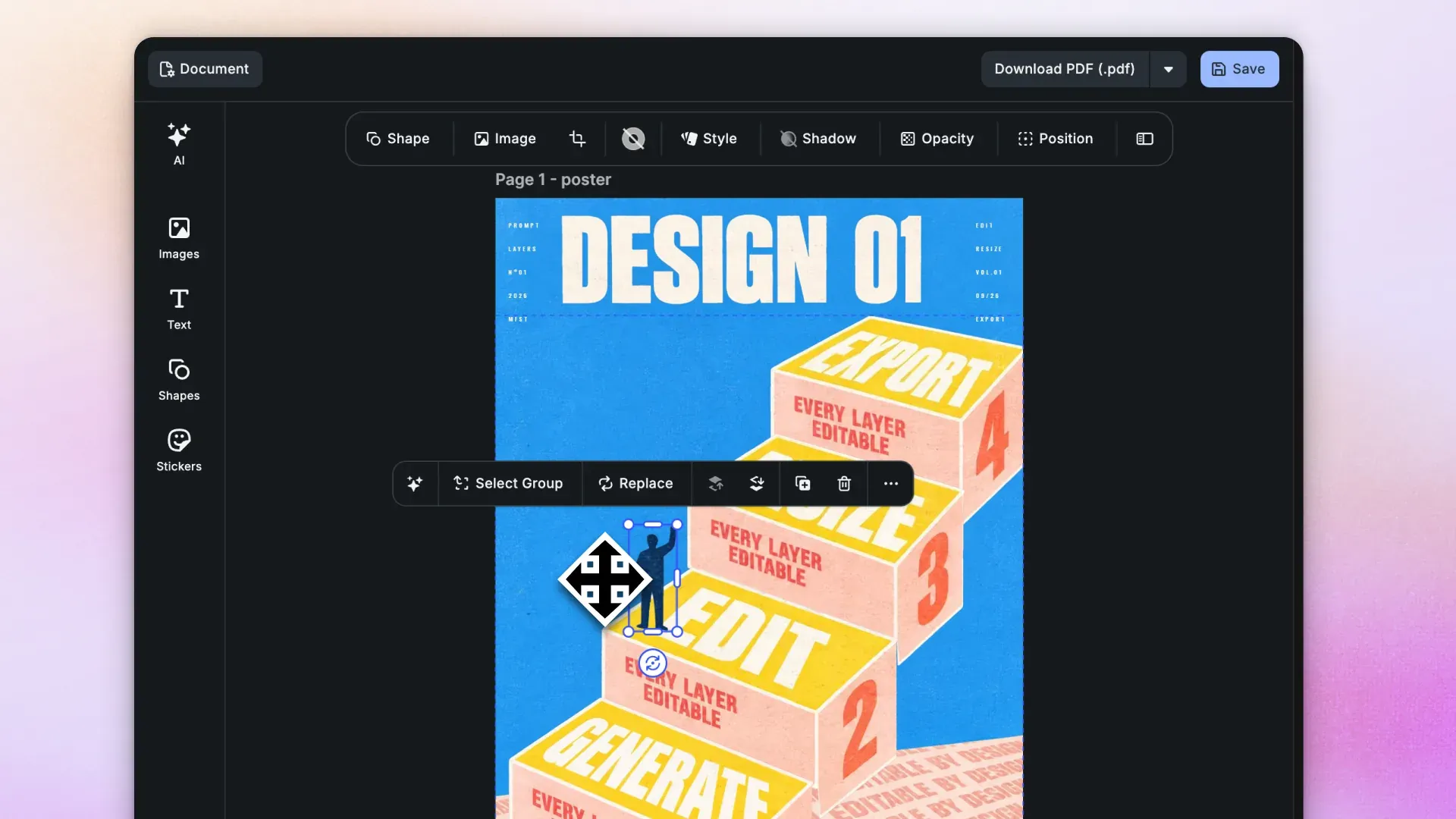
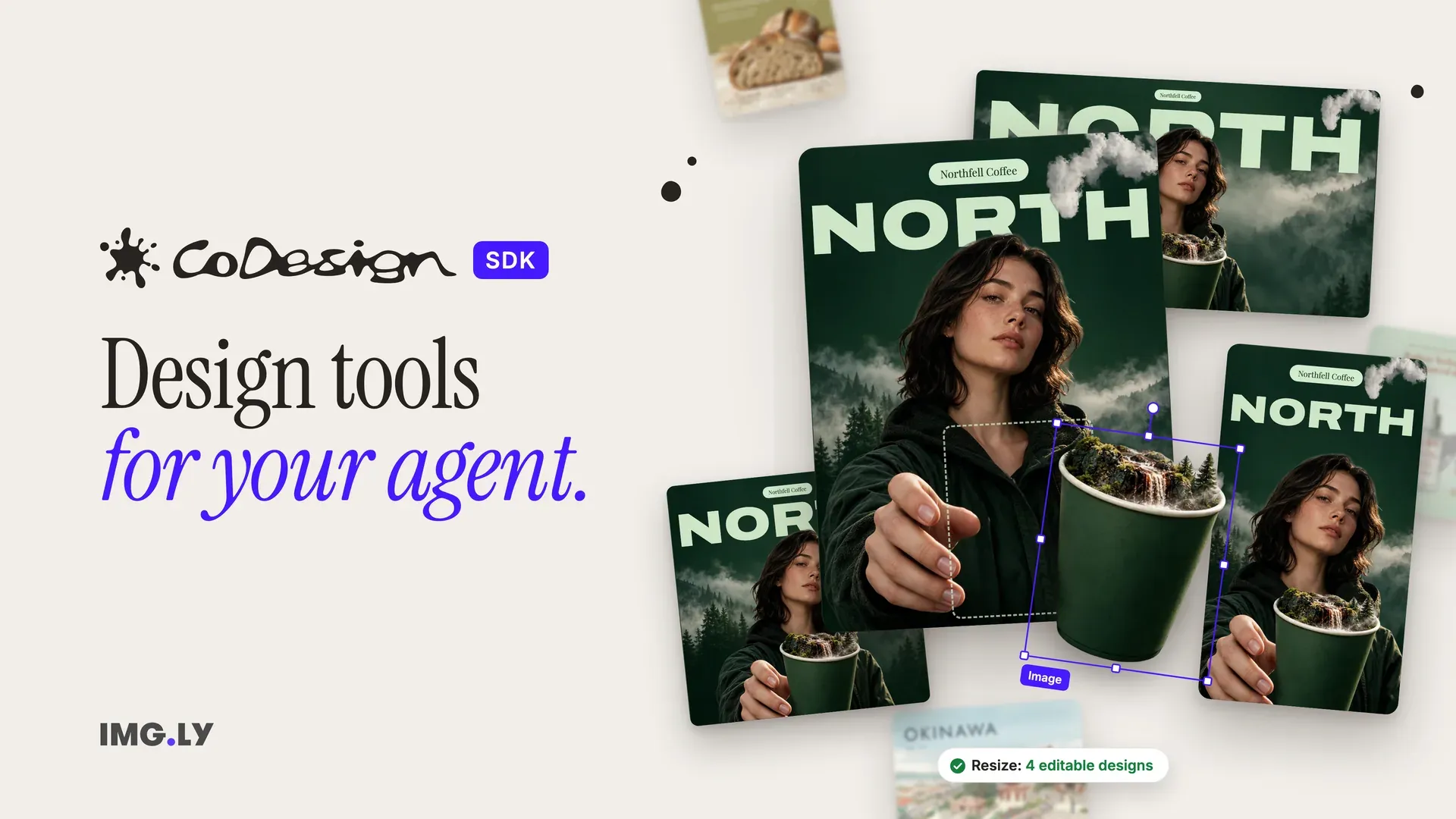
That’s what CoDesign SDK is for. It gives the agent real design tools. Everything it makes is an editable CE.SDK design. Your users can manually tweak one thing, and everything else stays where it was.
What’s CoDesign SDK?
CoDesign SDK gives your AI agent the tools to create and change designs layer by layer, instead of generating flat images. It’s a JavaScript library for Node 22+, built on the CE.SDK engine that runs our editor in more than 600 products.
It runs on your infrastructure
The library sits in your backend, and executors (Docker containers) render each design on your own servers.
Every result is an editable CE.SDK scene
It opens in the editor you already ship, with nothing to convert. Keep the SDK, the executor and your CE.SDK editor on the same version, and upgrade them together.
What your agent can do now
Start a design. Generate new designs from a brief and your own assets, or import PSD, IDML, PDF and PowerPoint files as editable designs.
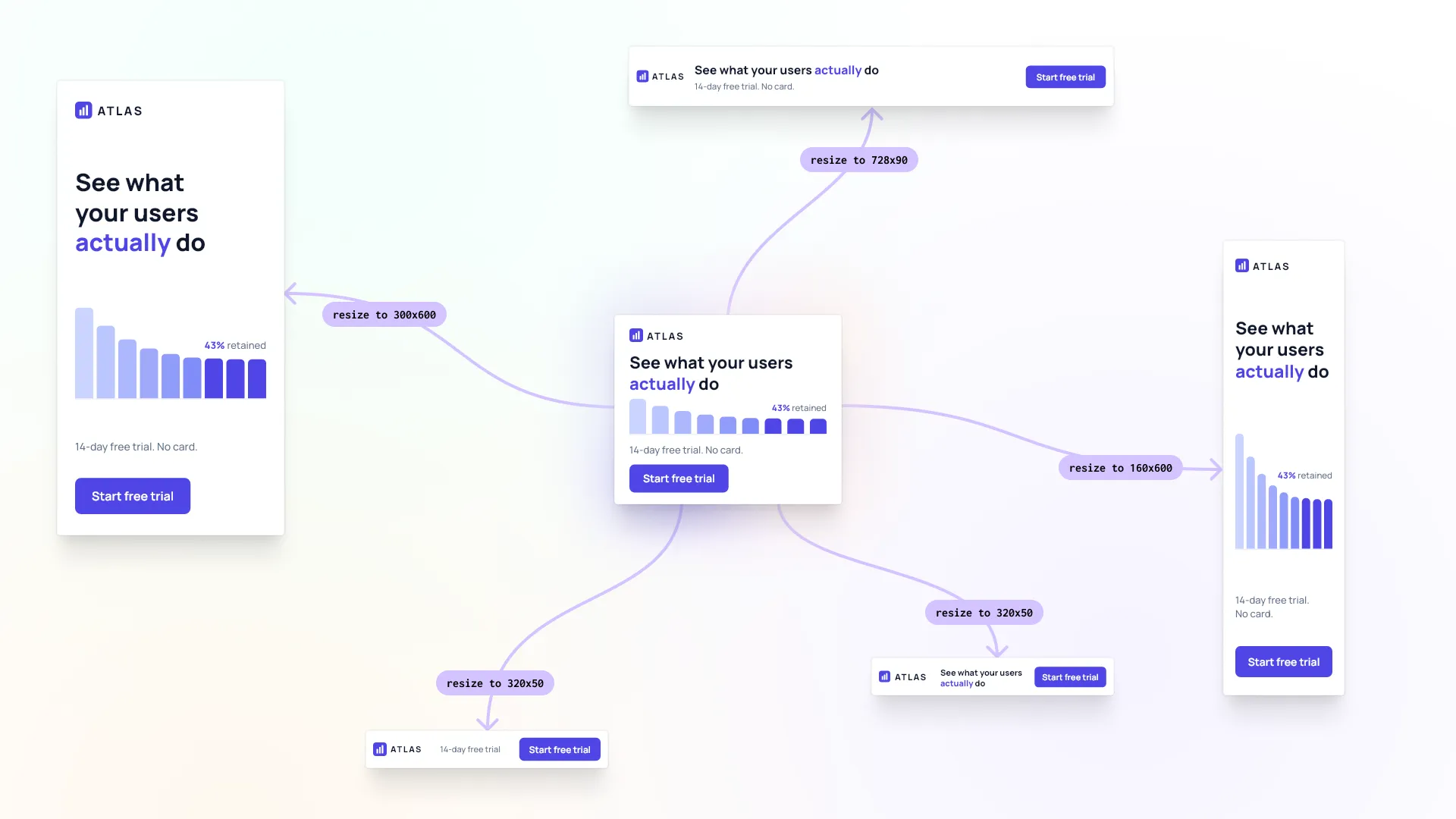
Change it. Edit the existing file without regenerating it, so what’s approved stays put. Rebrand it with new colors, fonts and logo. Localize it, with the layout adjusted so the translated text still fits. Resize it into one design per format, recomposed instead of stretched or cropped.
Check and ship it. Judge text fit, contrast and layout against the rules you give it, and get a list of what to fix. Then export PNG, JPEG, WebP, PDF or print-ready PDF/X-4 in CMYK.
How it works: one job, start to finish
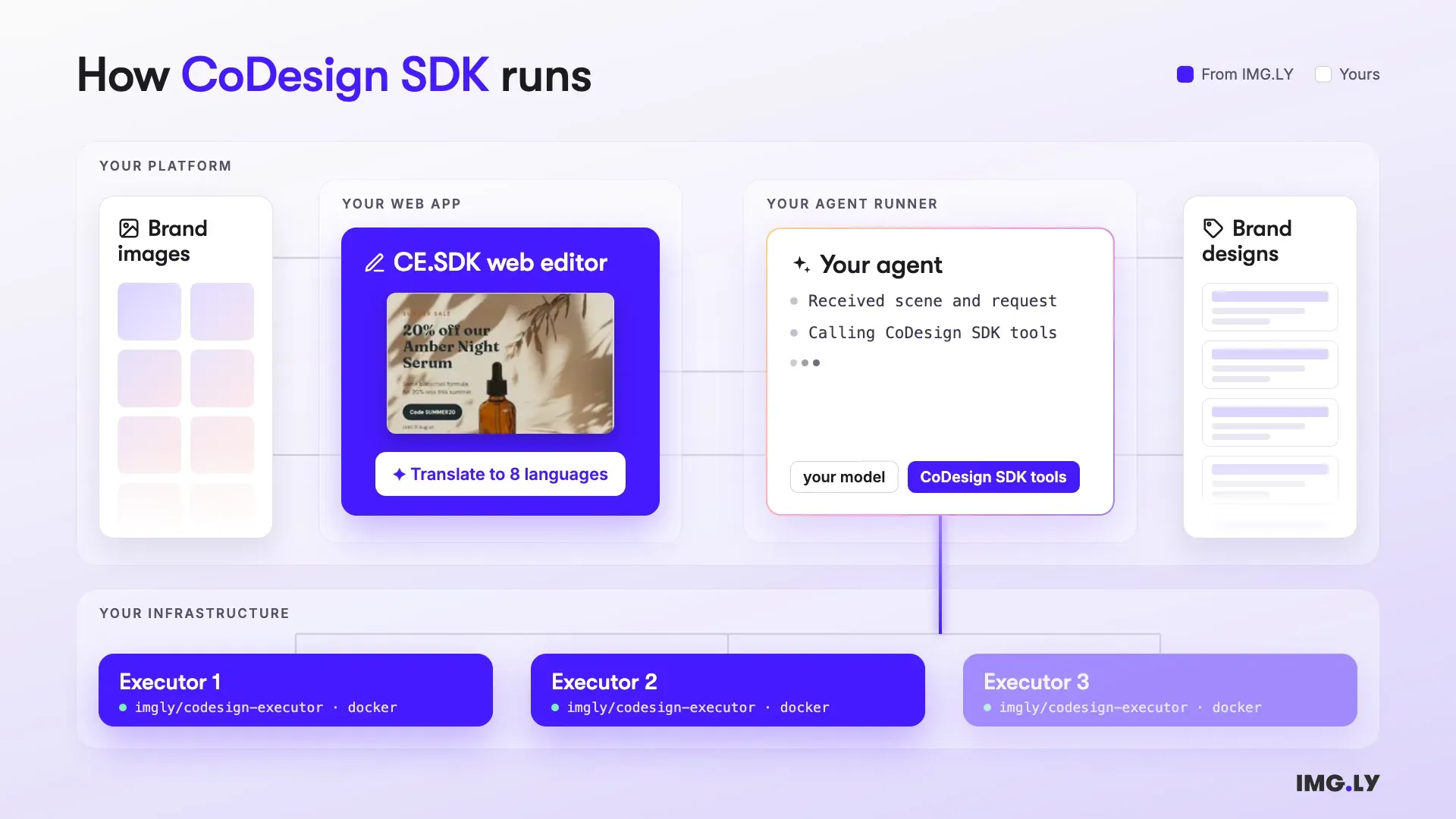
- A request comes in. It can come from a user (“make this in every size”) or from a pipeline event, like new prices or a new market. Your product sends the design and the request to your agent runner.
- Your agent does the work. It calls the CoDesign SDK tools, and an executor on your servers applies each change and renders the result. The design guidelines ship with the tools, so you don’t have to teach your agent design. We evaluate the fastest and most affordable models for you.
- The results arrive. Your product adds the new editable designs to the user’s library and lets them know, as it would for any finished export. If the job asks for files, the PNGs or PDFs come too.
Two ways to connect your agent
There are two ways to give an agent the CoDesign SDK tools.
In your product. Your agent runner calls the model and passes it the tools, for a design chat in your product or a backend job that turns a brief into finished files. Quickstarts cover the Vercel AI SDK, Claude Agent SDK, OpenAI Agents, Mastra, LangChain and Pi.
Over MCP. Host the tools as your own remote MCP server in Node. Your customers add it to their own AI assistant, such as Claude, ChatGPT or Cursor, and that assistant’s model calls your tools. It’s also the way in for agents that aren’t written in JavaScript, Python included.
→ Serve the Design Tools as an MCP Server
Launch fast with starter kits
If you’d rather not wire it up from scratch, the starter kits include two complete apps, each with a web page and a server that you can deploy. Clone one, run it on your machine with Docker and Node, and replace its parts with yours until it is your product.
Agentic Design Manager
A design platform with a chat assistant, for products with brands or tenants. It designs in each brand’s own fonts, colors, logos and images, turns PDF, Photoshop, InDesign and PowerPoint files into designs, and serves the same tools as an MCP server for your customers’ AI assistants.
→ Agentic Design Manager Demo
→ Agentic Design Manager Starter Kit
Agentic Resize
One design in, every canvas size out. The agent sets new margins, type sizes and spacing for each size, keeps the palette and every element without stretching anything, and returns a PNG and an editable design file per size.
→ Agentic Resize Demo
→ Agentic Resize Starter Kit
Get started
Read the docs to connect your first agent, or clone one of the starter kits above. If you want to talk it through, contact our team.
We’re excited to hear what you build with it.