



Design on the client. Generate at scale on the server
An embeddable creative SDK that lets teams build templates once and produce high-volume, on-brand image, PDF, and video exports automatically, without manual production work per asset.
Trusted by 100+ industry leaders














Integrating IMG.LY’s editor meant we didn’t have to build or maintain a complex editing layer ourselves. That kept our team focused on our core AI ad engine and saved us countless development hours — while still giving our customers the ability to polish and customize creatives at scale.
Hikari Senju
CEO, Omneky

With IMG.LY we built a central creative portal that now powers over 140 dealer campaigns across multiple automotive brands. Before this, asset creation was slow and inconsistent.
Martin Röhr
Product Owner, Digitas

By embedding IMG.LY’s editor we were able to hit key RFP requirements and deliver a template-based creative experience that now serves 1,000+ customers. It helped us win more deals and exceed enterprise expectations without needing to hire dedicated design teams.
Rob Driscoll
Director of PM, Optimizely

Since integrating IMG.LY’s editor, we now deliver 30,000+ ad creatives per month, dramatically shorten time-to-launch, and help our clients cut design spend by up to $10,000 per month.
Logan Welbaum
Founder, Plai

Our customers create over a million personalized postcards each year choosing from over hundreds of templates with IMG.LY’s SDK. It’s the only solution that allows us to build our own specialized, on-brand UI that integrates seamlessly with our platform.
Jeanine Zaalberg
Product Manager, SwissPost

From a developer’s perspective, the most powerful feature of the photo editor is the integration process. It was completely flawless, quick, and easy to integrate.
Stefano Fornari
CTO, Funambol
We compared IMG.LY SDK with other solutions and found that it would be the best fit for us since it provides all the features that are crucial for our use case.
Carem Pereira
SCRUM Manager, HP

Built for teams that need to remove the designer from repetitive creative production
Make asset creation accessible to anyone
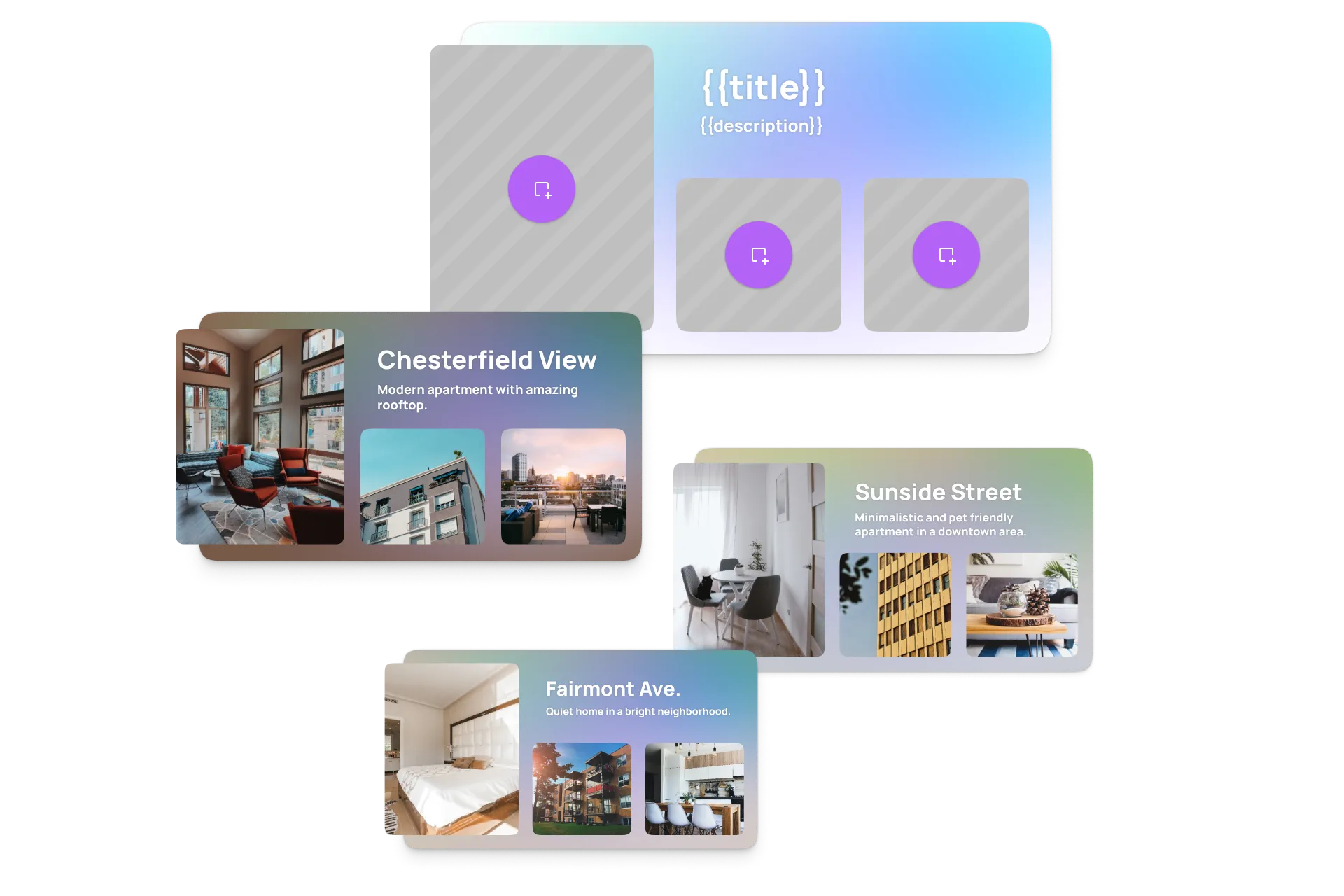
Smart templates turn design decisions into reusable starting points. Anyone on the team can generate on-brand creative output without touching the original design or involving a designer for every variation.
Eliminate the gap between approved design and generated output
The same rendering engine powers the editor preview and the server-side generation pipeline. What gets approved is what gets produced, without manual QA or the risk of output that does not match the original.
Scale from one asset to thousands without rebuilding workflows
Connect templates to any data source and generate personalised variations automatically across image, PDF, and video formats, in a single pipeline.
When the content does not fit the template
A longer name, a translated headline or a new format can break a fixed layout. CoDesign SDK lets an agent in your pipeline re-lay out the design and check it before it goes out. Keep templates for the rest.
Explore CoDesign SDKKey capabilities
For your users
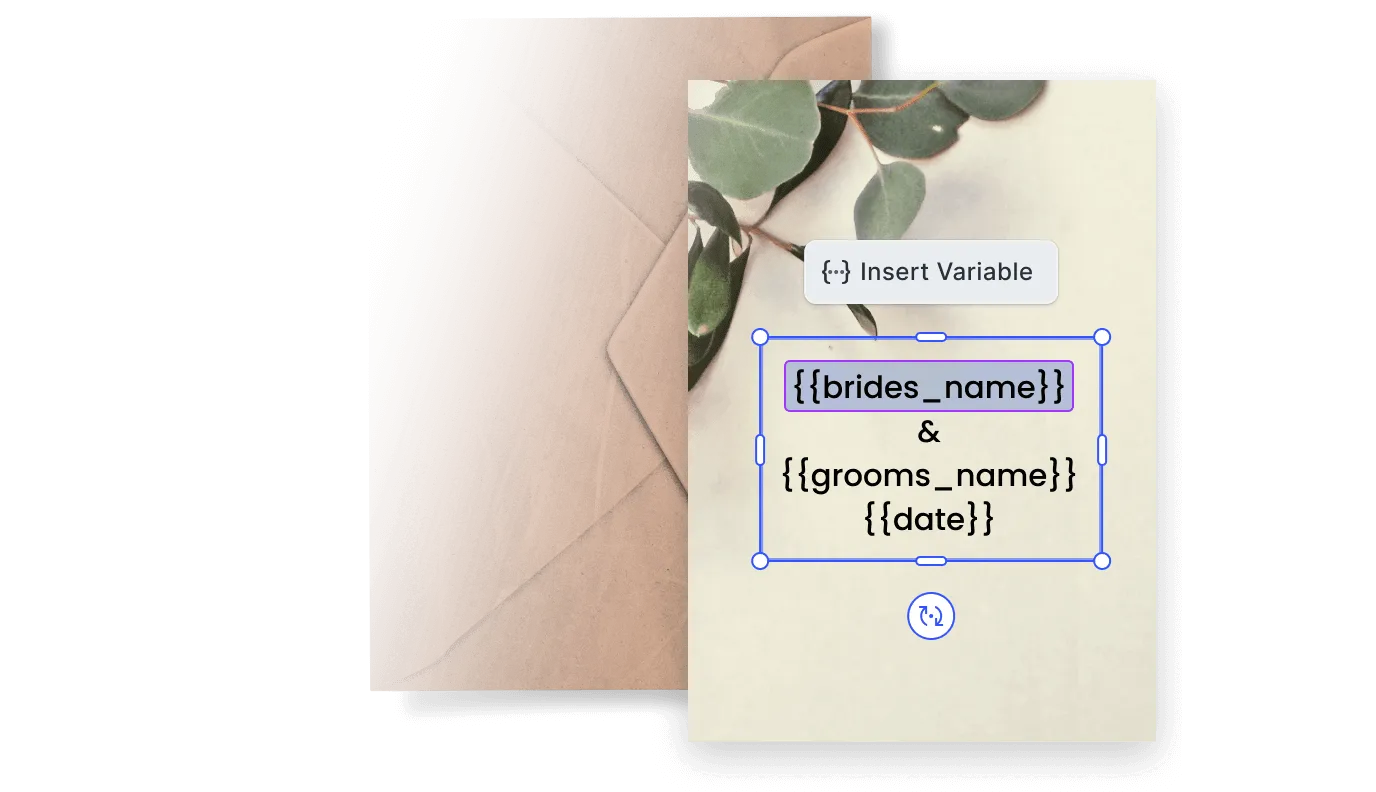
Preview real data before releasing templates.
Test templates with sample records to see how layouts handle edge cases, long text, missing images, different content lengths, before production runs.
Generate across every format from one design system.
Use the same template foundation to produce display ads, social banners, print files, and video exports without rebuilding the design per channel.

For your platform
Full server-side generation via headless API.
Run text replacement, image updates, layout changes, and resize operations programmatically, no client session required, no manual step per output.
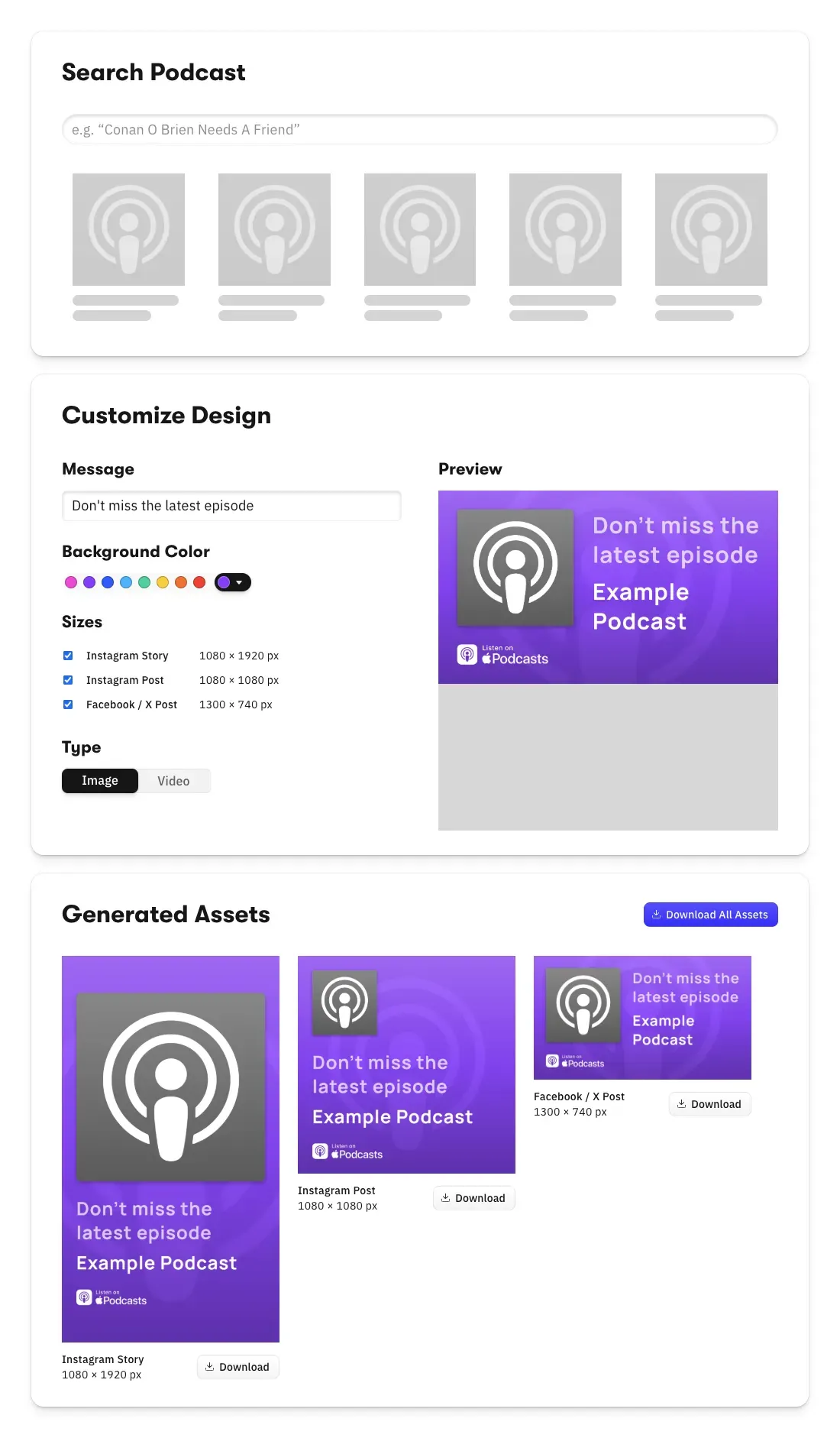
GPU-accelerated video rendering at scale.
CE.SDK Renderer handles high-volume video export with GPU acceleration and codec licensing, consistent quality and performance regardless of output volume.
Flexible deployment on any Node.js infrastructure.
Deploy on AWS or your own infrastructure without proprietary hosting. Connect to any database, CRM, spreadsheet, or serverless backend your workflow already uses.
Export across image, PDF, and video formats.
Generate JPG, PNG, PDF, PDF/X, and video exports with production settings applied consistently, connected cleanly into any downstream delivery or fulfilment pipeline.




How to integrate creative automation
Five steps from dropping in CE.SDK to firing automated batches.
Embed CE.SDK in your existing stack
Install the headless CreativeEngine in your backend and call its API directly from your services. The SDK works alongside your existing data sources, CMS, and DAM without rebuilding your pipeline, and the engine is the same one powering client-side editors.
Open Node.js Docs
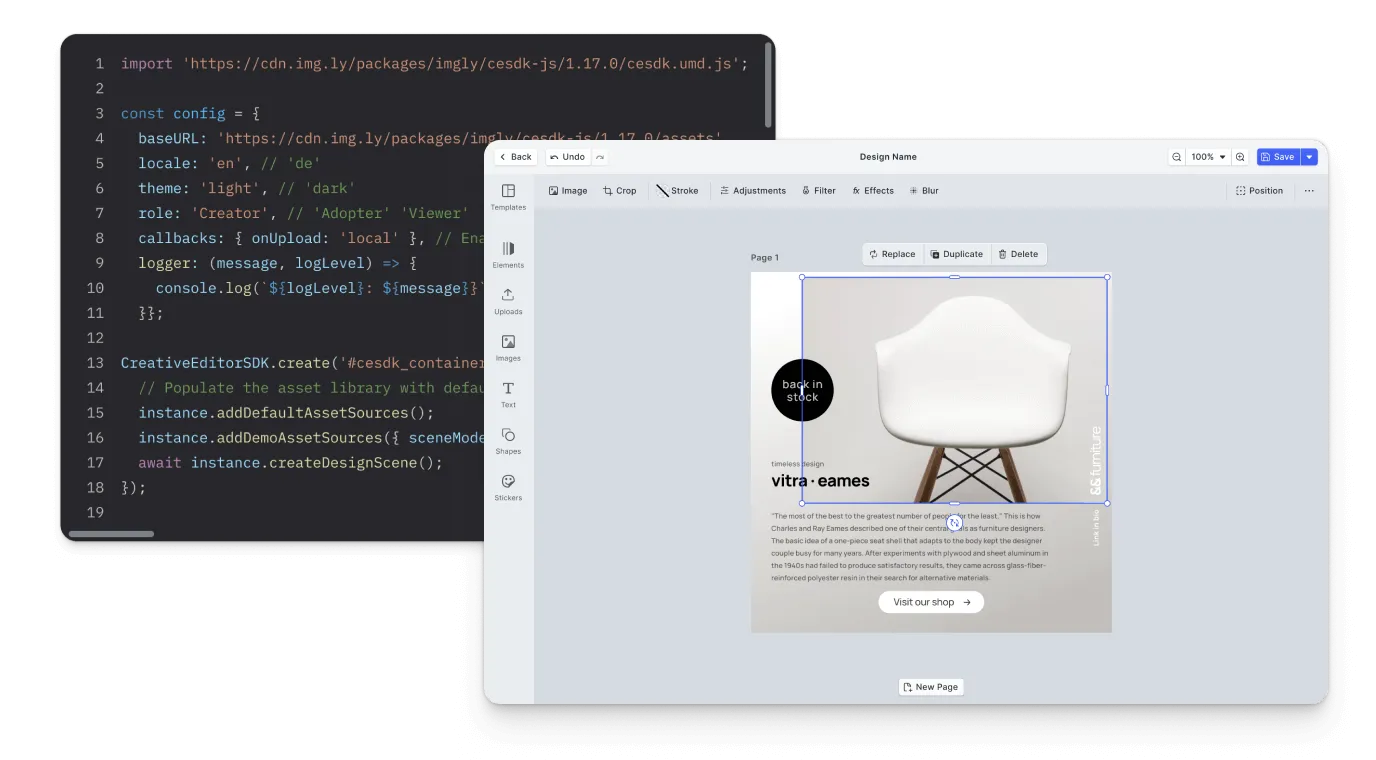
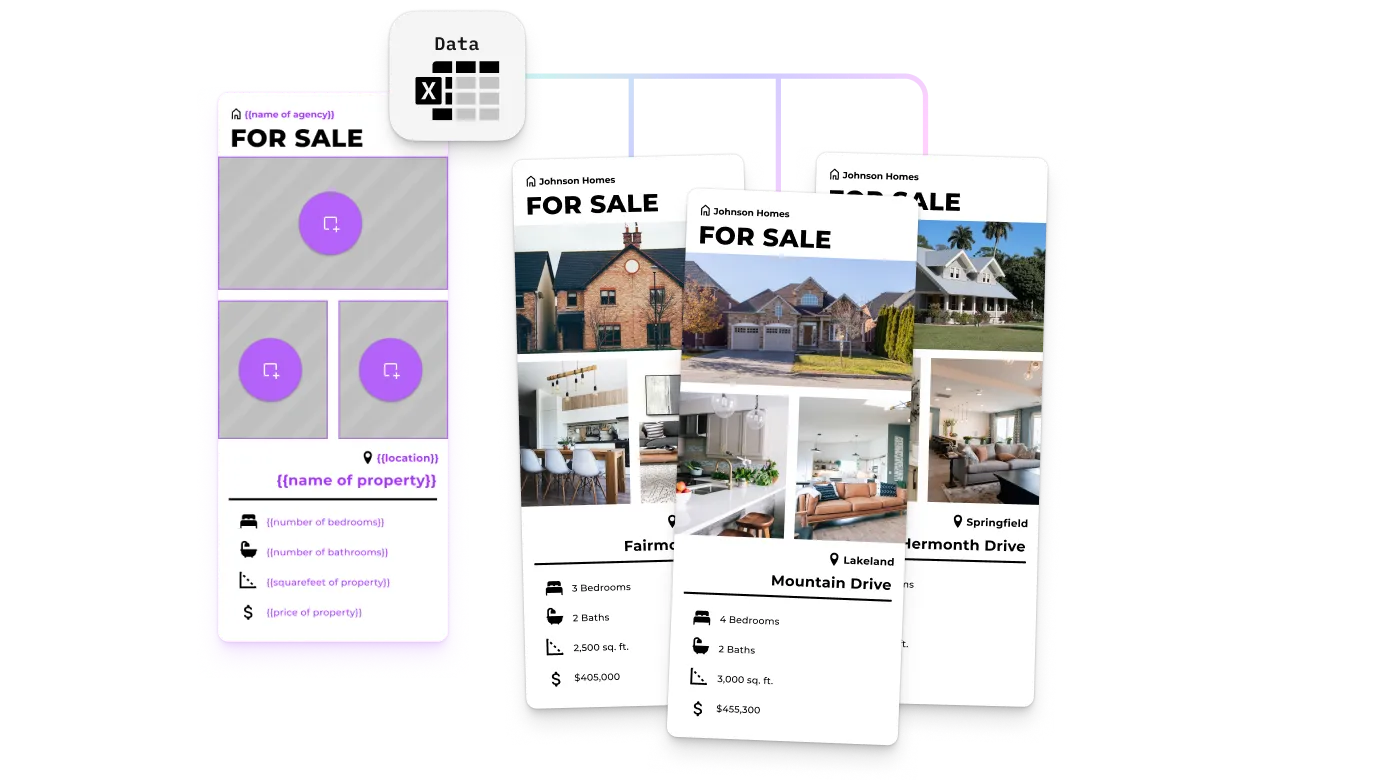
Create adaptable design templates
Build smart templates that lock the brand elements you need fixed and define which parts should change per output. Designers author them once on the client, and the same template feeds every variation the pipeline generates server-side, with consistent rendering between the two.
Open Placeholder Demo
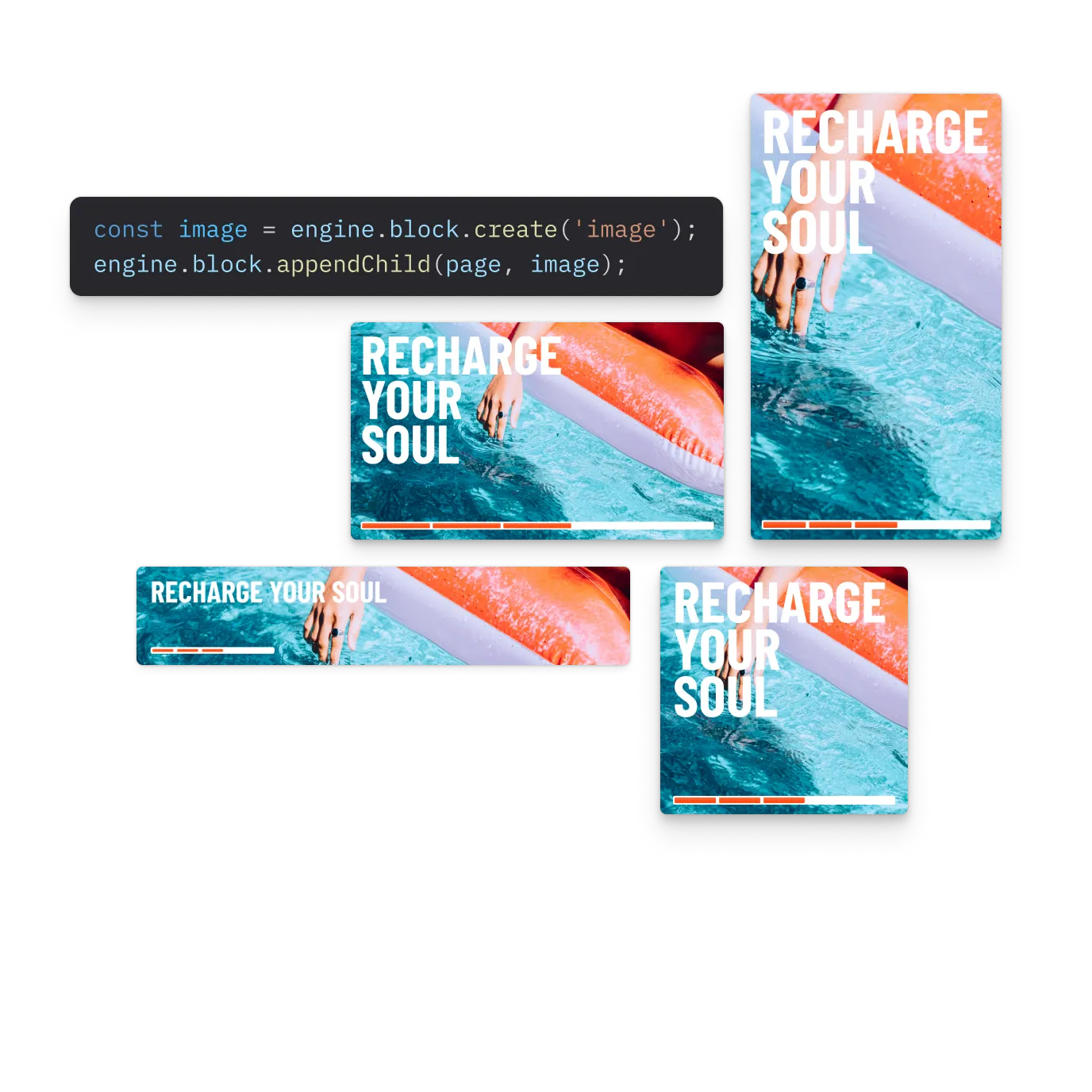
Define what varies per channel
Tag text, image, colour, and layout fields per channel so the automation pipeline controls only what changes between display ads, social banners, print files, and video exports. One template foundation, every output format configured from the same system.
Open Multi-Channel Demo
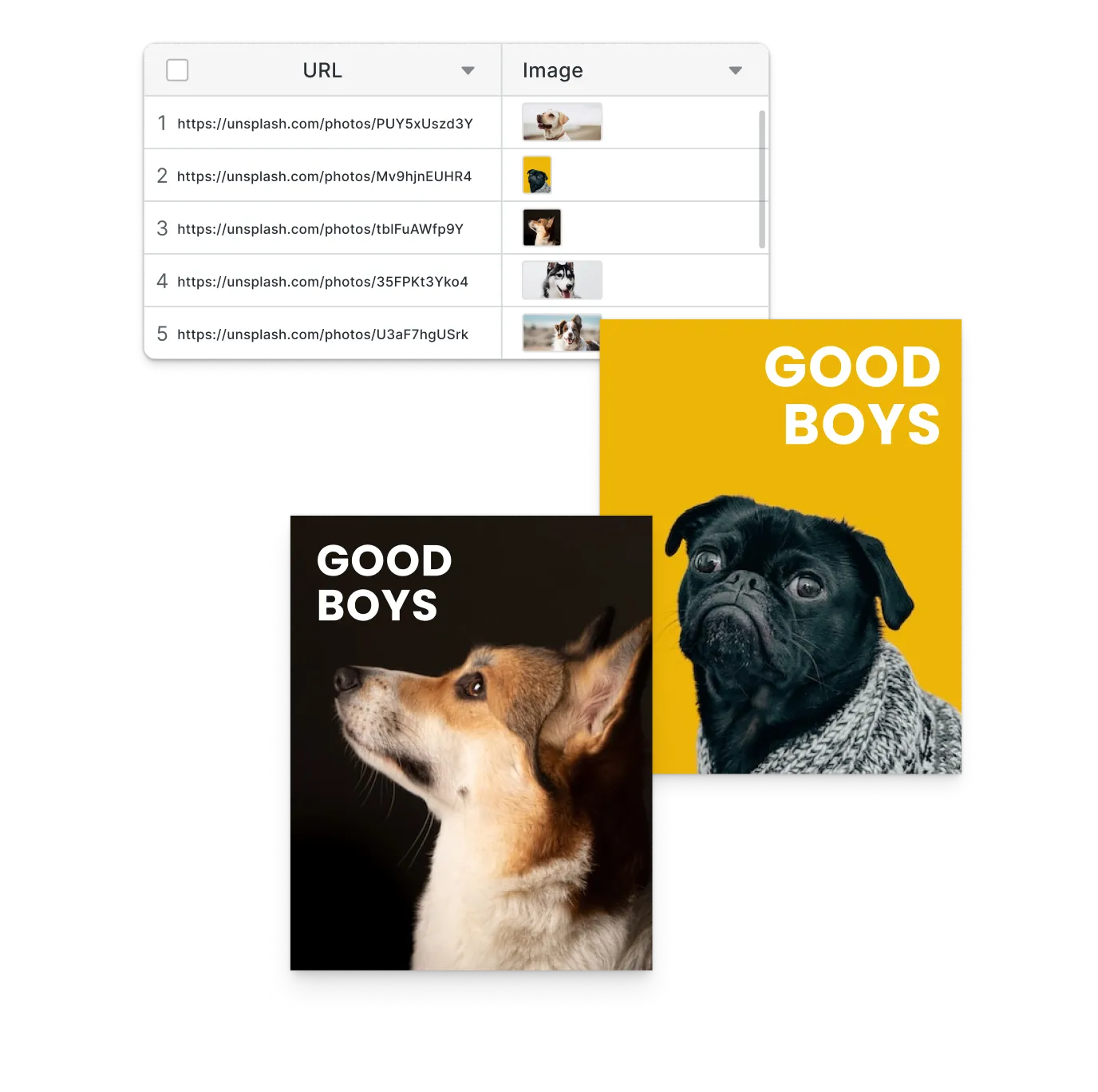
Generate variations through the pipeline
Connect databases, spreadsheets, CRMs, APIs, and no-code tools to the headless API, and generate variations programmatically. Each data record becomes a unique on-brand output, with no manual editor session per asset.
Open Batch Demo
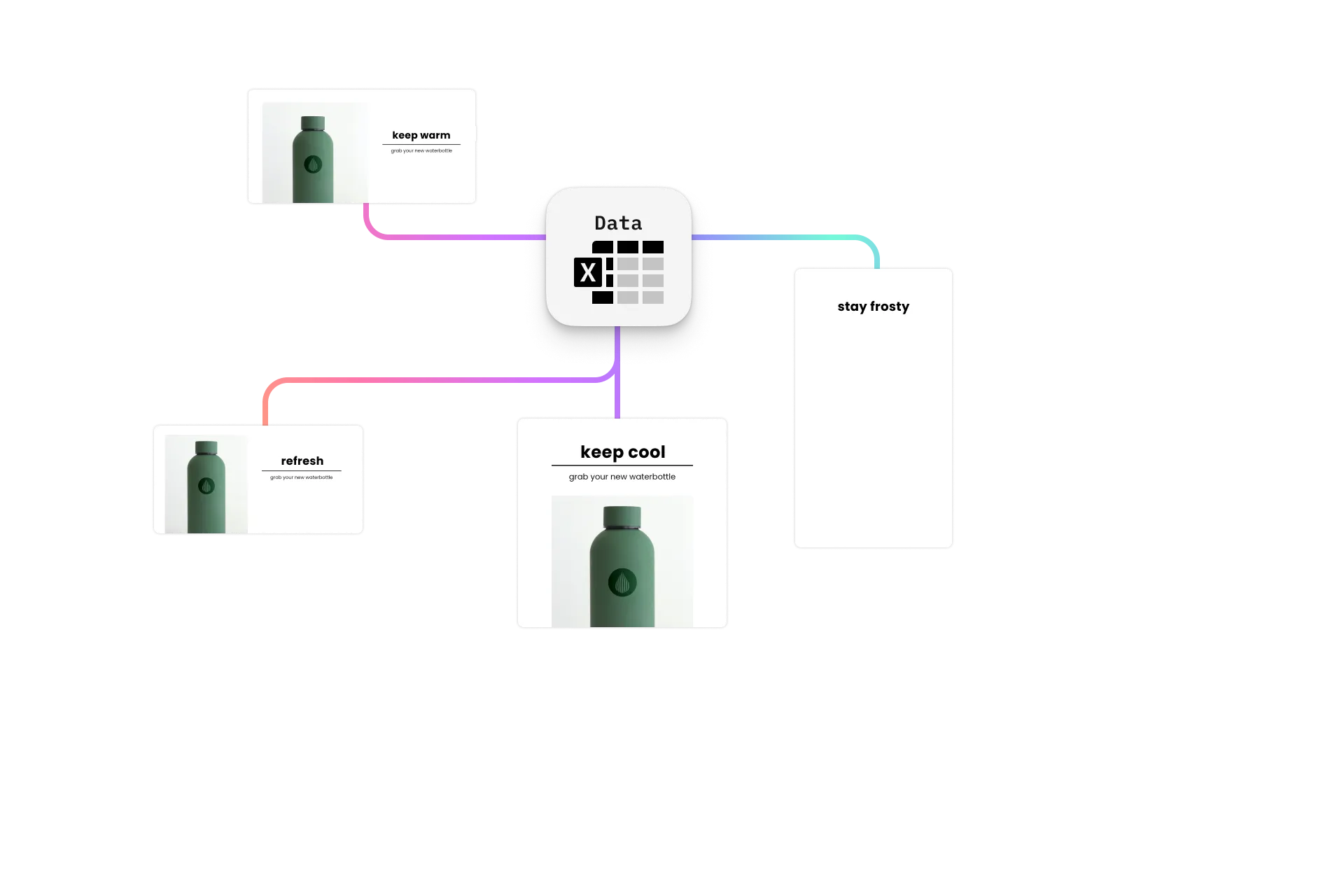
Guarantee client and server rendering parity
Built-in validation catches issues before designs reach production. Generate parity output from the same creation session, with the editor preview and the server renderer running on the same engine so what gets approved is what gets produced.
Open Node.js Docs
One rendering engine from template creation to server-side generation
Separating the tool used to design templates from the system used to generate output creates a gap that teams manage manually. IMG.LY runs the same creative engine across the client editor and the server-side renderer, so rendering behaviour, template logic, and variable handling stay consistent throughout the entire workflow.

Preview exactly what gets generated
Templates approved in the editor render identically during server-side generation. No separate rendering pipeline, no output that diverges from what was signed off.
Run full edit operations server-side
Apply text replacement, image swapping, colour updates, resize operations, and layout changes automatically during generation, without a client session per output.
Deploy on your existing infrastructure
Run the CreativeEngine in any Node.js environment, including AWS and private infrastructure, without proprietary hosting requirements.
How Digitas Germany Powers 140+ Dealer Campaigns Across 10 Automotive Brands

140+
campaigns live across 10 brands
600+
dealers creating assets self-serve
6+ mo
of build time avoided
Digitas Germany is a leading digital agency that helps brands build unified, high-impact customer experiences to accelerate business growth.
I showed the project internally to hundreds of colleagues. Everyone wants to use it for other clients. It’s a no-brainer once you see what’s possible.
Digitas Germany

Challenge
Manual, agency-driven campaign production across 9–10 automotive brands, 600+ dealers, and three languages — slow, costly, and dependent on outside teams.
Solution
A self-service campaign portal built on CE.SDK’s template engine, variable system, and server-side rendering. Dealers localize on-brand social, print, and video assets in seconds.
- 6+ months of estimated build time avoided.
- 3× more videos created per active user.
- 85% of videos now created fully in-app.
Why creative automation teams trust IMG.LY
The editor and generation engine stay in sync
Templates approved in the editor render consistently at scale. No separate pipeline that could drift from what was approved, no manual QA step between design and output.
Works with any data source or workflow tool
Databases, spreadsheets, CRMs, no-code tools, serverless backends. No specific data format or integration method required, connect whatever your workflow already uses.
Scales from images to video without switching infrastructure
The same SDK handles image, PDF, and video generation. CE.SDK Renderer adds GPU-accelerated video output when volume and quality requirements demand it.
One integration powers client editing and server generation
The same SDK supports template authoring in the editor and automated generation on the server. One codebase, one set of templates, consistent behaviour across both environments.
More from IMG.LY
Creative automation works best when design and generation share the same system
IMG.LY gives teams one creative infrastructure for template creation, data-driven generation, and production-ready export across image, PDF, and video. Build reusable templates once, connect any data source, and generate on-brand assets at scale with consistent output from preview to delivery.
Creative Automation FAQs
Creative automation refers to programmatically creating or editing designs at scale, any element can change, colours, fonts, layout, images, and output can be digital or print. Variable data printing is a specific application of creative automation where data populates a fixed design template and the output feeds into a downstream print workflow to produce physical prints.
The SDK does not include built-in role and permission management, but any backend technology or framework can be used to control access to the editor. SDK features are extensible, allowing hooks where permissions can be checked and editor behaviour customised accordingly.
Yes. Refer to the documentation for guidance on integrating assets from remote sources.
Yes. The toolbar is fully configurable on both web and mobile. On web, the headless API gives direct control over exactly which features are exposed and how they behave.
The SDK runs on web (React, Angular, Svelte, Vue.js, Next.js), iOS, Android, React Native, and Flutter. Server-side generation runs via Node.js and can be deployed on any platform with Node.js support, including AWS.
Designs can be exported as PNG, JPEG, TGA, binary, and PDF. The CE.SDK Renderer handles GPU-accelerated video export. See the export guide in the documentation for a full overview.
Yes. Full control over the editor UI and functionality is available. Smart templates, lockable designs, and placeholders provide additional control over the editing experience at the template level.
Yes. IMG.LY's solutions team provides different levels of support based on your licence type. Contact the team to discuss your specific automation workflow and requirements.