



Integrate Editing and Design Tools in Minutes
Add photo, video, and design editing, creative automation, and AI workflows to your product with one SDK .
- Deeply customizable, white-label UI
- AI-powered editing and automation
- Headless and programmatic rendering API
Trusted by 600+ product teams














Integrating IMG.LY’s editor meant we didn’t have to build or maintain a complex editing layer ourselves. That kept our team focused on our core AI ad engine and saved us countless development hours — while still giving our customers the ability to polish and customize creatives at scale.
Hikari Senju
CEO, Omneky

With IMG.LY we built a central creative portal that now powers over 140 dealer campaigns across multiple automotive brands. Before this, asset creation was slow and inconsistent.
Martin Röhr
Product Owner, Digitas

By embedding IMG.LY’s editor we were able to hit key RFP requirements and deliver a template-based creative experience that now serves 1,000+ customers. It helped us win more deals and exceed enterprise expectations without needing to hire dedicated design teams.
Rob Driscoll
Director of PM, Optimizely

Since integrating IMG.LY’s editor, we now deliver 30,000+ ad creatives per month, dramatically shorten time-to-launch, and help our clients cut design spend by up to $10,000 per month.
Logan Welbaum
Founder, Plai

Our customers create over a million personalized postcards each year choosing from over hundreds of templates with IMG.LY’s SDK. It’s the only solution that allows us to build our own specialized, on-brand UI that integrates seamlessly with our platform.
Jeanine Zaalberg
Product Manager, SwissPost

From a developer’s perspective, the most powerful feature of the photo editor is the integration process. It was completely flawless, quick, and easy to integrate.
Stefano Fornari
CTO, Funambol
We compared IMG.LY SDK with other solutions and found that it would be the best fit for us since it provides all the features that are crucial for our use case.
Carem Pereira
SCRUM Manager, HP

What are you building?
Pick the product you're building. Each path routes to the right SDK solution and the platforms it runs on, with real examples of what teams have already shipped.
Design
Interactive design editing for digital products.
Embedded design editor with templates.
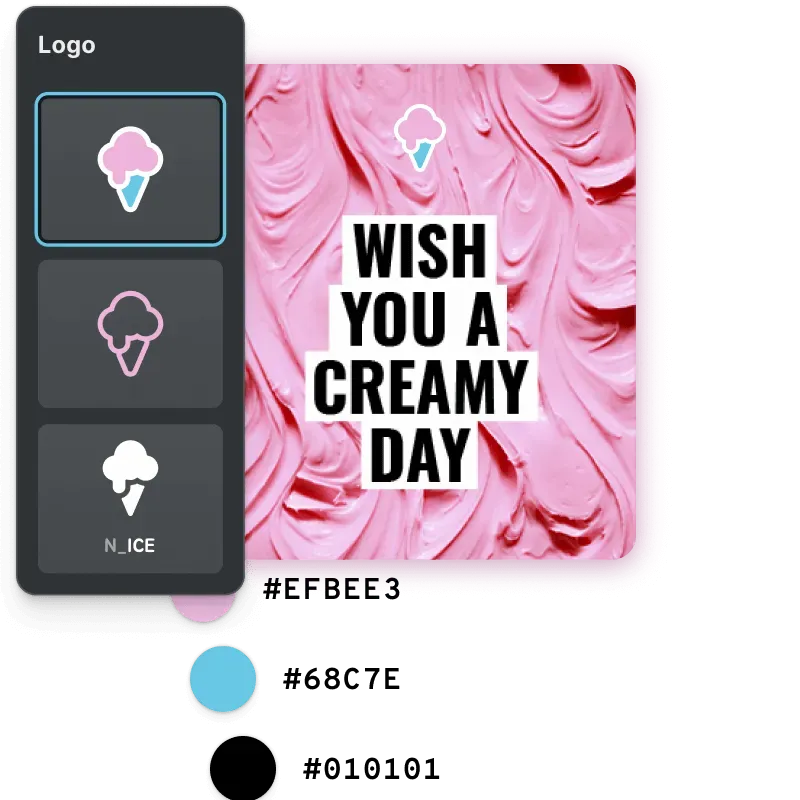
White-label embedded design editor with lockable templates and brand controls, for a Canva-like UX inside your app.
Mobile design editor.
Touch-first design editing for iOS and Android, with templates, brand lock, and fast rendering.
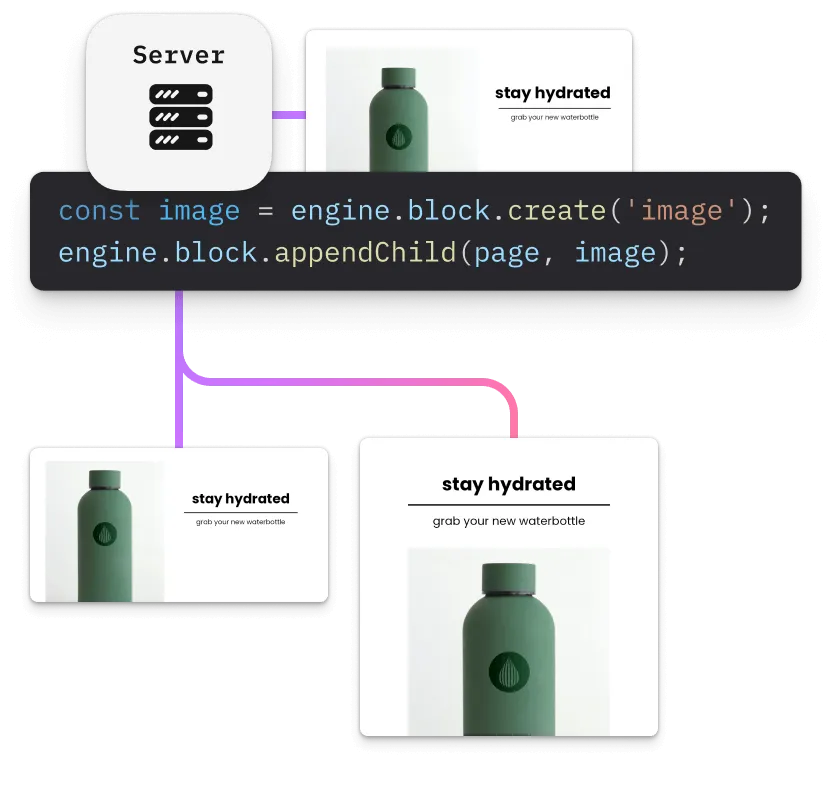
Design automation.
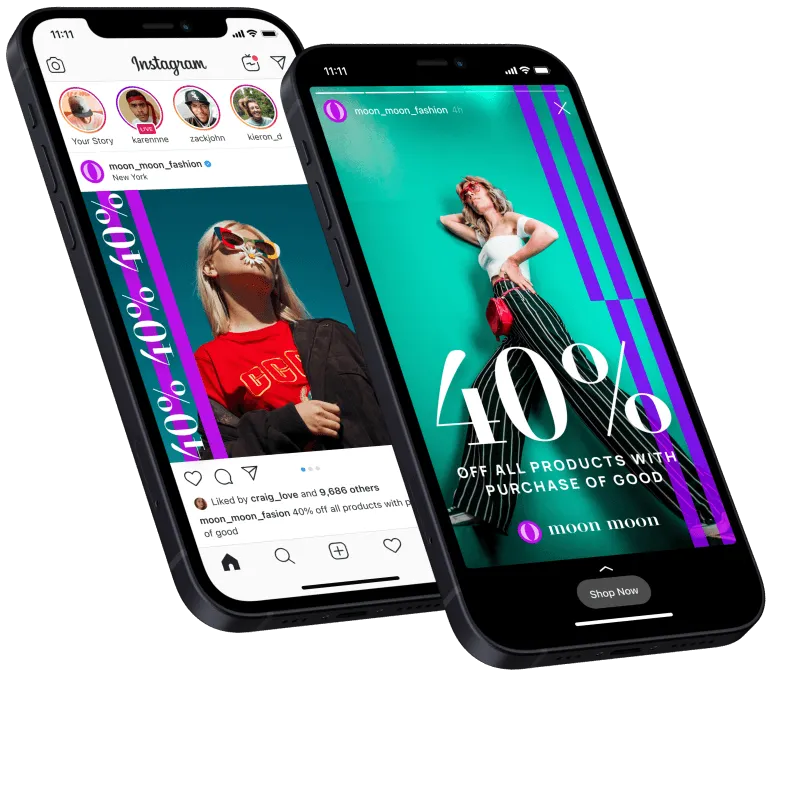
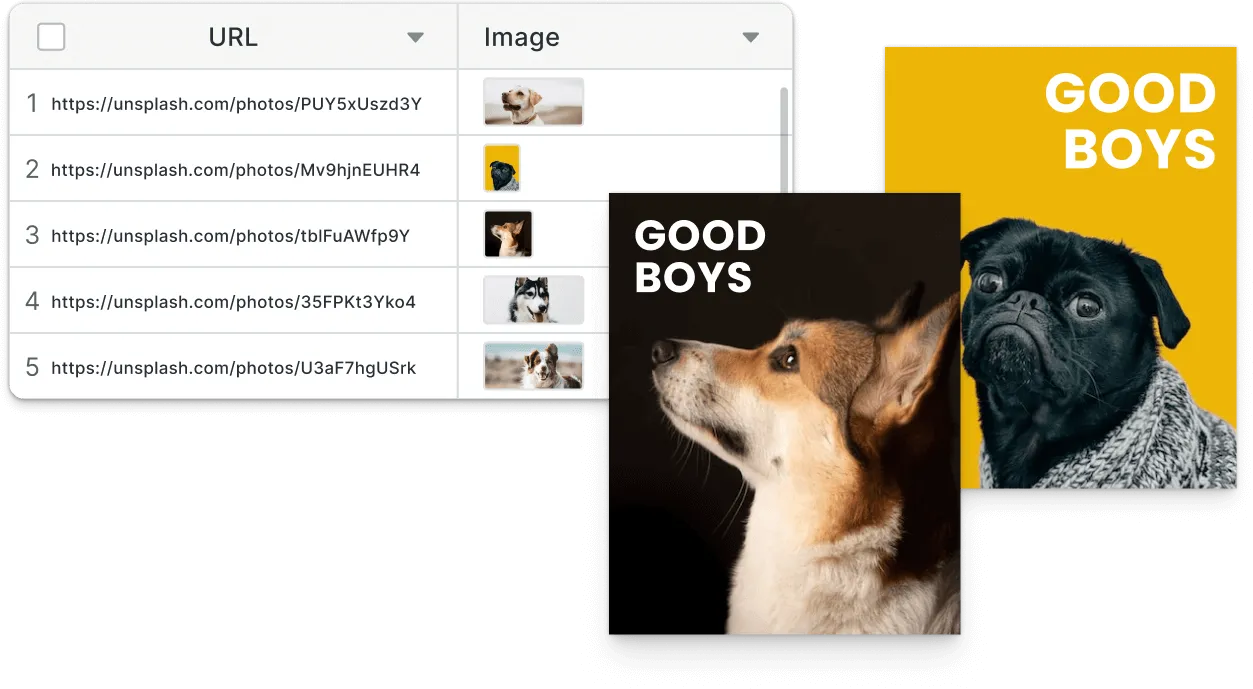
Render thousands of design variants server-side from the same scene file your interactive editor uses.
Photo
Photo editing with AI tools for e-commerce and content.
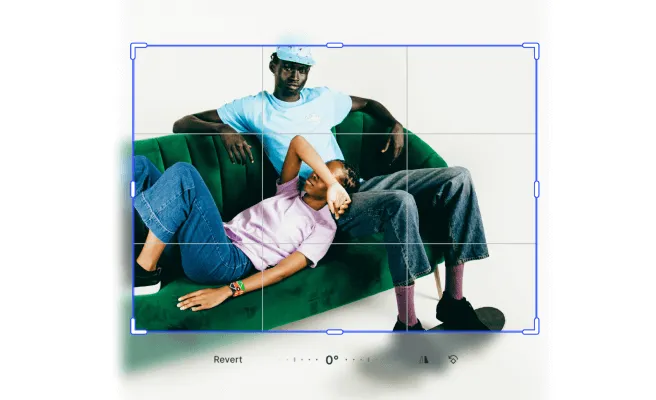
Photo editor with AI tools.
Crop, retouch, and adjust, plus background removal, vectorize, and generative fill, all client-side.
Mobile photo app.
Native on-device photo editing for iOS and Android, with filters, adjustments, and AI tools, offline-capable.
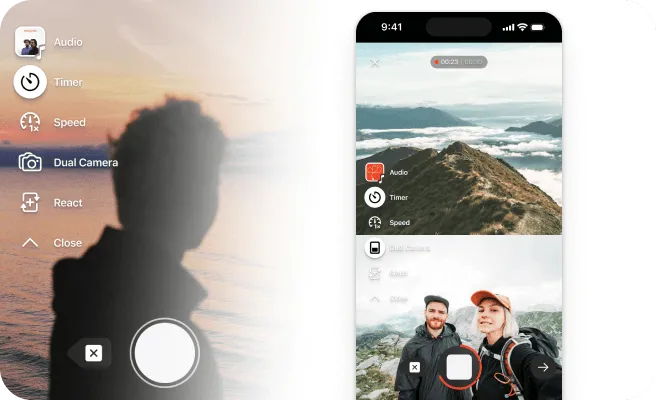
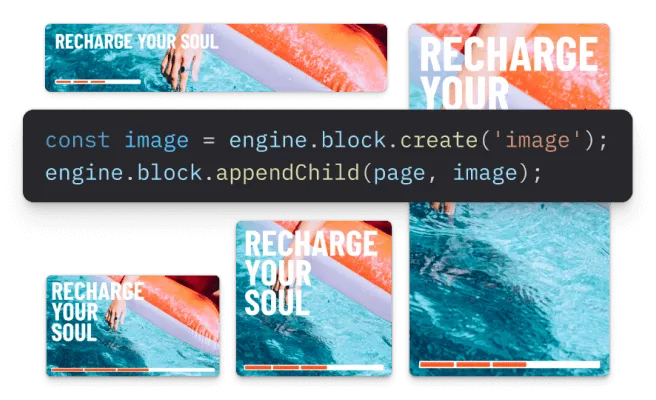
Photo automation.
Resize, retouch, background-remove, and brand-overlay e-commerce catalogs in one headless pipeline.
Video
Video editing for web, mobile, and automation.
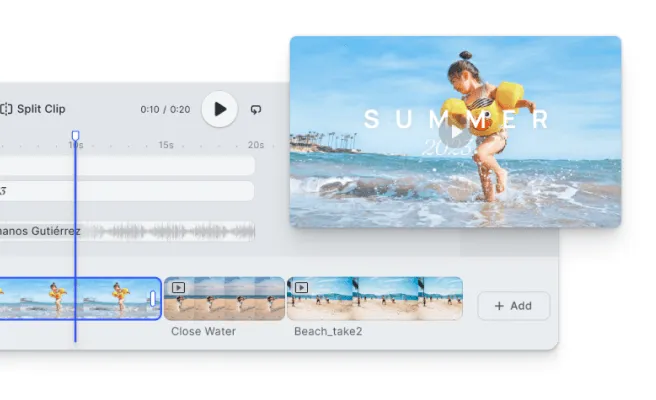
Video editor for web.
Trim, text, music, and multi-track audio embedded in your web product. CapCut-class editing, your branding.
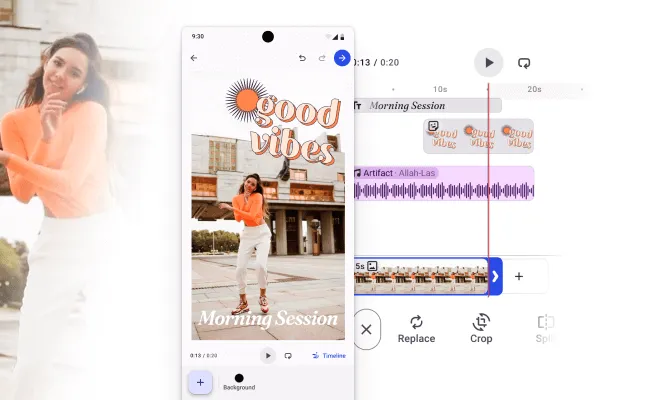
Mobile video editor.
Touch-first video editing for iOS and Android across Swift, Kotlin, React Native, and Flutter.
Server-side video.
Dockerized, GPU-accelerated rendering with licensed H.264 and H.265 encoding on your own infrastructure.
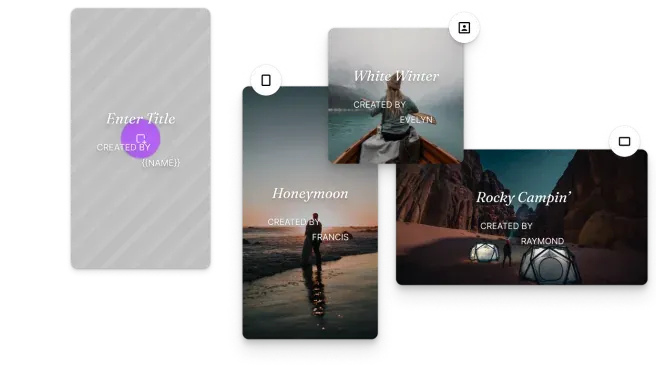
Personalized video generation.
Per-recipient video variants from one template, without a production round for each output.
Specialized print tooling, from CMYK, bleed, cutout lines, and PDF/X to print automation and mail merge.
Web-to-print design tool.
The general web-to-print editor — templates, brand controls, fonts, and print-ready CMYK PDF/X output.
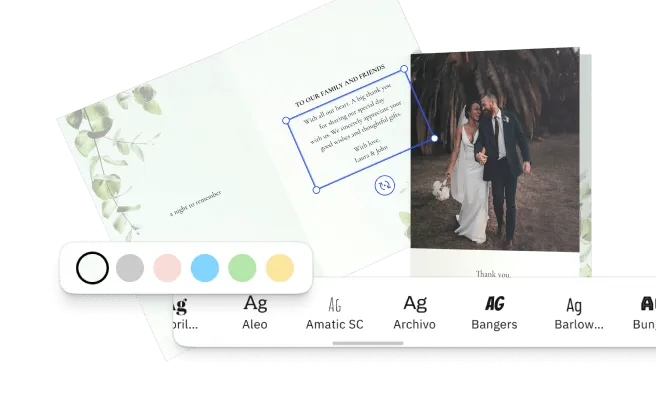
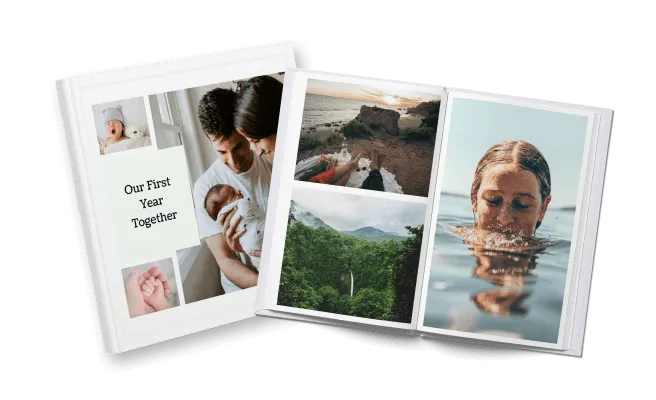
Photo books & photo gifting.
Multi-page photo products from user uploads, with auto-layout, a CMYK pipeline, and PDF/X-ready export.
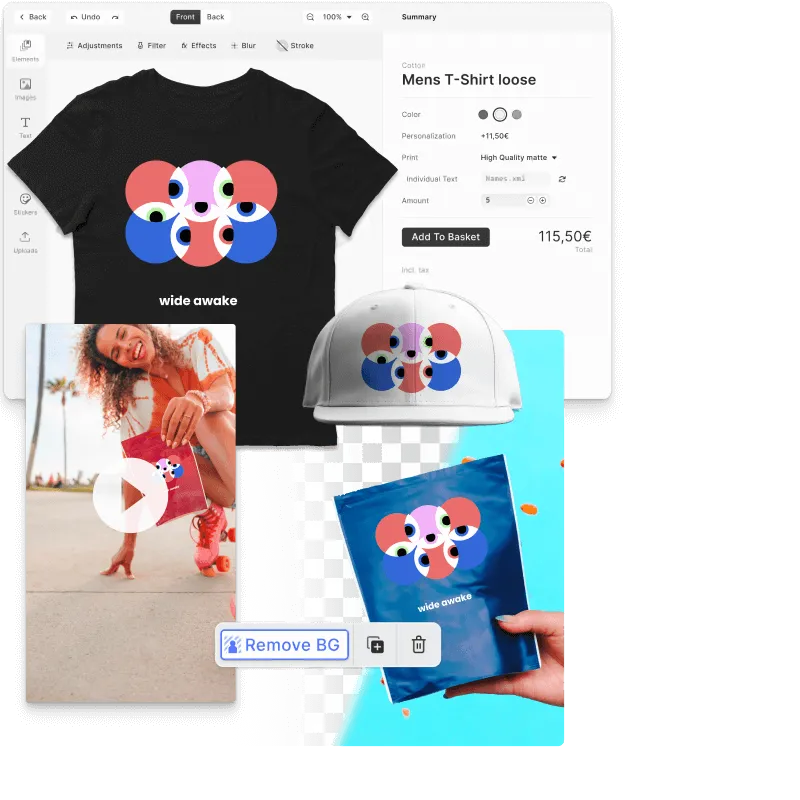
Apparel & merch design with mockups.
Apparel and merch design with realistic mockups, cutout-line enforcement, and vectorized print files.
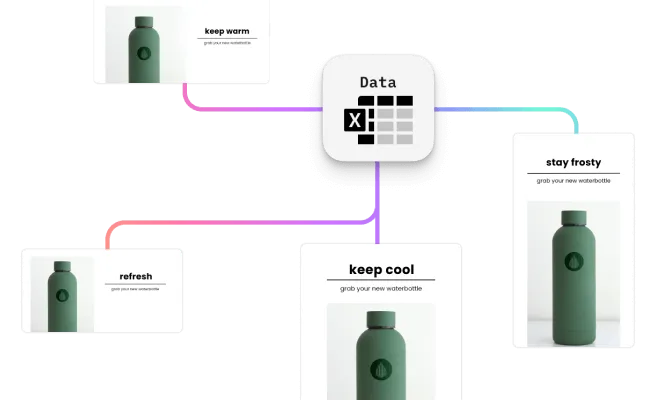
Variable data printing & mail merge.
Template plus data renders thousands of personalized print pieces with full PDF/X compliance.
Print personalization.
Guardrailed personalization with smart templates, defined editing zones, and automated validation, so every output is print-ready.
AI
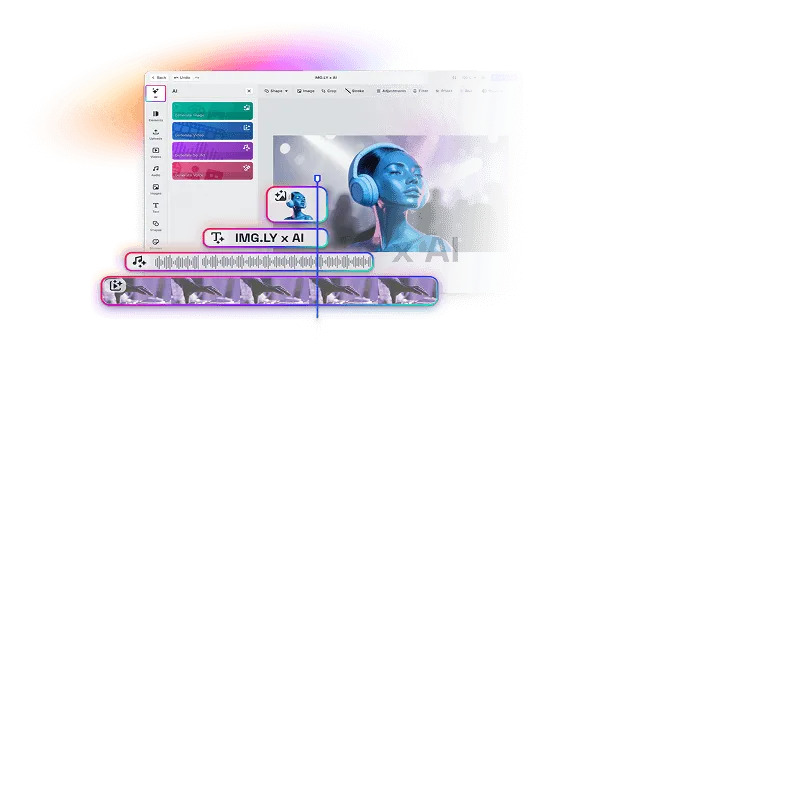
AI-native workflows: refinement, drop-in tools, and agent-driven generation.
Compose AI outputs into editable designs.
A refinement layer for AI products: fix layout, text, and brand before publish. AI to 80%, editor to 100%.
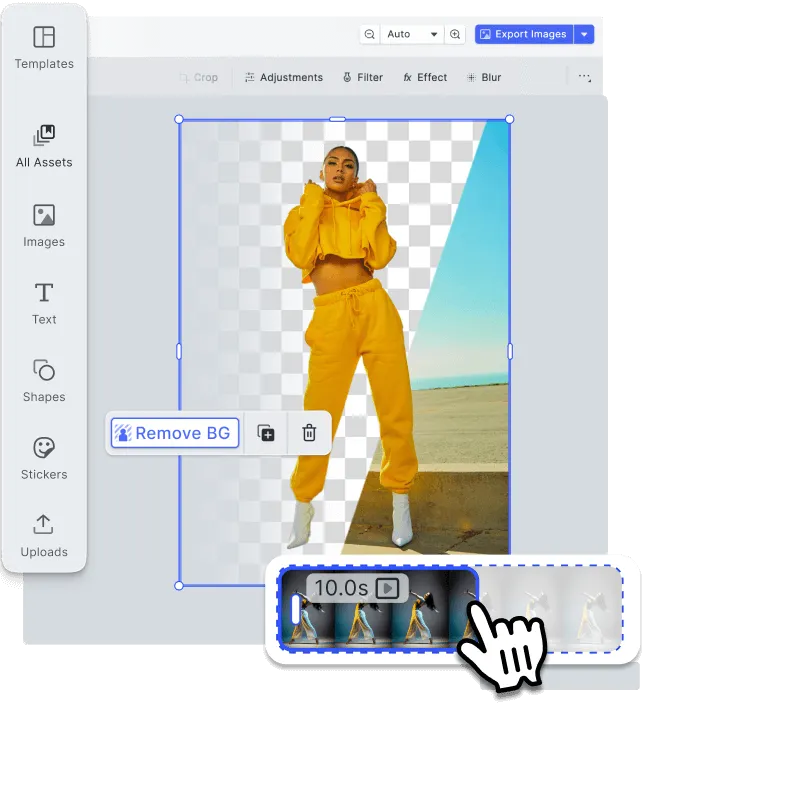
AI tools inside your editor.
Drop-in generative features: background removal, generative fill, image-to-image, vectorize, and text-to-image.
Programmatic design with AI agents.
An engine API built for agents: brief, generate, compose, and export end-to-end on one scene file.
Agent
Your agent makes the designs, and every result is a file a person can edit.
Agentic design editing in your product.
CoDesign SDK gives the agent behind your product design tools on your own servers: generate, resize, rebrand and localize editable files.
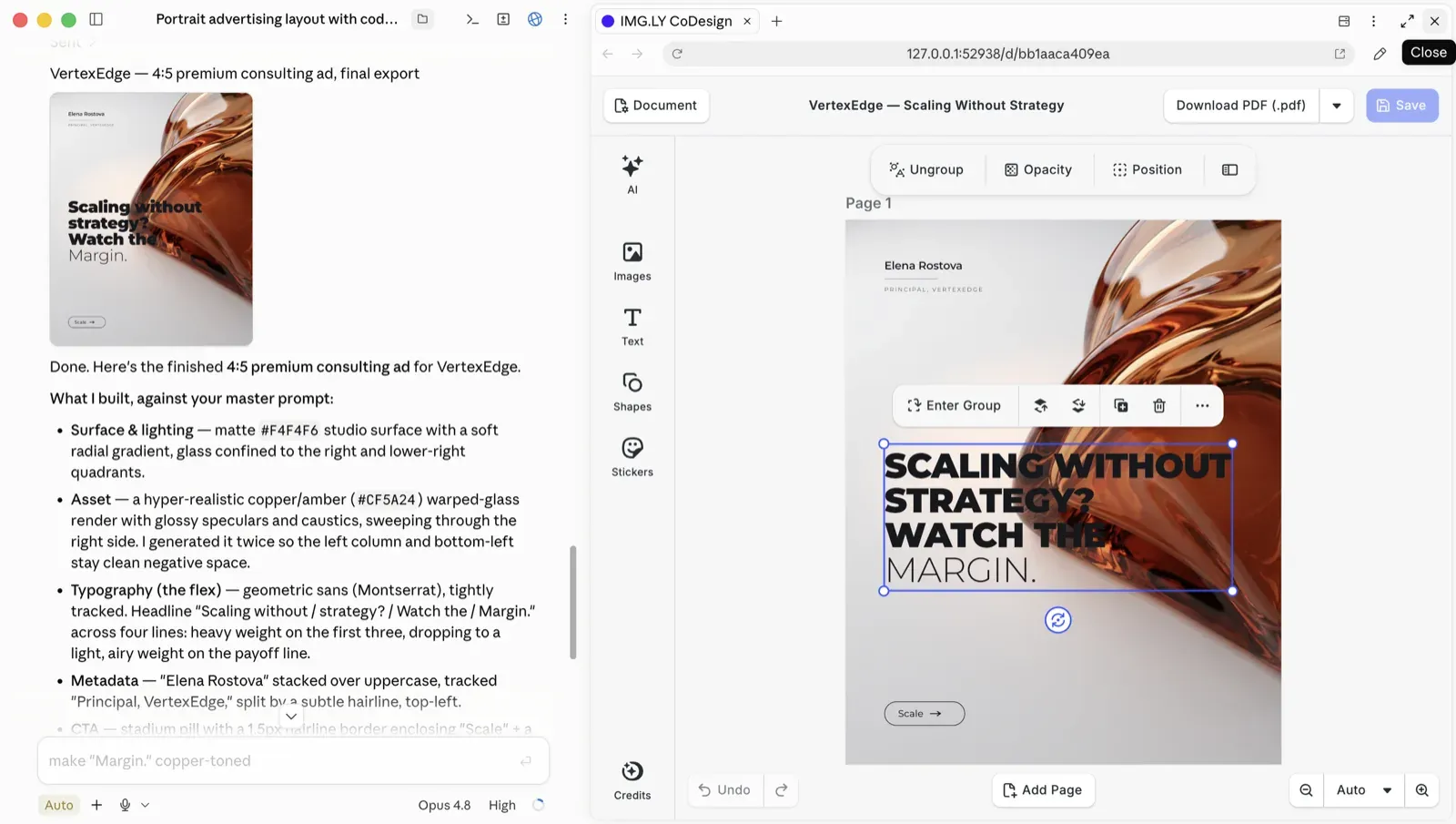
Make designs with your own agent.
CoDesign, the free local MCP server, turns any coding agent into a design partner. Install it today, no account needed.
Powered by AI Gateway
One API, 30+ models. Swap providers without rewriting code, and future-proof your product against model deprecations.
Explore AI GatewayOne engine, build anywhere
The same CreativeEngine powers your photo, video, and design editors, with prebuilt UIs and native wrappers for web, mobile, desktop, and server. Build once and ship a consistent editing experience everywhere, from React to iOS to a headless render pipeline.

Cut Integration to Minutes with IMG.LY Agent Skills
CE.SDK Agent Skills give AI coding assistants bundled documentation, guided code generation, and autonomous project scaffolding for building editor and creative workflows across 10 web frameworks.
claude plugin marketplace add imgly/agent-skillsclaude plugin install cesdk@imglynpx skills add imgly/agent-skills -a claude-codenpx skills add imgly/agent-skills --skill docs-react -a claude-codenpx skills add imgly/agent-skills --listgit clone https://github.com/imgly/agent-skills.gitcp -r agent-skills/plugins/cesdk/skills/docs-react .claude/skills/cesdk-docs-reactcp agent-skills/plugins/cesdk/agents/builder.md .claude/agents/cesdk-builder.mdSet up your coding agent
An SDK made by developers for developers
Spin up the creative editor starter kit with one command, plug it into your existing upload or creation flows, and stay in control with a clean, documented API.
npx degit imgly/starterkit-design-editor-ts-web my-design-editor && cd my-design-editor && npm install && npm run devnpx degit imgly/starterkit-design-editor-ts-web my-design-editor && cd my-design-editor && npm install && npm run devnpx degit imgly/starterkit-design-editor-ts-web my-design-editor && cd my-design-editor && npm install && npm run devnpx degit imgly/starterkit-design-editor-ts-web my-design-editor && cd my-design-editor && npm install && npm run devnpx degit imgly/starterkit-design-editor-ts-web my-design-editor && cd my-design-editor && npm install && npm run devnpx degit imgly/starterkit-design-editor-ts-web my-design-editor && cd my-design-editor && npm install && npm run devHow Digitas Germany Powers 140+ Dealer Campaigns Across 10 Automotive Brands

140+
campaigns live across 10 brands
600+
dealers creating assets self-serve
6+ mo
of build time avoided
Digitas Germany is a leading digital agency that helps brands build unified, high-impact customer experiences to accelerate business growth.
I showed the project internally to hundreds of colleagues. Everyone wants to use it for other clients. It’s a no-brainer once you see what’s possible.
Digitas Germany

Challenge
Manual, agency-driven campaign production across 9–10 automotive brands, 600+ dealers, and three languages — slow, costly, and dependent on outside teams.
Solution
A self-service campaign portal built on CE.SDK’s template engine, variable system, and server-side rendering. Dealers localize on-brand social, print, and video assets in seconds.
- 6+ months of estimated build time avoided.
- 3× more videos created per active user.
- 85% of videos now created fully in-app.
Why IMG.LY?
Battle-tested
Matured in demanding production environments, powering 500+ million creations every month.
Scalable & future-proof
We ship new features and improvements continuously, so your product stays ahead of industry shifts.
Customizable
Flexibly themed and extended, so you can build custom UIs and add your own editor functionality.
Cross-platform
One engine across web, mobile, desktop, and server, with consistent rendering everywhere.
Frequently asked questions
The editor doesn't ship a roles system itself, but you can gate access with any backend, and the SDK's extensible hooks let you check permissions and adjust editor behavior accordingly.
Yes. You can register your own stickers, frames, and overlays as asset sources. See the asset documentation for details.
Yes. You choose which features to enable: configure the toolbar on mobile, or call the API directly on web to assemble exactly the feature set you need.
The SDK runs on web and mobile, and headless on the server. Web: JavaScript, React, Vue, Angular, Svelte, and Next.js. Mobile: iOS, Android, React Native, and Flutter. Desktop: macOS, Mac Catalyst, and Electron. Server: Node.js.
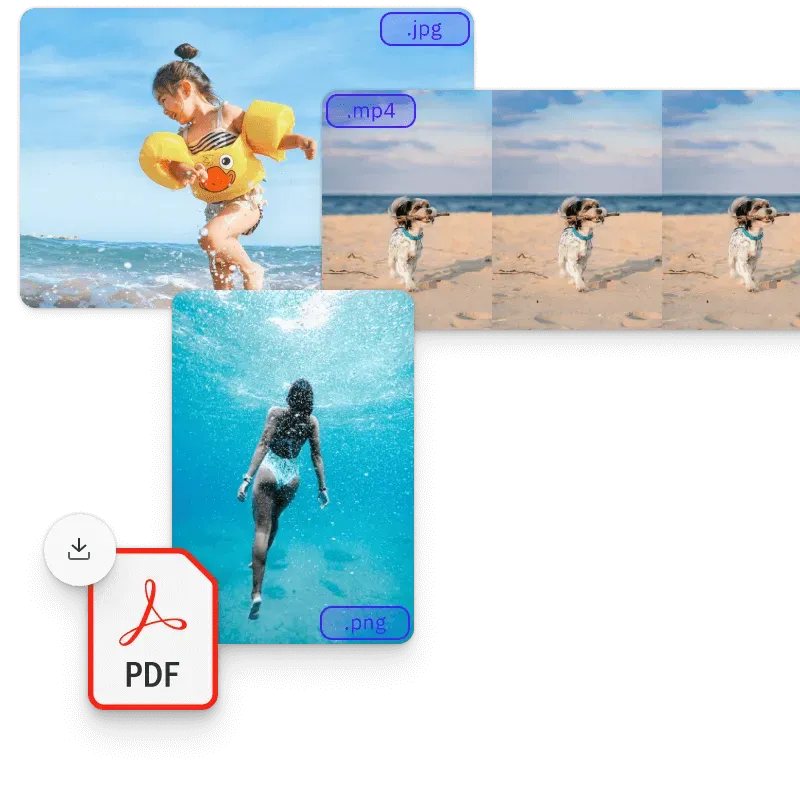
You can import individual elements as PNG, JPG, or SVG today, with importers for PDF and common design-file formats in active development.
CreativeEditor SDK scenes export to PNG, JPEG, TGA, raw binary, and PDF, including print-ready CMYK PDF/X. See the export guide in the documentation.
Yes. You have full control over the editor's UI and functionality, and smart templates, lockable designs, and placeholders let you control the editing process itself.
Yes. Alongside the full CreativeEngine documentation, our solutions team offers support tiered to your license. Get in touch to walk through your use case.
You can run the CreativeEngine in any Node.js environment and deploy it on any platform with Node.js support.
Yes. Every product has a free trial, and you can explore the live demos right away.
Yes. The editor runs client-side, so it keeps working without a connection. For a fully offline deployment, contact sales about an offline license.