

Build social creation into your app
An embeddable photo and video editor with templates and assistive AI, inside the workflows your users already know.
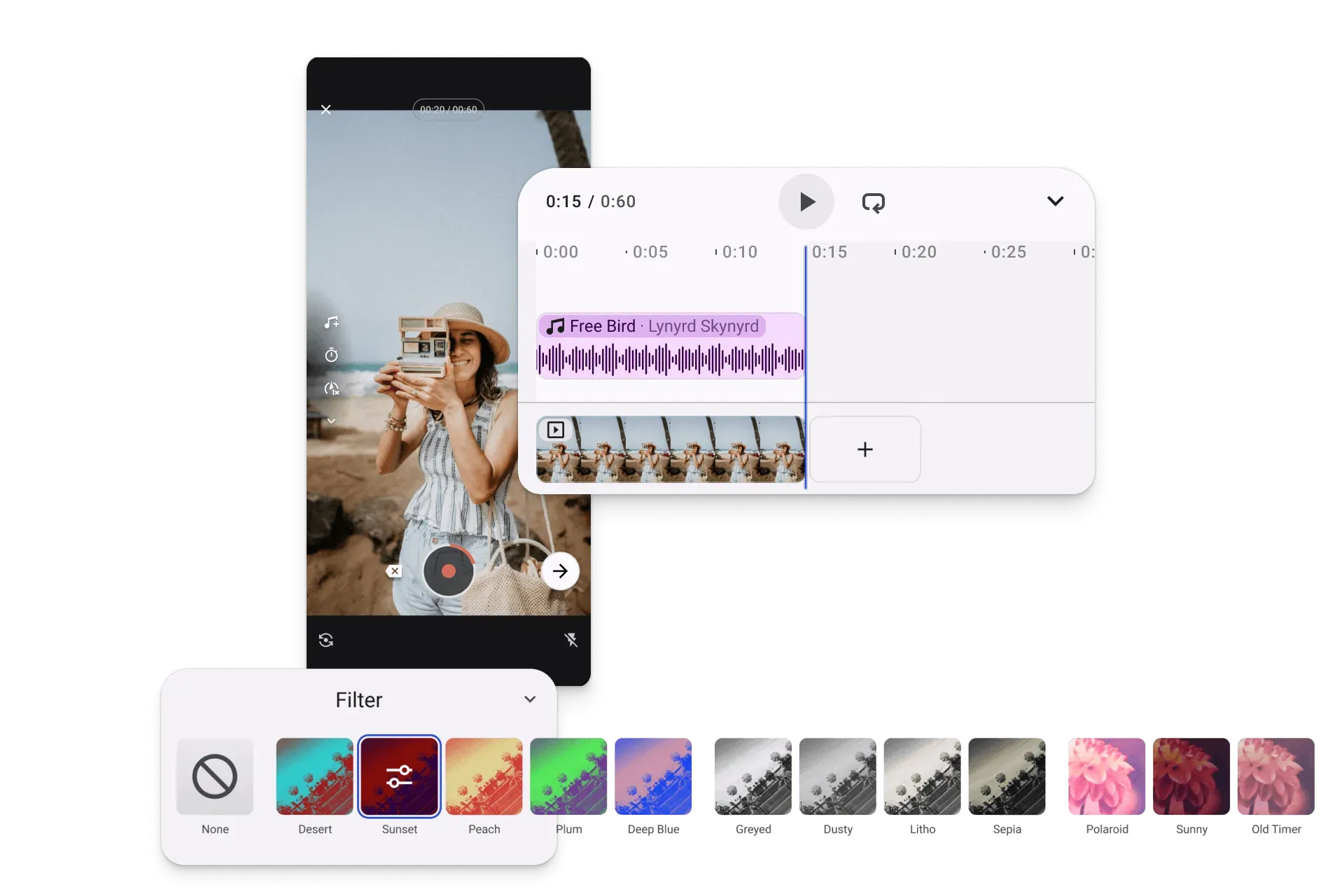
Create at the speed of the feed
From inspiration to post in one place
Keep users inside your product from idea to edit to publish.
Familiar from the first interaction
Give users editing experiences that feel intuitive on day one.
Skip the in-house editor build
Embed production-ready creation instead of taking on the full complexity yourself.
Trusted by 100+
industry leaders














Integrating IMG.LY’s editor meant we didn’t have to build or maintain a complex editing layer ourselves. That kept our team focused on our core AI ad engine and saved us countless development hours — while still giving our customers the ability to polish and customize creatives at scale.
Hikari Senju
CEO, Omneky

With IMG.LY we built a central creative portal that now powers over 140 dealer campaigns across multiple automotive brands. Before this, asset creation was slow and inconsistent.
Martin Röhr
Product Owner, Digitas

By embedding IMG.LY’s editor we were able to hit key RFP requirements and deliver a template-based creative experience that now serves 1,000+ customers. It helped us win more deals and exceed enterprise expectations without needing to hire dedicated design teams.
Rob Driscoll
Director of PM, Optimizely

Since integrating IMG.LY’s editor, we now deliver 30,000+ ad creatives per month, dramatically shorten time-to-launch, and help our clients cut design spend by up to $10,000 per month.
Logan Welbaum
Founder, Plai

Our customers create over a million personalized postcards each year choosing from over hundreds of templates with IMG.LY’s SDK. It’s the only solution that allows us to build our own specialized, on-brand UI that integrates seamlessly with our platform.
Jeanine Zaalberg
Product Manager, SwissPost

From a developer’s perspective, the most powerful feature of the photo editor is the integration process. It was completely flawless, quick, and easy to integrate.
Stefano Fornari
CTO, Funambol
We compared IMG.LY SDK with other solutions and found that it would be the best fit for us since it provides all the features that are crucial for our use case.
Carem Pereira
SCRUM Manager, HP

How Planoly Unified Planning, Editing, and Publishing in One Workflow

5+
channels supported (IG, FB, TikTok, Pinterest…)
0
context switches to outside tools like Canva
Web + Mobile
editor embedded in both apps
Planoly is a multi-channel social media planning platform serving creators and small business owners who need to plan, create, and publish content across Instagram, Facebook, TikTok, Pinterest, and more.
Canva breaks the workflow. IMG.LY exists everywhere that Planoly exists.
Planoly

Challenge
Planoly needed to enable photo and video editing across multiple platforms without disrupting the planning workflow or forcing users out to external tools like Canva.
Solution
Integrated CE.SDK directly into web and mobile apps — embedding photo and video editing inside the same planning and scheduling experience users already know.
- Creators edit content without leaving Planoly for an external tool.
- Same editing experience across web and mobile apps.
- Planning, editing, and publishing happen in one unified workflow.
Key capabilities
Everything needed to embed in-app creation into your social product.
For your users
Templates for every format.
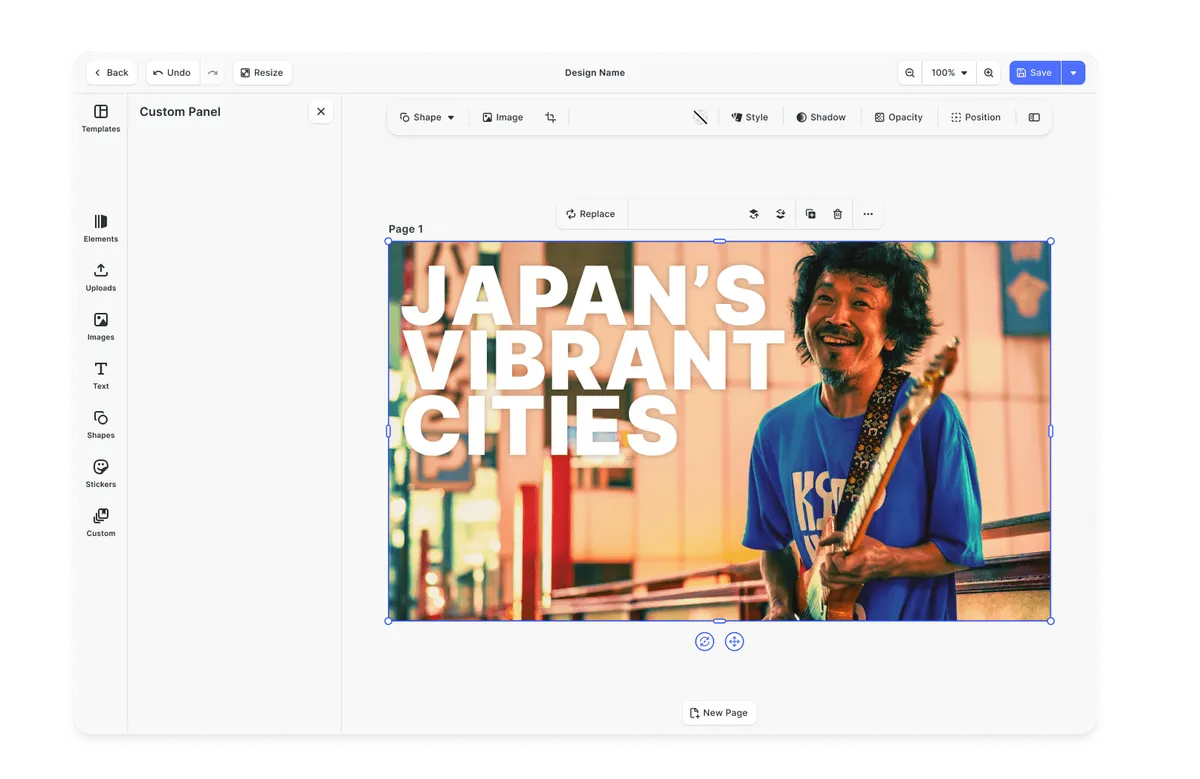
Structured starting points for Stories, Reels, feed posts, and short-form video, the right format and assets baked in.
Brand kits for enforcing guidelines.
Pre-defined color palettes, typography, and logo assets the editor enforces, every output stays on-brand by default.
For your platform





Browse all capabilities
What every social media platform requires
Winning social platforms do not bolt AI onto creation. They embed it into workflows users already understand - so content feels faster to make, easier to refine, and natural to publish.
Parity pressure is relentless
Users compare your creation experience to Instagram, TikTok, and CapCut whether you want them to or not. If editing feels unfamiliar or clunky, adoption drops fast.
Stories, Reels & Short Video Creation
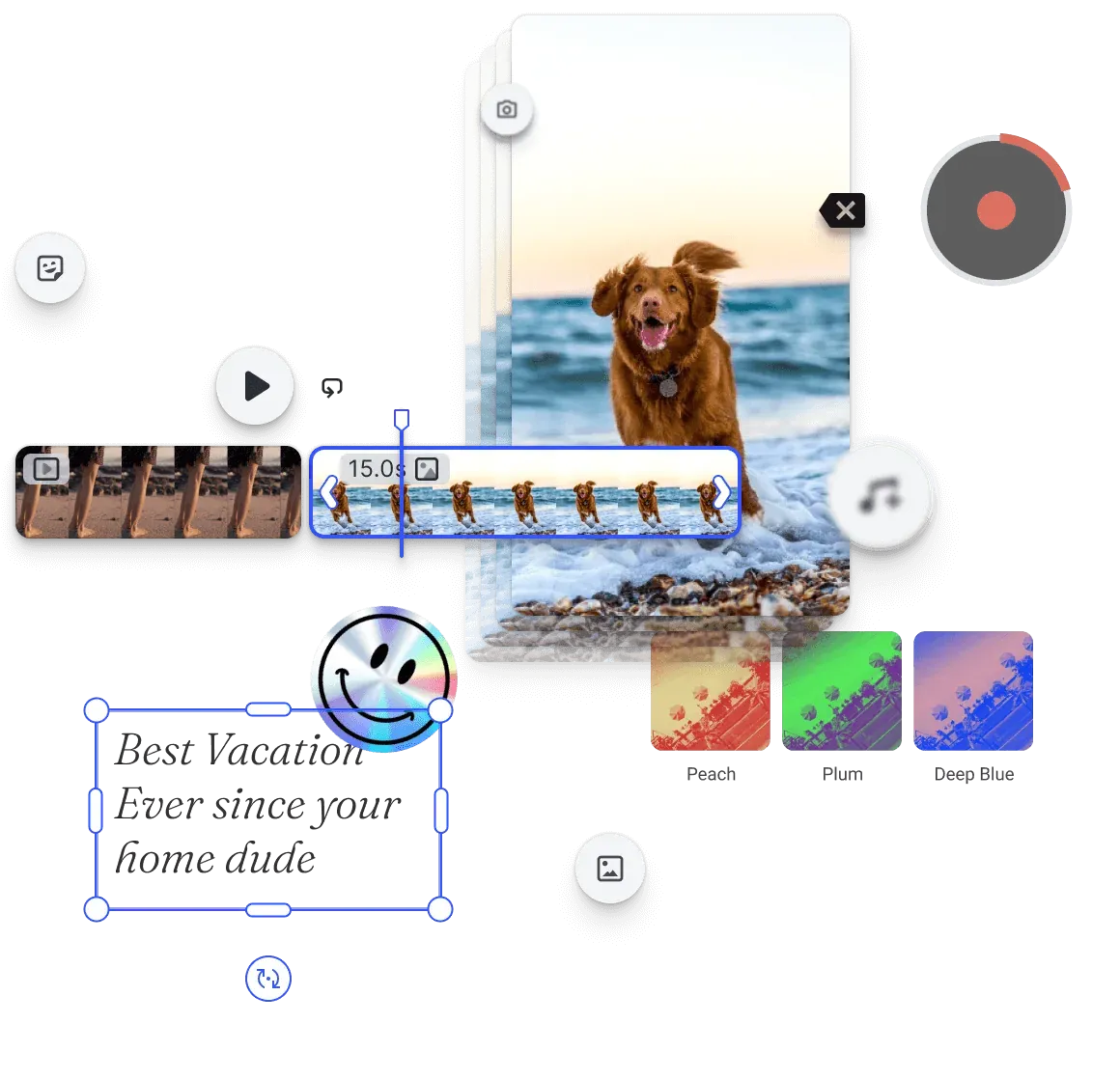
Most users are not creators
Most people want to make something good quickly, not learn professional tools. The best creation experiences reduce effort, guide the next step, and help users get to a finished post faster.
Template Creation
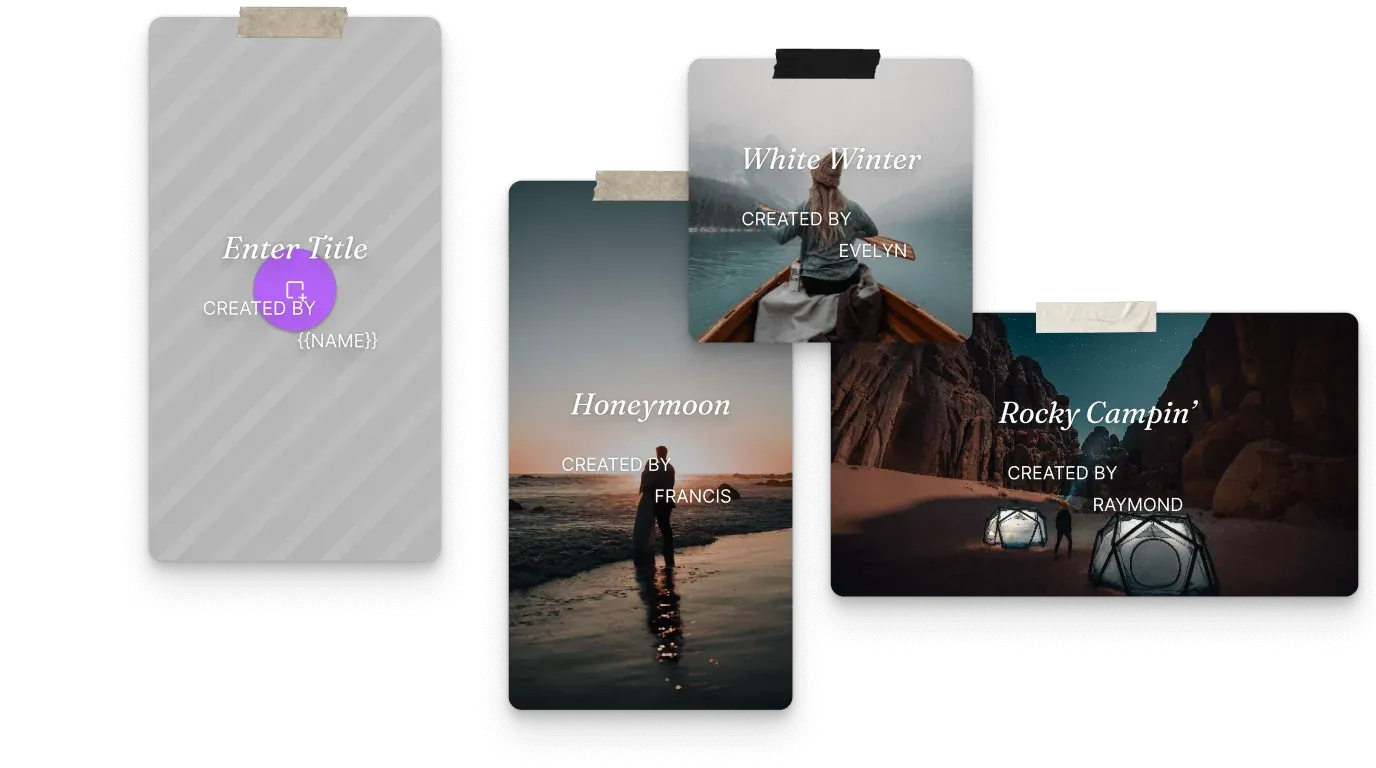
AI has to stay inside the flow
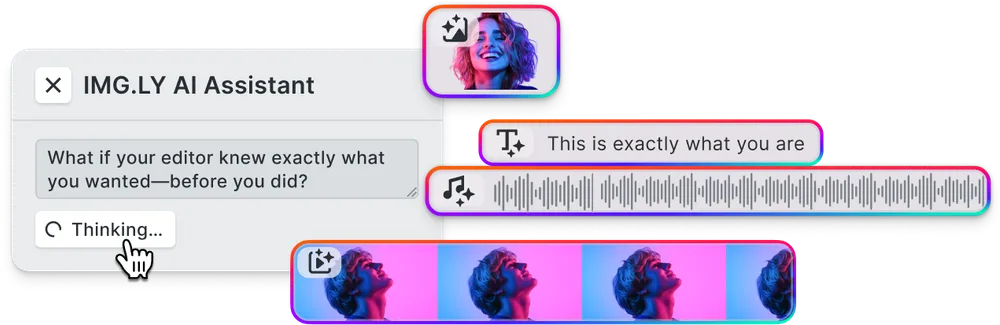
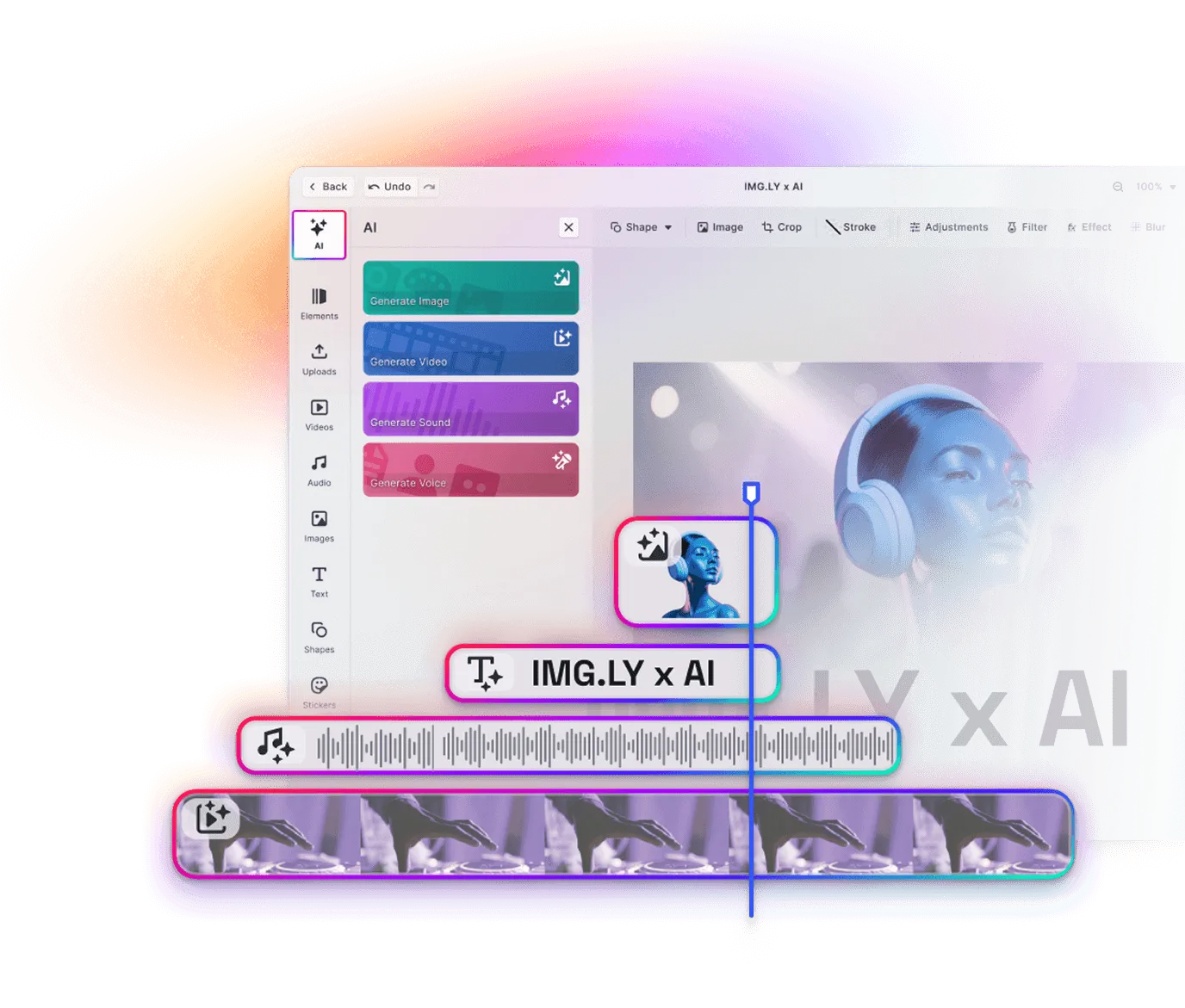
AI is most useful when it accelerates creation without taking control away. Users need to generate, refine, resize, replace, and continue editing inside the same experience.
AI-Powered Editor
Tool-switching kills momentum
Sending users to another app to create or edit content breaks the flow and weakens your role in the product journey. Strong social platforms keep capture, editing, and publishing in one place.
Explore Demos
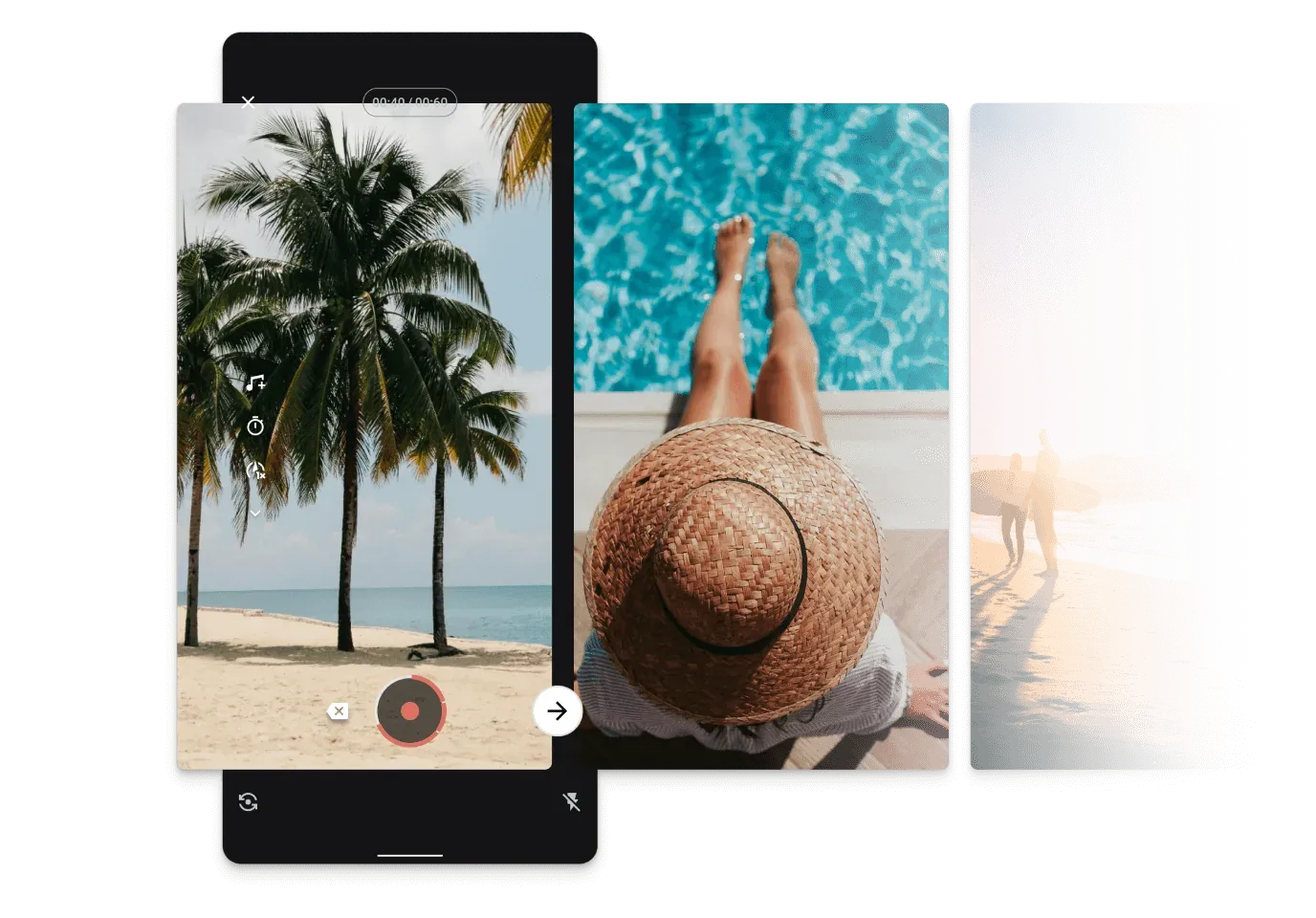
Every format has its own behavior
Stories, feed posts, short-form video, and whatever comes next all have different dimensions, timing, and interaction patterns. Your creation experience needs to support those differences without becoming fragmented.
Automation Demos
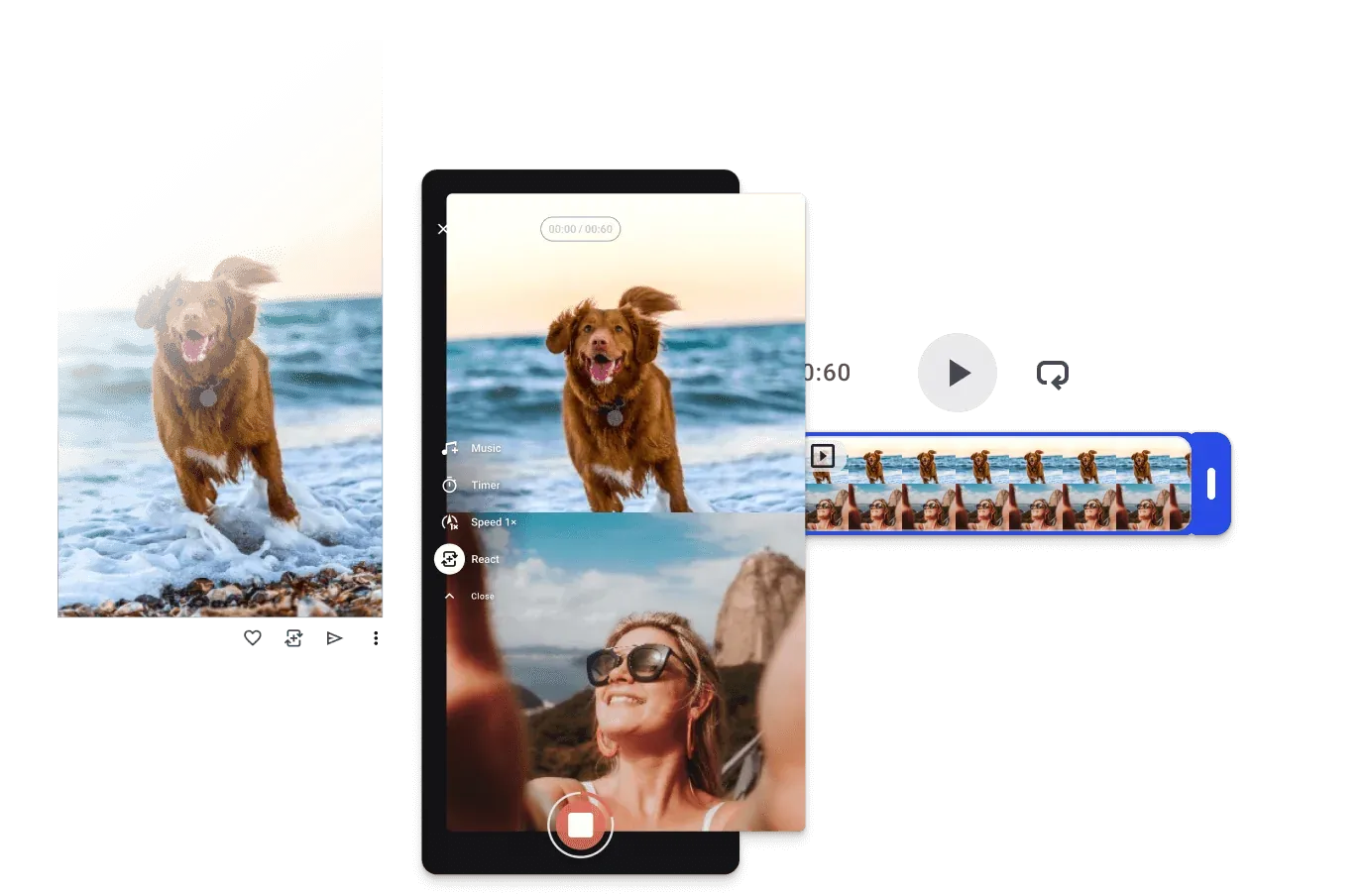
Social platforms that own the creation flow own more of the session.
One creative engine across every social media format
The same engine renders stories, reels, feed posts, and short-form video consistently across web and mobile, with that surface exposed programmatically. Automate variant production for campaigns and creators, or let an AI agent draft posts that a social manager picks up in the UI (and vice versa). Same scene, same fidelity, no export-and-reimport in between.
Format-aware creation
Dimensions, durations, and behaviors users expect for each content type.
Native-feeling editing flows
Familiar creation patterns that reduce friction and feel at home inside a social product.
Faster rollout across surfaces
Same core creation experience on web and mobile, no rebuild per surface.
From first integration to working social creation flow - fast
Most teams start with a focused proof of concept, validate the creation flow against their product requirements, then expand into templates, branding, and production rollout.
Start with Starter Kits
Use pre-built editor foundations to stand up a working photo, video, or design experience quickly. This gives your team something real to test instead of starting from a blank canvas.
Configure your editor
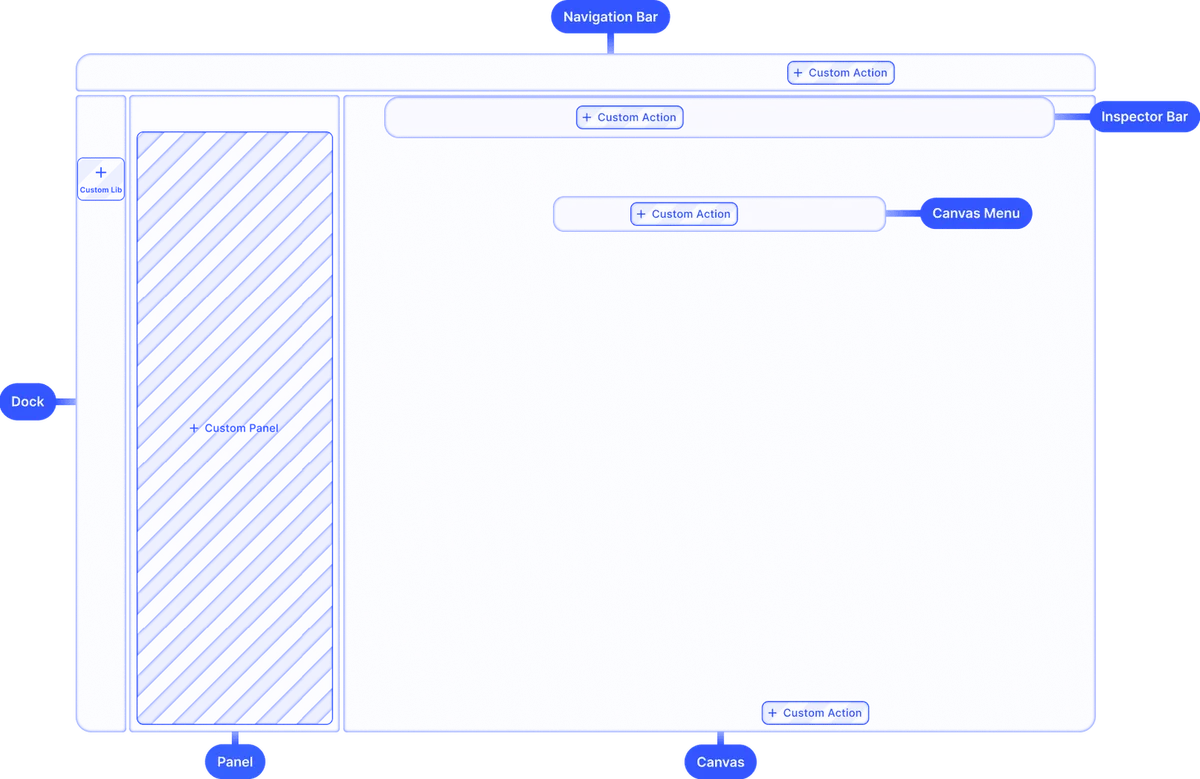
Adapt the UI, feature set, assets, and behavior to match your app's workflow and your users' expectations. This is where the experience starts to feel product-native.
Add formats, assets, and creation rules
Bring in the formats, media, overlays, and creation constraints your platform requires so users can create in a way that already fits your product.
Test and ship
Validate performance, polish the flow, and move from proof of concept to production rollout across web or mobile.
Why social media teams trust IMG.LY
AI enhances workflows, not bypasses them
AI generation happens inside the editor, where outputs remain editable and part of the normal creation flow rather than replacing it.
Users stay in control
You decide how open or guided the experience should be, from fully flexible editing to more structured creation flows.
Proven in production
IMG.LY powers 500+ million creations per month and has supported 600+ customers across production environments.
One engine across platforms
The same creative foundation supports web, iOS, Android, React Native, and Flutter, consistent editing experiences across platforms.
More from IMG.LY
Social media products are no longer judged only by content consumption
They are judged by how quickly and naturally users can create. IMG.LY helps you embed that creation experience directly into your platform - with familiar editing, assistive AI, and one creative engine across formats and platforms.
Social Media FAQs
CE.SDK supports configurable canvas sizes and aspect ratios. You can define format presets for every platform - Instagram Stories, Reels, LinkedIn posts, X/Twitter headers, YouTube thumbnails - and let users switch between them with a single click. The layout adapts automatically.
Yes. CE.SDK's role and scope system lets you lock any element - logos, brand colors, typography, safe zones - while exposing only the intended editing areas. Users can personalize content freely without breaking brand consistency.
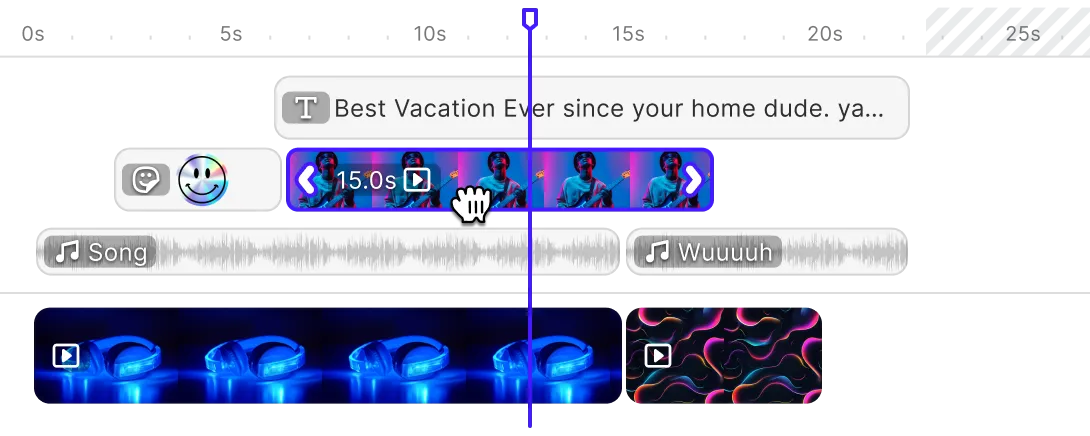
Yes. CE.SDK includes a full video editing engine with timeline support, trimming, transitions, captions, audio, and AI-powered features like background removal and auto-resizing. All within the same SDK used for photo and design editing.
CE.SDK includes AI plugins for background removal, image upscaling, generative fill, and text-to-image generation. These integrate directly into the editing flow - users get AI assistance without leaving your platform.
Yes. With the Multi-Image Generator, users can create one design and automatically export it in all required formats for different platforms simultaneously. One creative brief, many platform-ready outputs.
By building from shared templates with locked brand elements, every team member starts from the same foundation. CE.SDK's asset library can be populated with approved brand assets, ensuring consistent output regardless of who creates the content.