




Build a web-to-print storefront customers finish ordering in
Your storefront sells the product. CE.SDK is the design editor inside it, where customers personalize locked templates and every order exports press-ready, without leaving your shop.
- Branded editor inside your existing shop
- Locked templates, customer-editable placeholders
- PDF/X-4 with CMYK, named spot colors, and bleed
The gap in most web-to-print storefronts
Your storefront handles catalog, cart, and payment. Personalization is where it stops: customers get sent to a separate tool, or an editor that outputs RGB web graphics prepress has to rebuild. You pay in abandoned carts or in per-order rework. CE.SDK is the editor layer that closes that gap.
Keep the order in one flow
Customers personalize on the product page and check out without leaving your shop. No redirect to an external designer, and the design stays attached to its cart line item.
Looks like part of your shop
Theme the editor to your storefront: your colors, type, and icons, with no IMG.LY branding anywhere. The white-label editor page covers the full surface.
Ship files prepress can use
Every order exports as PDF/X-4 with CMYK, named spot colors, bleed, and cutout paths for die-cut work. The file that leaves the browser is the file your production expects.
Trusted by 100+
industry leaders















Integrating IMG.LY’s editor meant we didn’t have to build or maintain a complex editing layer ourselves. That kept our team focused on our core AI ad engine and saved us countless development hours — while still giving our customers the ability to polish and customize creatives at scale.
Hikari Senju
CEO, Omneky

With IMG.LY we built a central creative portal that now powers over 140 dealer campaigns across multiple automotive brands. Before this, asset creation was slow and inconsistent.
Martin Röhr
Product Owner, Digitas

By embedding IMG.LY’s editor we were able to hit key RFP requirements and deliver a template-based creative experience that now serves 1,000+ customers. It helped us win more deals and exceed enterprise expectations without needing to hire dedicated design teams.
Rob Driscoll
Director of PM, Optimizely

Since integrating IMG.LY’s editor, we now deliver 30,000+ ad creatives per month, dramatically shorten time-to-launch, and help our clients cut design spend by up to $10,000 per month.
Logan Welbaum
Founder, Plai

Our customers create over a million personalized postcards each year choosing from over hundreds of templates with IMG.LY’s SDK. It’s the only solution that allows us to build our own specialized, on-brand UI that integrates seamlessly with our platform.
Jeanine Zaalberg
Product Manager, SwissPost

From a developer’s perspective, the most powerful feature of the photo editor is the integration process. It was completely flawless, quick, and easy to integrate.
Stefano Fornari
CTO, Funambol

We compared IMG.LY SDK with other solutions and found that it would be the best fit for us since it provides all the features that are crucial for our use case.
Carem Pereira
SCRUM Manager, HP

What CE.SDK adds to your storefront
Web-to-print storefront software succeeds or fails on the editor experience and the files it produces. CE.SDK supplies both, as an embeddable editor running under your own brand.
In the storefront
CoDesign SDK: one master for every store.
Your AI agent adapts a master design to each store’s sizes and languages. Your team reviews the editions before they go into the storefront.



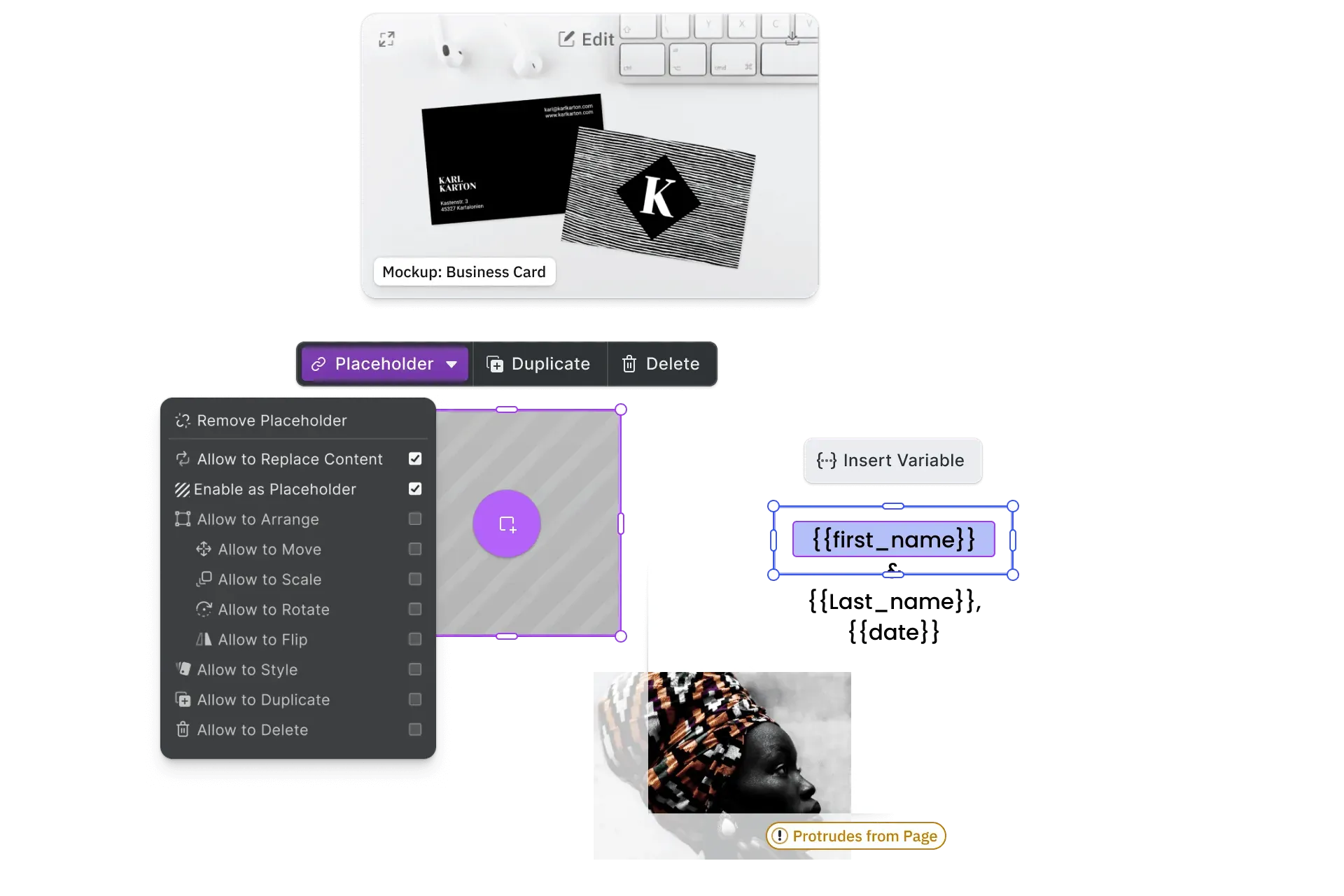
Locked brand templates.
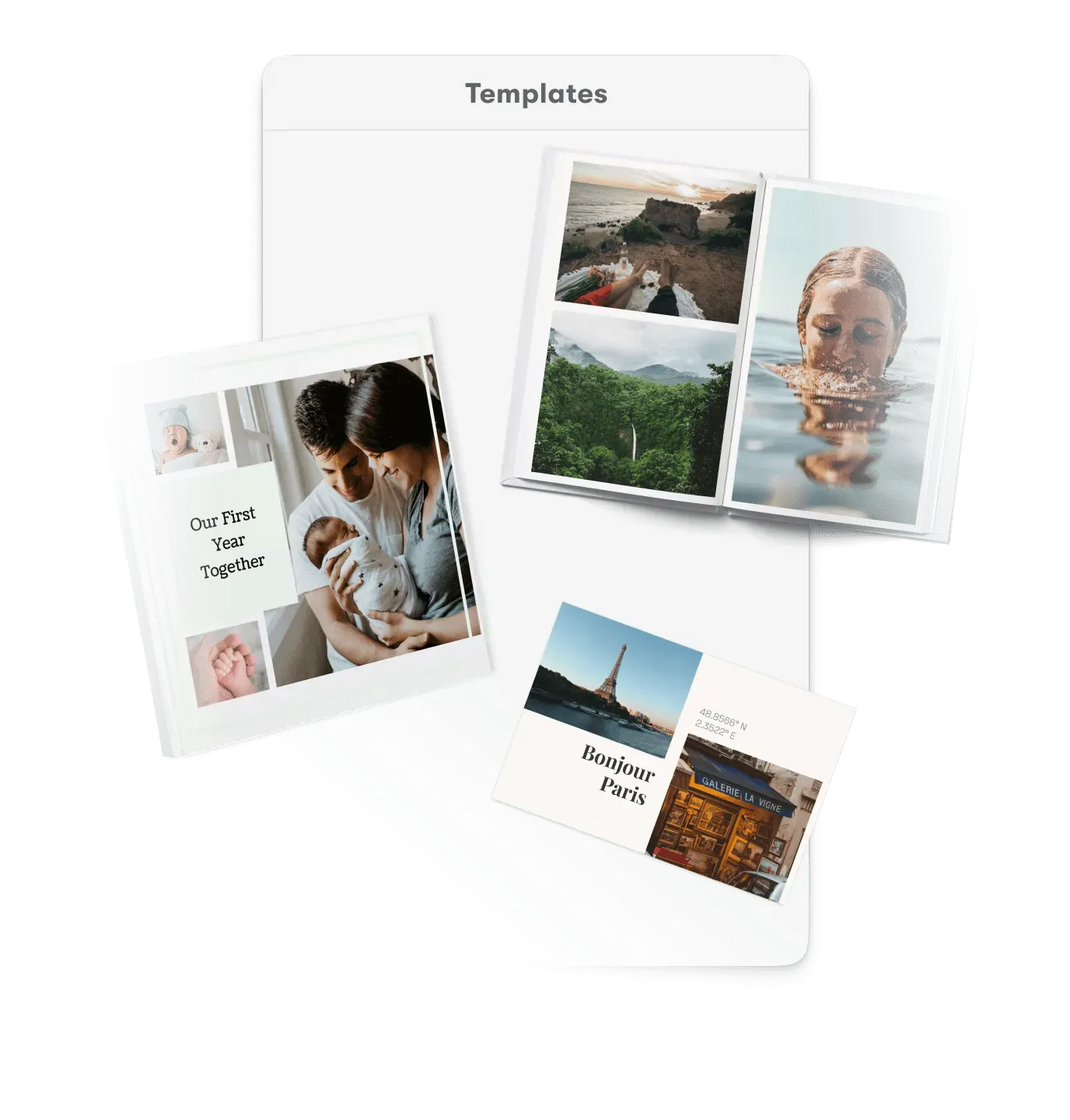
Template creators lock the master; template adopters edit only the placeholders left open. Role-based permissions map to how brands, franchises, and resellers work.
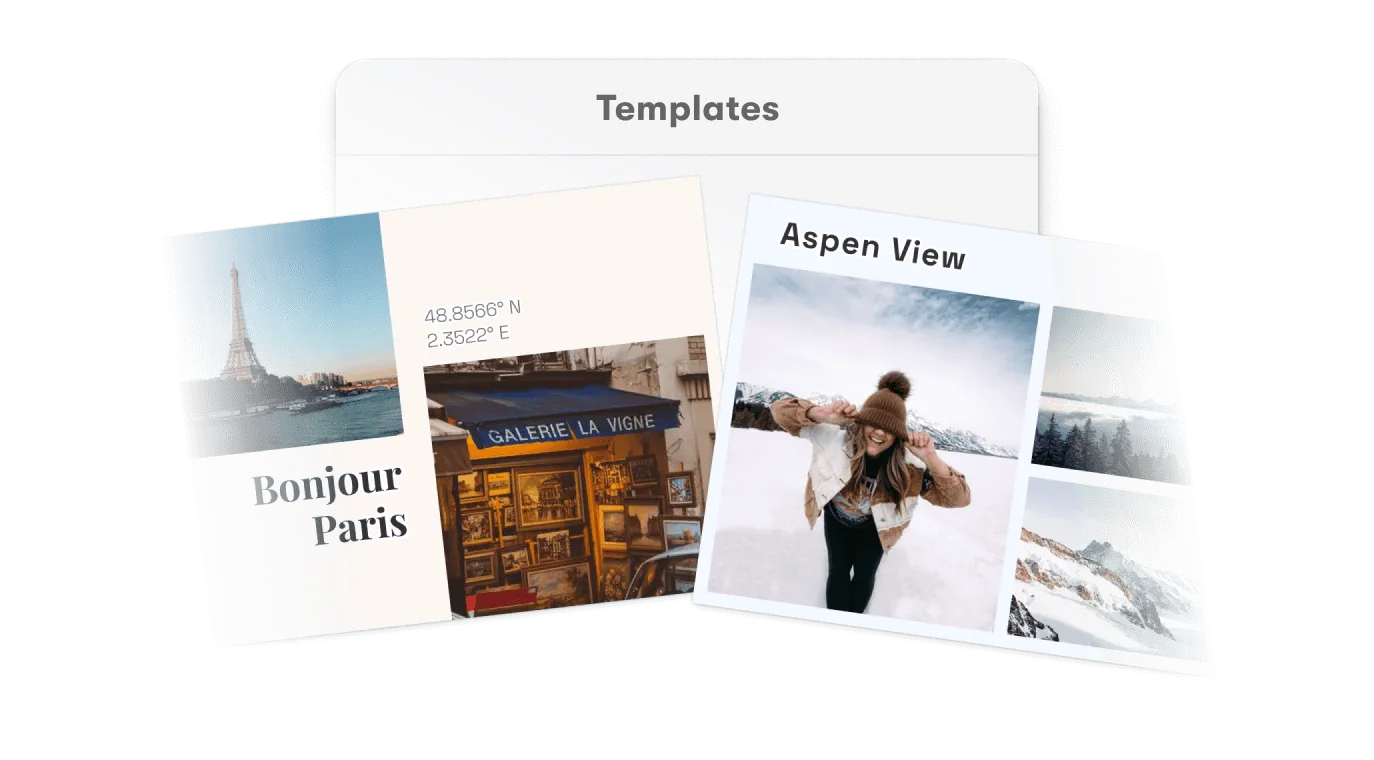
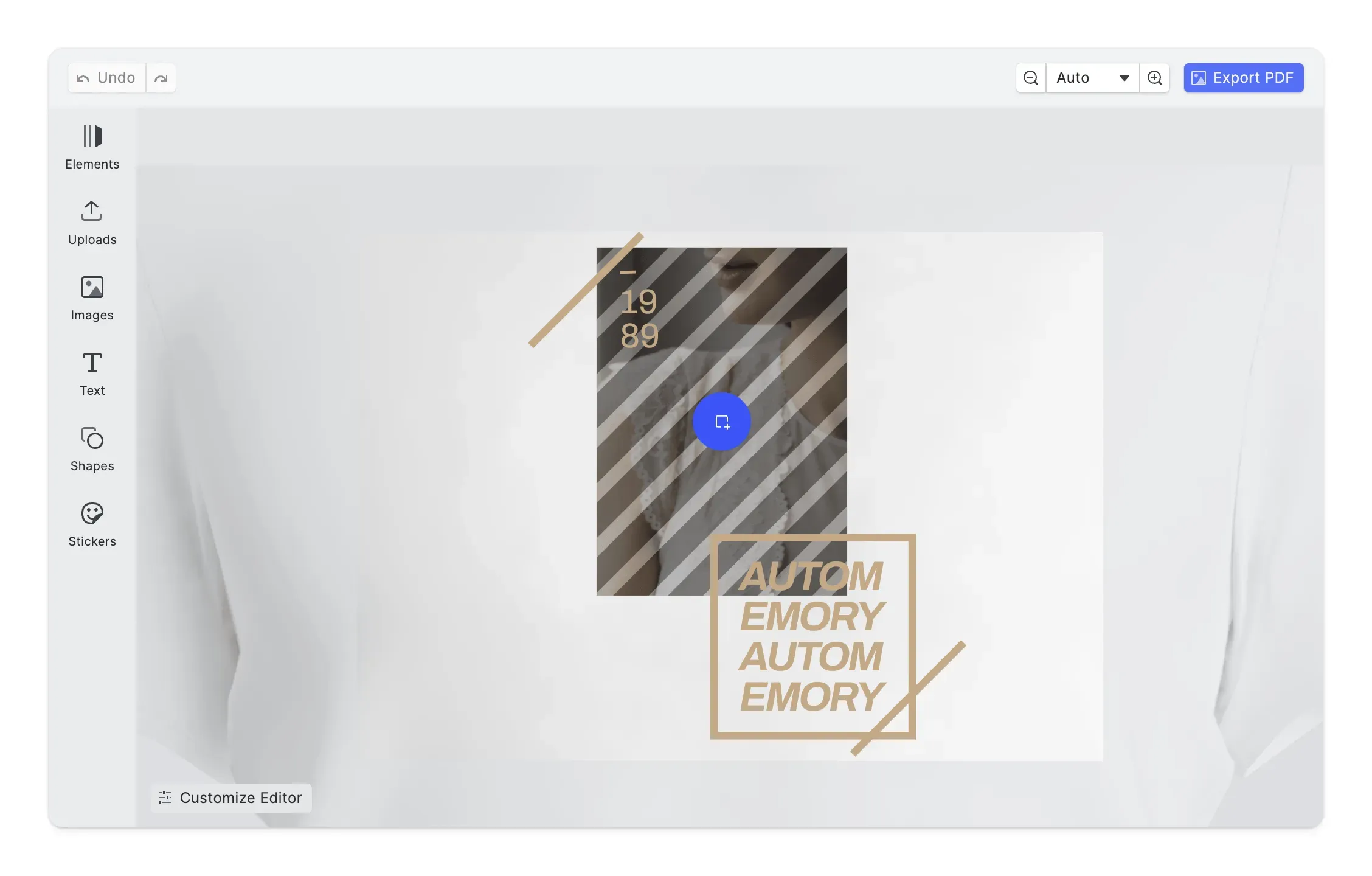
In-context design editing.
A full design editor embedded on your product page, white-labeled to your shop’s look, with live previews of the printed piece on desktop and phones.
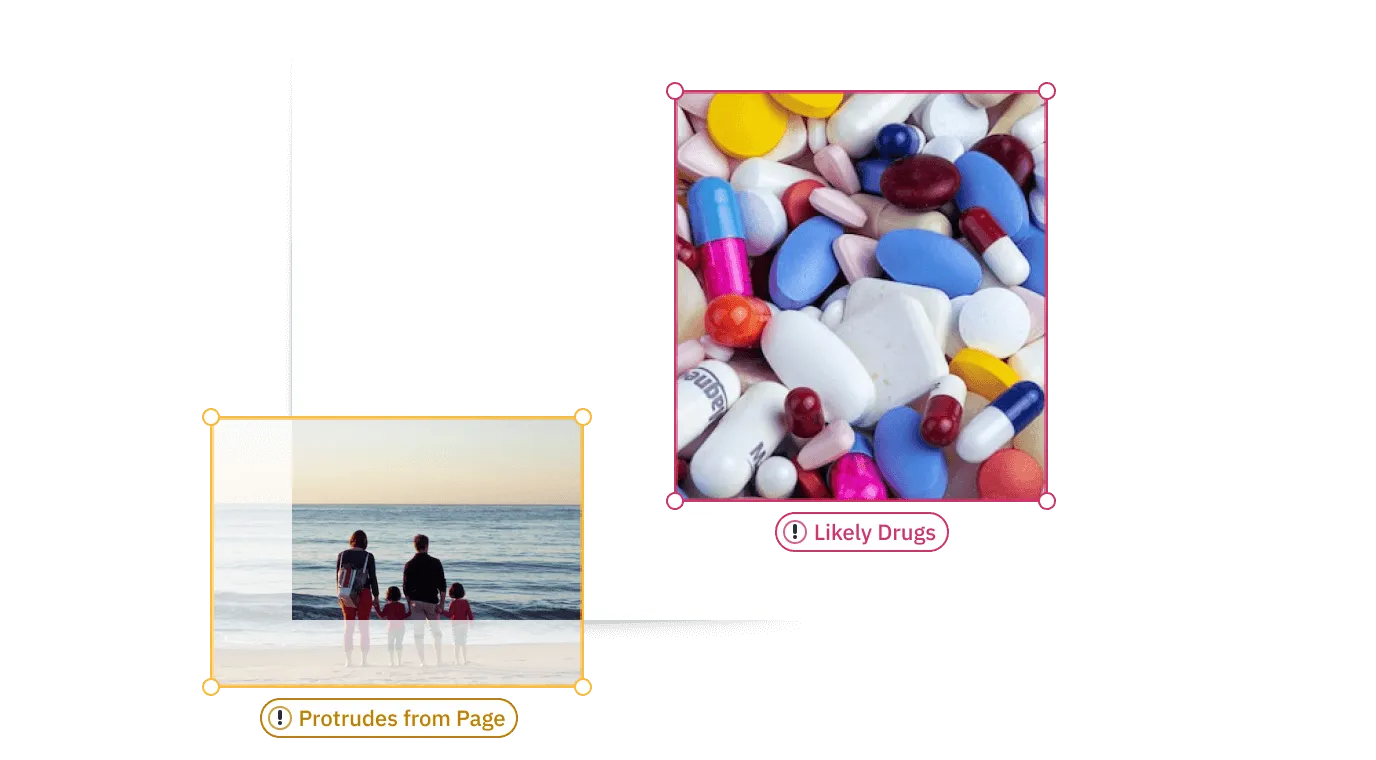
Real-time design validation.
Bleed violations, low-resolution photos, and unsafe-area content get flagged while the customer is still editing, before a bad file can reach your queue.
Print-ready output.
True PDF/X-4 export with CMYK and named spot colors preserved for vector and text elements, plus bleed, a defined trim box, and underlayers for dark or transparent substrates.

Headless batch rendering.
On order confirmation, a Node.js headless render produces the production file server-side. The same engine powers variable data runs from one master template.

Every platform your shop runs on.
One engine across web frameworks, native iOS and Android, and server. The mobile editor has its own touch layout instead of a shrunk desktop UI.
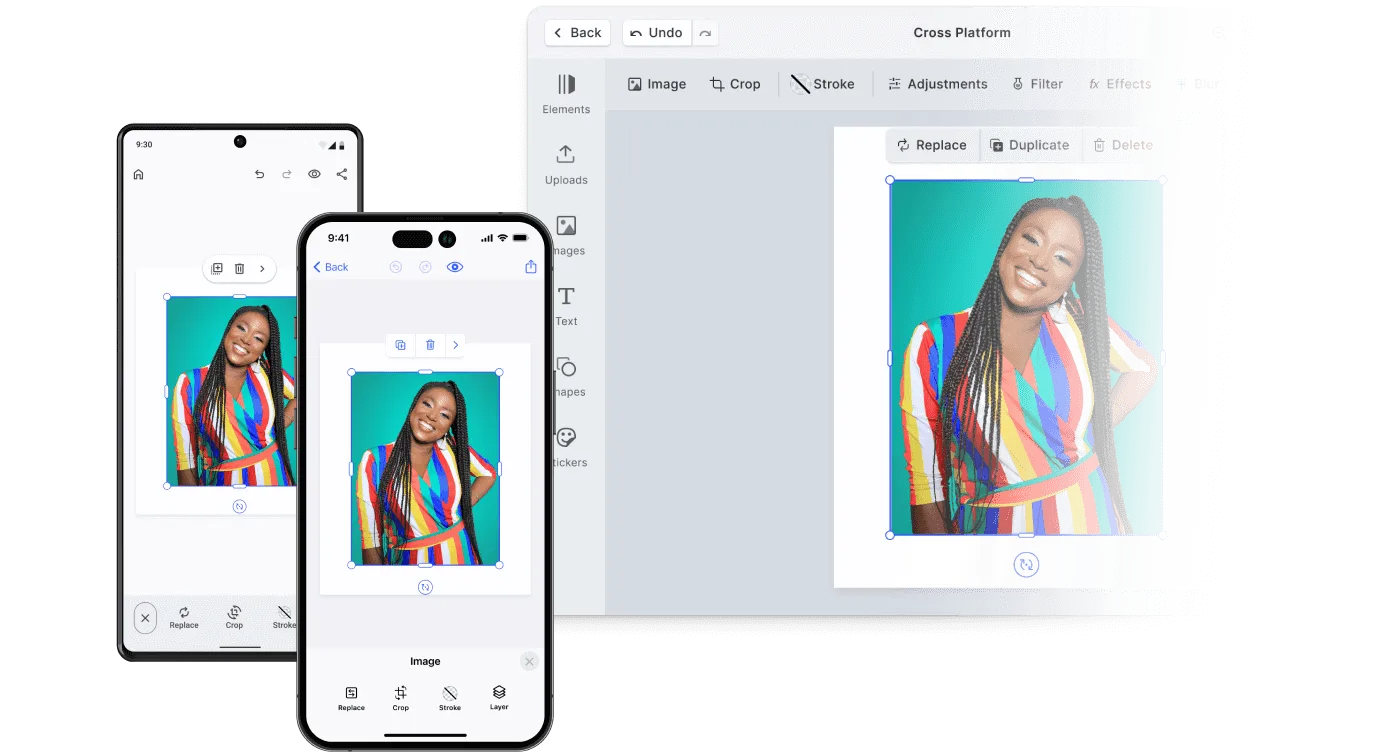
Looking for the full feature list?
Every editor capability, filterable by platform and use case.
Explore all capabilitiesOne editor layer, both storefront models
B2B and B2C shops need different template rules, not different editors.
Governed ordering for networks
Built for franchise and reseller networks: locked templates, role permissions separating brand designers from local buyers, and approval routing before production. Ordering stays governed at any network size. Our print industry page covers how this plays out across a network.
Fast personalization for consumers
Consumers get speed: guest editing without an account, mobile-first personalization, and template libraries to start from. Instant previews keep carts moving toward checkout. In-editor validation catches low-resolution photos before they become refunds.
One master design, adapted for every store and language
Brand designers brief an AI agent with CoDesign SDK to adapt the master for each store, format and language. They review the results, set the fields local buyers can change and publish them to the network.




Works with the shop you already run
Shopify, WooCommerce, a print-specific platform, or a custom build: the same engine embeds in all of them. Processing runs client-side by default, so designs and uploads never pass through a third-party server.
From product page to press-ready file
Three integration steps connect the editor to the shop you already run.
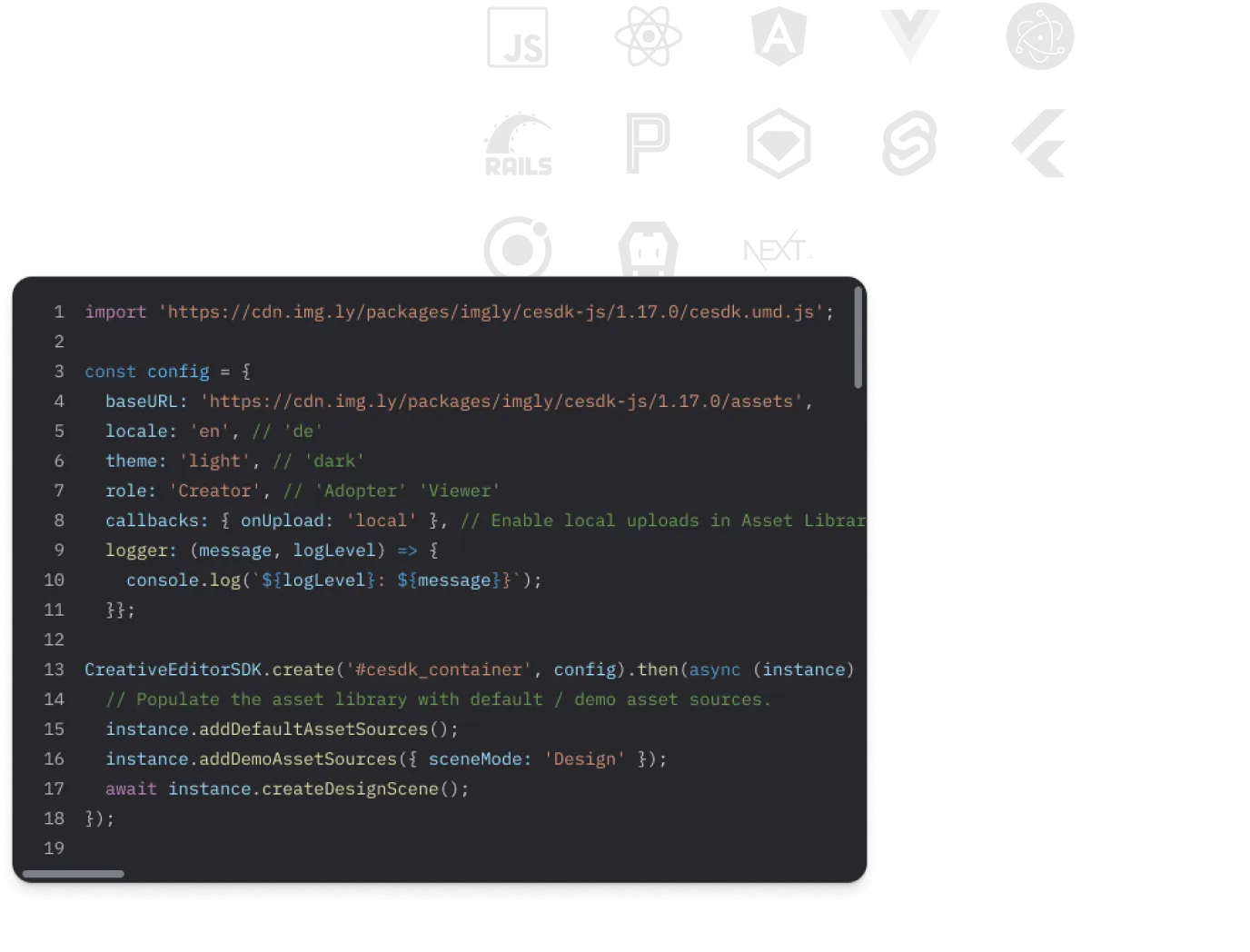
Embed the editor on the product page
Install the SDK and open the editor when a customer clicks personalize, loading the template and print dimensions that match the configured product, bleed and safe areas included.
Load locked templates per product
Serve each product a template with brand elements locked and placeholder fields open. Save the customer’s design against the cart line item, so cart edits and reorders reference the right version.
Render press-ready files on order confirmation
Trigger a headless Node.js render when the order lands. The stored design becomes a PDF/X-4 file with bleed and a defined trim box, delivered to your production workflow by hot folder, bucket, or API.
What CE.SDK does not do
No catalog, no cart, no payments, no fulfillment. Those stay with your storefront and your production partners. If you want one vendor for the whole stack, buy an all-in-one print platform instead: our web-to-print software guide maps all seven layers and who sells each.
Put a real editor in your storefront
Personalization your customers finish, and files your production can run. See it working in the demo, then talk to us about your storefront setup.
Frequently Asked Questions
A web-to-print storefront is the online shop where customers configure, personalize, and order printed products. The storefront platform handles catalog, cart, and checkout; CE.SDK supplies the design editor layer inside it, where customers personalize templates and the press-ready file gets generated.
No. CE.SDK is the design editor layer only: template authoring, customer editing, and print-ready output. It embeds into the storefront you already run, whether that is Shopify, WooCommerce, a print-specific platform, or a custom build. Catalog, cart, payment, and fulfillment stay with your platform.
Any platform where you can embed a JavaScript component. Framework support covers React, Angular, Vue.js, Svelte, Next.js, and vanilla JS on the web, plus native iOS, Android, React Native, and Flutter for mobile shops, and Node.js for server-side rendering on order confirmation.
Yes. Exports are PDF/X-4 with bleed and a defined trim box, and CMYK values including named spot colors are preserved end-to-end for vector and text elements. Raster images export as RGB, and color conversion targets fogra39, gracol, sRGB, or your own ICC profile. The engine's PDF export can add crop and registration marks, or leave them to your imposition step. Design validation flags bleed and resolution problems while the customer is still editing.
Yes, through template permissions rather than separate systems. Consumer products use freely editable templates; business products use locked masters where only approved placeholder fields are open. Role separation between template creators and adopters keeps franchise and reseller ordering on-brand without per-order review.
The customer’s design is saved against the cart line item, and order confirmation triggers a server-side headless render in Node.js. The stored design becomes the press-ready file, delivered to production by hot folder, storage bucket, or API, with reruns rendered from the same stored design.