
If your SaaS product needs a design editor that looks like your own product, runs where you choose, and can fill templates without a person in the loop, you need an embeddable editor SDK. Canva Connect API does a different job: it links your product to your users’ Canva accounts.
This guide compares five editors that SaaS teams consider when Canva Connect is not the right fit. We list them in alphabetical order: Adobe Express Embed SDK, Cloudinary Media Editor, DesignHuddle, IMG.LY CE.SDK and Polotno.
IMG.LY wrote this guide, and we make CE.SDK. We link to each vendor’s own pages so that you can check what we say. If a product fits your use case better than ours, this guide tells you so.
How we compared
We scored each product on the questions a SaaS team asks before it signs a contract:
- Branding control. Can you remove the vendor’s name and match the editor to your design system? Do your users need an account with the vendor?
- Self-hosting. Can the editor and the renderer run on your servers, or does every edit go through the vendor’s cloud?
- Template automation. Can you fill templates from data and render output with no user in the loop?
- Platform coverage. Does it run only in a browser, or are there native SDKs for iOS, Android, Flutter and desktop?
- Output. Which formats come out, and is the PDF ready for a print shop?
- Pricing model. Is the price public, and does it grow with seats, renders or storage?
Facts come from each vendor’s website and documentation as of September 2026. Vendors change their products often, so check the linked pages before you decide.
The baseline: Canva Connect API
Canva Connect API lets your product upload assets to Canva, create designs for your users, and export the finished files back to your system. Your users sign in with their own Canva account through OAuth. When they click “Edit in Canva”, your app sends them to canva.com. They edit there and click a Return button to come back, as the return navigation guide describes.
This is a good fit if your users already work in Canva. They keep the tools and the Canva templates they know, and you do not maintain an editor. The autofill API can fill brand templates with data. Your users need a Canva Pro, Teams or Enterprise plan for it, and autofill runs as an async job that you poll.
The limits show up when the editor must be part of your product. The editing happens on Canva’s site, under Canva’s brand. Your users need a Canva account. Designs live in Canva’s cloud, and you cannot host the editor yourself. The five products below take a different approach: you embed the editor in your own app.
Adobe Express Embed SDK
Best for: web apps that want Adobe’s templates and Firefly AI inside their product, and whose users are happy to sign in with Adobe.
The Adobe Express Embed SDK puts parts of Adobe Express into your web app. You get a full editor, an AI image generator, quick actions such as resize, crop and video trim, and a browser with thousands of Adobe Express templates. The AI runs on Adobe Firefly, which Adobe says it trained on licensed and public domain content. Some Enterprise plans are eligible for IP indemnification. For teams that worry about AI copyright, that is a strong point.
The SDK is free to use today. Adobe’s FAQ says this may change. There are trade-offs for a white-label product:
- Users must sign in with an Adobe ID to save their work. Projects are saved to the user’s Adobe Express account.
- The UI is Adobe Express. You configure modules, but you cannot rebuild the editor from smaller parts.
- Adobe focuses on web and desktop. There is no native iOS or Android SDK.
- A new integration shows a red “not approved yet” banner until Adobe reviews it.
- Adobe hosts everything. You cannot self-host the editor or the renderer.
Cloudinary Media Editor
Best for: teams that already store and deliver their images with Cloudinary and need light edits, such as a crop or a caption.
The Cloudinary Media Editor is a web widget with four steps: resize and crop, image overlay, text overlays, and export. You can set aspect ratio presets, fonts, color palettes and the UI language. Video editing is in beta and has one step, trim. The output is a Cloudinary transformation URL. That means your edited image goes straight onto Cloudinary’s CDN in the right size and format, with no extra render step. If Cloudinary is already your media backend, this is the lowest-effort option in this guide.
The widget is small by design. It is not a design editor in the Canva sense:
- It has no multi-page layouts, no layered design files and no template system.
- Automation happens through Cloudinary’s transformation APIs, outside the widget.
- Images must live in Cloudinary, and all processing runs on Cloudinary’s servers.
- It runs in the browser only. There are no native mobile SDKs.
The widget comes with a Cloudinary plan, and cost follows your overall usage of transformations, storage and bandwidth.
DesignHuddle
Best for: teams that want a hosted, white-label design platform with public pricing and a fast launch, and that do not need to run it on their own servers.
DesignHuddle is a white-label design and video platform that you can deploy in three ways. “Turnkey” is a hosted portal under your brand. “Embedded” uses a JavaScript SDK and APIs in your website. “Headless” uses the API alone to generate graphics, PDFs and videos. It covers digital, print, video and slides. Print supports multi-page documents, bleed and CMYK, and there is variable data printing with locked templates. The AI tools include text-to-image, background removal and upscaling, and DesignHuddle offers an MCP server for AI assistants. Review and approval workflows are built in.
DesignHuddle is one of the few vendors here with public pricing. Starter starts at $500 per month and Pro at $750 per month. Every plan includes the white-label editor, the REST API and AI tools. The trade-offs:
- It is cloud-hosted SaaS. We found no self-hosted or on-premise option.
- The editor is mobile-web friendly, but there are no native iOS, Android or Flutter SDKs.
- Plans limit media types and pages: Starter allows two media types and 10 pages per document.
- Video storage, render minutes, AI credits and background removal cost extra above the monthly allowance.
IMG.LY CE.SDK
Best for: products that need one white-label editor on web, native mobile and server, with self-hosting, print-grade output and AI agents that create designs at scale.
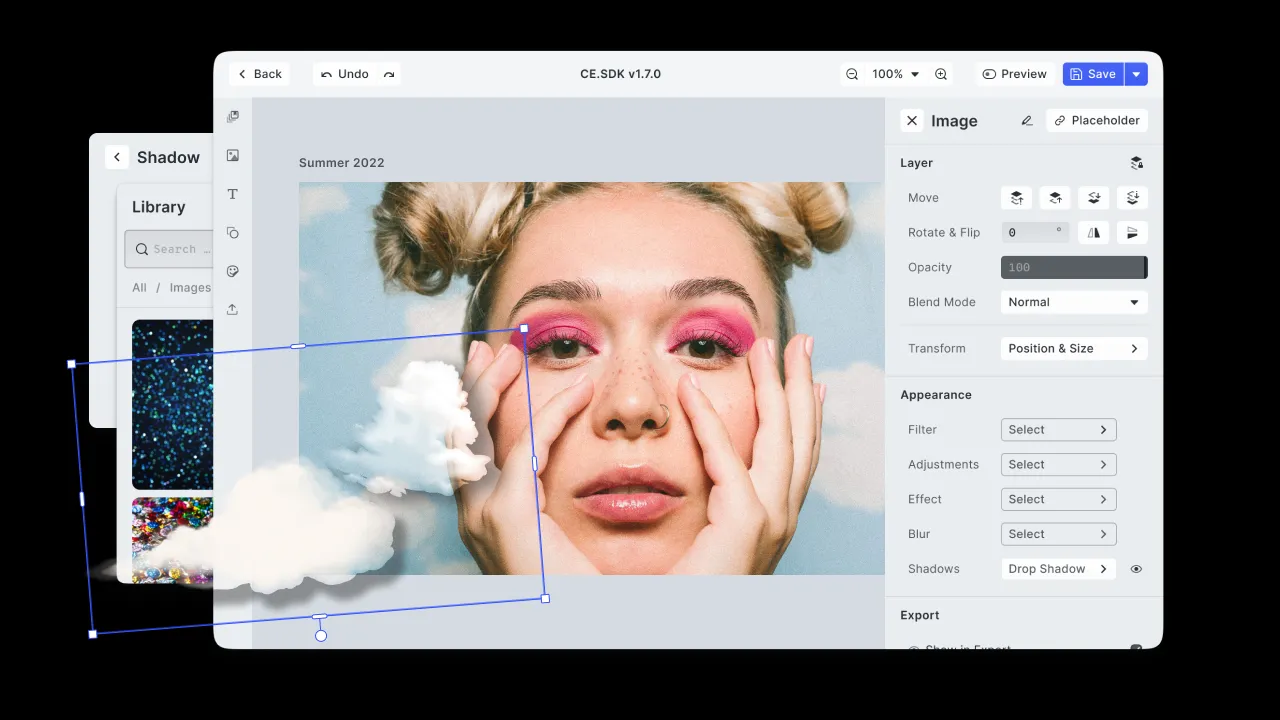
CE.SDK (Creative Editor SDK) is an editor SDK built on IMG.LY’s own C++ rendering and layout engine. The same engine runs in the browser, in native iOS and Android apps, and in Node.js on your server. So a template that a user edits on a phone renders the same way in a batch job on your backend. There are SDKs for React, Angular, Vue, Svelte and plain JavaScript on the web, for Swift, Kotlin, React Native and Flutter on mobile, and for Electron and macOS on desktop.
The points where CE.SDK is different from the other products here:
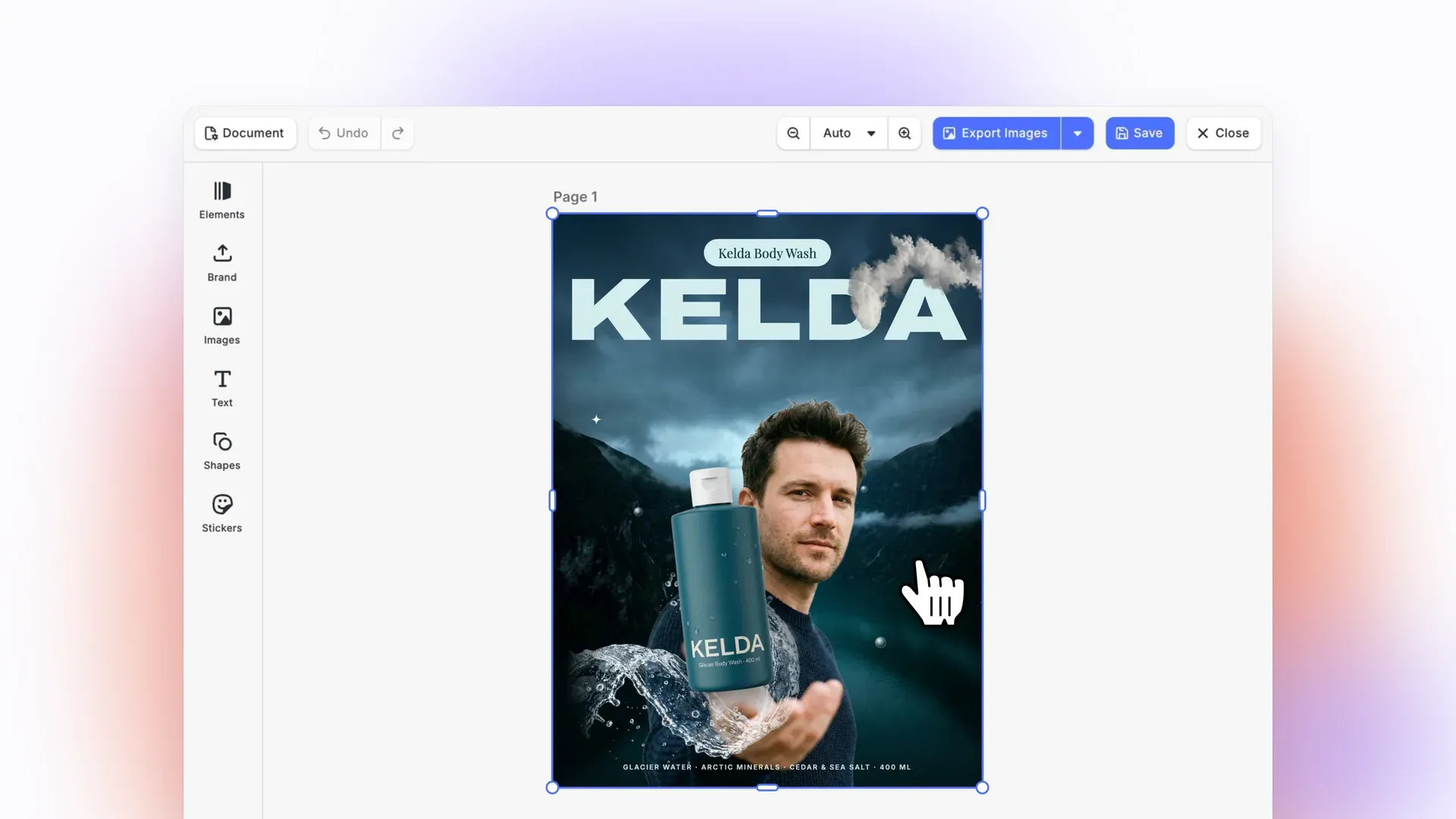
- Designs created by agents. CoDesign is a free MCP server that gives AI agents such as Claude Code, Codex and Cursor access to the CE.SDK engine. An agent can create finished designs, and whole template sets for your domain and use case, as editable scenes where text stays text and your brand kit applies. CoDesign comes with a catalog of thousands of ready-made templates. The CoDesign SDK brings this into your own product: your product’s agent creates designs at scale through MCP and hands them to users in the CE.SDK editor for the last edits.
- Native mobile. CE.SDK is the only product in this guide with native iOS, Android and Flutter editors. The Flutter design editor is a ready-made configuration with smart context menus and Creator and Adopter roles. The Creator sets up a template and locks parts of it, and the Adopter can change only what the template allows.
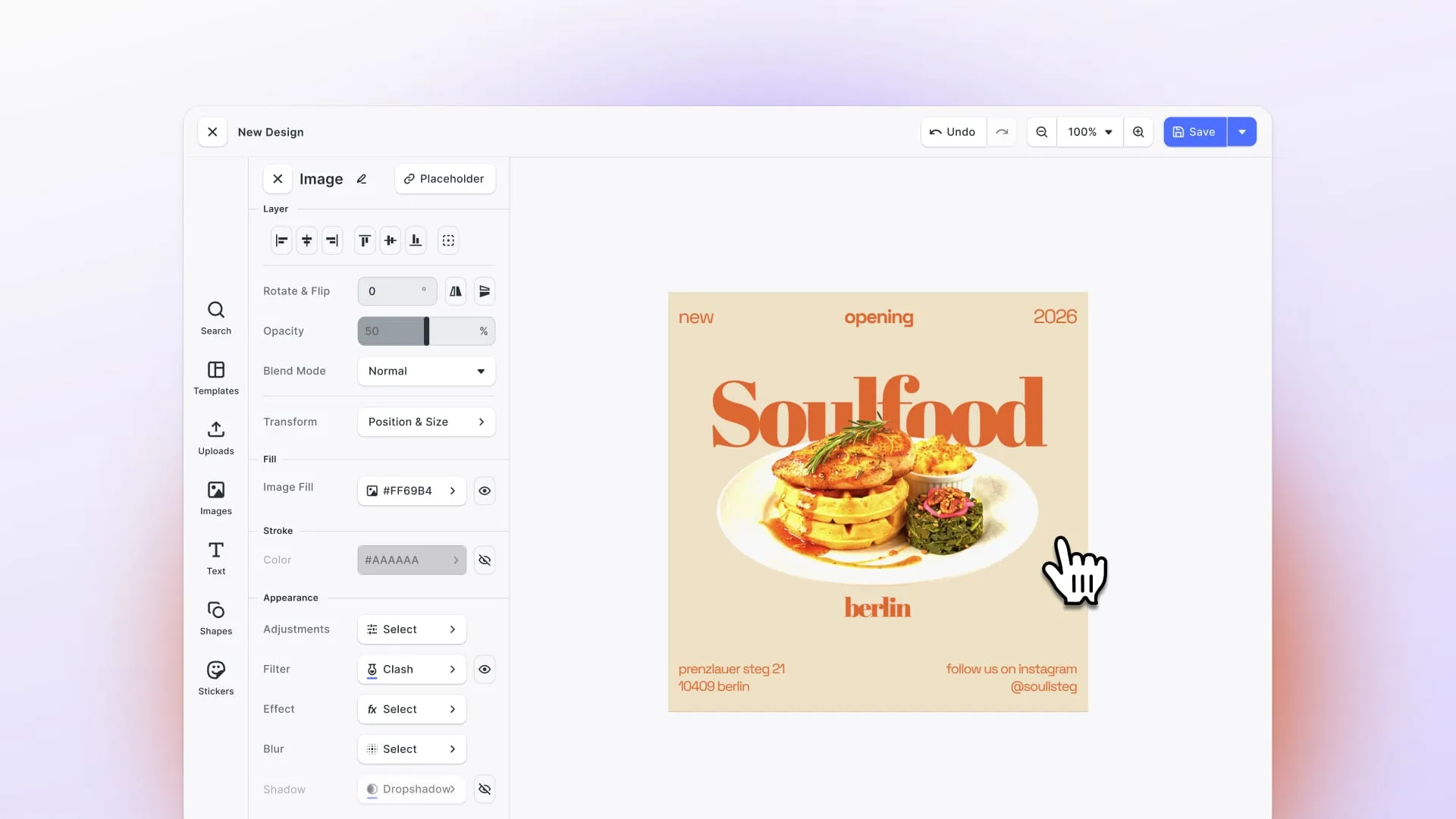
- Headless automation. The automation API fills templates from CSV, JSON or your own API and exports JPG, PNG, PDF, SVG or MP4 with no UI. The same API also runs inside the editor, so a user can review a design that your code or an agent filled first.
- Hosting and data. You can run CE.SDK in your cloud, in a private cloud or on-premise. Once it loads, editing and export work offline. Assets stay where you store them, and users need no account with IMG.LY.
- Print output. CE.SDK exports PDF/X with CMYK, Pantone spot colors, bleed and cutout lines. It imports PSD, AI, IDML, PDF and PPTX files. Print and photo product companies such as Shutterfly and HP use it.
- AI with your choice of model. Background removal and text-to-image are built in, and a plugin system lets you connect the AI models you choose.
CE.SDK has trade-offs. Its pricing is not public: you get a quote based on the platforms, components and AI features you license, after a 30-day free trial. A full SDK also takes more integration work than a drop-in widget such as Cloudinary’s.
Polotno
Best for: React teams that want a self-hosted, white-label web editor quickly, with direct access to the canvas layer.
Polotno is a design editor SDK for the web, on the market since 2020. It is React-first, with components such as Workspace, Toolbar and SidePanel that you compose into your own UI. Wrappers exist for Vue, Angular and Svelte. It is built on Konva.js, and the same author maintains both. Polotno says it has more than 300 paying customers, among them Amazon, BMW and Expedia.
Polotno is a strong alternative on the points this guide cares about. You can white-label every layer and self-host the editor and the renderer. Rendering on your servers uses the polotno-node package, which runs a headless Chromium, and there is no per-render fee. If you prefer, there is an opt-in Cloud Render API. Output covers PNG, JPEG, PDF, MP4, PPTX, GIF, SVG and HTML. The PDF export supports PDF/X-1a and PDF/X-4, CMYK, spot colors and bleed. Its pricing page quotes a range from “low hundreds to 20-30k+” depending on scope, with a 30-day trial and an optional source code license.
The main limit is platform coverage. Polotno is a web SDK. It ships inside iOS, Android and desktop apps through WebView, Capacitor or Electron, but it has no native iOS, Android or Flutter SDK. If your mobile app is native, a WebView editor can feel different from the rest of the app.
Side-by-side comparison
| Product | Branding control | Self-hosting | Template automation | Platforms | Print PDF | Pricing |
|---|---|---|---|---|---|---|
| Canva Connect API | Canva UI on canva.com; Canva account required | No | Autofill API (Canva Pro, Teams or Enterprise), async jobs | Web | Canva export | Canva plans |
| Adobe Express Embed SDK | Adobe Express UI; Adobe ID required to save | No | Templates and AI inside the editor | Web, desktop | Adobe Express export | Free today, may change |
| Cloudinary Media Editor | Configurable widget; Cloudinary account | No | Through Cloudinary APIs, outside the widget | Web | No | Part of Cloudinary plan |
| DesignHuddle | Full white-label, custom domain | No (SaaS) | Headless API, variable data; MCP server | Web, mobile web | CMYK, bleed | From $500 per month |
| IMG.LY CE.SDK | Full white-label, no end-user account | Yes, including on-premise and offline | Headless engine in Node.js and in the editor; CoDesign MCP for agents and templates | Web, native iOS, Android, Flutter, React Native, desktop, server | PDF/X, CMYK, spot colors, bleed, cutout lines | Quote, 30-day trial |
| Polotno | Full white-label, no end-user account | Yes | polotno-node or Cloud Render API | Web, WebView, Capacitor, Electron | PDF/X-1a and PDF/X-4, CMYK, spot colors, bleed | Quote, 30-day trial |
How to choose
Start with where your users are and where the files must go.
- If your users already pay for Canva and you only need to sync designs, keep Canva Connect API.
- If you want Adobe templates and commercially safe Firefly AI in a web app, and Adobe sign-in is acceptable, try the Adobe Express Embed SDK.
- If your images live in Cloudinary and users only crop, resize or add a caption, the Cloudinary Media Editor is the simplest choice.
- If you want a hosted white-label platform with a published price and a quick launch, look at DesignHuddle.
- If you build in React for the web and want a self-hosted editor that you control at the canvas level, look at Polotno.
- If you need the same editor in native iOS, Android or Flutter apps and on your server, or you want AI agents to create designs and templates at scale, or you must run on-premise or offline, look at CE.SDK.
Many teams test two options side by side. Polotno and CE.SDK both offer a 30-day trial, and DesignHuddle publishes its prices, so a short proof of concept is cheap to run.
FAQ
What is the best white-label Canva alternative for a SaaS product?
It depends on your platforms and hosting needs. For a web-only React app, Polotno is a quick way to a self-hosted editor. For a hosted platform with public pricing, DesignHuddle fits. If you need native mobile SDKs, server-side rendering from the same engine, on-premise deployment, or AI agents that create designs through MCP, CE.SDK covers the most ground.
Can I embed the Canva editor in my app?
Canva Connect API sends your users to canva.com to edit and brings them back with a Return button. The editor stays on Canva’s site, and users need a Canva account.
Which Canva alternatives can I self-host?
IMG.LY CE.SDK and Polotno. Both run the editor and the renderer on your own servers. CE.SDK also supports on-premise and offline use. Adobe Express, Cloudinary and DesignHuddle are hosted by the vendor.
Which options have native iOS, Android and Flutter SDKs?
Of the products in this guide, only CE.SDK. Polotno runs on mobile inside a WebView or Capacitor. DesignHuddle has a mobile-friendly web editor.
Which editors export print-ready PDF?
CE.SDK and Polotno both export PDF/X with CMYK, spot colors and bleed. DesignHuddle supports CMYK and bleed for print. CE.SDK also exports cutout lines for stickers and die-cut products.
Which editors can generate designs without a user?
CE.SDK (Node.js engine), Polotno (polotno-node or Cloud Render API) and DesignHuddle (headless API) can all fill templates from data and render them on a server. Canva’s autofill API can fill brand templates, but it needs a paid Canva plan and a user’s Canva connection.
Which editors let an AI agent create designs through MCP?
IMG.LY offers CoDesign, a free MCP server that gives agents such as Claude Code, Codex and Cursor the CE.SDK engine. Agents can create editable designs and domain-specific template sets from a catalog of thousands of templates, and the CoDesign SDK puts the same agentic workflow inside your own product. DesignHuddle also offers an MCP server for AI assistants.
Sources
- Canva Connect API docs, return navigation guide, autofill guide
- Adobe Express Embed SDK, Embed SDK documentation
- Cloudinary Media Editor docs
- DesignHuddle, DesignHuddle pricing
- Polotno, Polotno pricing
- IMG.LY Canva alternative, CE.SDK vs Canva Connect API, CE.SDK vs Cloudinary Media Editor, CE.SDK vs Adobe Express SDK
- CE.SDK automation overview, CE.SDK Flutter design editor, CE.SDK pricing
- IMG.LY CoDesign, CoDesign for MCP clients