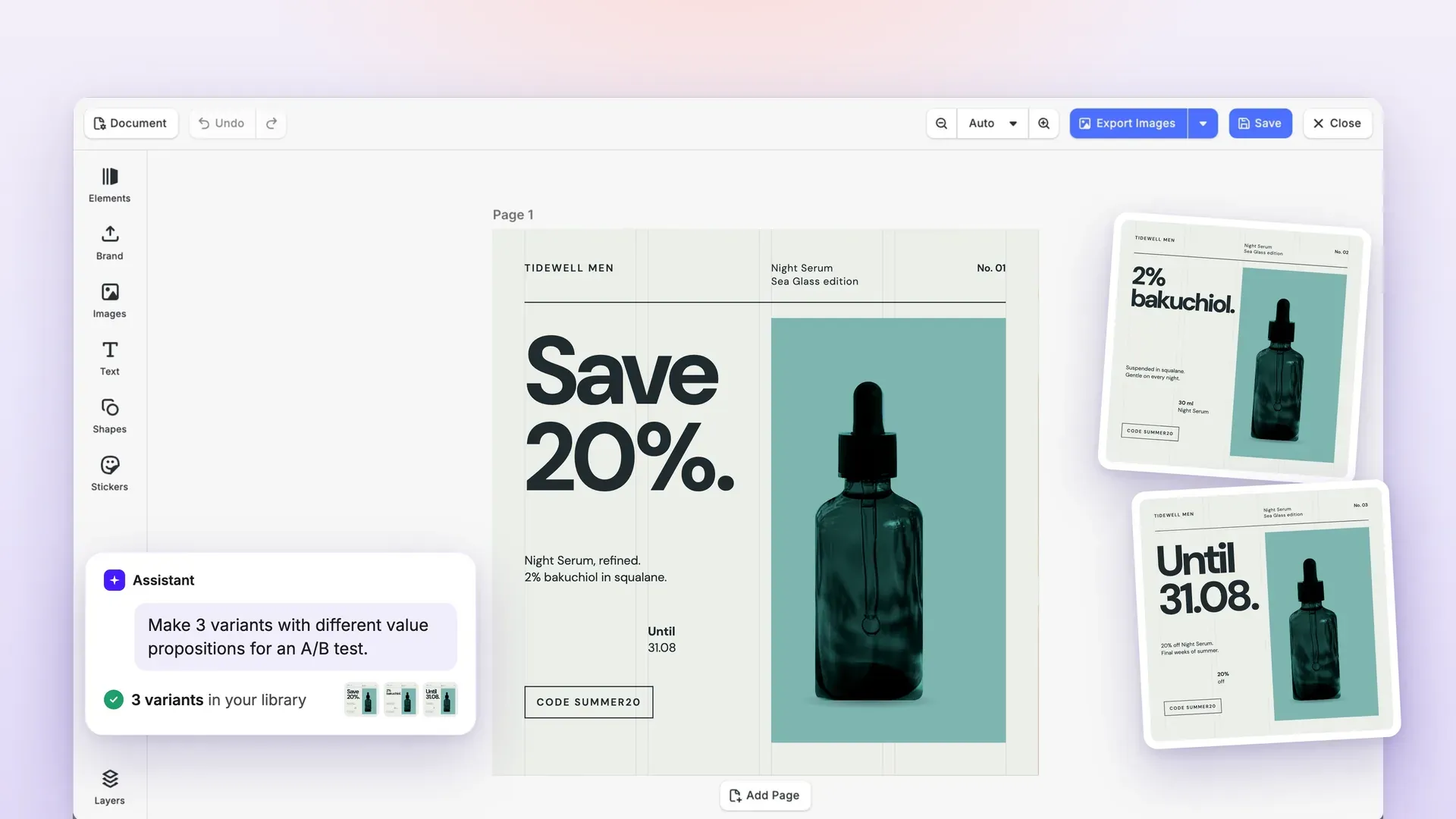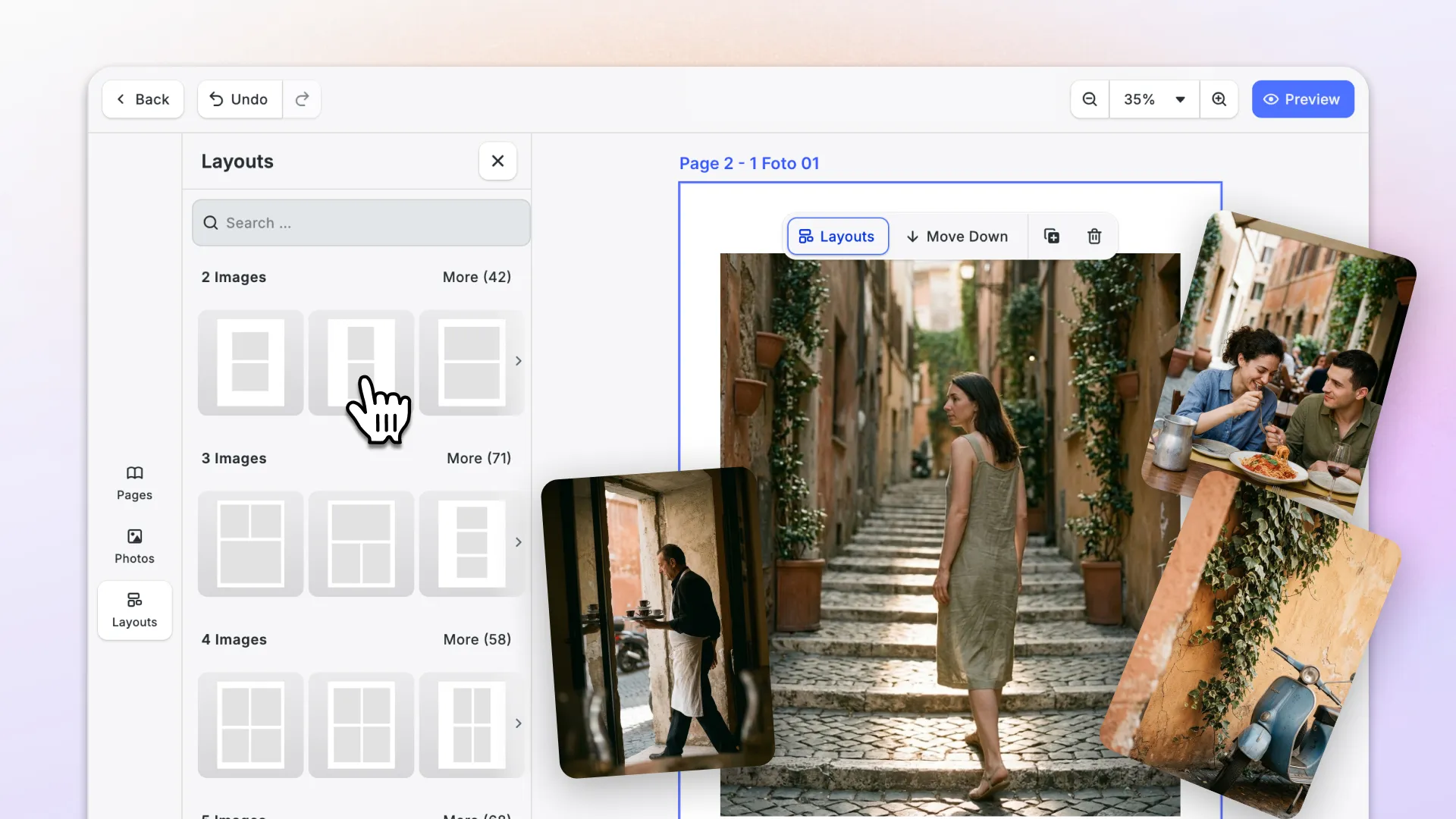

With this release, video export works in Firefox and in Chrome on Linux, and users on iOS and Android can detach audio from their clips.
Large scenes load faster and use far less memory, and saved scenes now carry their own preview image.
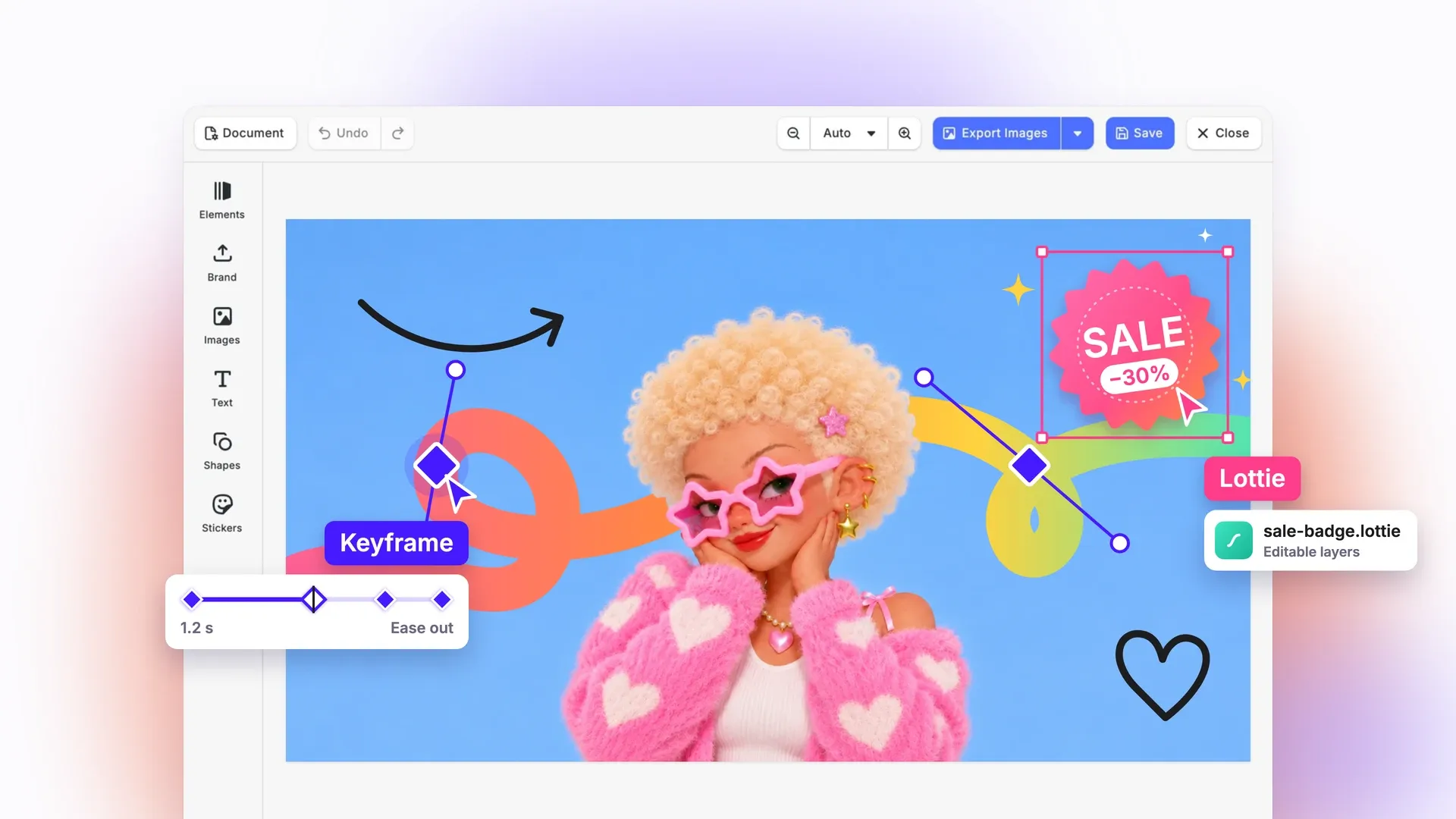
A new Experimental section adds keyframe animation, native Lottie import, masks, text animators, and 15 new effects.
Let’s check it out.
Video
Export Video in Firefox and Chrome on Linux
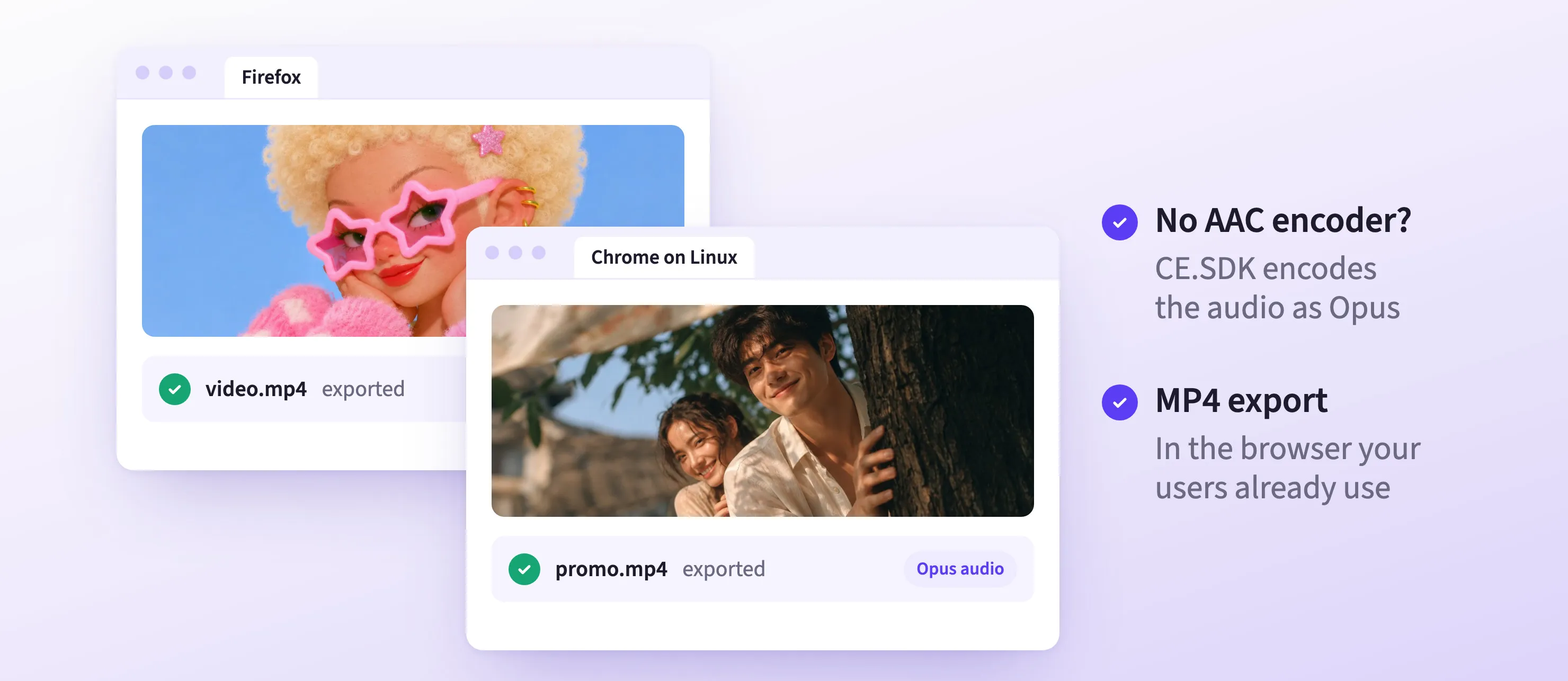
Video export now works in browsers that can’t encode AAC audio, like Firefox and Chrome on Linux. There, CE.SDK encodes the audio as Opus, and you can pick the codec with the new audioCodec option. MP4 files with Opus audio now load on the web too.
Detach Audio on iOS and Android
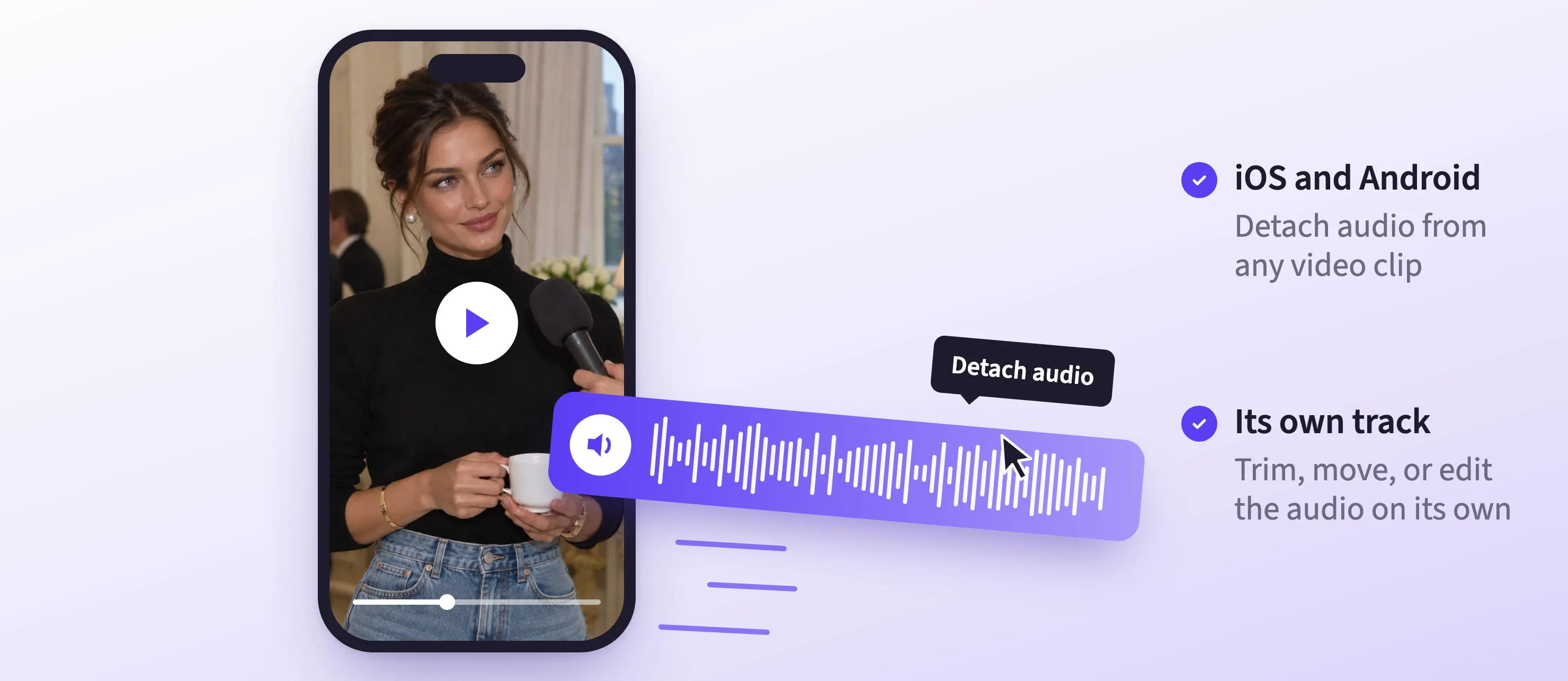
After the web editor in v1.84, users on iOS and Android can now detach a video clip’s audio. The audio moves into its own clips and the video clip is muted, so the audio is ready to trim, move, or edit separately.
→ Separate Audio on iOS Documentation
→ Separate Audio on Android Documentation
See Inside Grouped Clips and Animate Captions
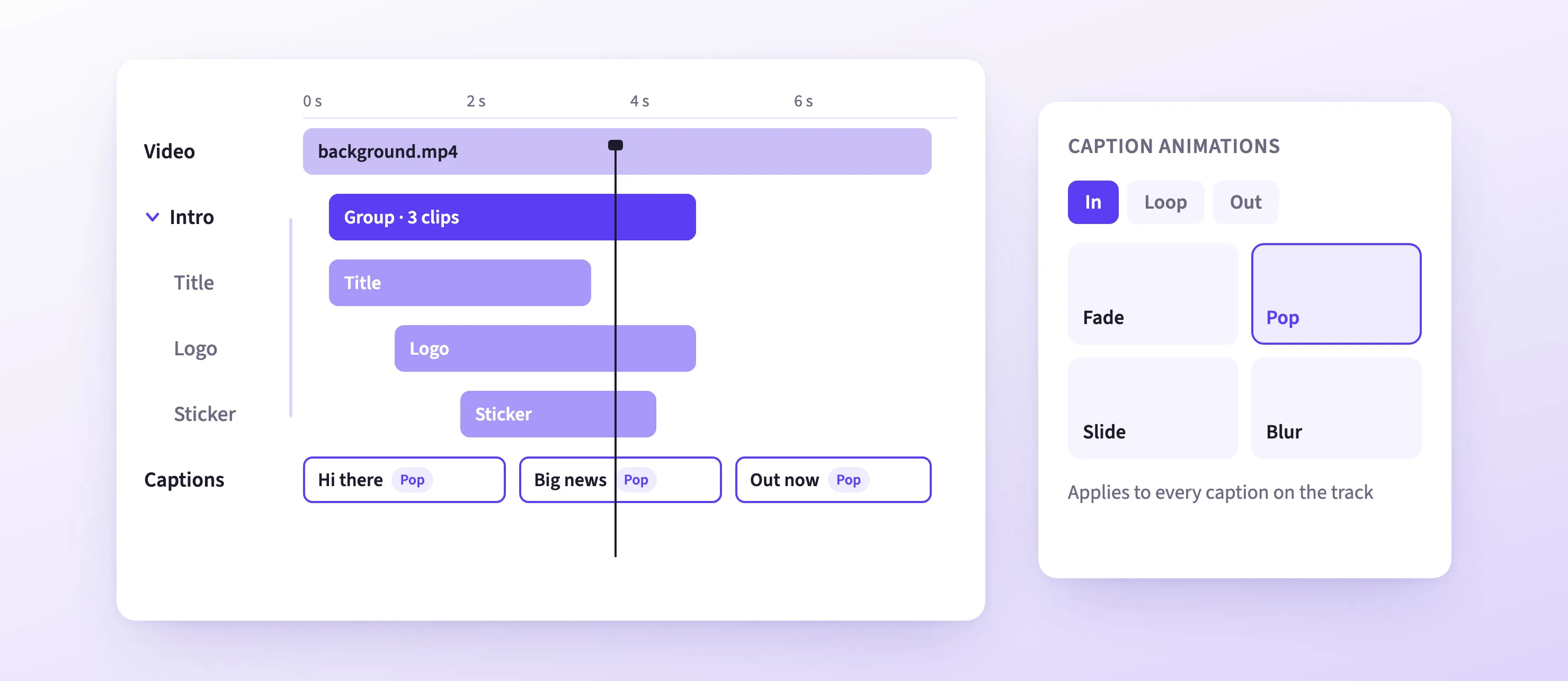
- Expandable groups: a group in the web timeline opens to one row per clip, so users can see and edit what’s inside.
- Caption animations: the Animations section now works for captions in the web video editor, and iOS and Android get an Animations button for captions. Captions on one track share their animations, and new captions pick them up.
→ Edit Clips Inside a Group Documentation
→ Caption Animations Documentation
More Reliable Video Export
- Audio in sync: exported audio no longer starts up to 44 ms behind the picture. On the web, this fix needs macOS or iOS, and on Android Google’s built-in AAC encoder.
- Large videos: on the web, videos bigger than the memory budget now play and export. Long MP4 and MOV files open faster on every platform.
- Cover images: MP4 exports embed a cover image from the current playback position.
- Clear errors: an export whose source makes no loading progress now fails with an error after 60 seconds instead of waiting forever. Change the limit with the
exportPendingTimeoutSecondssetting. - HDR on Android: HDR videos show the right colors.
Large Designs and Print
Load Large Scenes Faster, with Far Less Memory
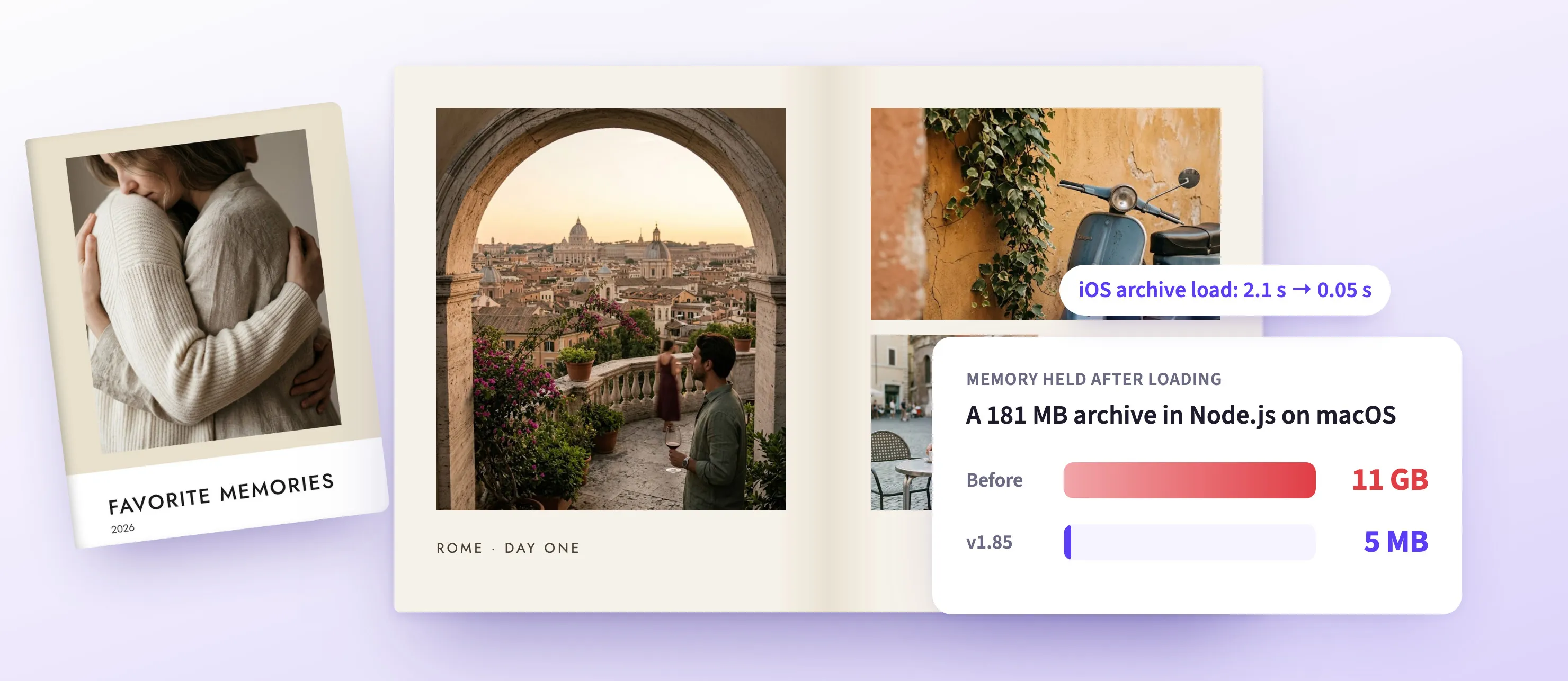
On iOS, Android, desktop, and Node Native, the engine now keeps loaded archives, large buffers, and audio exports in temporary files instead of memory. Export results reach your app without an extra copy.
Loading a 128 to 181 MB archive now takes under 0.4 s on every platform we measured:
| Platform | Before | v1.85 |
|---|---|---|
| iOS simulator | 2.1 s | 0.05 s |
| Android emulator | 2.8 s | 0.26 s |
| Node Native on macOS | 4.5 s | 0.25 s |
| Node Native on Windows | 8.9 s | 0.37 s |
| Node Native on Linux | 10.9 s | 0.17 s |
Memory use drops even further: a 181 MB archive that took 11 GB of memory in Node Native on macOS now takes 5 MB.
- Bigger designs in the browser: large scenes that used to crash or fail to export now work in desktop browsers, where the engine can now use up to 4 GB of memory.
- Smoother photobooks: books full of large photos no longer freeze on screen.
This means: large photobooks, magazines, and archives open quickly.
Preview Saved Scenes Without the Engine
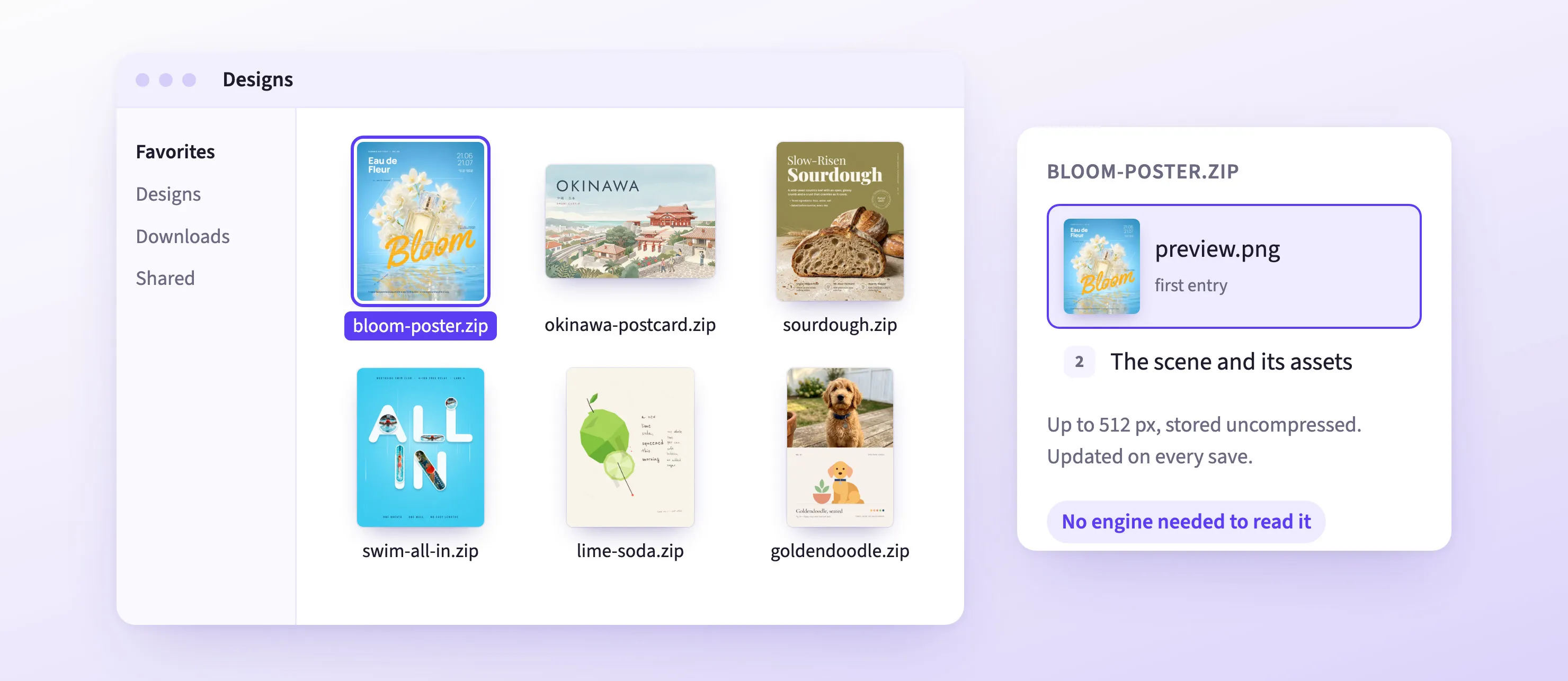
Saved archives now store a preview image as their first file. Your own tools, or a file browser with a preview handler, can show what a scene contains without loading CE.SDK.
Print Improvements
- A4 photobooks: the PhotoBook starter kit now supports A4 (210 × 297 mm) next to portrait and square.
- PDF export: high-compatibility PDFs now store images with effects as JPEG at the quality you set, and large pages export as long as each image, gradient, and blur fits the device’s size limit.
- Color profiles: the engine reports the name and location of the document’s CMYK profile.
Experimental
This new section collects features you can try now, before they’re final. The engine features run on Web, Node.js, iOS, and Android, and the Lottie Importer runs in the browser and in Node.js. Their APIs may still change in a minor release.
Good to know: You use these features through the engine API, and the editor has no controls for them in v1.85. Scenes that use them don’t open in earlier CE.SDK versions.
Animate Any Block with Keyframes
Set keyframes on a block’s properties, and the engine animates between them. Pick an easing for each step, including custom bezier curves and hold.
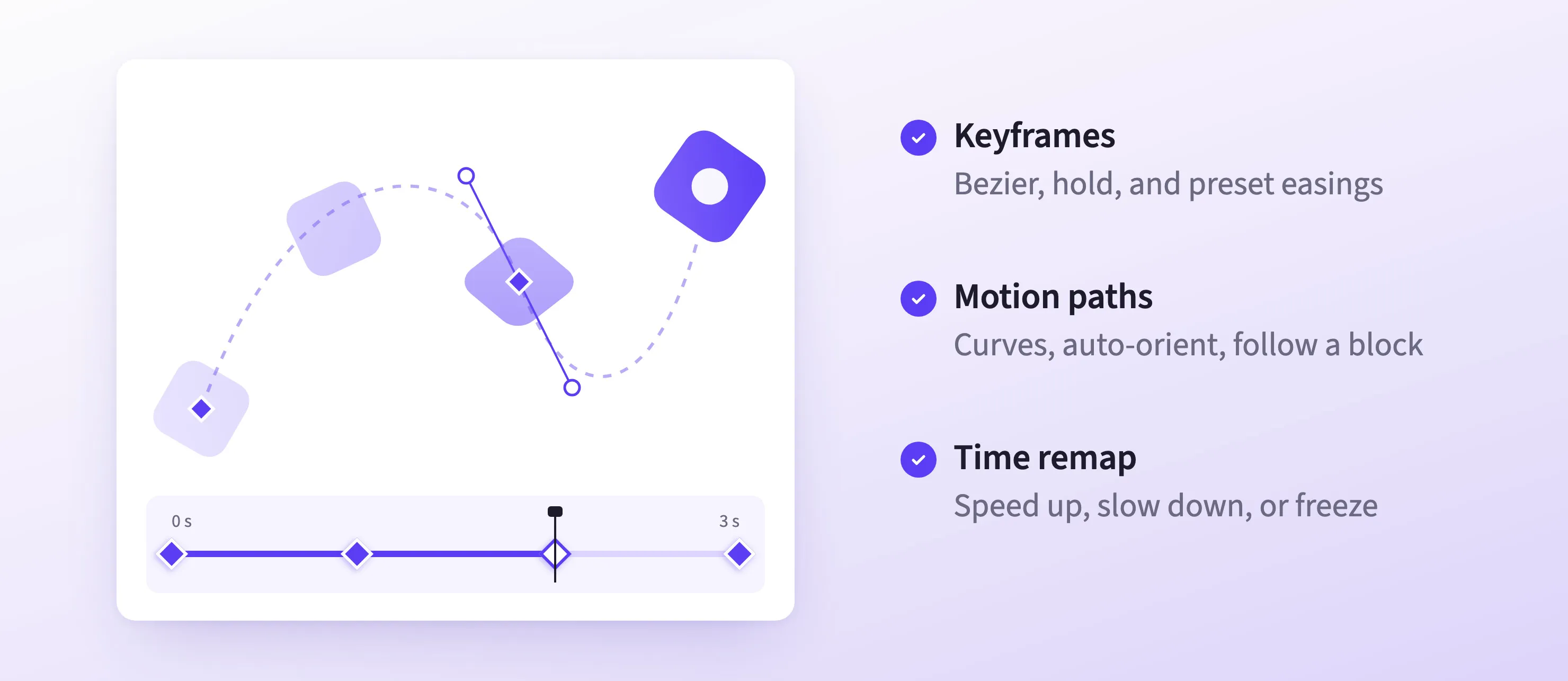
- Motion paths: move a block along a curve, not only a straight line.
- Transform controls: set the anchor point, scale, and skew, auto-orient a block along its path, or make one block follow another.
- Text over time: keyframe the text itself, not only how it looks.
- Composition groups: give a group its own clock, then speed it up, slow it down, or remap its time.
- Frame rate and markers: set a frame rate per scene and mark named points in time.
This means: your users can build and edit animated social posts, kinetic headlines, and motion graphics in CE.SDK.
Import Lottie Files as Editable Designs
The new Lottie Importer turns Lottie and dotLottie files into native CE.SDK blocks you can edit.
Color, number, image, and text slots in the file become variables, so you can re-theme an imported animation without touching its layers.
Lottie video fills now play .lottie files too, and show the images and fonts an animation references.
Good to know: Layers with no native equivalent, like 3D layers, play back as video and can’t be edited. On Safari, dotLottie files need version 16.4 or later.
→ Lottie Import Documentation
→ Lottie Fill Documentation
Lottie-Level Effects for Every Design
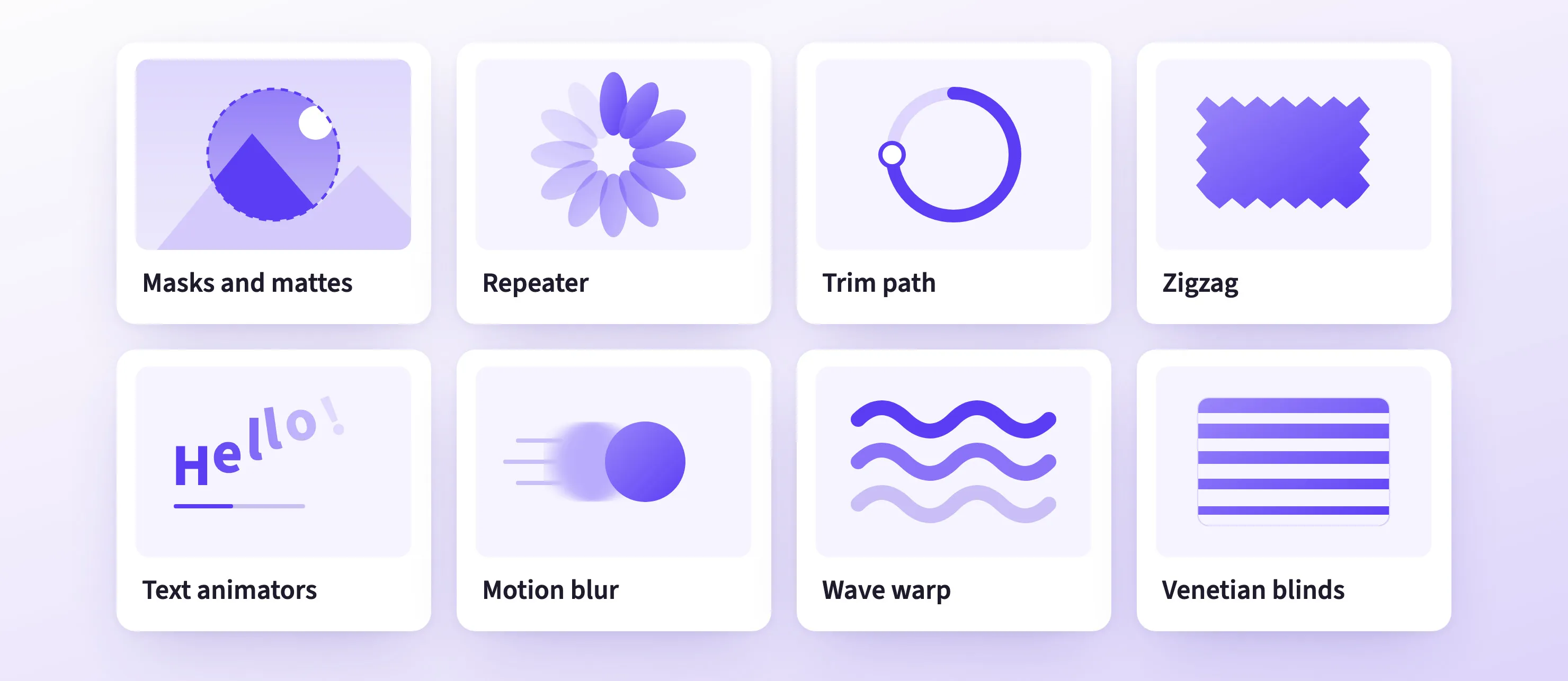
The engine now draws what a Lottie or After Effects animation needs, and you can use it in any design:
- Masks and track mattes: show a block only where its masks are, or use another block’s alpha or brightness as its mask. Works on graphics, text, and groups.
- Shape modifiers: trim a path for line-drawing animations, repeat a shape up to 1,024 times, or round, offset, zigzag, pucker, bloat, and twist it. Every setting can be keyframed.
- Compound shapes and new star shape controls, plus gradient fills for strokes.
- Text animators: select characters, words, or lines, and animate their position, scale, rotation, opacity, color, and more.
- Motion blur in the preview and in video exports.
- 15 new effects: tint, fill, tritone, levels, invert, threshold, shift channels, corner pin, bulge, wave warp, displacement map, linear and radial wipes, venetian blinds, and a brush stroke.
→ Masks and Mattes Documentation
→ Shape Modifiers Documentation
→ Text Animators Documentation
Bind Properties to Typed Variables
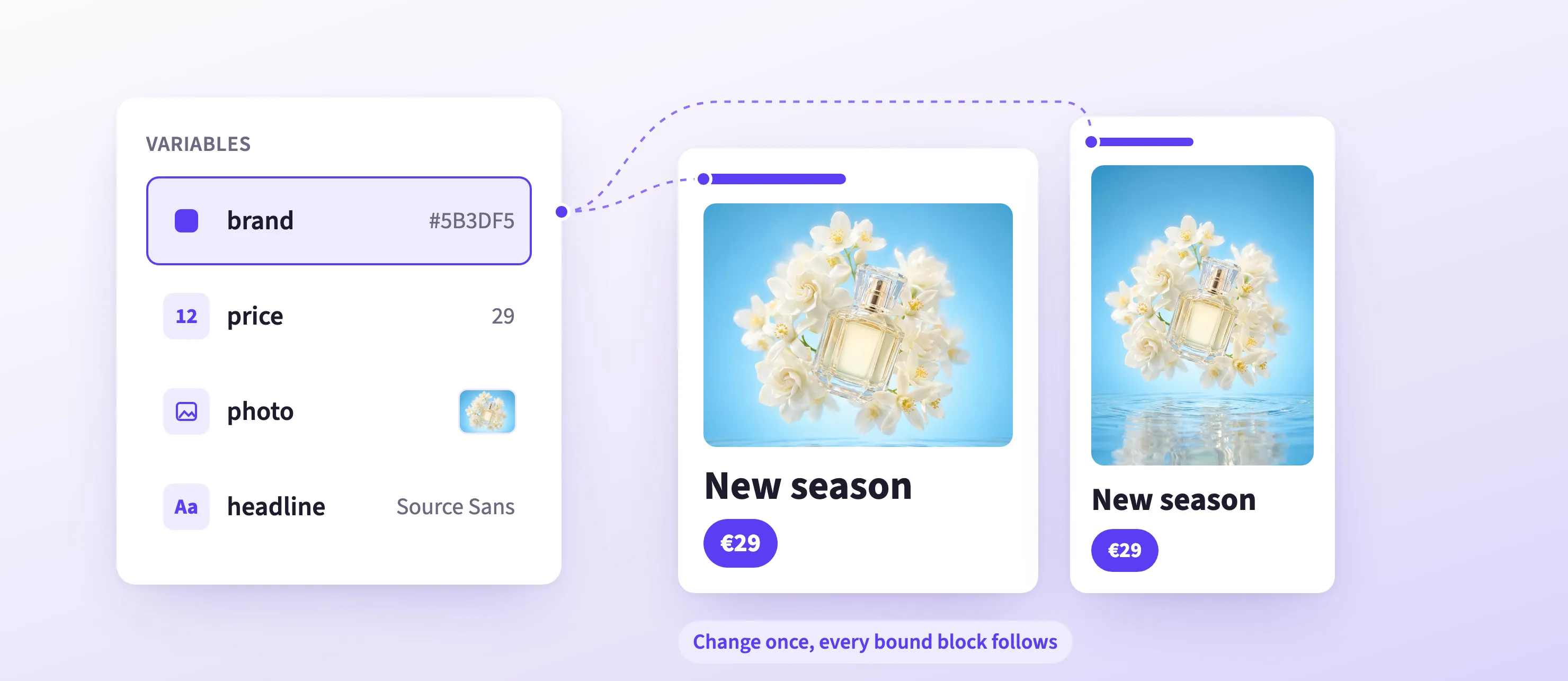
Variables now hold colors, numbers, images, and fonts, not only text. Bind a block property to a variable, and every block that uses it updates when the variable changes. Renaming a variable keeps its bindings.
This means: re-theme a template, or swap a product photo across a whole design, by changing one value.
→ Variable Bindings Documentation
Improvements
Video and GPU Rendering for Node Native on Windows
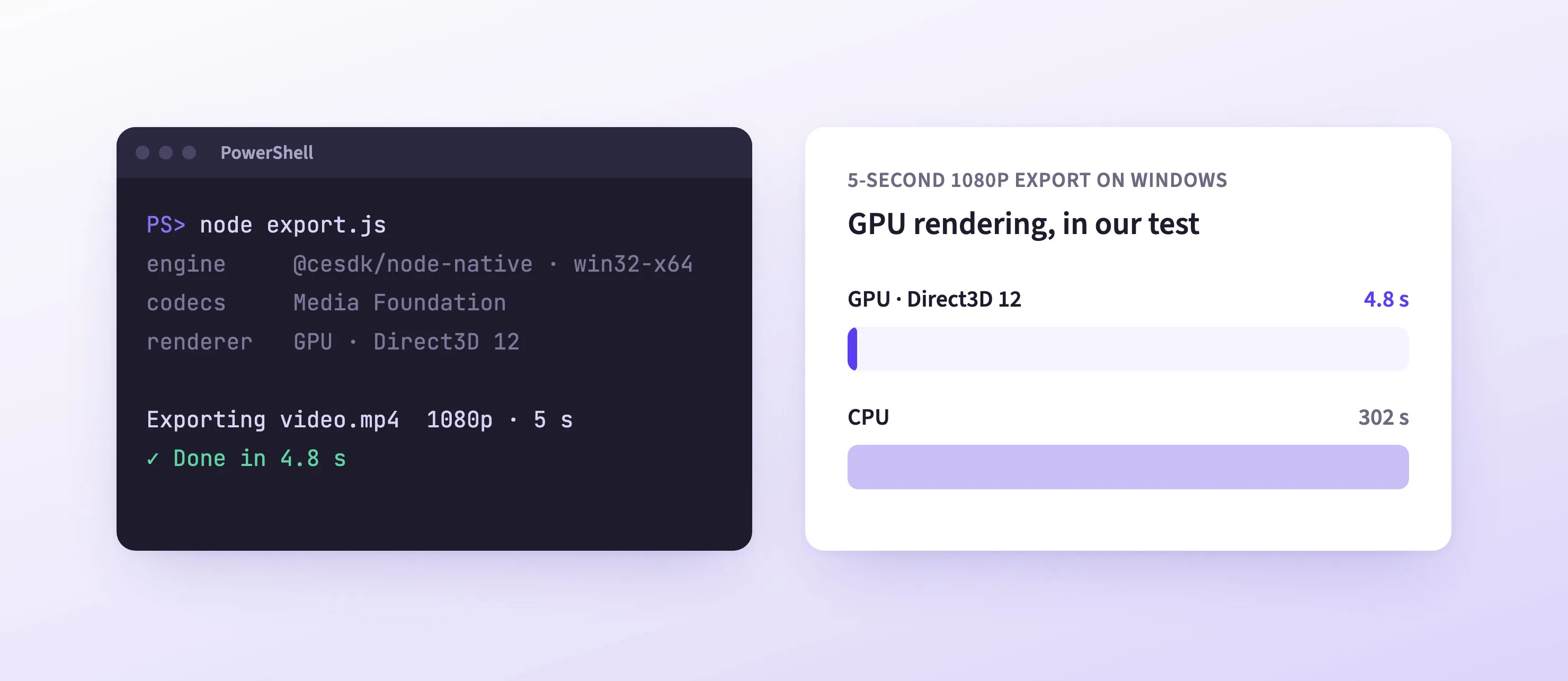
Node Native on Windows now plays, renders, and exports video and audio through Windows’ built-in Media Foundation, with no extra runtime to install. You can also render on the GPU through Direct3D 12. In our test, a 5-second 1080p export with a blur took 4.8 s on an Intel GPU, against 302 s on the CPU.
In Electron, Node Native exports now finish, and on Windows the package loads there too.
Good to know: Windows N editions need the Media Feature Pack. Server Core and Windows Server versions before 2025 have no Media Foundation and use the GStreamer runtime instead.
Polish in the Editor
- Justified text: the web editor’s alignment controls now offer Justify for text and captions.
- Drag to swap images: on iOS and Android, users press and hold an image and drop it on another to swap them. Turn it on with the
dragToSwapFills/enabledsetting; the Design, Photo, Video, Postcard, and Apparel starter kits have it on. - Import progress: importing a large scene or archive on the web shows a progress dialog, and an error dialog if the import fails.
Before You Upgrade
Some behavior changes in v1.85. Each guide below has the migration steps. Flutter and React Native follow the iOS and Android guides.
→ To v1.85: Web
→ To v1.85: Node.js and Node Native
→ To v1.85: iOS and macOS
→ To v1.85: Android
Changelog
All performance improvements, breaking changes, and fixes are in the v1.85.0 changelog.
Thank you for building with IMG.LY.
Join 3,000+ creative professionals who get early access to new features and updates. Subscribe.