



One video template. Thousands of personalized versions
An embeddable creative SDK combining a real video editor, AI generation, and batch rendering in one engine. Your users compose with placeholders, your backend renders the variants.
Trusted by 100+ industry leaders















Integrating IMG.LY’s editor meant we didn’t have to build or maintain a complex editing layer ourselves. That kept our team focused on our core AI ad engine and saved us countless development hours — while still giving our customers the ability to polish and customize creatives at scale.
Hikari Senju
CEO, Omneky

With IMG.LY we built a central creative portal that now powers over 140 dealer campaigns across multiple automotive brands. Before this, asset creation was slow and inconsistent.
Martin Röhr
Product Owner, Digitas

By embedding IMG.LY’s editor we were able to hit key RFP requirements and deliver a template-based creative experience that now serves 1,000+ customers. It helped us win more deals and exceed enterprise expectations without needing to hire dedicated design teams.
Rob Driscoll
Director of PM, Optimizely

Since integrating IMG.LY’s editor, we now deliver 30,000+ ad creatives per month, dramatically shorten time-to-launch, and help our clients cut design spend by up to $10,000 per month.
Logan Welbaum
Founder, Plai

Our customers create over a million personalized postcards each year choosing from over hundreds of templates with IMG.LY’s SDK. It’s the only solution that allows us to build our own specialized, on-brand UI that integrates seamlessly with our platform.
Jeanine Zaalberg
Product Manager, SwissPost

From a developer’s perspective, the most powerful feature of the photo editor is the integration process. It was completely flawless, quick, and easy to integrate.
Stefano Fornari
CTO, Funambol

We compared IMG.LY SDK with other solutions and found that it would be the best fit for us since it provides all the features that are crucial for our use case.
Carem Pereira
SCRUM Manager, HP

Built for teams that need video variants at scale, without a production round per output
Turn every data row into its own video
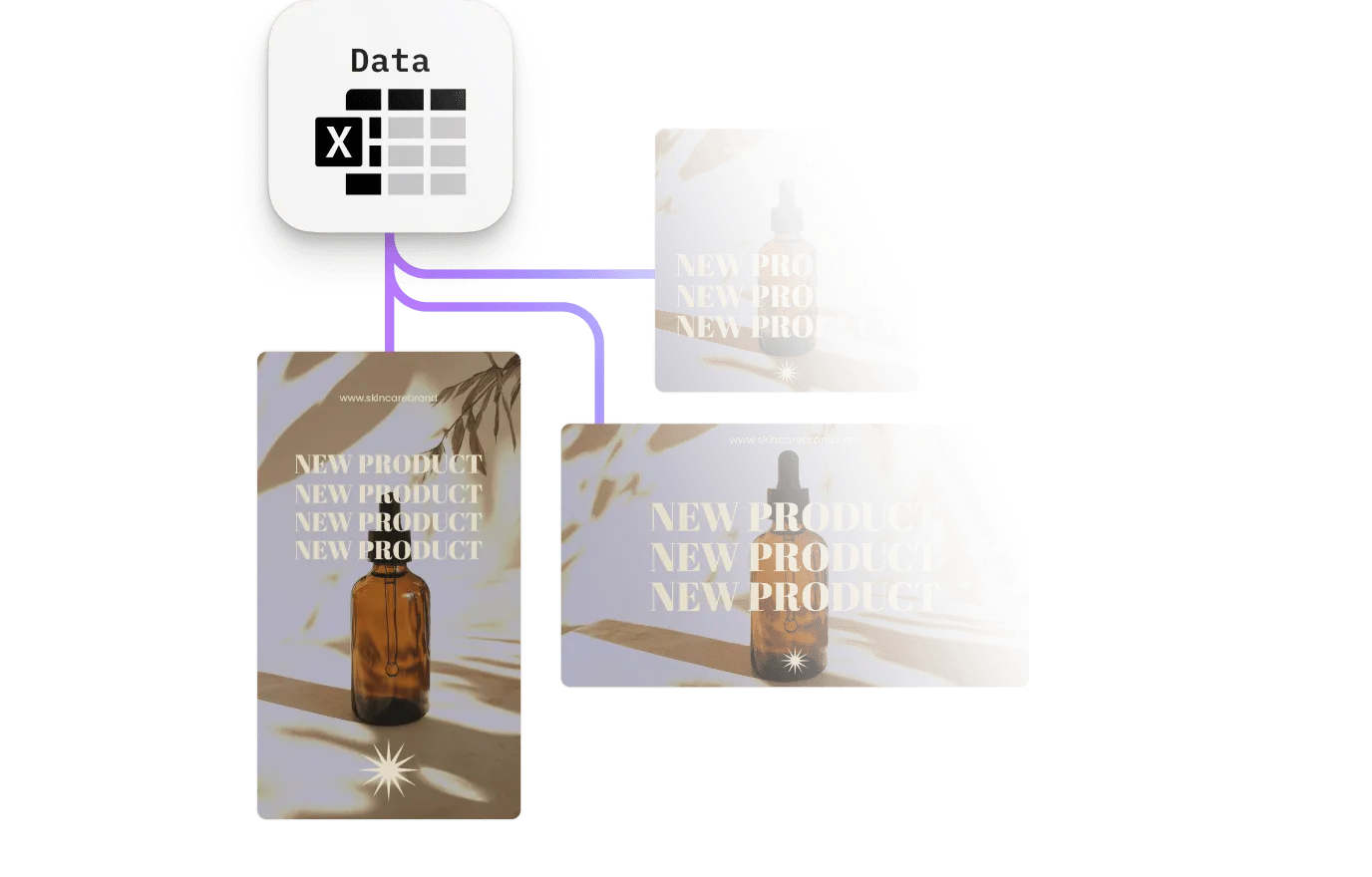
Placeholders and text variables map to feed columns, CRM fields, or an API response and resolve during the render. One template covers every product, market, and language, with no per-variant copy of the file to maintain.
AI generation inside the editor, not beside it
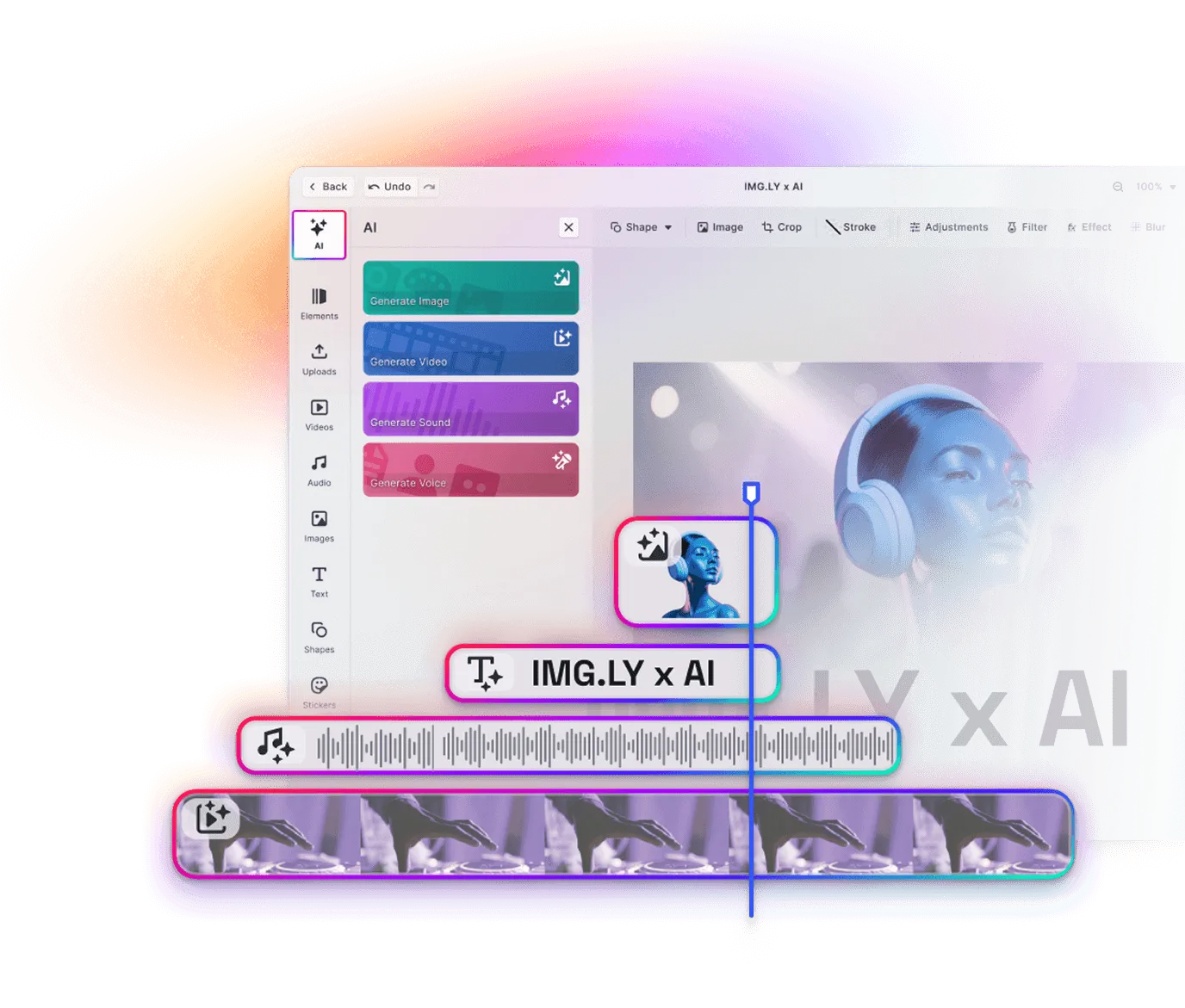
Text-to-image, image-to-image, background removal, and sticker generation run on the same canvas as the timeline and land as editable layers. When an image is missing or a product photo has the wrong background, your users fix it in place instead of leaving for another tool.
Replace three vendors with one engine
The editor your users work in, the AI that generates assets, and the renderer that produces the files are one SDK, not three products stitched together. There is no integration to write between them, and no handoff where formatting or quality can drift.
Key capabilities
For your users
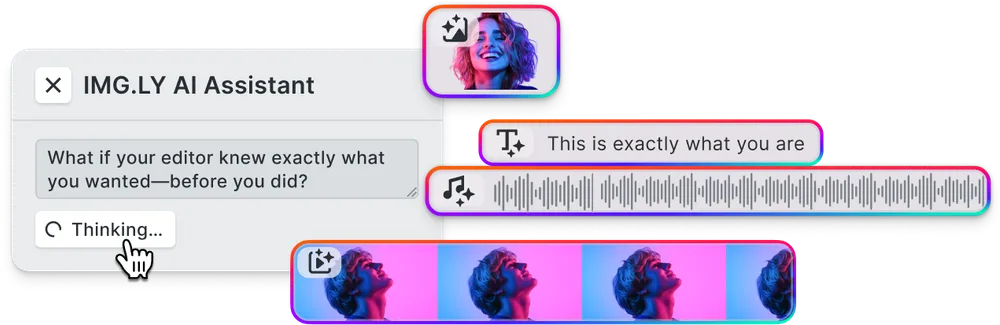
Fill gaps with AI without leaving the editor.
Image-to-video, text-to-video, text-to-speech, and sound generation run in the editor and land on the timeline as real layers. Bring your own model through the AI Gateway.
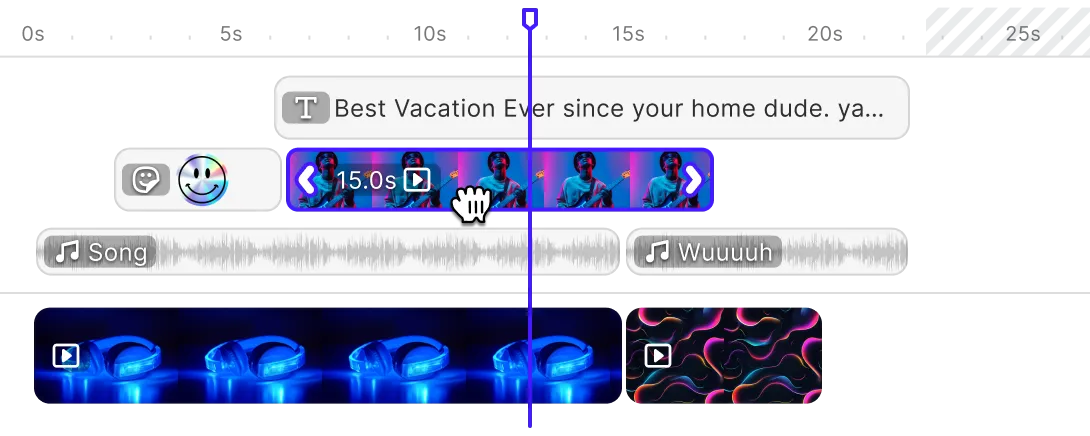
Open any variant on a real timeline.
Multi-track editing, trimming, transitions, animations, and audio mixing on any scene, so a reviewer can fix one output without regenerating a batch.
For your platform
Batch rendering on your own infrastructure.
Scenes go to the CE.SDK Renderer, which runs the same engine in your backend and turns each row into its own MP4.





Text variables that survive the render.
Tag any text element as a variable and bind it to a CRM field, a feed column, or an API response. Auto-scaling text fits whatever length arrives.
Caption tracks and voiceover per market.
Caption tracks and multi-track audio render with the video, and text-to-speech in the editor produces a voiceover per market.




Every channel format from one template.
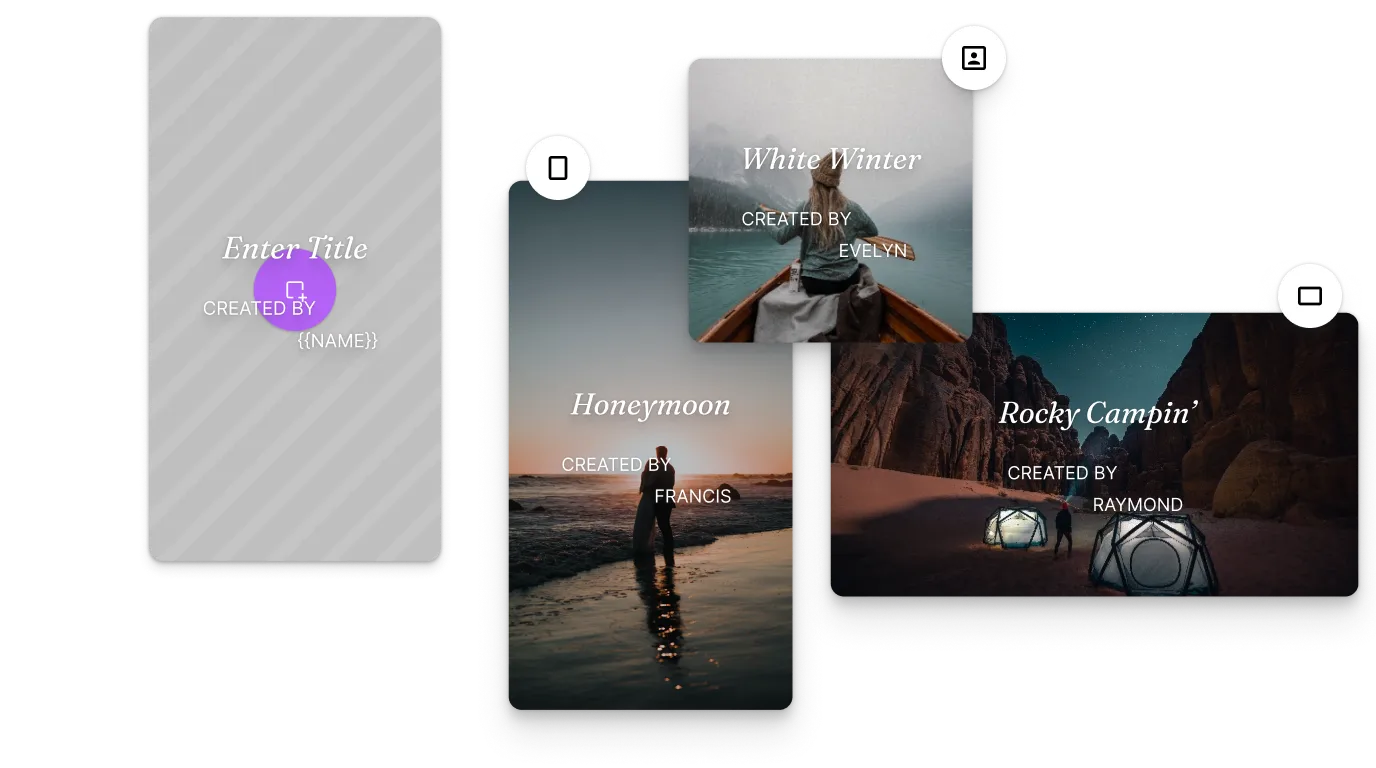
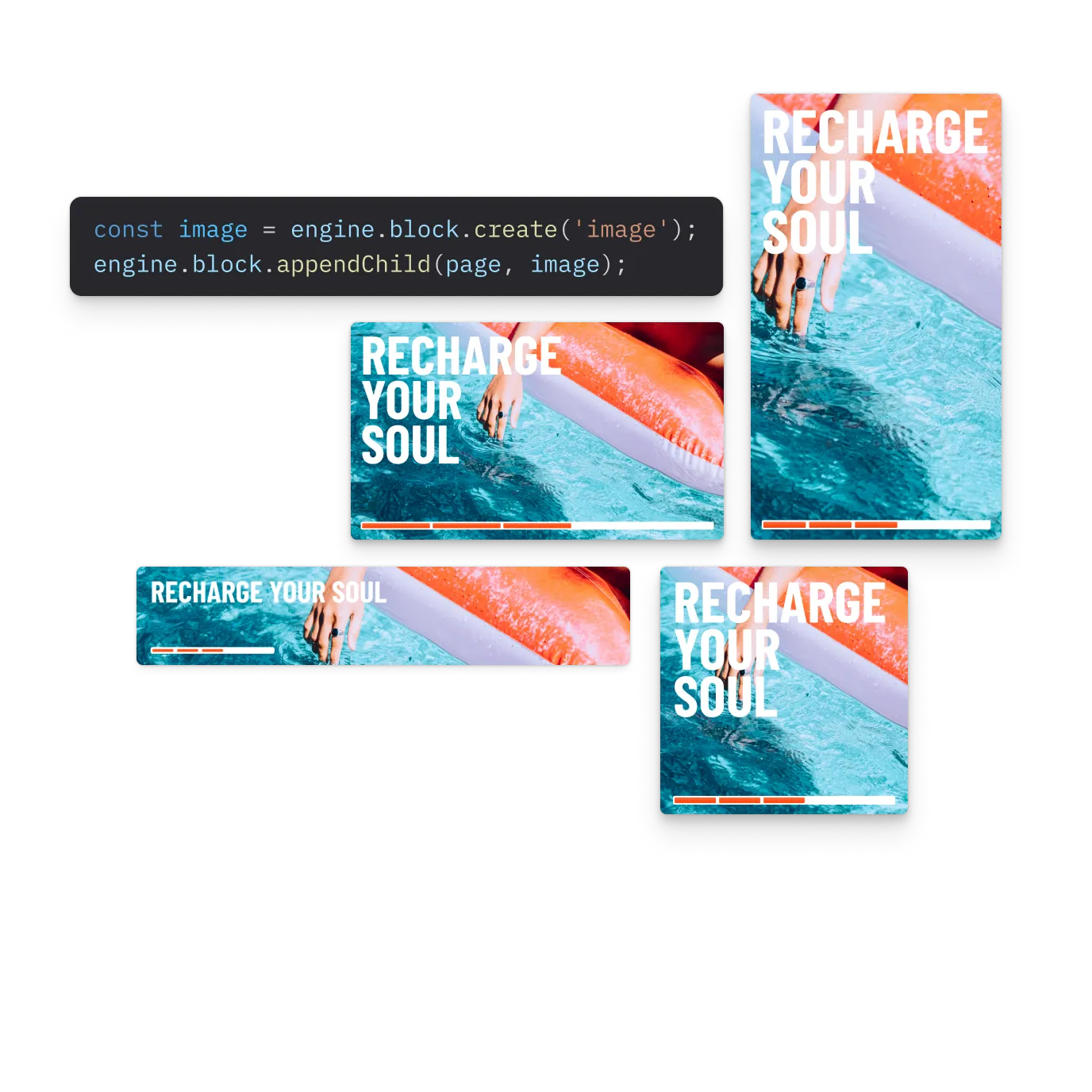
The 16:9 pre-roll, 1:1 feed post, and 9:16 story are not crops of each other. Each is a page size in one scene, with its own layout.

Browse all capabilities
From one data source to thousands of personalized videos
Five steps from a product feed or a CRM export to finished video.
Author the template and mark what varies
A designer builds the video once, locks the intro and the brand frame, and tags the rest as placeholders. Each one carries its own permissions, so a field can be replaceable without being movable or deletable.
Open Video Placeholder Demo
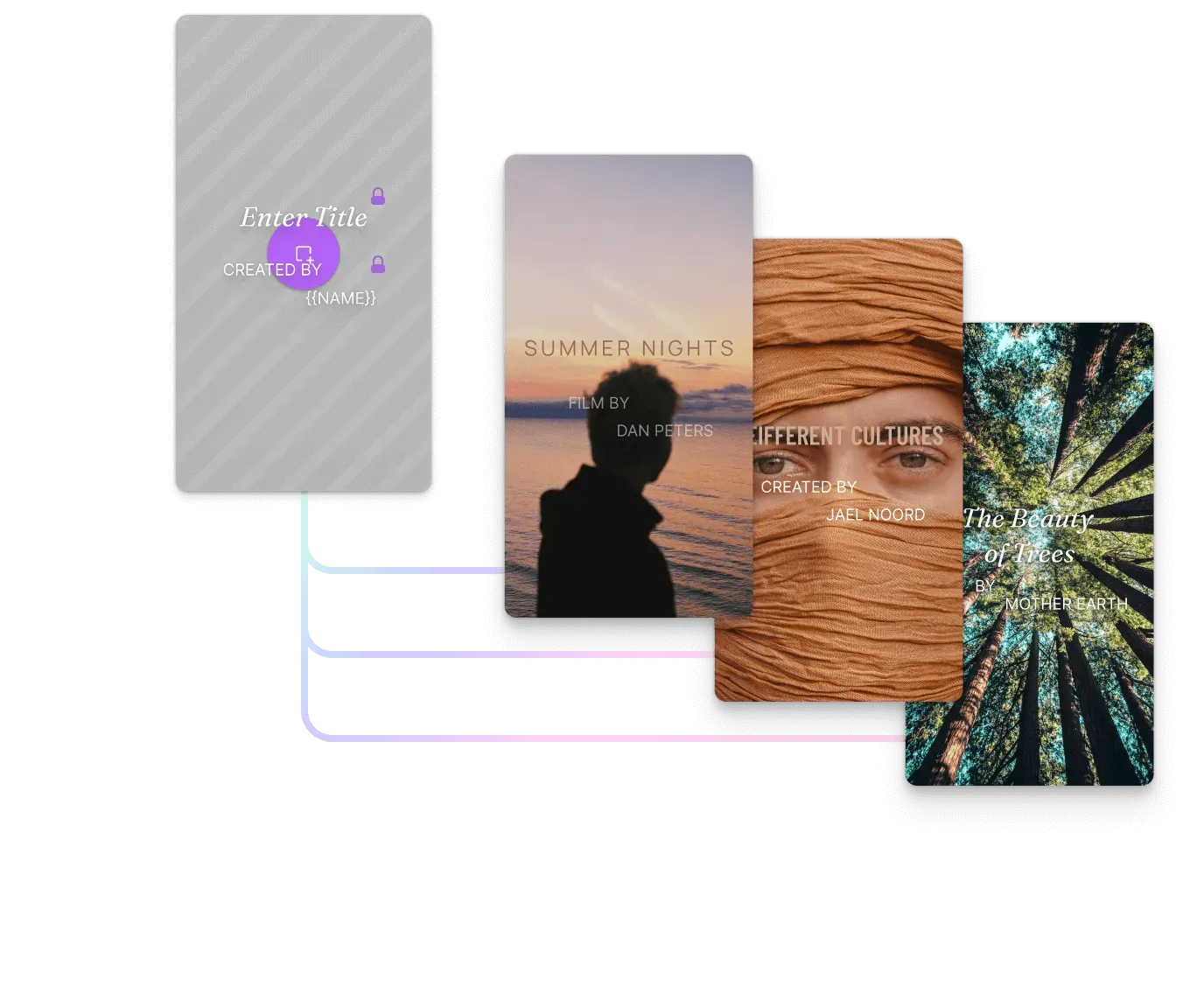
Map the data source onto the template
Bind a product feed or CRM export to the template in your backend, whether it arrives as CSV, JSON, or an API response. Each row becomes its own scene, so four thousand rows now describe four thousand videos.
See Creative Automation
Generate the pieces the feed did not carry
In the editor, image-to-video animates a product photo into a clip, text-to-image creates one the feed never had, and background removal fixes the rest. Text-to-speech generates the voiceover, and each result lands on the timeline as a layer.
Open AI Editor Demo
Render the batch
Each scene renders to its own MP4, with placeholders resolved, text auto-scaled to the copy, and captions rendered alongside. No record needs an editor session, and any output can be reopened as a scene if one needs fixing.
Open Renderer Demo
Fan out every format and market
Formats and caption tracks are template properties, so adding a placement or a market means another render, not another production round. When a price changes or a product sells out, re-render only the affected rows.
Open Automated Resizing Demo
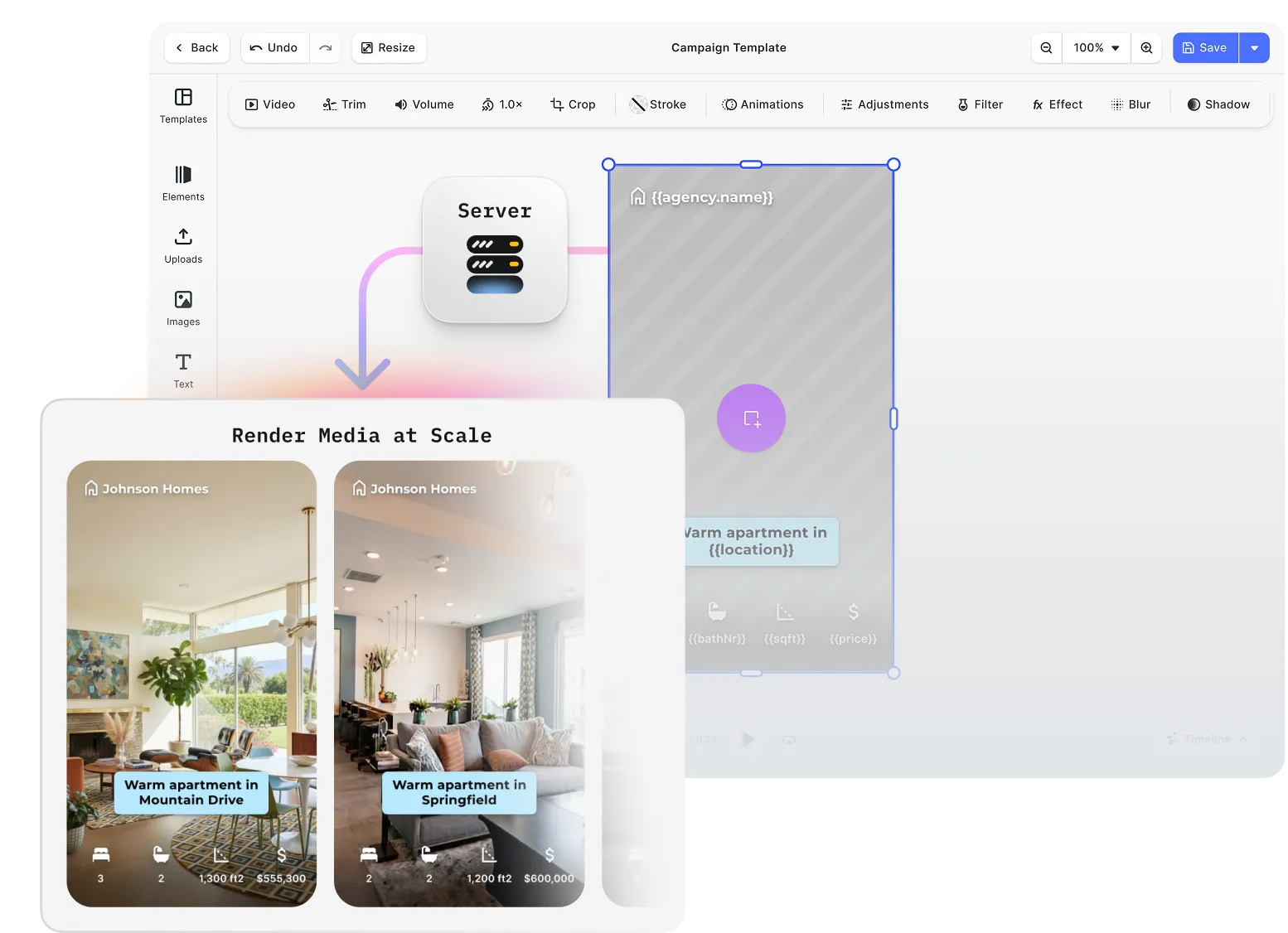
One creative engine across the editor and the render pipeline
Personalized video splits into two jobs: a person composes the template, and a renderer turns it into thousands of variants with nobody watching. IMG.LY runs one engine across both, so the scene approved in the browser is the scene produced in your backend.


Design the template without a separate video suite
Multi-track editing, transitions, animations, and audio produce the template inside your product, on the engine that renders it. No outside suite, no export step.
Automate more than the fields someone tagged
Your backend can add a clip, restyle captions, or move a layer through the document API. No fixed field list to work within.
Thousands of variants, every one still editable
The renderer keeps every output on the template’s locks and layout, and any one reopens in the editor for review. No flattened files.
How Digitas Germany Powers 140+ Dealer Campaigns Across 10 Automotive Brands

140+
campaigns live across 10 brands
600+
dealers creating assets self-serve
6+ mo
of build time avoided
Digitas Germany is a leading digital agency that helps brands build unified, high-impact customer experiences to accelerate business growth.
I showed the project internally to hundreds of colleagues. Everyone wants to use it for other clients. It’s a no-brainer once you see what’s possible.
Digitas Germany

Challenge
Manual, agency-driven campaign production across 9–10 automotive brands, 600+ dealers, and three languages — slow, costly, and dependent on outside teams.
Solution
A self-service campaign portal built on CE.SDK’s template engine, variable system, and server-side rendering. Dealers localize on-brand social, print, and video assets in seconds.
- 6+ months of estimated build time avoided.
- 3× more videos created per active user.
- 85% of videos now created fully in-app.
Why product teams shipping personalized video trust IMG.LY
Customer data never leaves your infrastructure
Personalizing video means putting names, account details, and purchase history into a render job. That job runs in your own environment, on-premise or air-gapped, so the data never leaves it.
Scales from one video to fifty thousand
The same infrastructure serves one customer personalizing a single video and a team generating 50,000 overnight. Adding volume is a scaling decision, not a rebuild.
Re-render only the rows that changed
Prices move, stock runs out, campaign lines get rewritten. Rendering runs on infrastructure you already operate, so refreshing the affected variants is a scheduling decision, not a budget one.
Output correct by construction, not by review
Four thousand thirty-second variants is thirty-three hours of footage, so nobody watches them before they ship. Locked templates and constrained placeholders make correctness structural instead.
More from IMG.LY
Server-Side Video Rendering
Render video at scale in your backend without codec or licensing work.
Personalized video is not judged only by how good the main video looks
It is also judged by how many versions you can ship from it. IMG.LY gives you the editor, the generation, and the renderer in one engine, so a data source goes in and finished, on-brand video comes out. Start with the Video Editor SDK or the docs.
Personalized Video Generation FAQs
Any video where part of the composition changes per recipient, per product, or per audience segment: a name in the opening title, a swapped product clip, a price, a localized caption track. The rest stays fixed, and the same template system covers 1:1 outreach and campaign-scale production.
No. A template author tags the varying elements as placeholders and text variables once, and variants are then produced by the CE.SDK Renderer from your data source. The editor stays available for the cases where a person needs to intervene.
In the editor, on the web. Generation happens at authoring time, one voiceover per market rather than one per row, and the render assembles the right pieces per record. Output lands on the timeline as editable layers, so it can be reviewed before it enters the pipeline.
By the CE.SDK Renderer, which runs the engine natively on your own servers and names personalized video variations as one of the workloads it was built for. Server-side video rendering covers the deployment, GPU, licensing and scaling detail in full.
A rendering API takes a template and a payload and returns finished files, which covers production but not authoring. Here the editor and the renderer run on one engine, so the template is composed inside your own product and a generated variant stays an editable scene rather than a flattened file.
A scene can carry several page sizes at once, so the 16:9, 1:1, 9:16, and 4:5 cuts are laid out per format rather than cropped from a single source. Text auto-scale keeps variable-length copy inside its box, and audio export extracts the voice track to drive captions and translations.
MP4 and MOV containers with H.264 and H.265/HEVC import everywhere, including the server, alongside MP3 and AAC audio. VP8, VP9, and AV1 import on the web. Export produces MP4 with H.264, in the browser or through the Renderer, which also handles images and PDF.
Yes. Beyond the complete CE.SDK documentation, IMG.LY's solutions team offers different levels of support based on your license type. To explore your use case and get started, contact the team directly.