



Advanced Video Editor UI
Our video editor variant for professional creators, grants granular control over the timeline, effects, audio, and client-side MP4 export.
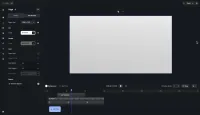
Exploring Advanced Video Editor UI
This Editor is configured with a multi-track timeline and an advanced options sidebar to satisfy professional video editing needs — trimming clips, layering effects and text, and mixing audio.
Add clips from the dock, arrange and trim them on the timeline, then layer in text, stickers and audio. When you’re done, export the finished project to MP4 entirely in the browser.
Exploring Advanced Video Editor UI
This Editor is configured with a multi-track timeline and an advanced options sidebar to satisfy professional video editing needs — trimming clips, layering effects and text, and mixing audio.
Add clips from the dock, arrange and trim them on the timeline, then layer in text, stickers and audio. When you’re done, export the finished project to MP4 entirely in the browser.
Related Demos
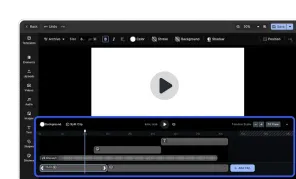
Video Editor UI
Take the VideoEditor for a test run and see how powerful editing features meet seamless and intuitive design. All with fully customizable UI and asset library.
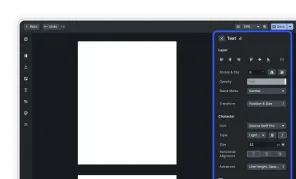
Advanced Editor UI
Our editor variant for professional users, grants granular control over designs.
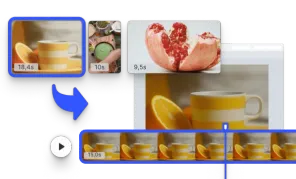
Start with a Video
Initialize the editor with a video matching the page size.
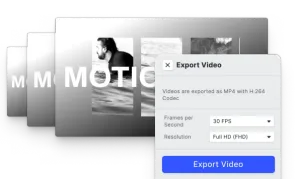
Video Export Options
Choose a suitable Frames per Second option and export videos in SD, HD, FHD, 2K, 4K, or define custom quality.