


Start with a Video
Initialize the editor with a video matching the page size.
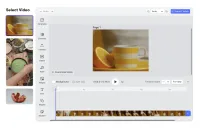
Starting with a Video
Many creative projects kick off with a particular video that a user plans to edit or include in a design.
In these cases, the editor can be directly launched with a video spanning the entire page, eliminating the need for the user to manually upload the video into the editor and adjust its dimensions to fit the page.
The video is automatically selected, and a context menu displays the key video editing options. This puts the user right into the editing process they want.
Starting with a Video
Many creative projects kick off with a particular video that a user plans to edit or include in a design.
In these cases, the editor can be directly launched with a video spanning the entire page, eliminating the need for the user to manually upload the video into the editor and adjust its dimensions to fit the page.
The video is automatically selected, and a context menu displays the key video editing options. This puts the user right into the editing process they want.
Related Demos
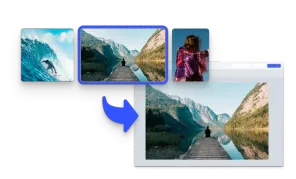
Start with an Image
Initialize the editor with an image matching the page size.
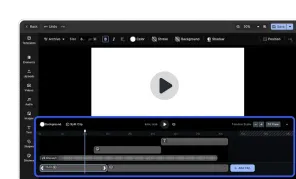
Video Editor UI
Take the VideoEditor for a test run and see how powerful editing features meet seamless and intuitive design. All with fully customizable UI and asset library.
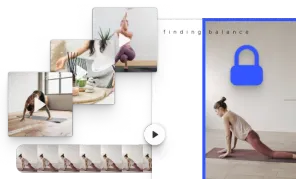
Video Placeholders
Streamline asset production with video placeholders.
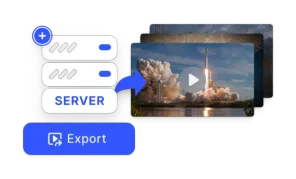
Export using CE.SDK Renderer
The Renderer brings CE.SDK's design engine to your backend—fast, compliant, enterprise-ready export for images, PDFs, and video at scale.