


Start with an Image
Initialize the editor with an image matching the page size.
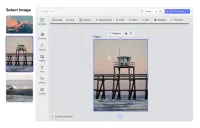
Starting with an Image
Often the starting point for a creative workflow is a particular image a user wants to alter or embed in a design.
In those cases, the editor can be initialized directly with an image filling an entire page instead of requiring the user to load the image into the editor and scale it to the size of the page.
The image is then selected by default and a context menu with the most important image editing options displayed placing the user immediately into the desired editing context.
Starting with an Image
Often the starting point for a creative workflow is a particular image a user wants to alter or embed in a design.
In those cases, the editor can be initialized directly with an image filling an entire page instead of requiring the user to load the image into the editor and scale it to the size of the page.
The image is then selected by default and a context menu with the most important image editing options displayed placing the user immediately into the desired editing context.
Related Demos
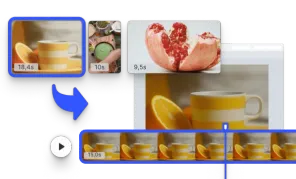
Start with a Video
Initialize the editor with a video matching the page size.
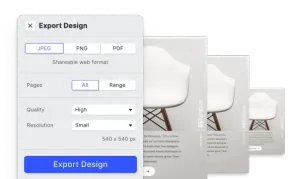
Design Export Options
Export designs in JPG, PNG, or PDF with custom quality, page ranges, and dimensions using CE.SDK's advanced export features.
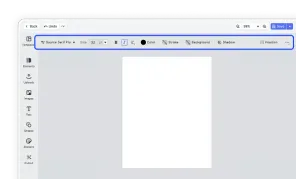
Design Editor UI
Our easy to use editor variant focused on layout, text, and images is ideal for adapting existing templates.