



Give website builder users real creative freedom, without losing control
An embeddable creative SDK that lets non-designers build professional-looking sites, while layouts, performance, and structure stay stable.
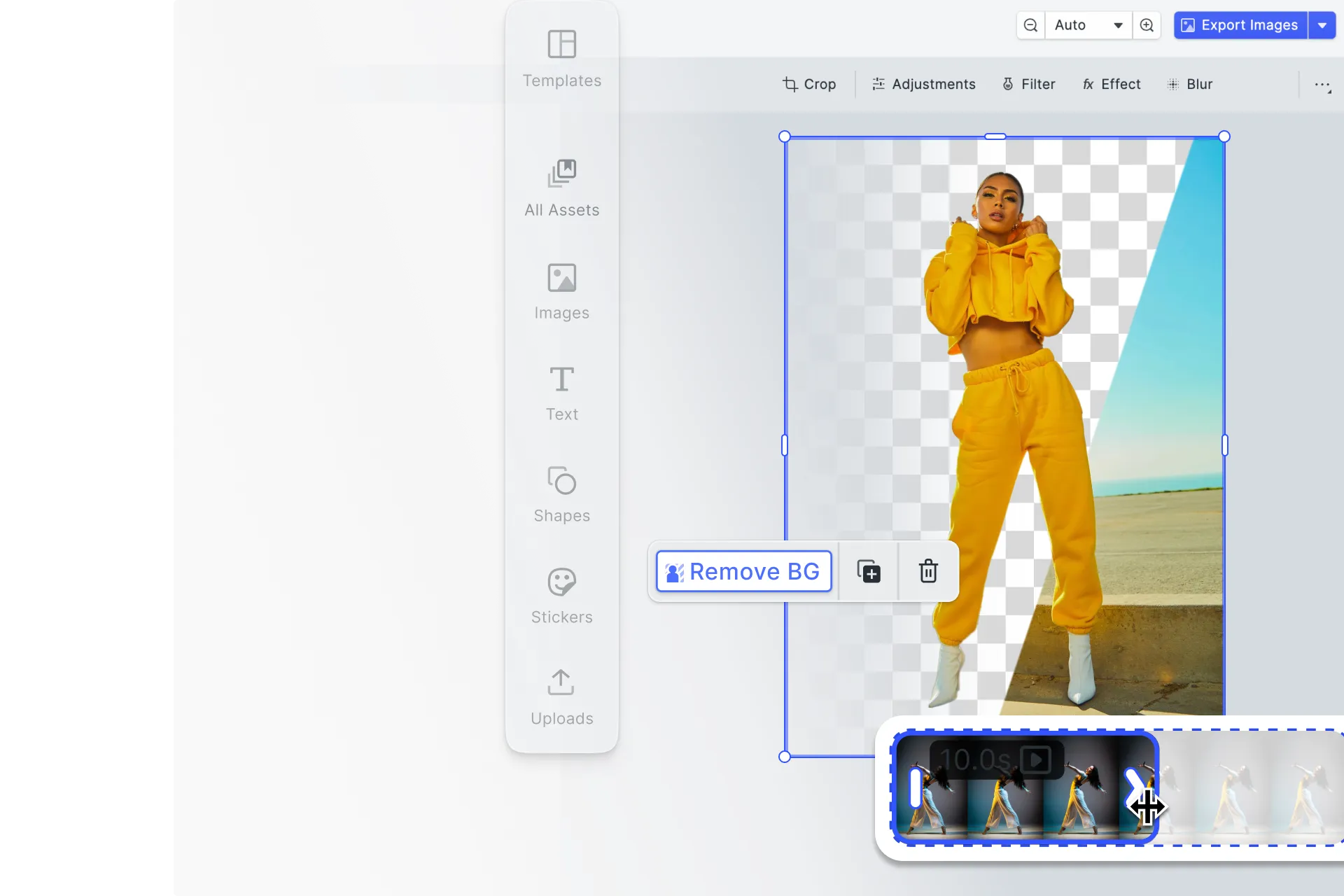
Built for website builders that need to scale creative freedom
Turn site assets into reusable starting points
Help users create headers, banners, product images, and page visuals faster with templates instead of starting from scratch.
Make creation accessible to non-designers
Most website builder users are not designers. They need guided editing experiences with sensible defaults that help them get to a professional result without making the wrong choices.
Embed a creative layer without building one in-house
Add a production-ready editor to your builder without spending months building and maintaining editing infrastructure yourself.
Trusted by leading platforms for site-building workflows














Integrating IMG.LY’s editor meant we didn’t have to build or maintain a complex editing layer ourselves. That kept our team focused on our core AI ad engine and saved us countless development hours — while still giving our customers the ability to polish and customize creatives at scale.
Hikari Senju
CEO, Omneky

With IMG.LY we built a central creative portal that now powers over 140 dealer campaigns across multiple automotive brands. Before this, asset creation was slow and inconsistent.
Martin Röhr
Product Owner, Digitas

By embedding IMG.LY’s editor we were able to hit key RFP requirements and deliver a template-based creative experience that now serves 1,000+ customers. It helped us win more deals and exceed enterprise expectations without needing to hire dedicated design teams.
Rob Driscoll
Director of PM, Optimizely

Since integrating IMG.LY’s editor, we now deliver 30,000+ ad creatives per month, dramatically shorten time-to-launch, and help our clients cut design spend by up to $10,000 per month.
Logan Welbaum
Founder, Plai

Our customers create over a million personalized postcards each year choosing from over hundreds of templates with IMG.LY’s SDK. It’s the only solution that allows us to build our own specialized, on-brand UI that integrates seamlessly with our platform.
Jeanine Zaalberg
Product Manager, SwissPost

From a developer’s perspective, the most powerful feature of the photo editor is the integration process. It was completely flawless, quick, and easy to integrate.
Stefano Fornari
CTO, Funambol
We compared IMG.LY SDK with other solutions and found that it would be the best fit for us since it provides all the features that are crucial for our use case.
Carem Pereira
SCRUM Manager, HP

How ImageBank X Added In-Platform Photo & Video Editing in Days

15 → 2 min
time to create a branded PowerPoint slide
Days
to integrate IMG.LY SDKs — not months
Zero
brand drift via locked fonts, logos, placement
ImageBank X by Mediasignal is a cloud-native digital asset management platform built for marketing teams — a modern, self-service workspace with AI-powered search and seamless integrations.
The placement tool in the photo editor is so much easier. I can get it done in seconds, instead of spending 10 minutes trying to figure out placement.
ImageBank X
Challenge
Marketing teams needed quick, brand-compliant editing inside their DAM — without jumping to desktop software or risking design inconsistencies across regions.
Solution
Integrated IMG.LY’s photo and video editor SDKs with locked-down fonts, logos, and placement rules — enabling in-browser editing that enforces brand guidelines automatically.
- Branded slide creation dropped from 15 minutes to 2 minutes.
- Integration shipped in days instead of months.
- Brand guidelines stay enforced automatically across regions.
Key capabilities
Everything needed to embed structured, self-service content creation into your website builder.
For your users

For your platform
Multi-format export pipeline.
Propagate changes across multiple formats in a single operation, blog image, social preview, and hero shot updated at once via the editor API.




One engine, every framework.
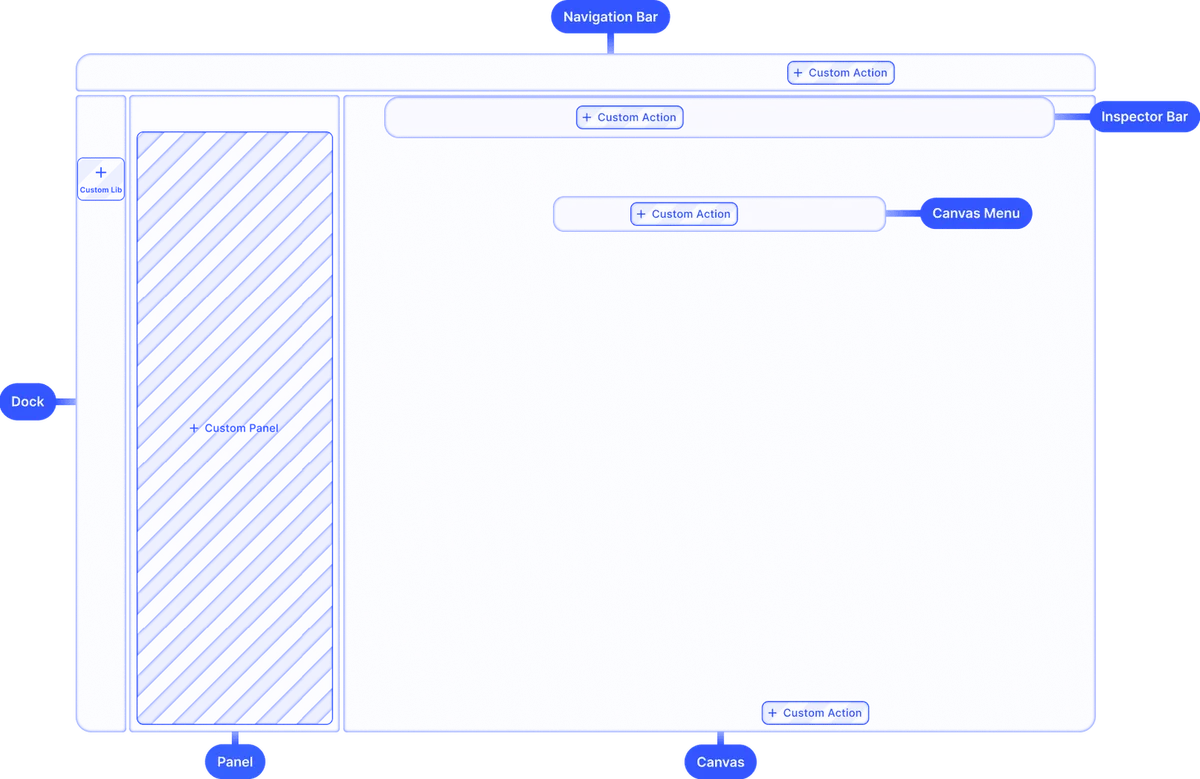
Web (React, Angular, Vue, Next.js, Svelte), iOS, Android, React Native, Flutter, macOS, Electron, same engine, consistent behaviour wherever your builder runs.
Browse all capabilities
One creative engine across devices
Website builders run on desktop, tablet, and mobile. IMG.LY uses one shared engine across all of them, with consistent editing behaviour and output wherever users create. The same engine is scriptable for automated layout and asset updates, and exposes the same surface to AI agents, so a generated section is a real editable scene a creator can pick up in the UI (and vice versa).


Format-aware layouts
Canvas dimensions and layout constraints adapt to the device and context, no manual reformatting required.
No duplicated brand logic
Define fonts, colours, and locks once, they apply consistently whether users create on desktop or mobile.
Consistent rendering everywhere
The same engine powers web, iOS, Android, and desktop, output looks identical across every surface.
From integration to live content editor in days
Most teams get a working editor running with just a few lines of code. Here’s what a full integration looks like.
Set up with Starter Kits
Pick a framework-specific starter kit for React, Vue, Angular, Next.js, or mobile and get a working editor running with minimal configuration.
Configure your editor
Customise the toolbar, apply your brand theme, set up asset libraries, and define which features your users can access.
Add templates and presets
Create lockable design templates, define editing presets, and add your own asset libraries, fonts, stickers, overlays, and filters.
Ship to production
Test across your target platforms and frameworks, then go live. Our solutions team is available throughout integration.
What every website builder requires
Website builders win when users feel creative, without putting stability at risk.
Non-designers hit creative limits
Most builder users want to design beyond blocks and presets, custom layouts, polished visuals, real text and image work. The moment defaults stop matching the page they are building, the editor needs to take over.
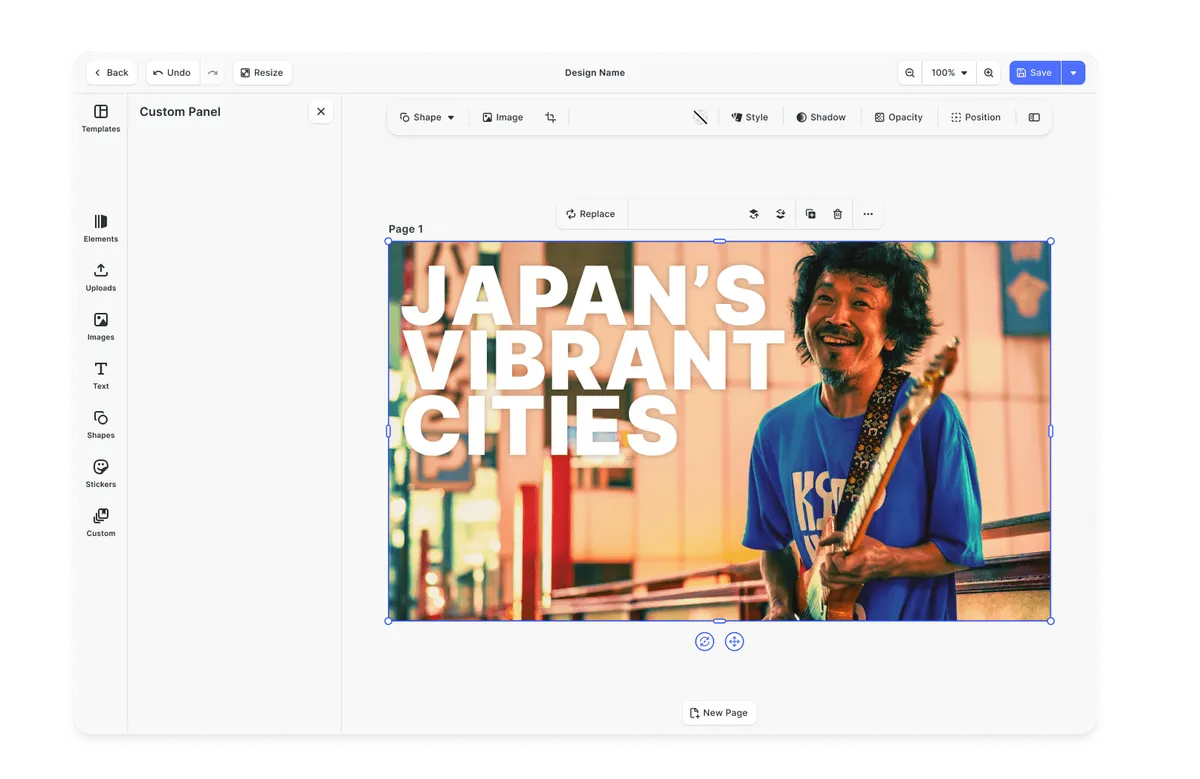
Design Editor UI
Tool-switching breaks momentum
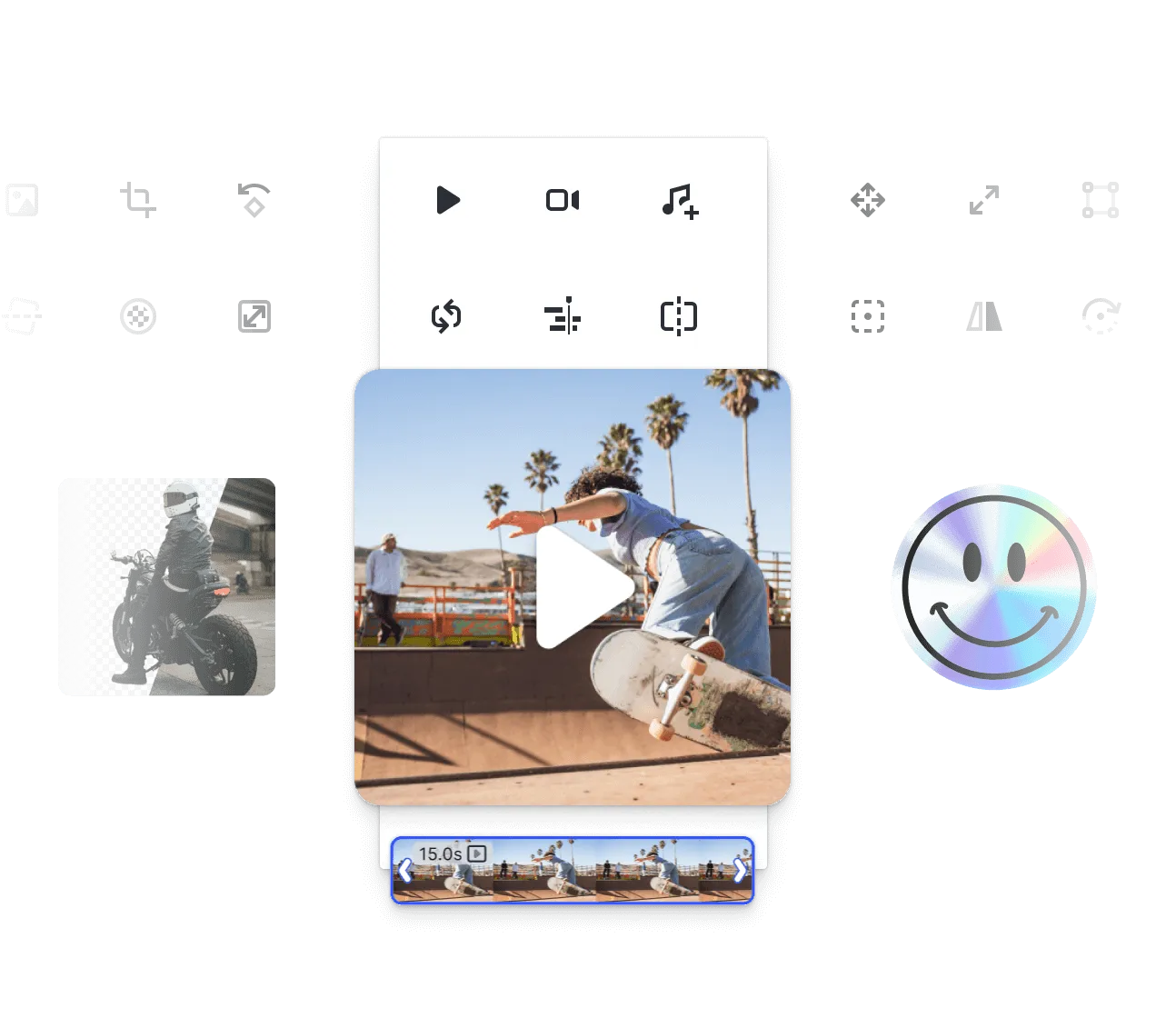
Leaving the builder to crop a photo, remove a background, or trim a video breaks the creative session. Drop-off, file-juggling, and inconsistent results follow, and the builder gets blamed for the friction.
Photo Editor UI
Too much freedom breaks layouts
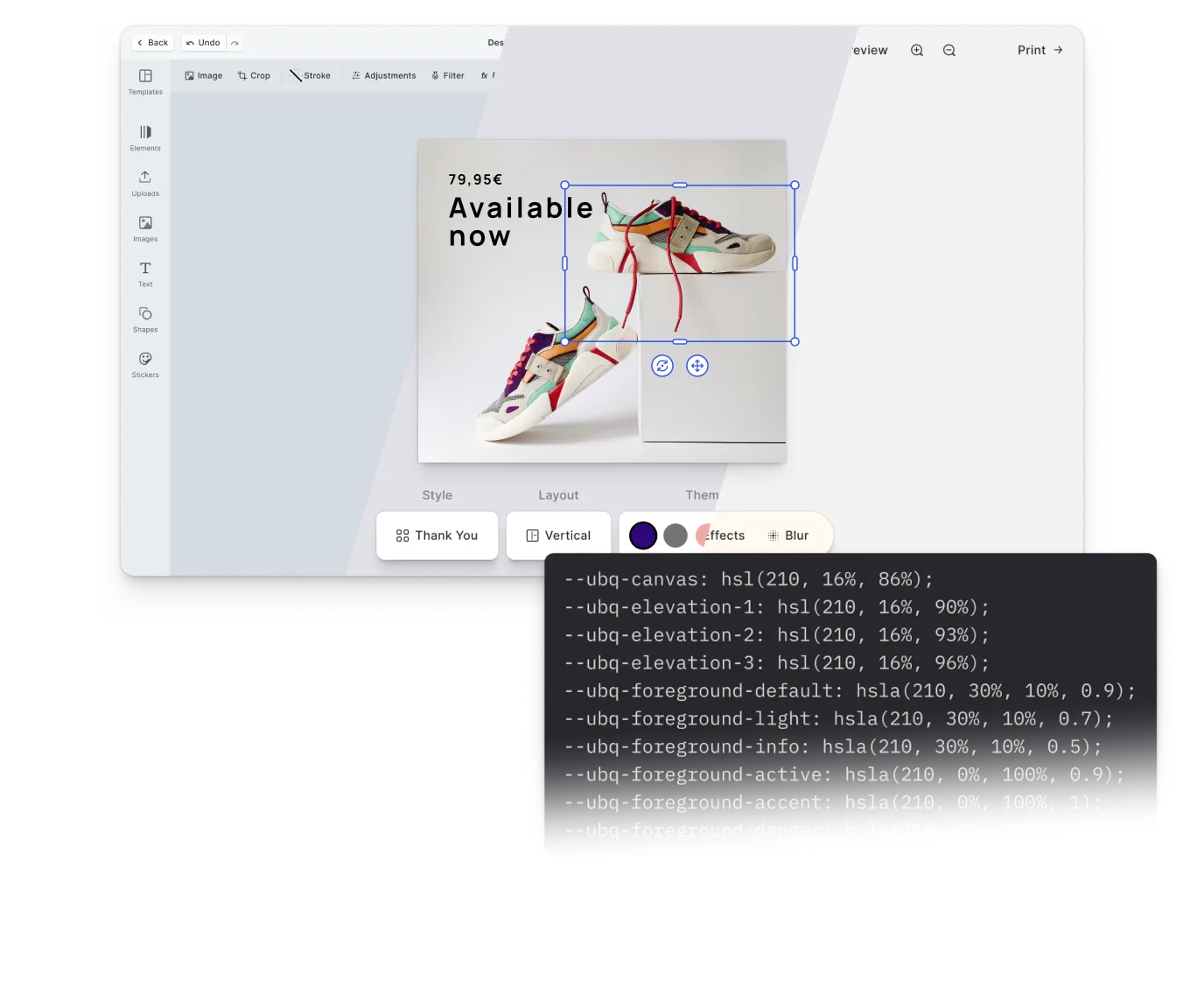
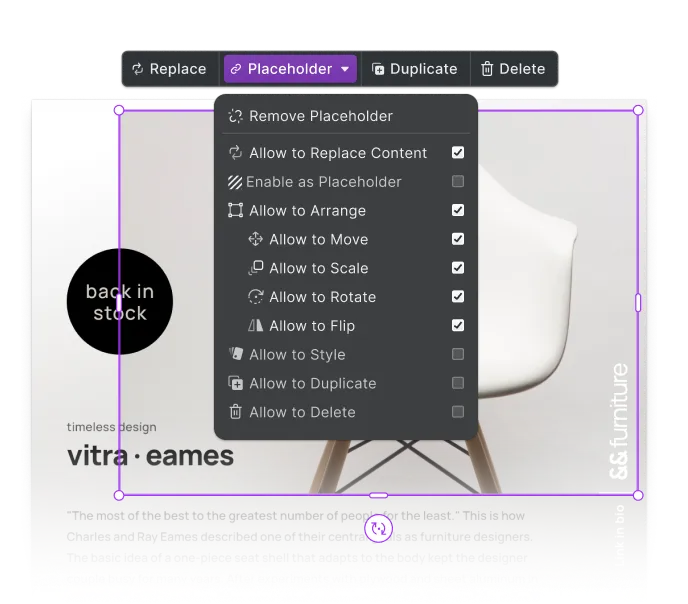
When users can change anything inside the editor, layouts collapse, responsive behaviour breaks, and visual consistency disappears. The strongest builders define which elements users can change and which must stay fixed.
Product Editor UI
AI without structure reduces trust
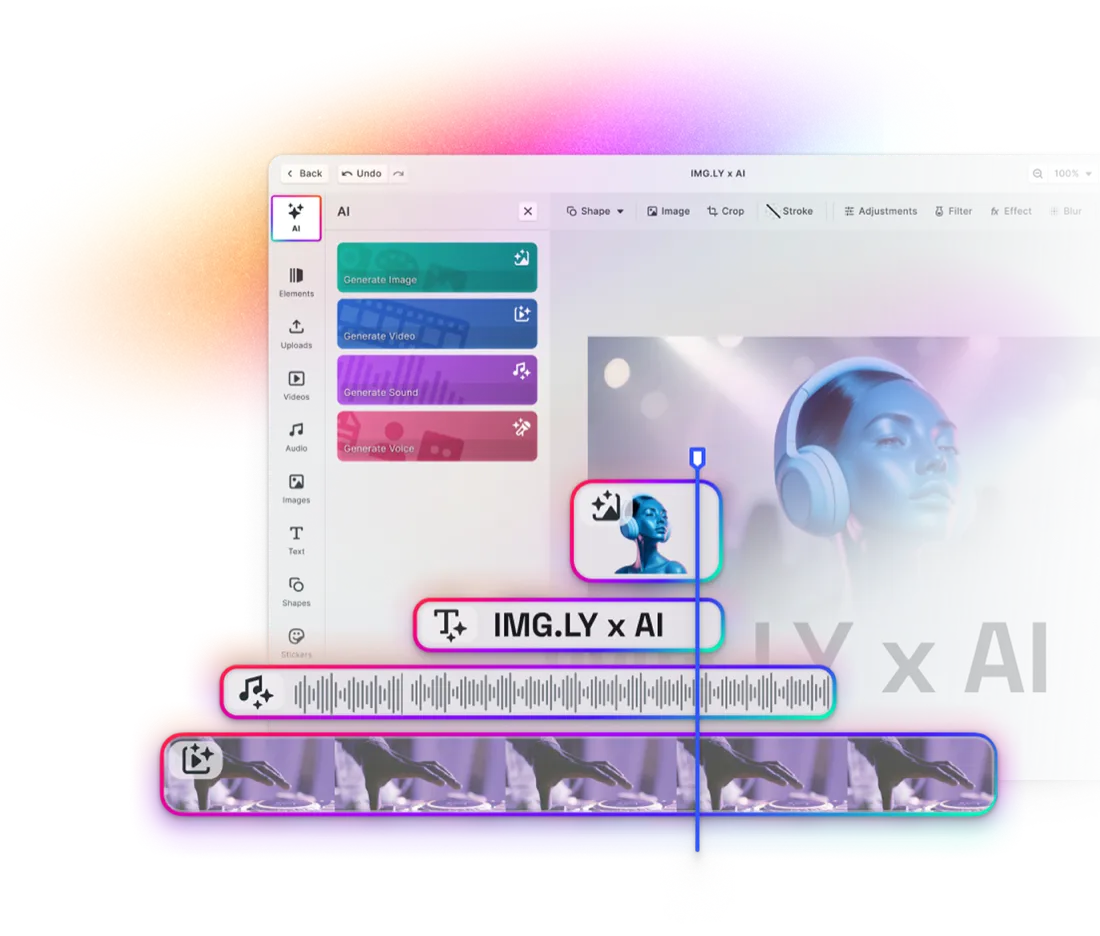
AI output that lands as a finished asset, outside the editing context, leaves users either accepting it or starting over. They want to refine, recompose, and integrate the result, not gamble on a one-shot generation.
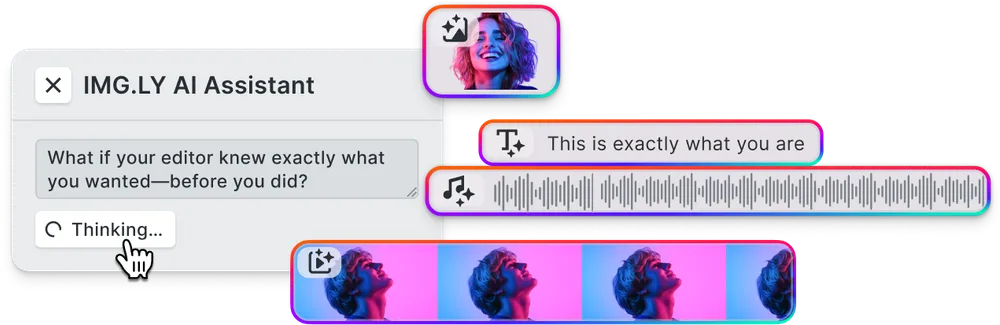
AI-Powered Editing
Visual editing for non-designers
Non-designers do not want a simplified editor, they want a usable one. The right experience exposes meaningful design controls, hides advanced complexity, and guides users toward outcomes that look professional without training.
Design Editor UI
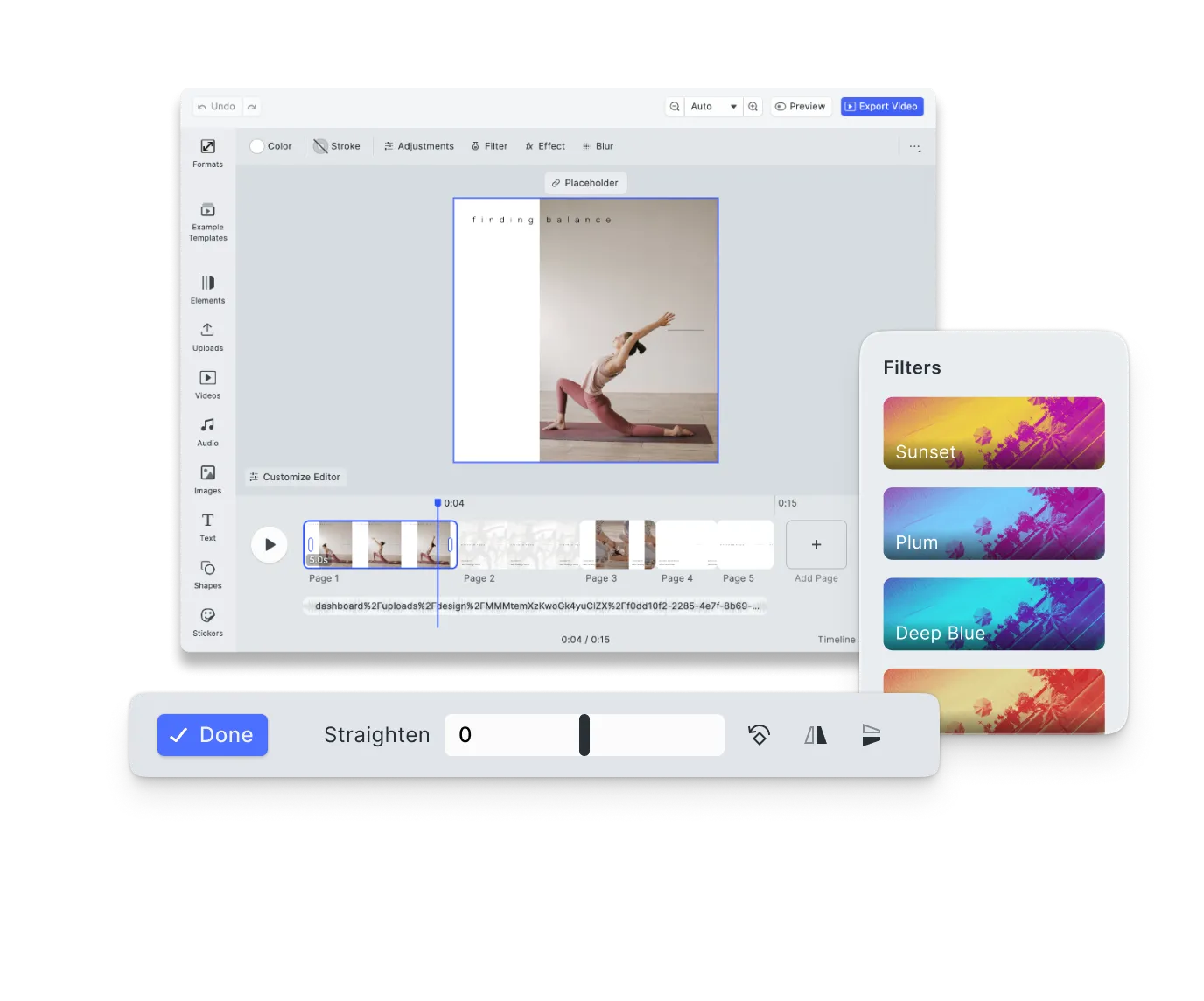
Reusable templates and structured generation
Builders increasingly need many variants of the same content, page covers, section headers, alternate aspect ratios, without users rebuilding from scratch each time. Reusable templates and structured automation make that practical at scale.
Template-based Editing
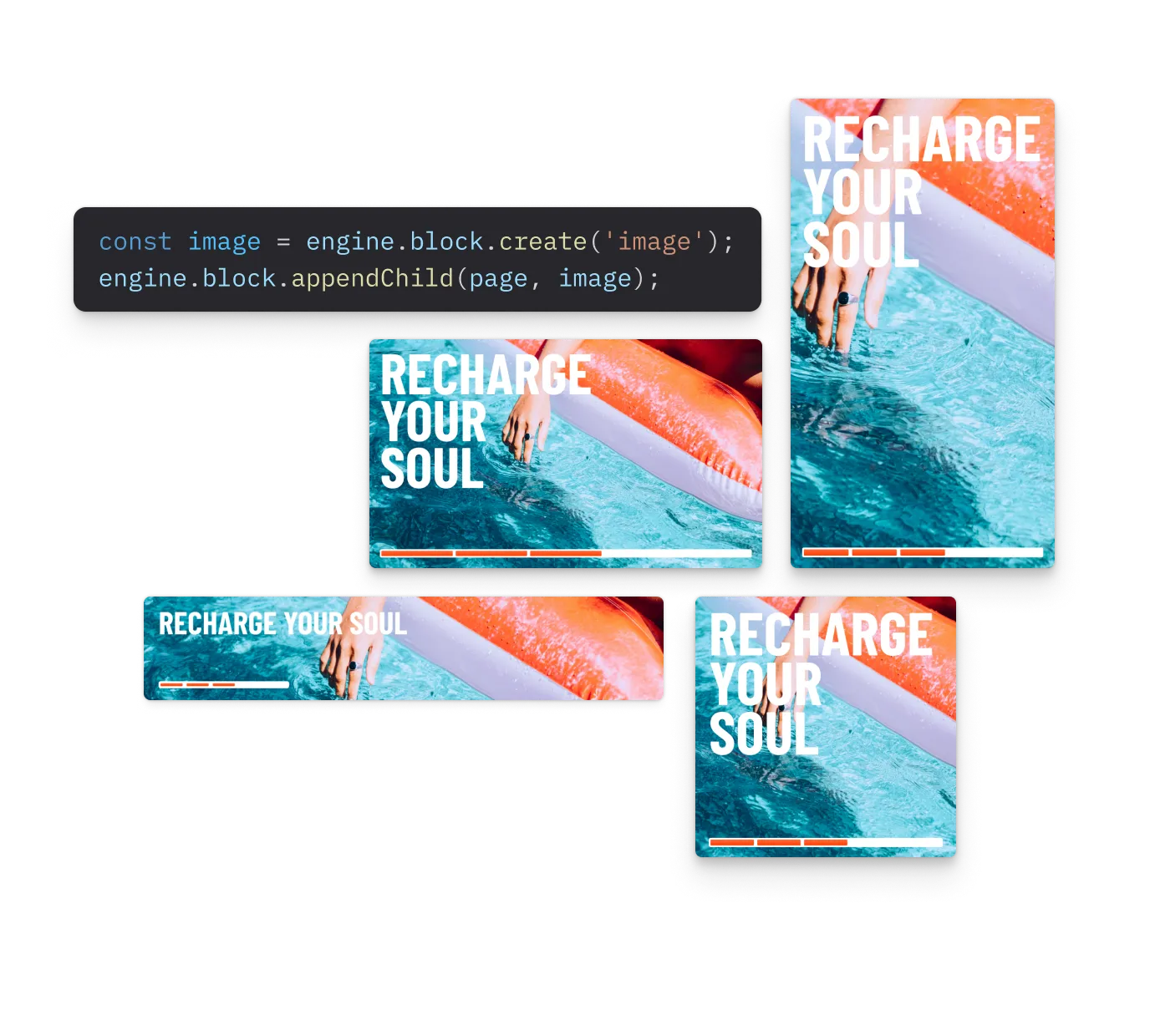
Website builders create more value when users can design, adapt, and publish inside the builder, without ever leaving the workflow.
Why website builder teams trust IMG.LY
Built for non-designer adoption
Website builder users are not designers, IMG.LY is built around that assumption, with guided editing, constrained templates, and configurable toolbars that make professional results accessible without training.
Faster to production, lower build burden
Teams can embed a production-ready creative layer in days rather than building and maintaining editing infrastructure in-house, freeing engineering resources for core product work.
Ready for everything modern sites need
Design editing, photo tools, background removal, video, and AI generation are all available in one SDK, no stitching together separate libraries as your product requirements grow.
One engine across platforms and frameworks
The same SDK runs on web, iOS, Android, macOS, and Electron, with support for React, Vue, Angular, Next.js, Flutter, and more, consistent rendering and behaviour wherever your builder is used.
More from IMG.LY
Website builders are no longer judged only by how well they publish content
They are also judged by how easily users can create it. IMG.LY helps you embed that creation layer directly into your builder, with templates, in-app photo and video editing, structured AI tools, and one creative engine across every surface your users build on.
Website Builder FAQs
The editor is designed to feel familiar to anyone who has used a modern app. Toolbar layouts are fully configurable, so builders can expose only the tools relevant to their users. Lockable designs and guided placeholders further reduce the decisions a non-designer needs to make, keeping creation fast and outcome-predictable.
IMG.LY supports lockable design templates and placeholder zones that define exactly what users can and cannot change. Builders can lock structural elements, spacing, fonts, colour zones, while leaving personalisation fields open. Layout integrity stays intact regardless of what the user does inside the editor.
Yes, every AI output is placed as an editable layer inside the editor. Users can resize, reposition, replace, or delete any AI-generated element. Generation feeds directly into the same editing environment, so there's no separate AI interface or uncontrolled output landing in the builder.
Yes. IMG.LY's SDK runs on web (React, Angular, Vue, Next.js, Svelte), iOS, Android, React Native, Flutter, macOS, and Electron. The same engine powers all surfaces, ensuring consistent rendering and behaviour wherever your users build.
For the tasks most website builder users actually perform, photo adjustments, background removal, format resizing, adding text and overlays, yes. The editor covers the full workflow in-app, including client-side background removal with no server cost. Builders can expose the relevant subset of tools through toolbar configuration for users who need more advanced workflows.
Yes. Beyond the complete CE.SDK documentation, IMG.LY's solutions team offers different levels of support based on your licence type. To explore your use case and get started, contact the team directly.