


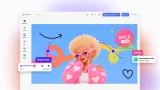
Print-ready packaging design, inside your storefront
An embeddable design editor your customers work in, exporting PDF/X with CMYK on vector and text, named spot colors, and die-cut paths.
Trusted by 100+ industry leaders














Integrating IMG.LY’s editor meant we didn’t have to build or maintain a complex editing layer ourselves. That kept our team focused on our core AI ad engine and saved us countless development hours — while still giving our customers the ability to polish and customize creatives at scale.
Hikari Senju
CEO, Omneky

With IMG.LY we built a central creative portal that now powers over 140 dealer campaigns across multiple automotive brands. Before this, asset creation was slow and inconsistent.
Martin Röhr
Product Owner, Digitas

By embedding IMG.LY’s editor we were able to hit key RFP requirements and deliver a template-based creative experience that now serves 1,000+ customers. It helped us win more deals and exceed enterprise expectations without needing to hire dedicated design teams.
Rob Driscoll
Director of PM, Optimizely
Since integrating IMG.LY’s editor, we now deliver 30,000+ ad creatives per month, dramatically shorten time-to-launch, and help our clients cut design spend by up to $10,000 per month.
Logan Welbaum
Founder, Plai

Our customers create over a million personalized postcards each year choosing from over hundreds of templates with IMG.LY’s SDK. It’s the only solution that allows us to build our own specialized, on-brand UI that integrates seamlessly with our platform.
Jeanine Zaalberg
Product Manager, SwissPost

From a developer’s perspective, the most powerful feature of the photo editor is the integration process. It was completely flawless, quick, and easy to integrate.
Stefano Fornari
CTO, Funambol

We compared IMG.LY SDK with other solutions and found that it would be the best fit for us since it provides all the features that are crucial for our use case.
Carem Pereira
SCRUM Manager, HP

Built for platforms that need to scale packaging design
Turn product formats into reusable starting points
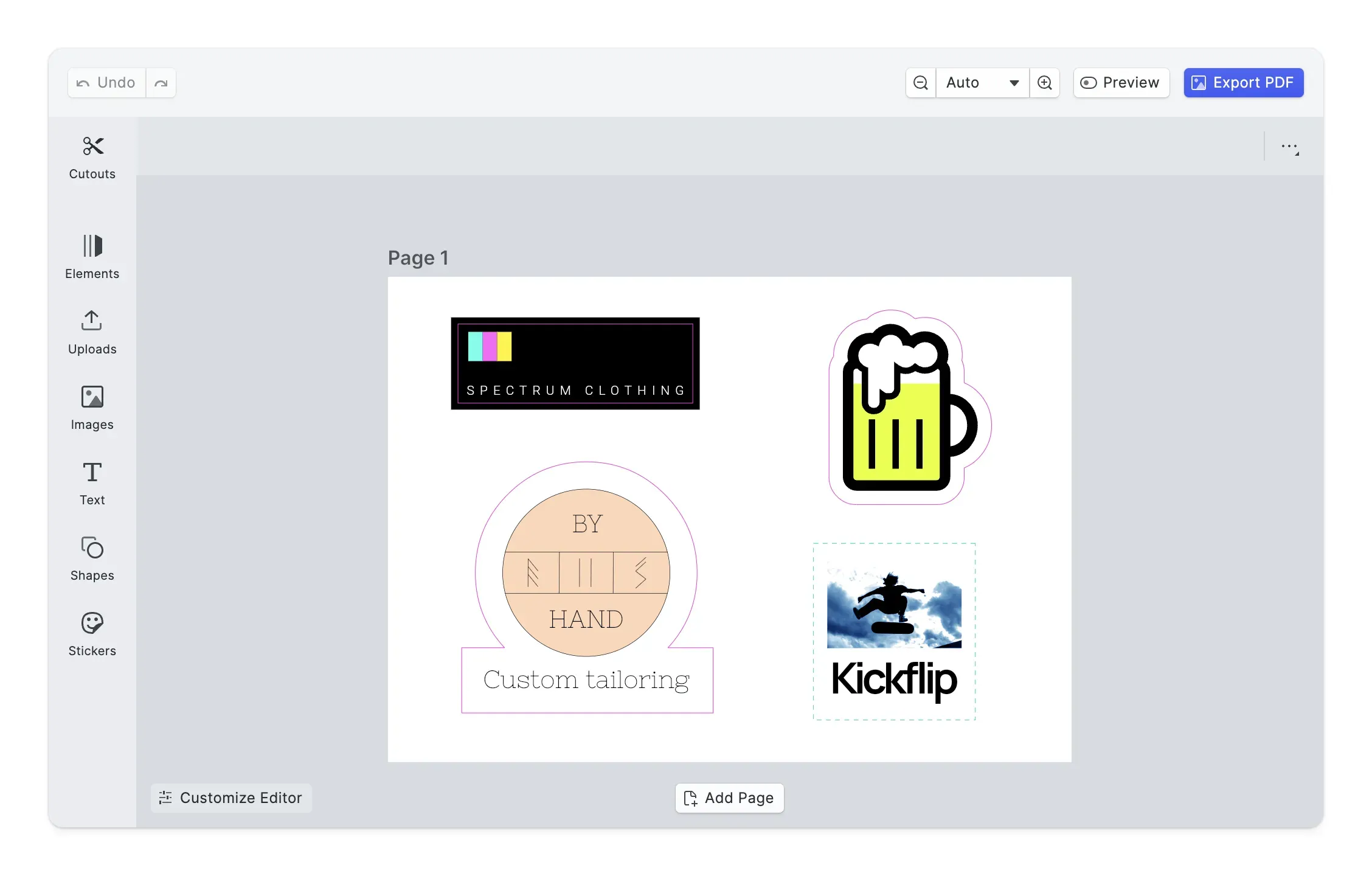
Labels, stickers, and flat pack artwork become locked templates your users start from, instead of a blank canvas.
Catch production errors before the press does
Bleed and trim live on the template. Validation checks you adapt run while the user designs, so files reach your printer on spec.
Embed a packaging editor without building one
Add a production-ready design layer to your storefront without spending months on templating, color management, and export tooling.
Key capabilities
Everything needed to embed production-safe packaging design into your platform.
For your users
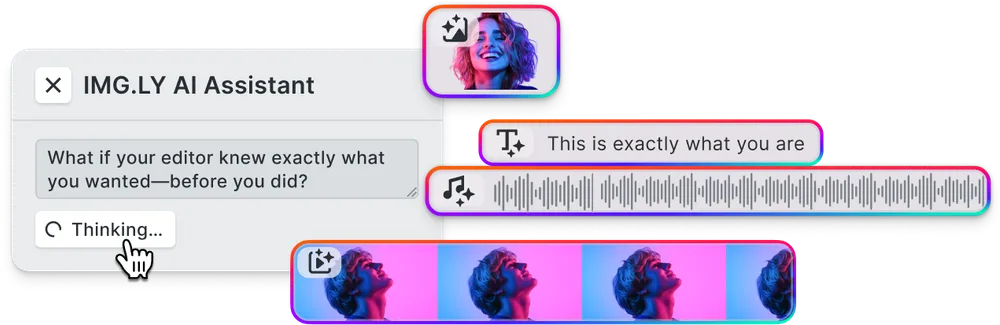
AI that respects the cut.
Generated artwork lands as an editable layer, so a user can reposition and resize it rather than accept a flat result.
Brand rules on every format.
Fonts, colors, and logo placement carry across formats, so every item in a range stays recognizably the same product line.
For your platform
Print-ready export pipeline.
PDF/X output with CMYK preserved on vector and text, named spot colors, and CutContour paths a cutting printer reads directly.




Personalized runs from your data.
Bind copy and imagery to a data source and render thousands of variants server side, without a browser session per record.
Browse all capabilities
How to integrate the packaging editor
Four steps from a storefront product page to press-ready output.
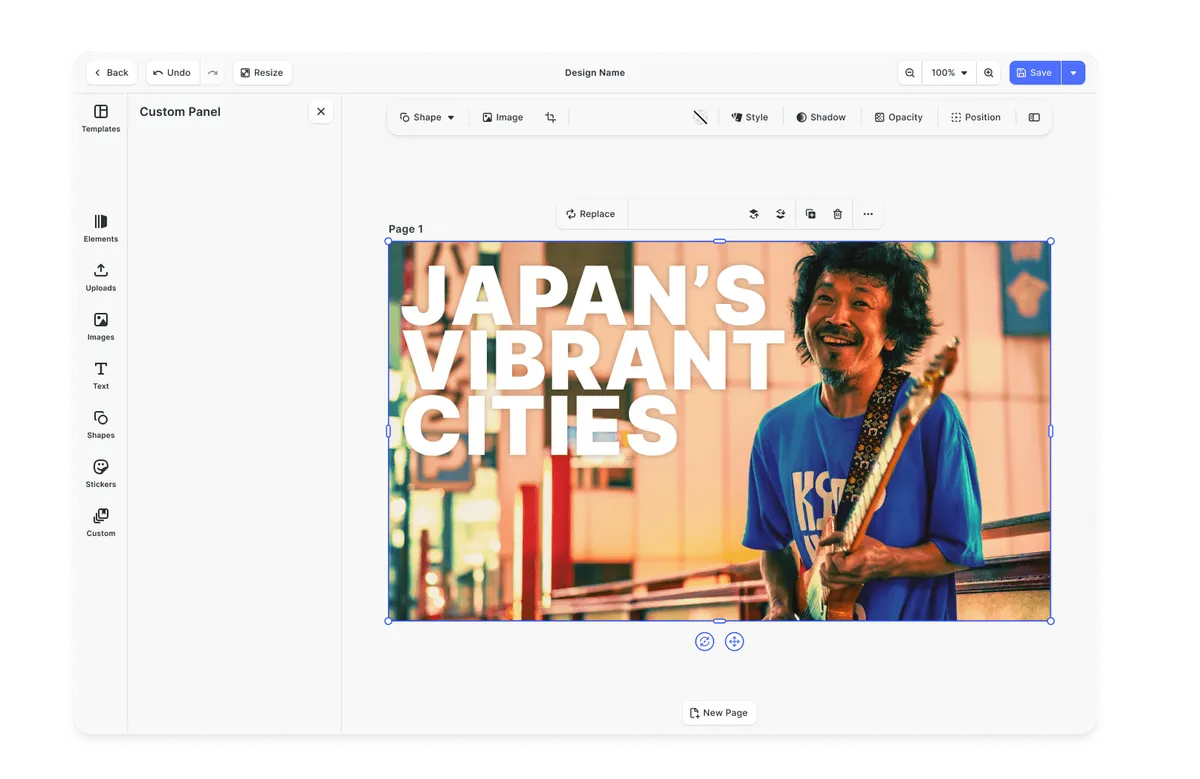
Add the editor to your storefront
Start from a framework-specific starter kit for React, Vue, Angular, Next.js, or mobile and get a working editor running with minimal configuration. The same engine backs every surface you ship on.
Design Editor UI
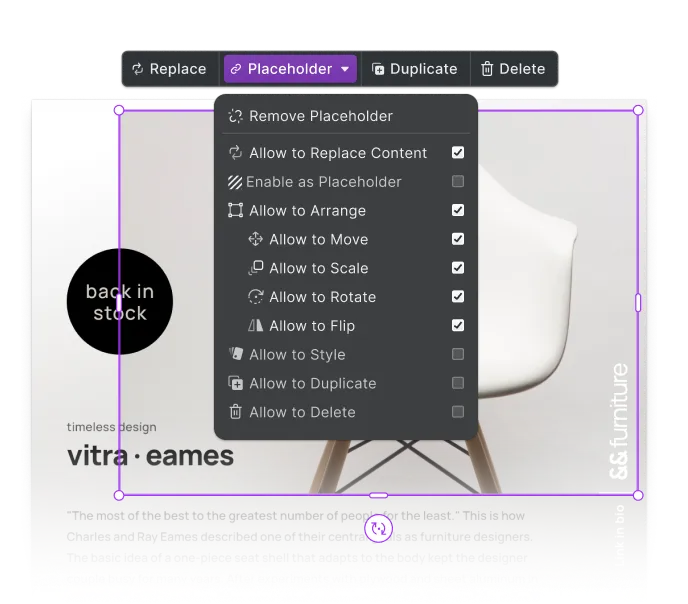
Lock the layout inside templates
Author a template per format and lock what must not move. Brand assets, mandatory copy, and placement stay fixed while the customer works on the parts you opened up, so output stays consistent across every order.
Open Placeholder Demo
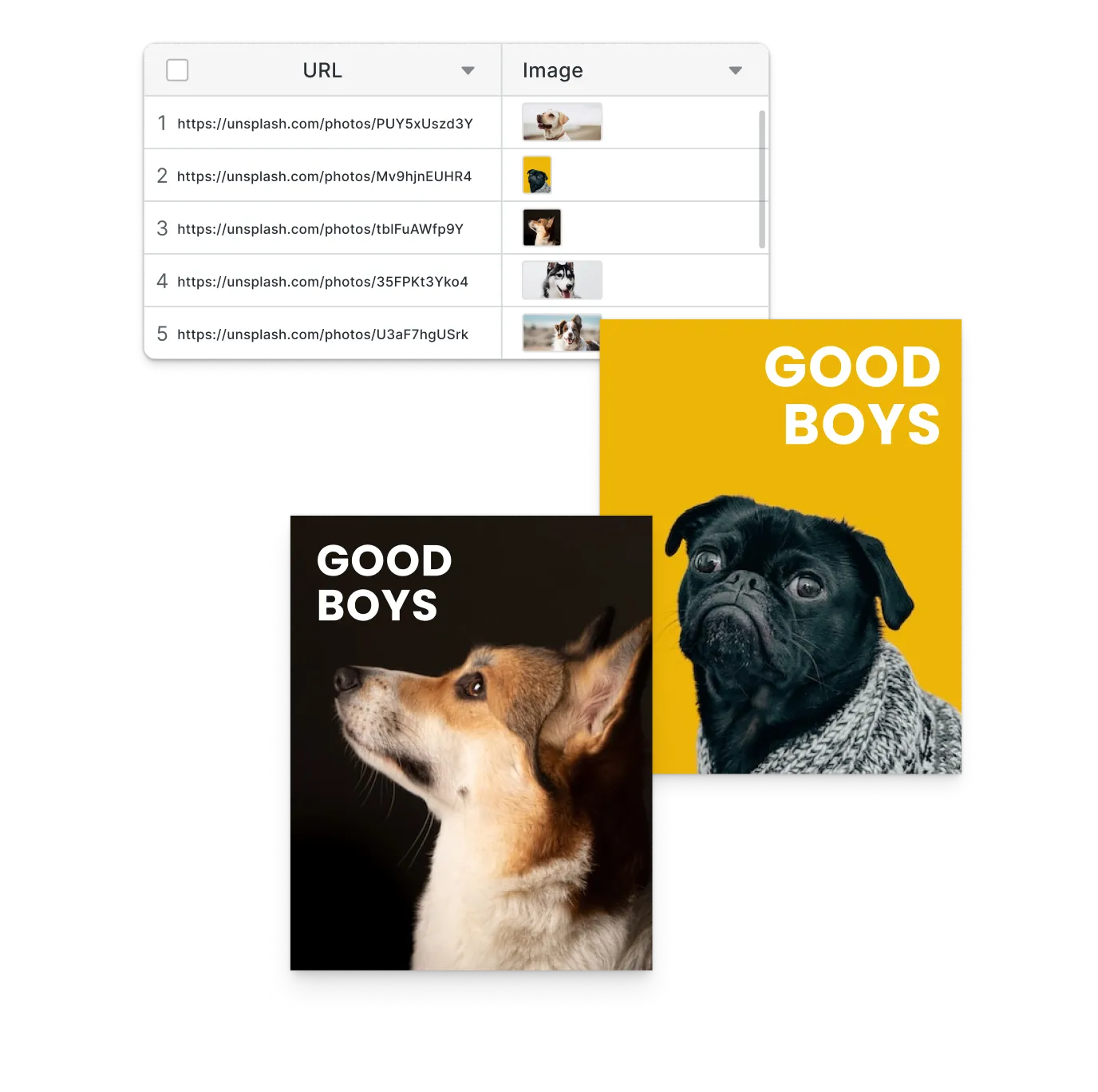
Drive variations from your data
Tag copy and imagery as variables, connect a data source, and render the variants server side. Short runs, regional editions, and named packs come out of one template without a browser session per record.
Variable Data Printing
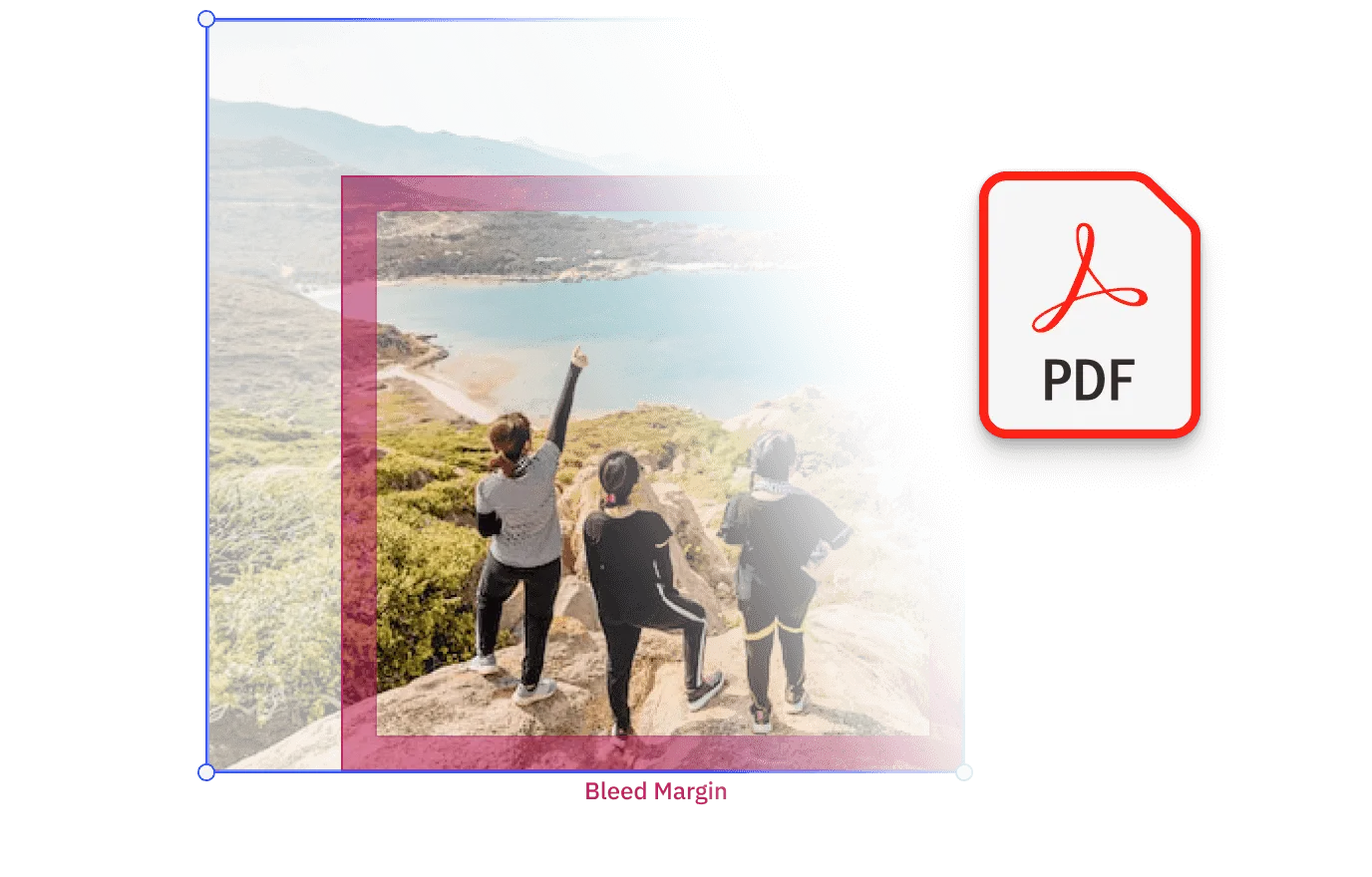
Ship press-ready files
Set the ICC profile and bleed for your press, then export PDF/X with CMYK on vector and text, named spot colors passed through, and cutout paths for die-cut products.
Web-to-Print Overview
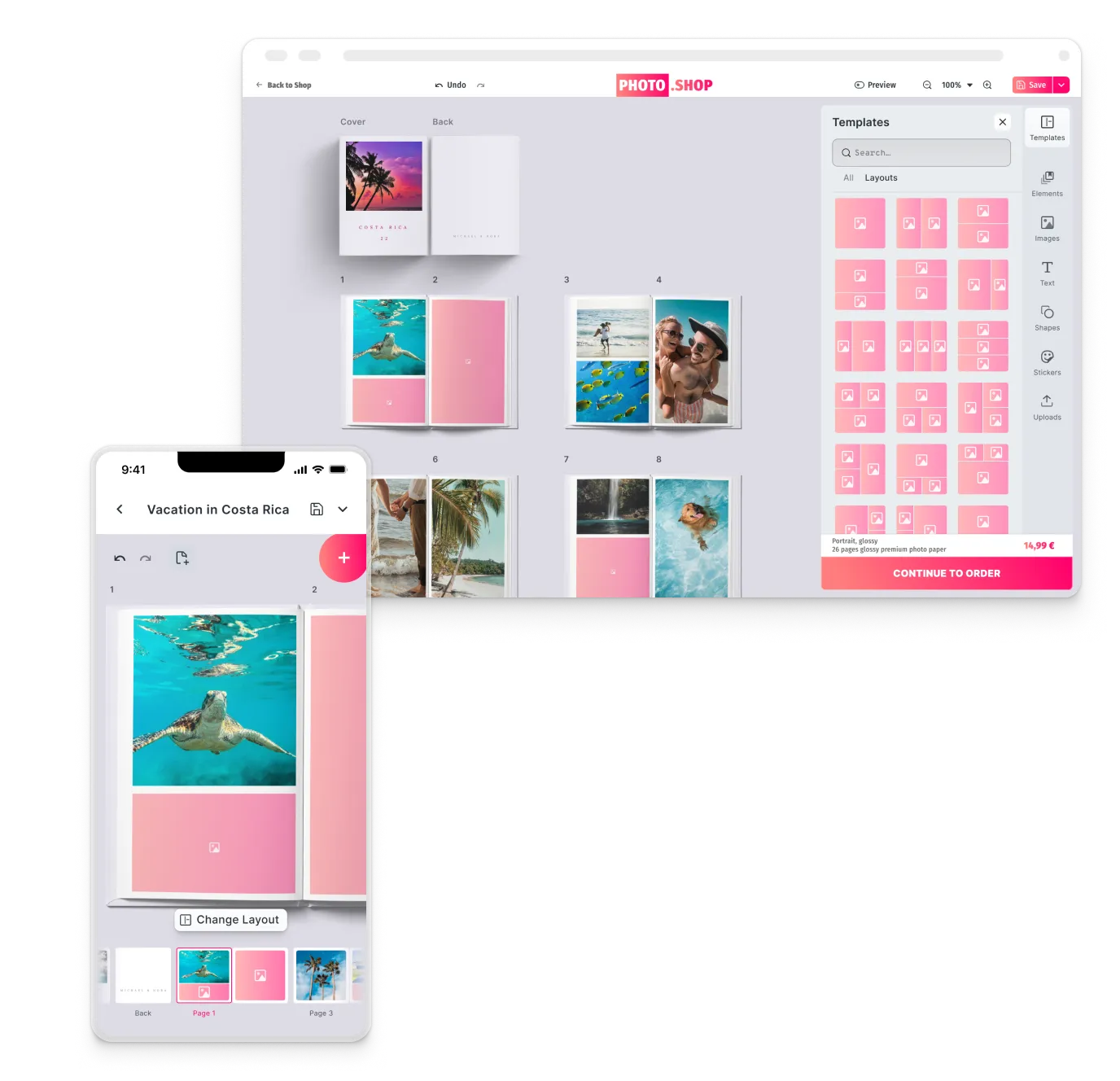
One creative engine across web, mobile, and server
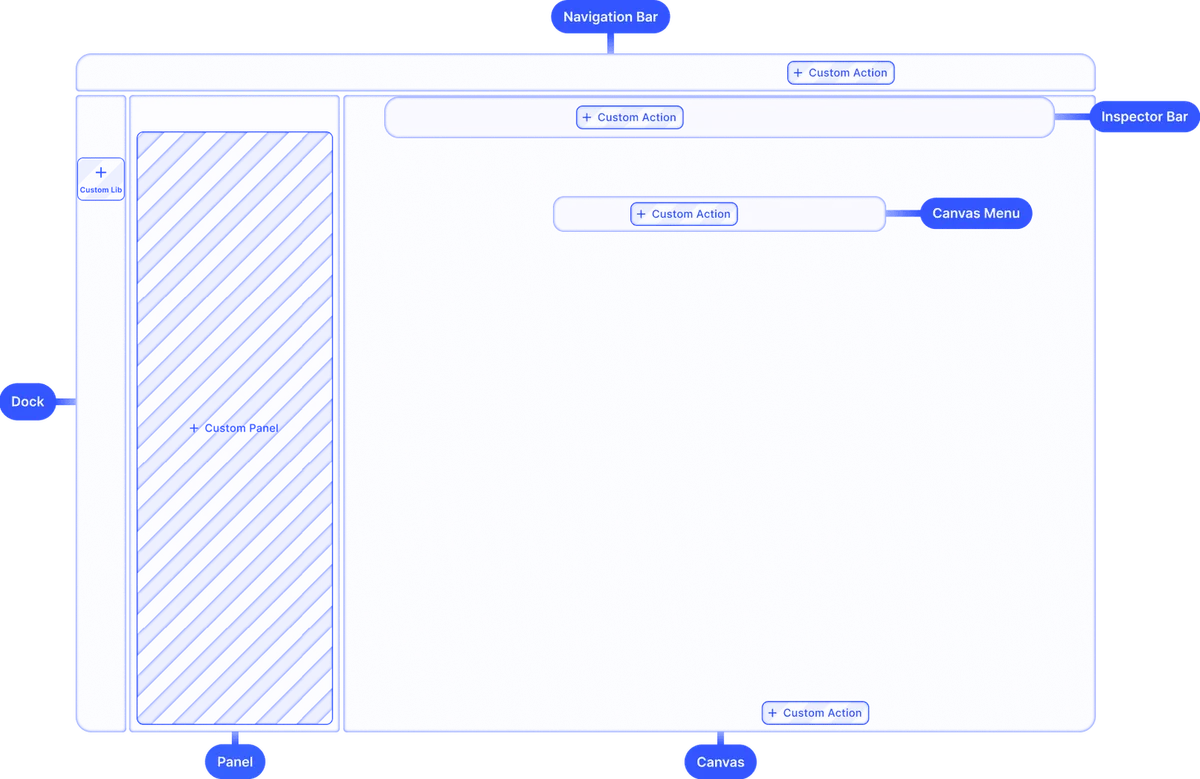
A label, a sticker, and a wrap are different page sizes, not different products. IMG.LY renders all of them from one engine. The file approved on a tablet is the file the server produces at volume. The engine is scriptable for automated artwork updates. It exposes the same surface to AI agents, so a generated design is a real editable scene.

Structure-aware layouts
Format, margins, and bleed travel with the document, so moving a design from one product to another keeps the artwork on spec.
One color pipeline
Define the CMYK profile and spot colors once, and add an underlayer where you print on dark or non-white material. The same settings apply whether a user exports or your server renders a batch.
Consistent output everywhere
The same engine powers web, iOS, Android, desktop, and headless rendering, so an interactive design and an automated one produce the same file.
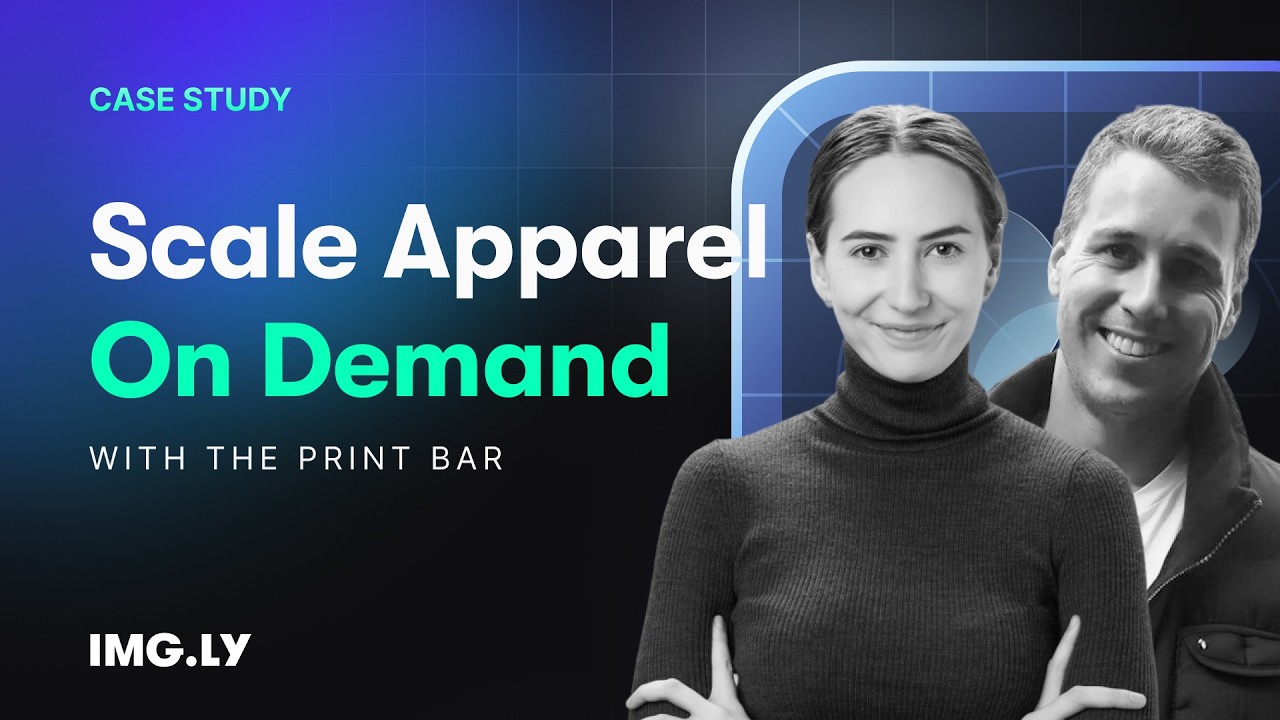
How The Print Bar Turned Its Editor Into Its Best Salesperson
Five-figure
self-service order with zero sales contact
4 weeks
live before peak Christmas season
2-person
dev team, editor maintenance outsourced
The Print Bar is an Australian custom-apparel and print-on-demand company. Founded in a garage in 2011, it now runs production campuses in Brisbane and Melbourne, letting customers design and order custom merchandise online.
Pretty much nothing went wrong for our launch. We demolished our expectations.
The Print Bar

Challenge
The Print Bar’s customers are overwhelmingly non-designers, yet its design tool — built in 2012 and barely touched since — fought them at every step. Simple actions like resizing text meant digging through settings panels, and customers were abandoning mid-design, during the creative step that should have been the most enjoyable part of the journey.
Solution
The Print Bar rebuilt its design experience on IMG.LY’s CE.SDK: self-hosted, developer-first, and configurable to disappear into its own branding. The editor deliberately removes options for its non-designer audience and quietly enforces print-production requirements — resolution, formats, bleed — in the background, so first-time buyers create production-ready files without ever thinking about DPI.
- One customer placed a five-figure order entirely self-serve, with no calls or quotes.
- The relaunch shipped four weeks before peak Christmas season with effectively zero launch issues.
- A two-person dev team offloaded editor maintenance and refocused on the business.
Why packaging printers trust IMG.LY
Built for production correctness
Device CMYK, named spot colors, ICC profiles, and PDF/X output are first-class, not an export afterthought. Files that leave your platform are files a press will run.
Faster to production, lower build burden
Teams embed a production-ready design layer in days instead of building color management and export tooling in-house. Engineering stays on core product work.
One engine for one-off and volume
The interactive editor and the headless renderer share one template format. A run of ten thousand matches the proof the customer approved.
One engine across platforms and frameworks
The same SDK runs on web, iOS, Android, macOS, and Electron, with React, Vue, Angular, Next.js, and Flutter support. Output stays consistent wherever your users design.
More from IMG.LY
Web-to-Print Design Tool
The wider print editor story, including how print-ready export is put together.
AI for Print on Demand
Generate artwork that stays inside print constraints instead of fighting them.
Packaging printers are no longer judged only by how well they print
They are also judged by how confidently a customer can design the pack in the first place. IMG.LY embeds that layer directly in your storefront. You get print-safe templates, personalized runs from your own data, and one engine across every surface.
Packaging Design FAQs
Yes. Templates carry locked layouts, so you decide which elements a customer can edit and which stay fixed. Brand assets, mandatory copy, and placement can all be held in place while the customer works on the parts you opened up, which keeps output consistent across every order.
Locked layouts keep customer edits inside the boundaries you define. For the checks themselves, IMG.LY ships design validation as an open starter kit: reference code your team integrates and adapts, flagging low-resolution images and elements outside the page while customers work, so a file leaving your platform has already met your production rules.
CE.SDK includes real-time mockup previews, including 3D product previews, so a customer sees the result rather than a flat sheet. That matters most at approval, where confidence is what turns a design into an order.
CMYK values are preserved end-to-end on export for vector and text elements, including fills, strokes and named spot colors, with no RGB round trip and no profile-based color shift. Raster images export as RGB, and the canvas previews in RGB, so an imported design can look slightly different on screen than on press. Bleed and trim are configured on the template and applied at export. See the web-to-print design tool overview for how the export pipeline is put together.
Yes, through the same engine. Text and image fields bind to your data source, and the headless renderer produces the files server side without a browser session per record. That is the same mechanism described on the variable data printing page, applied to your packaging range.
IMG.LY's SDK runs on web (React, Angular, Vue, Next.js, Svelte), iOS, Android, React Native, Flutter, macOS, and Electron. The same engine powers all of them, so a design made on a tablet renders identically to one made on desktop, and the server produces the same output as both.