



Give educators real creation tools inside your LMS
An embeddable creative SDK with design, video, templates, and AI, so course teams build engaging materials without switching apps.
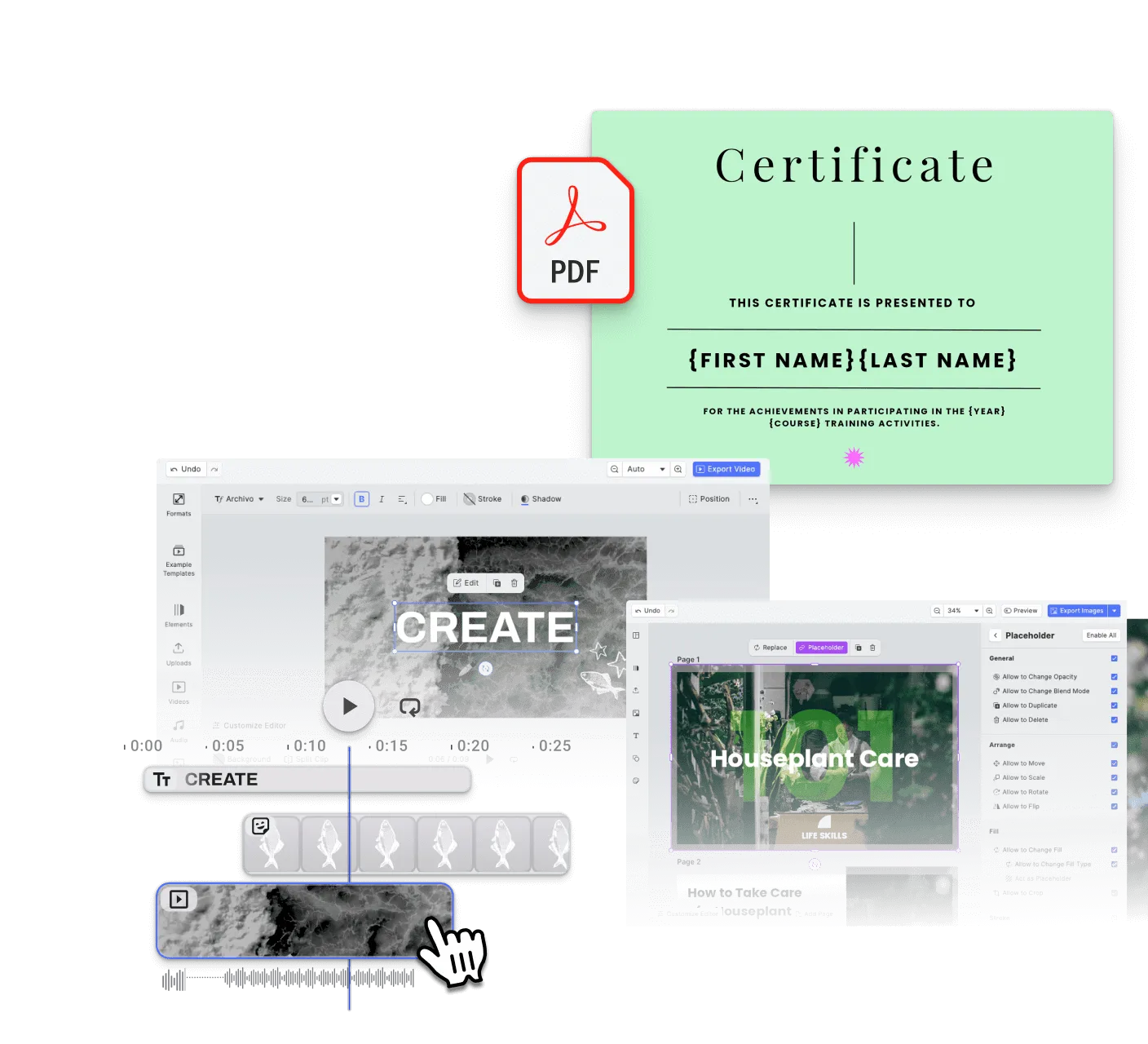
Engaging content from any educator
Reusable templates for every lesson
Slides, study guides, visual explainers, and course materials, shipped faster from structured templates.
Built for instructors, not designers
Educators and course authors reach usable results fast, without design skills.
Skip the in-house editor build
Embed a production-ready creative layer instead of months of building and maintaining one yourself.
Trusted by 100+
industry leaders














Integrating IMG.LY’s editor meant we didn’t have to build or maintain a complex editing layer ourselves. That kept our team focused on our core AI ad engine and saved us countless development hours — while still giving our customers the ability to polish and customize creatives at scale.
Hikari Senju
CEO, Omneky

With IMG.LY we built a central creative portal that now powers over 140 dealer campaigns across multiple automotive brands. Before this, asset creation was slow and inconsistent.
Martin Röhr
Product Owner, Digitas

By embedding IMG.LY’s editor we were able to hit key RFP requirements and deliver a template-based creative experience that now serves 1,000+ customers. It helped us win more deals and exceed enterprise expectations without needing to hire dedicated design teams.
Rob Driscoll
Director of PM, Optimizely

Since integrating IMG.LY’s editor, we now deliver 30,000+ ad creatives per month, dramatically shorten time-to-launch, and help our clients cut design spend by up to $10,000 per month.
Logan Welbaum
Founder, Plai
Our customers create over a million personalized postcards each year choosing from over hundreds of templates with IMG.LY’s SDK. It’s the only solution that allows us to build our own specialized, on-brand UI that integrates seamlessly with our platform.
Jeanine Zaalberg
Product Manager, SwissPost
From a developer’s perspective, the most powerful feature of the photo editor is the integration process. It was completely flawless, quick, and easy to integrate.
Stefano Fornari
CTO, Funambol
We compared IMG.LY SDK with other solutions and found that it would be the best fit for us since it provides all the features that are crucial for our use case.
Carem Pereira
SCRUM Manager, HP

How ImageBank X Added In-Platform Photo & Video Editing in Days

15 → 2 min
time to create a branded PowerPoint slide
Days
to integrate IMG.LY SDKs — not months
Zero
brand drift via locked fonts, logos, placement
ImageBank X by Mediasignal is a cloud-native digital asset management platform built for marketing teams — a modern, self-service workspace with AI-powered search and seamless integrations.
The placement tool in the photo editor is so much easier. I can get it done in seconds, instead of spending 10 minutes trying to figure out placement.
ImageBank X
Challenge
Marketing teams needed quick, brand-compliant editing inside their DAM — without jumping to desktop software or risking design inconsistencies across regions.
Solution
Integrated IMG.LY’s photo and video editor SDKs with locked-down fonts, logos, and placement rules — enabling in-browser editing that enforces brand guidelines automatically.
- Branded slide creation dropped from 15 minutes to 2 minutes.
- Integration shipped in days instead of months.
- Brand guidelines stay enforced automatically across regions.
Key capabilities
Everything needed to embed creation into your e-learning platform.
For your users
Templates for every lesson format.
Structured starting points for slides, worksheets, explainers, and certificates, the right format and assets baked in.
Brand kits for enforcing guidelines.
Pre-defined color palettes, typography, and logo assets the editor enforces, every output stays on-brand by default.
For your platform
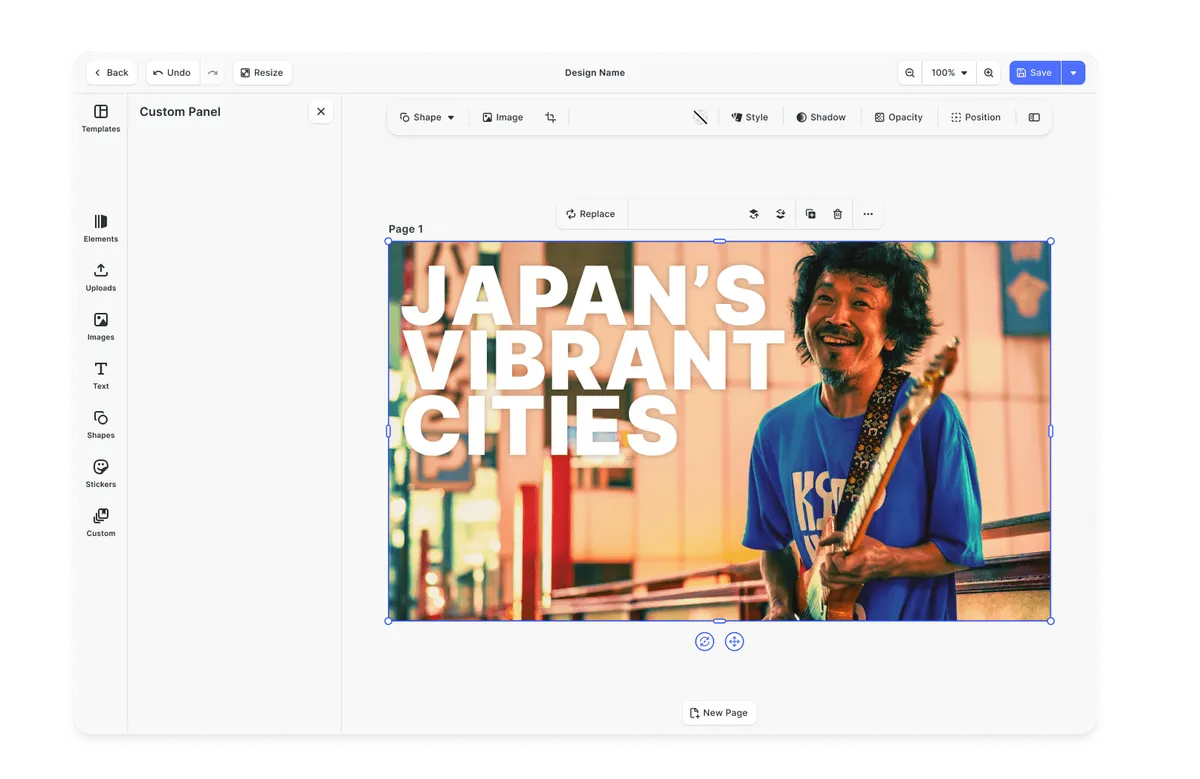






Browse all capabilities
What every e-learning platform requires
The value of an e-learning platform increases when users can create engaging materials where teaching and learning already happen. The strongest products do not stop at hosting content - they help users create, adapt, and personalize it without friction.
A blank canvas is not a learning workflow
Course authors and educators need a starting point. Templates reduce effort, lower anxiety, and make it easier to produce useful materials quickly.
Templating demos
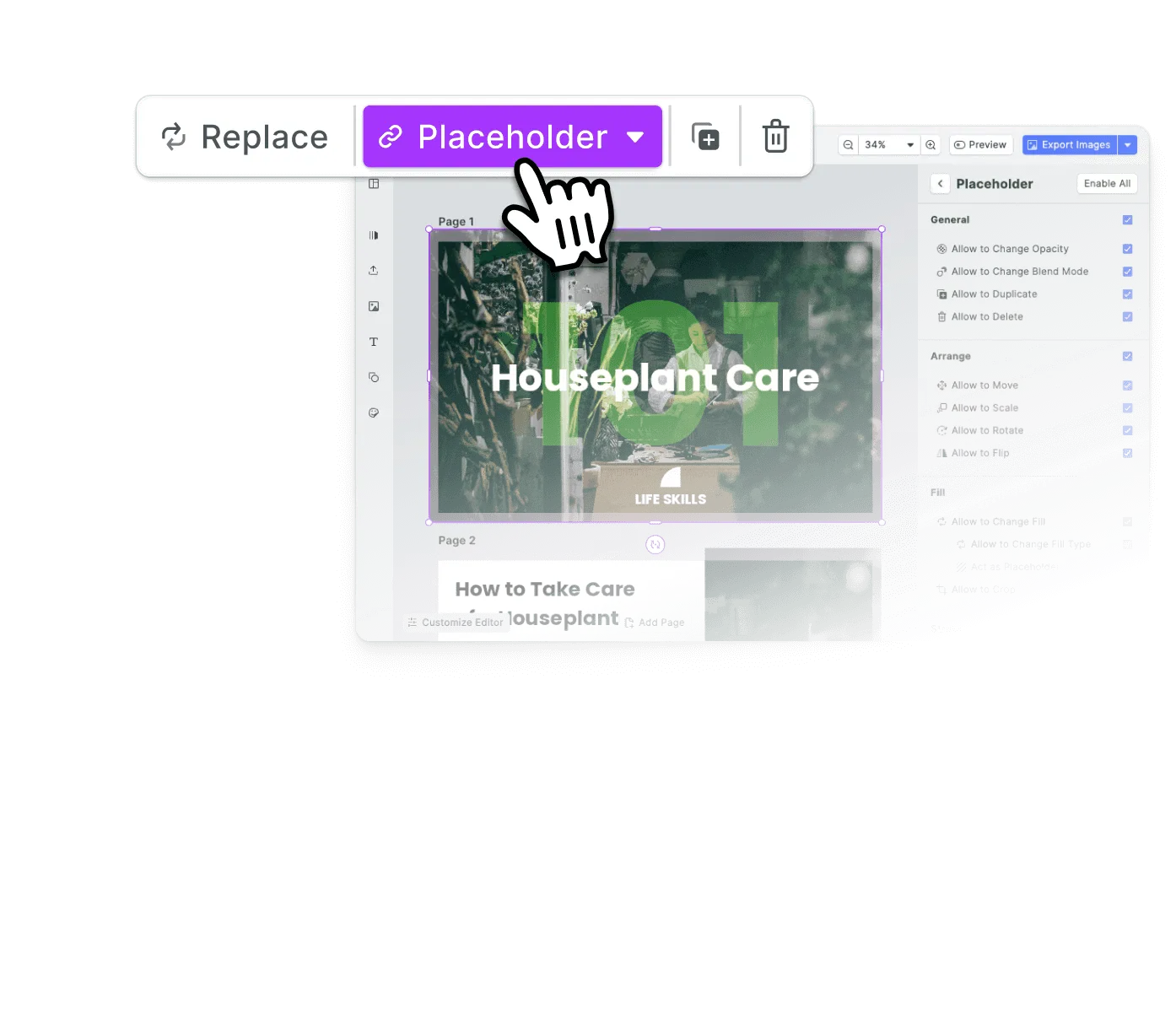
Most educators are not designers
The people building learning content care about clarity and speed, not creative freedom. Guided editing and AI assistance matter more than exposing every possible control.
Guided editing workflows
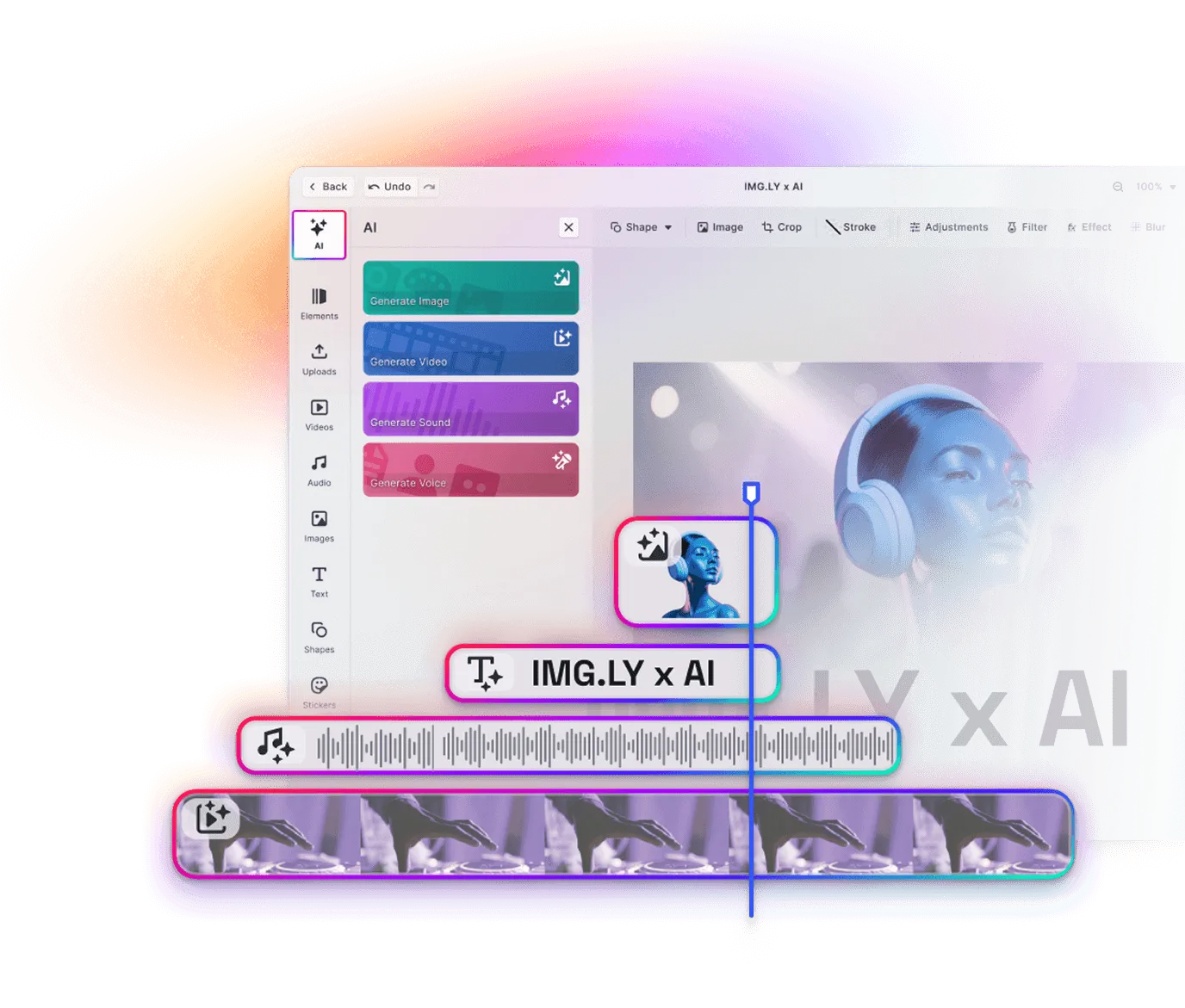
Video and multimedia matter more every year
Static materials are often not enough. Learning teams increasingly need video, narration, motion, and richer content formats to keep learners engaged.
Video Editor for training content
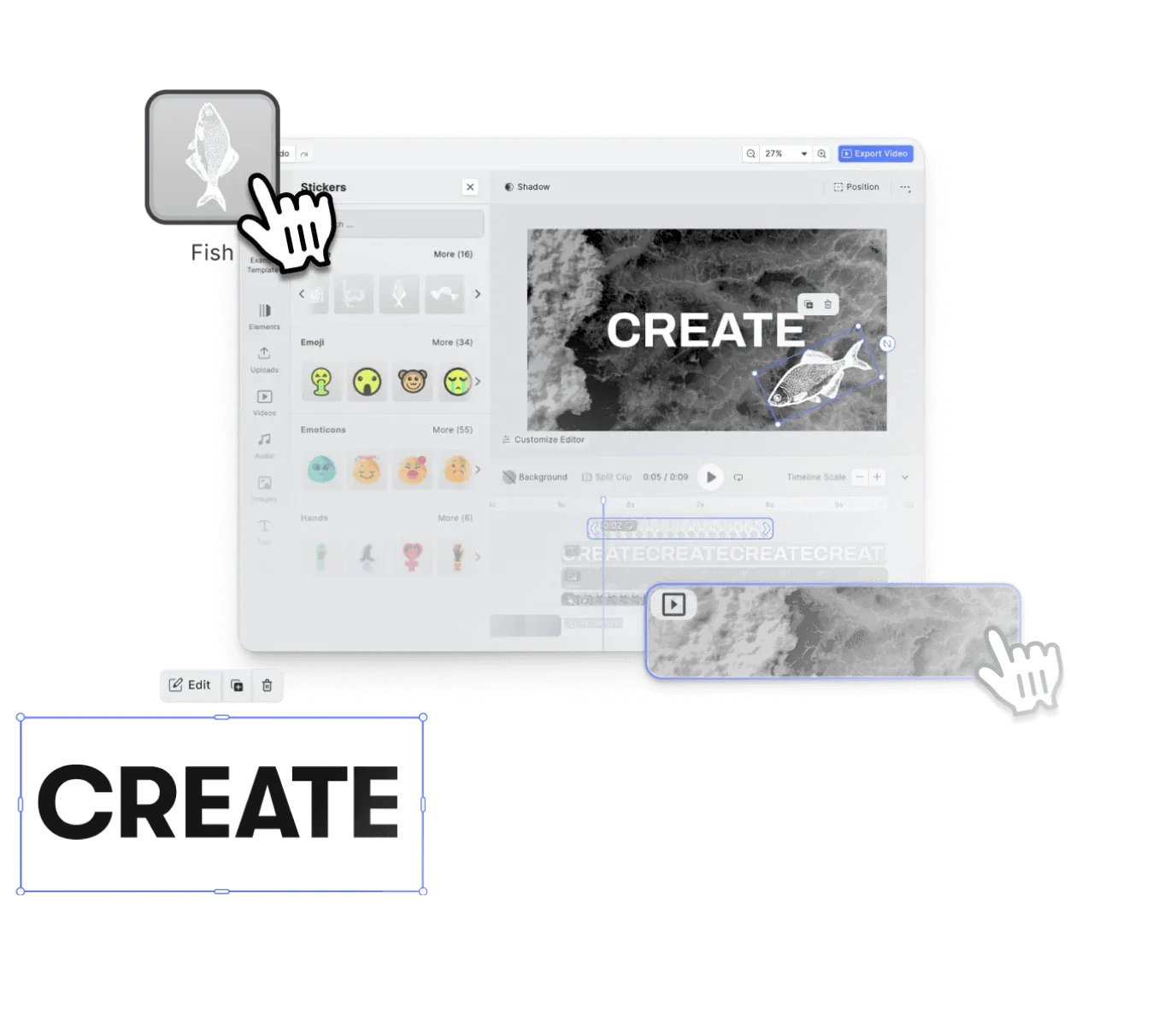
Creation should stay inside the platform
Sending educators to outside tools breaks momentum and complicates the workflow. Strong e-learning products keep authoring, editing, and publishing in one environment, on every device.
CreativeEditor SDK
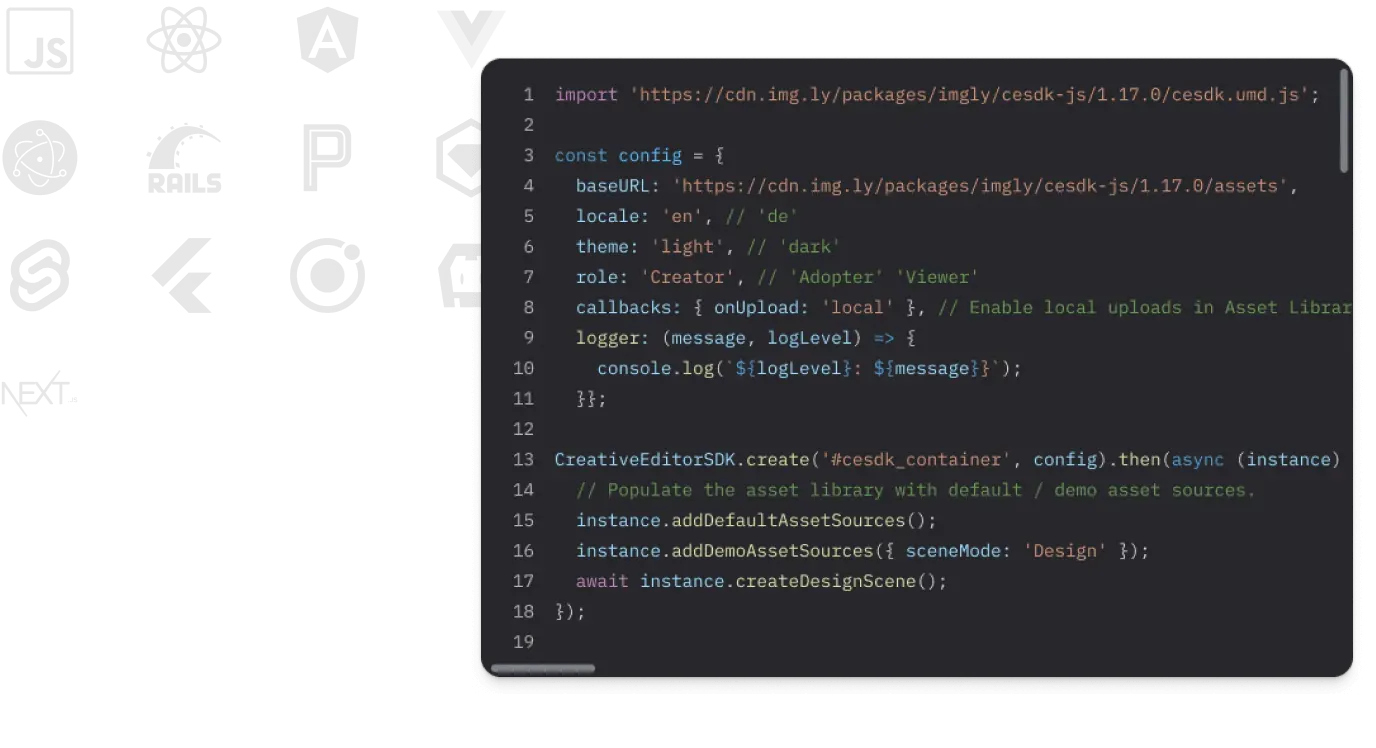
Personalized outputs still need structure
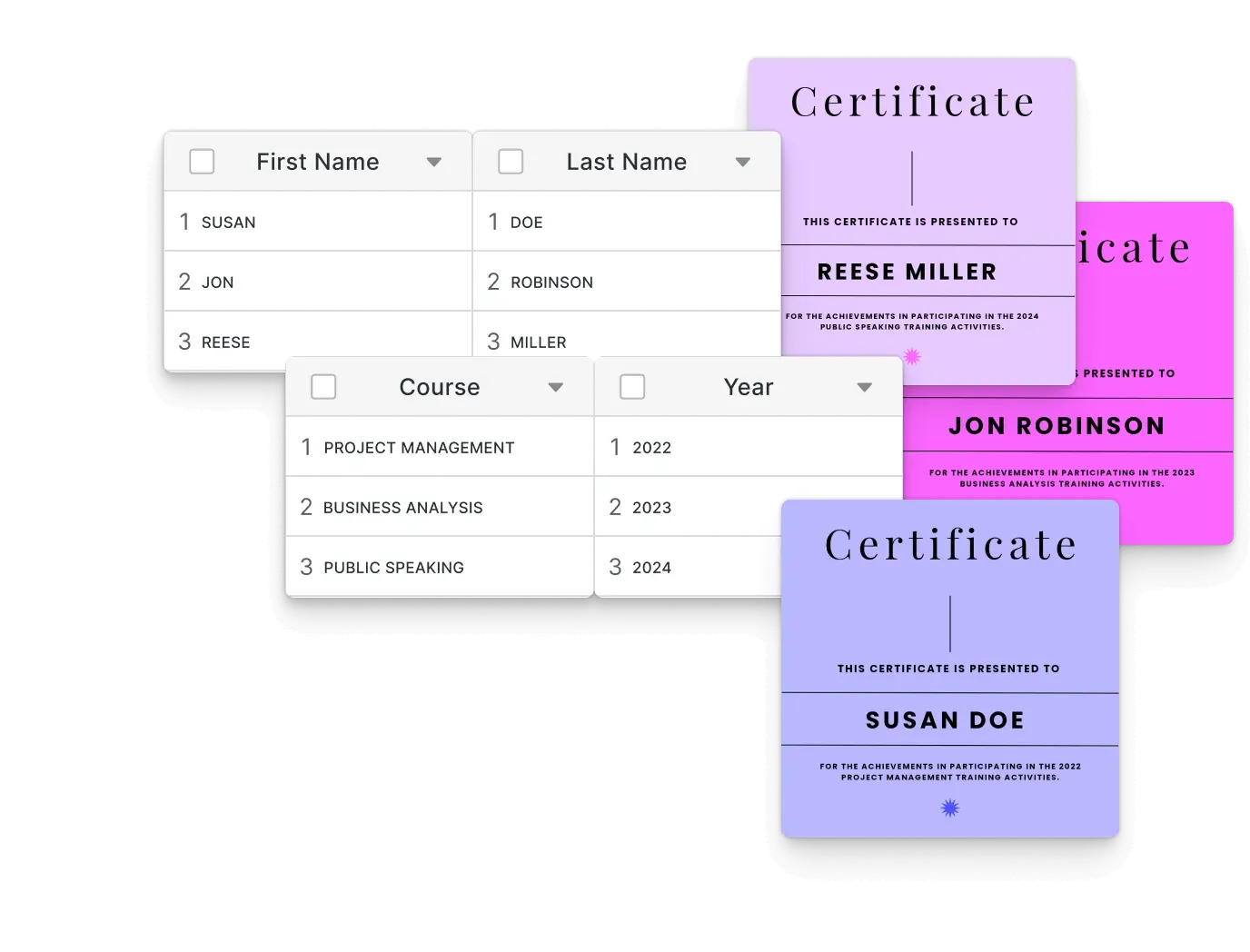
Certificates, study materials, course graphics, and learning assets need to be generated at scale while staying consistent and accurate.
Creative automation demos
E-learning platforms create more value when content can be created, adapted, and published inside the teaching workflow.
One creative engine across your e-learning workflow
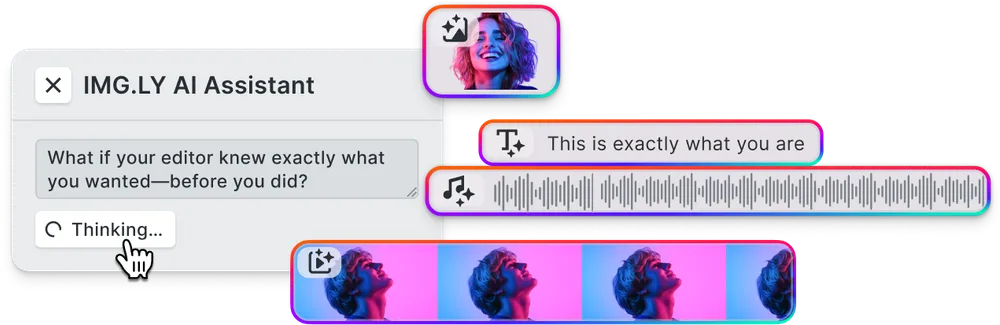
The same engine renders slides, worksheets, visual explainers, thumbnails, certificates, and video lessons consistently across web, tablet, and mobile, with that surface exposed programmatically. Automate course-wide updates and templated content, or let an AI agent draft lessons that an instructor picks up in the UI (and vice versa). Same scene, same fidelity, no export-and-reimport in between.
Template-driven creation
Structured starting points for educators and course teams across common learning materials.
Multimedia lesson building
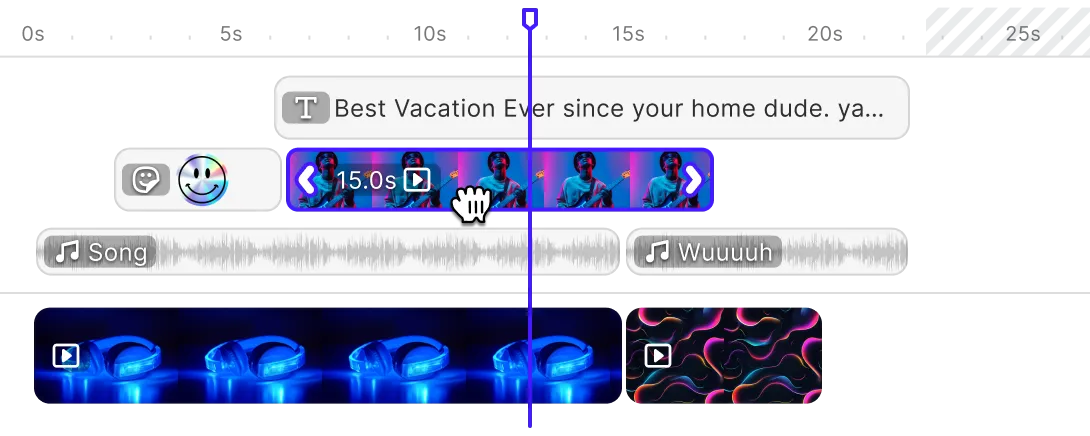
Video, audio, text, imagery, and timeline-based composition, one workflow.
Cross-platform consistency
Same creation experience on web, tablet, and mobile, no rebuild per surface.
From first integration to working e-learning content workflows - fast
Most teams start with a focused proof of concept, validate the authoring flow, and then expand into templates, video workflows, automation, and production rollout.
Start with a working editor foundation
Use Starter Kits or a base integration to stand up a functioning editing experience inside your platform.
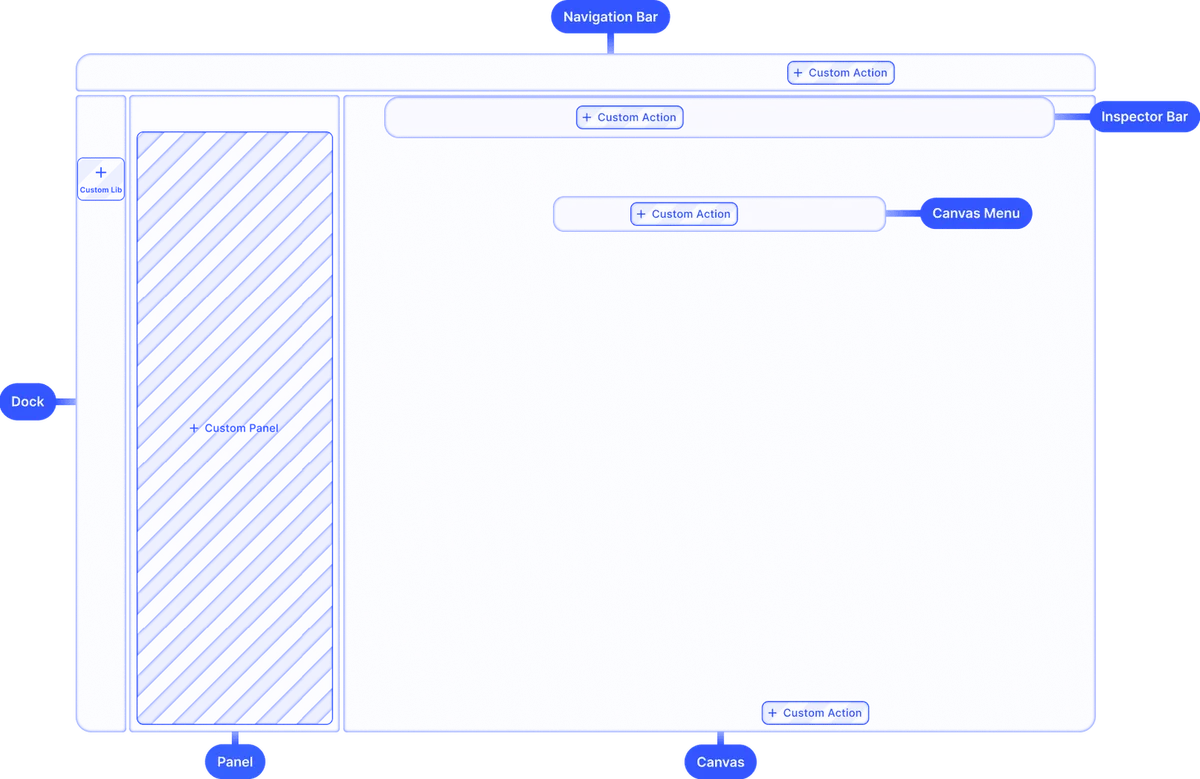
Configure the creative layer
Adapt the UI, feature set, and editing behavior to fit your course-building or training workflow.
Add templates, assets, and output logic
Connect reusable templates, media libraries, and automation so educational content becomes easier to create and update.
Test and roll out
Validate the end-to-end content flow, refine the experience, and move from proof of concept to production.
Why e-learning teams trust IMG.LY
Built for non-designer adoption
Educators and trainers need a workflow that feels approachable, not a professional design tool that requires training.
Faster validation, lower build burden
Teams can prove the workflow early, avoid building editing infrastructure themselves, and keep engineering focused on what differentiates the learning product.
Ready for rich educational content
Templates, video, AI, export, and cross-platform authoring support for the full range of educational content formats.
One engine across formats and platforms
Support design, video, and structured asset generation across web, mobile, and backend workflows from one creative foundation.
More from IMG.LY
E-learning products are no longer judged only by how well they deliver content
They are also judged by how easily users can create it. IMG.LY helps you embed that creation layer directly into your platform - with templates, multimedia editing, structured automation, and one creative engine across educational workflows.
E-Learning FAQs
CE.SDK embeds a full creative layer - design, video, and templating - directly into your platform. Course authors can create slides, visual explainers, worksheets, and video lessons without leaving the product. Templates give non-designers a structured starting point for common learning materials.
Yes. CE.SDK is designed around guided, template-first creation. Locked and editable template regions mean users only interact with the parts they need to change. The editing experience can be simplified to match the skill level and expectations of your user base.
Yes. CE.SDK includes timeline-based video editing with trimming, audio, captions, transitions, and AI-powered enhancements. This supports instructional video, screen recordings, narrated lessons, and other multimedia learning formats.
Yes. The renderer and export API support template-based generation at scale. You can connect structured learner data to certificate or document templates and generate personalized outputs automatically, with consistent formatting and quality.
CE.SDK runs the same creative engine across web, iOS, Android, React Native, and Flutter. The same templates, editing rules, and workflows apply across platforms, so authoring and learning experiences stay consistent regardless of how users access the product.
Most teams reach a working proof of concept in one day using Starter Kits as a foundation. From there, configuring templates, media libraries, and editing behavior typically takes one to three days before moving toward production rollout.