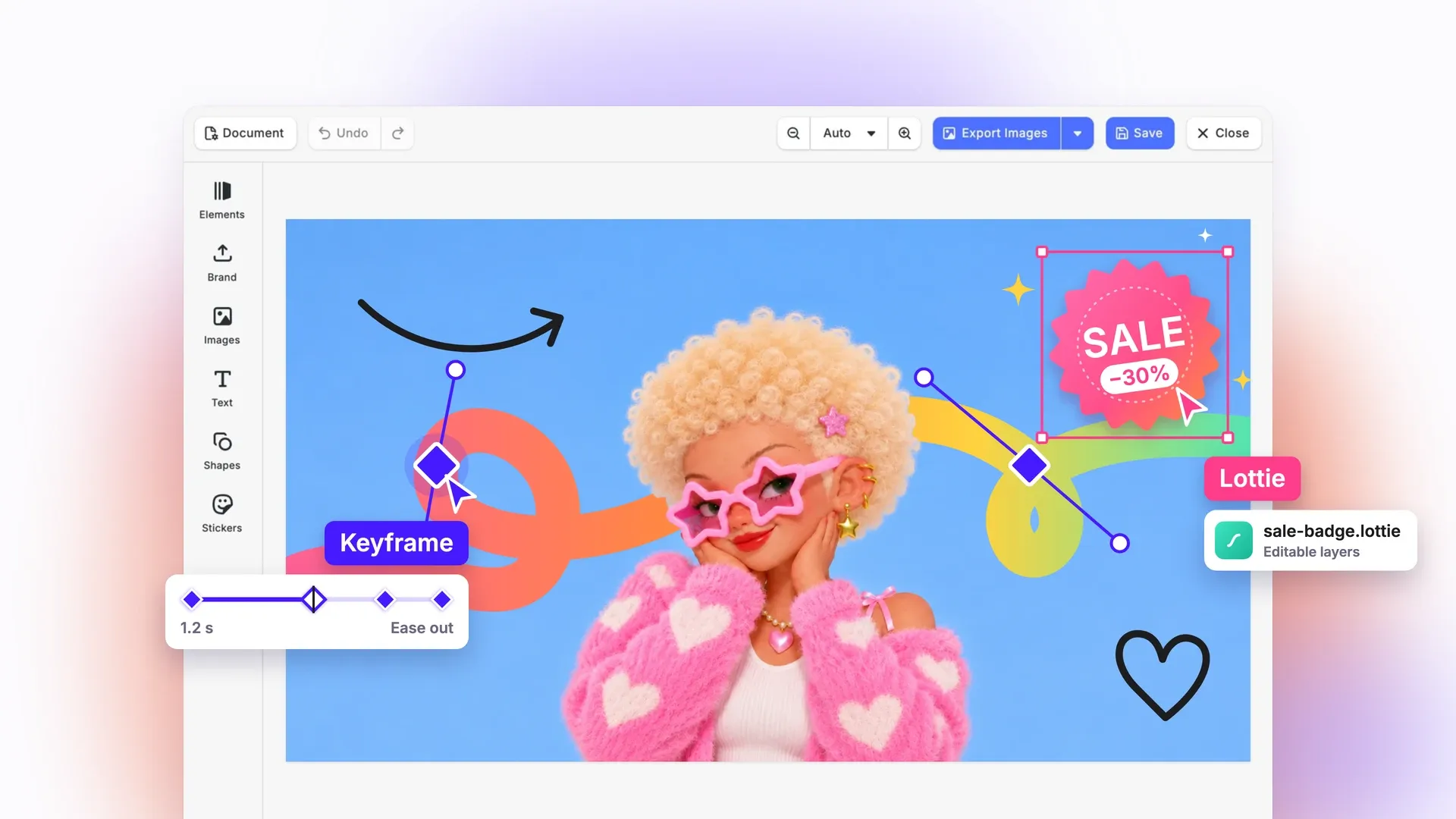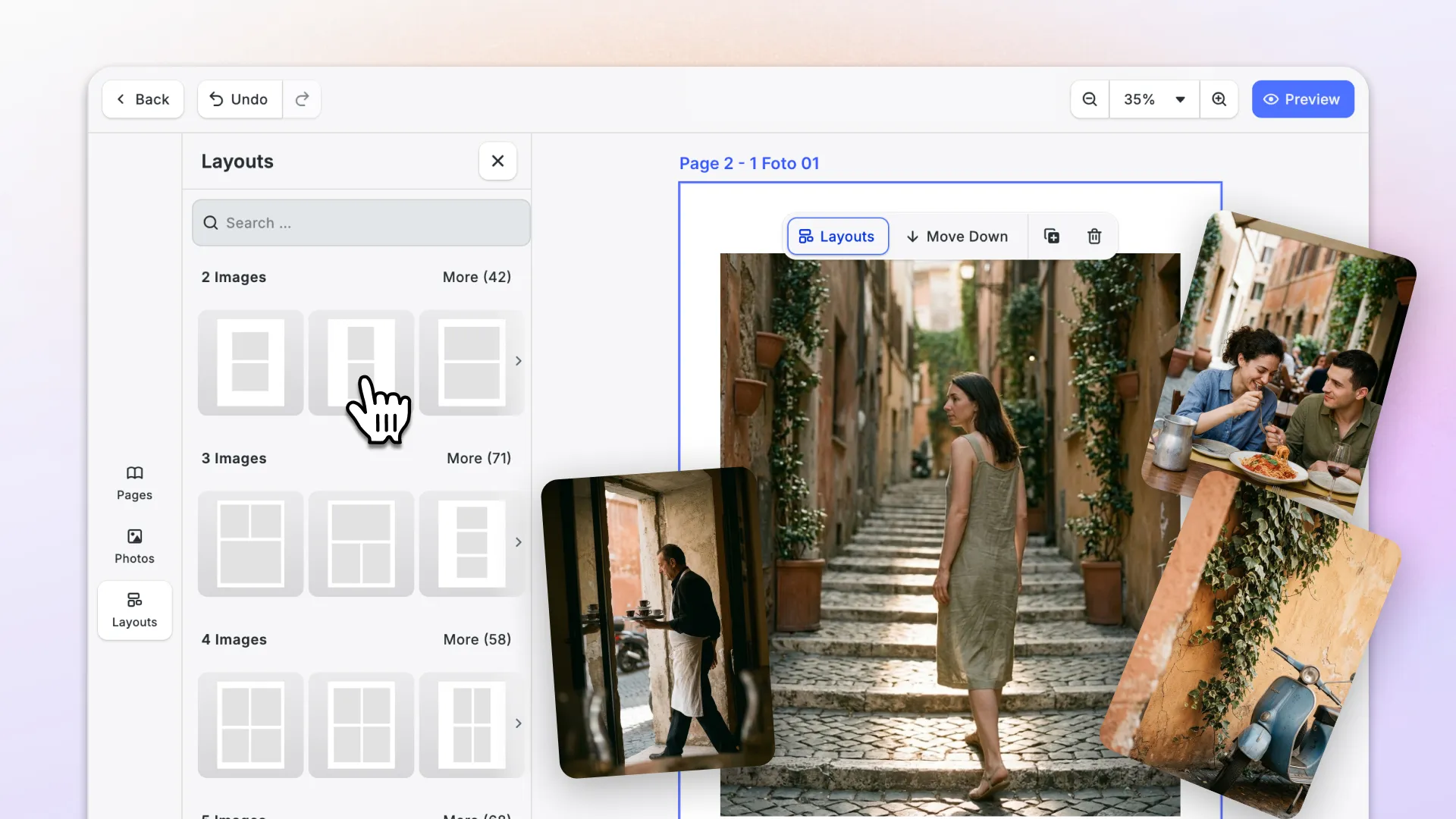



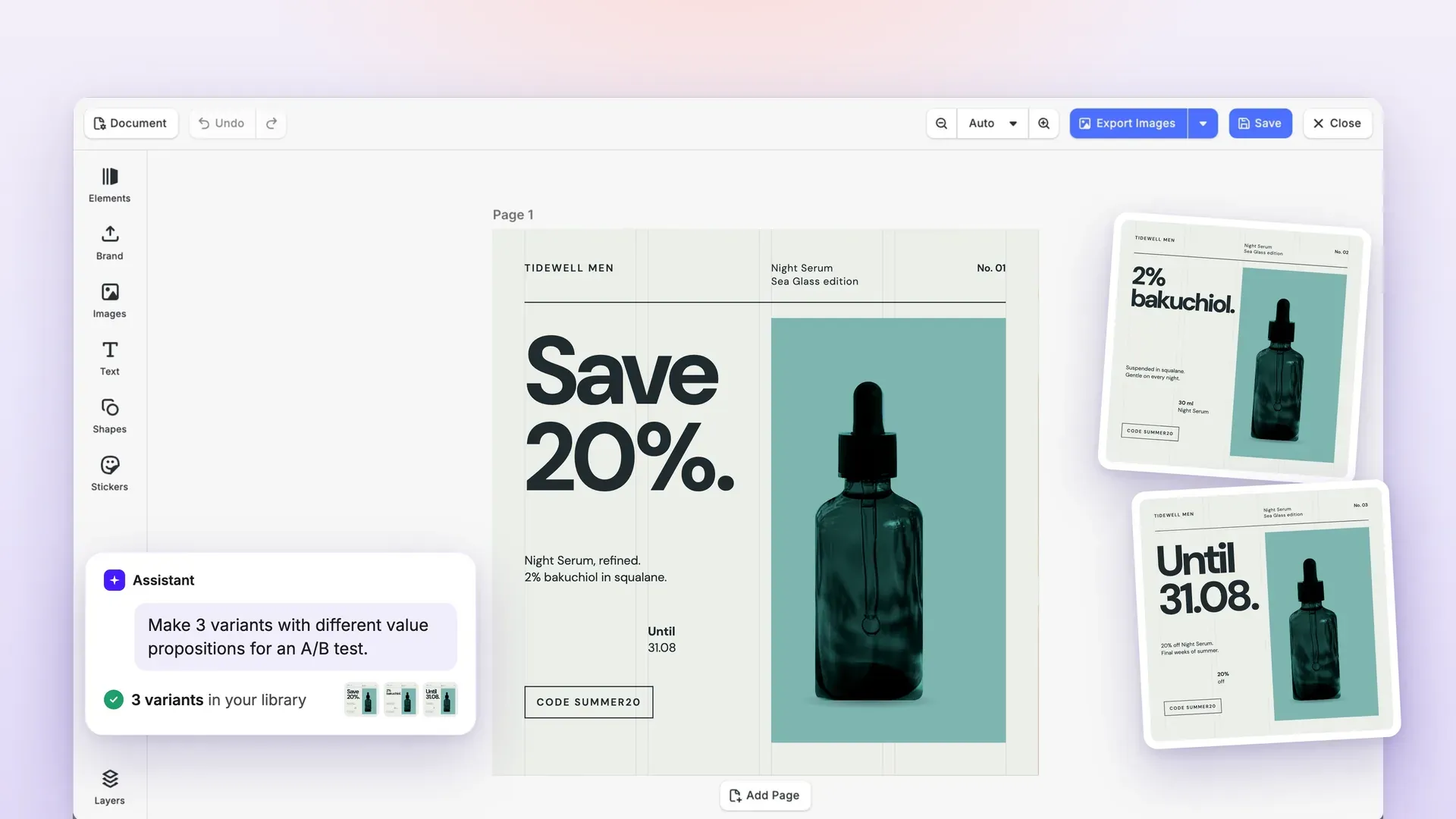
With this release, your designs move freely in and out: export print-ready PDF/X and layered Photoshop files, bring in InDesign layouts with more fidelity, and import EPS logos as editable vectors.
Text gets print typography: tab stops for clean columns, plus subscript and superscript.
On web, you can now separate audio from video clips. The new CoDesign SDK gives your product’s own AI agent the tools to design, and AI coding agents now know how to build with Flutter and React Native.
Let’s check it out.
Move Designs In and Out
Export PDF/X Files in the Browser and in Node.js
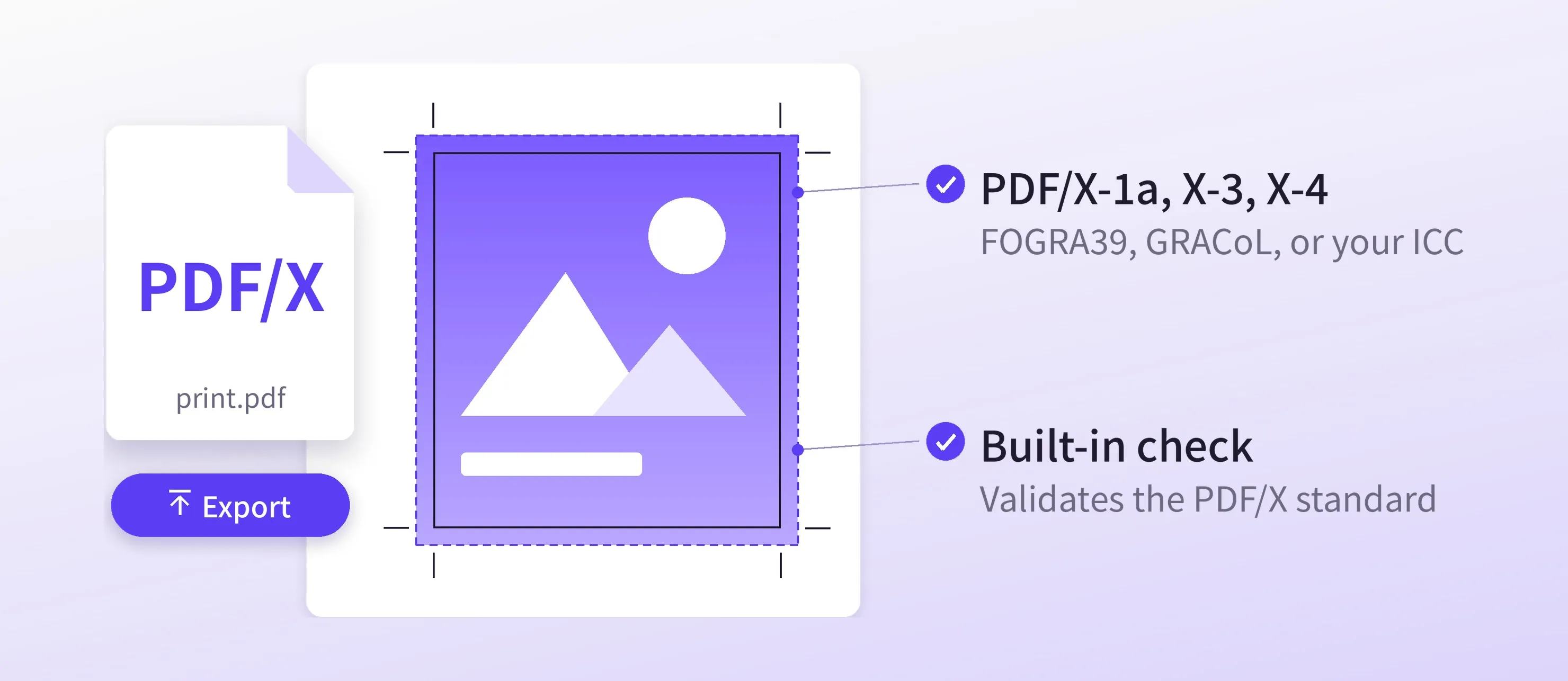
The new PDF/X Exporter turns a CE.SDK scene into a print-ready PDF/X file in one call, in the browser or in Node.js.
- PDF/X-1a, PDF/X-3, and PDF/X-4, with FOGRA39, GRACoL 2013, or your printer’s own ICC profile.
- Bleed included: pages with bleed get their
TrimBoxandBleedBox. - Built-in check:
checkPDFXlists any PDF/X rule a file breaks, before it goes to your printer’s preflight. - Convert existing PDFs with
convertToPDFX.
This means: Print-ready files straight from your editor.
→ PDF/X Exporter Documentation
Export Layered Photoshop Files
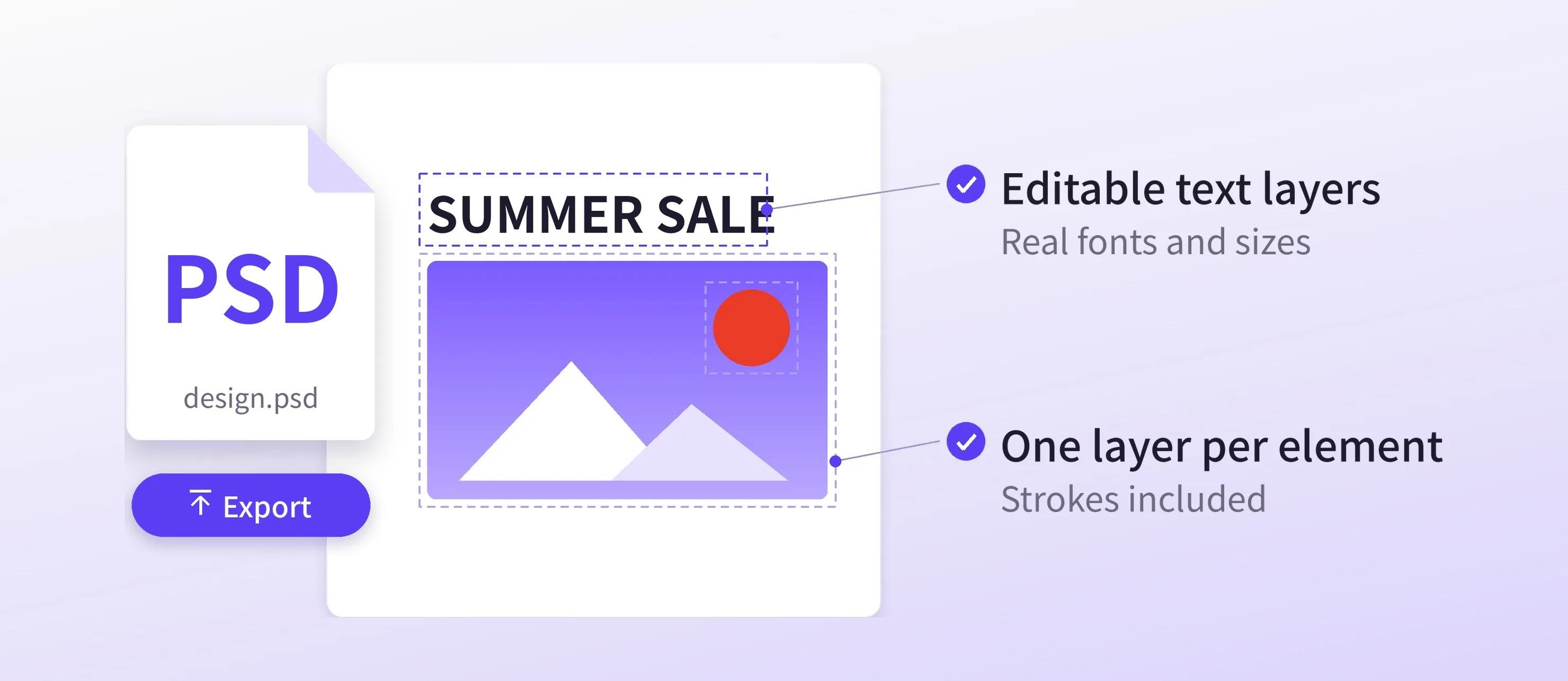
The new PSD Exporter turns each page of a CE.SDK design into a layered Photoshop file, so your users can keep working on it in Photoshop.
- Editable text layers with the real font names and sizes. Text the exporter cannot yet keep as native Photoshop text, such as tabs or subscript, keeps its exact look as pixels, with a hidden editable copy.
- One layer per design element, including strokes that reach past its edge.
The exporter runs in Node.js and needs CE.SDK v1.83 or later. Browser apps send the design to a Node.js endpoint you deploy. We tested its output in Photoshop 2026.
This means: Your users can hand a design to a designer or agency, who keep working on it in their own tools.
Import InDesign Files with More Fidelity
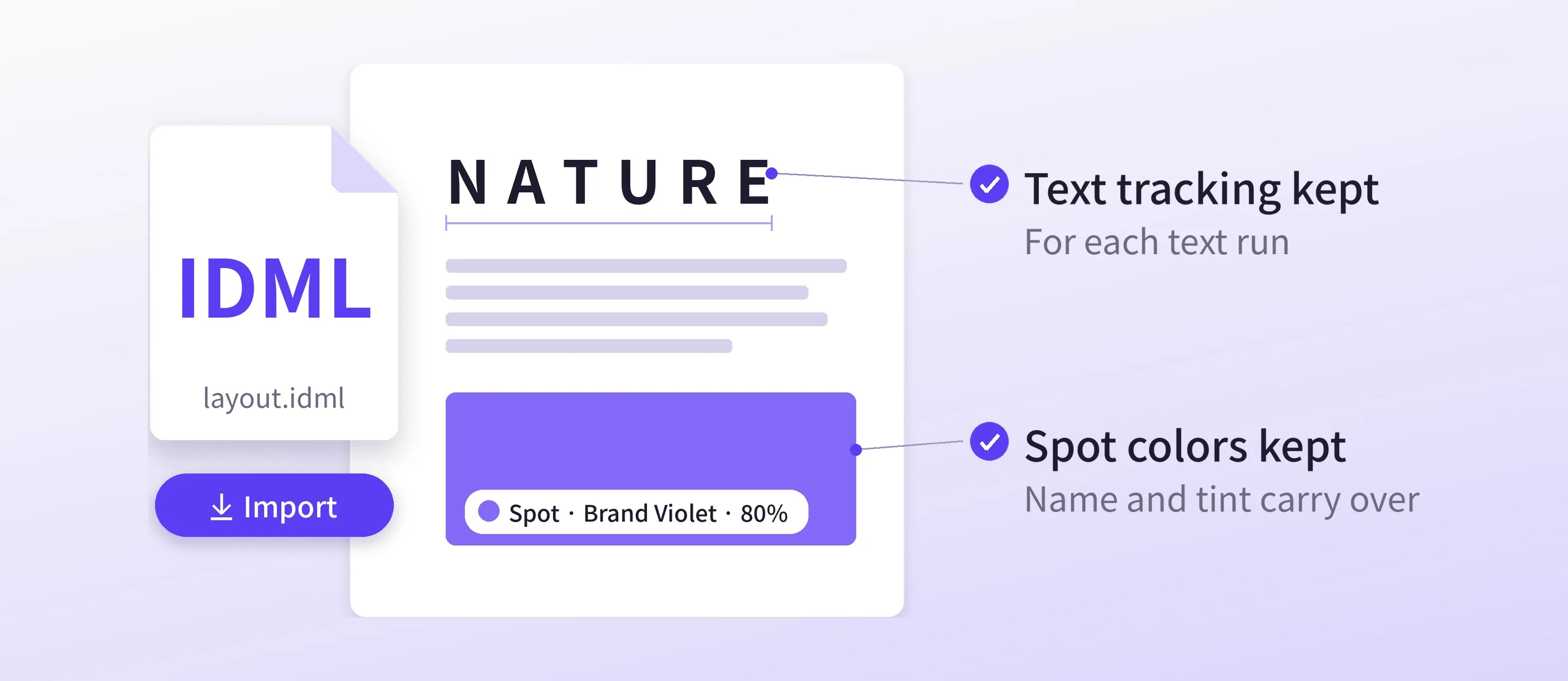
The IDML Importer now brings more of an InDesign layout into CE.SDK:
- Spot colors on solid fills and strokes keep their name and tint.
- Text tracking carries over for each text run.
- Gradients, blend modes, and stroke styles match the original more closely.
Version 2.0 of the importer needs CE.SDK v1.81 or later.
Import EPS Logos as Editable Vectors
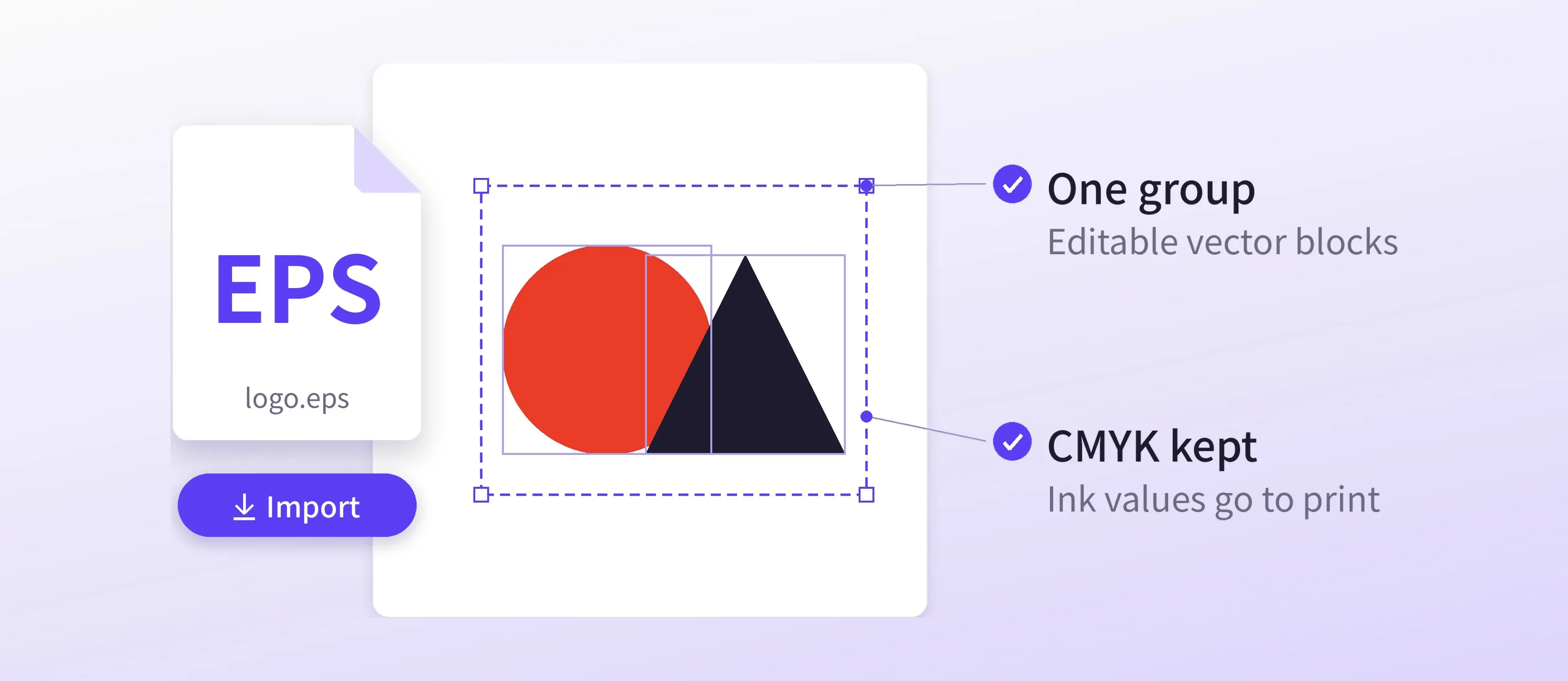
The new EPS Importer turns an EPS file into one group of native, editable blocks, so a logo stays sharp and editable instead of becoming an image.
Flat CMYK vectors keep their ink values, and a PDF export with exportPdfWithDeviceCMYK turned on carries them through to print. The importer needs CE.SDK v1.82 or later. The converter only loads when a user imports their first EPS file, and it runs in a background worker, so the editor stays responsive.
You can also replace an artwork placeholder in a template with the imported logo.
AI & Agents
Build Flutter and React Native Apps with Your AI Agent
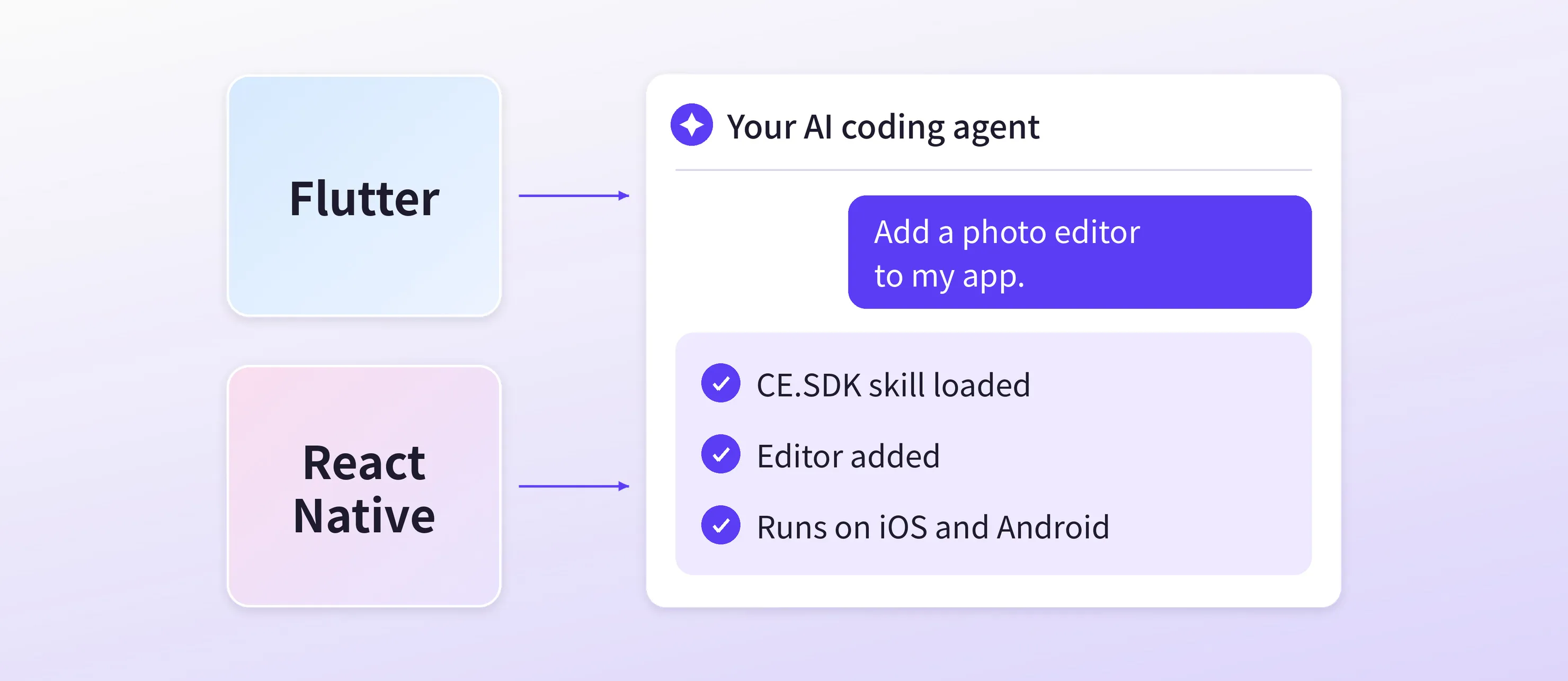
Our imgly-sdk agent skills now cover Flutter and React Native. Your coding agent detects the wrapper project, writes code against the wrapper API you actually import, and knows when a customization needs native Swift or Android code.
→ Flutter Agent Skills Documentation
→ React Native Agent Skills Documentation
Bring CoDesign into Your Own Agents
The new CoDesign SDK gives your product’s AI agent the tools to design with CE.SDK. Your users describe what they need and get back a finished, editable design in their brand.
- A designing agent: it starts from a template, file, or blank page, edits text, images, and brand colors, checks its own renders, and exports PNG, PDF, or print-ready PDF/X.
- Batch resize, rebrand, and localize a design across formats.
- Your brand assets: your fonts, colors, templates, and photo library.
- Editable results: every design opens in the CE.SDK web editor, with text that stays editable and each image on its own layer.
- Your stack: bring your own agent framework and tool-calling model, or use the IMG.LY AI Gateway. Designs stay in your storage, and the engine runs in your own containers.
- Works with other assistants: serve the design tools as an MCP server.
This means: Add an AI design assistant to your product without building the design engine behind it.
→ CoDesign SDK Documentation
→ CoDesign SDK Quickstart
The CoDesign SDK ships at v1.83.0 today, and v1.84 follows shortly. Keep it on the same version as your editor.
Design for Print
Focus on One Page at a Time
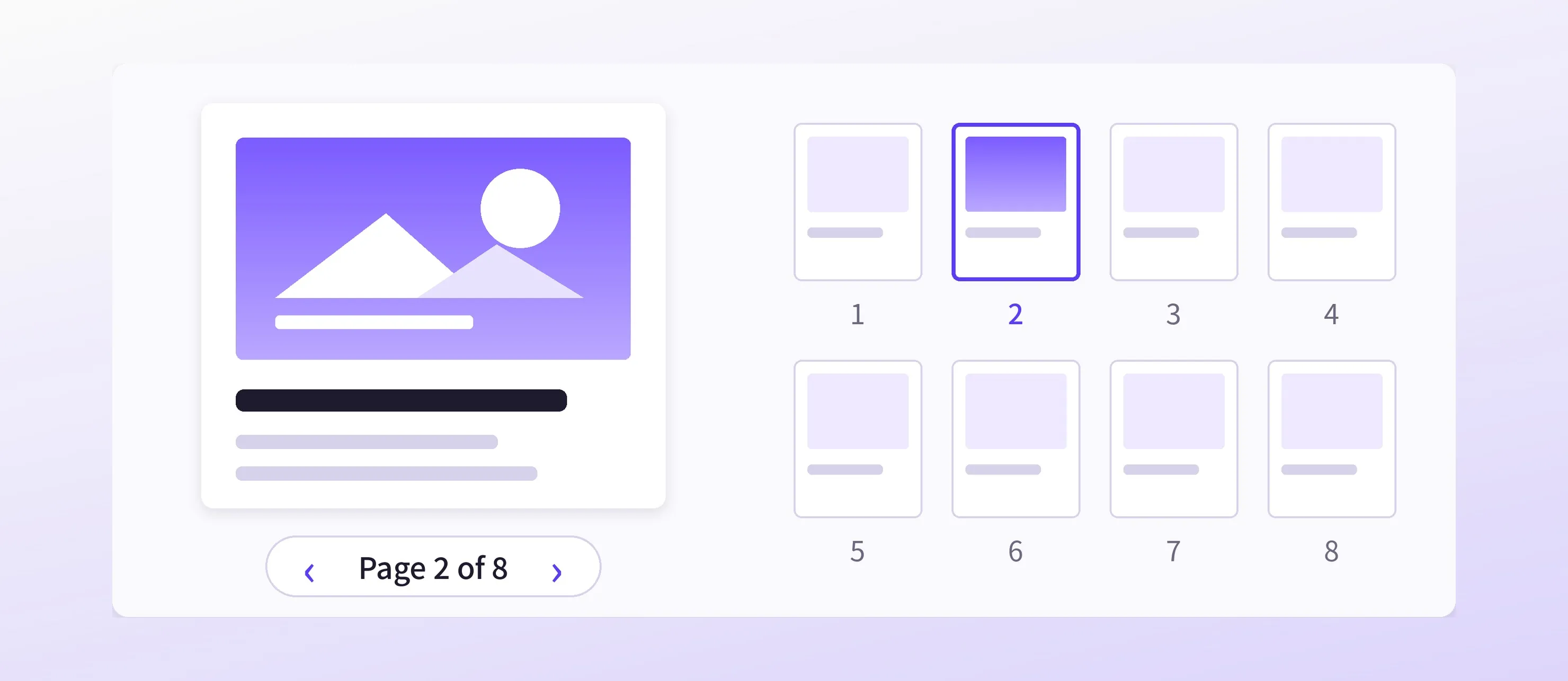
Single page mode is now a stable, supported feature, built into the engine. Show only one page of a multi-page design, like the front of a postcard, or two facing pages of a photobook, and switch quickly between pages.
Until now, single page mode was a workaround. It now works reliably in editing, layout, and export. Turn it on with the features/singlePageModeEnabled setting.
→ Single Page Editor Starter Kit
Align Text in Columns with Tab Stops
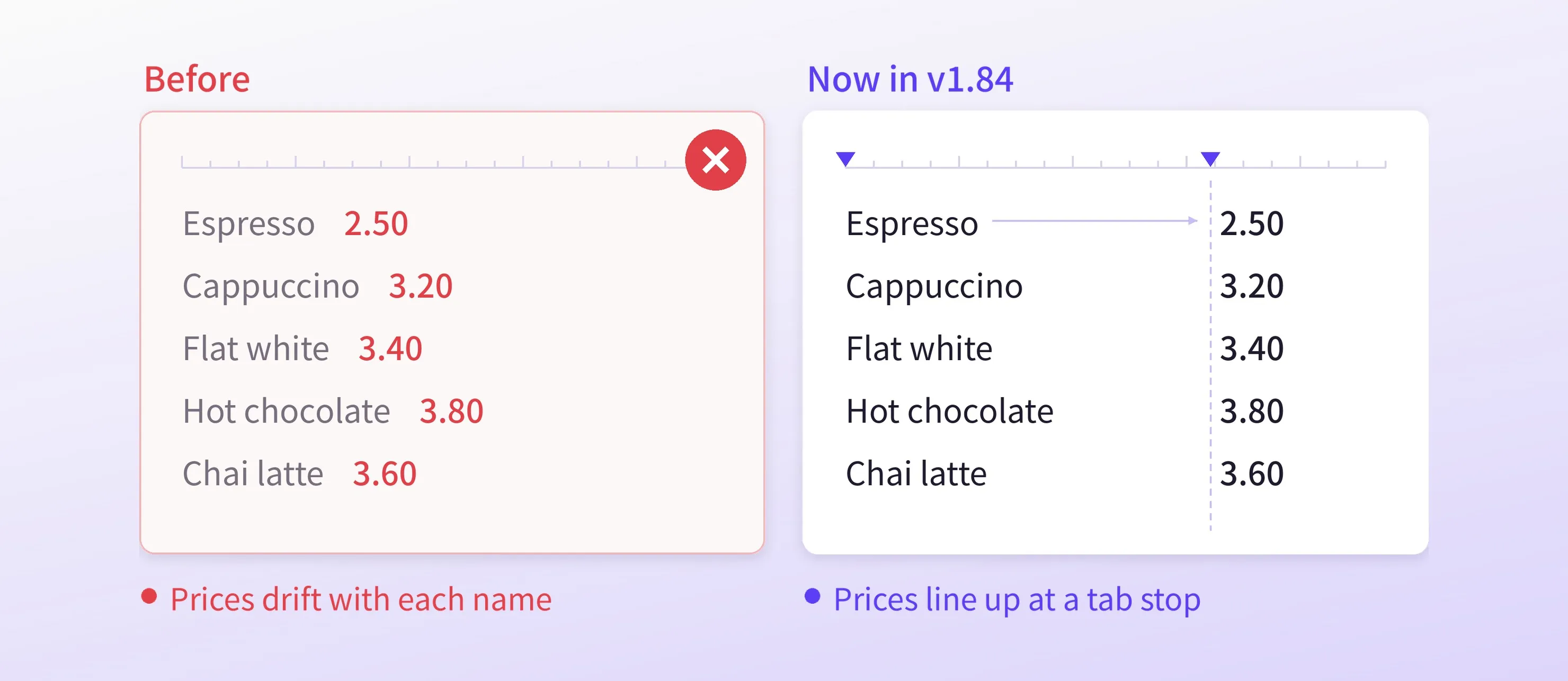
The Tab key now works in text. Text after a tab moves to the next tab stop, so price lists, menus, tables, and indexes line up in one text block.
- Tab stops are evenly spaced. Set the distance between them with the
tabStopIntervalsetting. By default, it is twice the base font size. - Text that would run past the edge of the text frame wraps to the next line.
- In lists, Tab and Shift+Tab still change the indent level.
Format Subscript and Superscript
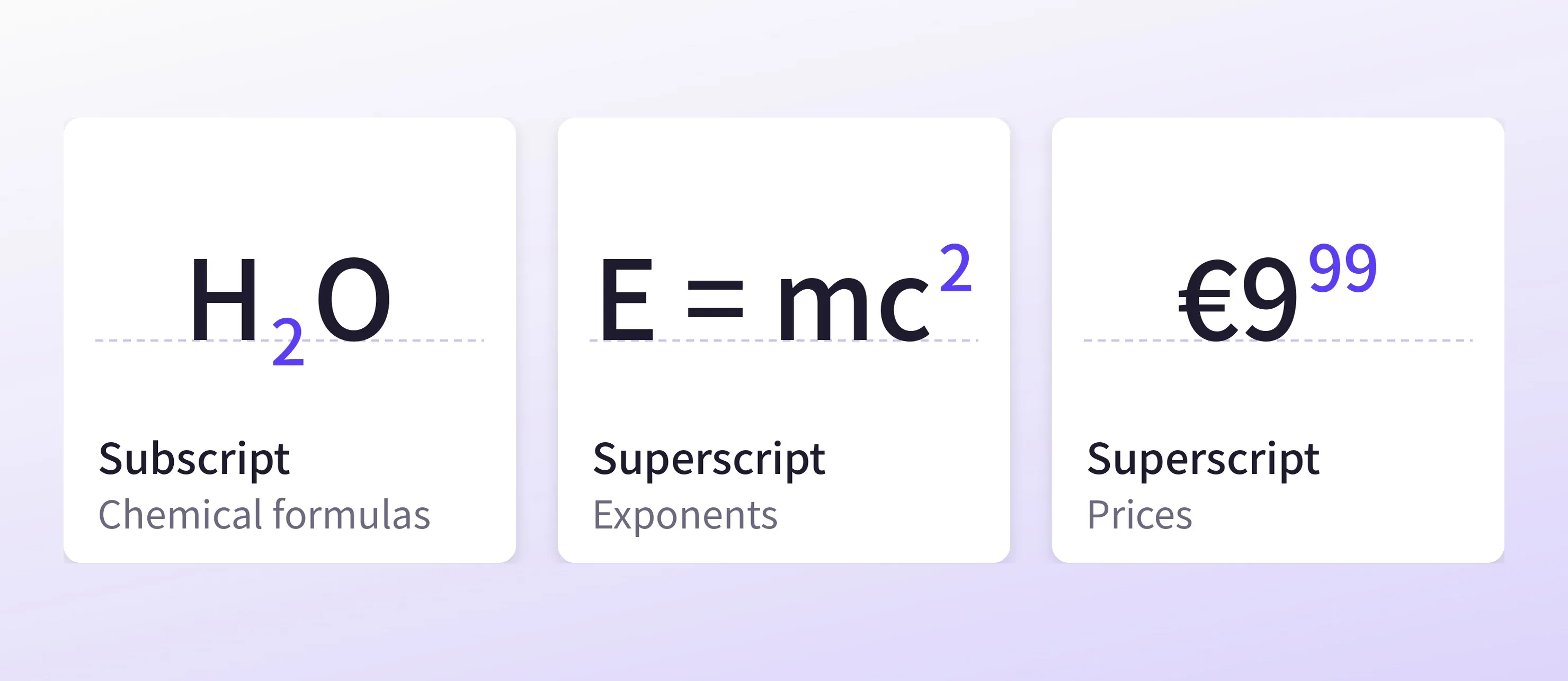
Set any range of text as subscript or superscript, for prices, chemical formulas, exponents, trademarks, and footnote markers.
You can adjust the size and offset of the shifted text. It works with every font, and lines grow so shifted characters never touch the lines around them.
→ Subscript & Superscript Documentation
Video
Separate Audio from Video Clips on Web
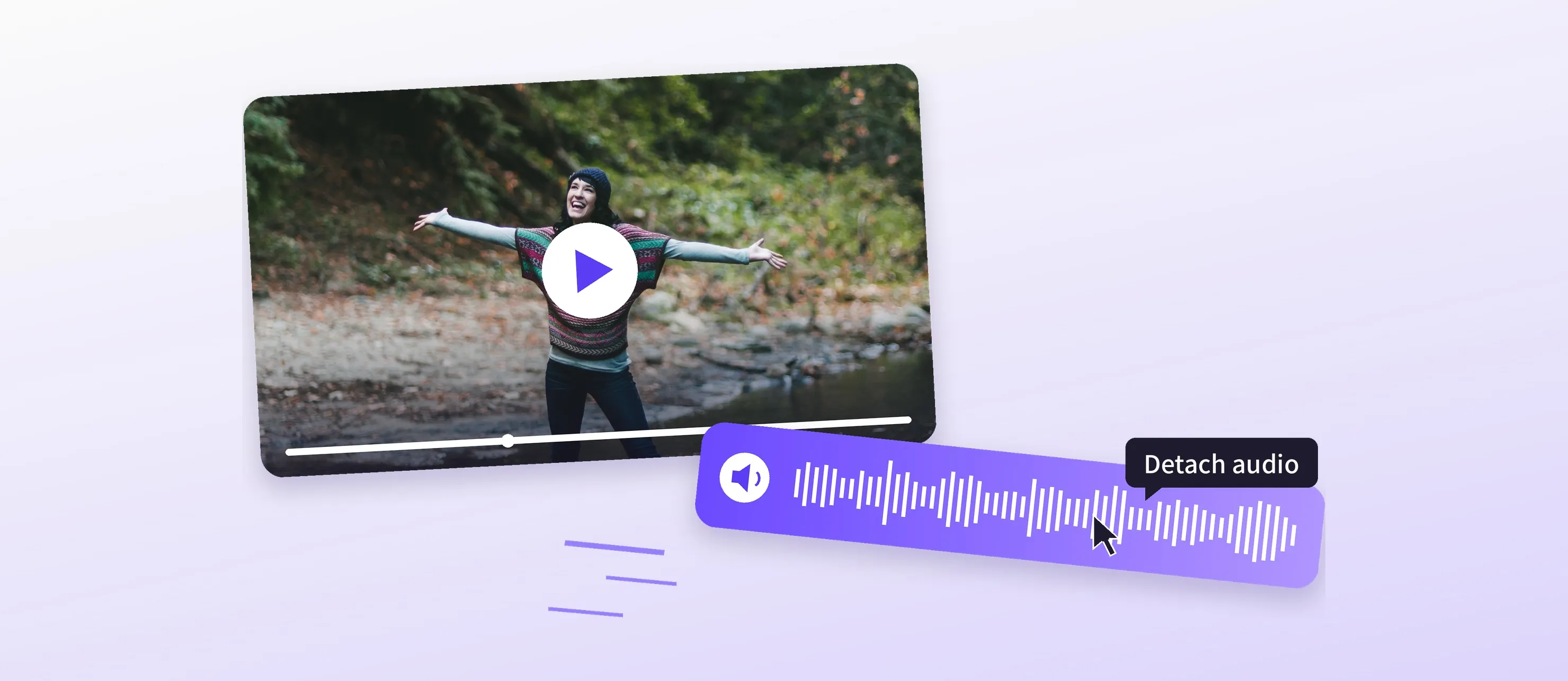
Users can now separate a video clip’s audio with the new Separate Audio item in its clip menu. The audio moves into its own audio clips, which start with the video clip and keep its speed and volume, and the video clip is muted. The audio is then ready to trim, move, or edit on its own.
Changelog
All performance improvements, breaking changes, and fixes are in the v1.84.0 changelog.
Thank you for building with IMG.LY.
Join 3,000+ creative professionals who get early access to new features and updates. Subscribe.