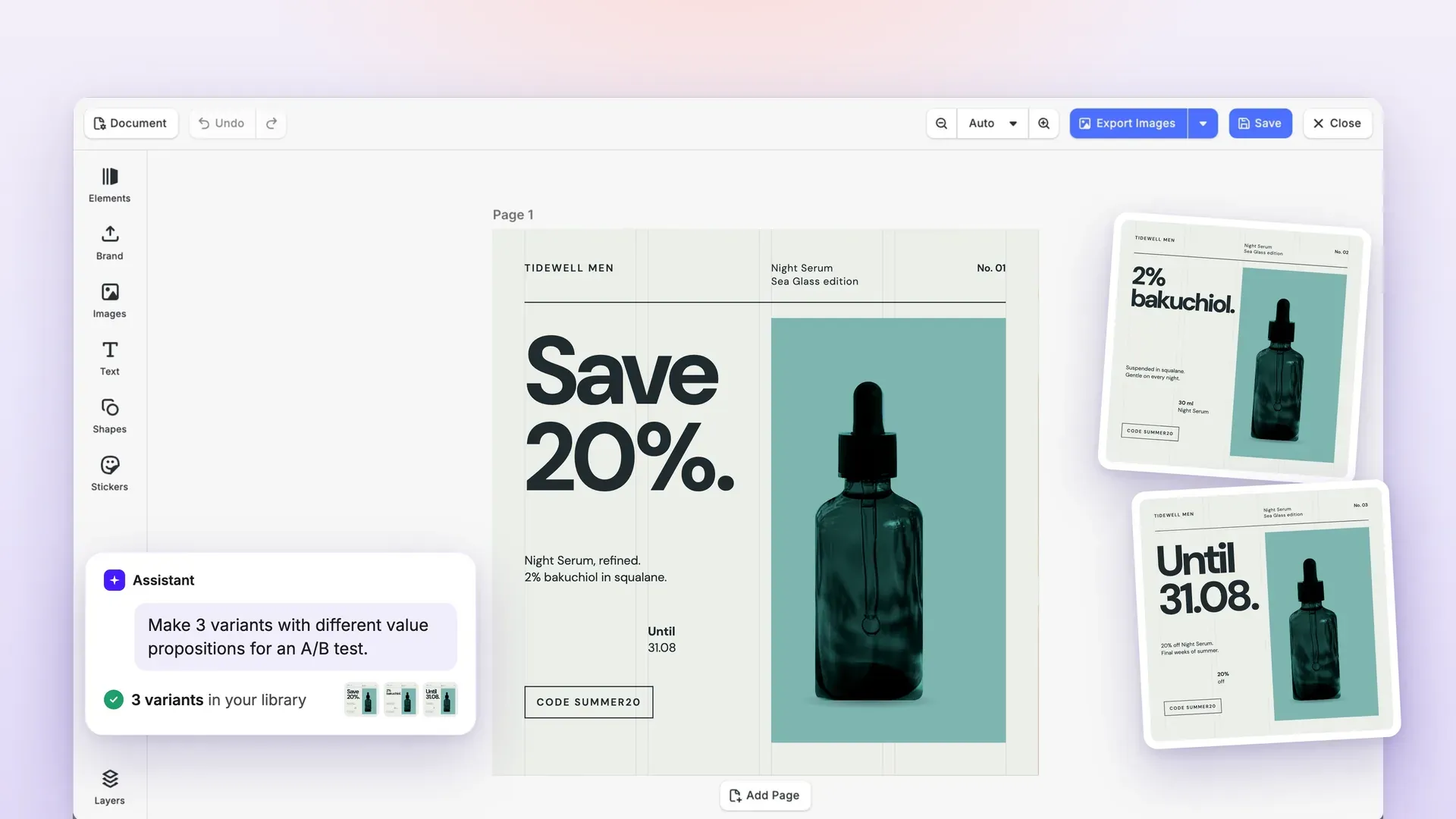
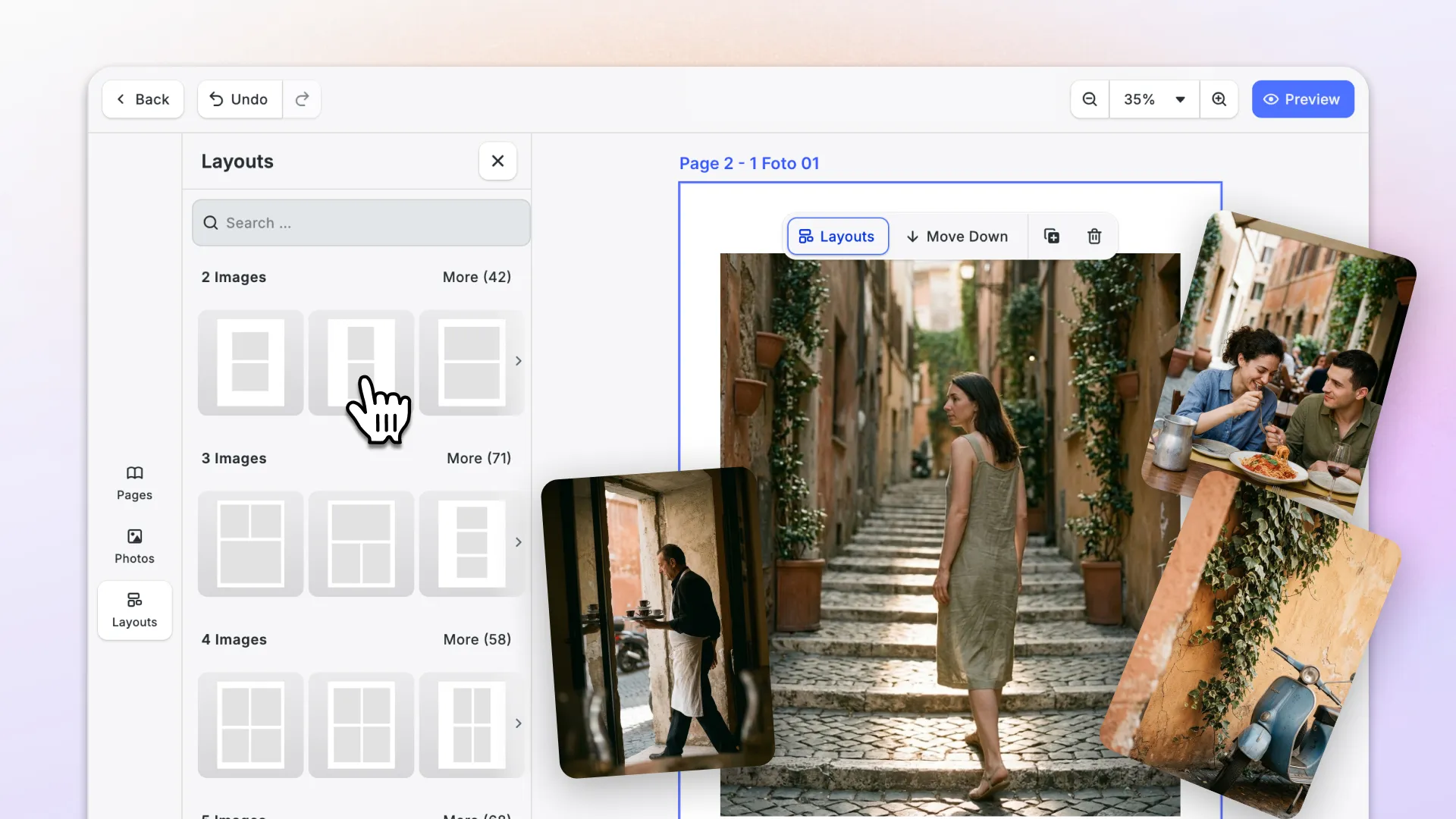
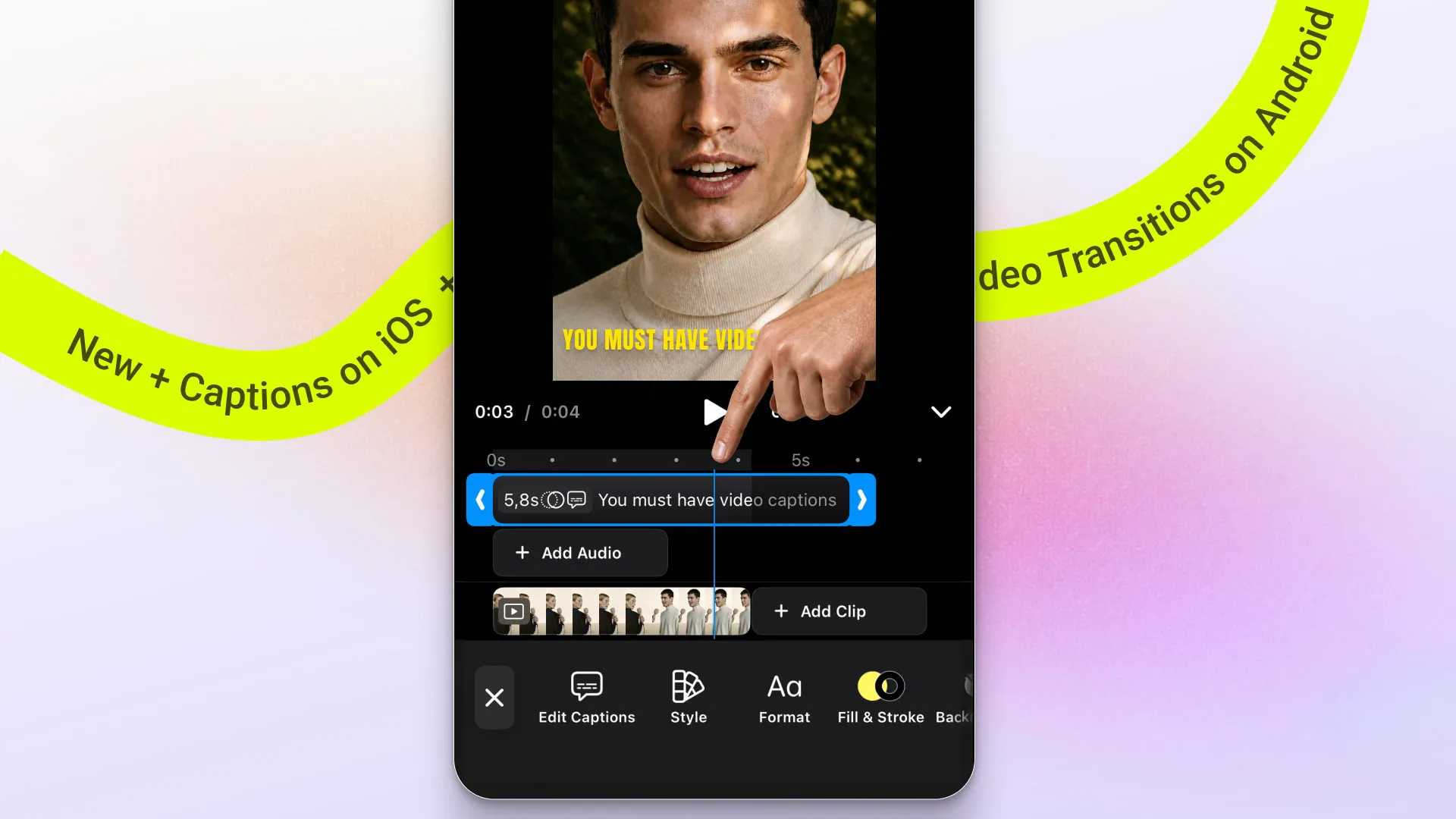
Android gets full captions support and video transitions come to iOS. CE.SDK also runs natively in Node.js now, so the full engine is available on your backend. The web editor becomes more customizable with new timeline controls and UI components. Alongside that, PDF export performance improves across platforms.
Let’s dive in!
Add Captions on Android
Android now supports a full captions workflow in the video editor. Add captions manually, generate them automatically, or import caption files.
Style captions with presets and edit them inside the editor. Adding your own presets is easy, too.
This makes it much faster to build complete captioning experiences on Android without stitching together separate flows.
→ Add Android Captions Documentation
→ Auto-Captions Documentation
→ Customize Caption Presets Documentation
Add Video Transitions on iOS
Make videos feel more polished with clip-to-clip transitions, now available in the iOS editor. Tap the transition icon between two clips to preview and apply effects without leaving the editing flow.
Apply to a single clip pair or across all your clips. This makes it faster to create smooth video clips, and the update ships with professional transition presets.
→ Apply iOS Transitions Documentation
Run Full CE.SDK Power in Node.js Native
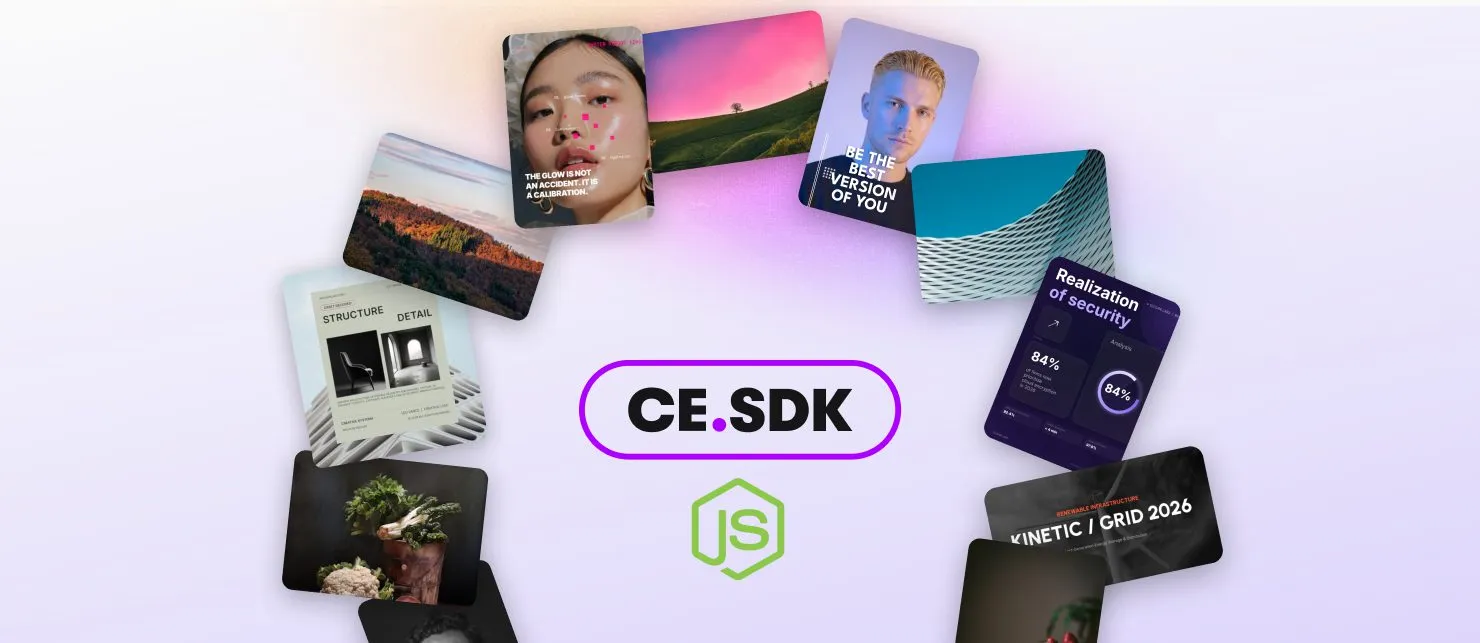
CE.SDK now runs natively in Node.js, with native C++ performance, headless automation, and GPU-accelerated video export to MP4.
That makes workflows like these possible:
Bulk rendering pipelines
Generate personalized images and videos server-side at scale.
Automated video creation
Export video straight from Node.js (see limitations).
Server-side template rendering
Render CE.SDK scenes for print, social, or commerce workflows.
Server-side rendering already matched the editor’s output. What changes in v1.82 is the speed underneath it, with the engine running as native code rather than WASM.
→ Get Started with Node.js Native Documentation
Customize Your Web Editor
Adjust the Video Timeline

The video timeline on web is now much easier to adapt to your product.
Customize the timeline controls
Re-order, add, or remove items in the control bar through the Order APIs, the same way you already customize the Inspector Bar and Dock. You can add your own, like a rewind button.
Set the timeline height
Use a fixed pixel value, or auto for content-hugging behavior.
Show or hide timeline parts
New Feature API keys toggle the visibility of the clip context menu and the timeline controls.
Control the timeline seam
Choose how the seam behaves, for example always visible instead of only on hover.
Migrate: This is a breaking change when upgrading to v1.82. Our migration guide below walks you through restoring the previous behavior.
→ Customize Video Timeline Documentation
→ Migrate to CE.SDK v1.82
Build Cleaner Custom Panels

Two new UI components make web editor panels easier to create and customize.
Tabs sit at the top of a panel. Use them to switch between sets, for example in, out, and loop animations.
Stepper inputs add up and down buttons to numeric settings. For example, a plus and minus on font size.
→ Register a Component Documentation
Improvements
Faster PDF Export Across Platforms
PDF export is now more efficient across platforms. Exports are streamed and staged more efficiently, with support for cancellation and reduced copying during handoff. That means better performance for larger exports and a more reliable workflow when handling PDFs.
Changelog
See the full changelog for the complete list.
Thanks for building with IMG.LY.
Join 3,000+ creative professionals who get early access to new features and updates. Subscribe.