
Choosing the right design editor SDK can define how your product handles content creation. The wrong choice may limit your growth, while the right one can unlock scalable workflows, better user experience, and faster time to market.
We’ll look at their strengths, limitations, and best-fit scenarios, and explain why IMG.LY stands out as the best cross-platform design editor SDK for enterprises.
Updated September 2026.
1. IMG.LY CreativeEditor SDK (CE.SDK)
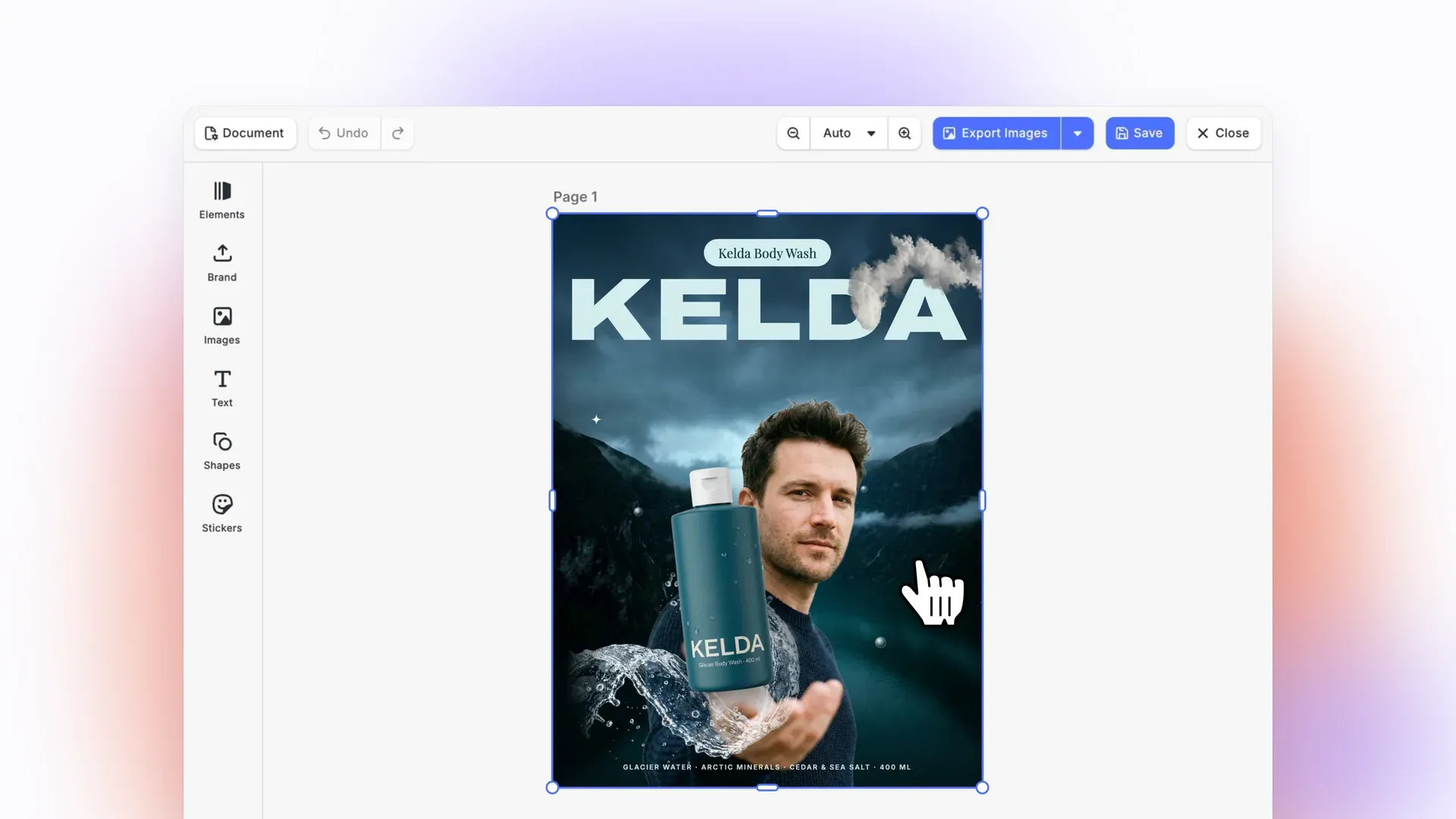
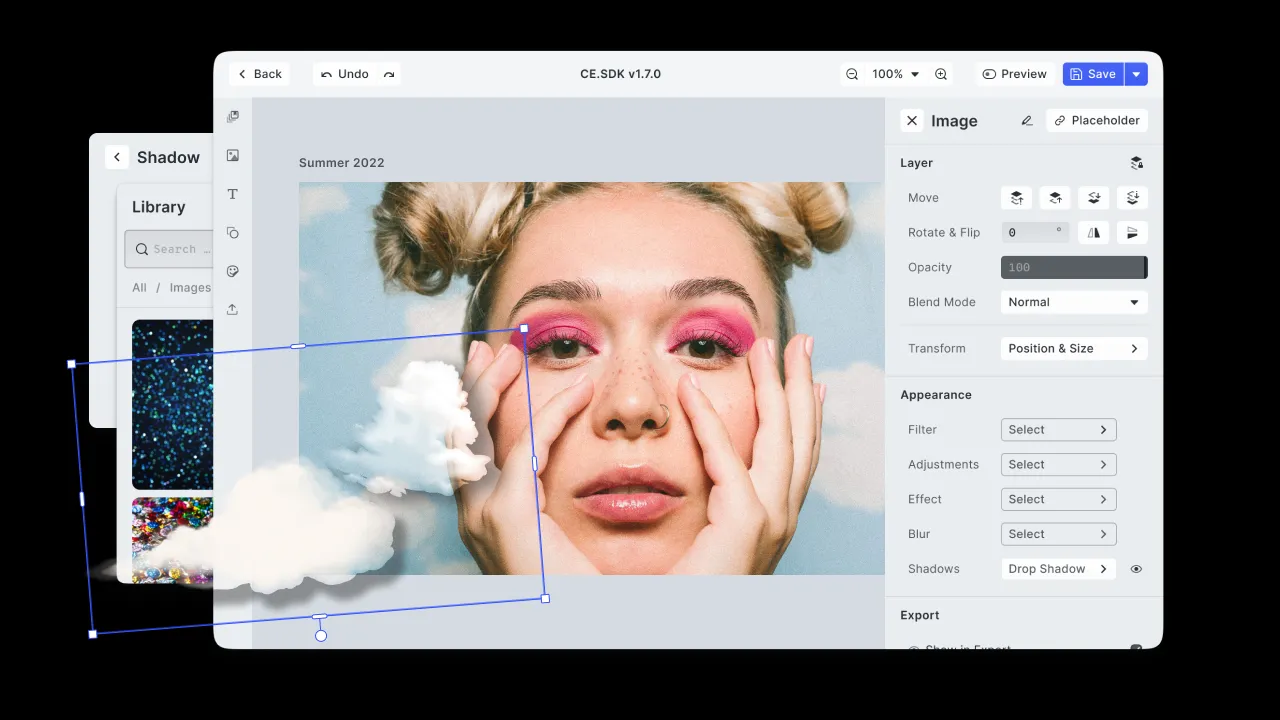
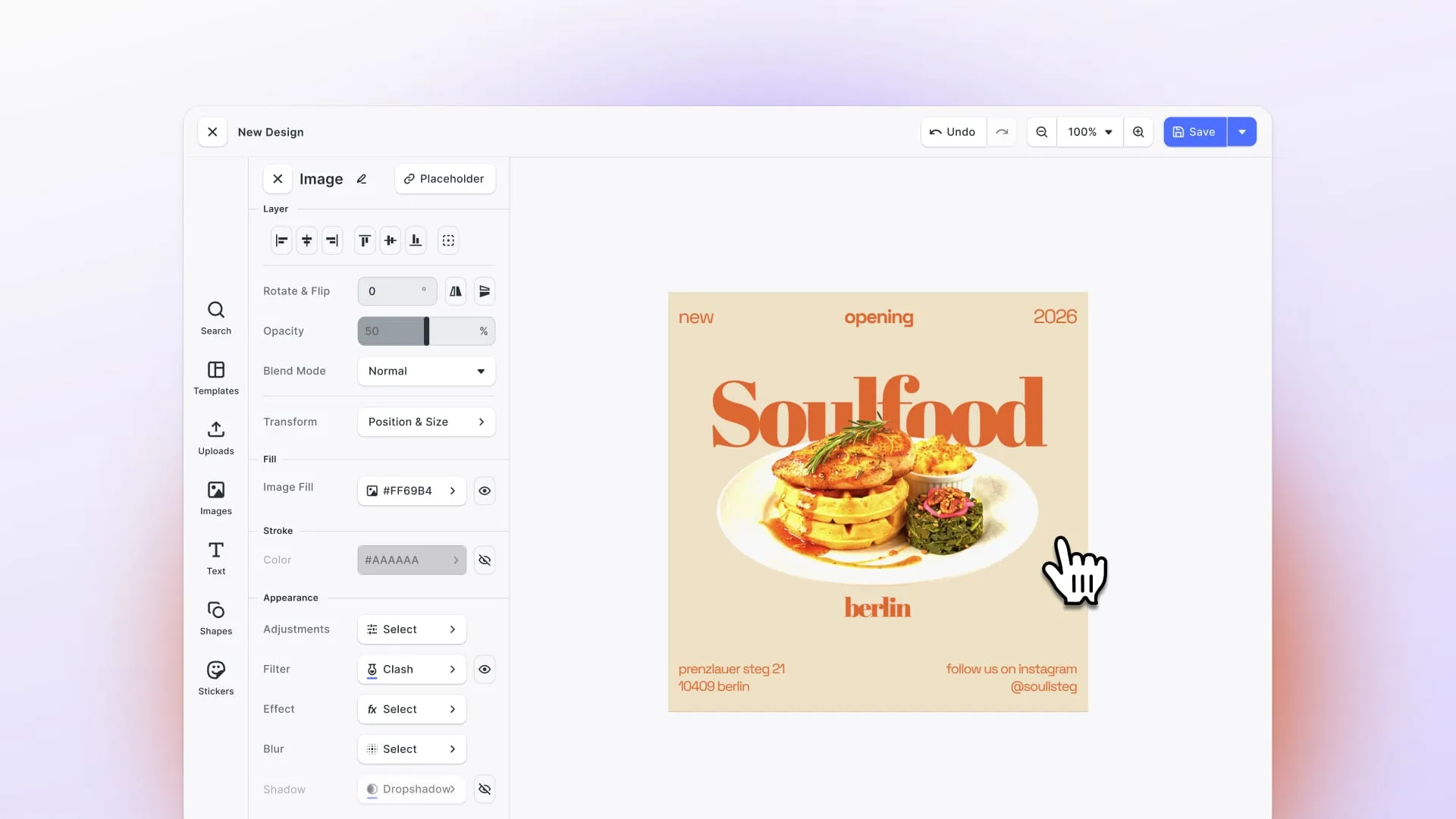
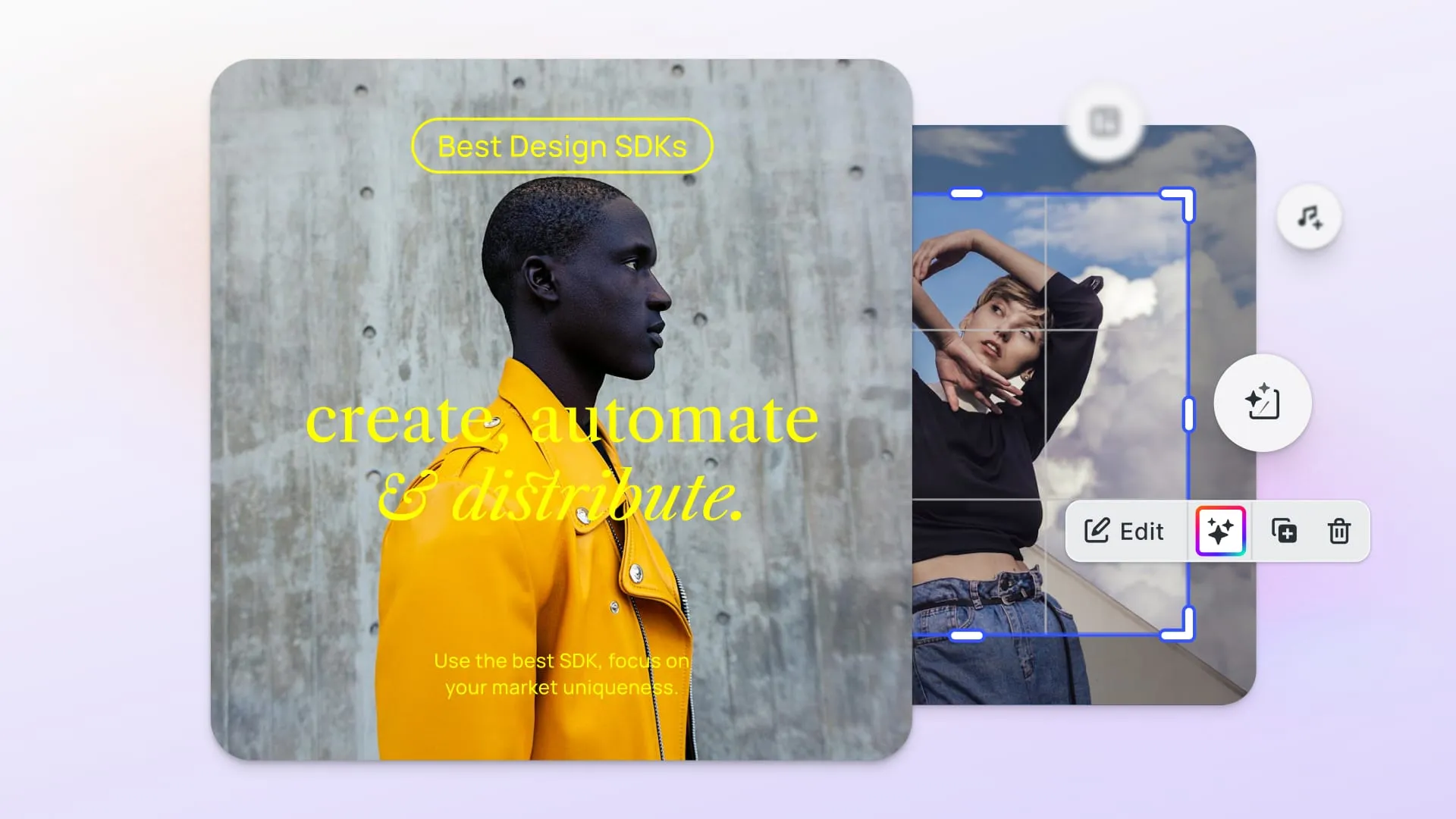
CE.SDK is built for companies that need more than just basic image or video filters. It’s designed as an enterprise-grade editing platform covering both creative UI for end users and backend automation workflows. It supports photo, video, and template-based editing, so it can adapt as your product’s creative demands grow.
- Features & capabilities: With CE.SDK you get multi-layer editing, template systems you can feed dynamic content into, packaged AI tools like background removal or generative design, and a plugin ecosystem that extends the editor and brings your own AI models to iOS, Android, Flutter and React Native.
- Platforms & customization: CE.SDK runs on Web, iOS, Android, React Native, Flutter, Node.js, Electron, macOS and Mac Catalyst. This means whether you’re building a mobile app, a desktop dashboard, or a hybrid setup, the editor behaves consistently. On the customization side, everything is fully white-label. You can theme the UI, adapt workflows, and build custom plugins. It’s designed so your users feel like they’re interacting with your brand, not a third-party tool.
- Implementation: Implementation is designed to scale. You can get going quickly with default editors, then ramp up to more custom UX as needed. Because CE.SDK handles both the frontend editing tools and has engine APIs for automation (e.g., templating, rendering), teams don’t need to piece together separate tools for UI and backend workflows.
- Use cases: Some of the use cases include: E-commerce personalization, allowing customers to design or customize products, packaging, or visuals. For MarTech platforms, you can create campaign graphics, video ads, and templates. It’s also perfect for social platforms, Digital Asset Management (DAM) systems, and SaaS apps that want rich media editing.
- Future‑proofing, support & pricing: IMG.LY ships frequent releases with cross‑platform parity and a clear AI roadmap. Support includes enterprise service-level agreements, onboarding support, and assistance for scaling. Pricing is custom, based on enterprise licensing. That means you pay for what you need.
- Who it’s for: CE.SDK is ideal for organizations that need high customization and a white-label editor across platforms. Or companies that want both interactive user editing and automated creative workflows.
Key differentiator
CE.SDK sets itself apart by combining an interactive editor UX with a powerful automation stack in one SDK. It also brings AI features and cross‑platform coverage, making it the benchmark for enterprise‑grade design editing. If your company is expected to scale, CE.SDK will scale with you. And it’s perfect if you care about brand consistency, UX polish, and want to avoid “bolting on” tools later.
Explore our case studies to see how companies in e‑commerce, MarTech, and SaaS have already adopted CE.SDK to scale their creative workflows.
2. Canva Connect API
Canva Connect API (Canva Developers SDK) brings Canva’s editor and templates into other apps. It provides an integration layer that allows third-party platforms to hand users off to Canva’s design environment without investing in building a native editor from scratch. This makes it an appealing choice for teams who want to add familiar design tools quickly, but it also means that the editing experience remains tied to Canva’s infrastructure and branding.
- Features & capabilities: With Canva Connect, your users get Canva’s large library of templates and assets, plus Canva’s editing tools and export options. This often means access to well-designed template content, background assets, and photo editing tools.
- Platforms & customization: It’s primarily a web-based API, and the actual editing experience is tied to the Canva ecosystem and branding. While this allows stability and ease of maintenance, it reduces the ability for organizations to adapt the editor to their own branding or workflows.
- Implementation & use cases: Implementation is relatively simple: connect via API and redirect users to Canva’s editor. It’s beneficial for SaaS apps that want to allow users to design graphics without building an editor from scratch.
- Future-proofing, support & pricing: The API is tied to Canva’s roadmap, so the feature availability depends on how Canva evolves. Support is offered via documentation and community. Pricing for Connect API integrations is not documented, and private integrations require a Canva Enterprise plan.
- Who it’s for: Canva Connect API is most suitable for teams that want to provide template‑driven design capabilities with minimal development effort. It works well for organizations that are comfortable adopting Canva’s ecosystem and can accept the trade‑offs in branding and customization.
How it compares to IMG.LY
Compared to IMG.LY, Canva Connect provides significantly less control. With IMG.LY, you gain access to a fully white-label solution that allows you to theme and brand the interface, deploy across multiple platforms, and integrate advanced AI tools.
Canva Connect offers speed and convenience, but at the cost of design ownership, UI flexibility, and long-term control. For organizations prioritizing consistent user experience, platform coverage, and automation, IMG.LY remains the stronger choice.
Read more about how IMG.LY is a great alternative to Canva Connect here.
3. Placid Editor SDK
The Placid Editor allows you to embed a customizable editing experience of your templates directly into your application. Its primary strength lies in enabling organizations to deliver consistent, template-driven content creation without requiring significant development resources. By restricting edits to predefined fields and layouts it helps maintain brand integrity while still giving end users the flexibility to customize outputs.
- Features & capabilities: Placid provides a curated template system. You define branded templates and control which elements are editable. Users create consistent assets without risking layout integrity. Exports cover common image formats and simple video formats, and Placid’s REST API also generates PDFs from templates.
- Platforms & customization: Placid runs on the Web (JavaScript SDK), with native iOS and Android SDKs that generate images from templates on-device. Customization centers on template configuration rather than deep UI theming or plugins. The tool is less about deep custom UI themes or plugins and more about giving non-designers safe, branded content creation workflows.
- Implementation & use cases: This SDK offers easy integration via CDN, and the setup tends to be fast. Some of the common use cases include marketing automation tools, campaign content creation, branded content platforms where consistency matters, and cases where development bandwidth is limited but design control is important.
- Future‑Proofing, support & pricing: Placid’s roadmap is largely centered on enhancing template management, expanding export options, and simplifying collaboration. Support is vendor‑driven and through documentation. Pricing follows a subscription model, usually linked to template volumes or usage tiers.
- Who it’s for: Teams who need branded, template-driven editing, but don’t need advanced customization or deep video timelines. Placid is good for smaller teams, marketing departments, content creators, or SaaS tools focused on content campaigns rather than video editors.
How it compares to IMG.LY
To summarize, Placid is simpler and lighter. If you just need templates, safe editing, and minimal dev effort, Placid could get you up and running fast.
But compared to IMG.LY, you lose: broader platform coverage, full white-label UI control, advanced video editing capability, deep automation, and AI features. If you expect your editing requirements to grow over time, IMG.LY gives more headroom to do so.
4. Design Huddle
Design Huddle is an embeddable, white-label editor SDK equipped with automation features. It intends to deliver the capabilities of a Canva‑style editor, but within an organization’s own environment and with greater control over content workflows and branding.
- Features & capabilities: Design Huddle offers template editing, asset libraries and management, and dynamic content insertion (for example, personalize templates with user or data inputs). Fully automated media creation via API is one of its three deployment models, alongside a turnkey SaaS product and the embeddable editors.
- Platforms & customization: It is web-based, using JavaScript and iframe embedding. The tool offers themeable UI, configurable workflows, and ability to white-label so end users see your brand. There may be limitations in deeper customization compared to a plugin-based system.
- Implementation & use cases: You embed the editor into your app or site (often via iframe or JS widget), configure which template sets/assets are available, define edit permissions, then let users create content within this controlled environment. These features are great for MarTech platforms, product personalization workflows, and branded content creation.
- Future‑proofing, support & pricing: Design Huddle maintains an enterprise‑focused roadmap. Vendor support is available to assist with integration, onboarding, and ongoing operations, ensuring that large organizations can adopt the editor with confidence. Pricing typically follows an enterprise licensing model, reflecting its positioning toward organizations with higher demands.
- Who it’s for: Companies that require a white‑label Canva‑style editor but do not want to invest in building a solution from the ground up. It is best suited for organizations that prioritize branded content workflows, product personalization, and marketing automation use cases, where ease of deployment and controlled editing environments are more important than extensive customization or cross‑platform reach.
How it compares to IMG.LY
Design Huddle and IMG.LY overlap quite a bit for use cases like branded content, template workflows, and marketing automation.
Design Huddle also covers video, along with print and presentation formats, and ships packaged AI design tools of its own. IMG.LY extends its offering with native mobile SDKs, plugin extensibility, and a deeper automation stack. This combination makes it better suited for organizations that need to manage complex, multi‑platform deployments while maintaining consistent user experiences and future‑ready capabilities.
5. Polotno
Polotno is a JavaScript SDK for embedding a white-label, Canva-style image and video editor into your product. It pairs the canvas editor with a programmatic API for generating designs from templates and data, so the same tool covers interactive editing and batch output.
- Features & capabilities: Polotno provides a drag-and-drop canvas editor, image and video editing, and a template system. Every design is stored as an open JSON document that you can export, modify, and re-import programmatically. Export covers PNG, JPEG, PDF (including CMYK and bleed for print), PPTX, MP4, GIF, SVG, and HTML.
- Platforms & customization: Polotno is web-based and ships as React components rather than a single fixed editor, which gives you control over layout at the cost of assembling it yourself. The UI is fully customizable, and a source code license is available on the enterprise tier. There are no native mobile SDKs.
- Implementation & use cases: Rendering runs client-side, self-hosted through Node.js, or through Polotno’s cloud render API, so you can decide where design data goes. Polotno reports use across SaaS products, web-to-print, e-commerce, digital asset management, and marketing platforms.
- Future‑proofing, support & pricing: Polotno is actively developed and publishes a public changelog. Licensing is commercial rather than open source, with no free tier for production use. Pricing follows published subscription tiers.
- Who it’s for: Teams building a Canva-style editor into a web product who want print-ready output and are comfortable assembling React components, and who do not need native mobile.
How it compares to IMG.LY
Polotno is the closest comparison on this list to CE.SDK, since both are white-label embeddable design editors with template automation and print-ready export. The differences are platform reach and how much you assemble: CE.SDK ships native SDKs for iOS, Android, React Native and Flutter alongside web, and provides a complete editor out of the box, where Polotno is web-only and expects you to compose its components. If your product is browser-only, that gap costs you nothing.
Read our full comparison of IMG.LY and Polotno for more detail.
6. DesignCombo SDK
DesignCombo is a set of React packages for building browser‑based video and graphic editors. Its core, animation and transition packages build on Remotion, while its design editor is built on fabric.js. It is aimed at teams that want detailed control over a browser editor and are willing to assemble it themselves.
The project looks dormant. Its GitHub organization holds five repositories, none with a commit since April 2025, and designcombo.dev resolves but serves no site, returning a disabled-deployment error. The npm packages were published more recently, the most recent being @designcombo/video in January 2026. Licensing is uneven rather than absent: @designcombo/react-draggable declares MIT, while @designcombo/timeline ships a DesignCombo Commercial License carrying subscription terms and a no-redistribution clause.
- Features & capabilities: DesignCombo includes timeline editing, visual effects, and filters. Since it is component‑driven, development teams can assemble the editor experience in a highly tailored way, adding or removing features to suit their product requirements.
- Platforms & customization: The SDK is built around Web (React). This provides a high degree of customization but also requires more engineering effort to create a cohesive user experience. Unlike pre‑packaged editors, DesignCombo expects development teams to invest time in shaping the interface and workflows to match their needs.
- Implementation & use cases: Implementation generally demands skilled React developers who can integrate the SDK’s components effectively. It is well-suited to SaaS tools where video timelines and browser performance are central. Common applications include online video‑creation platforms, social video editing tools, and advertising solutions that need precise control over video assets.
- Future‑proofing, support & pricing: There is no published roadmap, the website serves no content, and licensing is mixed, with a proprietary commercial license on several packages, which matters if you intend to ship commercially. The Remotion‑based packages also inherit Remotion’s terms, which require a paid company license for for‑profit organizations above three employees.
- Who it’s for: DesignCombo suits teams comfortable with developer‑heavy builds who want full control over a browser video editor and can accept the maintenance risk of a project whose most recent publish was January 2026.
How it compares to IMG.LY
DesignCombo performs strongly for web‑based video timelines. On the other hand, IMG.LY provides a broader solution, covering images, video, templates, and automation with support for native mobile and desktop platforms. This reduces the need for organizations to maintain separate technology stacks as they expand their creative workflows.
7. Creatomate
Creatomate is an API‑first solution with a strong focus on automation. Its Preview SDK renders an interactive preview of a template inside your own web app rather than a full embedded, in‑app editor, and the finished images and videos are generated from templates and structured data through the API. This makes it well-suited for platforms that prioritize large‑scale, programmatic asset creation over interactive editing.
- Features & capabilities: Creatomate excels at dynamic rendering. It supports text overlays, data‑driven compositions, and bulk generation, making it effective for producing marketing visuals, personalized campaigns, and video variations at scale.
- Platforms & customization: Because it is API‑based, Creatomate can be integrated with almost any environment: web, mobile, or server. Its Preview SDK gives you an interactive preview of a template inside a web app, which is a narrower surface than a complete in‑app editor UX. Customization is handled within the templates and the payloads you define. This gives developers strong control over output, but it also limits end‑user flexibility inside applications.
- Implementation & use cases: Creatomate offers simple REST integration. You define templates, supply data, and retrieve rendered media files. It is commonly used for automated marketing videos, social content production at scale, and personalized campaigns where assets need to be generated automatically.
- Future‑proofing, support & pricing: The roadmap emphasizes improvements focused on automation. Support is vendor‑led, with documentation designed to help developers set up workflows efficiently. Pricing follows a usage‑based model, aligning costs with the volume of rendered assets.
- Who it’s for: Creatomate is best suited for teams whose workflows are automation‑first and whose users need a preview of a template rather than a full editor. It is valuable for businesses building large‑scale personalization engines, content factories, or data‑driven marketing systems.
How it compares to IMG.LY
Creatomate is strong for backend rendering and bulk content generation. IMG.LY extends beyond this by combining a front‑end editing experience with automation and AI. This allows organizations to support both interactive content creation for end users and programmatic asset generation within a single stack.
Read our detailed comparison of IMG.LY and Creatomate for more information.
8. Rendley
Rendley is a video automation platform. The same engine is available three ways: as a browser SDK you embed, as a REST API, and as an MCP server that connects an AI client such as Claude or ChatGPT to a working editor. The SDK renders client‑side in the browser, and Rendley also documents server-side rendering with headless Chromium.
- Features & capabilities: Rendley covers video editing and generation, with an editing agent that cuts, captions, reframes and renders from a prompt plus your footage. A prebuilt editor UI ships on top of the SDK and can be embedded or taken as source, so the timeline is available to your end users rather than only to your backend.
- Platforms & customization: Rendley is browser‑based, with the SDK embedded in your own web application. Because the SDK renders on the device by default, there is no per‑render fee and user files do not need to be uploaded. Native mobile SDKs are not part of the offering.
- Implementation & use cases: You can embed the SDK, call the REST API from your backend, or drive the editor from an MCP client. Typical use cases include browser video editors inside SaaS products, automated video generation from prompts and footage, and AI‑driven editing workflows.
- Future‑proofing, support & pricing: Rendley follows a developer‑first roadmap as a SaaS platform. The focus is on improving automation performance and scalability. Support is available from the vendor for developers, and the SDK is priced by team size with no per-render fee, while the API and MCP server are credit-metered.
- Who it’s for: Rendley suits teams building browser‑based video editing into a product, particularly those who want an AI editing agent alongside a manual timeline, and who are comfortable with a web‑only footprint.
How it compares to IMG.LY
Rendley and IMG.LY overlap on embedded browser video editing, and both pair an editor with automation. The differences are scope and reach: Rendley is video‑focused and web‑only, while IMG.LY covers photo, video and design in one engine with native SDKs for iOS, Android, React Native and Flutter, plus server‑side rendering. For teams whose editing lives only in the browser and only in video, that gap may not matter.
Read more about IMG.LY vs Rendley here to make the right choice.
Overview Table
Here’s a quick overview of the tools we’ve discussed.
| Tool | Type | Embeddable editor | Platforms | Automation | Licensing | Best for |
|---|---|---|---|---|---|---|
| IMG.LY CE.SDK | Embeddable editor SDK | Yes, full editor | Web, iOS, Android, React Native, Flutter, Node.js, Electron, macOS, Mac Catalyst | Server-side rendering and engine APIs | Custom enterprise license | Cross-platform interactive editing plus automation |
| Canva Connect API | Integration API | Redirect out to Canva’s editor | Any environment via REST | Through the API | Not documented | Fast template access, accepting Canva branding |
| Placid | Template editor SDK | Yes, scoped to templates | Web, plus native iOS and Android SDKs | Template rendering | Subscription | Branded template workflows with low dev effort |
| Design Huddle | White-label editor platform | Yes | Web | Yes, including a fully automated model | Enterprise licensing | Canva-style editing across digital, print, video and slides |
| Polotno | Embeddable editor SDK | Yes, as React components | Web | Client-side, self-hosted or cloud render | Commercial subscription | Canva-style web editor with print-ready export |
| DesignCombo | React packages | You assemble it | Web (React) | No | Mixed, several proprietary | Developer-heavy browser editors, but the project looks dormant |
| Creatomate | Media automation API | Preview SDK, interactive mode | Any environment via REST | Yes, this is the product | Usage-based, free trial available | Bulk programmatic generation from data |
| Rendley | Video SDK, API and MCP server | Yes, prebuilt UI on the SDK | Web | Editing agent and REST API | Per team on the SDK, metered API | Browser video editing with an AI editing agent |
Canva Connect hands users off to Canva’s editor rather than giving you your own, Creatomate’s editing is a preview-level interactive mode rather than a full editor, and DesignCombo gives you parts to build one from. Everything else hands you an editor you can brand.
Selecting the best fit: Why IMG.LY stands out
Choosing a design editor SDK or API starts with a clear view of what your teams’ priorities are. Here’s a quick summary to help you choose.
- Canva API, Placid, Design Huddle, Polotno: These tools are great for teams wanting Canva-like workflows at different levels of control.
- DesignCombo, Creatomate, Rendley: Ideal for teams focused on video-first web editors, or on automation-first pipelines where the editing surface can be a template preview rather than a full editor.
But if you want an interactive editor with automation, cross‑platform coverage, and enterprise support, IMG.LY CreativeEditor SDK is the most complete option.
Beyond offering a polished, white‑label editor, our tool provides a plugin ecosystem, native SDKs for web and mobile, and a strong roadmap for AI features that ensure long‑term relevance. Our enterprise‑grade support model with SLAs and onboarding engineers also makes IMG.LY a reliable choice for organizations with complex requirements.
FAQ
What is the difference between an embeddable editor SDK and a creative automation API? An embeddable editor SDK puts an interface in front of your users, who make the design decisions. A creative automation API takes templates and data and returns finished assets with nobody involved. Creatomate sits mainly in the second group. IMG.LY, Placid, Polotno, Design Huddle and Rendley cover both, which is why they suit products that need users editing and a backend generating. Placid’s editor is the narrowest of those: it is scoped to the template fields you mark editable.
Can you white-label Canva? Not through Canva Connect. The API brings Canva’s editor and template library into your app, but the editing experience stays inside Canva’s environment and branding. If the requirement is an editor that looks like your product, you need a white-label SDK such as IMG.LY, Design Huddle or Polotno instead.
Which design editor SDKs work on native iOS and Android? Of the tools compared here, IMG.LY CE.SDK and Placid ship native iOS and Android SDKs, and CE.SDK alone adds React Native and Flutter. Placid’s mobile SDKs generate images from templates on-device; they are not an interactive editor. Design Huddle, Polotno, DesignCombo and Rendley are web-based, and Canva Connect and Creatomate are REST APIs you call from any environment, so none of those six ships a native mobile SDK. If your product ships a mobile app, that decides the question.
Are any of these design editor SDKs open source? Almost none. Creatomate’s Preview SDK ships under MIT, but Polotno and Rendley carry commercial licenses, and several DesignCombo packages ship a proprietary commercial license of their own. Polotno sells source access on its enterprise tier and Rendley sells the source of its prebuilt editor UI, neither under an open source license. Several DesignCombo packages also build on Remotion, which requires a paid company license for for-profit organizations above three employees. If open source is the requirement, this is the wrong category to shop in.
Which design editor SDKs support print-ready output? IMG.LY CE.SDK and Polotno both export print-ready PDF with CMYK and bleed, which is what a print workflow needs. On CE.SDK, bleed and margins are a web capability today. The automation-first tools produce standard image and video output rather than press-ready files.
Can any of these be driven by an AI assistant? Rendley ships an MCP server, which connects a client such as Claude or ChatGPT to a working video editor, and Canva publishes an MCP offering as well. IMG.LY offers CoDesign, an MCP server that gives an AI client a real design engine and returns editable design files and print-ready PDFs rather than flat images. CE.SDK itself exposes automation through engine APIs and a plugin system that accepts the model of your choice.
We already empowered over 600 innovative startups, government entities, and Fortune 500 companies to streamline their design, video, and photo editing workflows. Get in touch, to see how we can do the same for you.