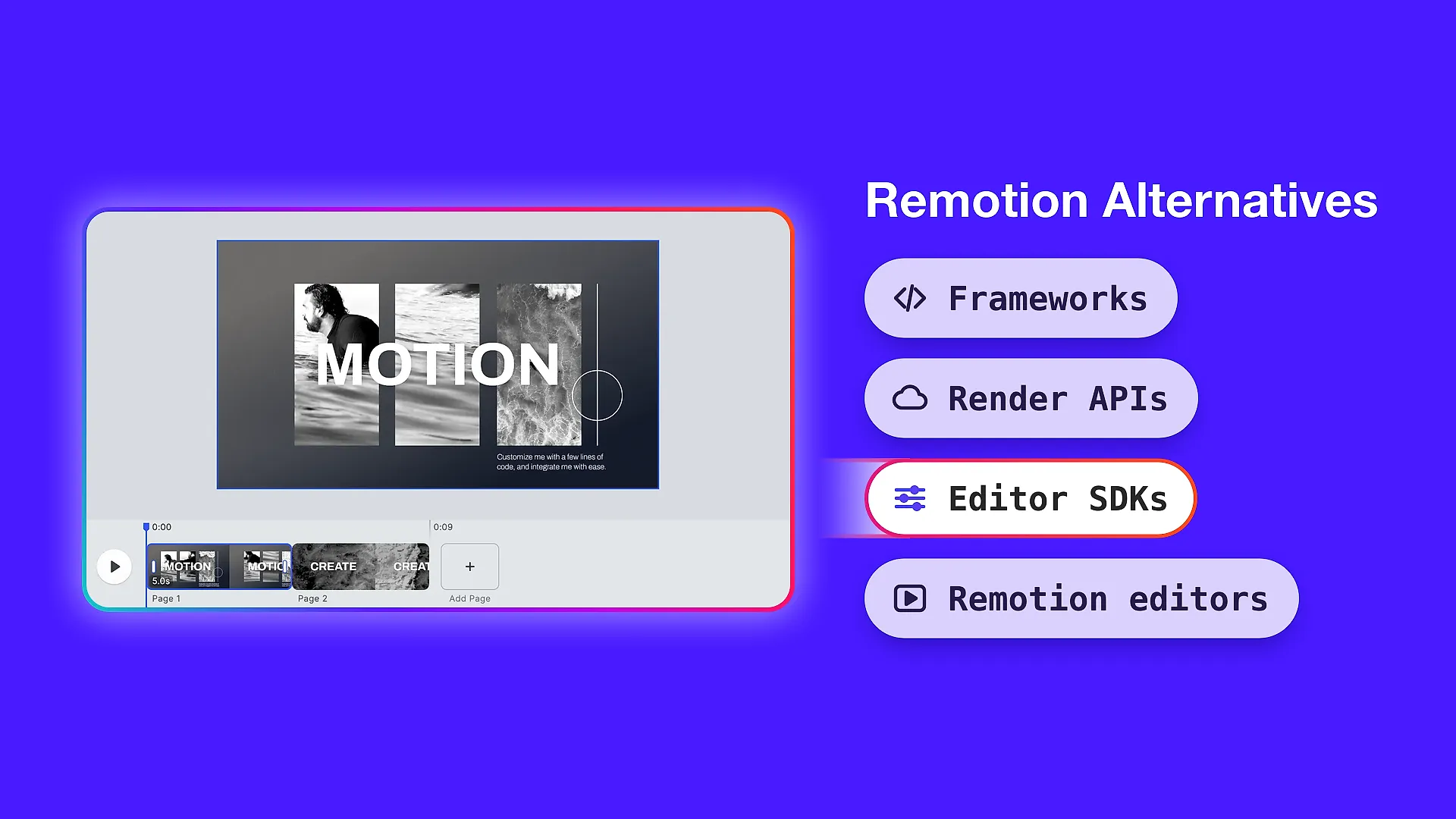

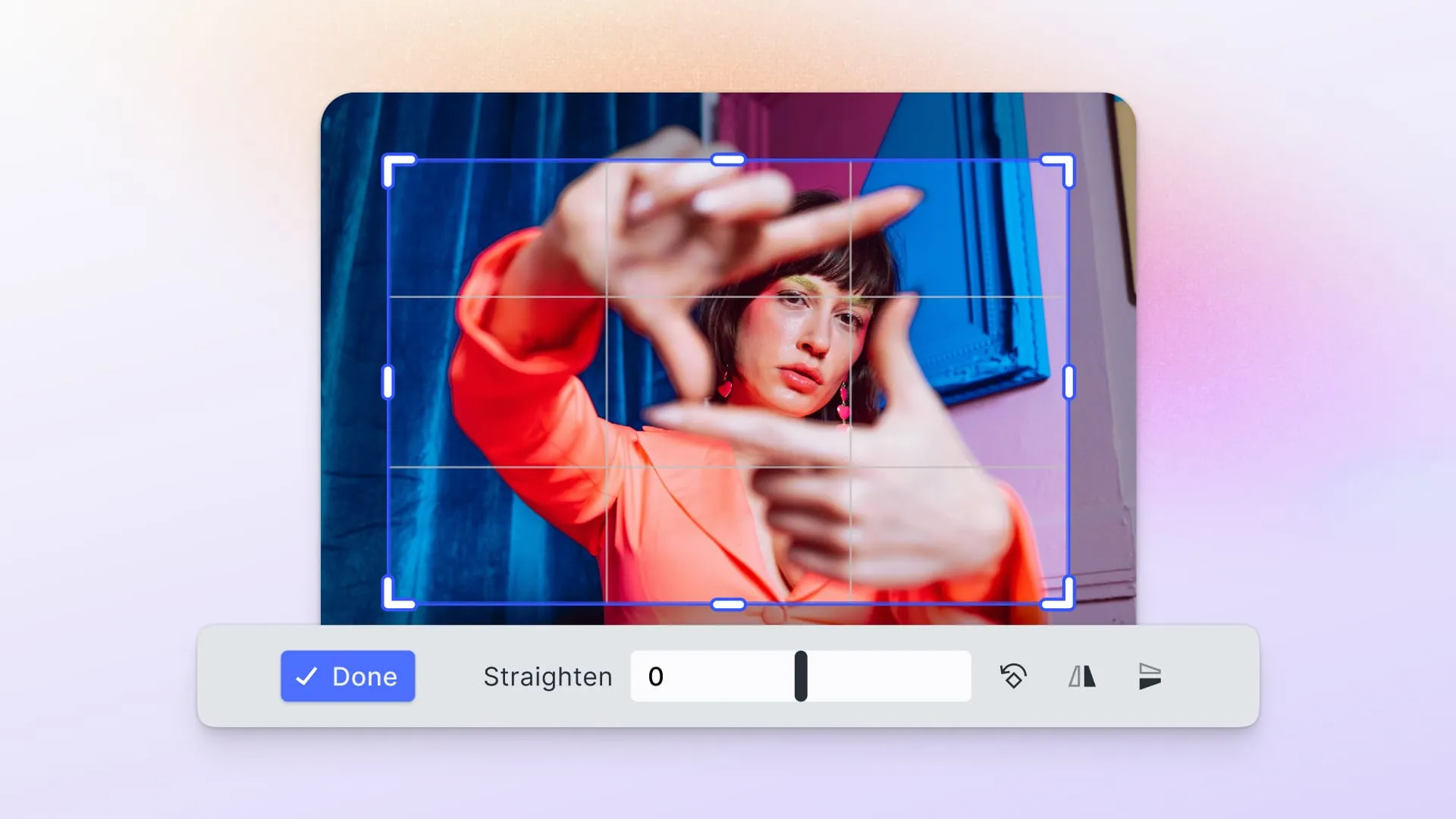
This guide compares seven image editor SDKs: IMG.LY (CreativeEditor SDK), Pintura, Polotno, Imgpen, Banuba, Fotor, and Cloudinary.
They aren’t all the same kind of product. Four are editors you embed and customize, one is a mobile AR SDK, one is an AI API with a web editor, and one is a media platform with an editor widget attached. The sections below sort them by category and compare inside each group.
Updated September 2026.
Four kinds of product on one list
Embeddable editor SDKs. You drop in a working editor and customize it. IMG.LY CE.SDK, Pintura, Polotno and Imgpen live here, though they differ enormously in scope.
Mobile AR and beauty SDKs. Banuba is built for face filters, beauty retouching and real-time camera effects on iOS and Android. It overlaps with photo editing but is bought for a different reason.
AI editing APIs. Fotor sells endpoints: background removal, upscaling, retouching. It also ships a separate web Photo Editor SDK, so you can buy the capability and wrap it yourself or embed their editor.
Media platforms with an editor attached. Cloudinary is storage, transformation and delivery first. Its Media Editor widget is one component of a much larger platform.
What to check before you shortlist
Does it ship a UI, or a toolkit? A pre-built editor and a component library are weeks of work apart.
Which platforms, natively? Browser-only is fine until someone asks for an iOS app. Some of these run in a web view inside a native shell, which isn’t the same as a native SDK.
Can you extend it? Plugin systems differ from configuration. Ask whether you can add a tool of your own, rather than only hide the ones supplied.
Where does processing happen? Client-side keeps images on the user’s device. Server-side means uploading customer photos to a vendor, which may matter for privacy and compliance.
How we evaluated these
Claims about each vendor come from that vendor’s own documentation, read directly rather than from other comparison articles.
Quick comparison
| SDK | Category | Pre-built UI | Native mobile | Extensible | Processing |
|---|---|---|---|---|---|
| IMG.LY CE.SDK | Embeddable editor | Yes | iOS, Android, React Native, Flutter | Plugin system | Client or server |
| Pintura | Embeddable editor | Yes | Via React Native webview | Built-in plugins | Client-side |
| Polotno | Embeddable editor | Yes, React components | No, web view on iOS | Component-level | Client or cloud |
| Imgpen | Embeddable editor | Yes, modal | No | Limited | Client-side |
| Banuba | Mobile AR and beauty | Yes | iOS, Android, React Native, Flutter | Effect scripts | On-device |
| Fotor | AI API + web editor | Yes, web SDK | No SDK | Not documented | Vendor cloud |
| Cloudinary | Media platform | Media Editor widget | No, widget is web only | Configuration | Vendor cloud |
1. IMG.LY CreativeEditor SDK
Category: Embeddable editor SDK.
CE.SDK ships a working editor for photo, video and design work, with the same engine behind an interactive UI and a headless mode for automated generation. It runs on web, iOS, Android, React Native, Flutter, Electron, macOS and Node.js from one C++ core, so output matches across platforms.
Photo work covers adjustments, filters, cropping, blend modes and layers. It also handles typography, vector shapes, templates, and CMYK with spot colors for print, which single-purpose photo SDKs generally leave out. AI arrives through a plugin interface that takes the model of your choice rather than locking you to one provider.
Limitations: It is a larger dependency than a single-purpose photo editor, so a product that only needs a crop-and-filter modal is a lighter job than CE.SDK is built for. Several AI capabilities are web-first rather than available identically on every platform. Licensing is commercial. Every license includes a free trial with full access, but there is no free tier for production use.
Who it’s for: Teams building editing into a product where editing is a core part of the product.
See the photo editor UI demo for the photo editing UI in action.
2. Pintura
Category: Embeddable editor SDK.
Pintura is a JavaScript image editor SDK built for the browser. It’s lightweight and developer-friendly, with plugins for crop, filter, finetune, annotate, decorate, redact, resize, retouch, fill, sticker and frame, plus a video editor. Framework adapters cover plain JavaScript, React, Vue, Angular, Svelte and jQuery, plus a Web Component.
Templating exists but works shape by shape: predefined shapes through the imageDecoration array, and placeholder values in text shapes swapped at export through the preprocessImageState hook. That covers per-image personalization rather than a template library.
Limitations: Browser-only, with mobile reached through React Native rather than native SDKs. No asset management, DAM or stock integrations.
Who it’s for: Web products that want a strong, self-contained editor without taking on a platform.
We compare the two in more detail in IMG.LY vs. Pintura.
3. Polotno
Category: Embeddable editor SDK.
Polotno ships React components rather than a monolithic editor: PolotnoContainer, SidePanelWrap, WorkspaceWrap, plus Toolbar, PagesTimeline and ZoomButtons. You assemble the editor from parts, which gives you more control over the layout, but it’s more work than dropping in a finished editor.
It is built on Konva, and Konva’s own documentation points at Polotno for teams who need templates, text engines and export on top of the canvas. There is a documented path to embed it in a native iOS app through WKWebView, which is a React web editor running in a web view rather than a native SDK.
Limitations: Web-first, with no native mobile rendering. Assembling the supplied components is more work than dropping in a finished editor.
Who it’s for: React teams that want to control editor layout and are comfortable assembling components.
We compare the two in more detail in IMG.LY vs. Polotno.
4. Imgpen
Category: Embeddable editor SDK.
Imgpen is a lightweight modal editor covering crop, resize, rotate, filters, text with Google Fonts, drawing and sticker insertion. It ships as an npm package and is distributed as a plugin for CKEditor, TinyMCE and Froala, and as a module for Drupal, Joomla, WordPress and Magento. It pairs with Flmngr for file handling and storage.
Limitations: Its documentation shows no AI features, no plugin system for extending the editor with your own code, and no native mobile SDK. Customization is presets and toolbar options rather than structural change. Check its release history before adopting it. The imgpen npm package has a single version from February 2019, the vendor’s @edsdk/imgpen package last published 1.0.8 in April 2019, and the public edsdk/imgpen repository was last pushed the same month, while the same vendor’s Flmngr packages and repositories are current.
Who it’s for: CMS and admin interfaces that need quick image editing next to an existing content editor.
We compare the two in more detail in IMG.LY vs. Imgpen.
5. Banuba
Category: Mobile AR and beauty SDK.
Banuba isn’t a general-purpose editor. Its documentation is dominated by iOS and Android, with React Native and Flutter wrappers, and it covers face AR, beauty retouching, background replacement, virtual try-on and a full video editor alongside photo work. Face AR, beauty and photo work run on-device, though captions and AI clipping call cloud services and are disabled by default. A @banuba/webar npm package brings AR effects to browsers with WebGL 2.0, so web support exists alongside the mobile SDKs.
Effects are authored in Banuba Studio and distributed through their asset store, and their AR Cloud service downloads them to the app on demand rather than packaging them in it. Extension happens inside the effect bundle, whose config.js can carry business logic in JavaScript, rather than through a plugin architecture in the host application.
Limitations: It is built for face and camera work rather than general-purpose design or layout editing. Licensing is per platform, and the video editor and Face AR are priced separately.
Who it’s for: Social, camera and beauty apps where face effects are the product.
We compare the two in more detail in IMG.LY vs. Banuba.
6. Fotor
Category: AI API with a web editor SDK.
Fotor sells two things: AI capabilities through an OpenAPI with token-based consumption, covering background removal, upscaling and retouching, and a separate web Photo Editor SDK that embeds a working editor in your page. Their developer documentation covers authentication, token balance and endpoint reference, and lists no iOS or Android SDK.
Limitations: The editor SDK is web only, with no native mobile SDK. Images are processed in Fotor’s cloud, so this is an upload of user content by design.
Who it’s for: Products that want specific AI operations applied to images, or a web editor they do not have to build.
We compare the two in more detail in IMG.LY vs. Fotor SDK.
7. Cloudinary
Category: Media platform with an editor widget.
Cloudinary is storage, transformation, optimization and delivery at scale, with SDKs across web, iOS, Android, React Native and Flutter for the platform itself. It does ship a ready-made editor, the Media Editor widget, with its own integration documentation.
The widget is fixed and configurable rather than customizable: no custom UI, no headless mode, a single asset per session, and overlay rather than true multi-layer composition. Cloudinary’s deeper AI and transformation capabilities live in the APIs, not in the widget.
Limitations: Assets live in Cloudinary and processing happens on their infrastructure. The widget can’t be restructured the way a full editor SDK can.
Who it’s for: Teams already on Cloudinary who want basic end-user editing without adding another vendor.
We compare the two in more detail in IMG.LY vs. Cloudinary Media Editor.
Which one fits
You want users editing images in a web product. Compare CE.SDK, Pintura and Polotno. Pintura if a strong self-contained editor is enough, Polotno if you want to assemble the layout yourself, CE.SDK if design, print or automation are also in scope.
You need native iOS and Android. CE.SDK or Banuba. Banuba if the work is camera, face and beauty; CE.SDK if it’s general editing and design. Pintura and Polotno reach mobile through React Native or a web view rather than natively.
You want AI operations without building an editor. Fotor or Cloudinary, compared on price per operation and on whether uploading user images to a vendor is acceptable.
You need editing next to a CMS. Imgpen, which is built for exactly that and ships as a plugin for the major editors, though its packages have not shipped a release since 2019.
You need images to stay on the device. CE.SDK client-side, Pintura, Banuba, or Polotno if you use it client-side rather than through its cloud render API. Fotor and Cloudinary process in their cloud.
To learn more about how CreativeEditor SDK can support your business, get in touch with our team at IMG.LY, and we’ll be happy to guide you!
FAQ
What is the best photo editor SDK in 2026? It depends on which of the four categories you need. For an embeddable editor with native mobile and design capability, CE.SDK. For a browser-only editor, Pintura. For assembling your own layout in React, Polotno. For face and beauty work on mobile, Banuba.
Does Polotno include a pre-built UI?
Yes. It ships React components including PolotnoContainer, SidePanelWrap, WorkspaceWrap, Toolbar, PagesTimeline and ZoomButtons. You assemble them rather than receiving a single fixed editor.
Does Cloudinary have a photo editor? Yes, the Media Editor widget, documented for embedding in a site or web app. It is fixed and configurable rather than customizable, with no headless mode and one asset per session.
Can Pintura edit video? Yes. Its documentation covers a video editor with its own events, methods, exports and server configuration, alongside the image editor.
Which of these work on native iOS and Android? CE.SDK and Banuba have native SDKs. Pintura reaches mobile through React Native. Polotno documents embedding in a native iOS app through WKWebView, which runs the web editor in a web view. Imgpen and Fotor list no mobile SDK.
Which ones keep images on the user’s device? CE.SDK in client-side mode, Pintura and Banuba’s on-device effects process locally. Polotno runs client-side by default but also offers a cloud render API. Fotor and Cloudinary process in the vendor’s cloud.
Which have a plugin system? CE.SDK documents a plugin system. Polotno registers custom side-panel sections and canvas element types through its own APIs. Pintura ships its own editing tools as plugins but documents no way to author your own, and Banuba extends through scripted effects. Imgpen and the Cloudinary widget are configured rather than extended.
Sources
Claims about each vendor come from that vendor’s own developer documentation: the Pintura v8 documentation set, the Polotno SDK documentation, Cloudinary’s Media Editor and platform documentation, Fotor’s OpenAPI documentation, Banuba’s SDK documentation, and Imgpen and Flmngr’s documentation. CE.SDK capabilities are checked against IMG.LY’s published capability list.