
Web-to-print software (also written web2print or W2P) is the set of systems that let a customer configure, design, and order a printed product online, and that turn the resulting order into a file a press can run. That is one sentence, and, depending on the vendor, anywhere from one to seven products.
Full disclosure before we go further: we build CE.SDK, a design editor that competes in exactly one of the seven layers this guide covers. We do not sell storefronts, prepress software, MIS, or fulfillment. For those layers we name the vendors we would recommend, including some that compete with us at the editor layer. Where our product has a real limitation, we say so.
This guide maps the full stack: what each layer does, who sells it, what breaks when it is missing, and how to assemble the right combination for your situation.
What does web-to-print software actually include?
Web-to-print software spans seven distinct layers, and almost no vendor sells all of them. Most buyers arrive expecting one product and discover they need three.
These seven are pipeline stages: what has to happen to an order between the browser and the press. It is worth saying that this is one of two useful ways to cut the market, because our editor SDK guide cuts it the other way, into four categories of vendor. Use the pipeline view to work out which stages you are missing, and the vendor view once you know which stage you are buying for.
| Layer | Function | Representative vendors |
|---|---|---|
| 1. Storefront and catalog | Product listing, B2B accounts, approval flows, punchout | Aleyant Pressero, Infigo, OnPrintShop, Printbox, Shopify, WooCommerce |
| 2. Product configuration and pricing | Substrate, size, finishing, quantity break pricing | Storefront platforms, MIS systems |
| 3. Design editor | Template authoring, end-customer editing, personalization, variable data, print-ready output | CE.SDK (that’s us), Customer’s Canvas, Zakeke, Lumise, Fancy Product Designer, LiveArt |
| 4. Checkout and payments | Cart, tax, payment capture | Ecommerce platform |
| 5. Prepress and production | Preflight, imposition, ganging, color management, RIP | Enfocus Switch, callas pdfToolbox, Esko (including tilia Phoenix) |
| 6. MIS and ERP | Estimating, job tickets, scheduling, invoicing | eProductivity Software (ePS), Optimus |
| 7. Fulfillment | Print network, shipping, tracking | Printful, Gelato, Prodigi, Printify |
One note on the vendor column, because this market consolidates fast. Esko acquired Tilia Labs in 2022, so tilia Phoenix is an Esko product now, and Esko itself moved from Danaher to Veralto in the 2023 spinoff. EFI’s print MIS business became eProductivity Software, which then acquired Tharstern in 2023, so two names that used to be competitors are one vendor today.
Printbox, in the first row, is built for photo products, and our Printbox comparison sets out how it differs from CE.SDK.
The confusion in this market comes from web-to-print companies describing partial stacks with the whole category’s name. A storefront platform calls itself web-to-print software. So does a design editor, a prepress automation tool, and a print-on-demand network. None of them is wrong. Each sells a real piece of the pipeline. But a buyer who signs a contract expecting seven layers and receives two discovers the gap at integration time, when changing course is most expensive.
Layer 1: Storefront and catalog
The storefront presents the product to your customer and decides who can buy what at which price. Without it there is no order to print.
For consumer printing, a general ecommerce platform often does the job. Shopify or WooCommerce handles catalog, cart, and checkout, and a storefront design editor plugs in for the personalization step. Print-specific storefronts like Aleyant Pressero, Infigo, and OnPrintShop earn their keep in B2B, where the requirements pile up fast: cost centers, multi-step approval chains, contract price lists, and punchout connections into corporate procurement systems. Shopify’s own B2B offering has closed a good part of that gap: it documents company accounts with multiple buyers and locations, per-buyer permission levels, customer-specific catalogs, price lists, and payment terms. What it does not document is the procurement end, purchase orders, formal approval chains, and punchout, which is where the print-specific platforms still earn their keep.
The dividing question is whether your buyers are anonymous individuals or named accounts. Anonymous card-payment customers fit a general platform. Named accounts with budgets, approvers, and negotiated pricing need print-specific storefront software, or heavy customization of a general one.
What breaks without a proper storefront depends on which side you serve. On the consumer side, the failure is friction, a long mobile checkout losing the order to a shorter one. On the business side, the failure is governance. A franchise buyer who can order off-template artwork, or exceed a cost center’s budget without an approval step, creates a problem the print shop hears about weeks later from the brand’s head office. B2B storefronts exist to make those mistakes structurally impossible. Catalogs are scoped per account, editable fields are scoped per template, and orders route through an approver before they reach production.
Punchout disqualifies most general platforms on its own. Large corporate buyers order through their own procurement system, and expect the print storefront to present itself inside it, carry the cart back, and invoice against a purchase order. If your target customers run procurement software, punchout support belongs on the storefront shortlist before any other feature.
If OnPrintShop is on your list, our OnPrintShop comparison shows what changes when the design step moves into your own shop.
Layer 2: Product configuration and pricing
Configuration turns “business card” into a full spec: 350gsm matte, 85 by 55 millimeters, rounded corners, quantity 500. Pricing converts that spec into a number, and in print the price is a function of every option the customer picks, so the two are inseparable.
This layer usually lives inside the storefront or the MIS rather than standing alone. When pricing logic exists in two systems, the storefront quotes one number and the MIS calculates another, and the shop eats the difference or embarrasses itself asking the customer to pay it. Keep the pricing logic in one system and have the others query it.
Dependency rules are the other half of configuration. Foil stamping might rule out recycled stock. A given press might cap the sheet size. A configurator that cannot express these constraints happily sells products the shop cannot make.
The configuration also determines the canvas. A customer who picks A5 instead of A4, or a different fold, has changed the geometry the editor must load, including bleed and safe areas. In a well-integrated stack the editor receives that geometry from the configurator automatically. In a badly integrated one, the shop maintains a separate template per size per product and hopes the mapping never slips. Ask any vendor demoing a storefront-plus-editor combination to change the product size mid-session and watch what happens to the canvas.
Layer 3: The design editor
The design editor, the part often marketed as a web-to-print design tool, is where the customer’s intent turns into an actual artwork file. It loads a template, lets the end customer edit within whatever bounds the template allows, and produces the file the rest of the pipeline depends on. This is the layer IMG.LY builds.
Template authoring comes first. A designer builds the master: which elements are locked, which are placeholders the customer may fill, what the bleed and trim geometry is, which fonts and colors are available. Examine the permission model behind this closely when you evaluate editors, because it encodes your org chart. In CE.SDK’s version of it, a template creator role designs and locks the master while a template adopter role can only edit the fields left open. Other editors draw this line elsewhere or not at all.
Buyers shop this layer on editor features. In the customer interviews we ran, that is often not what end customers notice. The founder of a signage SaaS put it flatly: “they don’t care about the editor. They care about the templates. They want a starting point.” How fast your own designers can turn a product into a locked, editable template usually matters more to adoption than the number of tools in the toolbar.
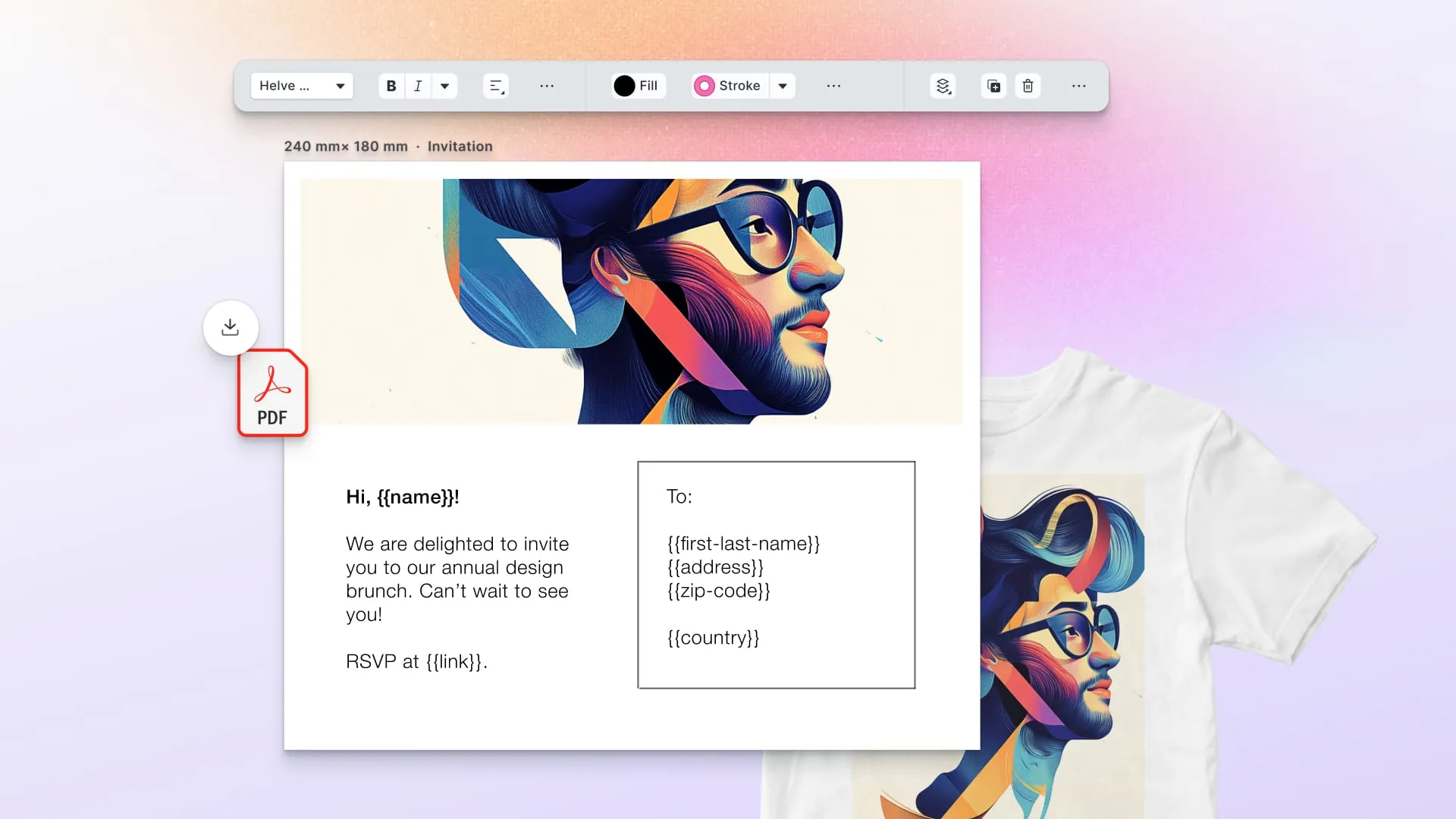
Then end customers personalize inside those rails, on desktop or on a phone. Test the mobile experience properly during evaluation; an editor that degrades to pinch-zooming a desktop canvas will frustrate phone customers into abandoning their carts. A print specialist we interviewed, 20 years in print and a former online print shop owner, now at a European direct-mail platform, said his end users judge the editor against Canva, not other print tools: “they all make their wedding and birthday invitations there, and they expect that from us too.” For batch and data-driven work, the same templates bind to a data source and render without anyone touching a browser, which is how a 10,000-piece variable data printing run gets produced from one master. Batch rendering covers far more than direct mail; the variable data printing guide walks through eight applications with the variable fields named, including serialized labels and versioned packaging, where spot color and die-line geometry raise the stakes. The editor you pick for interactive use is also the rendering engine you will automate with later, so evaluate both roles in one pass.
What separates a print editor from a web graphics editor
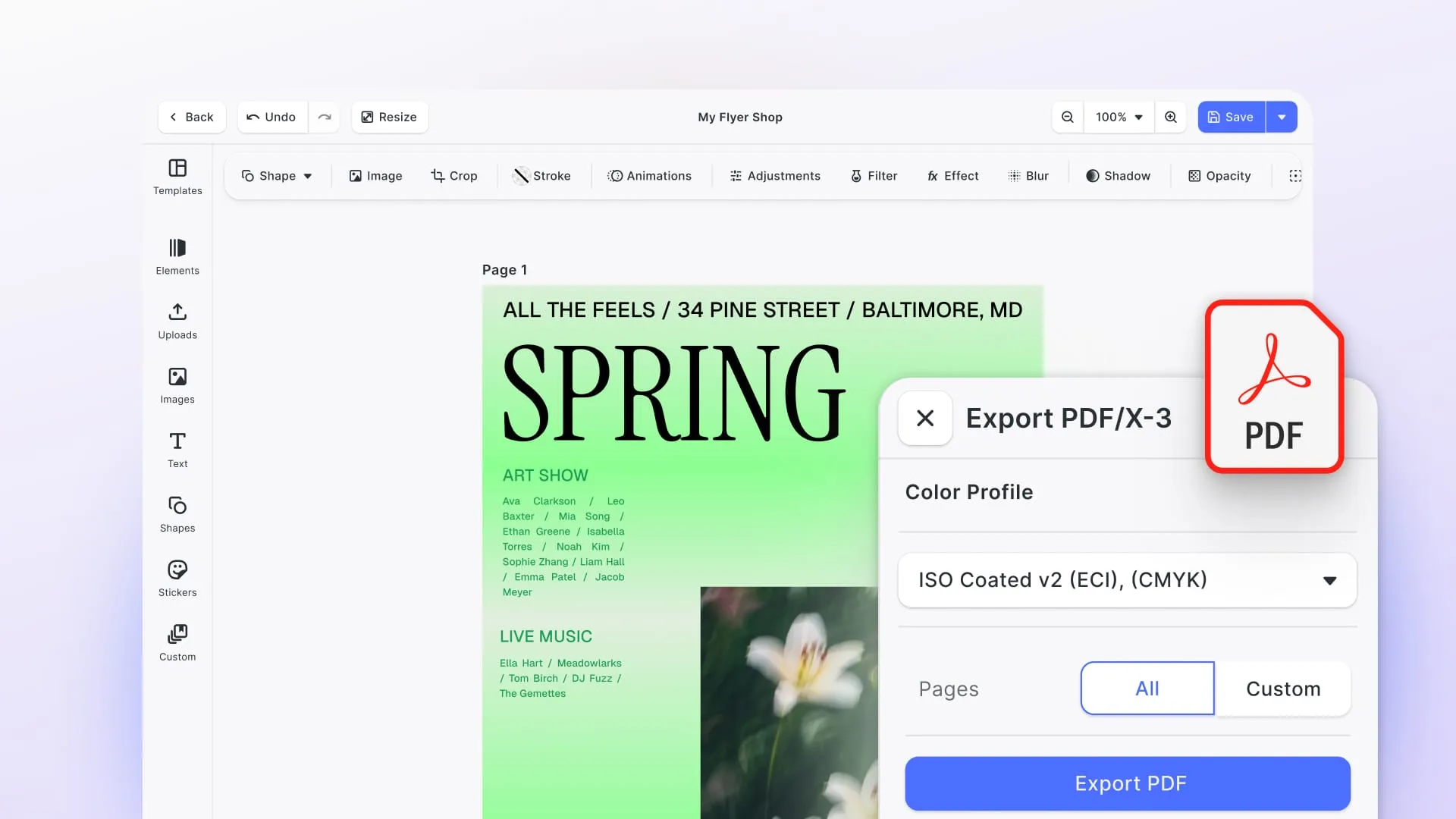
A print-capable editor exports PDF/X with CMYK color, named spot colors, and bleed. A web graphics editor exports RGB files that a prepress operator must fix before a press can use them. Everything downstream of the editor depends on which of the two you embedded.
A screen displays RGB color. A press lays down cyan, magenta, yellow, and black ink, plus spot inks for exact brand colors. An editor built for web graphics exports what a screen wants: an RGB PNG, or a PDF with RGB color inside. Hand that file to a print workflow and someone, or some software, must convert it. The conversion shifts colors, and the customer who approved a warm orange on screen receives a muddy one on paper. The file also lacks print geometry. There is no bleed (the extra margin that gets trimmed off so ink runs to the paper’s edge), no page geometry a press can trim to, and no named spot inks, so a prepress operator adds all of it by hand, order after order.
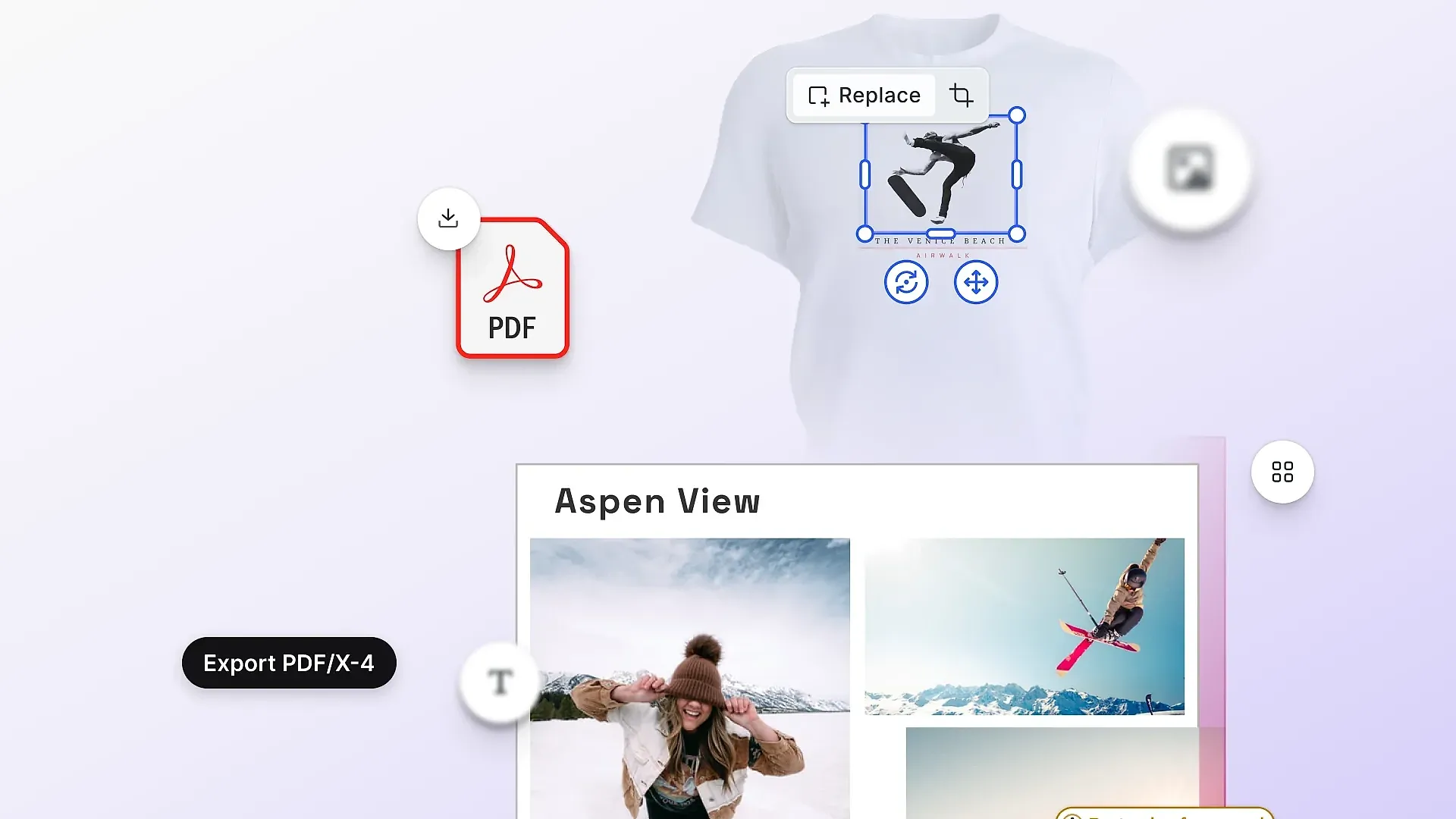
A print-capable editor produces PDF/X, the ISO-standardized PDF profile for print exchange, with all of that in the file from the start. CE.SDK exports PDF/X with CMYK preserved on vector and text elements, named spot colors, bleed and margins, and cutout paths that cutting printers read as die lines. It does not generate printer’s marks; crop and registration marks come from your imposition or prepress step. Both are runnable rather than described: the print-ready PDF export demo shows the output, and the cutout lines demo shows the die-cut path. For the competing editors named in the table above, we can only repeat what their public documentation confirms, and two of them confirm a lot. Customer’s Canvas documents PDF/X-4 output with CMYK, spot colors, and cut lines, plus imposition and batch rendering; our Customer’s Canvas comparison covers the rest of its features next to CE.SDK’s. Zakeke’s site documents print-ready output in PDF, PNG, SVG, and DXF, and its help center goes further, describing CMYK colors embedded as spot colors, an embedded ICC profile, and bleed and cut lines imported from layered PDFs. Neither states PDF/X conformance. For Lumise, LiveArt, and Fancy Product Designer we found no public documentation of CMYK or PDF/X at all; LiveArt documents vector or raster output at configurable DPI, and the rest is unstated. Absence of documentation is not proof of absence, so ask, and ask for a sample file.
The same print specialist quoted above applies a faster disqualifier. Any editor that rasterizes fonts and images on export was cut from his shortlist before it got a demo, because type flattened into pixels is, in his words, “death for the printer.” HTML-to-PDF export pipelines fail that test, and they sit under the hood of plenty of editors that were built for the web first.
The cost of getting this wrong lands in one of two places. Either a prepress operator reworks every incoming file, which scales linearly with order volume, or bad files reach the press and come back as reprints. Before shortlisting an editor, ask the vendor to show you the PDF it exports and to say who fixes that file afterward.
In one of those interviews, a team choosing between editors ran the shortlist blind, presenting them internally as “Editor 1” and “Editor 2” with the vendor names hidden, so nobody scored on brand familiarity. Setting that up costs an afternoon, and it separates opinions about the vendor from opinions about the output.
Layer 4: Checkout and payments
Checkout is the least print-specific layer, and your ecommerce platform already does it well. Cart, tax, payment capture, and fraud screening need no reinvention for print.
The order record needs engineering attention. It must carry the design artifact reference and the full production spec from cart to fulfillment. A customer who edits a design, adds it to the cart, then edits again before paying has created two versions, and the order must point at the right one. Most integration bugs we see in customer projects live at this seam, an order that paid for one design and shipped another. The pattern that avoids it is to bind the cart line item to a specific design version rather than to the design, so a later edit produces a new version instead of quietly changing the one that was bought.
Payment itself diverges between the two sides of the market. Consumer print takes cards and wallets like any other shop. B2B print runs on purchase orders, invoices, and payment terms, which is one more reason the B2B storefront platforms exist. Whichever side you are on, the design reference should travel inside the order record rather than beside it in a second system, because two systems of record eventually disagree.
Layer 5: Prepress and production
Prepress checks, corrects, and arranges files for the press. A bad file from layer 3 costs real money at this stage. If you run production, this layer is not optional.
Preflight verifies each file: resolution, fonts embedded, color spaces, bleed present, no elements drifting outside the safe area. callas pdfToolbox is a widely used preflight engine that also ships as an SDK, so its technology sits inside other vendors’ products through OEM licensing. Workflow automation routes files through those checks and fixes without a human touching each one, with Enfocus Switch among the most widely deployed choices. Imposition and ganging arrange many orders onto shared press sheets to cut waste; Esko covers this along with the packaging-specific end, including tilia Phoenix, the imposition product it acquired with Tilia Labs in 2022. Worth knowing that Enfocus is itself an Esko business unit, so Switch, PitStop, and Phoenix now sit under one owner. The RIP, finally, converts PDF into the dots a specific press engine lays down, and it typically comes from the press vendor.
These recommendations are unhedged because we sell nothing in this layer. A well-chosen prepress stack also covers for weaker upstream files, which is why shops with strong prepress automation sometimes tolerate a web-graphics editor longer than they should.
Layer 6: MIS and ERP
The MIS (management information system) is the print shop’s operational brain: estimating, job tickets, scheduling, stock, invoicing, and the shop-floor data that says which jobs made money. eProductivity Software is the consolidator here, holding both the former EFI print MIS business and Tharstern, which it acquired in 2023. Optimus, privately owned since a 2007 management buyout, is the significant independent.
A small shop running few jobs with simple routing can survive on spreadsheets and a calendar, and plenty do. The MIS becomes mandatory when estimating complexity or job volume outgrows human memory, usually somewhere in the transition from “everyone knows every job” to “nobody does.” Trade printers almost always have one already, which reframes their web-to-print purchase entirely. What they need is the piece that fills the customer-facing gap and integrates with the MIS they already run. The integration between web-to-print and the MIS is mostly about the order record. When a web order lands, someone or something must create a job ticket, attach the production file, schedule the run, and eventually invoice. Every rekeying step between the storefront and the MIS is a place where a spec detail gets dropped. The shops that make web-to-print pay are generally the ones where an online order becomes a scheduled job without a human copying anything.
Layer 7: Fulfillment
Fulfillment gets the printed piece made and delivered, and the build-or-outsource decision here shapes the whole business model. Owning presses means controlling quality and scheduling, keeping production margin, and carrying the capital cost and the utilization risk that come with it. Outsourcing to a print network like Printful, Gelato, Prodigi, or Printify trades that margin for a per-unit fee and removes the capital cost entirely.
“Network” covers three different structures, and the difference decides who is accountable for your print quality. Printful is vertically integrated, producing in facilities it owns and operates, which buys consistency at the cost of a thinner geographic footprint. Gelato is asset-light, routing orders to a partner network of independent print shops across dozens of countries, which puts production close to the buyer but makes quality a property of whichever partner got the job. Printify runs an open marketplace where the seller picks the print provider per product, so control and variance both sit with you. Prodigi is a hybrid, operating its own facilities in the UK, EU, and US alongside a partner network for everything else.
Read that as a spectrum from owned to brokered. The closer a network sits to the brokered end, the more your quality control happens by contract and sampling rather than by walking to the press, and the more it matters that the file you send is unambiguous. Per-unit costs run higher than owned production at volume across all of them, and product catalogs are fixed. Sellers without production capacity, and shops testing products outside their own equipment’s range, are the natural fit.
The two models also mix. A shop with its own presses can route overflow, oversized formats, or foreign orders to a network while producing its core catalog in-house, and the storefront’s job is to make that routing invisible to the customer. What makes the mix workable is the file. A press-ready PDF with correct bleed and color renders the same whether it lands in your own prepress queue or a partner’s, so a shop that gets layer 3 right keeps its fulfillment options open. A shop whose files need hand-fixing before every run is effectively locked into whichever production floor knows its quirks.
Outsourcing still costs integration work. Each network has its own API for order submission, artwork requirements, and status callbacks, and switching networks later means redoing that integration. The catalogs overlap but do not match, so a product line built around one network’s blank goods may not transfer cleanly to another’s.
How do you choose a web-to-print stack?
Start from what you already have, not from what vendors sell. The four common starting points lead to four different shopping lists, and most web-to-print solutions on the market map onto one of them.
A trade printer with an existing MIS owns layers 5 through 7 outright. The gap is customer-facing: storefront, configuration, editor. The realistic options are a print storefront platform that brings layers 1 to 3 together, or a general ecommerce platform plus an embedded editor. Price the gap rather than the bundle, and make the incumbent MIS the fixed constraint the new layers have to fit.
A brand or franchise network needs brand-controlled templates above all. Head office locks the design, local units personalize within limits, and nothing off-brand reaches a press. The editor’s template permission model is the deciding feature, more than any storefront capability. Ask to see a template locked by one role and edited by another before you judge anything else on the page.
An ecommerce seller adding personalized products already owns layers 1, 2, and 4 in the shop platform, and probably outsources fulfillment. What is missing is the editor and the file handoff to whoever prints. On Shopify that decision usually runs through the app store, and on WooCommerce through the plugin ecosystem. Either way the deciding question is the one from layer 3: what file does the plugin actually export, and will your printer take it without rework? Plenty of sellers are well served by a plugin. The ones who are not usually discover it at the press.
A SaaS platform embedding design is not buying a stack at all. It needs the editor as a component inside its own product, with its own UI, and typically a print API behind it. The build-or-buy shape of that decision, hosted platform versus embedded SDK, is different enough that it should be evaluated on its own terms rather than against the stack options above.
Where each approach falls short
All-in-one print platforms compress layers 1 through 3 into one contract and one integration, which is valuable for a shop without developers. The cost is coupling. The ecommerce features move at the platform vendor’s pace, not the market’s, and leaving means replacing three layers at once. A print buyer we interviewed described the trade’s supply side as a closed set of system vendors: take their webshop and you are stuck taking their lousy editor too. He went looking for an independent editor to bolt onto a general ecommerce platform specifically to break that bundle. General ecommerce plus an embedded editor SDK produces a better storefront and a modern editor, and requires engineers you may not have. That includes our own product. CE.SDK without a development team is a library nobody can deploy; a shop with no engineering resource should buy a platform, not an SDK.
Open-source web-to-print components trade license fees for engineering time, and the exchange rate depends heavily on which layer. Storefronts have mature open options. Print-capable editors mostly do not, and the gap shows up in print output fidelity.
One sequencing recommendation, since stack assembly is where we watch projects go over budget. Decide what your press or fulfillment partner needs to receive, pick the editor and prepress combination that produces it, then choose the storefront that feeds them. Teams that pick the storefront first, because it is the visible part, can discover that its bundled editor cannot produce the files their production side needs, and the replacement project costs more than the original selection would have. Agree on the output file format before choosing anything else.
Frequently asked questions
What is web-to-print software?
Web-to-print software is the set of systems that let customers configure, design, and order printed products online, and that turn those orders into press-ready files. It spans up to seven layers: storefront, product configuration, design editor, checkout, prepress, MIS, and fulfillment. Most vendors sell only some of them.
What is the difference between web-to-print and print-on-demand?
Web-to-print describes the software pipeline from online order to printable file, whatever the business model behind it. Print-on-demand is a business model: products are printed only after each sale, usually by an outsourced network. Many print-on-demand businesses run on web-to-print software, but a trade printer’s B2B portal is web-to-print with no print-on-demand involved. If you run the print-on-demand kind and want customers generating their own artwork, the AI editor for print-on-demand shows how generative AI fits into that stack.
How much does web-to-print software cost?
It depends on which layers you buy and how. Hosted storefront platforms and editor SDKs both tend to run as monthly or yearly subscriptions, and open-source components cost engineering time instead of fees. Many vendors in this category, IMG.LY and Customer’s Canvas included, publish a pricing model rather than figures and quote by deployment. Our own is scoped to the platforms, components, and AI features you license rather than a per-seat tier, with a 30-day trial ahead of any quote.
Do I need web-to-print software if I already have Shopify?
Shopify covers the storefront, configuration, and checkout layers for straightforward products. What it lacks is the design editor and print-ready file generation, so customers cannot personalize products or generate press-ready output. Most Shopify print sellers add an editor via an app or an embedded SDK and connect fulfillment separately.
What is a web-to-print storefront?
A web-to-print storefront is the customer-facing online shop where printed products are listed, configured, personalized, and ordered. B2C storefronts optimize for speed and guest checkout, while B2B storefronts add named accounts, approval workflows, locked brand templates, and contract pricing. It is one layer of the stack, not the whole of it.
Can web-to-print software handle variable data printing?
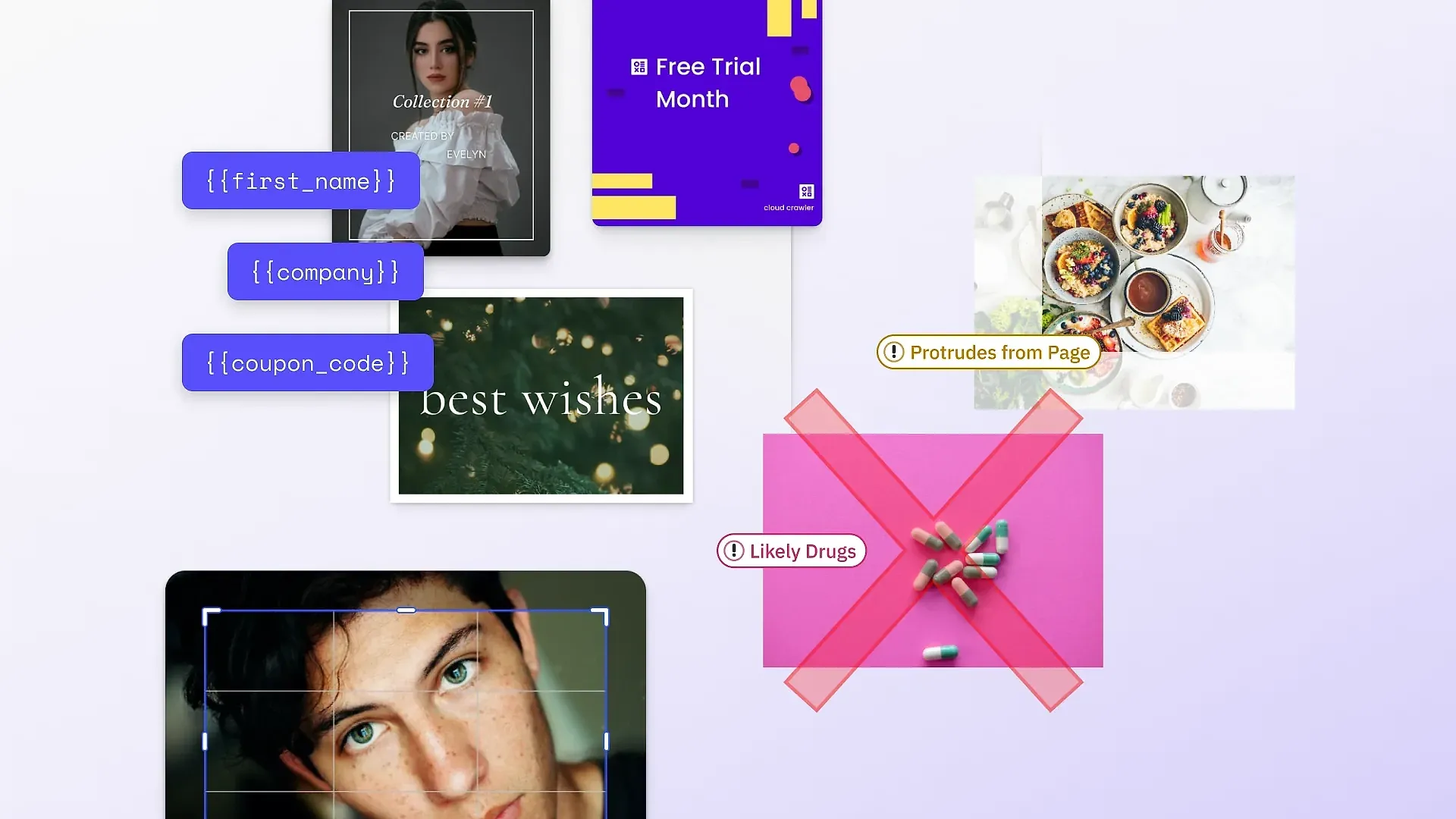
Yes, if the design editor layer supports data binding and batch rendering. Variable data printing connects a template’s placeholder fields to a data source, then renders one print-ready file per record: names on direct mail, serial numbers on labels, photos on membership cards. See our roundup of variable data printing software for the tooling.
If your next step is choosing the editor layer specifically, our guide to the best web-to-print editor SDKs applies eight stated criteria to every major vendor, ours included, and names the cases where you should pick someone else.
If the editor layer is the gap you are filling: see the demos, read the case studies, or talk to our team.