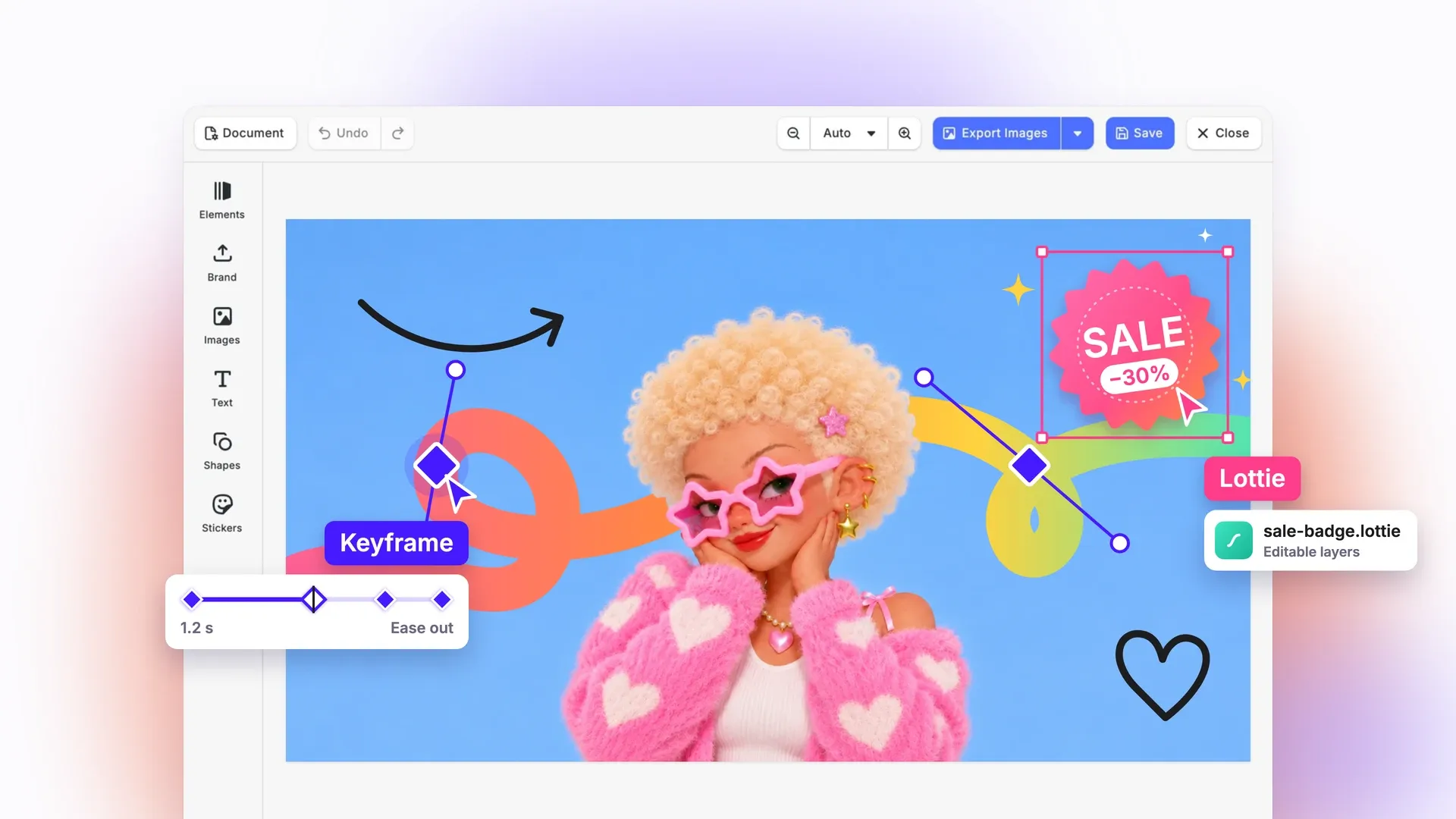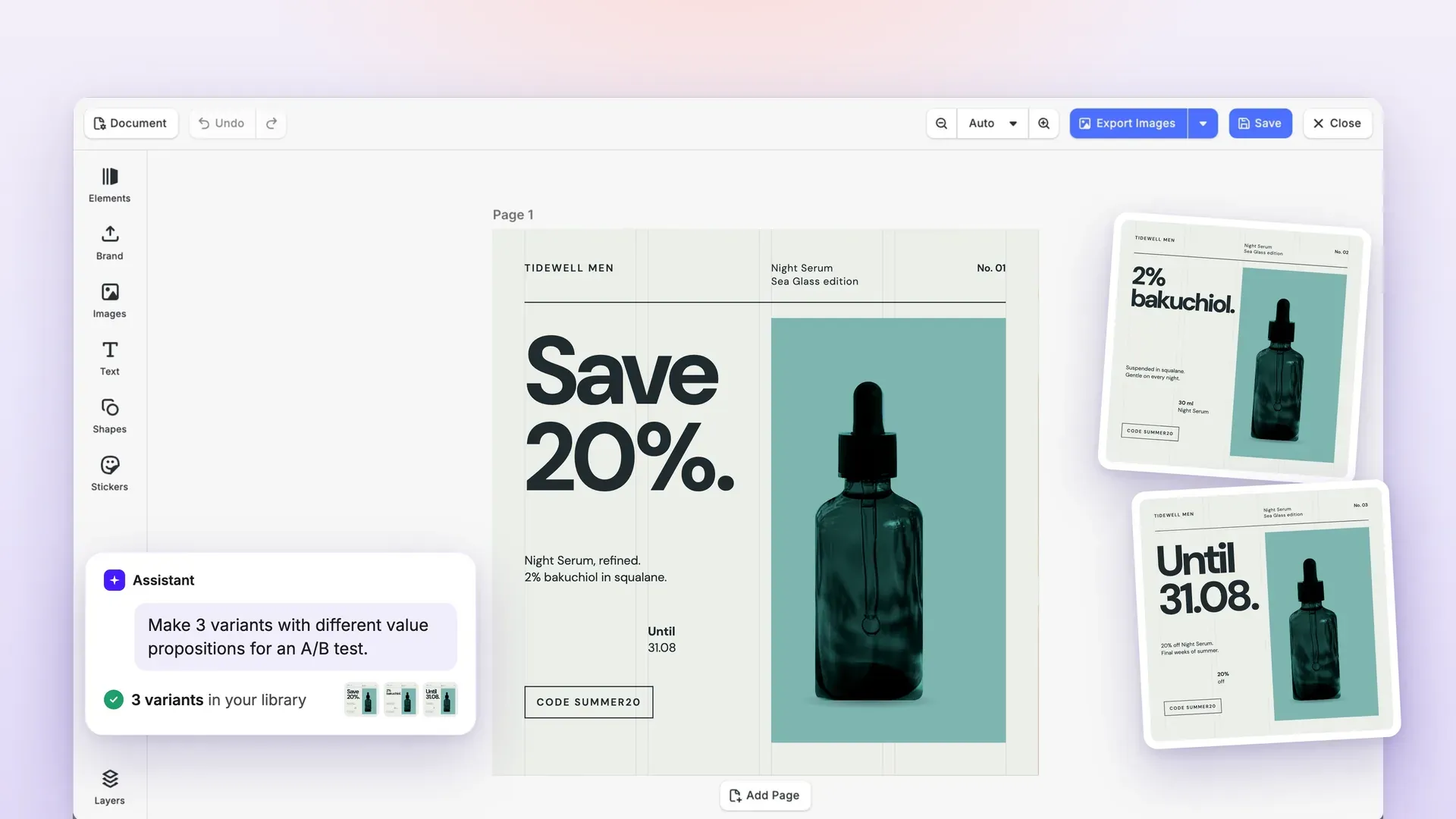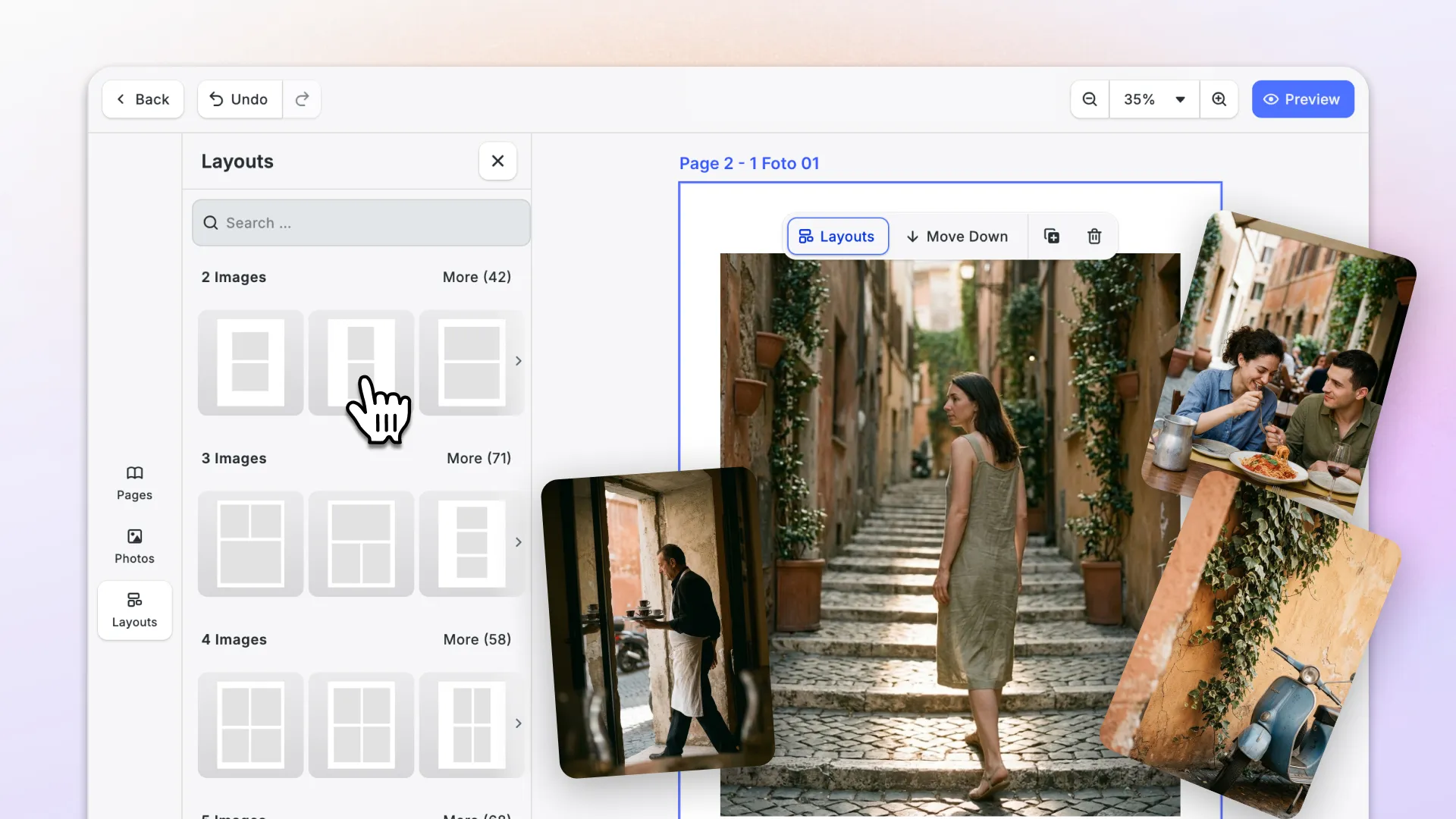

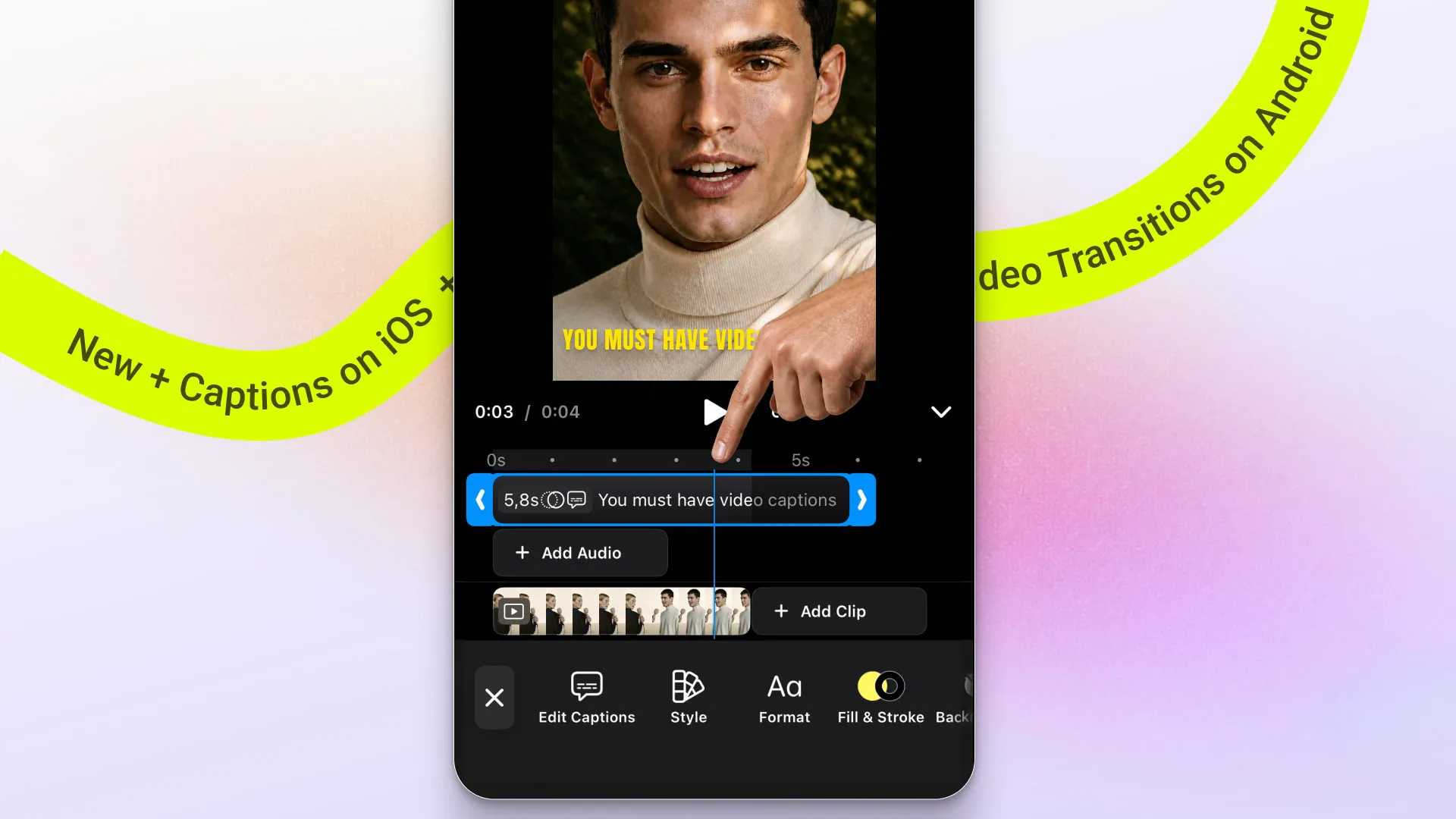
Video captions arrive on iOS. Android gets video transitions between clips. Video transitions are easier to find in the web editor, and smoother developer workflows arrive in our documentation across platforms.
Let’s dive in!
Add Video Captions on iOS
Generate captions automatically, add them manually, or import a caption file. Then style them with presets and controls for font, formatting, color, stroke, and rounded backgrounds. Customize the presets to match your users’ needs.
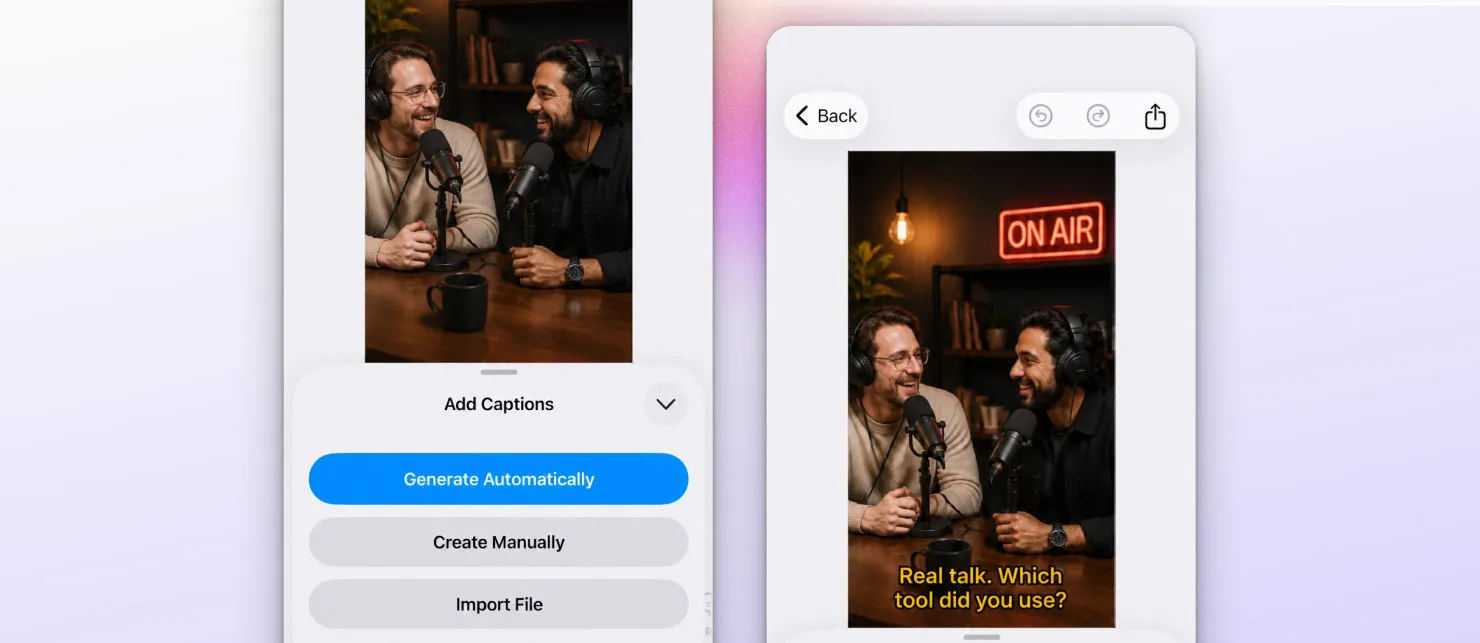
Tip: The iOS video starter kit makes it faster to add a complete video editing experience to your app.
→ Add Captions Documentation
→ Auto-Captions Documentation
→ Customize Caption Presets Documentation
Add Video Transitions on Android
Make videos feel more polished with built-in video transitions, now available directly in the Android editor timeline.
Tap the transition icon between two clips to preview and apply effects without leaving the editing flow.
Apply transitions to a single clip pair or across all your clips. This makes it faster to create smooth video clips with less manual work.
→ Apply Transitions Documentation
Improvements
Web Video Transitions Now Easier to Use
Transitions are now more visible. On the web, the inspector includes transition controls, bringing that workflow into your users’ attention for faster video editing and professional-level effects inside your app.
Developer Experience
Learn CE.SDK Key Workflows
This release adds several new docs pages and guides to ease the CE.SDK learning path.
Tip: Try the docs or explain agent skill to understand IMG.LY features and workflows fast.
New in the docs:
- A clearer understanding of the plugin architecture.
- Web guide for building custom plugins.
- One place to learn the import/export workflow.
- Easier use of Variable Fonts.
And more.
Changelog
More docs improvements and fixes are included in this release. See the full changelog for the complete list.
Thanks for building with IMG.LY.
Join 3,000+ creative professionals who get early access to new features and updates. Subscribe.