



Restyle any image and keep its subject recognizable
AI turns a photo into an oil painting or a cartoon, and a drawing into a realistic photo. It happens right where the image sits in the design, and nothing else in the layout changes.
- Eight art techniques and twelve famous painters
- Cartoon, anime, or 3D looks from a written instruction
- Works with the editing models on the AI Gateway
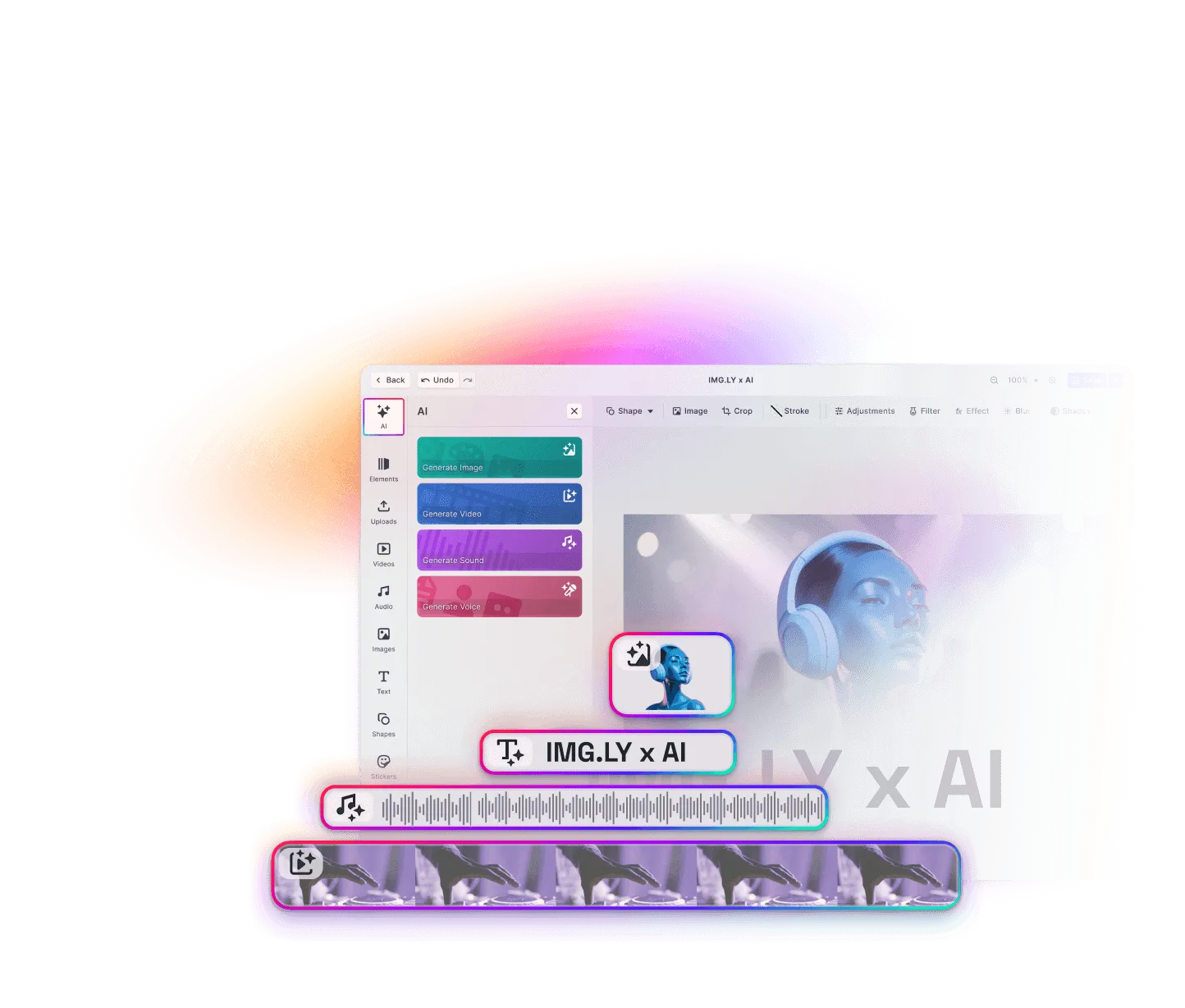
One image, any art style
Your users often have the image they want, just not in the style the design calls for. Style transfer redraws it in the look they need.
Choose what it becomes
Your users pick a technique like charcoal or a painter like Van Gogh, or type what they’re after.
See both versions
Before and After switch between the original and the restyled image, so users keep the one that fits.
Keep working on it
Users crop the restyled image or touch up a detail with Image to Image, like anything else in the design.
Trusted by 100+
industry leaders














Integrating IMG.LY’s editor meant we didn’t have to build or maintain a complex editing layer ourselves. That kept our team focused on our core AI ad engine and saved us countless development hours — while still giving our customers the ability to polish and customize creatives at scale.
Hikari Senju
CEO, Omneky

With IMG.LY we built a central creative portal that now powers over 140 dealer campaigns across multiple automotive brands. Before this, asset creation was slow and inconsistent.
Martin Röhr
Product Owner, Digitas

By embedding IMG.LY’s editor we were able to hit key RFP requirements and deliver a template-based creative experience that now serves 1,000+ customers. It helped us win more deals and exceed enterprise expectations without needing to hire dedicated design teams.
Rob Driscoll
Director of PM, Optimizely

Since integrating IMG.LY’s editor, we now deliver 30,000+ ad creatives per month, dramatically shorten time-to-launch, and help our clients cut design spend by up to $10,000 per month.
Logan Welbaum
Founder, Plai

Our customers create over a million personalized postcards each year choosing from over hundreds of templates with IMG.LY’s SDK. It’s the only solution that allows us to build our own specialized, on-brand UI that integrates seamlessly with our platform.
Jeanine Zaalberg
Product Manager, SwissPost

From a developer’s perspective, the most powerful feature of the photo editor is the integration process. It was completely flawless, quick, and easy to integrate.
Stefano Fornari
CTO, Funambol
We compared IMG.LY SDK with other solutions and found that it would be the best fit for us since it provides all the features that are crucial for our use case.
Carem Pereira
SCRUM Manager, HP

Restyle with a preset or a sentence
Change Art Style
The model redraws the image in a drawing or painting technique, from pencil and pastel to stained glass and Japanese woodblock print.
Painted By
The image takes on a famous painter’s manner, from Rembrandt’s light and shadow to Monet’s soft impressionism.
Edit Image
Users type anything the menus don’t offer, like “redraw this as an anime character” or “make this drawing look like a photo”. Image to Image runs it on the same models as the presets.
Set up style transfer: models and menus
Add the restyling actions
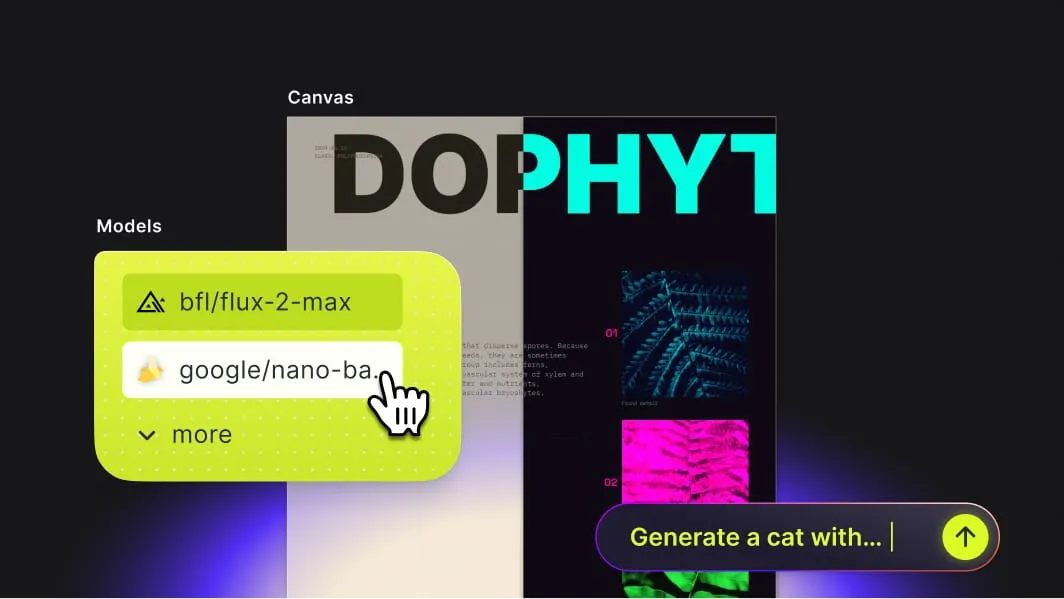
Style transfer ships with the AI image generation plugin for the browser and Electron. The two preset menus show up once a connected model supports them.
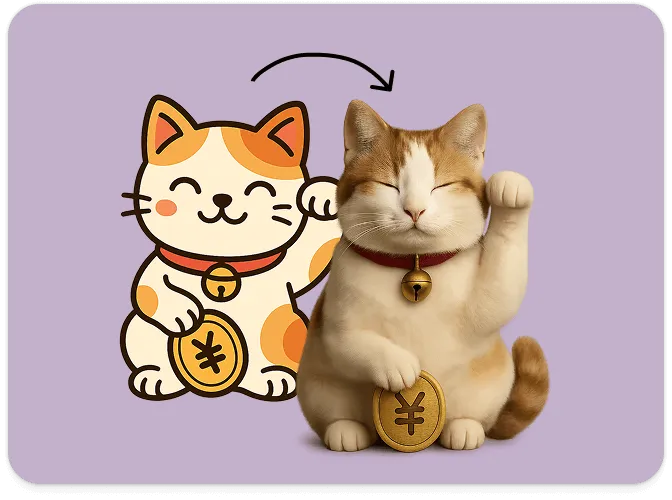
Test models on the same preset
Each preset sends one fixed instruction, so its result depends on the model behind it. Run a few of your own images through two or three editing models, and keep the one that holds faces and products together.
Rename or switch off the menus
Turn off either menu, and relabel or translate every style and painter name in them.
What teams use style transfer for
Consistent photobook pages
A photobook customer gives every photo on a spread the same watercolor finish, so pictures from different cameras read as one series.
Pet portraits
A customer turns a favorite photo of the family dog into an oil portrait and orders it on canvas as a gift.
Character looks
An animation studio tries a character sketch in anime, 3D, and lifelike versions before choosing one for the series.
Seasonal campaigns
A marketing team restyles last season’s product photos for the holiday campaign instead of booking a new shoot.
More AI features
Turn a photo into a painting in the AI Editor demo
Restyle a photo with a technique and again with a painter, and compare the two. Then talk to us about adding style transfer to your product.
Frequently Asked Questions
AI style transfer redraws an image in another visual style, such as a watercolor, a cartoon, or a realistic photo, while what it shows stays recognizable. Early versions imitated one reference artwork; current image models take the style from a description or a reference image. In CE.SDK, painting and drawing styles come as two preset menus, and any other style takes a written instruction.
A filter or a LUT shifts the colors of an image. Style transfer has a model redraw the image in a new technique, so the strokes and textures change too.
Any raster image, like a PNG or a JPEG, whose content the template lets users replace. Vector graphics and images the template locks, like a logo or a brand photo, can't be restyled.
Change Art Style and Painted By run in CE.SDK on the web and in Electron apps. They run on the Gateway's editing models and on image-to-image models from providers like fal.ai and Runware.
Yes. The restyled image is a regular image in the design, so [Image to Video](use-cases/ai-editor/image-to-video/) can turn it into a short clip that starts from that image.