



Rewrite and translate copy right in the design
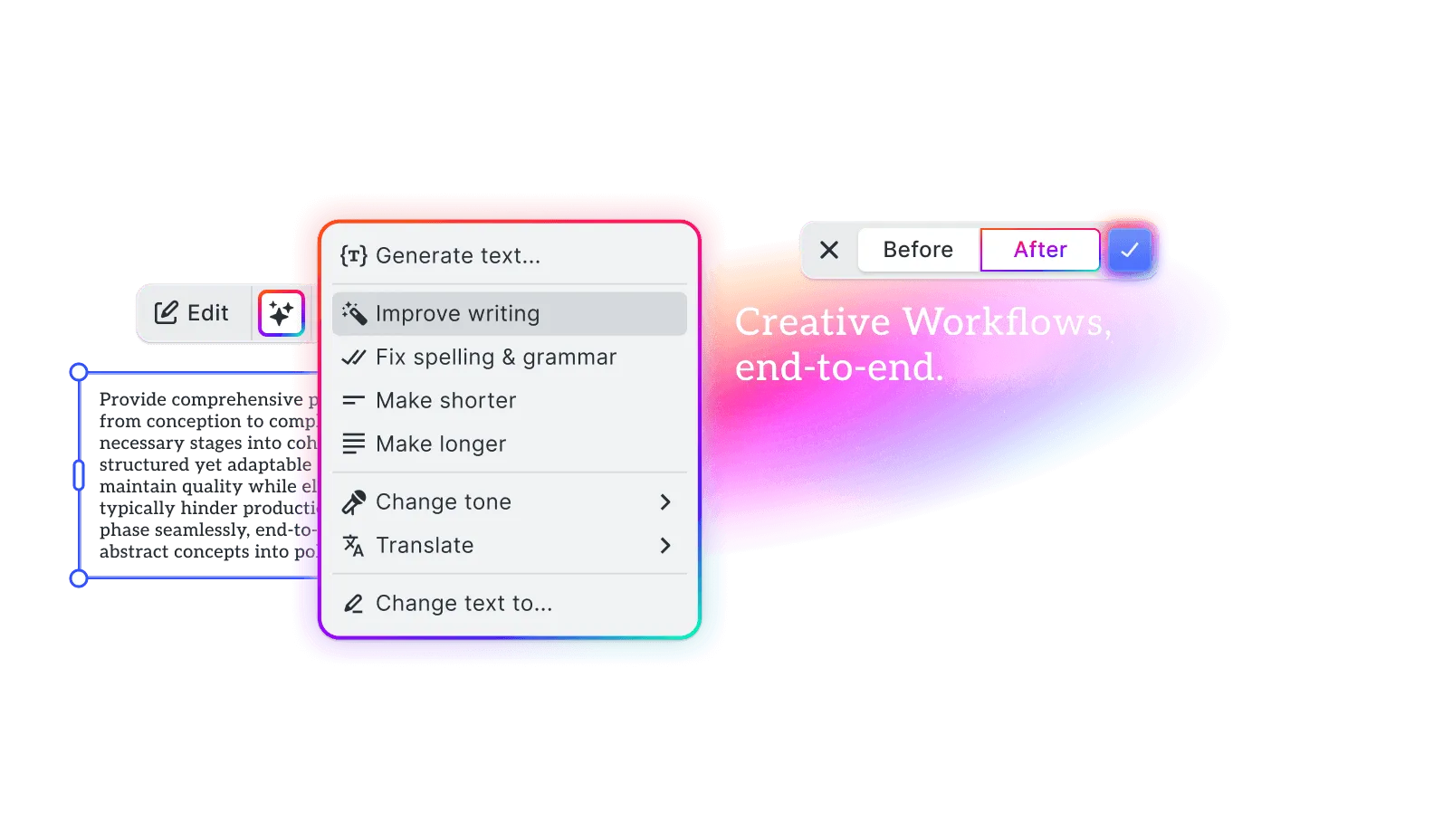
Your users ask AI to shorten a headline or translate a caption. The result streams into the text block as the model writes it.
- Ready-made actions and free-form instructions
- Before and After to compare each change
- Every applied rewrite is one undo away
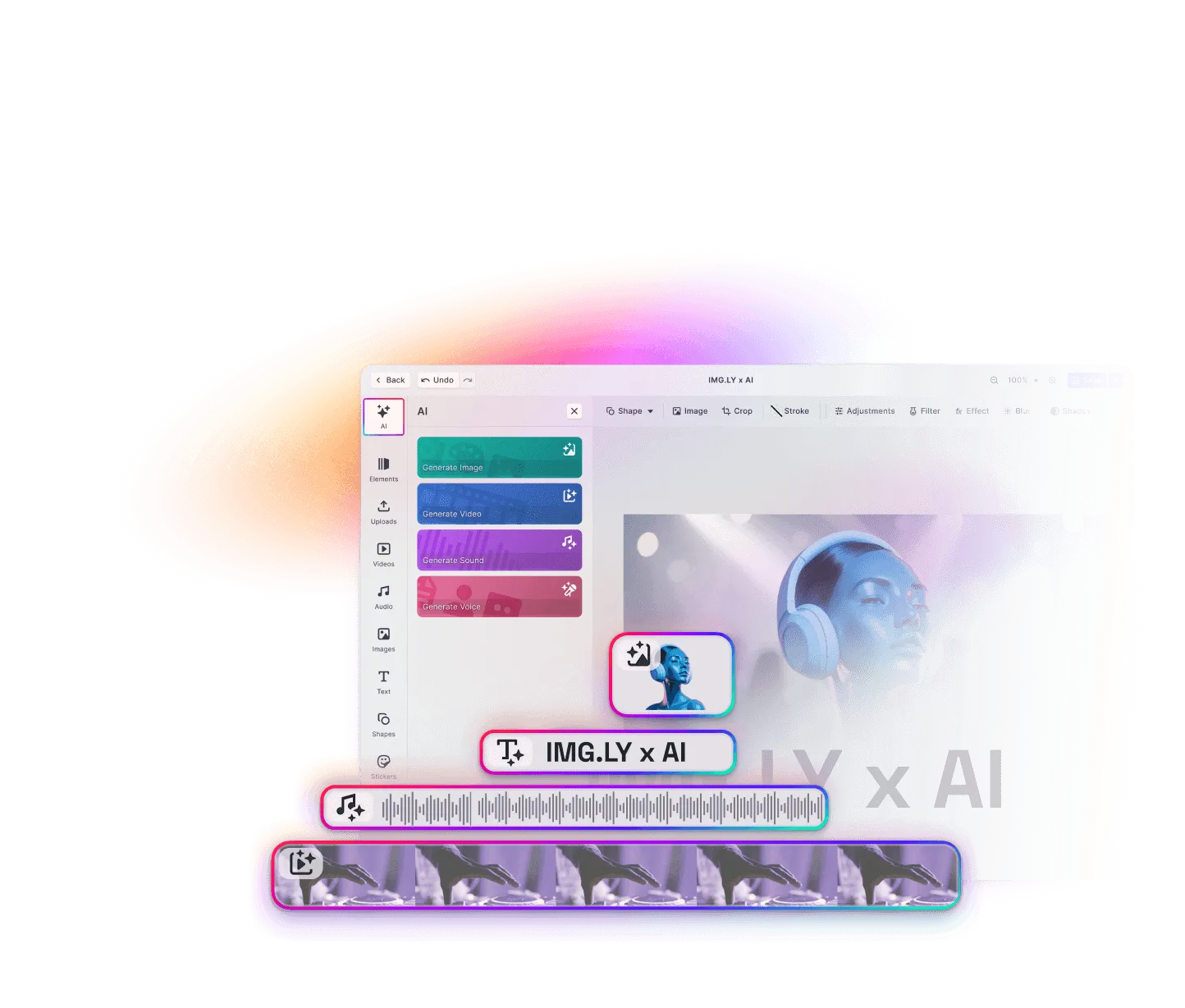
New wording without the round trip
Getting AI to rewrite copy usually means a chat tool, then pasting the result back into the layout. With AI text generation, your users rewrite it in the text block and see right away whether it fits.
Pick the text
Your users select a headline or any other text block.
Say what should change
They choose an action such as Make Shorter or Translate, or write their own instruction, like “turn this into a list of bullet points”.
Compare and keep editing
Before and After let them compare both versions, then apply the rewrite or cancel it. Once applied, it’s ordinary text they can keep editing.
Trusted by 100+
industry leaders















Integrating IMG.LY’s editor meant we didn’t have to build or maintain a complex editing layer ourselves. That kept our team focused on our core AI ad engine and saved us countless development hours — while still giving our customers the ability to polish and customize creatives at scale.
Hikari Senju
CEO, Omneky

With IMG.LY we built a central creative portal that now powers over 140 dealer campaigns across multiple automotive brands. Before this, asset creation was slow and inconsistent.
Martin Röhr
Product Owner, Digitas

By embedding IMG.LY’s editor we were able to hit key RFP requirements and deliver a template-based creative experience that now serves 1,000+ customers. It helped us win more deals and exceed enterprise expectations without needing to hire dedicated design teams.
Rob Driscoll
Director of PM, Optimizely

Since integrating IMG.LY’s editor, we now deliver 30,000+ ad creatives per month, dramatically shorten time-to-launch, and help our clients cut design spend by up to $10,000 per month.
Logan Welbaum
Founder, Plai

Our customers create over a million personalized postcards each year choosing from over hundreds of templates with IMG.LY’s SDK. It’s the only solution that allows us to build our own specialized, on-brand UI that integrates seamlessly with our platform.
Jeanine Zaalberg
Product Manager, SwissPost

From a developer’s perspective, the most powerful feature of the photo editor is the integration process. It was completely flawless, quick, and easy to integrate.
Stefano Fornari
CTO, Funambol

We compared IMG.LY SDK with other solutions and found that it would be the best fit for us since it provides all the features that are crucial for our use case.
Carem Pereira
SCRUM Manager, HP

Actions for everyday copy edits
Cleaner wording
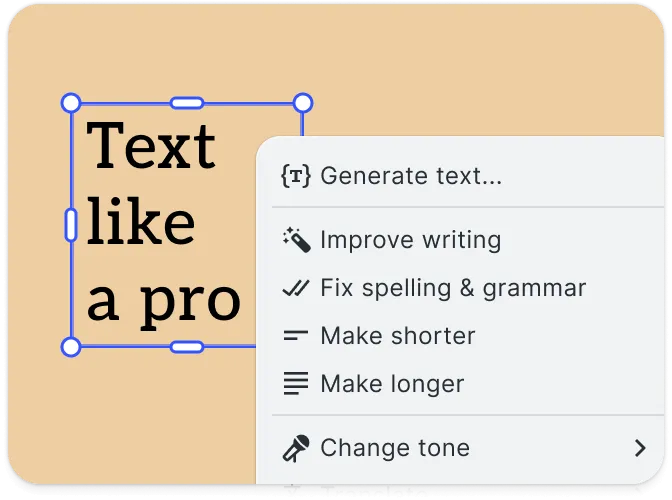
Improve Writing smooths the phrasing, and Fix Spelling & Grammar fixes typos.
The right length
Make Shorter trims the copy, and Make Longer expands it. Either way, the result shows in its frame.
Tone and language
Change Tone switches copy to another tone, such as professional or casual. Translate rewrites it in another language.
Your own instruction
Change Text to… follows a written instruction for anything the other actions don’t cover.
Set up AI text generation: model and actions
Connect a language model
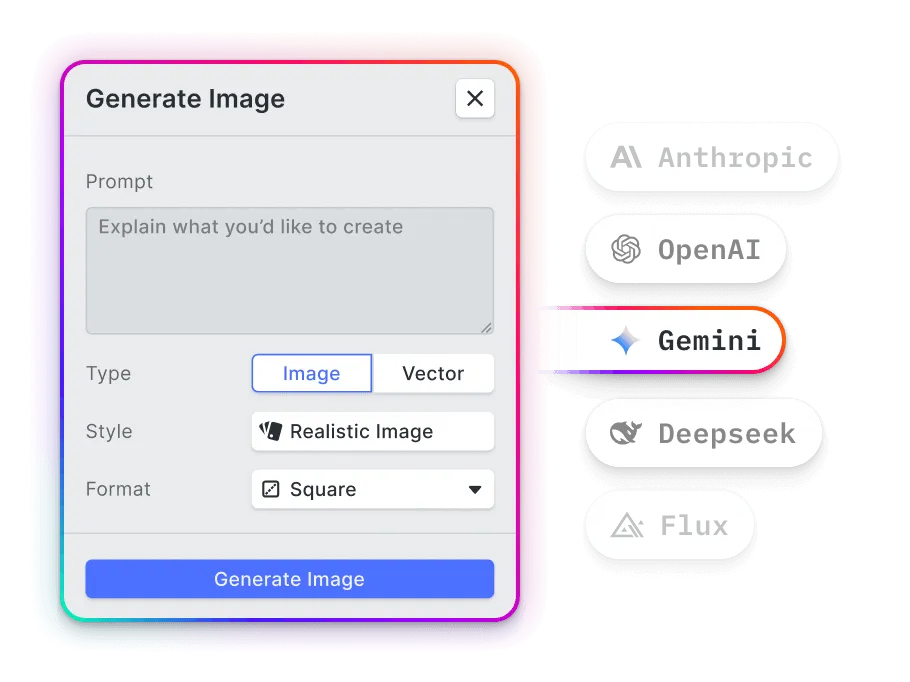
Add text models from Anthropic, OpenAI, or Google through the AI Gateway. You can also connect Anthropic or OpenAI through your own proxy.
Choose the actions your users see
Turn off any action your users won’t need, like Translate for a single-market product.
Use your product’s words
Rename every action and the instruction field, in each language your product supports.
What teams fix and rewrite
Localized templates
A team translates each text block of a template in place, and any line that overflows shows at once.
Headlines that run long
A marketer trims a headline that spills onto a second line, without leaving the design.
Clean copy before print
A customer fixes a typo in a greeting card message before ordering. The web-to-print AI guide shows where rewrites fit in print.
On-brand posts
A social team moves a caption to a friendlier or more professional tone.
More AI features
AI Sticker Generation
Create a sticker in a chosen icon style when the library has none that fits.
Rewrite a headline in the AI Editor demo
Try Make Shorter or Translate on any text block, and compare before and after. Then talk to us about adding AI text generation to your product.
Frequently Asked Questions
AI text generation uses a large language model to write or rework copy from an instruction, from fixing a typo to translating a headline. In CE.SDK, it's a set of actions for any selected text block, in design and video projects.
No. Only Change Text to… asks for a written instruction. The others run straight away, or after one choice, such as a tone or a language.
Yes, if you connect Anthropic or OpenAI yourself instead of using the AI Gateway. You set the temperature and maximum length for each, and a lower temperature keeps rewrites more predictable.
By the amount of text the model reads and writes. AI pricing shows estimates for a copy variant, a translation, and a smart edit. The plugin itself is included in your CE.SDK license.