



Generate the missing shot from a prompt, right on the timeline
AI turns a written description into a short video clip, such as a vertical opener for social or a cutaway for an interview. The clip is generated inside your video editor and placed on the timeline.
- Aspect ratio, length, and resolution per model
- Sound with the clip on Veo models
- A notification when the clip is ready
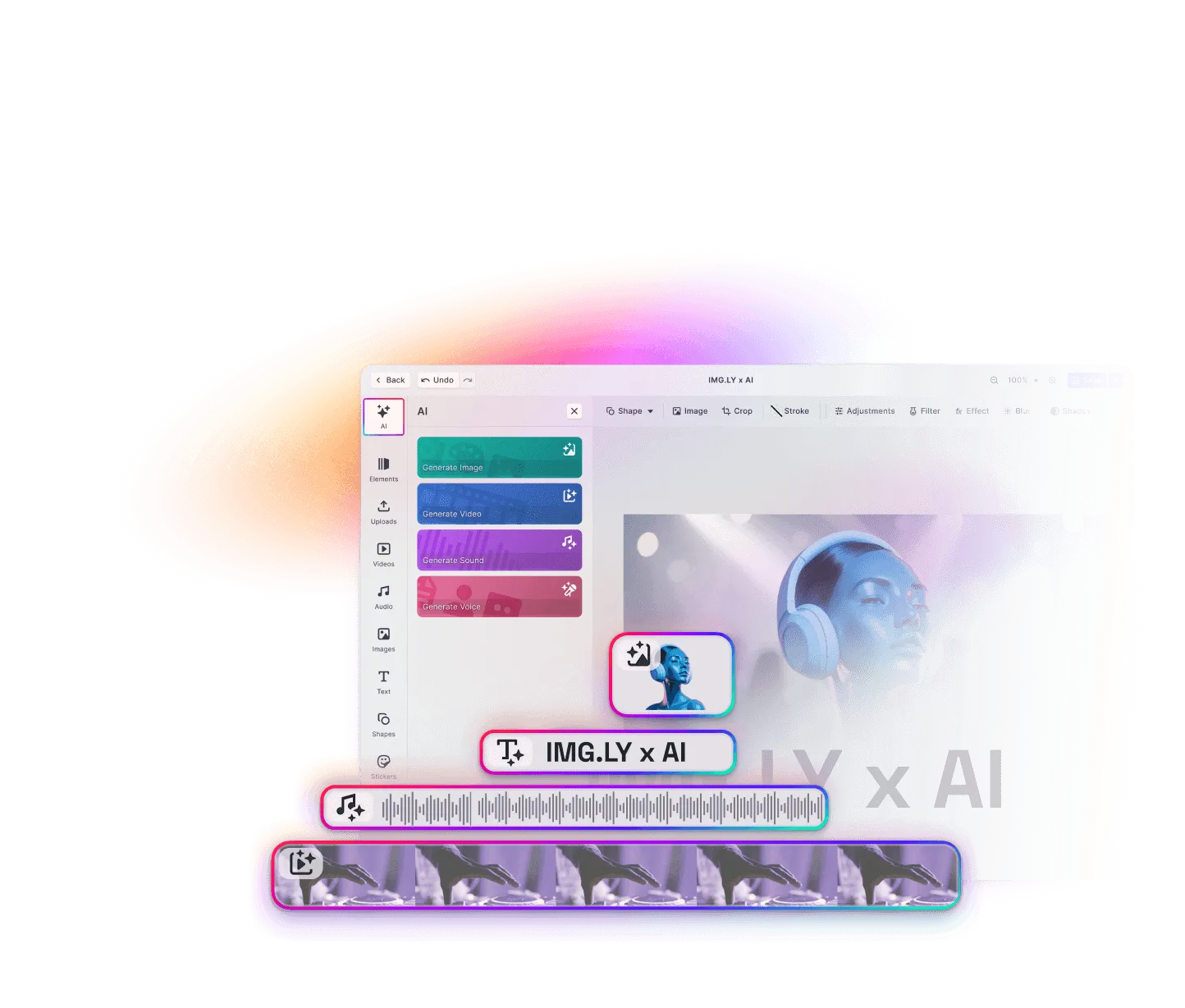
A new shot without leaving the edit
Clips from other AI tools need a download, an upload, and a crop. With text to video, your users generate them right on the timeline.
Describe the shot
Your users describe the action and the camera, like “a slow pan across a busy market at dusk”. Then they pick an aspect ratio, a length, and a resolution the model offers.
Keep editing while it renders
The clip’s place on the timeline is reserved while the model works, which can take a few minutes. A notification arrives when it’s done, even with the panel closed.
Work it into the cut
Users trim, split, and caption the clip like uploaded footage, and it exports with the rest of the video.
Trusted by 100+
industry leaders















Integrating IMG.LY’s editor meant we didn’t have to build or maintain a complex editing layer ourselves. That kept our team focused on our core AI ad engine and saved us countless development hours — while still giving our customers the ability to polish and customize creatives at scale.
Hikari Senju
CEO, Omneky

With IMG.LY we built a central creative portal that now powers over 140 dealer campaigns across multiple automotive brands. Before this, asset creation was slow and inconsistent.
Martin Röhr
Product Owner, Digitas

By embedding IMG.LY’s editor we were able to hit key RFP requirements and deliver a template-based creative experience that now serves 1,000+ customers. It helped us win more deals and exceed enterprise expectations without needing to hire dedicated design teams.
Rob Driscoll
Director of PM, Optimizely

Since integrating IMG.LY’s editor, we now deliver 30,000+ ad creatives per month, dramatically shorten time-to-launch, and help our clients cut design spend by up to $10,000 per month.
Logan Welbaum
Founder, Plai

Our customers create over a million personalized postcards each year choosing from over hundreds of templates with IMG.LY’s SDK. It’s the only solution that allows us to build our own specialized, on-brand UI that integrates seamlessly with our platform.
Jeanine Zaalberg
Product Manager, SwissPost

From a developer’s perspective, the most powerful feature of the photo editor is the integration process. It was completely flawless, quick, and easy to integrate.
Stefano Fornari
CTO, Funambol

We compared IMG.LY SDK with other solutions and found that it would be the best fit for us since it provides all the features that are crucial for our use case.
Carem Pereira
SCRUM Manager, HP

Choosing a text-to-video model
The AI Editor capabilities list the video models currently supported, and AI pricing shows the average cost per generation on the AI Gateway.
Clip length
Most models offer clips between 4 and 12 seconds.
Aspect ratios
Widescreen and vertical are standard, and some add square, 4:3, or 21:9.
Resolution
Up to 1080p, which decides how a clip holds up next to camera footage.
Sound
Veo models can generate the clip with its own sound.
Set up text to video: models and formats
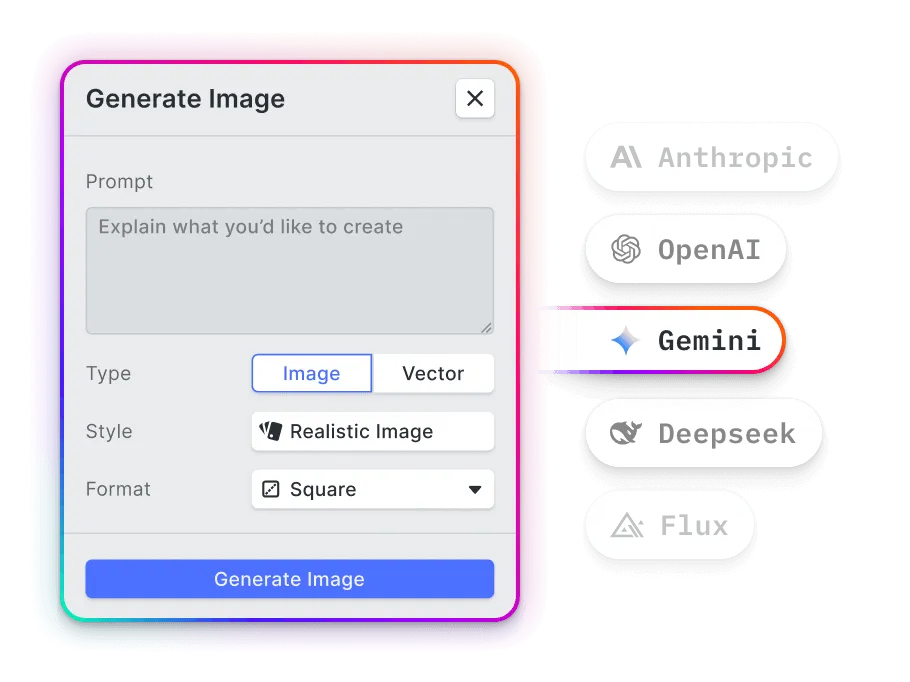
Connect video models
Route them through the AI Gateway, which handles keys and billing in one place, or call a provider such as fal.ai through your own proxy. With several connected, users pick one per clip.
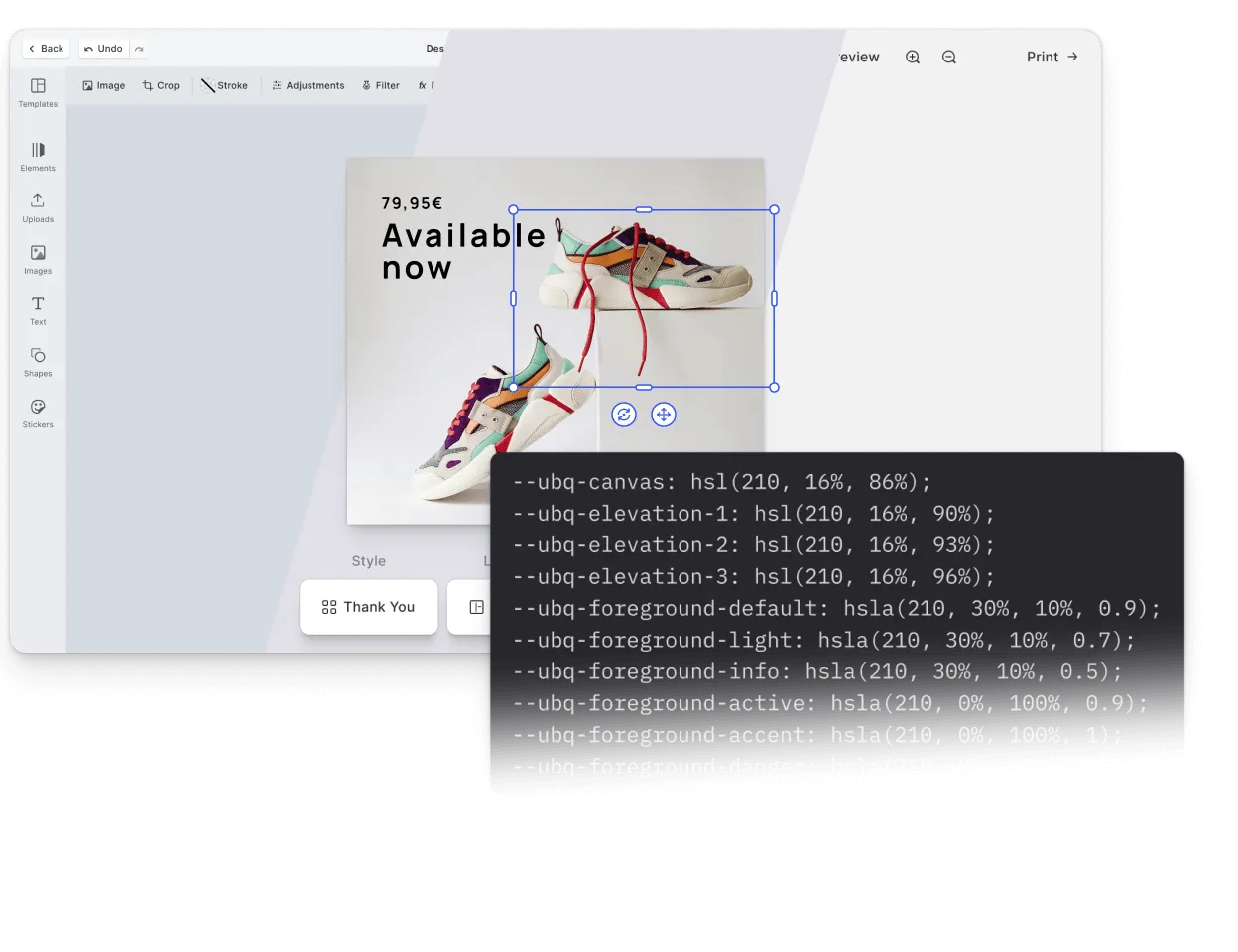
Preset your output formats
Fix the aspect ratio and length to the formats your product ships, and rename or translate the panel’s labels.
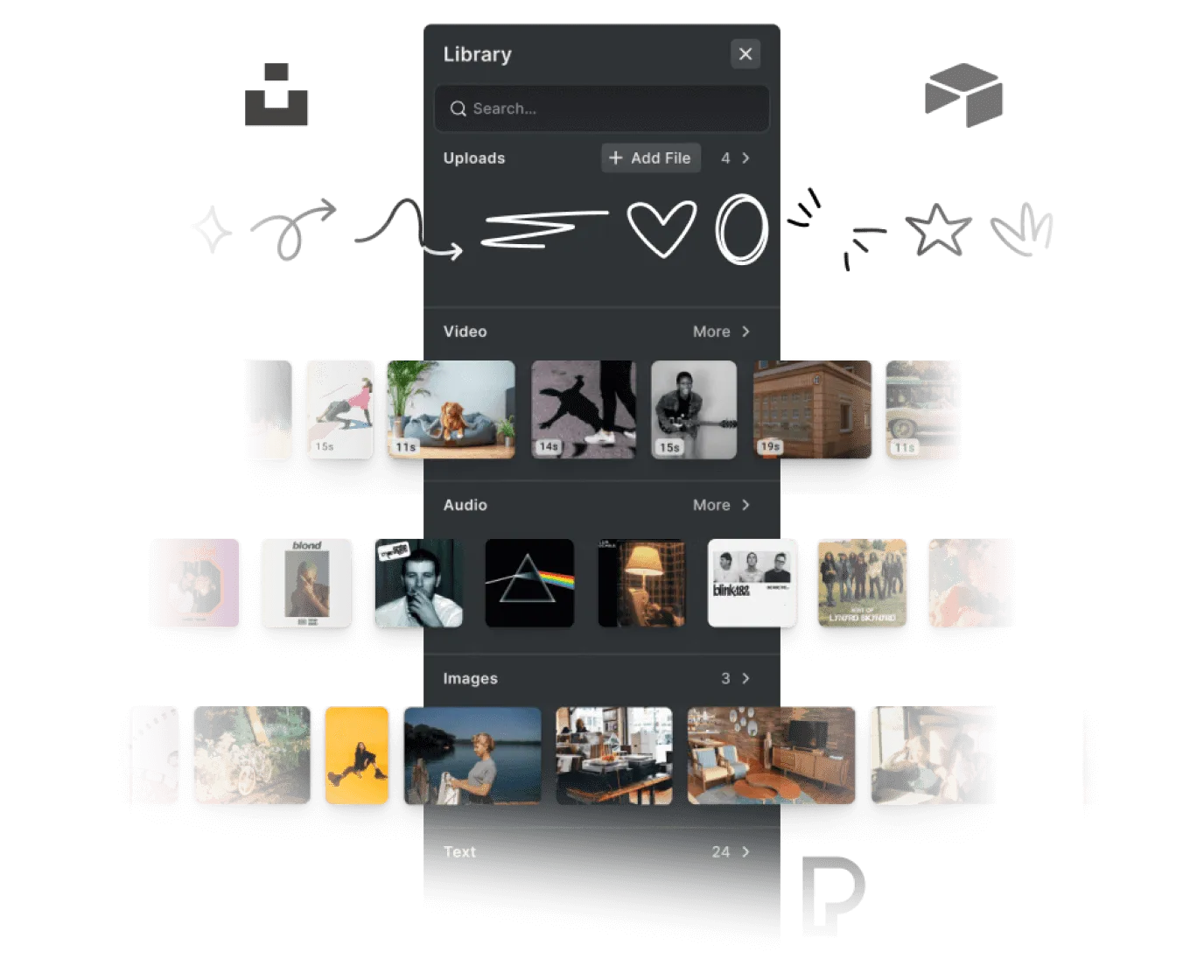
Keep earlier takes within reach
Finished clips are kept in a per-model history inside the asset library, so an earlier take can go back into the edit without generating it again.
Where teams use generated clips
Social clips
A creator generates a vertical clip, adds captions and music on the same timeline, and posts it.
Ad openers
A marketing team opens an ad with a generated shot, then cuts to real product footage.
Missing B-roll
An editor generates a cutaway to sit between two interview answers.
Storyboards in motion
A producer turns a written concept into rough moving shots to agree on pacing before anything is filmed.
More AI features
Generate a clip in the AI Editor demo
Switch to video mode, describe a shot, and watch it arrive on the timeline. Then talk to us about adding text to video to your product.
Frequently Asked Questions
Text to video is generative AI that creates a short video clip from a written description, including motion and camera movement. In CE.SDK, it runs inside the video editor, and the result is a regular clip on the timeline.
Up to a few minutes, depending on the model and the clip. Users can close the panel and keep editing in the meantime.
Any video model on the Gateway, or models from fal.ai, Runware, EachLabs, and ByteDance called through a proxy you host.
Some can rework the description before generating, such as Veo 3.1 with its prompt enhancement and MiniMax with its prompt optimizer.
Depending on the model, per second of output or per finished video. Teams pay the provider directly or through the Gateway, and the plugin itself comes with your CE.SDK license.