



Give any edit the sound effect it’s missing
Your users describe the sound a video needs, and AI generates it. The clip comes back as regular audio they can trim, move, and layer on the timeline.
- A length chosen for each sound
- Clips named after their prompt
- A waveform preview in the library
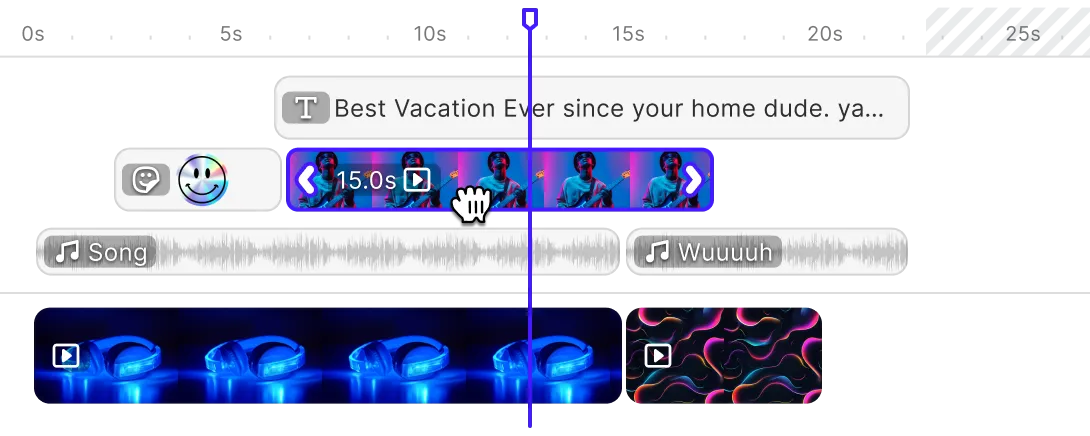
Exactly as long as the cut
Finding the right sound effect means scrolling a library and trimming whatever comes close. With text to sound, your users type the sound they’re after and get a clip made for that moment.
Describe the sound
Your users write what they want to hear, like “slow footsteps on gravel” or “crowd murmur in a large hall”.
Set the length
They set the length in seconds, so the clip matches the cut it sits under.
Drop it into place
Clips land in the asset library, and your users drag them onto the timeline.
Trusted by 100+
industry leaders














Integrating IMG.LY’s editor meant we didn’t have to build or maintain a complex editing layer ourselves. That kept our team focused on our core AI ad engine and saved us countless development hours — while still giving our customers the ability to polish and customize creatives at scale.
Hikari Senju
CEO, Omneky

With IMG.LY we built a central creative portal that now powers over 140 dealer campaigns across multiple automotive brands. Before this, asset creation was slow and inconsistent.
Martin Röhr
Product Owner, Digitas

By embedding IMG.LY’s editor we were able to hit key RFP requirements and deliver a template-based creative experience that now serves 1,000+ customers. It helped us win more deals and exceed enterprise expectations without needing to hire dedicated design teams.
Rob Driscoll
Director of PM, Optimizely

Since integrating IMG.LY’s editor, we now deliver 30,000+ ad creatives per month, dramatically shorten time-to-launch, and help our clients cut design spend by up to $10,000 per month.
Logan Welbaum
Founder, Plai

Our customers create over a million personalized postcards each year choosing from over hundreds of templates with IMG.LY’s SDK. It’s the only solution that allows us to build our own specialized, on-brand UI that integrates seamlessly with our platform.
Jeanine Zaalberg
Product Manager, SwissPost

From a developer’s perspective, the most powerful feature of the photo editor is the integration process. It was completely flawless, quick, and easy to integrate.
Stefano Fornari
CTO, Funambol

We compared IMG.LY SDK with other solutions and found that it would be the best fit for us since it provides all the features that are crucial for our use case.
Carem Pereira
SCRUM Manager, HP

Short effects and longer ambience
Effects
Short sounds mark a single moment, like a slammed door or a phone buzzing on a table.
Ambience
Longer background sound, like café chatter or wind in the trees, runs under a whole scene.
Set up text to sound: provider and panel
Proxy ElevenLabs through your server
Sound generation runs on ElevenLabs Sound Effects, called through your own server so the API key never reaches the browser. The Self-Hosted Model Proxy guide shows how to set up the proxy.
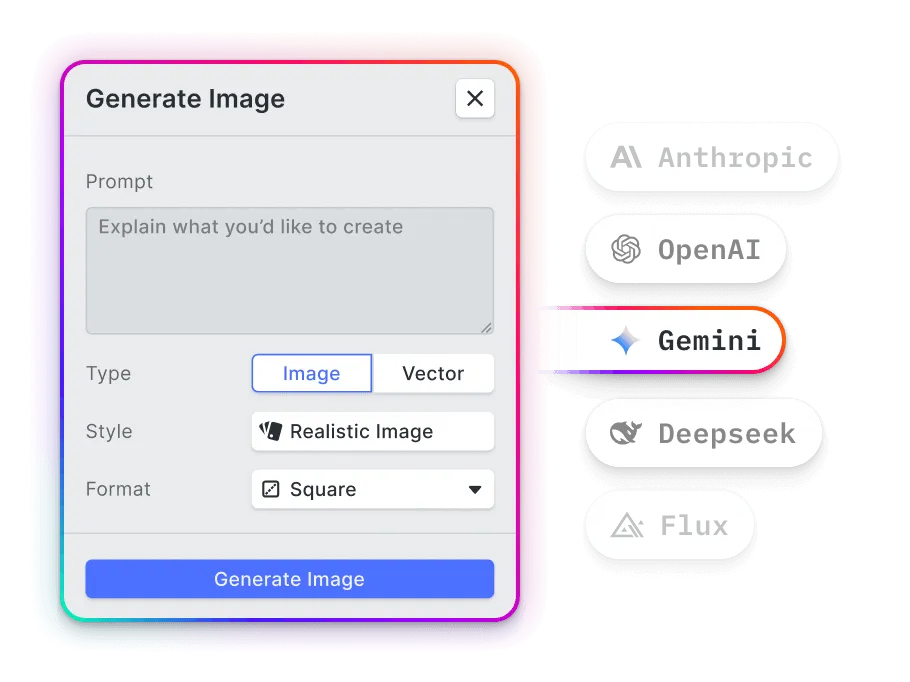
Preset a typical length
Set the default length your users usually need, and adjust the panel’s wording for your product.
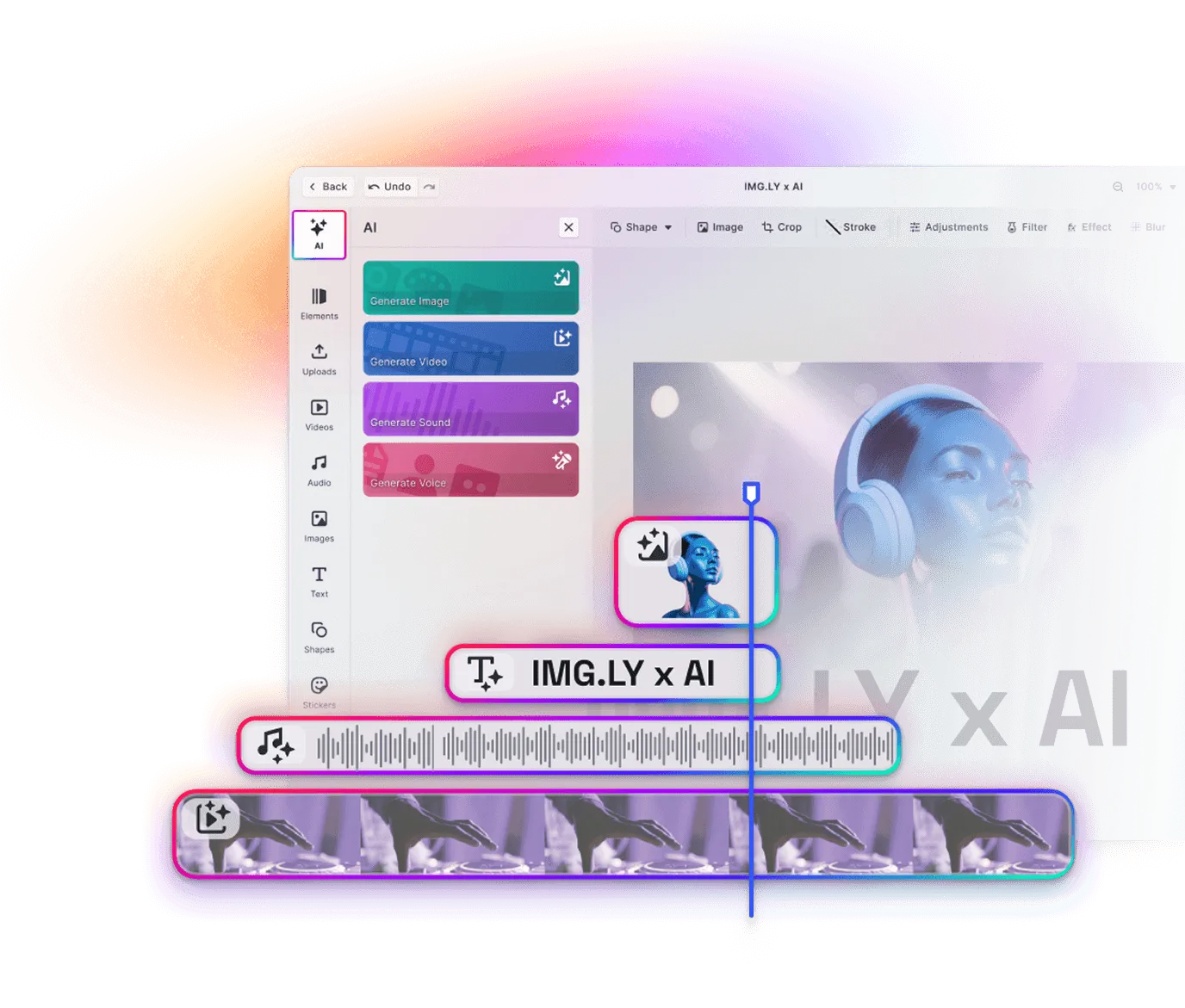
Show sounds next to your audio
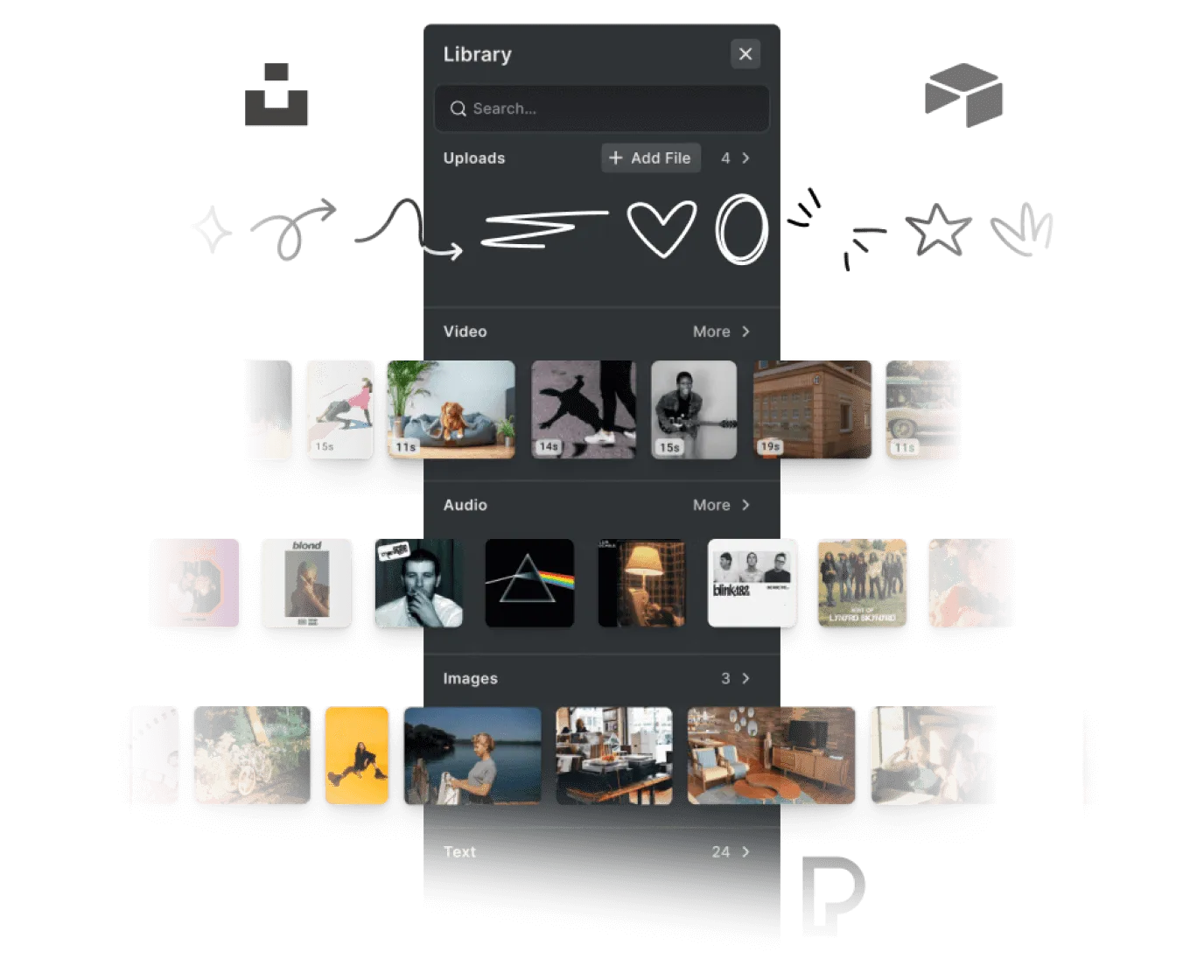
Generated clips can sit in the Audio panel alongside your own library, so users find them where they already look for sound.
What teams add with text to sound
Transitions
An editor generates a swoosh to bridge two clips.
Ambience under narration
A creator fills the gaps between voiceover lines with room tone or street atmosphere.
Silent footage
A product team adds keyboard typing and mouse clicks to a screen recording.
Audio for generated video
A marketer adds waves and gulls to a beach clip made with Text to Video.
More AI features
Sound effects your users generate themselves
Talk to us about adding text to sound to your video editor.
Frequently Asked Questions
Text to sound is generative AI that creates audio other than speech, from a creaking floorboard to rain on a window, from a short description. In CE.SDK, it's the Generate Sound panel in video projects.
ElevenLabs Sound Effects, called through a proxy on your own server rather than the AI Gateway.
To the asset library, labeled with the opening words of their prompt, and from there onto the timeline like any other audio.
Yes. By default, the history is saved in the browser, so sounds are still there in the next session. You can also switch it off or keep it in your own asset source.