



Turn a few words into the sticker a design is missing
Your users ask for the sticker they have in mind, and AI draws it. It lands in the design like any other sticker, ready to move, scale, and layer.
- Icon styles from Outline to Doodle Fill
- Square, portrait, and landscape sizes
- A history of every sticker generated
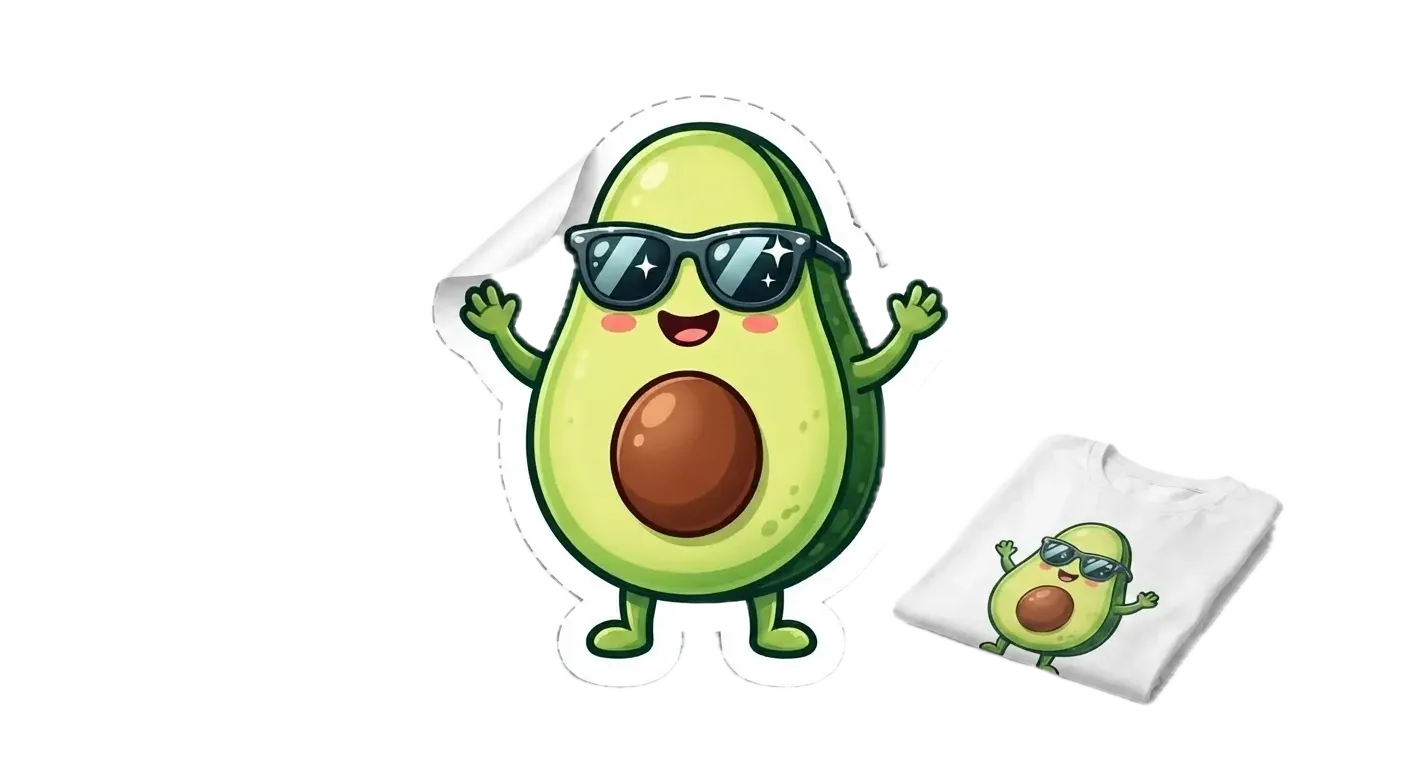
The sticker no library has
Sticker libraries rarely have the oddly specific one, like an avocado in sunglasses. With AI sticker generation, your users describe it and it appears in the design.
Describe the sticker
A few words are enough, like “a rocket with a speed trail”. Then your users pick an icon style and a size.
Watch it arrive
A pending sticker shows up in the design as soon as the request goes out. When it’s ready, the finished sticker takes its place.
Find it again later
Every sticker your users generate stays in the panel’s history, ready to add again.
Trusted by 100+
industry leaders














Integrating IMG.LY’s editor meant we didn’t have to build or maintain a complex editing layer ourselves. That kept our team focused on our core AI ad engine and saved us countless development hours — while still giving our customers the ability to polish and customize creatives at scale.
Hikari Senju
CEO, Omneky

With IMG.LY we built a central creative portal that now powers over 140 dealer campaigns across multiple automotive brands. Before this, asset creation was slow and inconsistent.
Martin Röhr
Product Owner, Digitas

By embedding IMG.LY’s editor we were able to hit key RFP requirements and deliver a template-based creative experience that now serves 1,000+ customers. It helped us win more deals and exceed enterprise expectations without needing to hire dedicated design teams.
Rob Driscoll
Director of PM, Optimizely

Since integrating IMG.LY’s editor, we now deliver 30,000+ ad creatives per month, dramatically shorten time-to-launch, and help our clients cut design spend by up to $10,000 per month.
Logan Welbaum
Founder, Plai
Our customers create over a million personalized postcards each year choosing from over hundreds of templates with IMG.LY’s SDK. It’s the only solution that allows us to build our own specialized, on-brand UI that integrates seamlessly with our platform.
Jeanine Zaalberg
Product Manager, SwissPost

From a developer’s perspective, the most powerful feature of the photo editor is the integration process. It was completely flawless, quick, and easy to integrate.
Stefano Fornari
CTO, Funambol

We compared IMG.LY SDK with other solutions and found that it would be the best fit for us since it provides all the features that are crucial for our use case.
Carem Pereira
SCRUM Manager, HP

One icon style for a whole sticker set
Your users pick a look and keep it across the set, from a teacher’s reward badges to a shop’s product icons.
Lines only
Outline and Outline Gradient keep the sticker to its lines, in black or in a color gradient.
Lines and color
Six styles pair a dark outline with color. They range from the flat fills of Colored Outline and Offset Fill to the scribbled shading of Uneven Fill.
Color only
With no outline at all, Colored Shapes and Colored Shapes Gradient build the sticker from flat or gradient color.
Set up AI sticker generation: model and panel
Install the sticker plugin
AI sticker generation is its own plugin for CE.SDK on the web, built for design scenes. Recraft, reached through fal.ai, is the model that ships with it.
Keep the API key on your server
Requests to fal.ai pass through your own server, which holds the API key. Another model, self-hosted or from a different service, connects as a provider of its own.
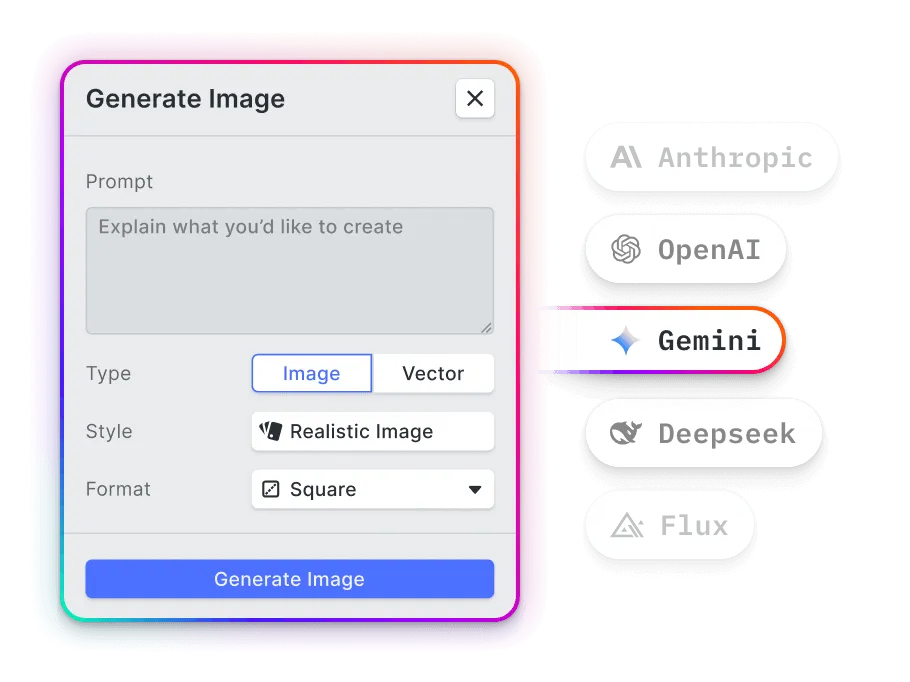
Rename or translate the panel
With one model connected, hide the model picker, and reword or translate every label and icon style name.
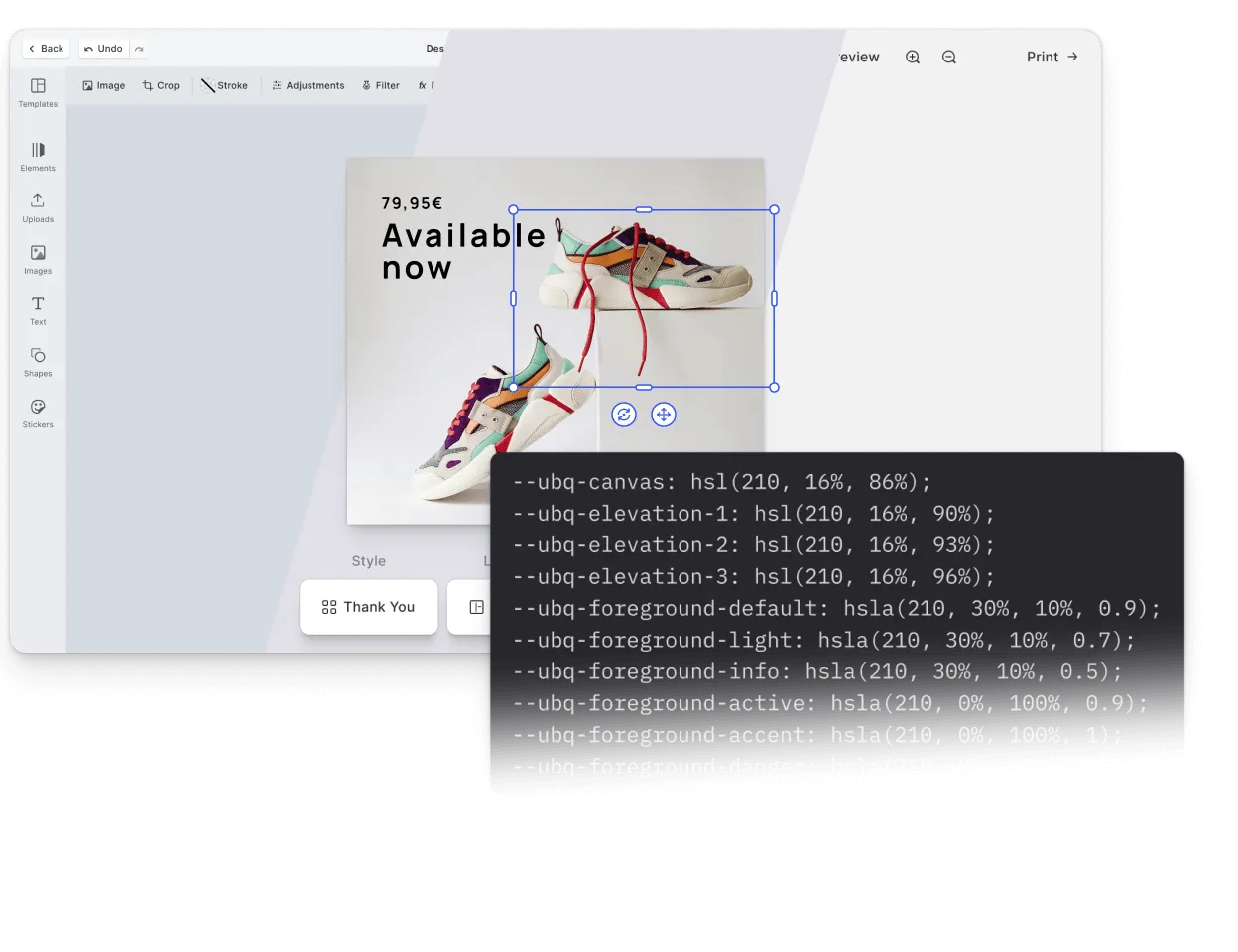
What teams make with AI stickers
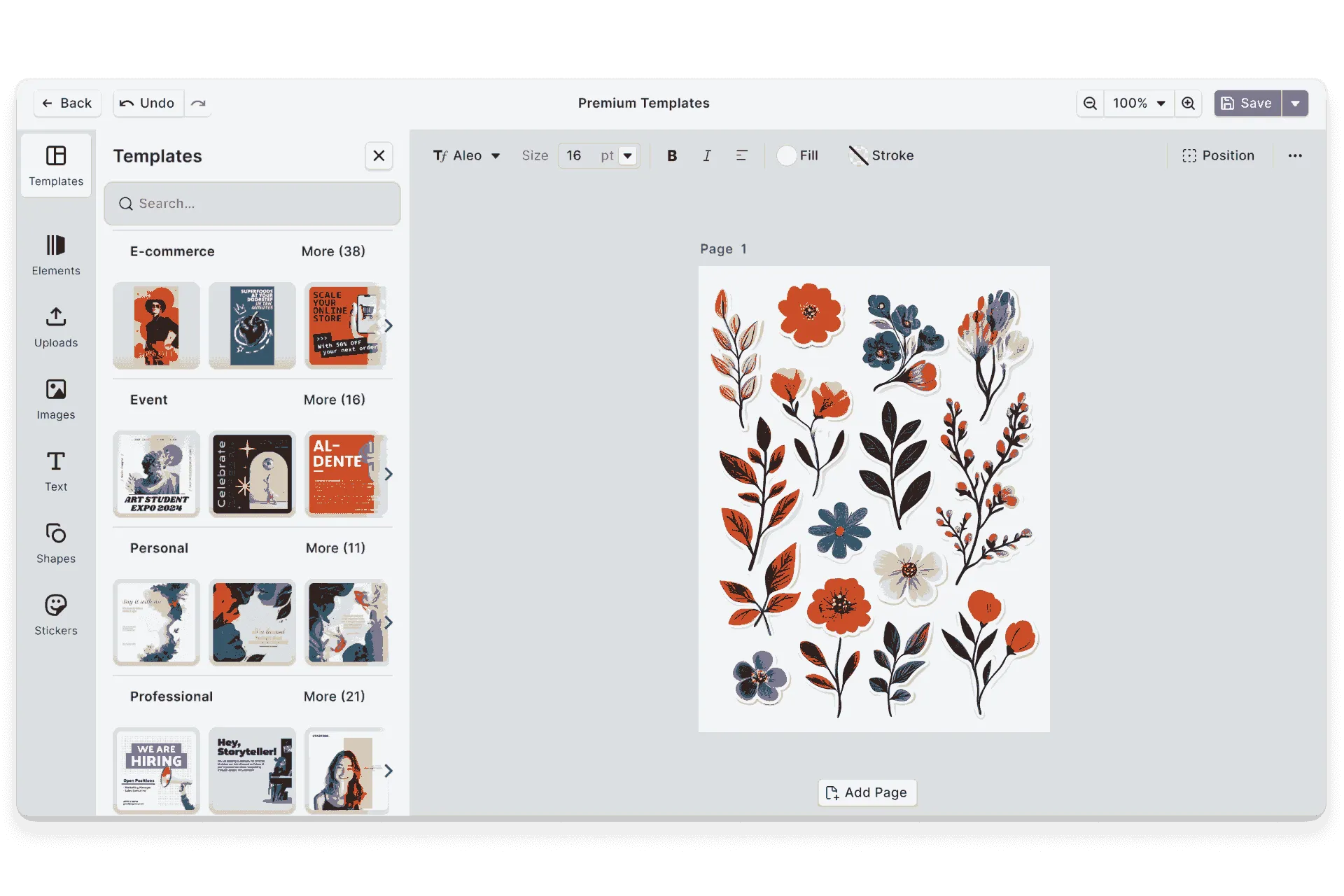
Sticker sheets for print
A customer fills a sheet with characters of their own and orders it as die-cut stickers.
Party invitations
A parent adds the birthday child’s favorite animal, wearing a party hat, to the invitation.
Menu icons
A café gets matching icons for its vegan, spicy, and gluten-free dishes.
Social posts
A bakery puts a doodle croissant in the corner of its weekend offer.
More AI features
Add AI sticker generation to your editor
Find out about licensing and access to the sticker plugin for CE.SDK.
Frequently Asked Questions
AI sticker generation creates a single standalone graphic, such as an icon or a character, from a short written prompt. In CE.SDK, the result is a regular sticker in the design.
Recraft is the ready-made option. Teams can swap in any other image model by writing a provider for it.
The web version of CE.SDK, in design scenes. Video scenes and the mobile SDKs don't include it.