



Photo collages in your photo app or print shop
A collage editor for photo print shops, photo apps and event platforms. Your users pick one of the layouts you offer, and the photos and the title already on the page move into its frames.
Built for the businesses that sell collages
Photo print and wall art shops
Users build a collage for a print, a canvas or a poster from their own photos, and your lab gets a file at the size of the product they ordered.
Photo and social apps
Your users gather the photos from a trip or a weekend into one square image and share it from the app where they keep their pictures.
Event and school photo platforms
Families pick their favorite shots from a wedding, a team season or a school year and order them together on one printed page.
Trusted by 100+
industry leaders














Integrating IMG.LY’s editor meant we didn’t have to build or maintain a complex editing layer ourselves. That kept our team focused on our core AI ad engine and saved us countless development hours — while still giving our customers the ability to polish and customize creatives at scale.
Hikari Senju
CEO, Omneky

With IMG.LY we built a central creative portal that now powers over 140 dealer campaigns across multiple automotive brands. Before this, asset creation was slow and inconsistent.
Martin Röhr
Product Owner, Digitas

By embedding IMG.LY’s editor we were able to hit key RFP requirements and deliver a template-based creative experience that now serves 1,000+ customers. It helped us win more deals and exceed enterprise expectations without needing to hire dedicated design teams.
Rob Driscoll
Director of PM, Optimizely

Since integrating IMG.LY’s editor, we now deliver 30,000+ ad creatives per month, dramatically shorten time-to-launch, and help our clients cut design spend by up to $10,000 per month.
Logan Welbaum
Founder, Plai

Our customers create over a million personalized postcards each year choosing from over hundreds of templates with IMG.LY’s SDK. It’s the only solution that allows us to build our own specialized, on-brand UI that integrates seamlessly with our platform.
Jeanine Zaalberg
Product Manager, SwissPost

From a developer’s perspective, the most powerful feature of the photo editor is the integration process. It was completely flawless, quick, and easy to integrate.
Stefano Fornari
CTO, Funambol
We compared IMG.LY SDK with other solutions and found that it would be the best fit for us since it provides all the features that are crucial for our use case.
Carem Pereira
SCRUM Manager, HP

Layouts that take the photos with them
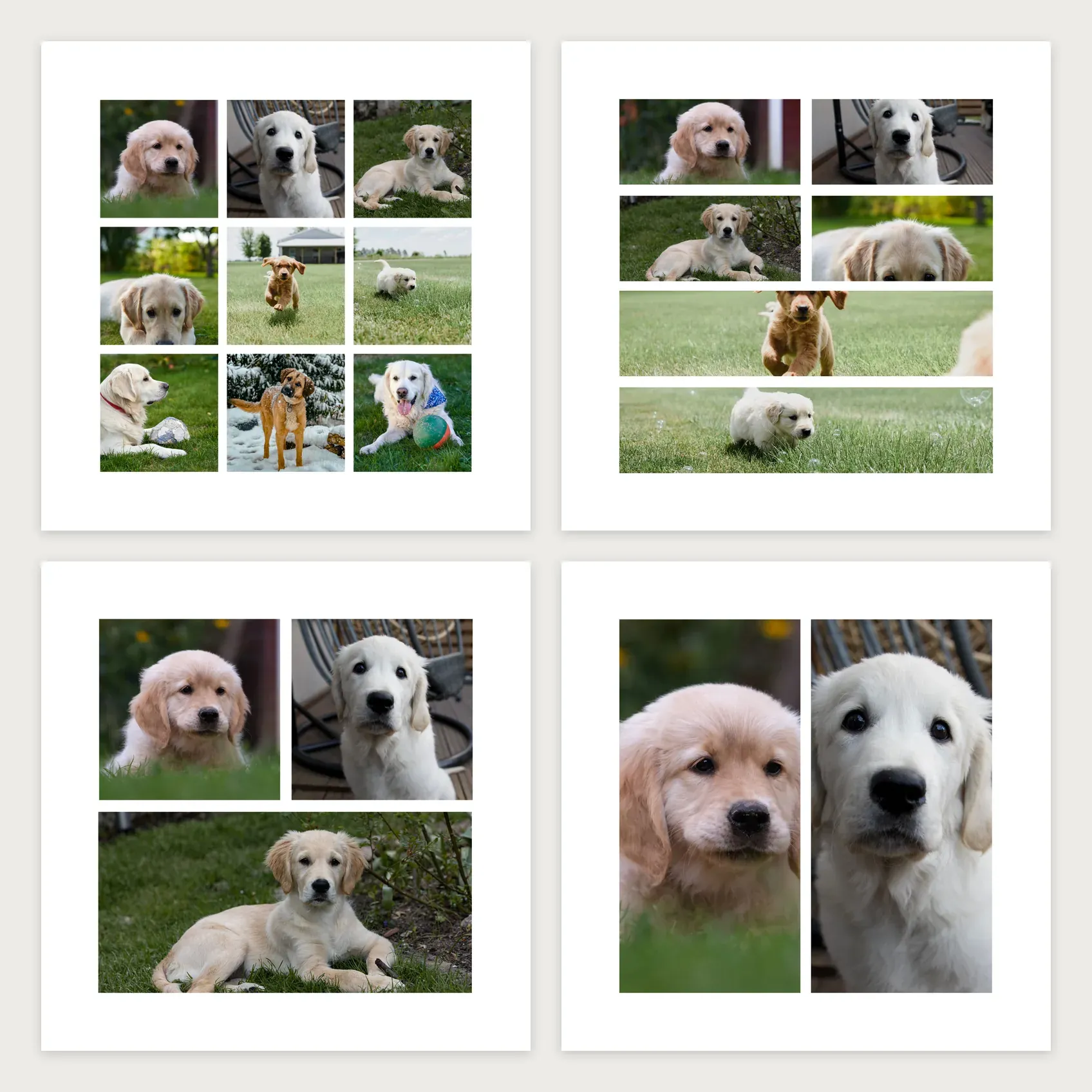
One click to another layout
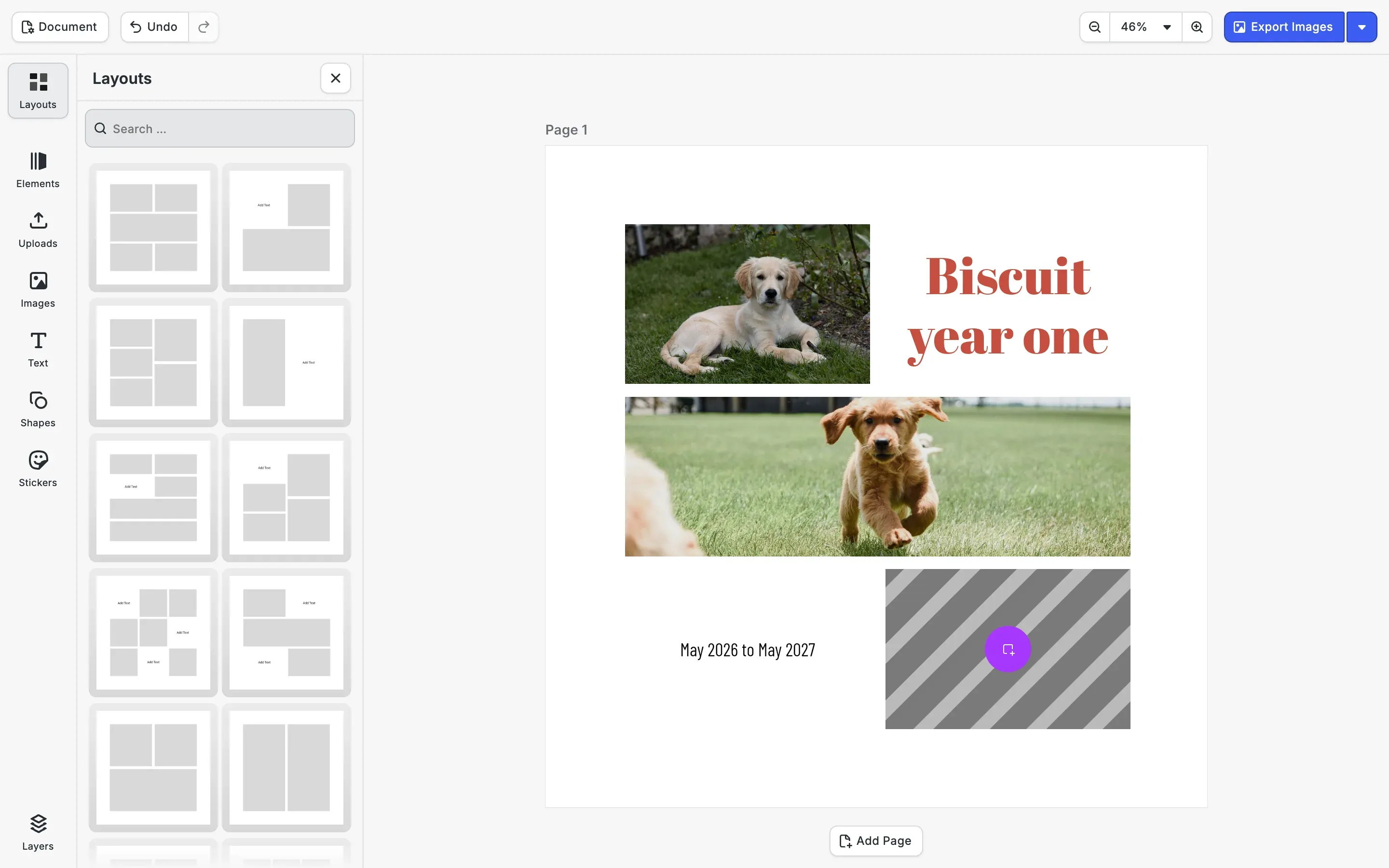
A click on a layout in the panel rebuilds the page and carries the photos and the title across, in reading order from top to bottom and left to right. The starter kit’s layouts hold one to nine photos. In a layout with fewer frames, the first photos stay and the rest drop off the page, and Undo brings the old layout back with all of them.
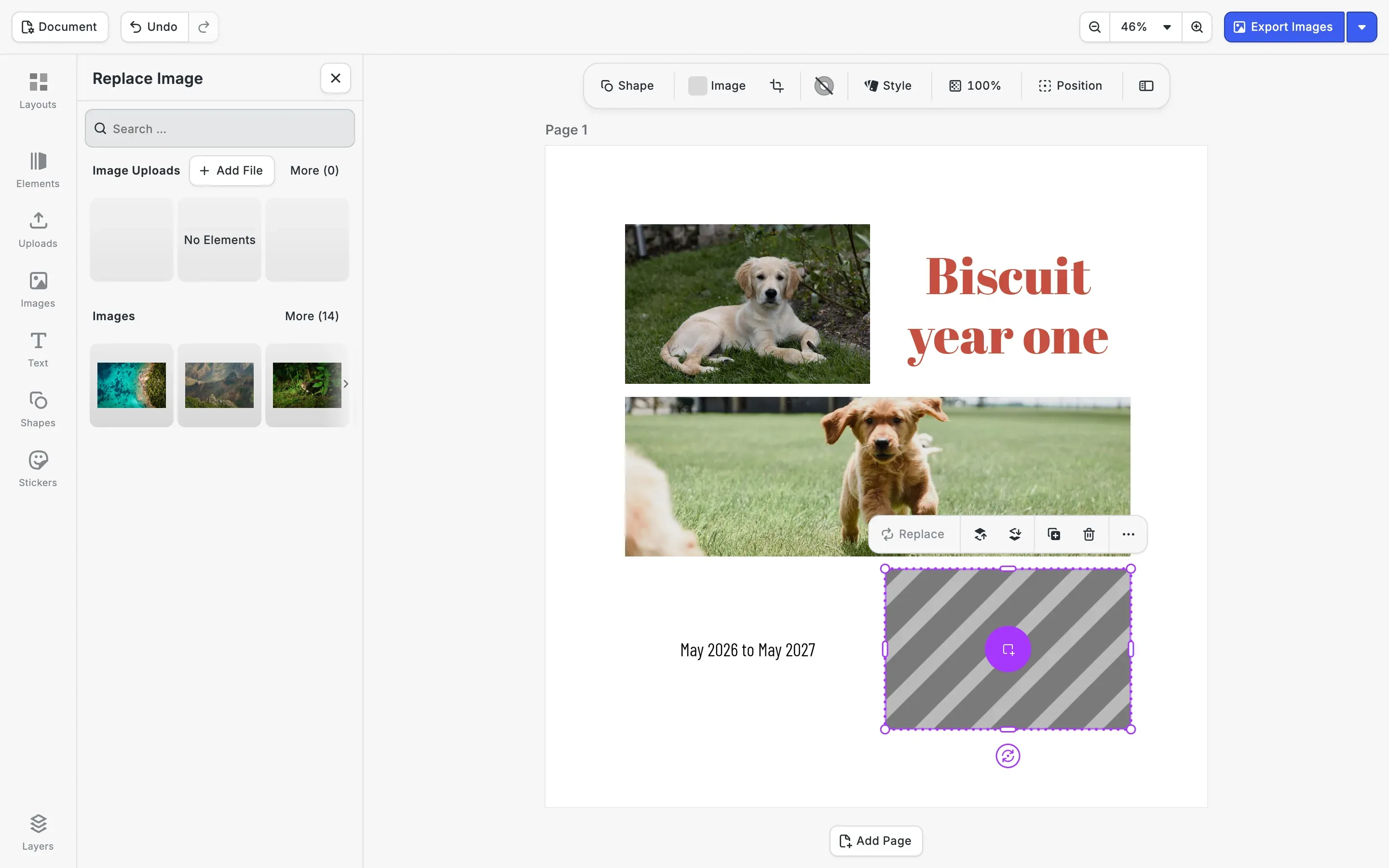
Empty frames ask for a photo
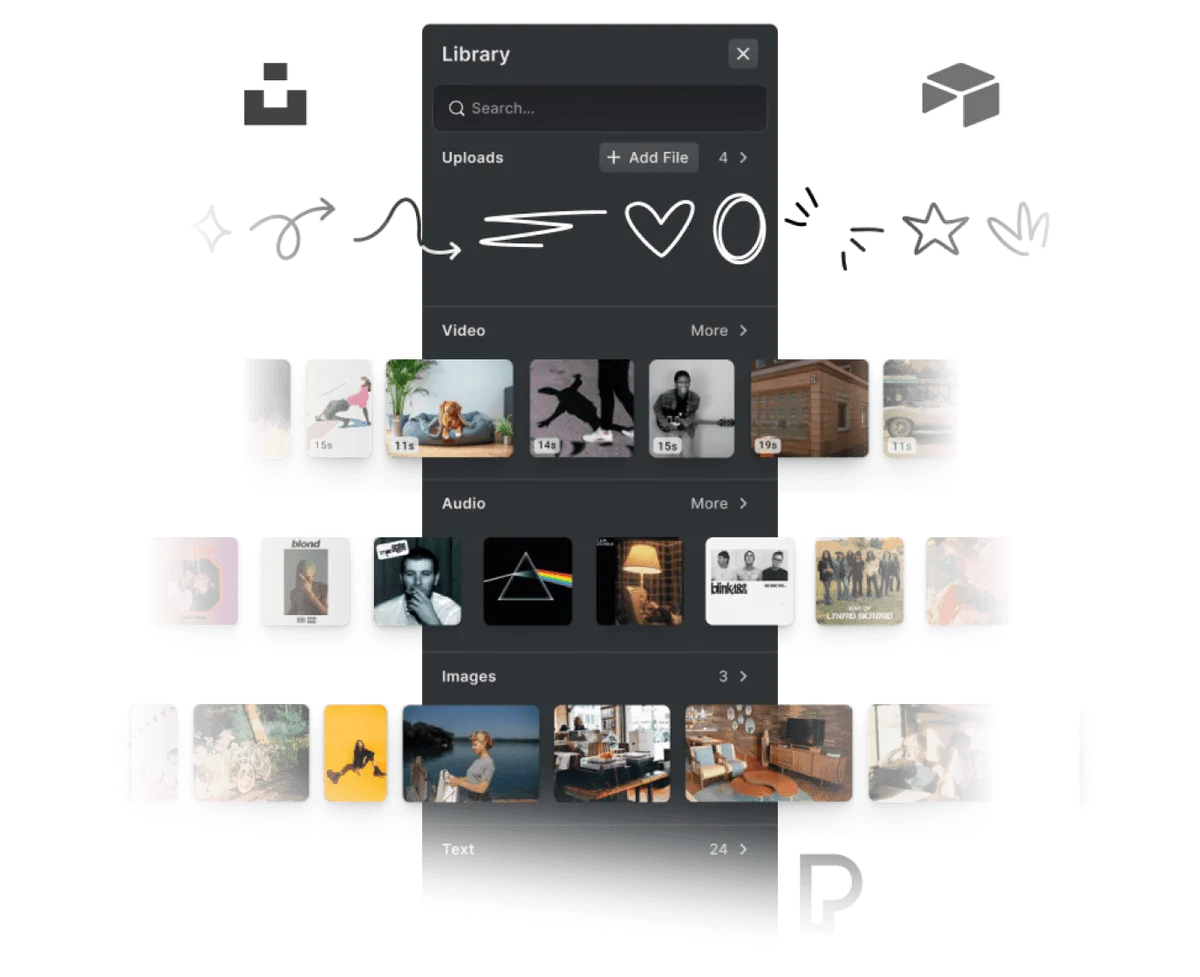
A frame without a photo shows diagonal stripes and an add button, so users see at a glance where the next picture goes. Replace opens a panel with their own uploads at the top and the image sources you connect below them.
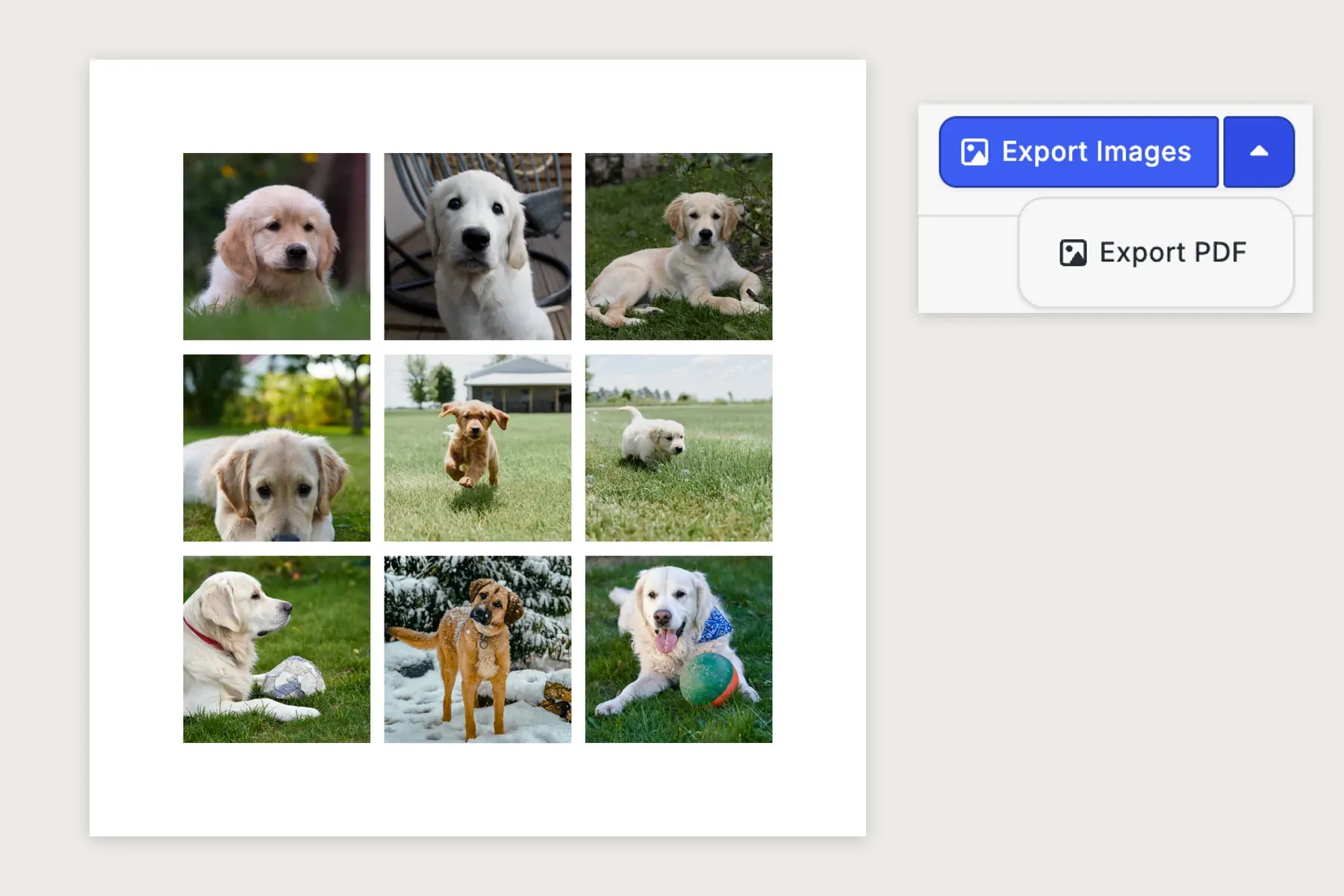
A PDF for the photo lab
Next to Export Images, the export menu offers a PDF. The collage shown is a 5 by 5 inch page with its nine photos embedded at 300 dpi, and your team sets the page to the print sizes you sell.
From the starter kit to a printed collage in four steps
A first release can run on one square size and the starter kit’s layouts. Your designers add their own layouts, and you add the rest of your print sizes, once the first test prints come back from the lab.
Start from the layouts kit
The web starter kit runs with the Layouts panel and layouts for one to nine photos, and it already moves the photos across when users switch layouts.
Draw your own layouts
Your designers save each layout as a design with a thumbnail and list it next to the starter kit's layouts or in their place.
Connect photos and print sizes
Point the upload and image panels at your users' photos, and set the page sizes to the prints, canvases and posts you sell.
Print the first collages
Print a few test collages at your largest size, check how the wide and tall frames crop the photos, then open the editor to every user.
Add-ons for a collage product
For your users
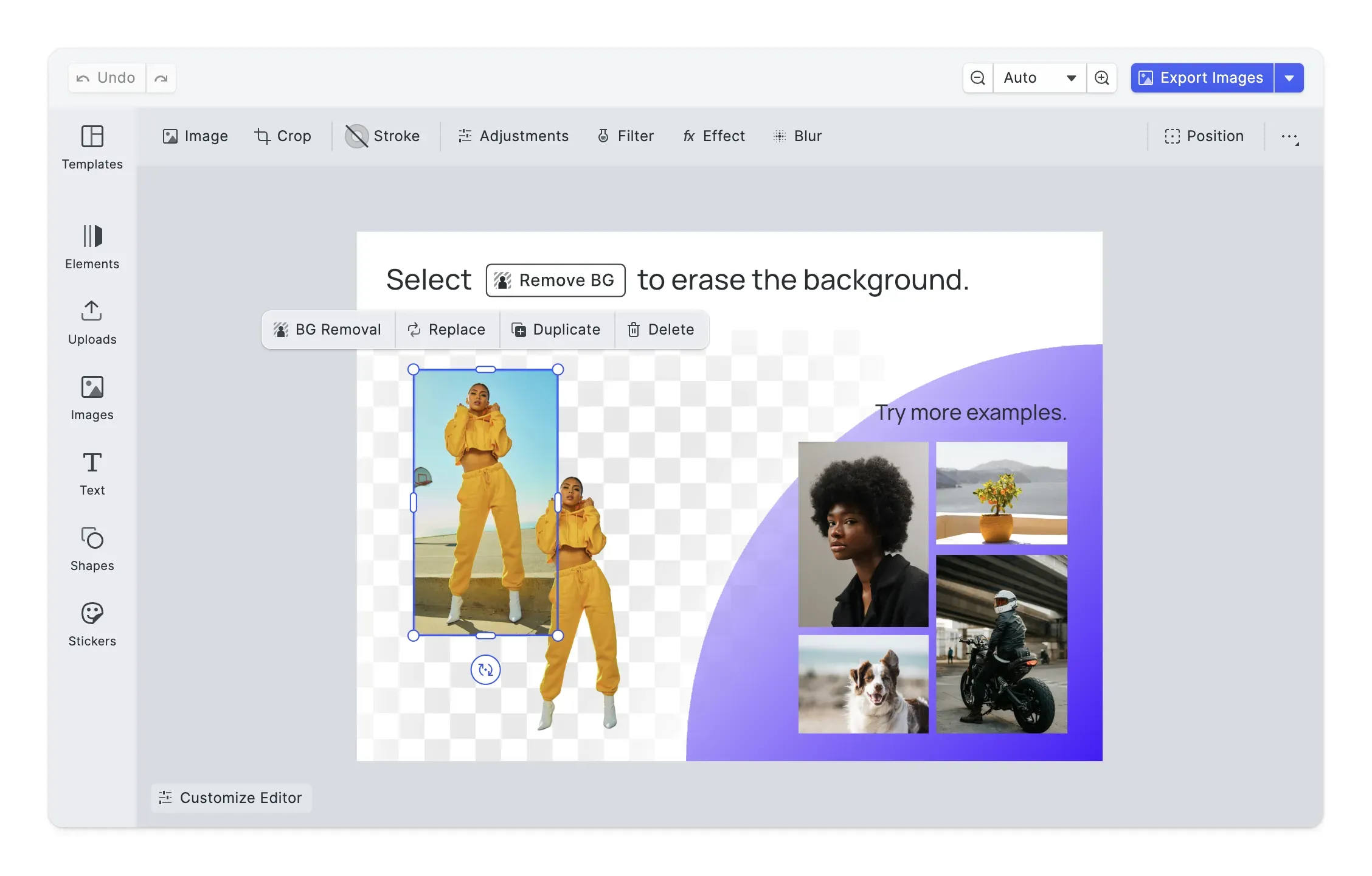
The dog without the lawn.
Background removal cuts the subject out of a photo in the browser, so a pet or a person can sit on a plain color inside the collage.
A starting collage per occasion.
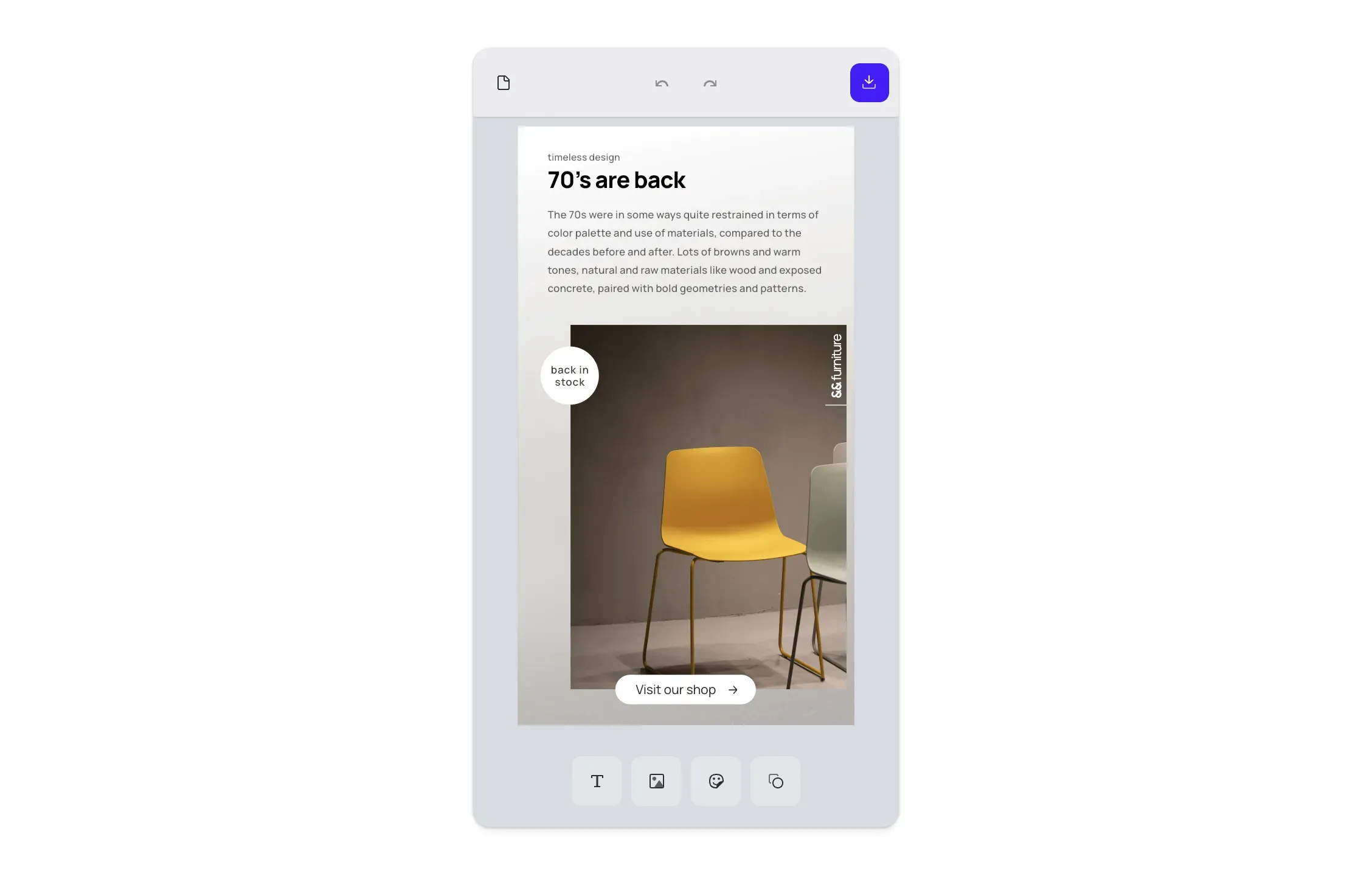
Each occasion gets its own starting page, so a user making a birthday collage opens one with birthday colors, a title and frames your designers placed.
For your platform
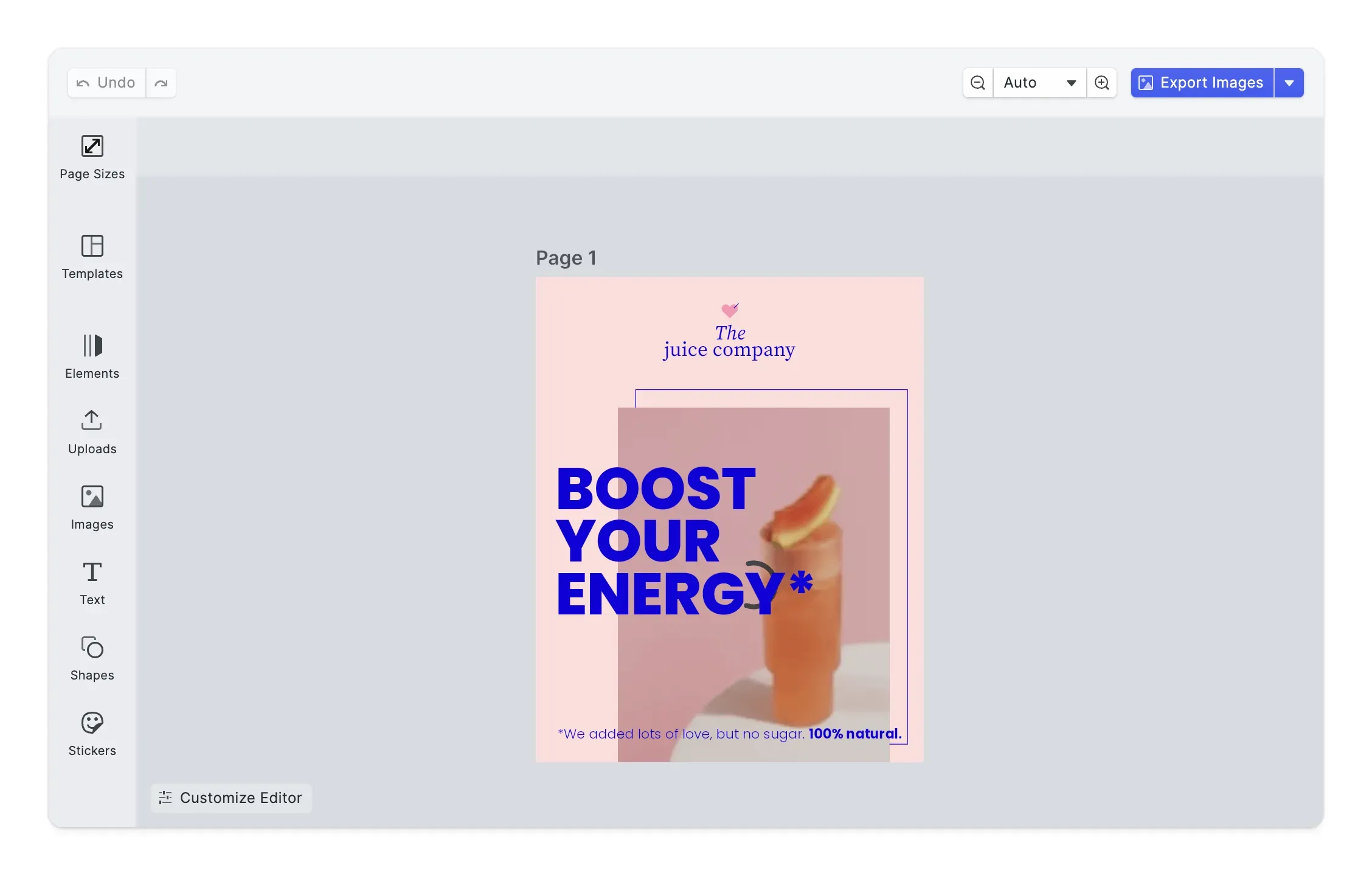
Your print sizes in the size menu.
Each product you sell, from a small square print to a poster, is a page size users choose from, so the exported page matches the product in their cart.
Collages built in the background.
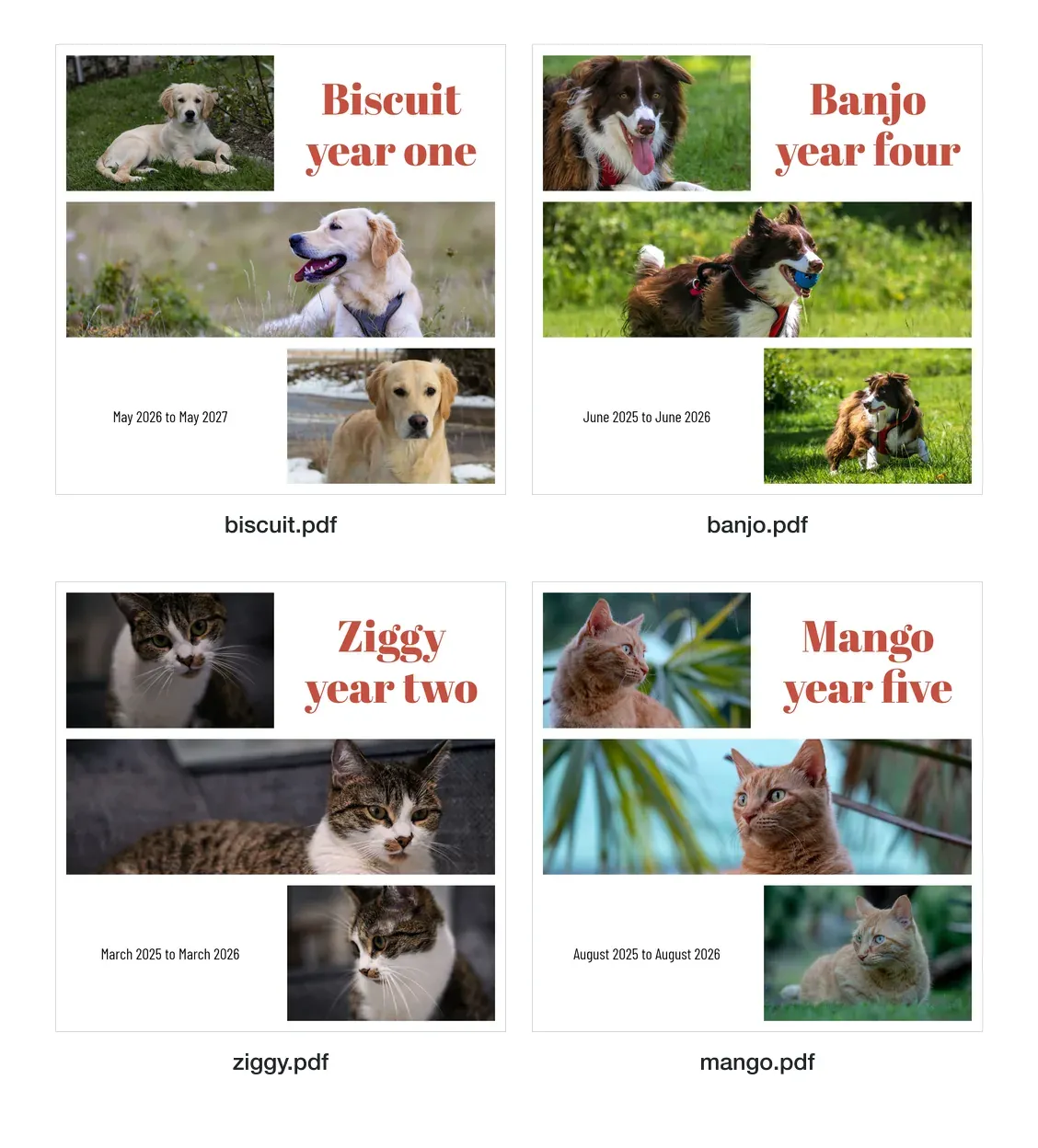
Headless, the engine puts an album’s photos into a layout and writes the file without anyone opening the editor, for recap emails or orders your server prepares.
Browse all capabilities
How Planoly Unified Planning, Editing, and Publishing in One Workflow

5+
channels supported (IG, FB, TikTok, Pinterest…)
0
context switches to outside tools like Canva
Web + Mobile
editor embedded in both apps
Planoly is a multi-channel social media planning platform serving creators and small business owners who need to plan, create, and publish content across Instagram, Facebook, TikTok, Pinterest, and more.
Canva breaks the workflow. IMG.LY exists everywhere that Planoly exists.
Planoly

Challenge
Planoly needed to enable photo and video editing across multiple platforms without disrupting the planning workflow or forcing users out to external tools like Canva.
Solution
Integrated CE.SDK directly into web and mobile apps — embedding photo and video editing inside the same planning and scheduling experience users already know.
- Creators edit content without leaving Planoly for an external tool.
- Same editing experience across web and mobile apps.
- Planning, editing, and publishing happen in one unified workflow.
Collage editors by occasion
Birthday Photo Collages
Party photos inside the age number, which users change with a text edit.
Family Photo Collages
Dark or tinted family photos, fixed one at a time with a click on Enhance.
Holiday Photo Collages
Winter photos as tilted prints with white borders and shadows that stay when users swap a picture.
Travel Photo Collages
A collage for each trip, with the photos already grouped by where and when they were taken.
Wedding Photo Collages
Names and framed photos over a blurred venue photo that stays soft when users replace it.
Explore other use cases
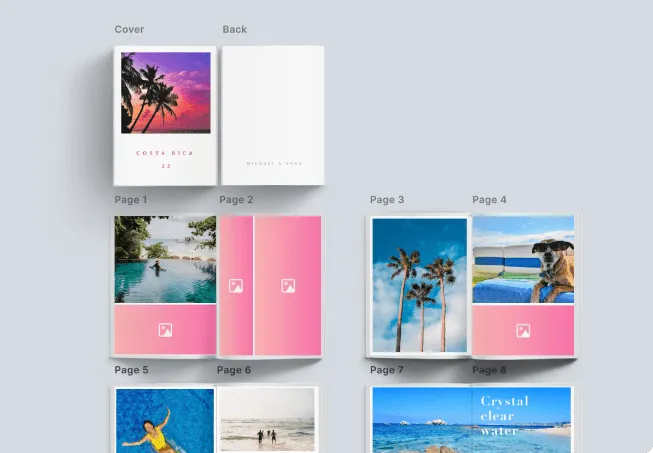
Photo Books
Multi-page photo book templates with automated layouts.
Cards
Greeting and event cards with mass-personalization and print-ready export.
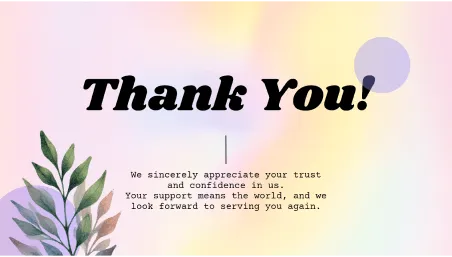
Postcards
Print-ready postcards with mass-personalization for any occasion.

Posters
Large-format poster design for print and digital channels.

Invitations
Print-and-digital invitations with mass-personalization.

Book Covers
Spine and bleed-aware templates for printed and digital covers.

Put a collage editor in your photo product
Tell us which print sizes you sell and which collages your users order most, and we’ll get back to you with a custom quote for your use case.
Collage Editor SDK FAQs
A collage editor SDK is software your developers add to your own app or shop, so users make collages in the place their photos and orders already live. With CE.SDK, users drop photos into a layout, move them to another layout with a click and export the result as an image or a print PDF.
The layouts in the starter kit hold one to nine photos, and some have room for a title or captions. Your designers can add layouts of their own next to them.
Photos fill the new frames in reading order, top to bottom and then left to right, and the ones left over stay out of the page. Text moves the same way, so a layout without a text frame leaves the title out. Undo brings back the layout before, with every photo and the title in place.
Yes. Each layout is a design your designers make in CE.SDK, shown in the Layouts panel by its thumbnail. When a user picks one, the photos and text from the current page move into its frames.
The layouts starter kit is for the web editor, in plain JavaScript and the common web frameworks, and for Electron. Photos in frames, text editing and PDF export also work on iOS, Android and the server.
The lab gets a PDF or an image of the page, and your team sets the page to the sizes you print, from small squares to posters.
Yes. Beyond the CE.SDK documentation, IMG.LY's solutions team offers different levels of support based on your license type. To talk through your collage layouts and the print sizes you sell, contact the team.