
With this release, the mobile video timeline gets a meaningful upgrade, background removal comes to Android, and a set of engine improvements tighten text, shape, and font-size handling across platforms.
Let’s jump in!
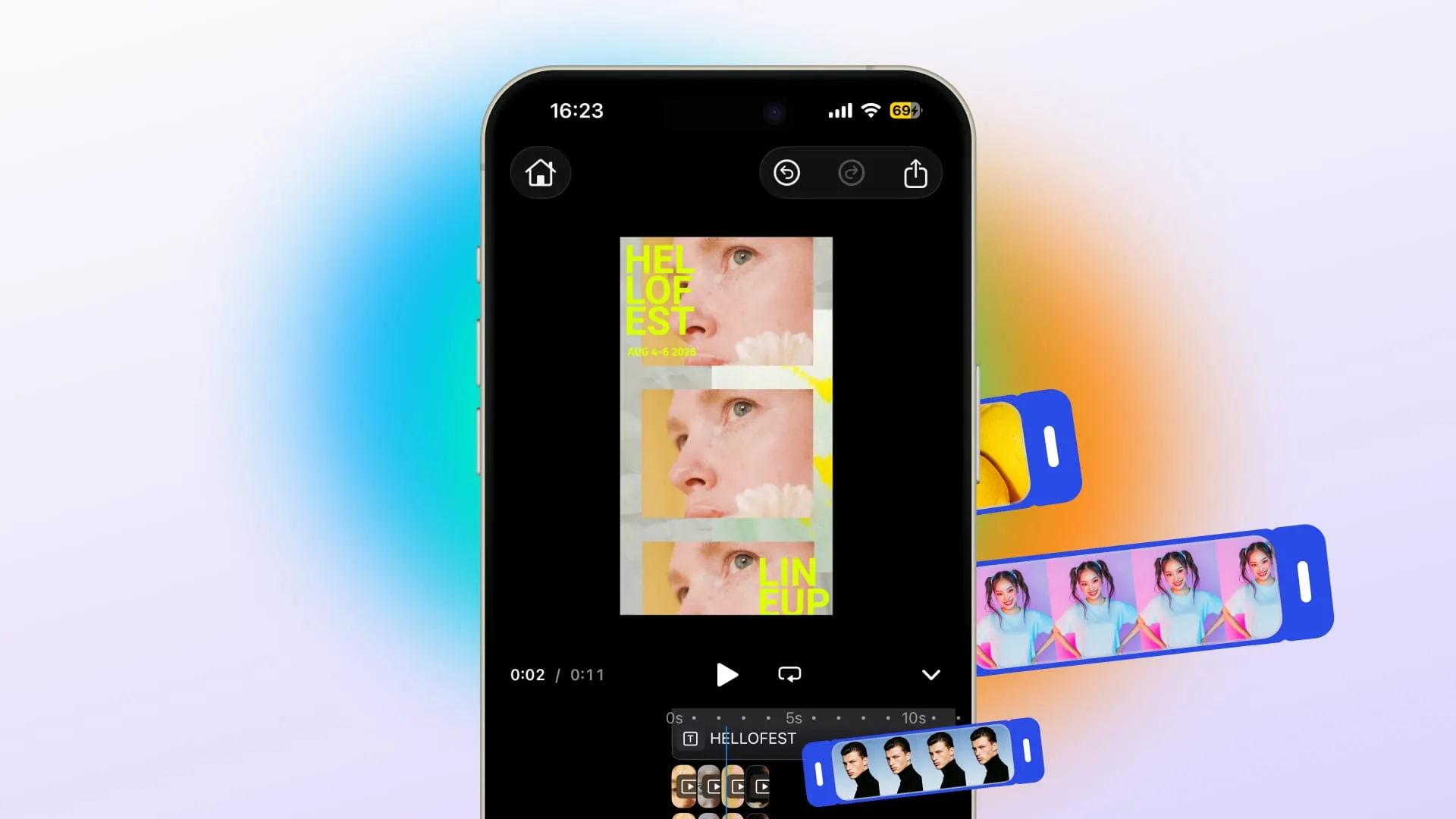
Edit Multi-Clip Timelines on iOS and Android
The mobile video timeline now supports multiple clips per foreground track. Long-press any clip to drag it within a track, across tracks, or into a gap to create a new track. Split, trim, and move are all gap-aware and respect locked clips.
For your product, this means: users can manage their video edit the way they’d expect, organizing clips in a single track instead of working around single-clip limitations.
→ Video Editor Starter Kit – iOS
→ Video Timeline Docs – iOS
→ Video Editor Starter Kit – Android
→ Video Timeline Docs – Android
Remove Backgrounds on Android

The Background Removal plugin is now available for Android. Users can remove backgrounds from images directly in the editor, without leaving the app or sending images to an external server.
For your product, this means: Android users get the same background removal capability that was already available on web, closing a gap for teams building cross-platform photo editing experiences. Users stay in your app for design tasks.
→ Android Background Removal Docs
New Plugin: Turn PDFs into Editable Designs
A new plugin and demo lets you import PDF documents directly into CE.SDK and turn them into fully editable designs.
With that, users can bring existing PDF assets into your editor without rebuilding them from scratch, opening up workflows around template reuse, document personalization, and print editing.
Improvements
Set Font Sizes in Pixels or Points
v1.76 adds per-scene font-size unit control. Choose pixels or points for a scene, and CE.SDK font-size APIs and editor UI follow that unit across all platforms.
Set Different Line Spacing Per Paragraph
Each paragraph in a text block can now have its own line spacing, instead of every paragraph sharing the same setting.
Add Precise Strokes to Texts
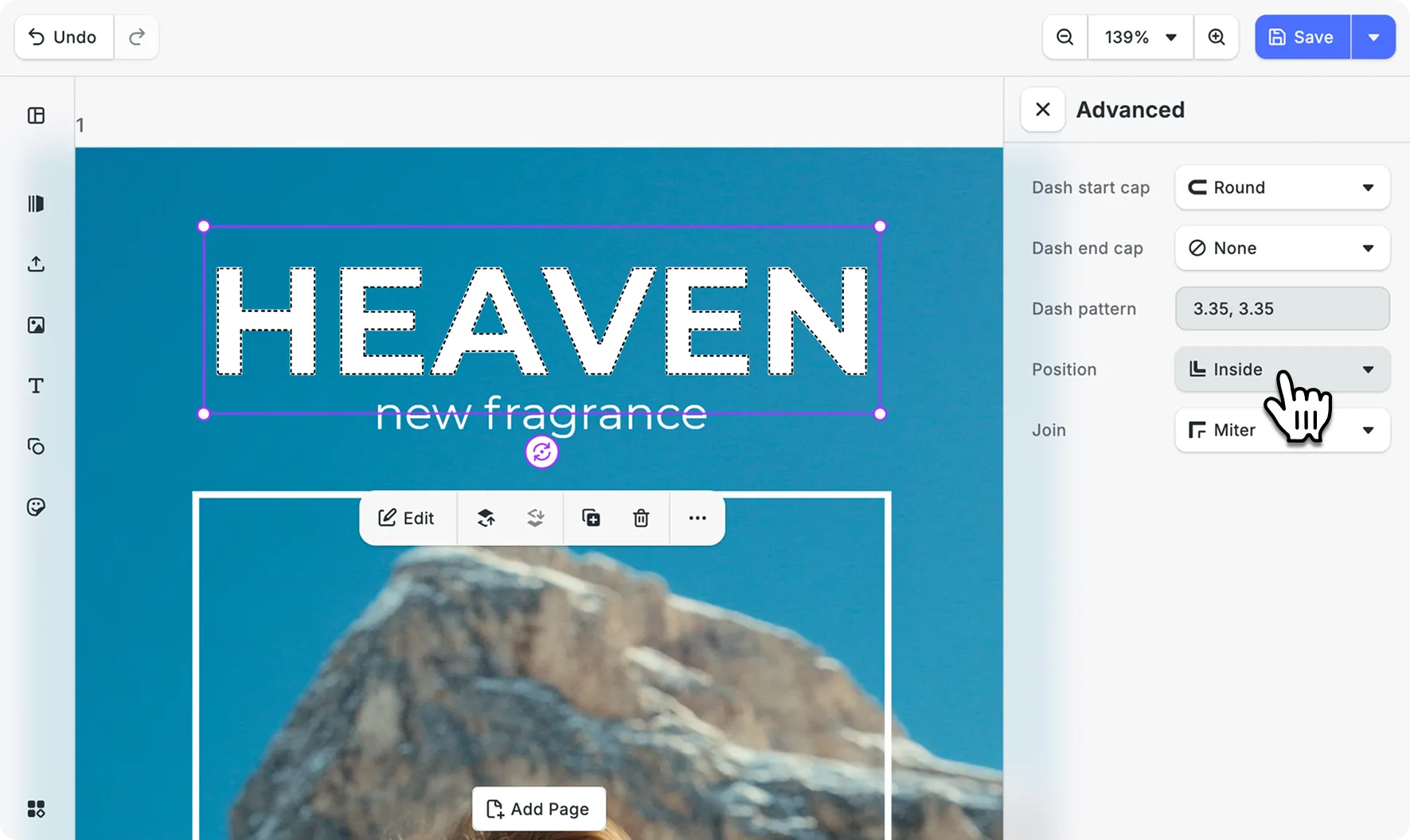
Style text outlines down to the last detail! The same controls you’d expect on any shape, now on text and captions too.
Tweak stroke position (inner, outer, center), dash patterns, cap styles, and corner joins directly on text and caption blocks.
→ Text Effects Docs
Draw Better Lines
Lines are now true line shapes. You can control how the ends of lines and dashes are styled (round, flat, or square), instead of working around lines behaving like thin rectangles.
Control Where Images Sit Inside a Block
New APIs let you control how image fills align inside a block when using Contain or Cover fill modes. Useful for templates where the inserted image’s aspect ratio is unknown. Also available for cropping in the web editor.
Changelog
v1.76 includes a significant number of improvements across platforms. See the full changelog for the complete list.
Thank you for building with IMG.LY.