

Product ads and mockups, made where your users sell
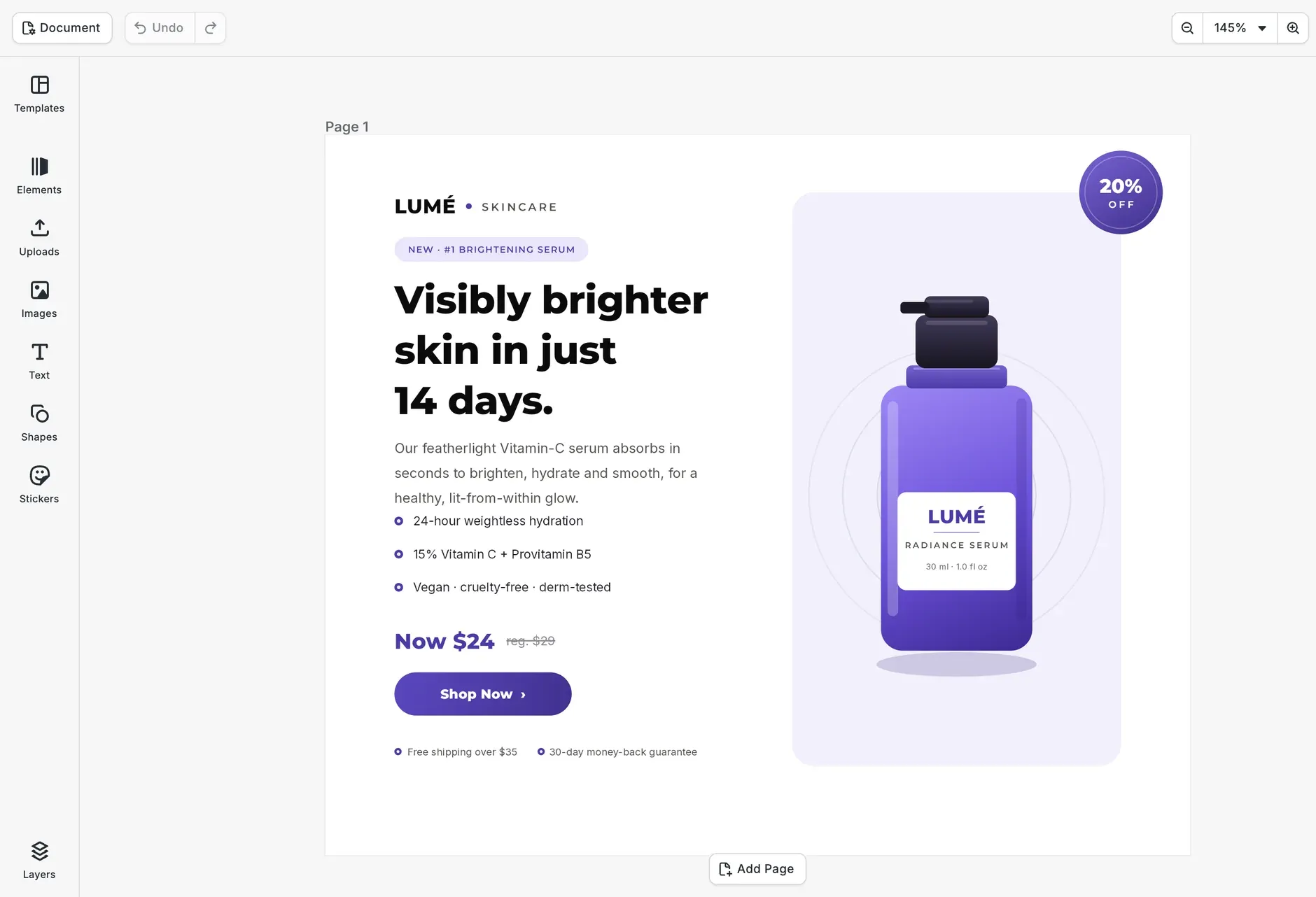
An embeddable editor for e-commerce platforms, marketplaces and marketing tools. Users turn their product data into ads sized for each channel they publish to, preview a design on the product before it is made, and cut products out of their photos, without leaving your platform.
Product graphics for shops, marketplaces and ad tools
Shop builders and marketplaces
Sellers make listing images and promotions next to the products they already manage in your platform.
Print-on-demand and merch platforms
Users see their design on the shirt, the poster or the business card before they order it.
Ad and marketing platforms
Campaign teams fill product ads from the catalog and export them for social feeds and display networks.
Trusted by 100+
industry leaders















Integrating IMG.LY’s editor meant we didn’t have to build or maintain a complex editing layer ourselves. That kept our team focused on our core AI ad engine and saved us countless development hours — while still giving our customers the ability to polish and customize creatives at scale.
Hikari Senju
CEO, Omneky

With IMG.LY we built a central creative portal that now powers over 140 dealer campaigns across multiple automotive brands. Before this, asset creation was slow and inconsistent.
Martin Röhr
Product Owner, Digitas

By embedding IMG.LY’s editor we were able to hit key RFP requirements and deliver a template-based creative experience that now serves 1,000+ customers. It helped us win more deals and exceed enterprise expectations without needing to hire dedicated design teams.
Rob Driscoll
Director of PM, Optimizely

Since integrating IMG.LY’s editor, we now deliver 30,000+ ad creatives per month, dramatically shorten time-to-launch, and help our clients cut design spend by up to $10,000 per month.
Logan Welbaum
Founder, Plai

Our customers create over a million personalized postcards each year choosing from over hundreds of templates with IMG.LY’s SDK. It’s the only solution that allows us to build our own specialized, on-brand UI that integrates seamlessly with our platform.
Jeanine Zaalberg
Product Manager, SwissPost

From a developer’s perspective, the most powerful feature of the photo editor is the integration process. It was completely flawless, quick, and easy to integrate.
Stefano Fornari
CTO, Funambol

We compared IMG.LY SDK with other solutions and found that it would be the best fit for us since it provides all the features that are crucial for our use case.
Carem Pereira
SCRUM Manager, HP

Product visuals, from catalog data to ad networks
Prices and offers from your catalog
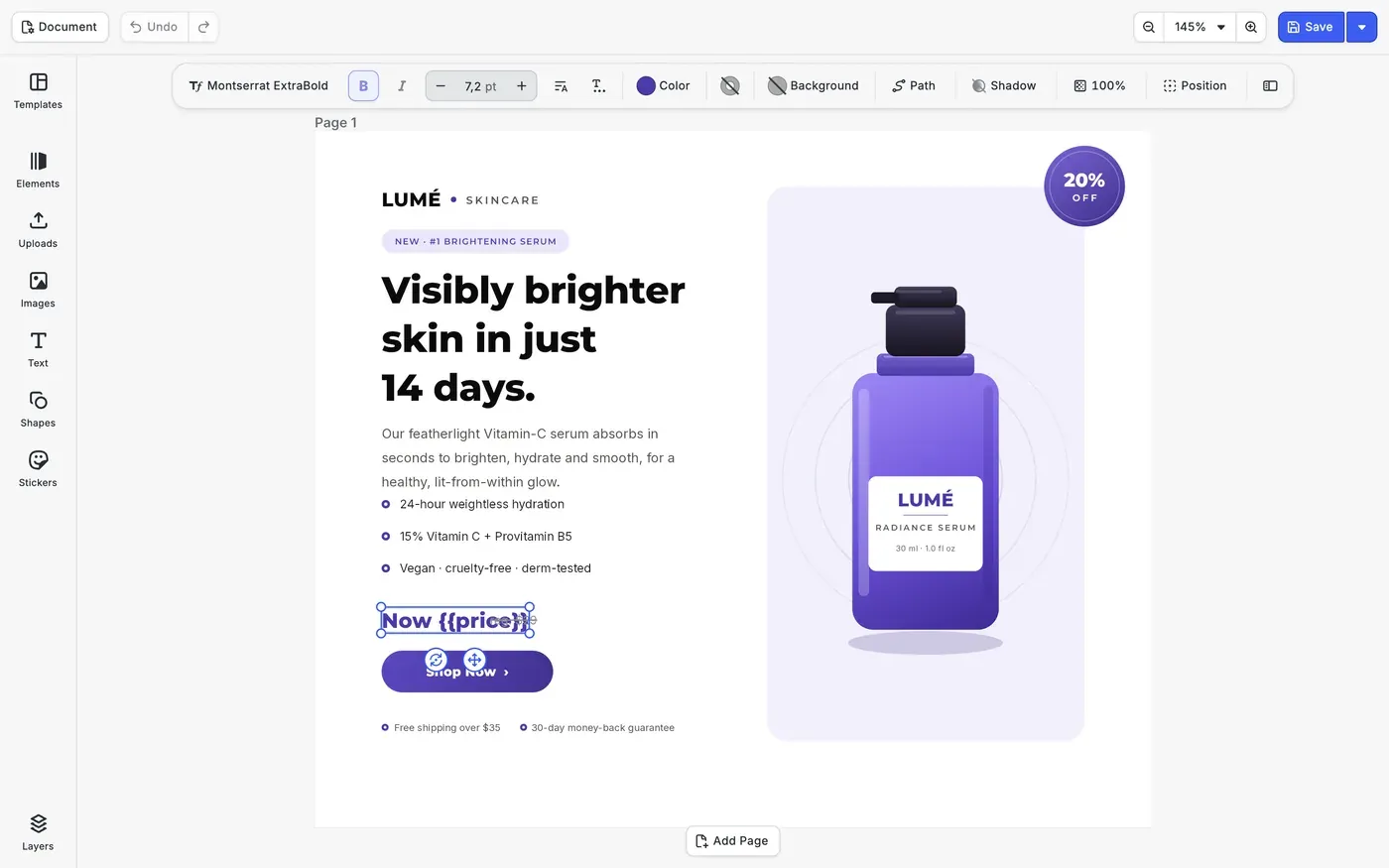
The price, the discount and the product name in an ad template can be text variables, filled from your product data. A price change in the catalog shows up in the next export, and nobody has to open the ad.
The design on the product before it is made
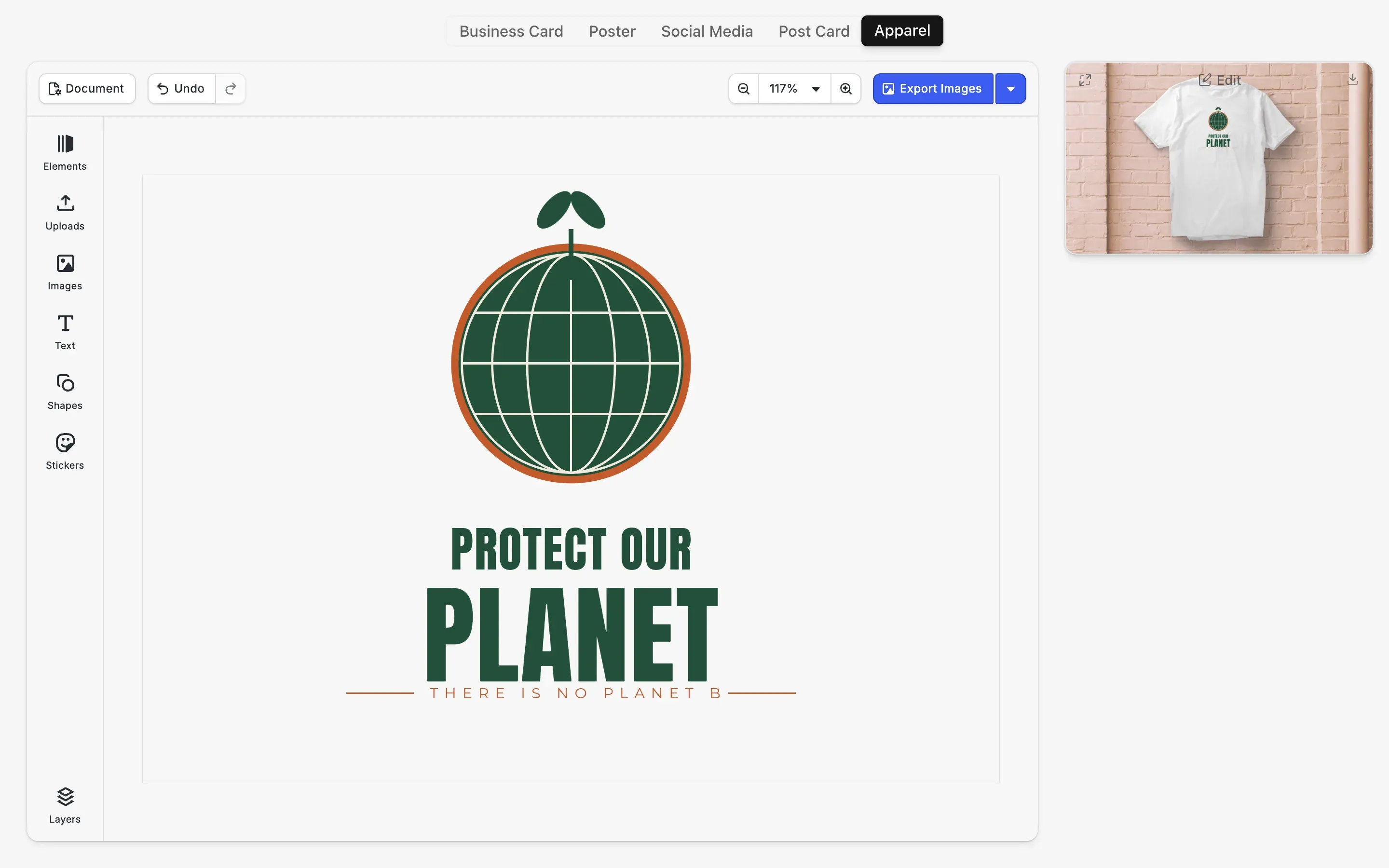
The product preview starter kit renders the design onto a mockup next to the editor, for apparel, business cards, posters, postcards and social posts. Users check how the print will sit on the product while they edit.
Social sizes from one ad
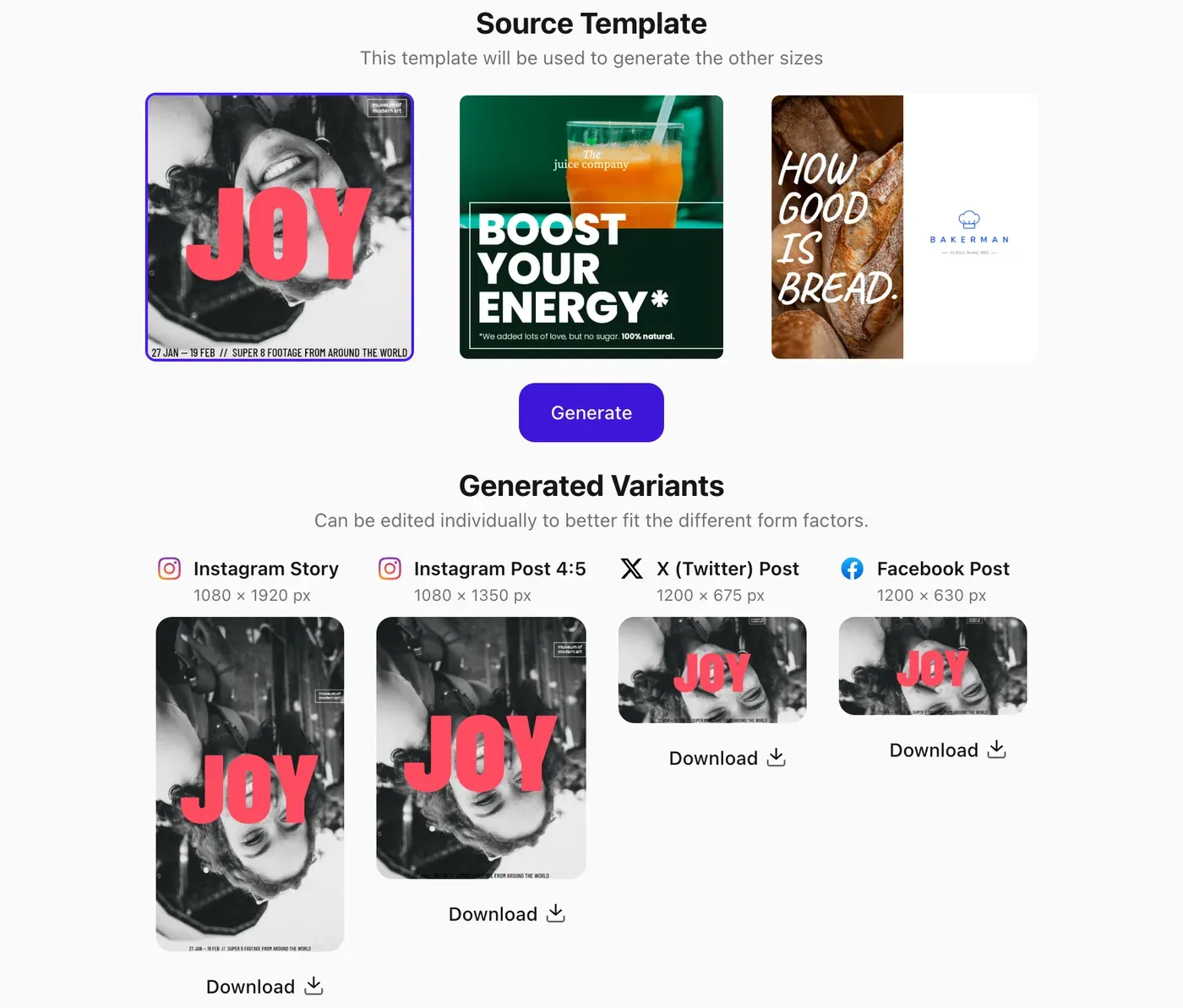
The automated resizing starter kit generates an Instagram story, an Instagram post, an X post and a Facebook post from one source design. Each variant stays editable, so users can adjust a crop that suits one format less well.
Products cut out of their photos
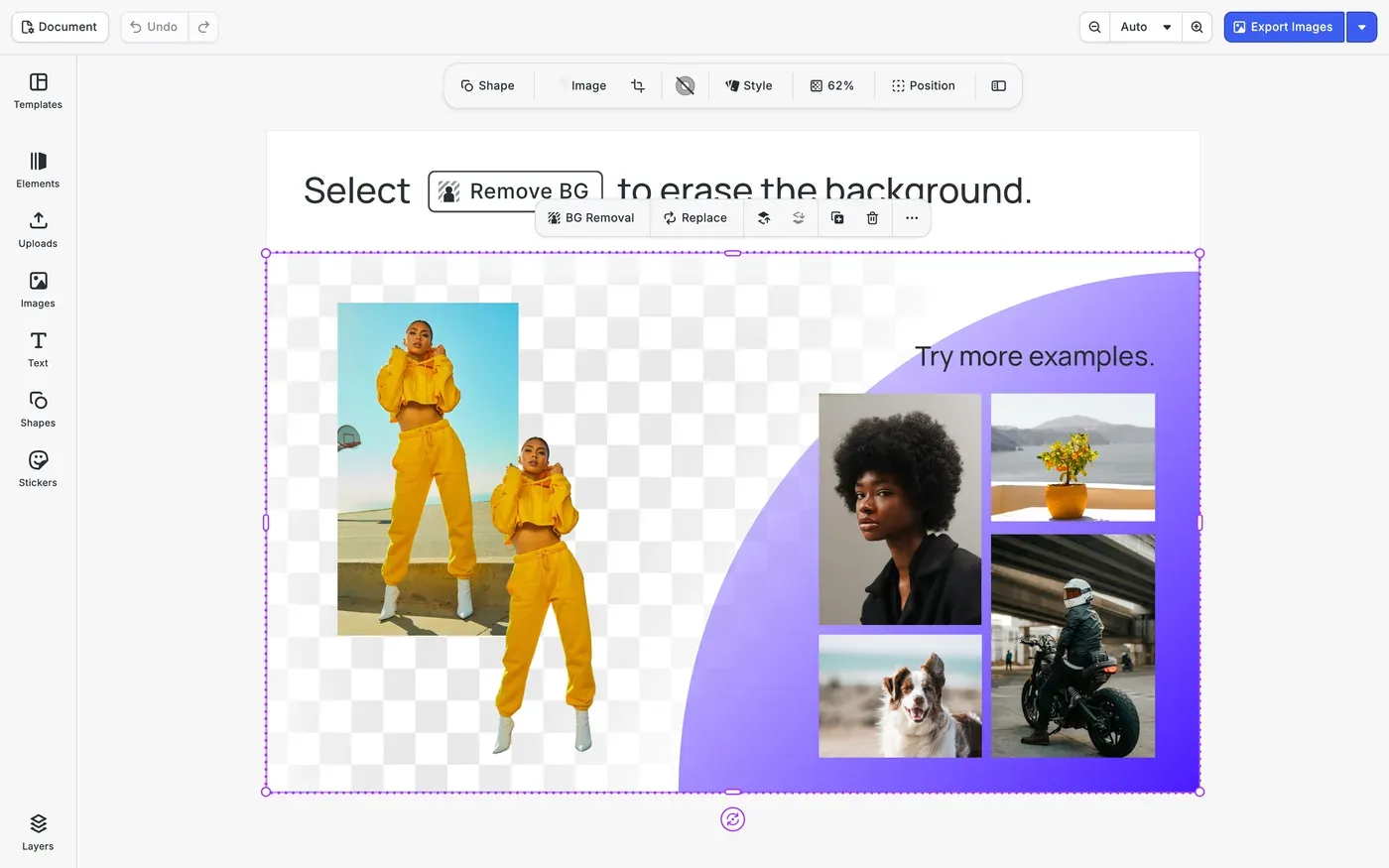
The background removal plugin runs in the browser, so a product photo loses its background without being uploaded to another service. The cut-out product then sits on whatever color or scene the template places behind it.
HTML5 ads for display networks
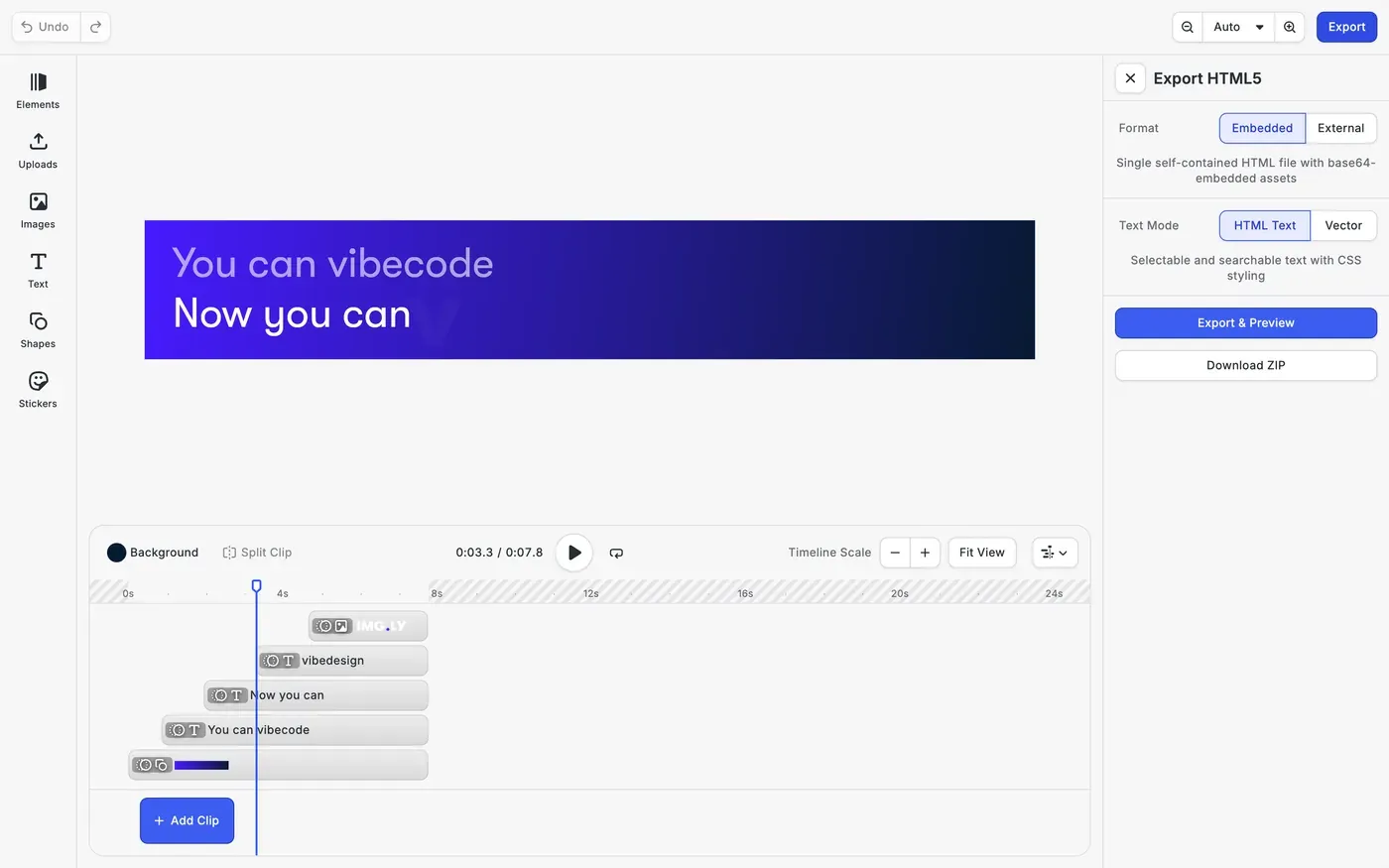
In the web editor, the HTML5 exporter turns a design into a display ad, as one self-contained file or a ZIP with separate assets. Text can stay real HTML text, and animated designs keep their motion.
Product graphics in your platform in four steps
Start with one ad template and a slice of your catalog, then add channel sizes and mockups once the first visuals look right. An AI coding assistant can do the first wiring with CE.SDK Agent Skills, which bring the CE.SDK docs into the assistant.
Open your product templates in the editor
The design editor starter kit opens one of your ad or listing templates inside your own app, ready to edit.
Connect the catalog fields
Map product names, prices, offers and photos to text variables and image placeholders, and lock the brand elements around them.
Add the outputs you offer
Set up the channel sizes, the mockup previews and the export formats your users need, from PNG and JPEG to HTML5 ads.
Run real products through it and launch
Generate visuals for a sample of your catalog, check them with a few of your users, then go live. IMG.LY's solutions team is available throughout the integration.
More you can add to your product graphics editor
For your users
A new setting for a product shot.
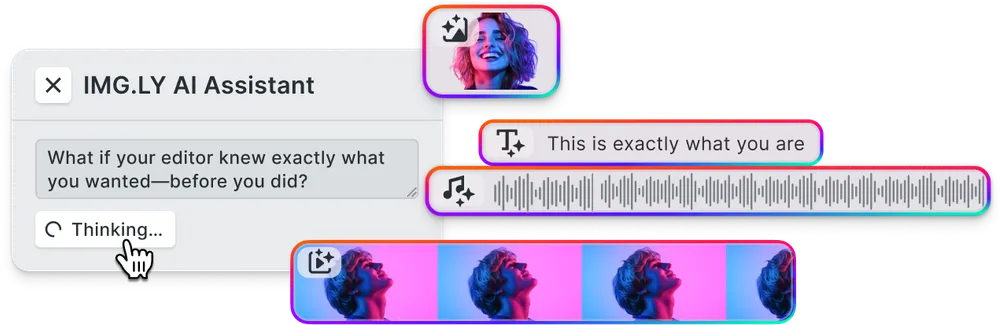
With the AI provider you connect to the web editor, users restyle a product photo or place it in a new scene, then keep editing the result.
A template for every promotion.
A launch, a clearance sale and a bundle offer each get a layout of their own, and all three read the same product fields.
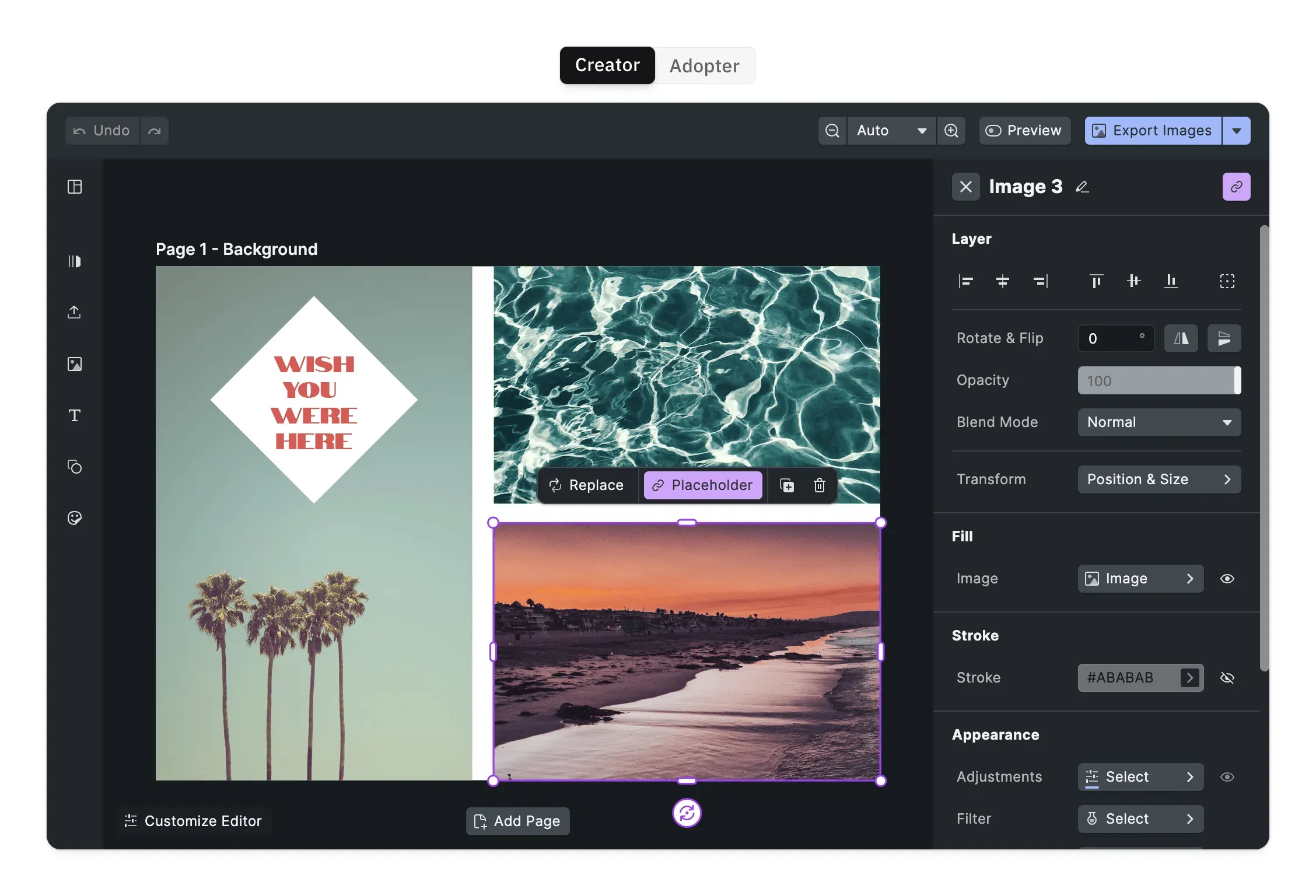
The product photo in a fixed frame.
An image placeholder holds the product shot at the size and crop the template set, so a new photo drops into the same spot.
Short product clips in the same editor.
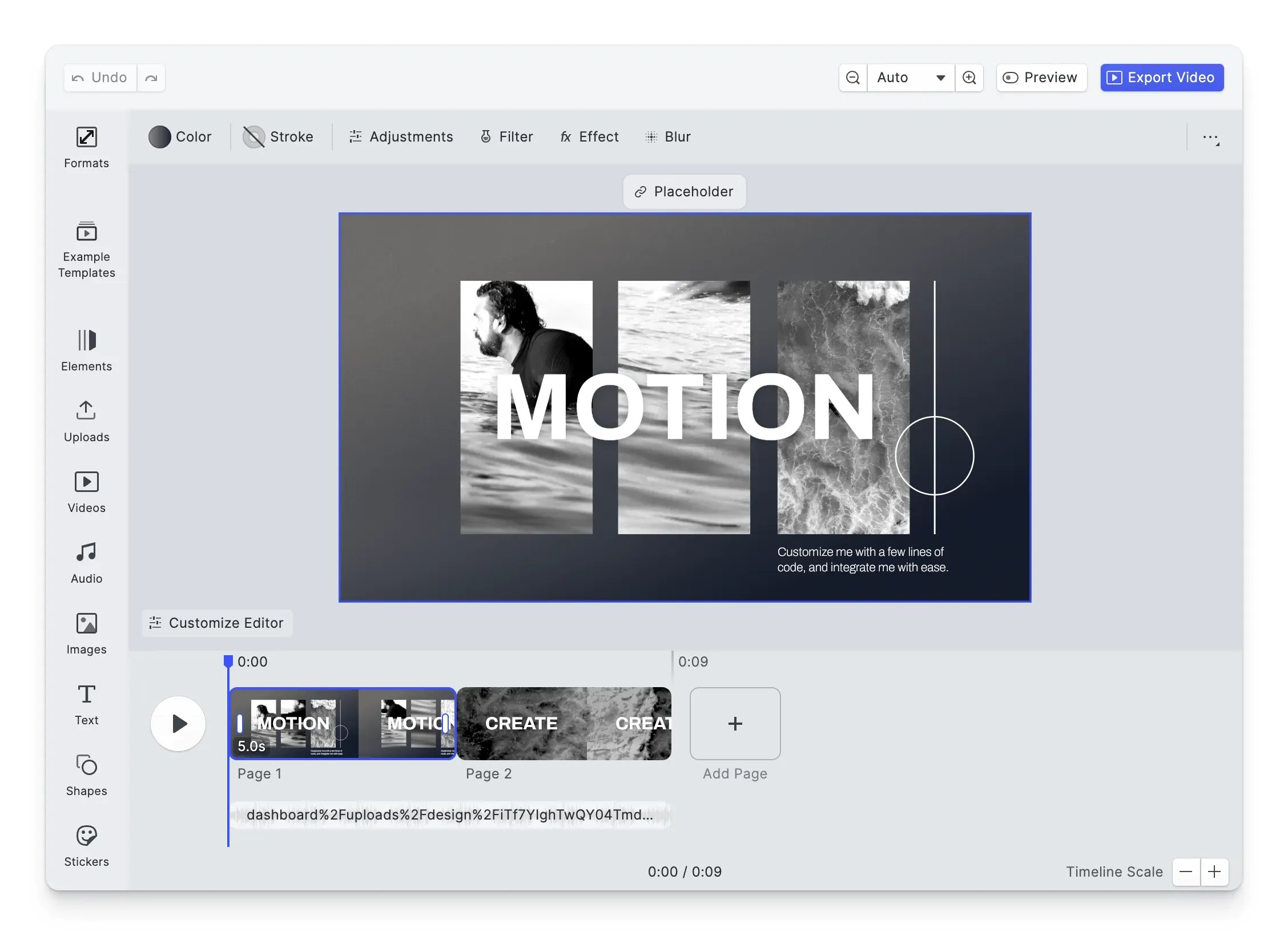
CE.SDK edits video too, so a product photo and a few lines of copy become a clip for a story or a listing.
For your platform
One image per product in the feed.
CE.SDK renders a design for every row of a product feed, and each result can still be opened and adjusted by hand.
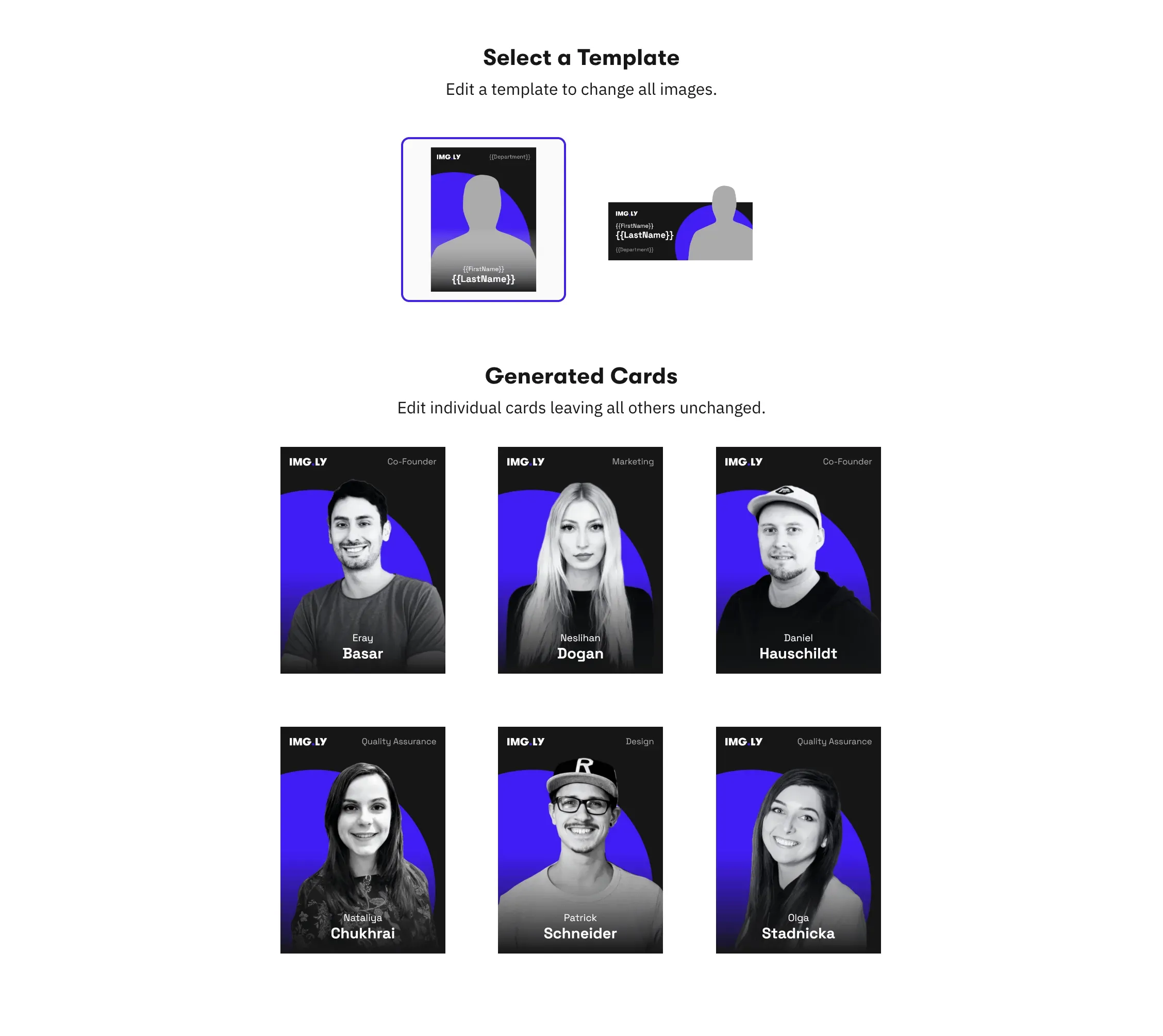
Several designs from one product record.
One record fills several templates at once, so a single product gets a square post, a Facebook cover and an X header in one run.
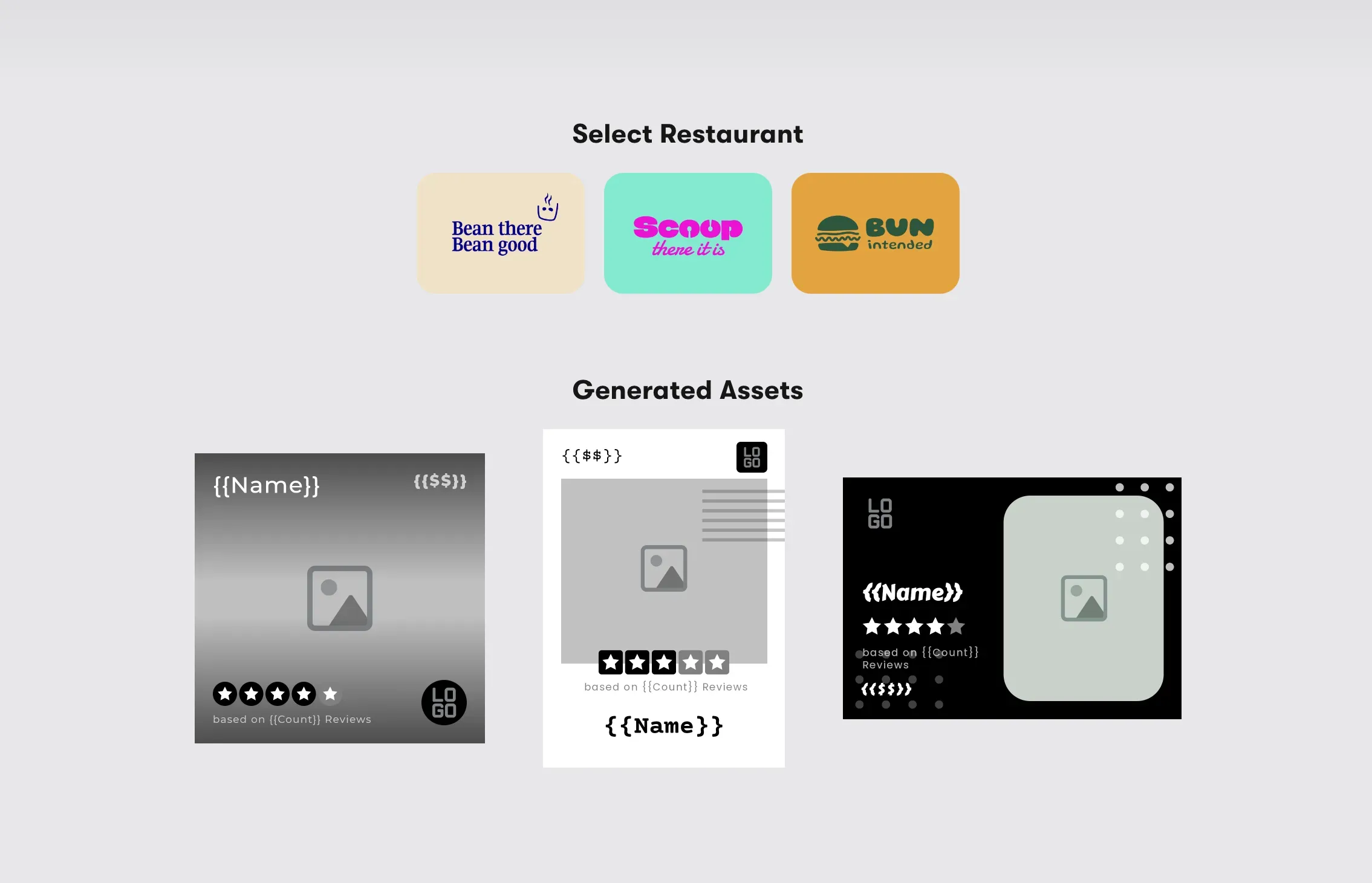
Each seller’s logo, colors and fonts.
On a marketplace, each seller can have a brand kit of their own, so the visuals they make carry their brand rather than yours.
Inside your seller dashboard.
The editor mounts in a container on your own pages, so sellers make visuals in the dashboard where they edit the product.
Browse all capabilities
How Omneky Unified AI Generation and Creative Editing for Faster Campaign Launches

10×
increase in new signups month-over-month
1
unified tool for AI generation + editing
1,000+
ads generated daily on the platform
Omneky is an AI-powered platform that transforms brand assets and campaign data into high-quality ad creatives — generating, testing, and launching ads across Meta, Google, LinkedIn, TikTok, and other channels.
We are seeing a 10x increase in new signups month over month in May — that was the fact that you can now auto-generate really beautiful looking ads from scratch.
Omneky

Challenge
Omneky needed an embedded editing layer for AI-generated ads without diverting engineering resources from core AI and optimization — their primary competitive advantage.
Solution
Embedded CE.SDK to automatically parse AI-generated ads into editable layers. Users customize messaging, fonts, and layouts in one embedded workflow — no separate creative tools.
- 10× increase in new signups MoM after auto-generation launch.
- One unified workflow replaces separate AI + editing tools.
- Engineering stays focused on core AI and optimization.
Product graphics by type
Product Ads
Ads whose price, sale badge and stock count follow the catalog, with one template covering a whole product line.
Product Demos
Short videos that show a product in use, edited on a timeline in your platform.
Explore other use cases
Social Media Graphics
Format-aware templates and brand controls for every social channel.
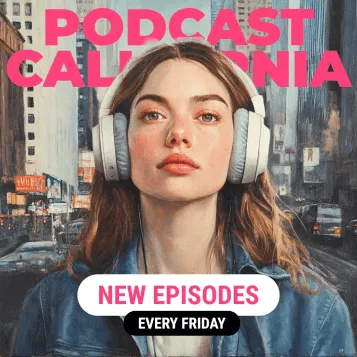
Video Editing
Real estate tours made from listing photos, and product videos with half-speed shots.

Banners
Print and web banners your users design from your templates or their own files.

Posters
Large-format poster design for print and digital channels.

Presentations
Multi-slide templates and brand controls for pitch decks and updates.
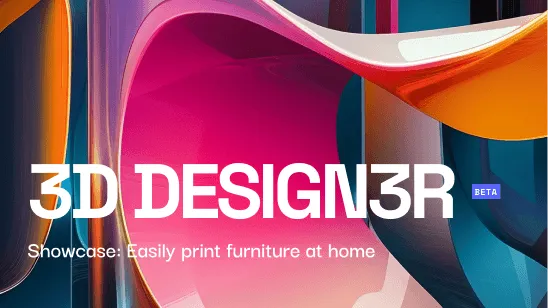
Flyers
Templates and brand controls for events, promos, and announcements.

Bring product graphics into your platform
Tell us which channels your users publish to and where the product data lives, and we’ll get back to you with a custom quote for your use case.
Product Graphics Editor SDK FAQs
A product graphics editor SDK is an editor for product ads, listing images and mockups that you build into your shop builder, marketplace or marketing platform. Your catalog data fills the templates, and CE.SDK exports the visuals for each channel.
Yes. Product names, prices and offers can be text variables and product photos can sit in image placeholders, and your platform fills both from whichever system holds the catalog.
PNG, JPEG and WebP for listing images and social feeds, PDF for print, MP4 for video, and in the web editor HTML5 for display ad networks.
No. The background removal plugin runs in the browser, so product photos stay on the user's device and no removal service ever receives them.
The 3D mockup demo shows how CE.SDK can feed a 3D library for live previews on business cards, apparel and caps. The 3D rendering comes from that library, not from CE.SDK itself.
Yes. Each seller can have a brand kit with their logo, colors and fonts, which your platform opens alongside any template that seller edits.
In the storage your platform already uses. The editor loads product photos and templates from your URLs and hands the exported files back to your code, so nothing has to move to a new store.
Yes. IMG.LY's solutions team helps your developers with the integration, and how much help is included depends on your license. Get in touch to go through your catalog and the channels you publish to.