



A video editor that carries your name
The finished cut gets posted somewhere public, so it has to leave your product carrying your brand and nothing of ours. The editor it came from is yours to style down to the timeline.
- Your styling on the timeline, panels, and preview
- Clean renders, and an export screen wearing your brand
- One look across web, iOS, and Android

White-labeling that holds up under review
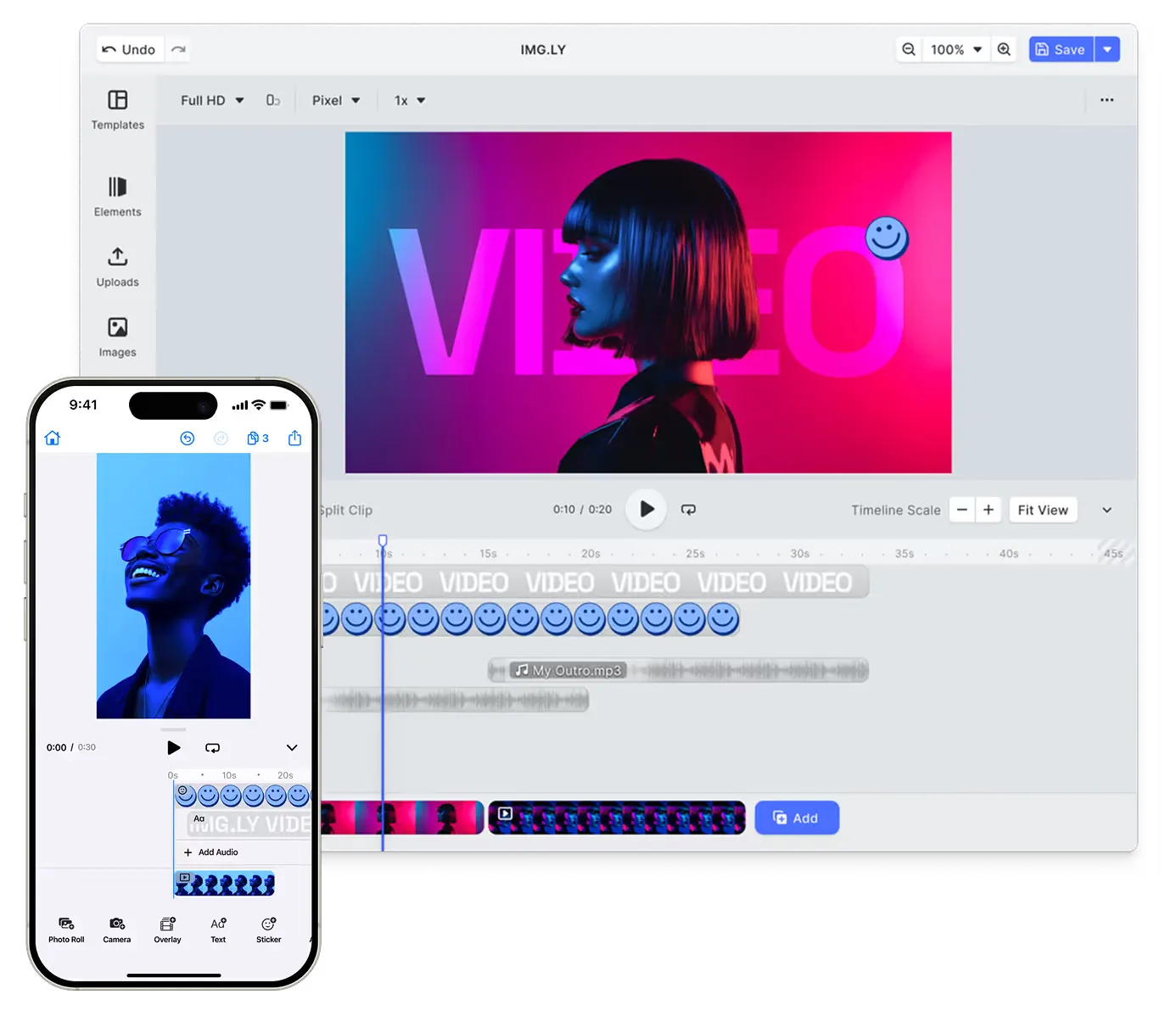
The editor your creators work in, with nothing on it that names another vendor.
Styled to your brand
Apply your colors, typefaces, spacing, and corner radius across the editor, in both light and dark themes.
Footage stays in your infrastructure
Encode client-side in the browser, or hand off to your own server. Neither route sends the file to us. SOC 2 Type II certified, with SSO on enterprise plans.
No trip to another site
The timeline mounts inside your app on your own domain. Nobody gets handed to a different site to make a cut.














Your brand through to the finished file
Everything needed to ship the editor, and everything it produces, under your own name.
For your brand
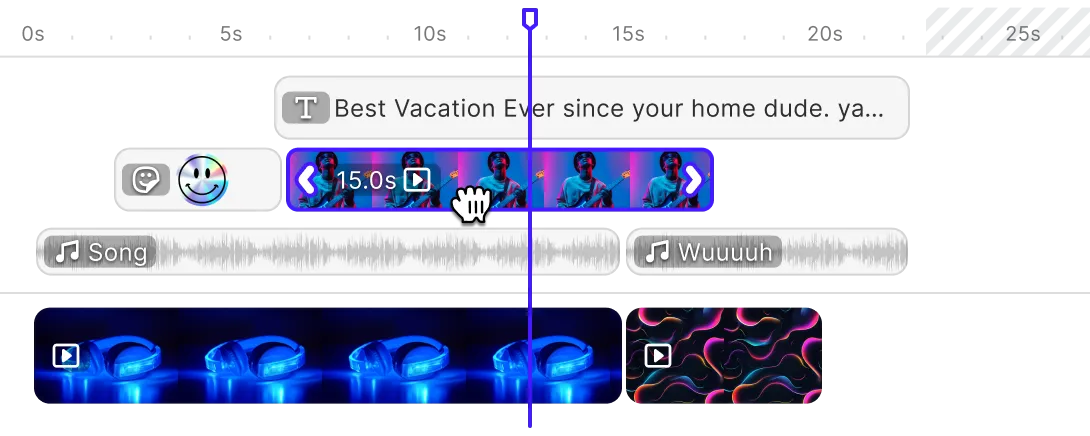
A timeline styled to your product.
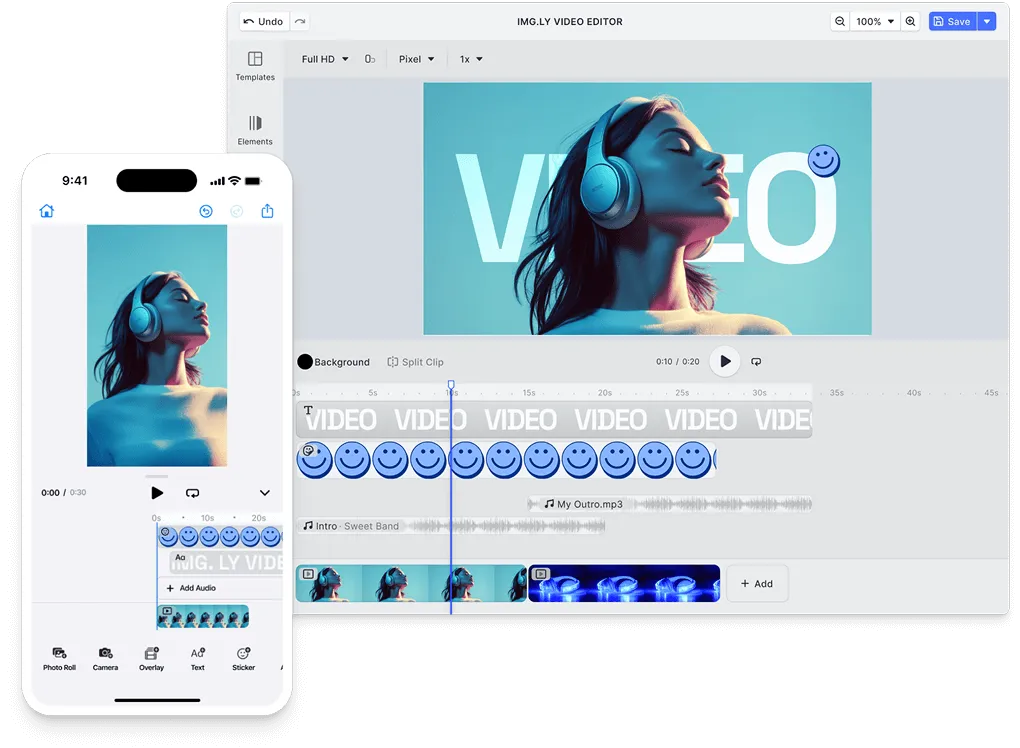
The timeline picks up your colors, typography, and corner radius with the rest of the interface, and track heights are yours to set.
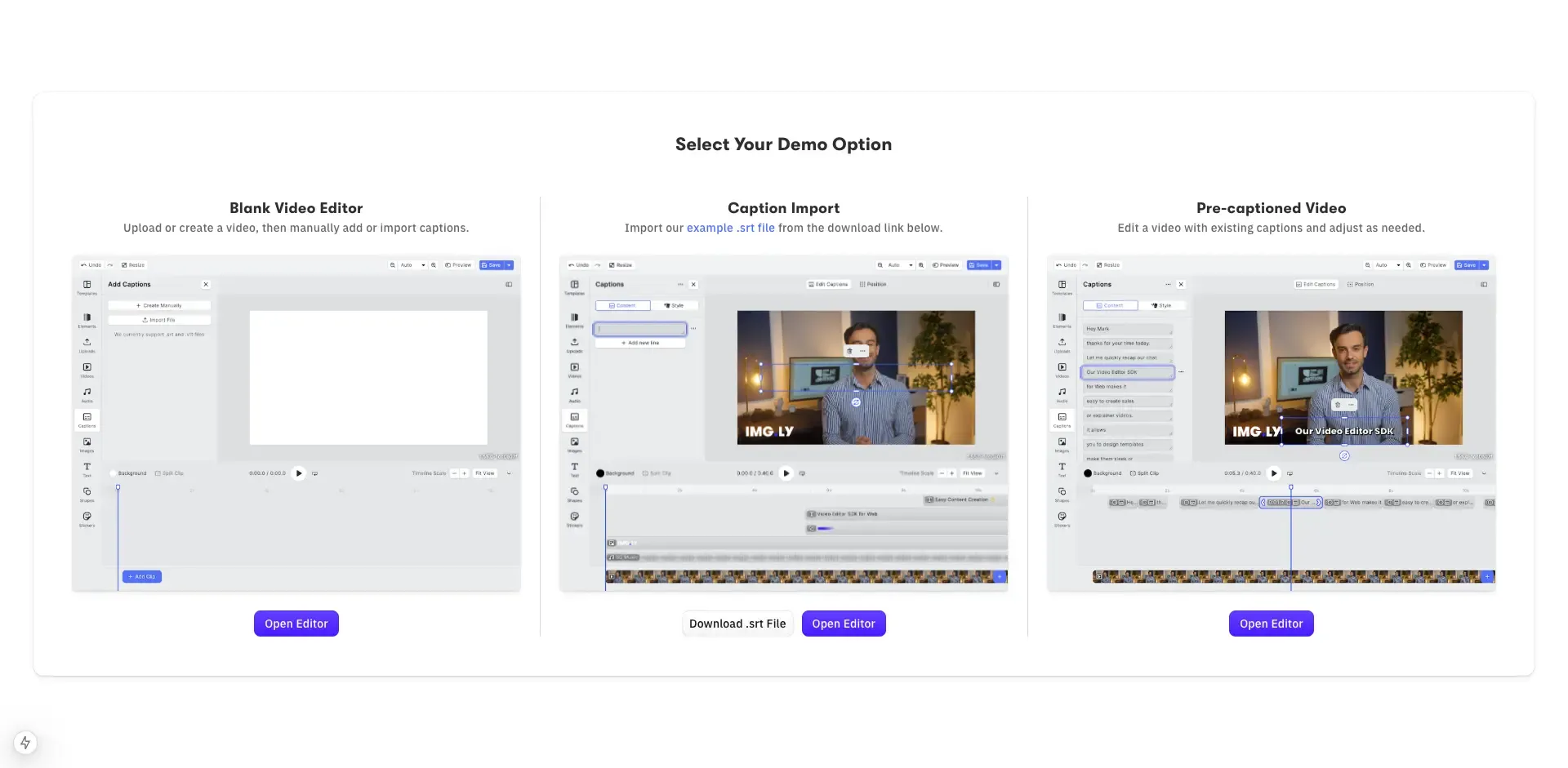
Captions in your brand’s type.
Caption font, sizing, and placement are set by you. They are burned into the exported file, so they carry your brand wherever it is published.
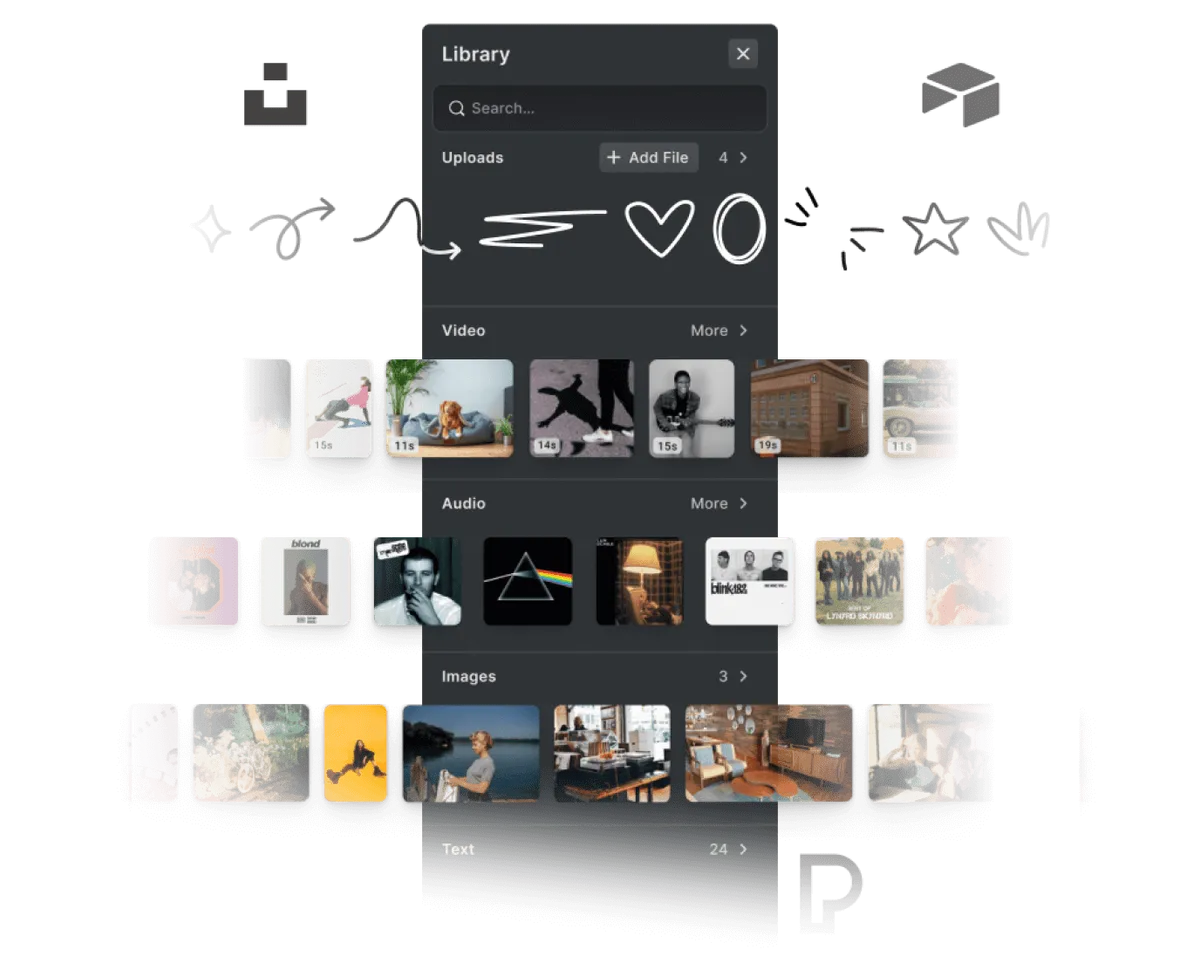
Your own asset libraries.
Serve your footage, music, fonts, and templates from your own infrastructure, so the options on offer are the ones you curated.
An export experience you control.
Choose the formats and resolutions on offer, and name them the way your users do.





Cutting on a phone, finishing on a laptop.
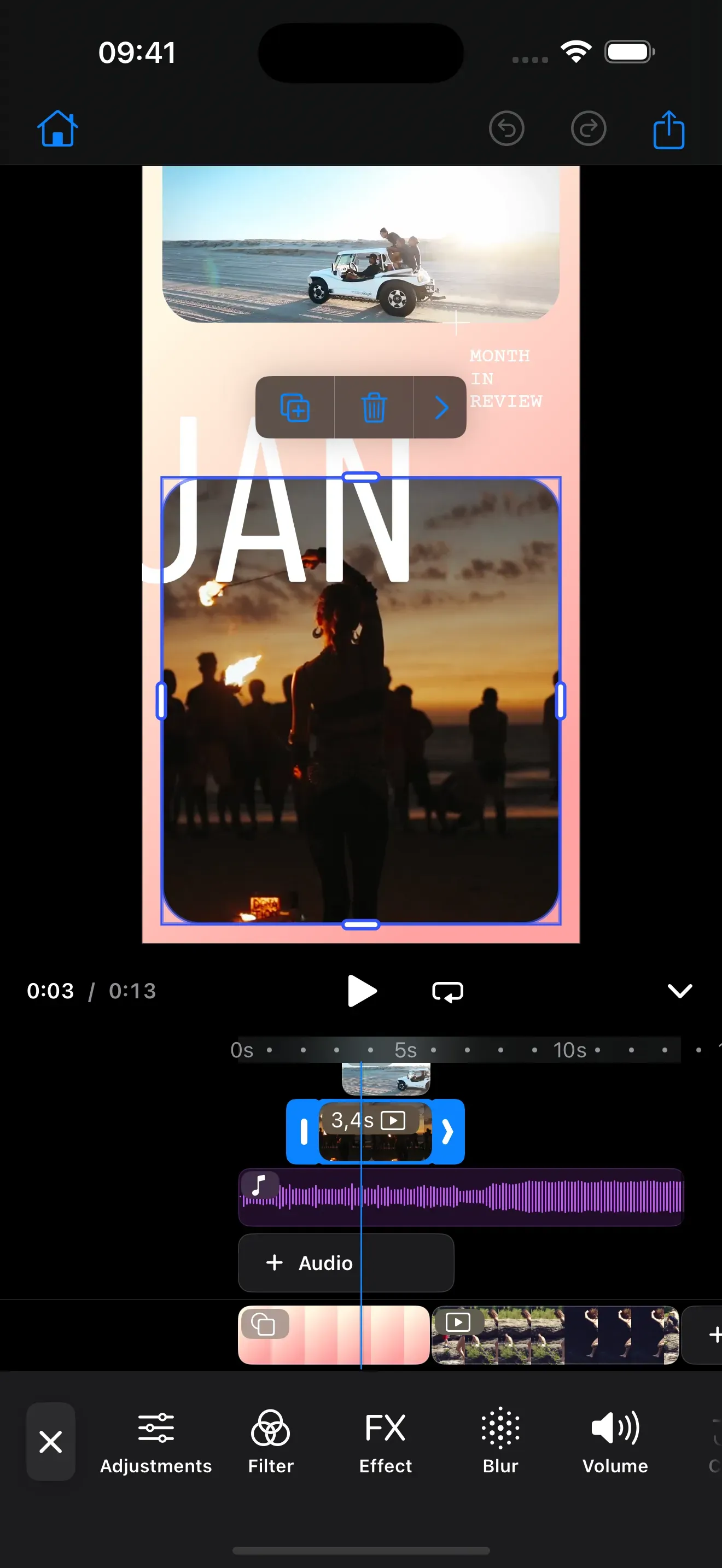
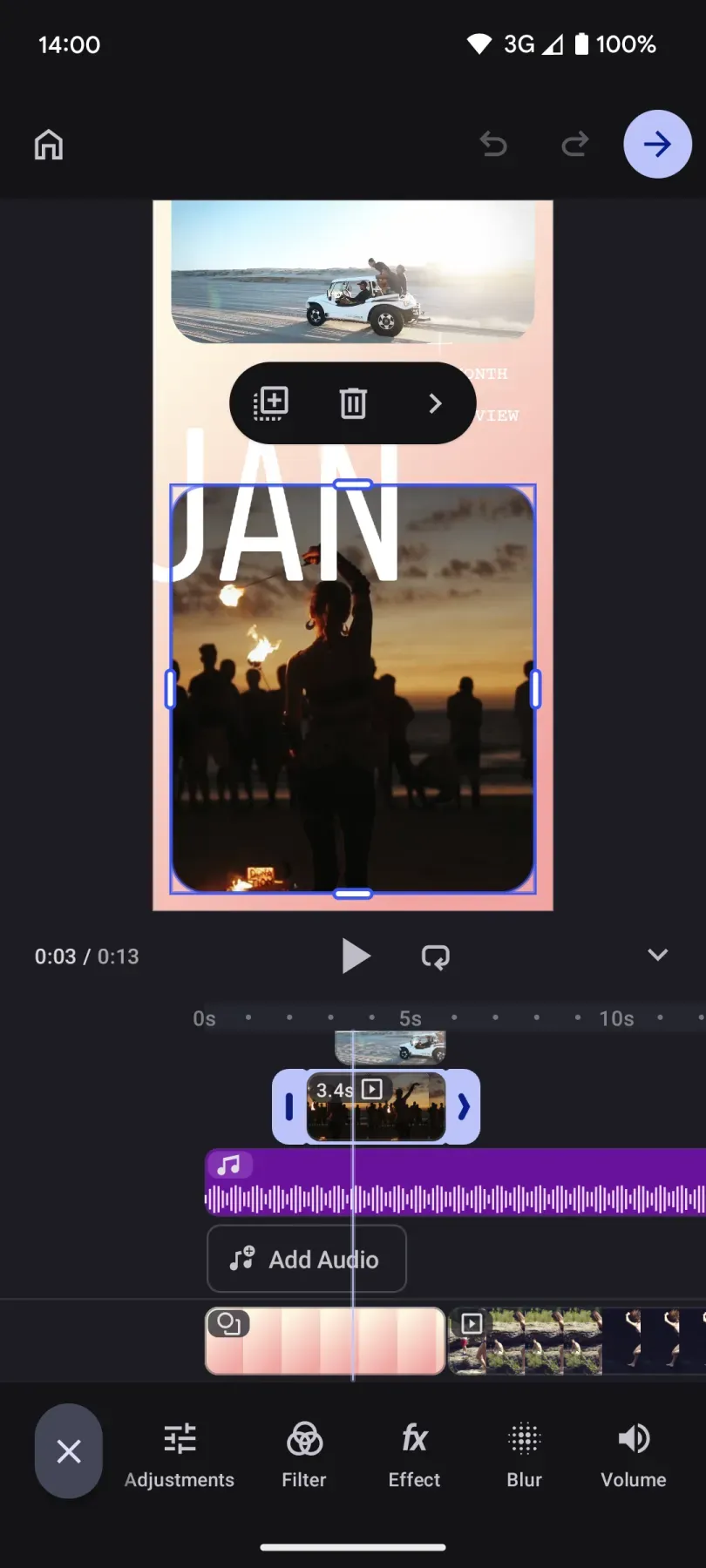
Most footage is shot on a phone, and plenty of it is cut there too. The iOS and Android SDKs take the same theming, icons, and labels.
Models you choose.
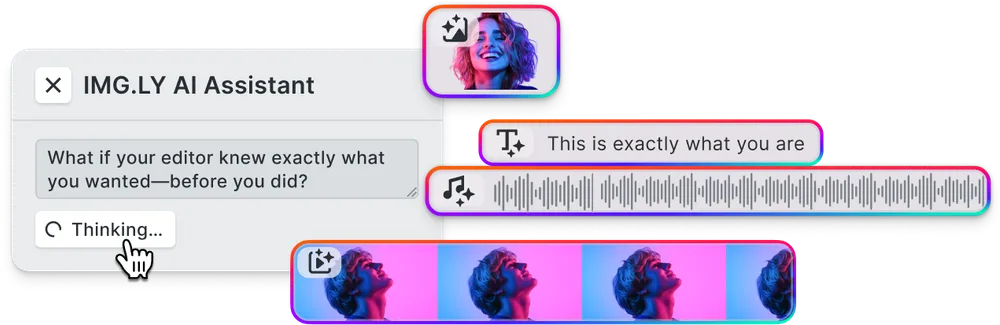
The AI plugins are model-agnostic, so captions, background removal, and video generation run on whichever provider you connect.
The license includes the rebrand
The terms that let you embed the editor are the same ones that let you take our name off it. There is no separate tier to buy.
No credit expected
No clause asks you to mention us, in the interface or on any file the editor exports.
White-labeling is the default
It is how the SDK is built, so there is no badge anywhere that you have to find and switch off.
Try it branded first
Build the editor under your own name and run it before there is a license to sign.
What you restyle, and what runs underneath
You restyle the interface. The engine stays ours to run, and it is the same one behind 500M+ creations a month.
You configure
- Timeline styling, typefaces, icons, light and dark themes
- The tool set, and where each control sits
- Track names, labels, and export wording
- Footage, music, fonts, and templates you supply
- Whether rendering runs in-browser or on your own servers
We maintain
- Hardware-accelerated decoding and encoding
- Timeline editing: trim, split, and reorder clips
- MP4 and MOV in, MP4 out
- Configurable resolution, bitrate, and quality
- One engine rendering identically on web, iOS, and Android
A white-label editor in production
How Digitas Germany Powers 140+ Dealer Campaigns Across 10 Automotive Brands

140+
campaigns live across 10 brands
600+
dealers creating assets self-serve
6+ mo
of build time avoided
Digitas Germany is a leading digital agency that helps brands build unified, high-impact customer experiences to accelerate business growth.
I showed the project internally to hundreds of colleagues. Everyone wants to use it for other clients. It’s a no-brainer once you see what’s possible.
Digitas Germany

Challenge
Manual, agency-driven campaign production across 9–10 automotive brands, 600+ dealers, and three languages — slow, costly, and dependent on outside teams.
Solution
A self-service campaign portal built on CE.SDK’s template engine, variable system, and server-side rendering. Dealers localize on-brand social, print, and video assets in seconds.
- 6+ months of estimated build time avoided.
- 3× more videos created per active user.
- 85% of videos now created fully in-app.
Ready to add video editing that carries your brand?
Start building with the docs, or get in touch to talk it through.
Frequently Asked Questions
No. What comes out of the encoder is your users' footage and nothing else. No corner mark, no bumper, no attribution frame, and no metadata pointing back to us.
Track heights, clip corners, the playhead, trim handles, and every control color read from the same values as the rest of your interface. It is the most distinctive surface in a video editor, so it is worth checking first in any evaluation.
You. Export is the one moment a user is stuck watching an editor work, and that screen carries your wording and your styling rather than a third-party progress dialog.
Yes, and most teams do. Keyframes, audio mixing, and transitions can stay out of the build entirely, so someone uploading a short clip is not shown controls they will never open.
None. Decoding and encoding run in the browser through WebCodecs, so a file opened on someone's machine is edited there. We receive a license check and a count of exports, nothing else, which is what makes the SDK GDPR-compliant by design.
Hand those to your own server and keep the same editor in front of the user. Where the work runs is your infrastructure decision, and either route leaves the footage inside systems you control.
IMG.LY is SOC 2 Type II certified, and SSO is available on enterprise plans. Ask the sales team for the security documentation your reviewers will want; it is the same pack that has gone through hundreds of these.
Yes. The same engine drives the editor and any scheduled or batch renders on your servers, so automated output is consistent with what your users produce themselves.
Yes. Styling values, tool selection, and wording apply across all three SDKs, so someone who trims a clip in your app and finishes it on your site meets one editor rather than two.