



A design editor you ship as your own
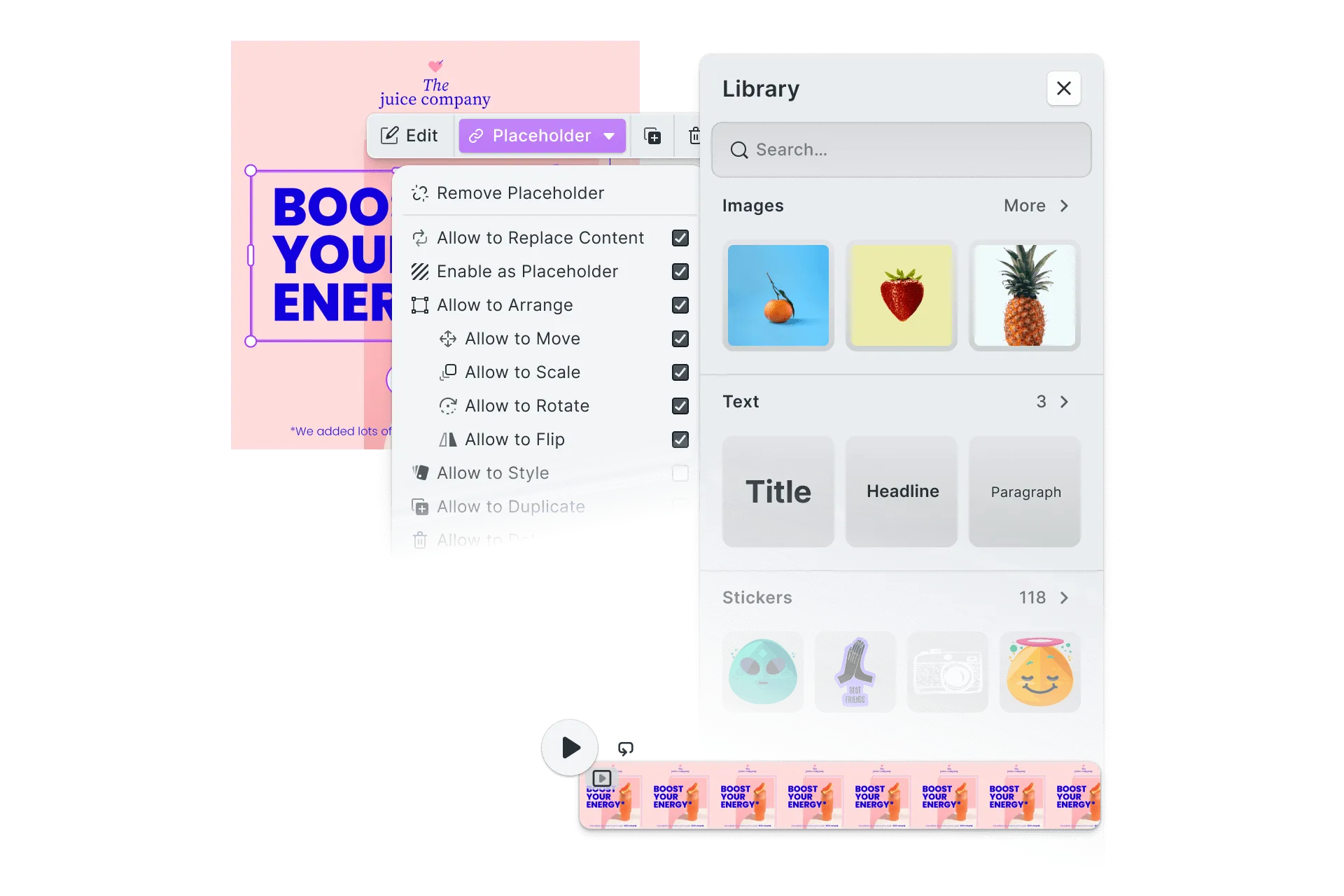
Style the interface, drop the tools you do not need, and register your own controls among the ones that ship. The editor carries your name from the first frame, and so does every file it exports.
- Your styling across every panel and dialog
- No badge, no watermark, no attribution
- Your own components placed among the built-in ones


White-labeling a design editor
The navigation bar, dock, inspector, canvas bar, and context menus all answer to your design system.
Themed to your design system
Your palette, typefaces, spacing, and corner radius apply across every panel and dialog, light theme and dark.
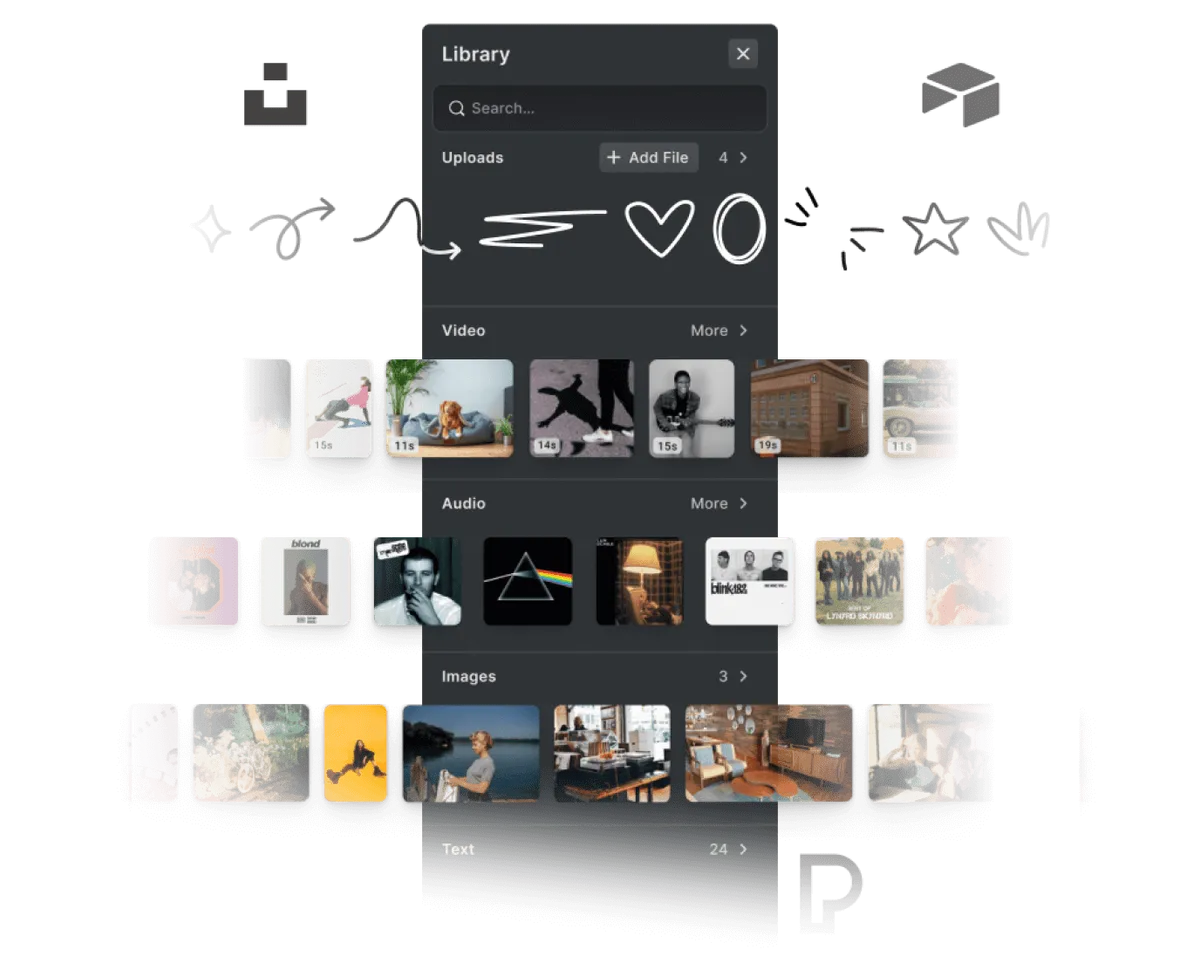
Assets from your own infrastructure
Serve fonts, images, and templates from your own DAM or CDN. SOC 2 Type II certified, with SSO on enterprise plans.
Nothing naming us
No badge in the interface, no attribution in the file, and no requirement to credit us anywhere.















Restyle, rename, and extend the editor
Navigation bar, dock, inspector, canvas bar, and context menus.
Every panel, down to the context menus
Show, hide, or restyle any part of the interface, so the layout follows your product rather than ours.
Your wording, in your languages
Every label, tooltip, and panel title is a string you set, translated into each language your product already ships in.
Your own controls, placed inline
Register your components and they sit among the built-in panels and buttons, indistinguishable from what shipped.
White-labeling past the interface
Everything needed to ship the design editor as a part of your own product.
For your brand





Yours to configure, ours to maintain
You are putting a front on an engine, not taking on its upkeep.
You configure
- Palette, typefaces, spacing, and radius
- Which panels and controls appear
- Every label, in every language you ship
- Fonts, images, and templates you serve
- Your own components, placed inline
We maintain
- A WebAssembly rendering engine
- PNG, JPEG, WebP, GIF, PSD, IDML, and PDF in
- PNG, JPEG, WebP, SVG, print-ready PDF, PSD, and IDML out
- MP4 for video projects
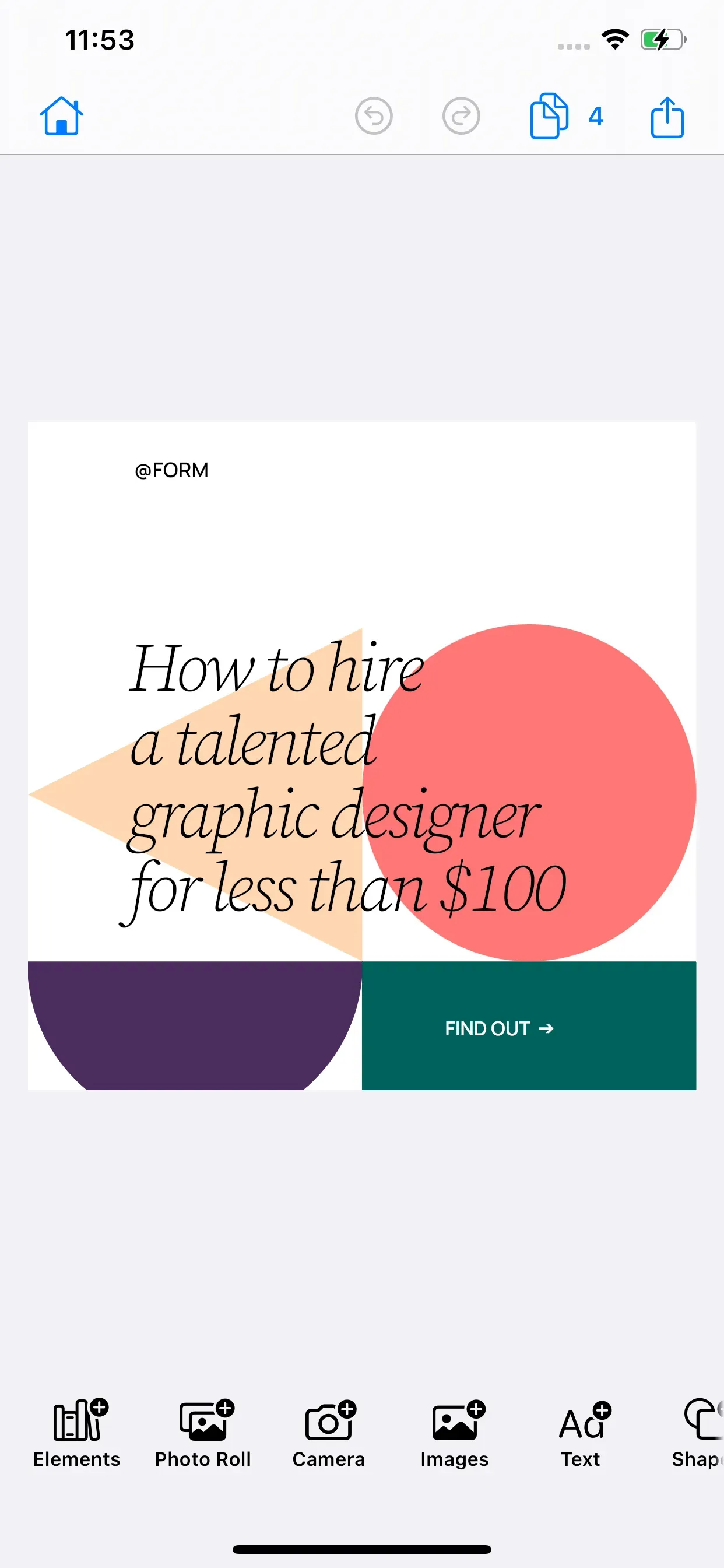
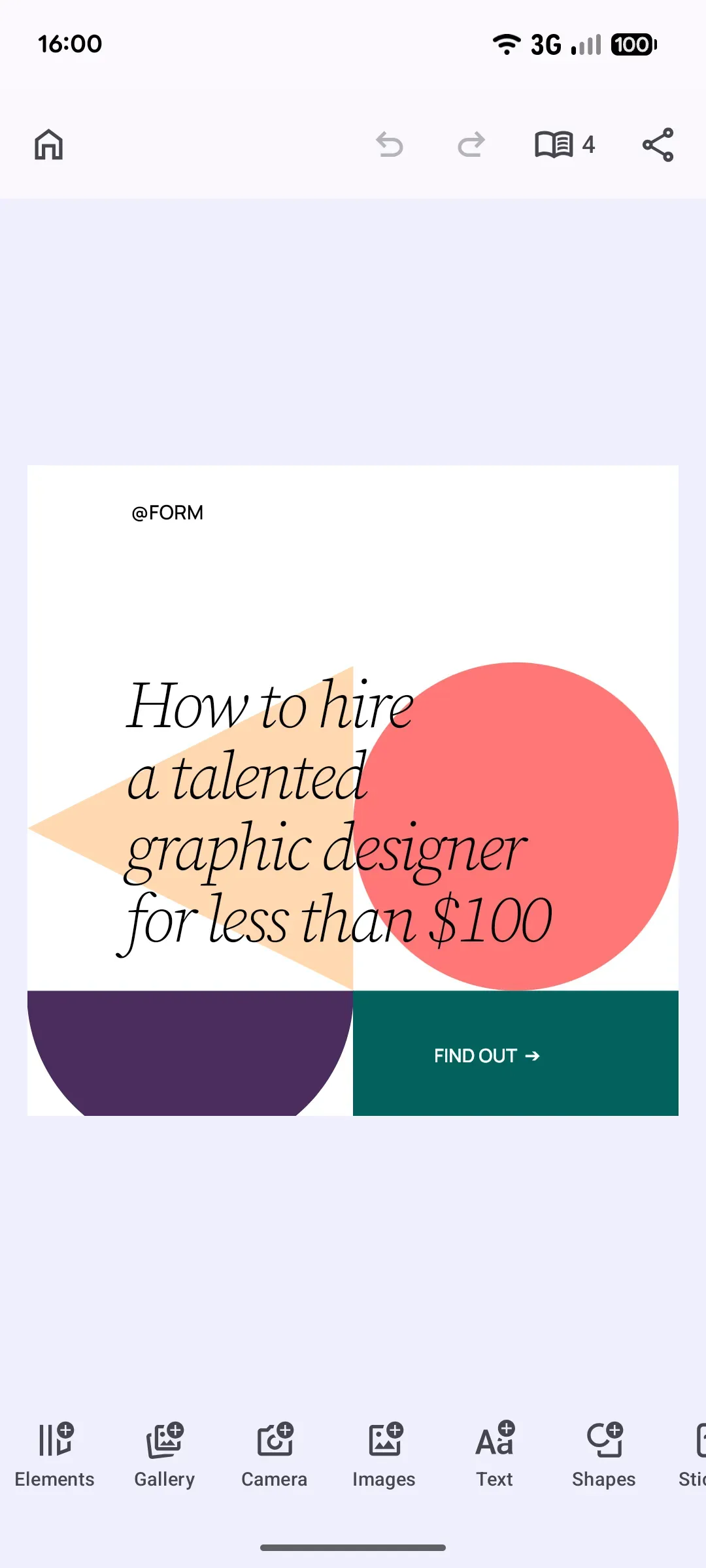
- The same build across web, iOS, and Android
A branded template editor, shipped
How Optimizely Unlocked Self-Serve Brand Templates for 1,000+ Customers

1,000+
customers enabled with templates
Higher
win rate against template-editor competitors
Faster
SMB onboarding via self-serve templates
Optimizely is a leading platform for A/B testing, experimentation, and personalization, serving over 1,000 customers including Gap, StubHub, IBM, and The Wall Street Journal.
One of the biggest things for us was that we wanted to enable our smaller customers to be able to build and use templates, people without expertise.
Optimizely

Challenge
Optimizely’s CMP lacked the brand template editor SMB customers expected. Competitors like Bynder shipped one, and Optimizely was losing deals because of the gap.
Solution
Embedded CE.SDK into the Content Marketing Platform and mapped customer roles and permissions to SDK placeholders, giving fine-grained control over which template fields each user can edit.
- 1,000+ customers gained self-service brand template editing.
- Closed deals previously lost to template-editor competitors.
- Smaller customers without design expertise can now build and reuse templates.
Try it under your name
Theme it to your brand from the docs, or get in touch about licensing.
Frequently Asked Questions
Yours. Panels, wording, and icons are set by you, and nothing in the interface or the exported file names IMG.LY.
Yes. Register your own components and they sit among the built-in panels and buttons, so the parts you add are indistinguishable from the parts that shipped.
React, Vue, Angular, Svelte, and plain JavaScript on the web, plus native iOS and Android. It runs inside whatever you already build with.
No. PDFs, images, and video come out clean, with no badge or attribution from us anywhere in the file.
Yes. Every label, tooltip, and panel title is a string you set, in each language your product already ships in.
No. The editor is part of your own application rather than a window onto ours, so nobody leaves your site and no address appears that is not yours.
It comes with a commercial license. Build and evaluate first, then speak to sales about the license that matches how you plan to ship.