




9:16 Aspect Ratio
What Is the 9:16 Aspect Ratio?
The 9:16 aspect ratio describes an upright frame, 16 units high for each 9 units across. It is the 16:9 widescreen shape turned on its side, and it is the frame of vertical short-form video in apps such as YouTube Shorts, Instagram Reels and TikTok.
A ratio says nothing about sharpness: 720 × 1280, 1080 × 1920 and 2160 × 3840 are all 9:16. The usual size, 1080 × 1920, holds as many pixels as horizontal 1080p, only standing up. Footage shot at 16:9 can reach the tall frame by two routes, and the diagram shows what each one costs.
Should You Crop or Fit 16:9 Video Into 9:16?
Each way gives something up, so the choice comes down to what the picture cannot lose. The numbers here are for 1080p footage going into a 1080 × 1920 frame.
Crop to fill the frame
Use it when the subject stays near the middle, for example someone talking to the camera. Inside a 1920 × 1080 frame, the 9:16 window is only 608 pixels wide, so the crop loses both sides and has to be enlarged to fill the frame. Footage shot in 4K leaves enough pixels to skip the upscale.
Fit it with bars
Use it when every part of the frame matters, as with slides, screen recordings or wide shots. The picture keeps all its pixels but fills less than a third of the tall frame, so any text in it gets small on a phone.
Lay the design out again
Use it when the video is a design, with titles, logos and captions placed over the footage. Moving and rescaling each element for the tall frame keeps the text readable, where a crop could cut words off and a fit would shrink them.
Create it at 9:16
Use it when phones are the main screen. Shooting vertically, or generating at a 9:16 size, fills a 1080 × 1920 frame with nothing to crop, though the same clip then needs bars or a crop of its own to play in a 16:9 player.
Does Writing 9:16 in a Prompt Get You a 9:16 Image?
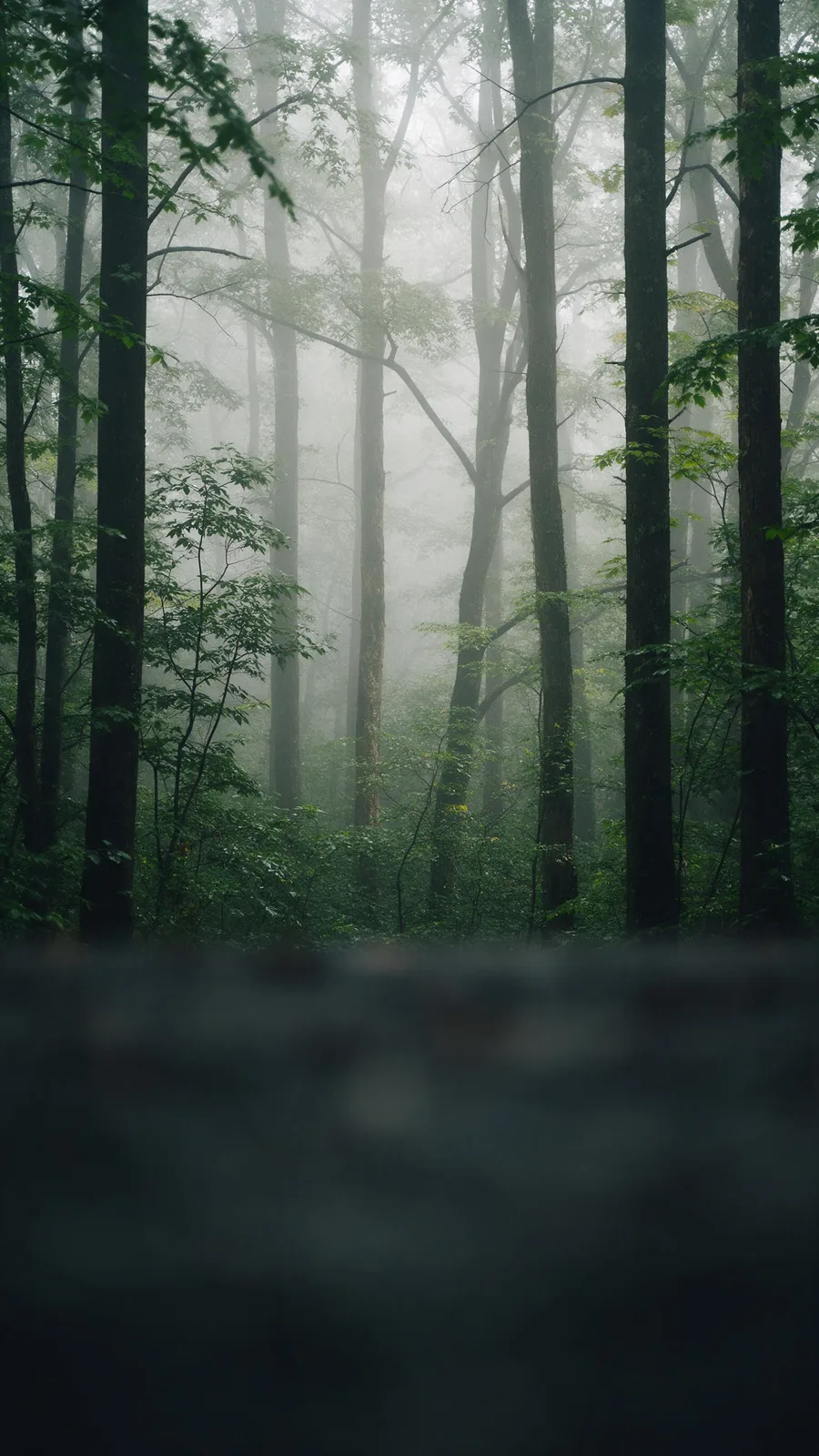
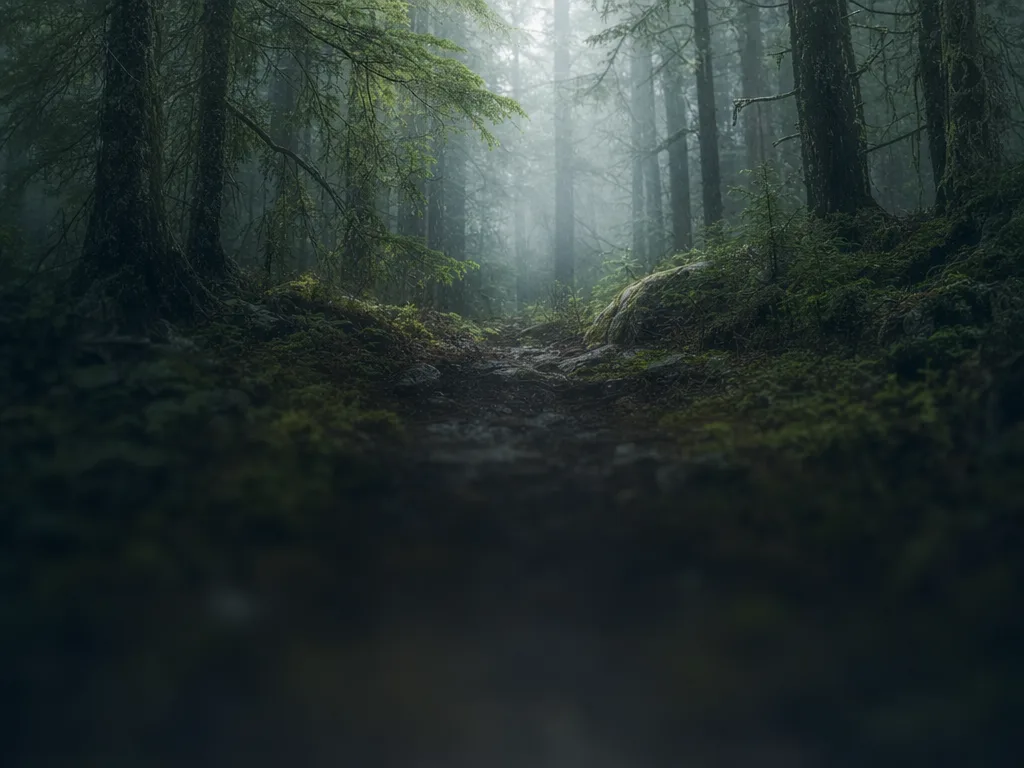
Mostly not. In our AI benchmark, 26 image models got the same vertical 9:16 prompt with no size setting, three runs each. Seven returned a portrait image (two of them exactly 9:16), seven a 1024 × 768 horizontal one and twelve a square, the same shape on every run. The shape belongs in the request’s size setting, not in the prompt.

See all 78 results
Is Your Footage Big Enough to Crop to 9:16?
A 9:16 crop keeps the full height of a frame and narrows its width to match. Below 4K, the crop is smaller than 1080 × 1920 and has to be scaled up, which softens it. The last two rows are default image sizes from our AI benchmark.
| 9:16 crop | To fill 1080 × 1920 | |
|---|---|---|
| 720p (1280 × 720) | 405 × 720 | Upscale 2.67× |
| 1080p (1920 × 1080) | 608 × 1080 | Upscale 1.78× |
| 1440p (2560 × 1440) | 810 × 1440 | Upscale 1.33× |
| 4K UHD (3840 × 2160) | 1215 × 2160 | No upscale: it scales down to 0.89× |
| AI image, 1024 × 768 | 432 × 768 | Upscale 2.5× |
| AI image, 1024 × 1024 | 576 × 1024 | Upscale 1.88× |
How the 9:16 Aspect Ratio Works in CE.SDK
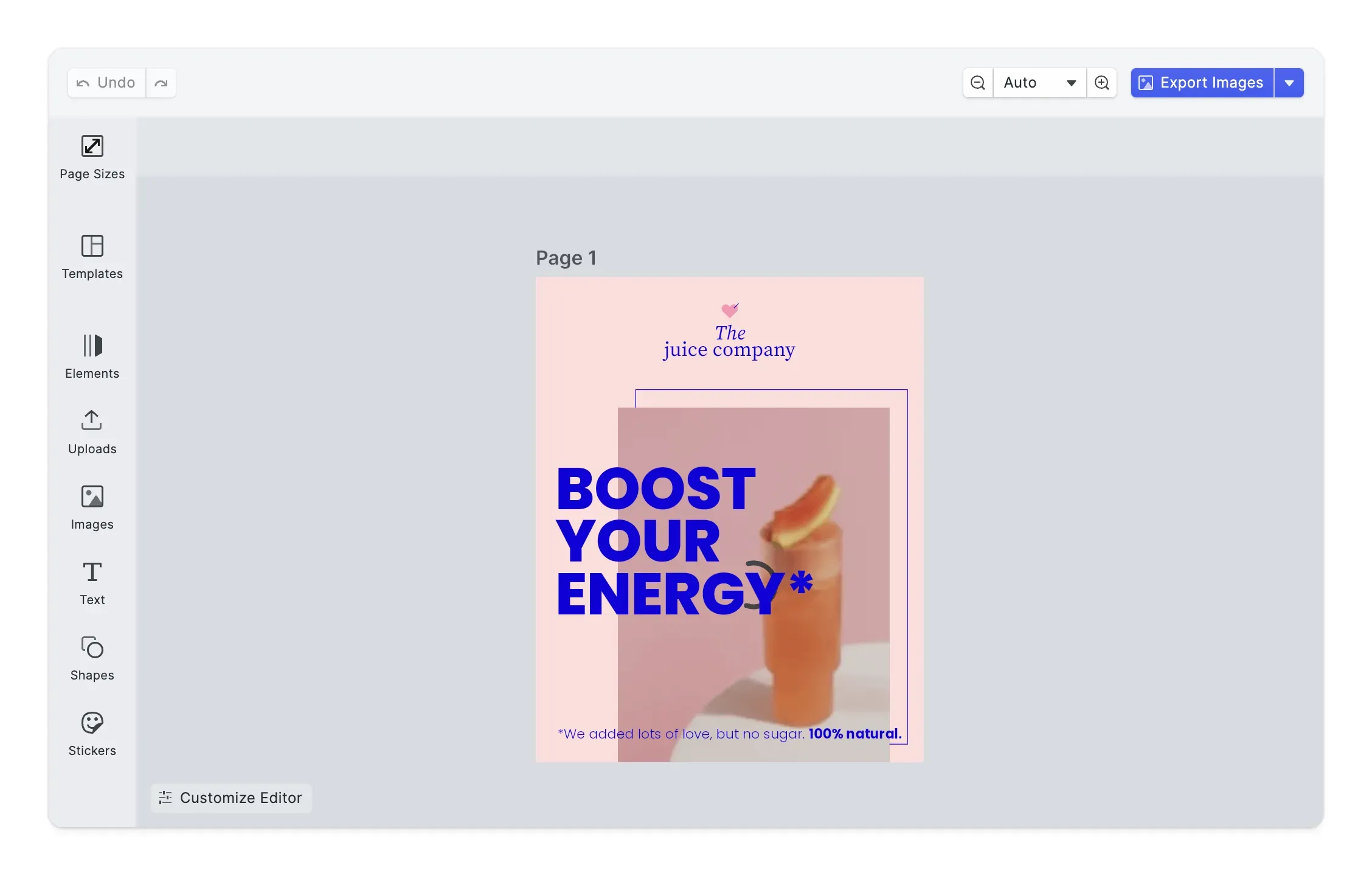
To CE.SDK, 9:16 is a page size: your app or your users set a page to 1080 × 1920, place footage and designs on it, and then export a still image or, using CE.SDK video editing, a video. In the Page Sizes demo below, the resize panel switches a design to other sizes, a 9:16 Story among them.
Start on a 1080 × 1920 page
Create the scene with a 1080 × 1920 pixel page and lock its orientation, so that rotating the page cannot swap its width and height. The built-in page presets include groups for Instagram, TikTok and YouTube. The web editor’s resize panel lays an existing design out again for a new size, moving and scaling its elements to fit.
Crop or fit the footage
Every image or video fill has three modes: Cover scales it to fill the whole frame and crops the rest, Contain fits all of it inside and may leave the background showing, and Crop leaves the framing to you. Cover and Contain center the picture unless you align it to one side, and all three are in the SDKs for iOS, Android, the web and servers. For photos, the crop presets include Portrait (9:16), and force crop can open the crop tool only when an upload does not already match.
Export the page at 1080 × 1920, 30 fps
CE.SDK’s guide to exporting for social media renders the page to MP4 (H.264) at 1080 × 1920 and 30 frames per second, with the bitrate set to 8 Mbps or left on Auto. The video compression entry estimates the file size for any bitrate.
Generate at 9:16 instead of cropping
CE.SDK’s AI plugins for the web editor send the shape as a setting of its own, next to the prompt. The Kling text-to-video provider, for one, takes 9:16, 16:9 or 1:1, and image models offer the sizes they support, with a default your app chooses. Setting it there spares the crop and the upscale in the table above.
FAQs
No. 9:16 is a shape, and 1080 × 1920 is one size with that shape, the usual upload size for Reels, TikTok and Shorts. 720 × 1280 and 2160 × 3840 are 9:16 as well, and TikTok's in-feed ad specs accept vertical video from 540 × 960 up.
Yes. TikTok's ad specs take horizontal 16:9 video from 960 × 540 and square video from 640 × 640, but they list vertical 9:16 as the recommended shape. Cropping or fitting the clip to 9:16 yourself decides how it is framed, rather than leaving that to the app.
On a computer, YouTube's standard player is 16:9, so it may pad a 9:16 video, in white, or in dark gray for viewers using Dark theme. YouTube asks creators not to add bars or padding to the file itself, because that stops the player from resizing to the video and to the screen it plays on.
TikTok says an ad's safe zone depends on its dimensions, the caption length and any extra formats, so it publishes safe zone templates to download instead of one fixed size. In the app, the caption, username and sound line sit along the bottom, and the like, comment and share buttons run down the right edge. Keep faces and text clear of both.
Because most models take the shape from a size setting in the request, not from the prompt text. In our benchmark, with 9:16 written only in the prompt, 12 of 26 models returned a square and 7 a horizontal 4:3 image. Pick a portrait size in the model's settings, and where none is exactly 9:16, generate a taller one and crop it.
Links
Documentation and references for this concept.
Video Editor SDK
Let your users edit video on pages at the size you set, 9:16 stories included.
Export for Social Media
Create a 1080 × 1920 scene and export it as MP4 at 30 fps for Reels, TikTok and Shorts.
Crop Videos
Reframe clips with crop transforms, for example to fit a 9:16 story.
Related Terms
Video Compression
Making a video file smaller by storing a whole frame only now and then, keeping just the changes for the frames in betwe…
Auto-Resizer
A CE.SDK Starter Kit that automatically adapts an existing design to multiple target page sizes, repositioning and scali…
1080p vs. 4K
Two video resolutions in the same 16:9 shape. 1080p, or Full HD, is 1920 × 1080 pixels, and 4K UHD is 3840 × 2160, twice…