



Build a collage design editor
Build a customizable collage editor, design any number of layout templates and deploy on any platform.
Trusted by 100+ industry leaders














Integrating IMG.LY’s editor meant we didn’t have to build or maintain a complex editing layer ourselves. That kept our team focused on our core AI ad engine and saved us countless development hours — while still giving our customers the ability to polish and customize creatives at scale.
Hikari Senju
CEO, Omneky

With IMG.LY we built a central creative portal that now powers over 140 dealer campaigns across multiple automotive brands. Before this, asset creation was slow and inconsistent.
Martin Röhr
Product Owner, Digitas

By embedding IMG.LY’s editor we were able to hit key RFP requirements and deliver a template-based creative experience that now serves 1,000+ customers. It helped us win more deals and exceed enterprise expectations without needing to hire dedicated design teams.
Rob Driscoll
Director of PM, Optimizely

Since integrating IMG.LY’s editor, we now deliver 30,000+ ad creatives per month, dramatically shorten time-to-launch, and help our clients cut design spend by up to $10,000 per month.
Logan Welbaum
Founder, Plai

Our customers create over a million personalized postcards each year choosing from over hundreds of templates with IMG.LY’s SDK. It’s the only solution that allows us to build our own specialized, on-brand UI that integrates seamlessly with our platform.
Jeanine Zaalberg
Product Manager, SwissPost

From a developer’s perspective, the most powerful feature of the photo editor is the integration process. It was completely flawless, quick, and easy to integrate.
Stefano Fornari
CTO, Funambol
We compared IMG.LY SDK with other solutions and found that it would be the best fit for us since it provides all the features that are crucial for our use case.
Carem Pereira
SCRUM Manager, HP

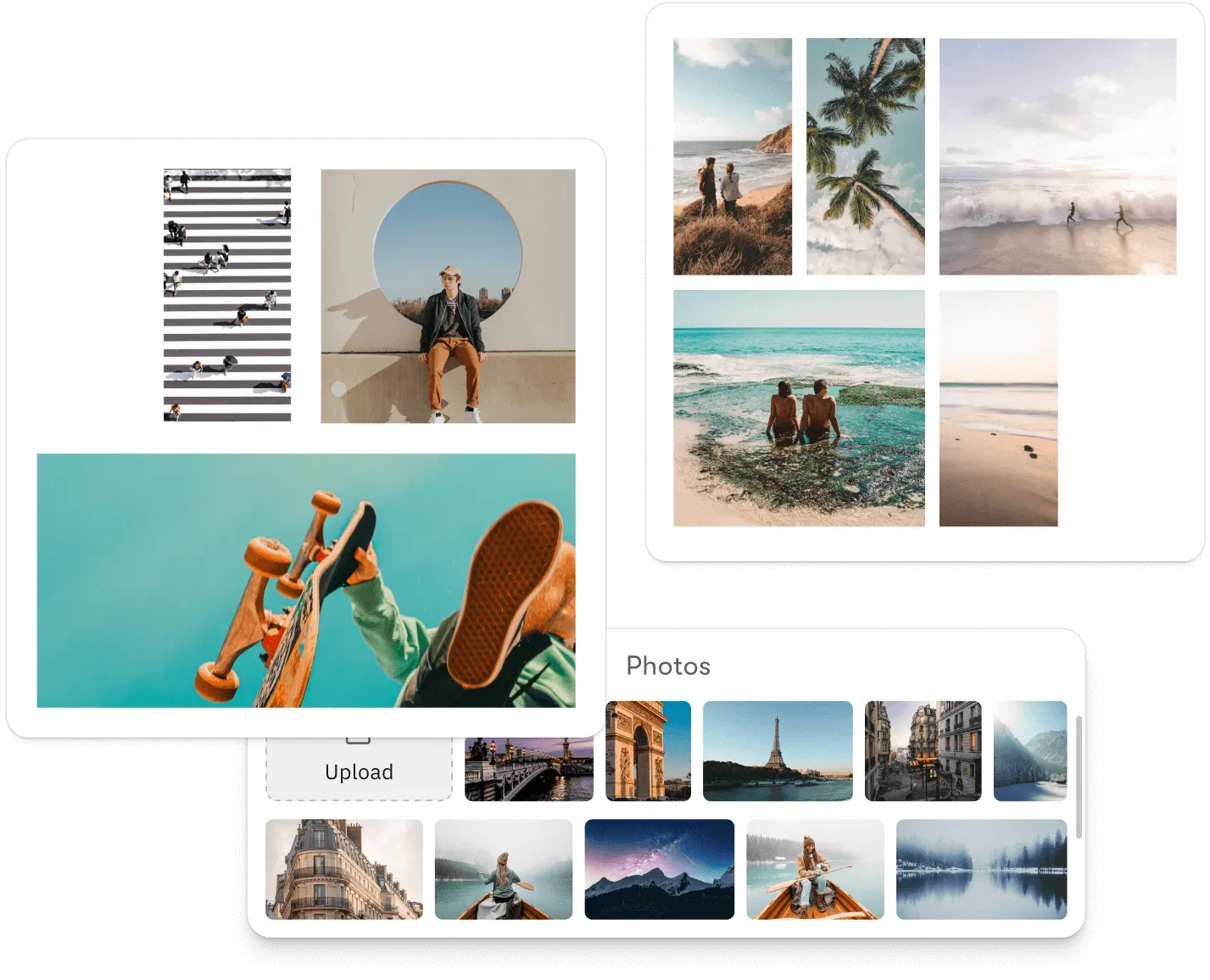
Built for platforms where collage creation needs to feel immediate
Fit any number of photos into a layout automatically
Dynamic layout takes a photo collection and arranges it into a collage grid on the fly. No picking a grid to match the photo count, no manual orientation fixes.
Give users layout options without overwhelming them
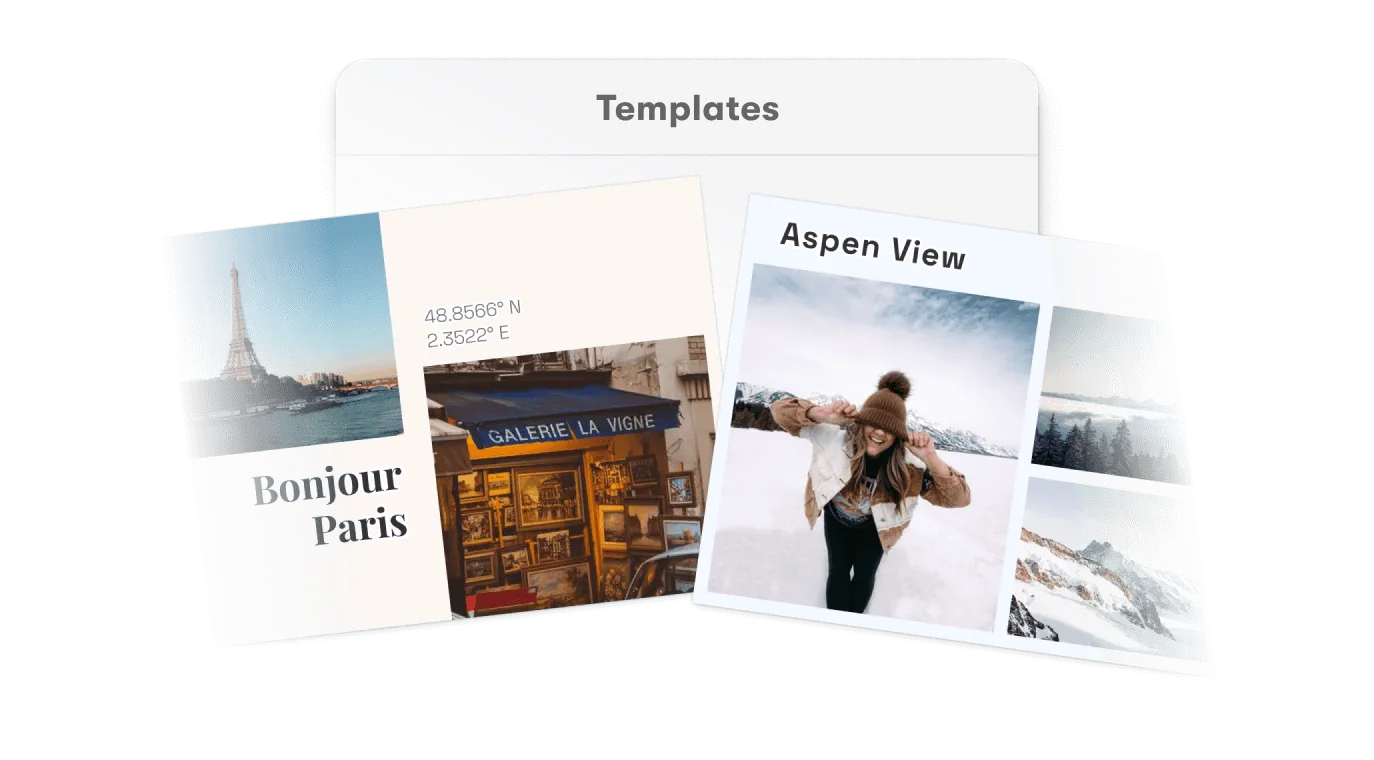
Templates with defined image placeholders let users pick a layout style and drop in their photos. Structure is already composed, users supply the content.
Output to print, social, or digital display from the same creation
The same collage works as a print product, a social post, or a digital display asset. Format presets and aspect ratios let one editor serve every destination.
Key capabilities
For your users
Get a composed result from an unordered photo collection.
Dynamic layout generation takes a set of photos and produces a collage grid automatically. Users start from something that already looks arranged, not from an empty template they have to populate manually.
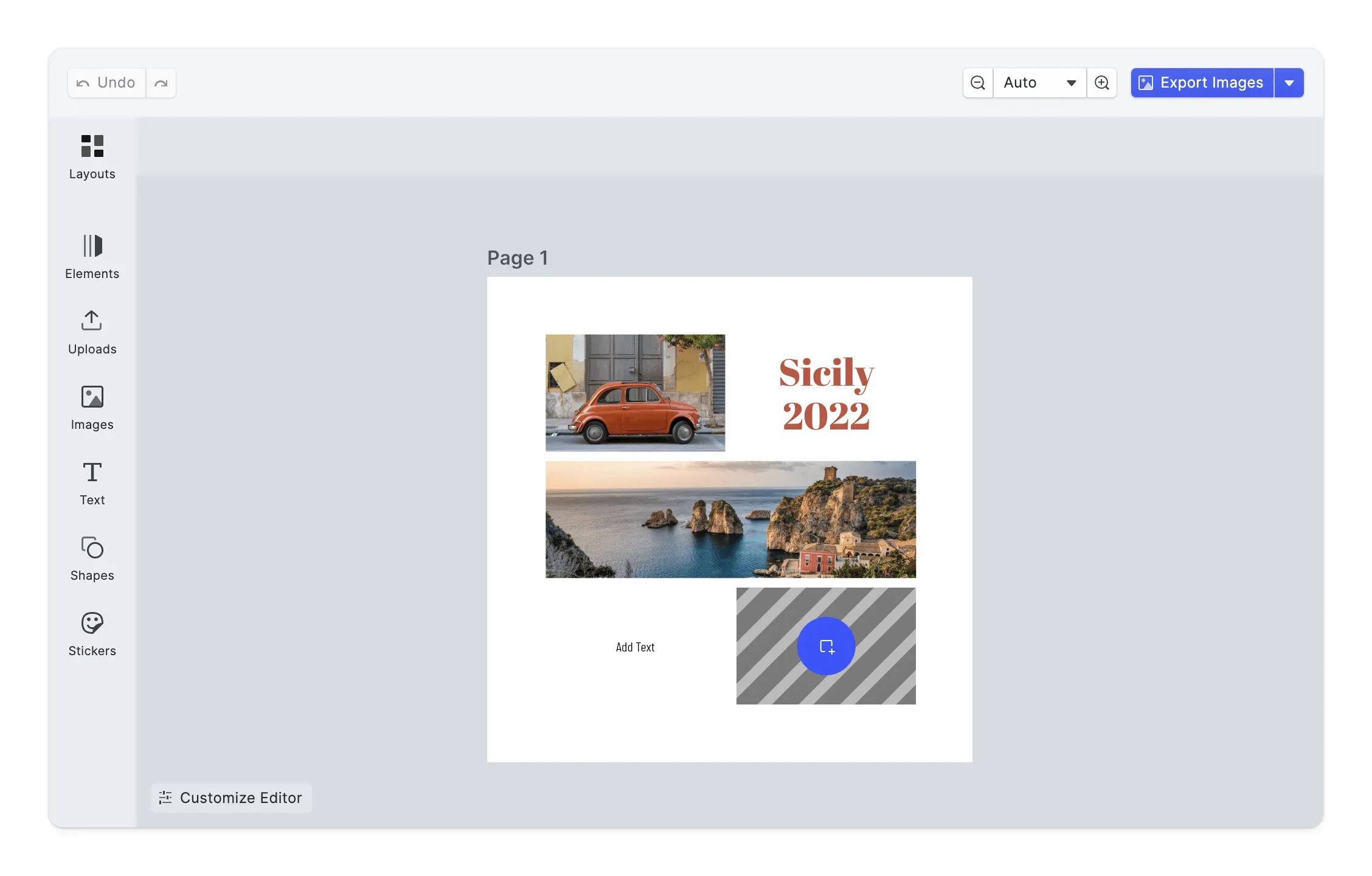
Output to wherever the collage is going.
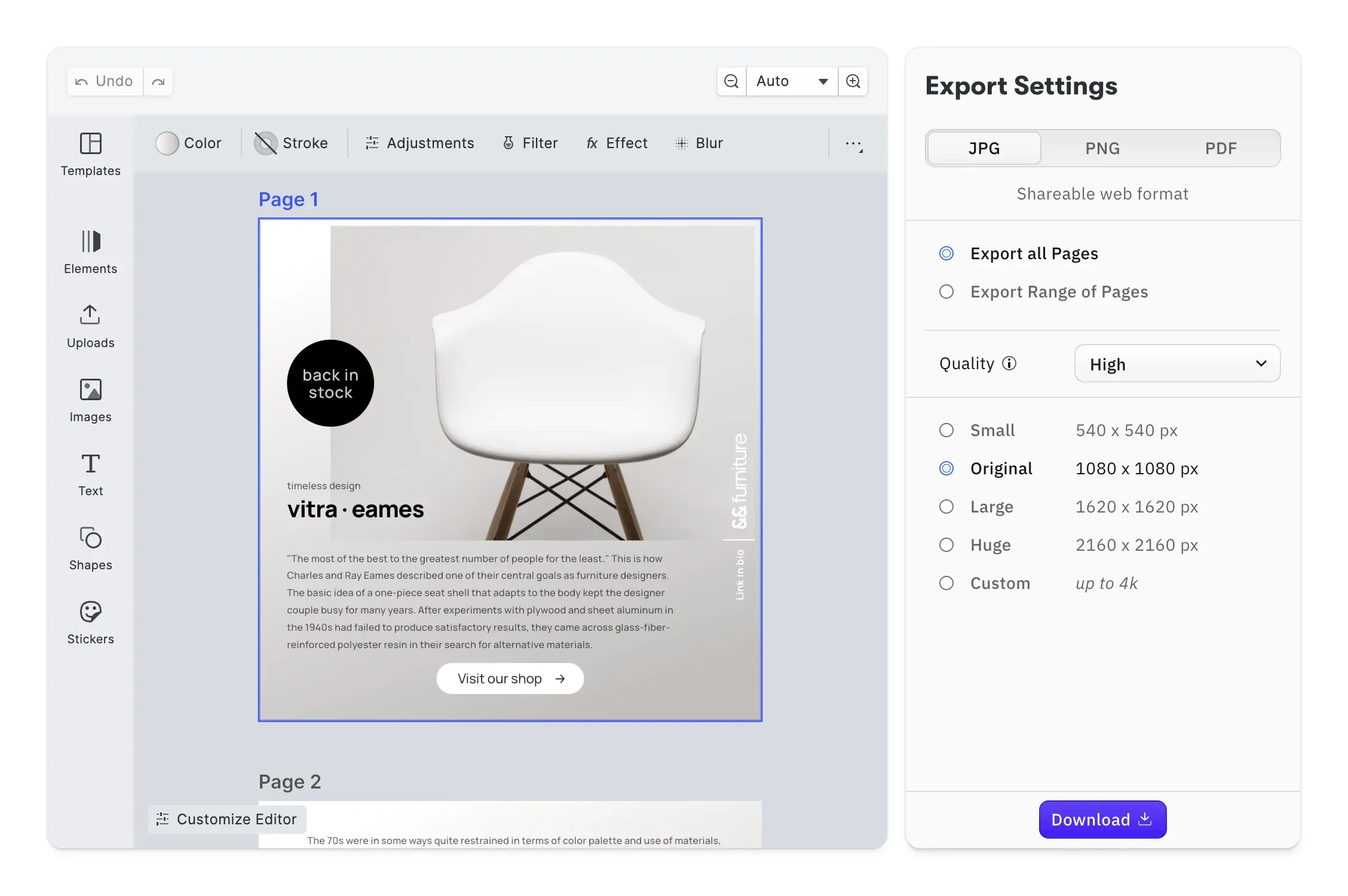
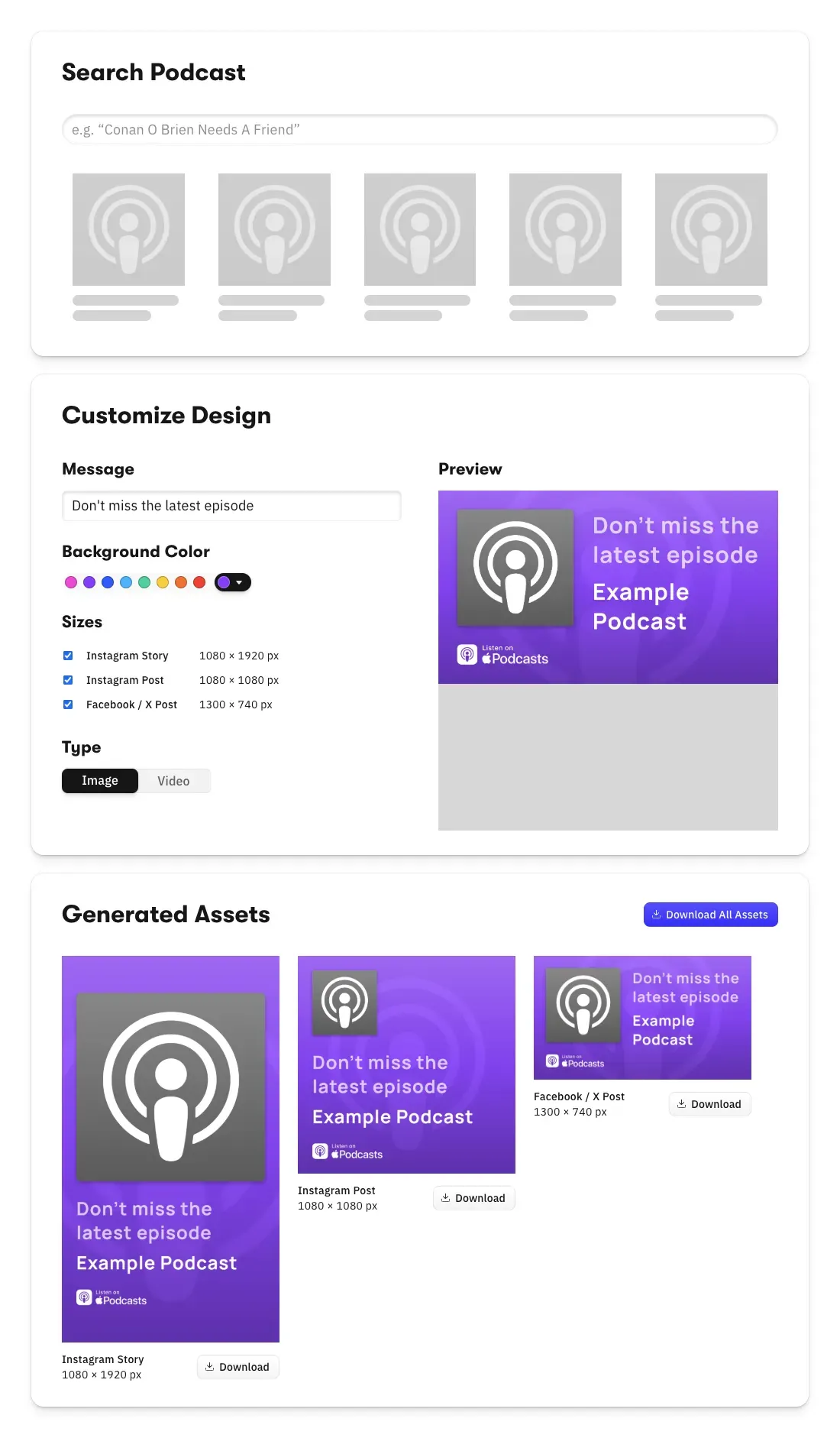
Format presets for print, social, and digital let users switch output destination without redesigning the collage. The same layout adapts to the target format.
For your platform
Programmatic layout generation via the API.
Pass any photo collection to the layout API and generate a collage grid on the fly. Portrait and landscape mixing, gap sizing, and zone proportions handled automatically without a manual arrangement step.
Configurable placeholder behaviour per template.
Define whether users can rearrange placeholder zones freely, swap photos only, or work within fixed positions. Completion rates improve when the degree of freedom matches the complexity users are comfortable with.
Multi-format canvas and export configuration.
Canvas size, aspect ratio, and bleed configured per output type and switched via presets. Print, social, and digital output managed from the same template system without separate implementations per format.

Batch collage generation at scale.
Generate collage layouts programmatically for high-volume workflows, event photography, school portraits, photo gifting, via the Node.js renderer. Layout logic, placeholder behaviour, and output settings applied consistently across every generated collage.




How to integrate the collage editor
Four steps from a starter kit to a finished collage going to print or social.
Embed the editor
Take CE.SDK as your starting point and configure it for collage layouts. The whole UI is customizable on the same engine, so the editor blends into your app instead of feeling bolted on.
Open Theming Demo
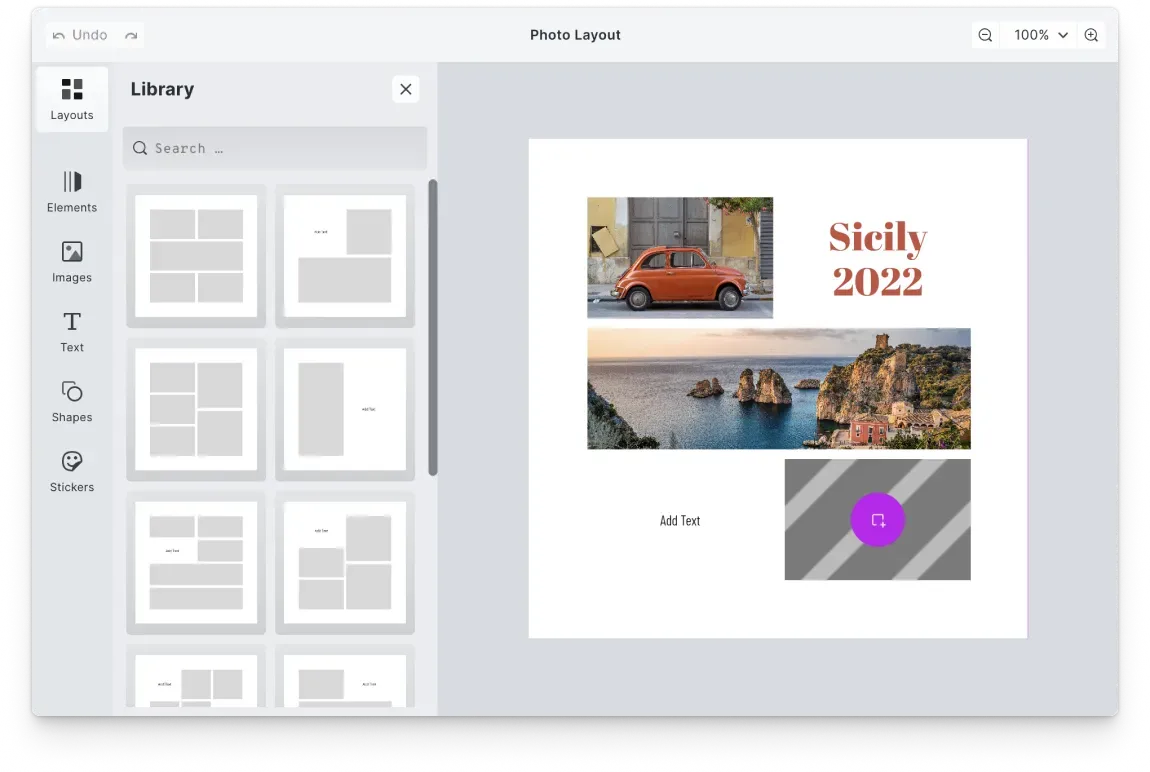
Create templates with image placeholders
Design any number of collage templates with placeholder zones, filter and effect presets, and configurable lock controls. Users pick a structured starting point and fill the zones with their own photos instead of working from a blank canvas.
Open Placeholder Demo
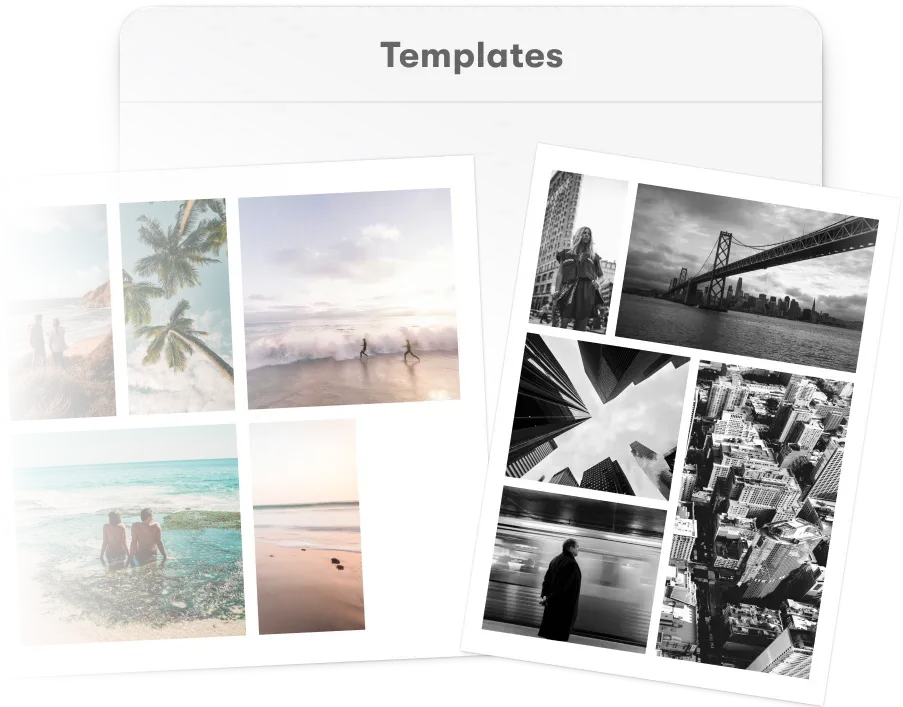
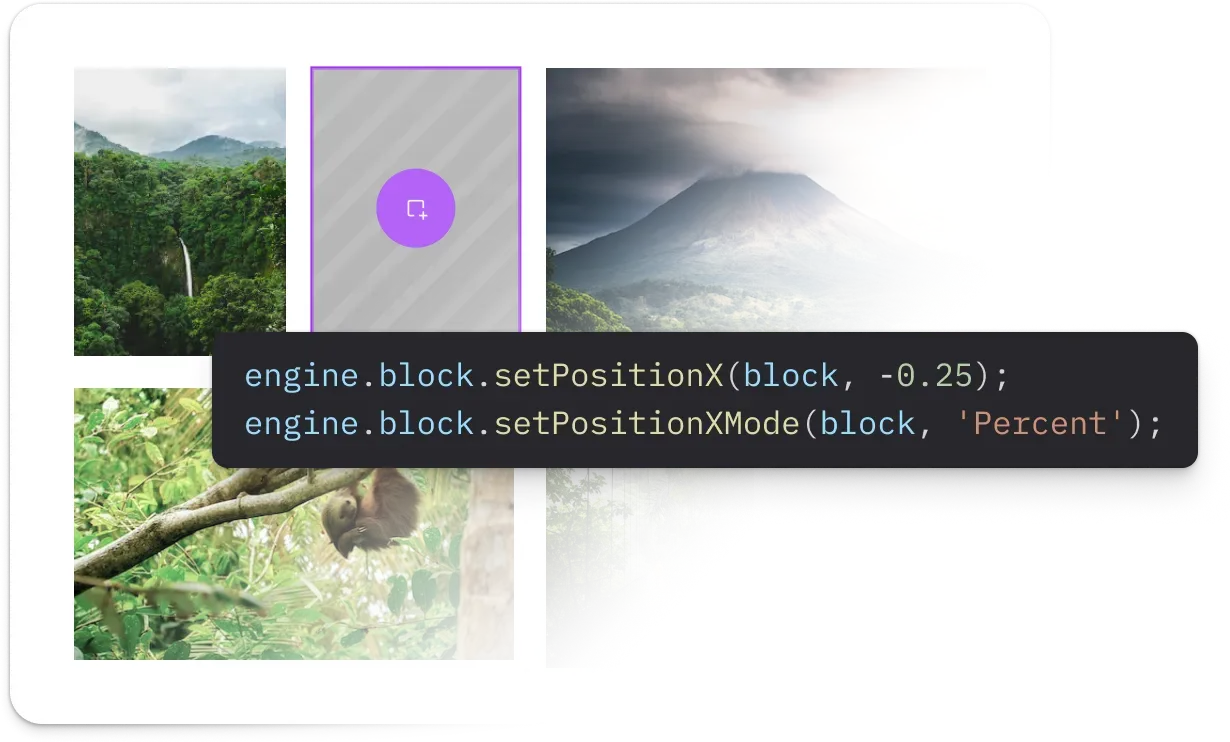
Lay out user photos automatically
Pass a photo collection to the layout API and generate a collage grid on the fly. Portrait and landscape mixing, gap sizing, and zone proportions are handled automatically, so users get a composed result without a manual arrangement step.
Open Layouts Demo
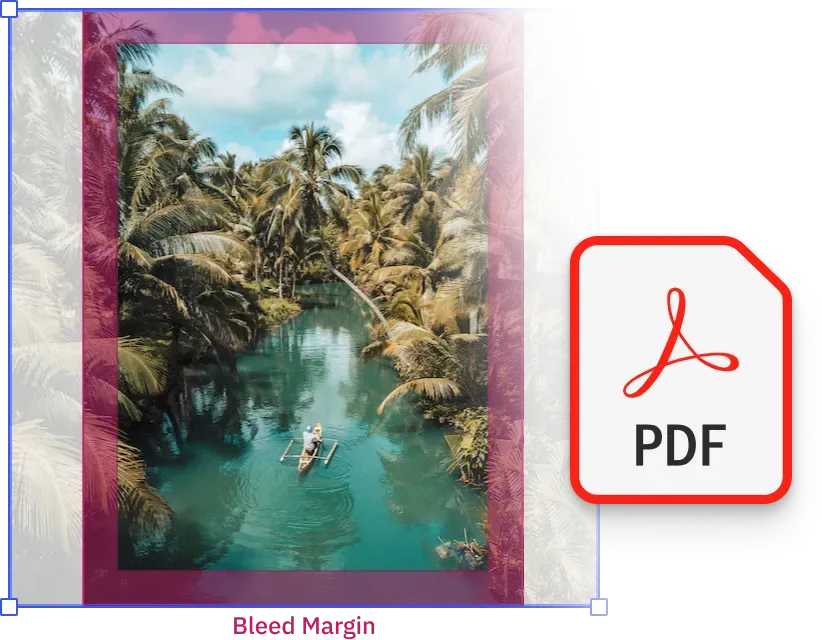
Export print-ready and multi-format files
Bleed checks run live as users compose. The same collage ships as a PDF print product or a JPEG social post depending on which export you call.
Open Validation Demo
One engine across web, mobile, and server
Users create collages on web and mobile. Platforms generate collage layouts server-side for batch photo products. IMG.LY runs one shared creative engine across all of these contexts, so layout logic, image placeholder behaviour, and output quality stay consistent from the user session to the generated file.

Dynamic layout runs identically on client and server
Collage layouts generated programmatically server-side produce the same result as layouts created interactively in the editor. No divergence between automated output and what users would have built themselves.
One template system across print, social, and digital formats
Layout templates configured for print dimensions work from the same system as those configured for social aspect ratios. Format switching is a preset change, not a rebuild.
Batch collage generation for high-volume photo products
Generate collage layouts at scale via the Node.js renderer for photo print services, event photography, and school portrait workflows where the same layout logic needs to apply across hundreds of individual orders.
How PostBuddy Launched Personalized Direct Mail for E-Commerce Without Building a Custom Editor
4×
difference in A/B-tested campaign performance
3
Nordic markets reached (DK, SE, NO)
0
custom editor maintenance — embedded SDK instead
PostBuddy is a Denmark-based startup modernizing direct mail marketing — enabling e-commerce brands to create, personalize, and automate postcard campaigns integrated with their online workflows.
It’s hard to imagine we could have launched PostBuddy without a design editor SDK. Customers want an integrated experience, and we needed to channel our limited resources into our core mission, not a custom editor.
PostBuddy

Challenge
PostBuddy needed an embedded design editor that lets non-technical e-commerce users create print-ready postcards with personalization and variable data — without burning early-stage engineering on a custom editor.
Solution
Integrated CE.SDK to deliver an in-app design experience with mail merge, custom branding, and template guidance for streamlined postcard creation.
- 4× performance gap between A/B-tested designs proved design variation matters.
- Expanded reach into Sweden and Norway on top of the Danish home market.
- Engineering stayed focused on PostBuddy’s core direct-mail automation.
Why collage platforms trust IMG.LY
Layout generation that removes the composition problem
Dynamic layout handles portrait and landscape mixing, photo count variation, and zone sizing automatically. Users do not need to choose a grid that matches their photos, the layout adapts to the collection.
One template system for every output destination
Print products, social posts, and digital display assets all use the same layout template infrastructure. Format switching is a configuration change, not a rebuild, and output quality is consistent across destinations.
Immediate results that keep users engaged
Collage creation works best when users go from photo selection to finished layout quickly. Dynamic generation and pre-structured templates reduce the steps between opening the editor and having something worth sharing or ordering.
Scales from individual orders to batch production
The same layout engine handles a single user creating a collage print and a photo service generating hundreds of collage products from customer uploads. Server-side rendering handles volume without architectural changes.
More from IMG.LY
Collage platforms succeed when the gap between photos and finished layout is as small as possible
Users who have to arrange, resize, and compose from scratch are users who abandon. IMG.LY helps you close that gap with dynamic layout generation, structured templates, multi-format output, and one engine across web, mobile, and server.
Collage FAQs
Pass a photo collection to the layout API and the engine generates a collage grid automatically, distributing images across placeholder zones proportionally, handling portrait and landscape mixing, and applying gap and sizing rules configured per layout style. The result is a composed starting point users can refine rather than a blank grid they have to fill.
Yes. Placeholder behaviour is configurable per template. You can allow users to rearrange zones freely, restrict them to swapping photos only within fixed positions, or anything between. Completion rates tend to improve when the degree of creative freedom is matched to the complexity users are comfortable managing.
Yes. Canvas dimensions, aspect ratios, and bleed settings are configured per output type and switched via format presets. A collage created for a print square can be adapted to a social portrait or digital landscape format without rebuilding the layout.
The layout API runs server-side via the Node.js renderer. Pass photo collections and layout configurations and generate unique collages at any volume, event photography, school portraits, photo gifting, with placeholder behaviour, output settings, and validation applied consistently across every output.
PDF and PDF/X for print products, PNG and JPEG for social and digital output. Bleed, resolution thresholds, and colour profile settings are configured per output type and applied at export.
The SDK runs on web (React, Angular, Vue, Next.js, Svelte), iOS, Android, and server via Node.js. The same layout logic, templates, and export settings apply across all of them.
Yes. IMG.LY's solutions team provides different levels of support based on your licence type. Contact the team to discuss your specific collage use case and output requirements.