



A photo editor your users will think you built
Your users crop and retouch their own photos inside your product, on a screen you styled and with tools you named. Nothing they touch or download points anywhere else.
- Your colors, typography, and icons across every panel
- No badge, no watermark, no attribution
- The same branding on web, iOS, and Android
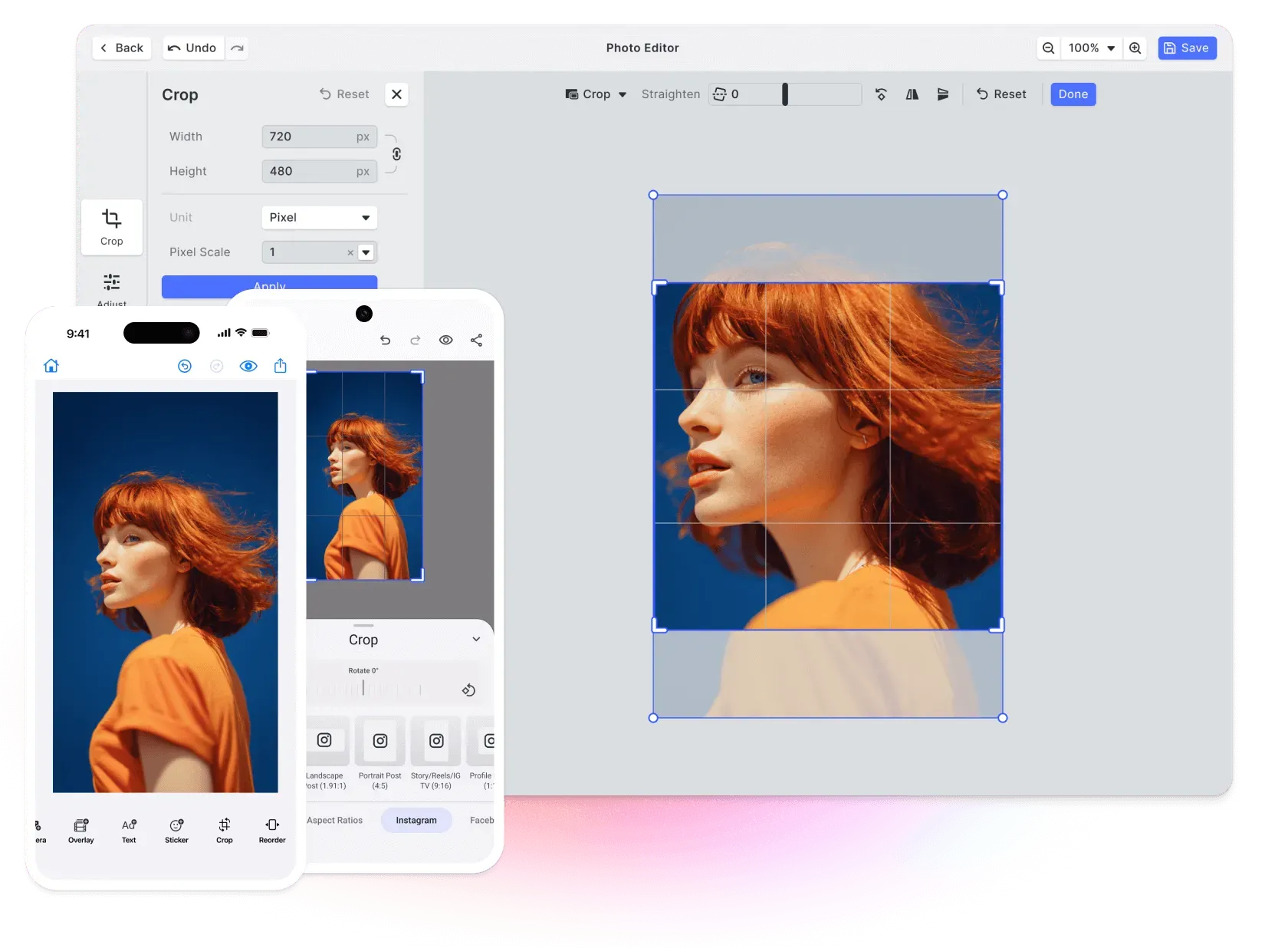
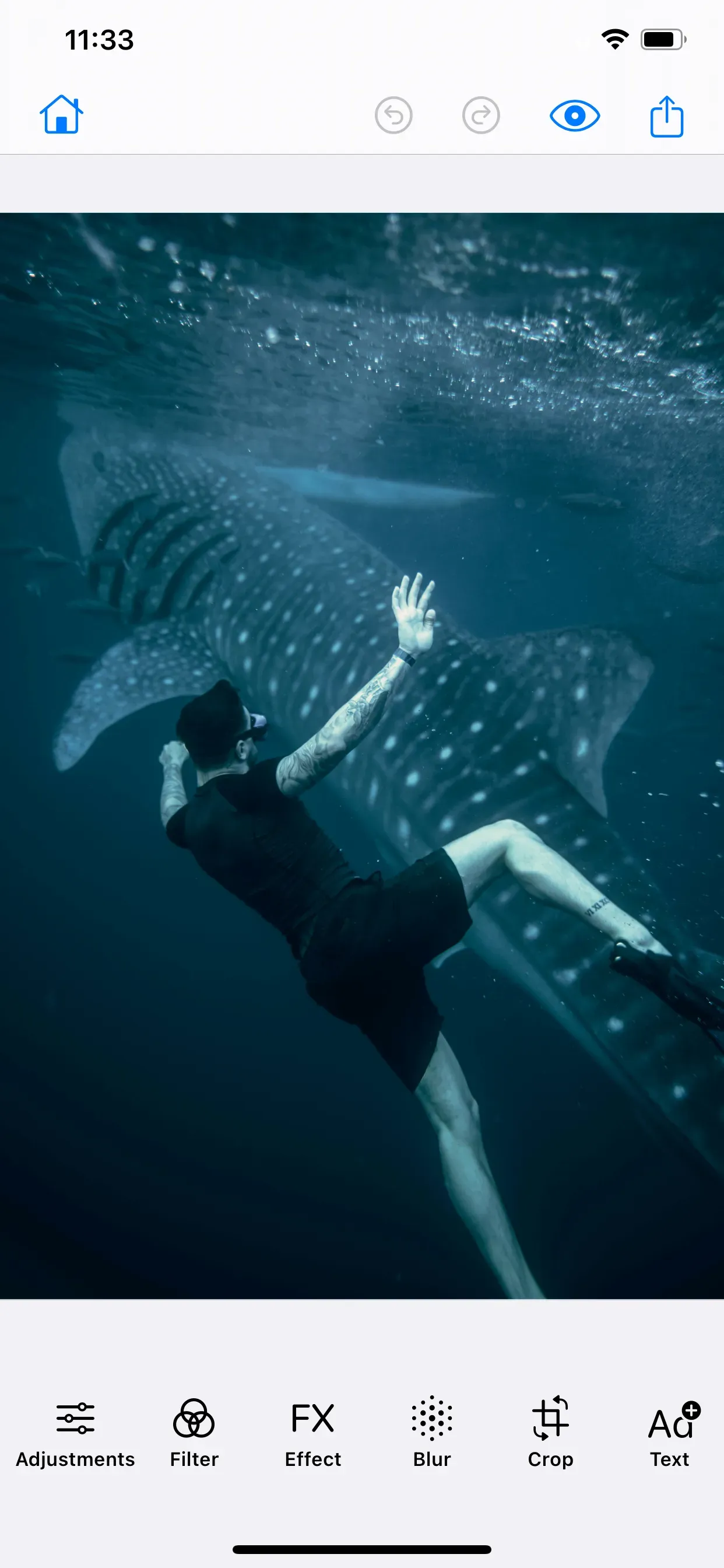

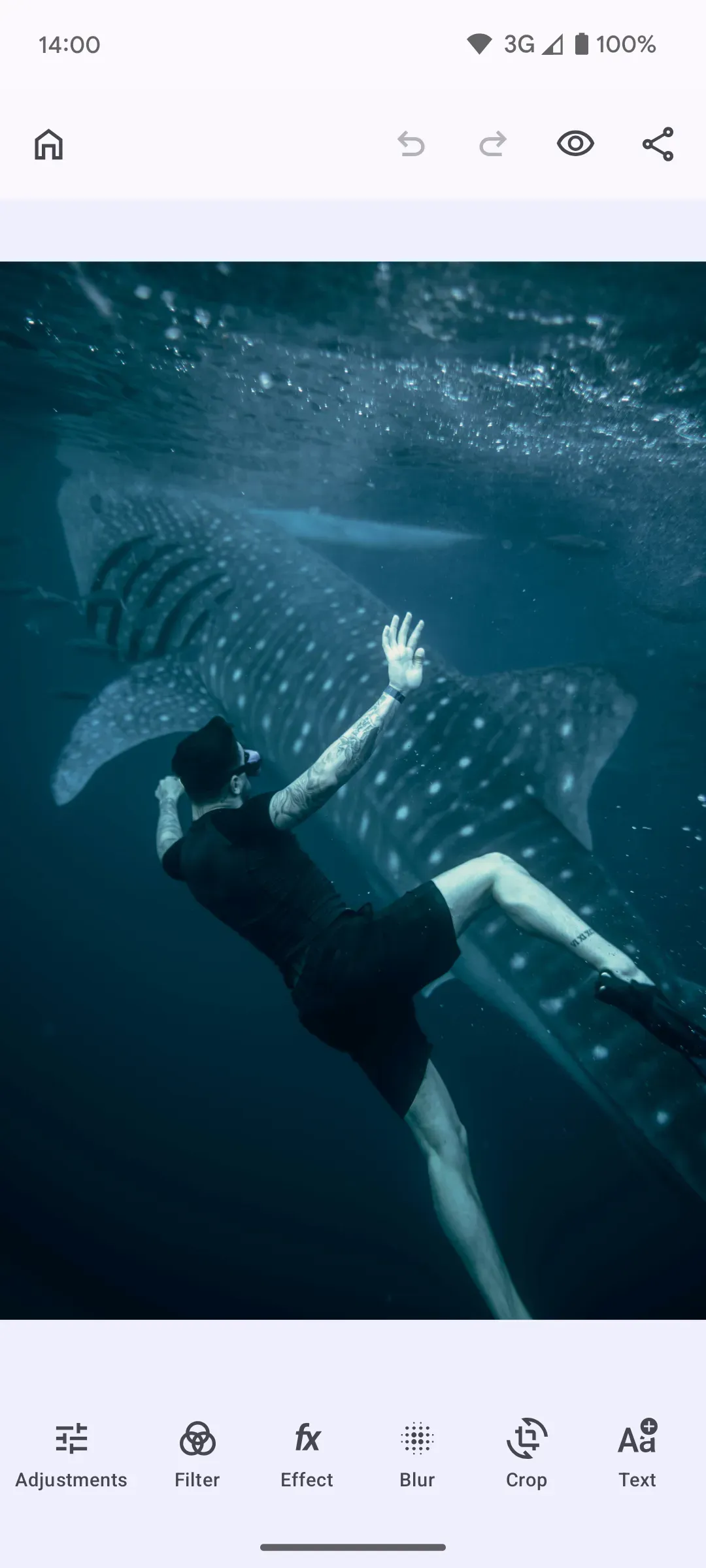
White-labeling that covers more than the look
Three things decide whether the editor passes as yours: how it looks, where the photos go, and where it runs.
Looks like your product
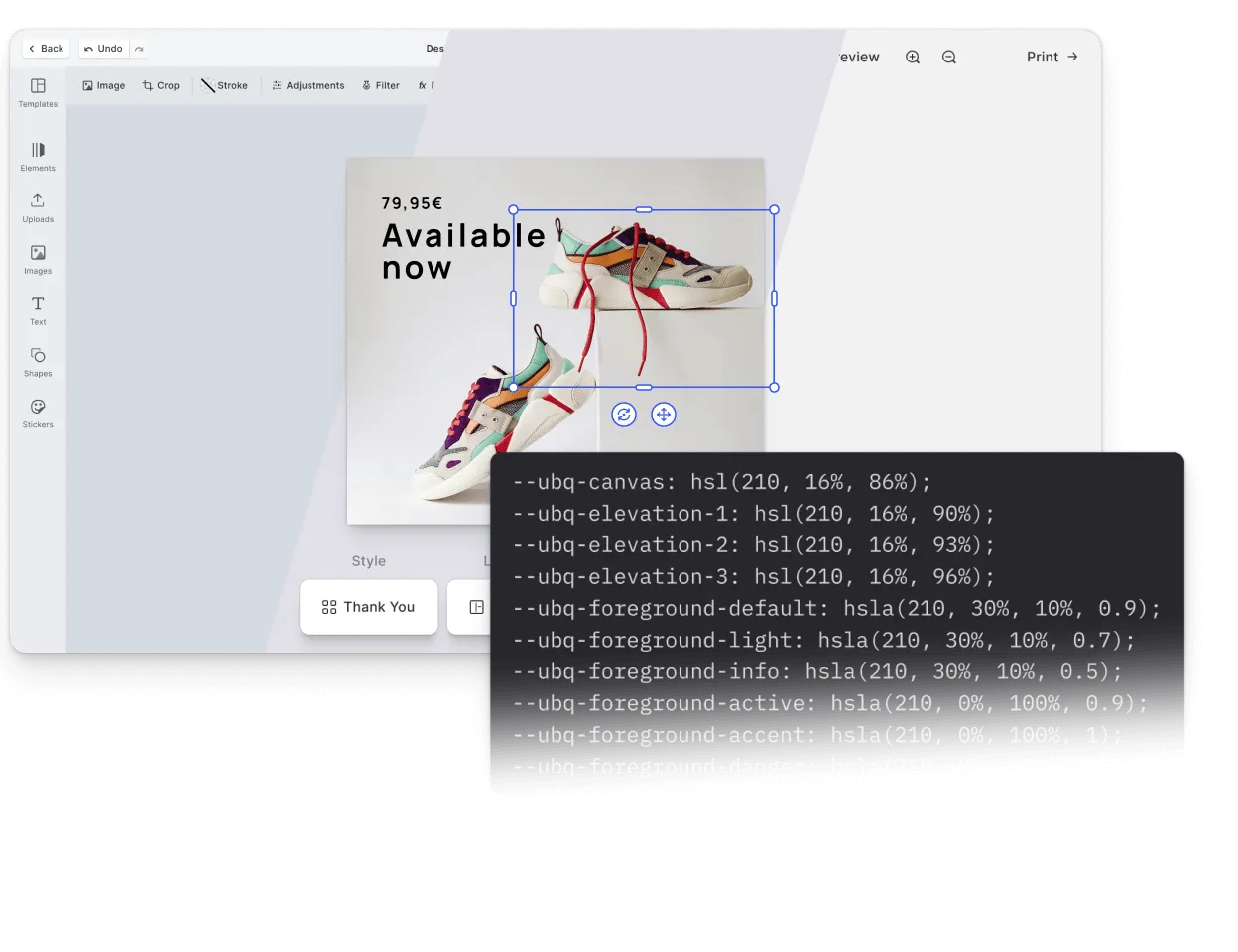
Colors, typography, spacing, icons, and light and dark modes all follow your design system, so the editor sits next to the rest of your interface instead of interrupting it.
Photos never reach our servers
The editor adds nothing to your GDPR obligations. Every edit happens in the browser, and nothing your users work on passes through us.
Inside your app
The editor runs in your application on your domain, not in a hosted frame pointed somewhere else. There is no redirect for a user to notice and no third-party origin in the address bar.














Everything your users touch carries your name
From the panel they open first to the file they save at the end, every surface in the editor answers to your product rather than to ours.
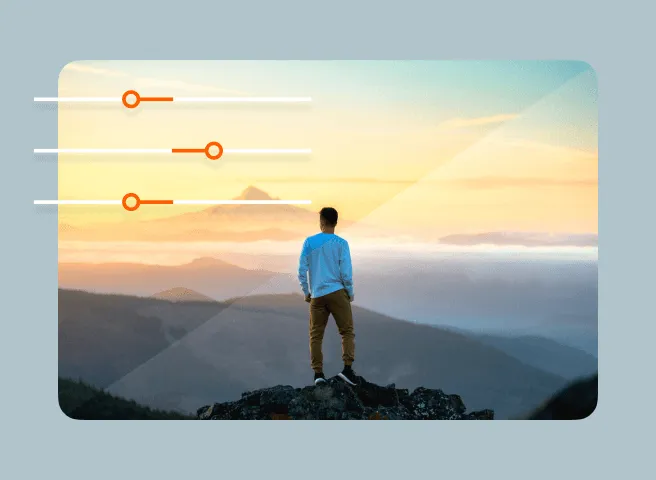
Filters and adjustments, styled by you
Names, grouping, preview thumbnails, slider styling, and the icons on every control are all yours to set.
Which editing tools, and in what order
Ship crop and filters alone, add retouching and the AI tools where they fit, and lead with the step users reach for most.
The language they read it in
Crop, filter, and adjustment labels are strings you write, in whatever languages your product already serves.
What comes out at the end
No watermark, no attribution. The finished file goes to a download, your storage, or the record the edit belongs to.
Four places your branding has to hold
Styling, assets, mobile, and AI. All of them have to look like the same product.
Under your name
An interface that reads as yours.
Color, typography, corner radius, and spacing follow one set of values across every panel, in light and dark modes.
Your own asset libraries.
Point the editor at your filters, fonts, stickers, and templates, served from your own infrastructure, so the creative options carry your catalog rather than ours.
The same brand on mobile.
Your colors, typography, and tool choices carry into iOS and Android, so a photo cropped on a phone opens the same way on a desktop.
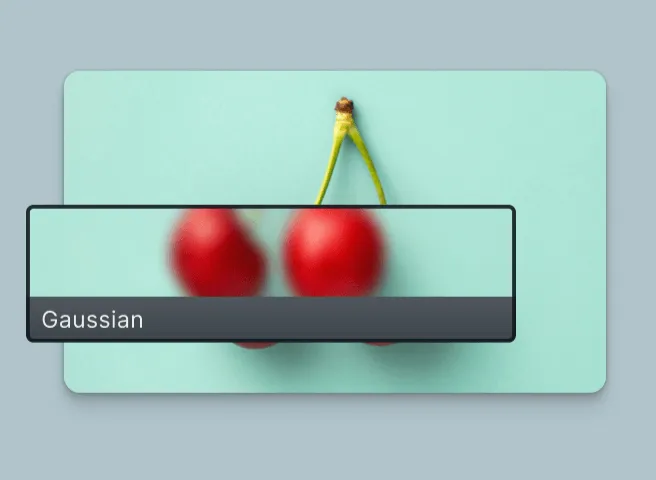
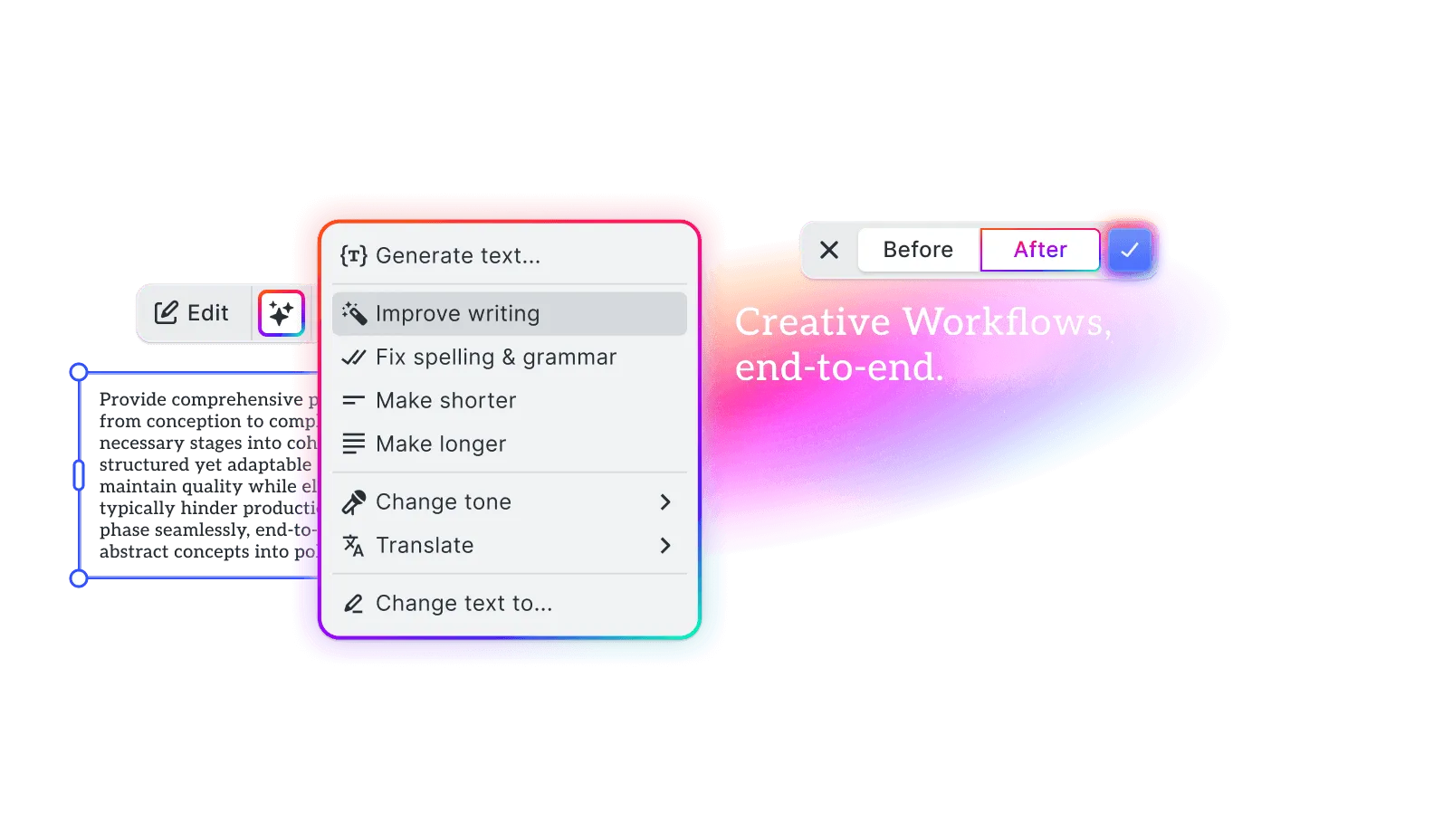
AI that reads as your feature.
Remove or replace a background, add or remove objects, transfer a style, upscale, and generate variants. All under your wording, with nothing naming the model behind them.
What changes, and what stays the same
The look, the tools, and the output are your calls. The engine that does the editing stays ours to maintain.
Yours to change
- Theme, typography, icons, light and dark modes
- Which tools appear, and in what order
- Every label, tooltip, and panel title
- Filters, fonts, stickers, and templates you supply
- Where the finished image goes
Handled for you
- The rendering engine and color handling
- Non-destructive edits and undo history
- Generative AI and background removal
- PNG, JPEG, WebP, and GIF in, PNG, JPEG, and WebP out
- Behavior parity across web, iOS, and Android
Editing that became part of their product
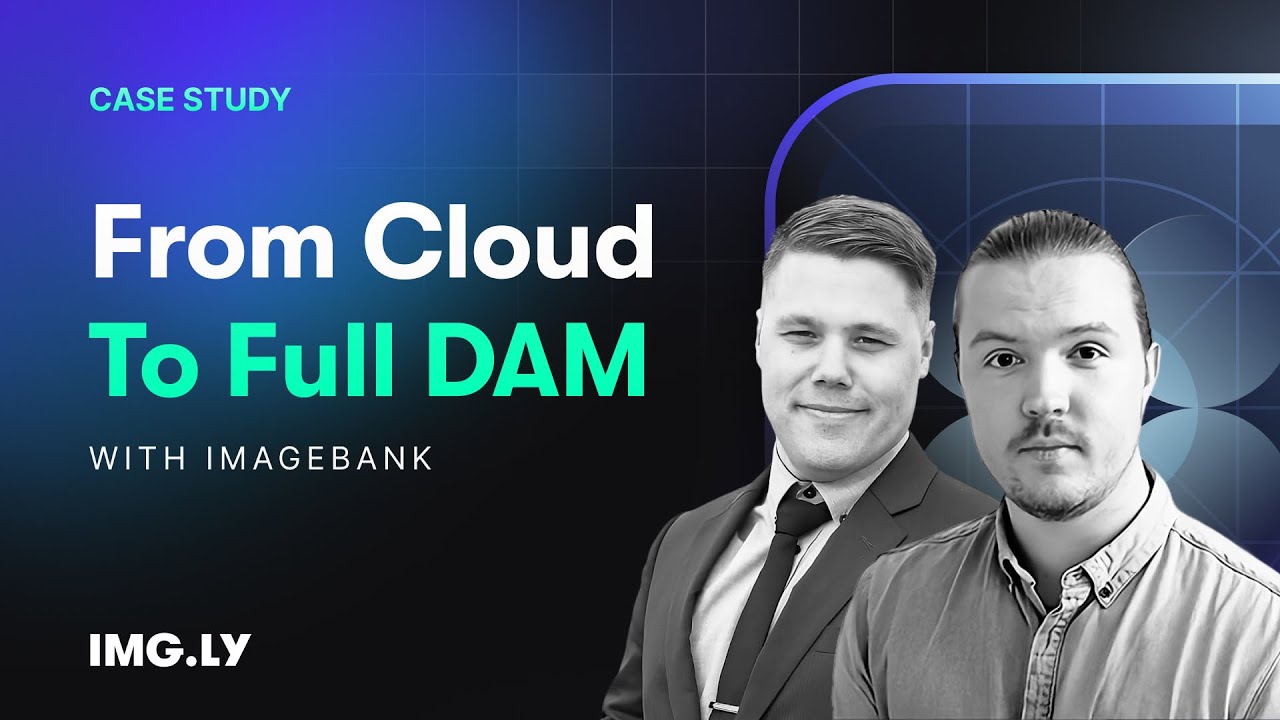
How ImageBank X Added In-Platform Photo & Video Editing in Days
15 → 2 min
time to create a branded PowerPoint slide
Days
to integrate IMG.LY SDKs — not months
Zero
brand drift via locked fonts, logos, placement
ImageBank X by Mediasignal is a cloud-native digital asset management platform built for marketing teams — a modern, self-service workspace with AI-powered search and seamless integrations.
The placement tool in the photo editor is so much easier. I can get it done in seconds, instead of spending 10 minutes trying to figure out placement.
ImageBank X
Challenge
Marketing teams needed quick, brand-compliant editing inside their DAM — without jumping to desktop software or risking design inconsistencies across regions.
Solution
Integrated IMG.LY’s photo and video editor SDKs with locked-down fonts, logos, and placement rules — enabling in-browser editing that enforces brand guidelines automatically.
- Branded slide creation dropped from 15 minutes to 2 minutes.
- Integration shipped in days instead of months.
- Brand guidelines stay enforced automatically across regions.
Put your name on it
Talk to us about what you are building, or take it straight from the docs.
Frequently Asked Questions
Yes. There is no badge, no "powered by" chip, and no attribution line anywhere in the interface, and nothing is stamped onto the images your users export. The editor reads as a part of your product from the first frame.
No. Files come out clean. The image your user downloads or sends to your backend carries no mark or badge from us.
Yes. Labels, tooltips, and panel titles are all yours to set, and the editor ships with translation support so you can serve the same interface in every language your product already speaks.
Yes. You choose which tools appear and in what order, so a product that only needs crop and filters does not ship an editor full of controls nobody uses.
Your servers. Self-hosting the engine and asset bundles is the documented setup for production, so the files behind the editor come from your infrastructure rather than a CDN of ours.
Full white-labeling comes with a commercial license. You can build and evaluate the editor before that, and the sales team can walk you through which license fits what you are shipping.
Yes. The same branding, tool selection, and labels apply across the web, iOS, and Android SDKs, so your editor looks like one product wherever your users open it.
Two things: a check that your license is valid, and a tally of how many exports happened. The photo itself is never part of that, so under GDPR there is no customer image for us to hold, process, or lose.
Yes. Point the editor at your own filters, fonts, stickers, and templates, hosted wherever you host everything else. Keep the built-in library beside them or drop it entirely, so the choices on offer are the ones you picked.
Yes. Branding is configuration rather than a modified copy of our code, so you stay on the normal release track and new versions arrive as an ordinary dependency update.