


Translation & Internationalization
Ships with English and German. Supports translations for any language.
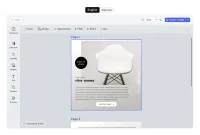
Exploring Translation & Internationalization
It is simple to add additional language support to the editor using a configuration object. Default translations in English and German are provided. Translations can be statically included or loaded from a remote source, allowing you to dynamically update translations or use a CMS.
Note that you will have to handle internationalization yourself when building a custom UIs.
Exploring Translation & Internationalization
It is simple to add additional language support to the editor using a configuration object. Default translations in English and German are provided. Translations can be statically included or loaded from a remote source, allowing you to dynamically update translations or use a CMS.
Note that you will have to handle internationalization yourself when building a custom UIs.
Related Demos
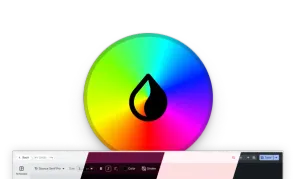
Theming
Effortlessly adapt the UI of the CreativeEditor SDK to best match your app. With Theming you can easily change elements like theme, scaling, and background. Try it now!
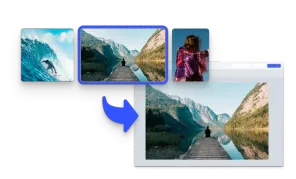
Start with an Image
Initialize the editor with an image matching the page size.
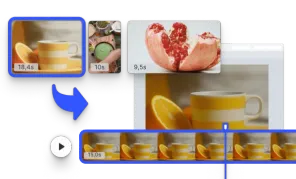
Start with a Video
Initialize the editor with a video matching the page size.