


Custom Apparel UI
Custom, mobile apparel UI for creating print-ready design.
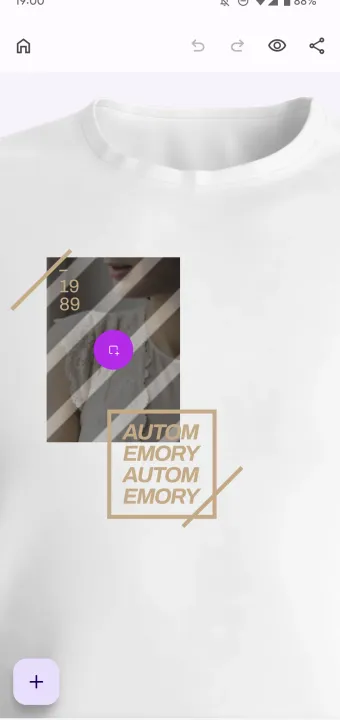
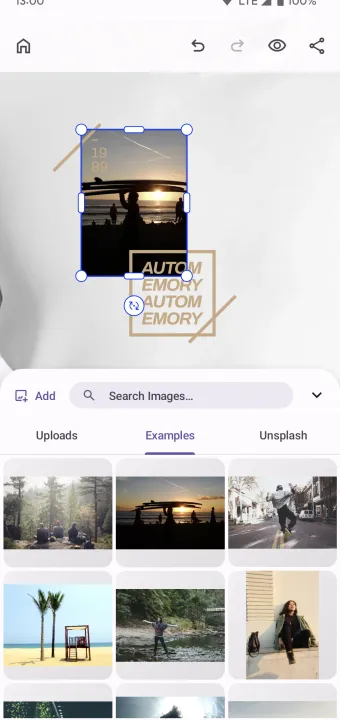
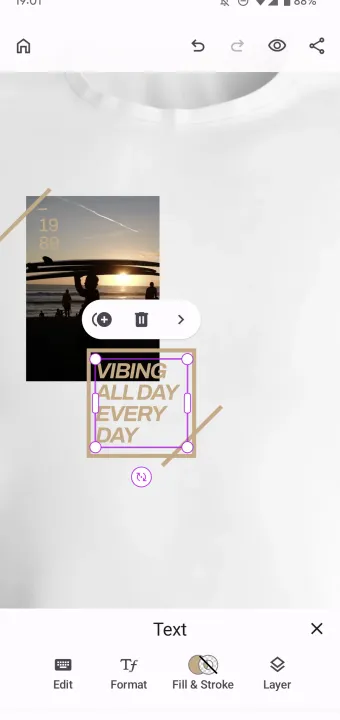
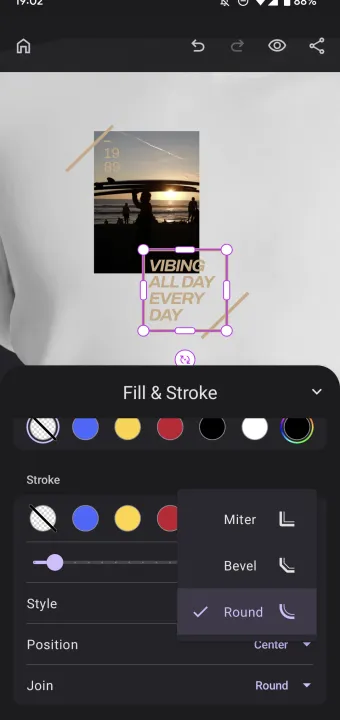
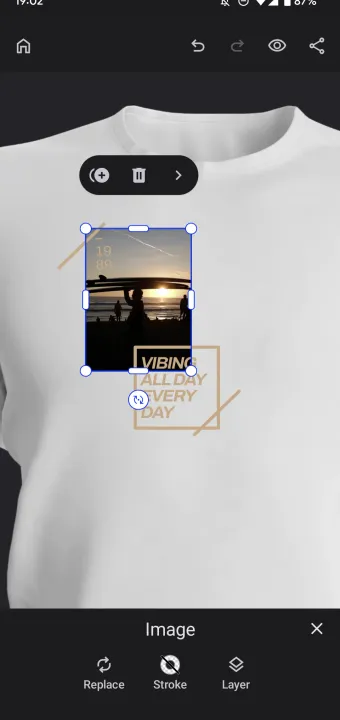
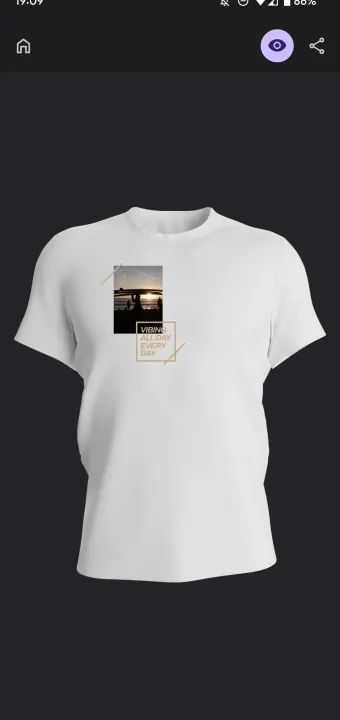
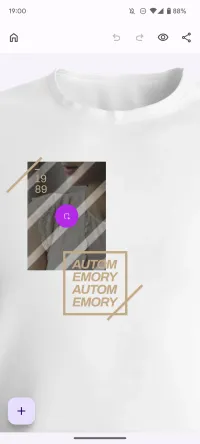
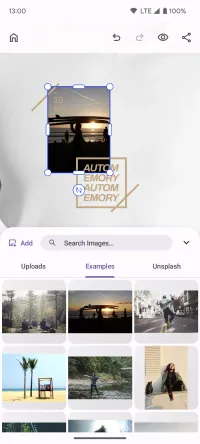
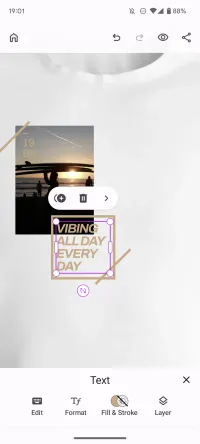
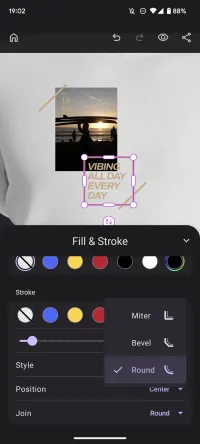
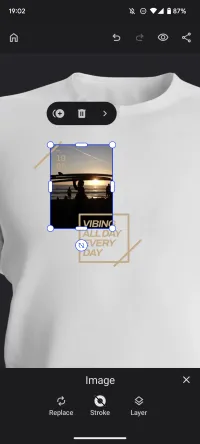
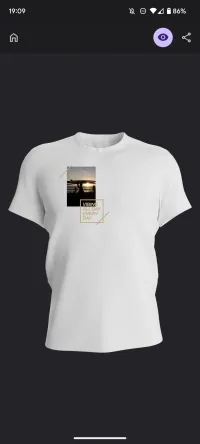
Create a custom, mobile-optimized apparel editor UI using the CE.SDK headless API. This example focuses the UI on a few key editing options to guide the user through customizing their t-shirt design.
Edit & Preview Mode
The editable page is overlaid on a t-shirt mockup to give users an idea of where to position elements. Toggling from edit to preview mode allows reviewing the design in the context of the entire t-shirt.
Toolbar
A custom toolbar at the bottom of the editor features only the most essential editing option in order of relevance allowing users to overlay text, add images, shapes, and stickers and upload new image assets.
Context Menu
Selecting an element shows a context menu in place of the toolbar listing again the most important editing features. Upon selecting a text element, for instance, users can easily change font, color, and alignment, whereas selecting a shape highlights the ability to choose from a range of predefined colors.
This example is easily extendible or modifiable, you could for instance add select filters to the image context menu or remove the ability to add stickers and shapes altogether.
Create a custom, mobile-optimized apparel editor UI using the CE.SDK headless API. This example focuses the UI on a few key editing options to guide the user through customizing their t-shirt design.
Edit & Preview Mode
The editable page is overlaid on a t-shirt mockup to give users an idea of where to position elements. Toggling from edit to preview mode allows reviewing the design in the context of the entire t-shirt.
Toolbar
A custom toolbar at the bottom of the editor features only the most essential editing option in order of relevance allowing users to overlay text, add images, shapes, and stickers and upload new image assets.
Context Menu
Selecting an element shows a context menu in place of the toolbar listing again the most important editing features. Upon selecting a text element, for instance, users can easily change font, color, and alignment, whereas selecting a shape highlights the ability to choose from a range of predefined colors.
This example is easily extendible or modifiable, you could for instance add select filters to the image context menu or remove the ability to add stickers and shapes altogether.
Download
Related Demos
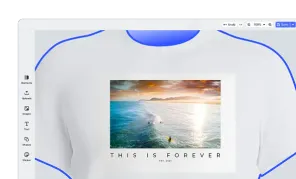
Apparel Editor UI
Apparel Editor for creating print-ready design.
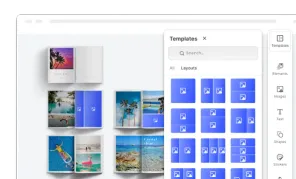
Custom Photobook UI
Custom UI for building photo books focusing on theming, page layouts, and managing photo assets.
Design Editor UI
Our easy to use editor variant focused on layout, text, and images is ideal for adapting existing templates.
Product Editor UI
Product Editor for customizing any product with print-ready designs.