





Ideogram 3.0 vs Recraft V3
The two models pitched at design teams, head to head. Both land below their reputation on this suite, finishing nineteenth and twentieth on the blended ranking, and Recraft V3 is twenty-second of 23 on brand color, adherence and composition alike, exactly the jobs its positioning claims. Recraft V4.1 now supersedes it on both score and price.
Head to head
| Ideogram 3.0 | Recraft V3 | |
|---|---|---|
| Overall | 3.08 / 5 ✓ | 3.08 / 5 ✓ |
| Cost per image | $0.060 | $0.040 ✓ |
| p50 latency | 17.9s | 7.4s ✓ |
| Text Accuracy | 4.7 / 5 ✓ | 4.0 / 5 |
| Color Accuracy | 2.8 / 5 ✓ | 1.9 / 5 |
| Transparency | 0.0 / 5 | 2.0 / 5 ✓ |
| Resolution | 3.0 / 5 ✓ | 3.0 / 5 ✓ |
| Prompt Adherence | 3.9 / 5 ✓ | 3.3 / 5 |
| Composition | 4.0 / 5 ✓ | 3.0 / 5 |
Category winners
| Ideogram 3.0 | Recraft V3 | |
|---|---|---|
| Typography & Text Rendering | 3.7 / 5 ✓ | 3.3 / 5 |
| Logos, Icons & Vector-Style | 3.1 / 5 | 3.5 / 5 ✓ |
| Brand-Color Fidelity | 3.2 / 5 ✓ | 3.0 / 5 |
| Transparency & Cutouts | 2.5 / 5 | 3.2 / 5 ✓ |
| Composition & Negative Space | 3.4 / 5 ✓ | 3.4 / 5 ✓ |
| Spatial & Compositional Adherence | 3.4 / 5 | 3.8 / 5 ✓ |
| Human Subjects: Faces & Hands | 3.3 / 5 | 3.6 / 5 ✓ |
| Product & E-Commerce Staging | 3.6 / 5 | 3.9 / 5 ✓ |
| Consistency & Repeatability | 3.3 / 5 ✓ | 3.3 / 5 ✓ |
| Print Detail & Resolution | 3.4 / 5 | 3.5 / 5 ✓ |
| Style Adherence & Art Direction | 3.4 / 5 ✓ | 3.1 / 5 |
| Print-Production Graphics | 3.6 / 5 | 3.8 / 5 ✓ |
| UI & Design Mockups | 3.7 / 5 ✓ | 3.5 / 5 |
| Diagrams & Data Viz | 3.3 / 5 | 3.3 / 5 ✓ |
| Structured Spec Adherence | 3.0 / 5 | 3.2 / 5 ✓ |
Every benchmark, side by side
Typography & Text Rendering
Wordmark
Compare all modelsPoster Headline
Compare all modelsProduct Label
Compare all modelsCJK Neon Sign
Compare all modelsLogos, Icons & Vector-Style
Brand-Color Fidelity
Two-Color Illustration
Compare all modelsDuotone Portrait
Compare all modelsColorChecker Chart
Compare all modelsSmooth Gradient
Compare all modelsTransparency & Cutouts
Die-Cut Sticker
Compare all modelsT-Shirt Graphic
Compare all modelsIsolated Cutout
Compare all modelsComposition & Negative Space
Banner with Negative Space
Compare all modelsVertical Story Background
Compare all modelsCentered Product Margin
Compare all modelsSpatial & Compositional Adherence
Object Counting & Placement
Compare all modelsScene Relations
Compare all modelsNegation: Clean Background
Compare all modelsHuman Subjects: Faces & Hands
Hand Holding a Sphere
Compare all modelsProduct & E-Commerce Staging
Cosmetics Hero
Compare all modelsFloating Sneaker
Compare all modelsConsistency & Repeatability
Character Series: Greenhouse
Compare all modelsCharacter Series: Desk
Compare all modelsCharacter Series: Market
Compare all modelsPrint Detail & Resolution
Fine-Line Mandala
Compare all modelsIllustrated Map
Compare all modelsStyle Adherence & Art Direction
Mid-Century Travel Poster
Compare all modelsIsometric Office
Compare all modelsPrint-Production Graphics
Greeting Card
Compare all modelsSeamless Pattern Tile
Compare all modelsStationery Mockup
Compare all modelsThree-Panel Comic
Compare all modelsUI & Design Mockups
E-Commerce Product Page
Compare all modelsDiagrams & Data Viz
Labeled Bar Chart
Compare all modelsStructured Spec Adherence
Structured JSON Scene
Compare all models
New model? New benchmarks.
We re-run the identical 37-prompt suite on every model release. Get the scores, and what changed in the rankings, in your inbox.
You're on the list.
We'll email you when new benchmark results ship.
Route both. Finish in the AI Editor.
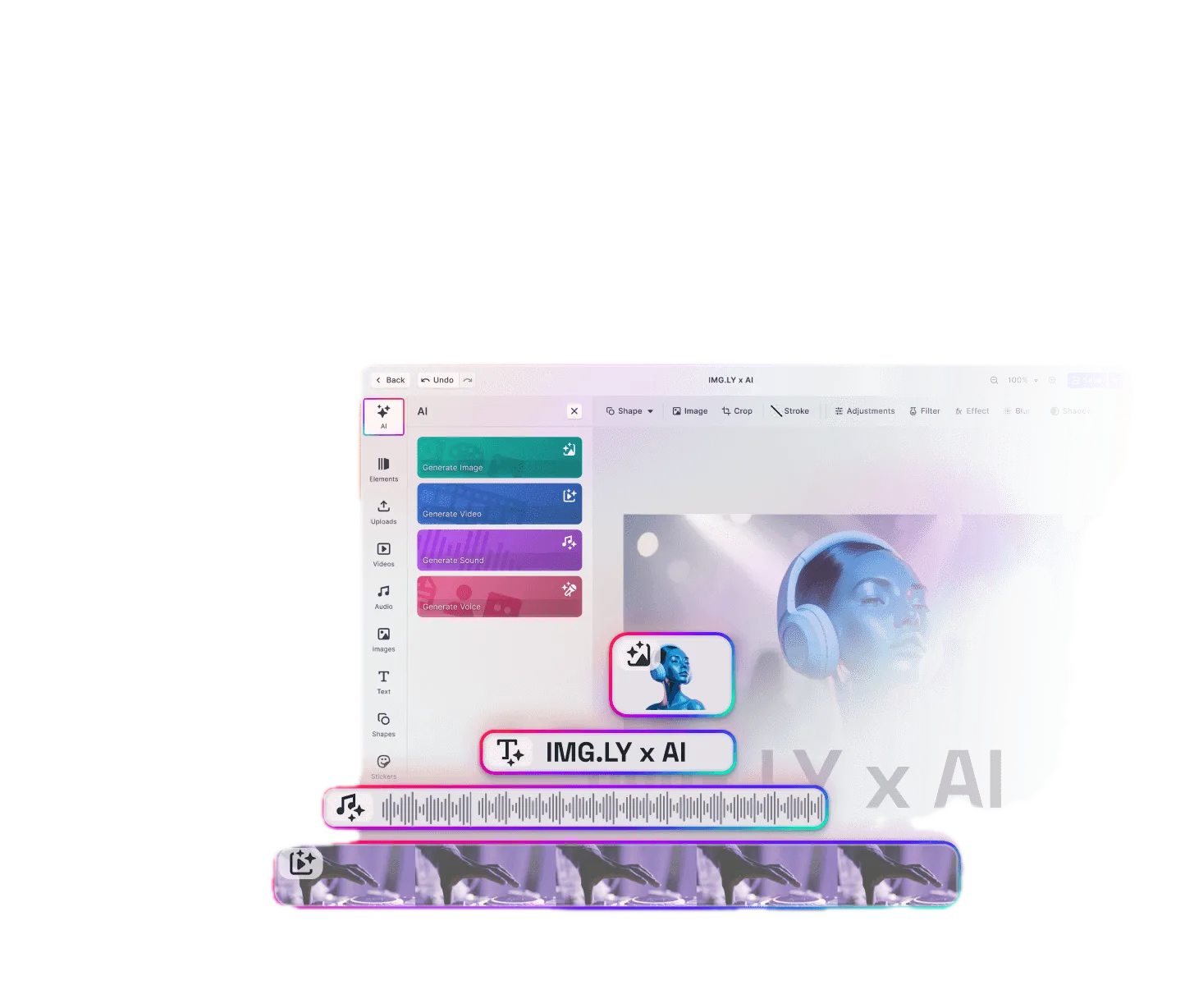
Whichever model wins this matchup for your jobs, neither delivers exact brand colors, editable text or guaranteed transparency. The IMG.LY AI Editor is the human-in-the-loop layer that does, giving your users the control they need to be productive with generative AI.
Frequently asked questions
Neither wins every category. This page runs the models on identical prompts and marks each row’s winner in the head-to-head table, so the right choice depends on the criteria your product needs: cost, text accuracy, transparency, brand color and so on.
The head-to-head table lists the measured cost per image for each model and marks the lower-cost one on the Cost row; latency is shown the same way. Verify against the provider before committing volume.
The green check marks the best value in each row: highest score for quality criteria, lowest for cost and latency. When every model scores zero on a row (transparency, for most of the field) no winner is marked, because least-bad is not best.
Each image is scored 0 to 5 per criterion. Measured criteria (resolution, latency, cost, transparency, color accuracy) are computed automatically; quality criteria (text accuracy, prompt adherence, composition) are judged by an automated Claude vision tier against each prompt’s checklist. A model’s score in any scope averages its runs per criterion first, then gives each criterion one equal vote, so a criterion measured on every prompt cannot outweigh one measured on a few. Blind expert-panel review has not run yet; the dataset is pilot-0.
Yes. You can route generation to either model per job and refine the output in an editable canvas. The IMG.LY AI Editor pairs any model’s generation with background removal, brand kits and editable text, so your users take whichever model’s result to production quality.