




Video Transitions
Also known as: Scene Transition, Clip Transition
What Is a Video Transition?
A video transition is the way an edited video moves from one clip to the next. In a cut the next clip starts on the following frame. Every other type spends a moment on both clips: a cross-fade (also called a dissolve) blends them, a fade dips to black or white in between, and a wipe, push or zoom moves the new picture into the frame.
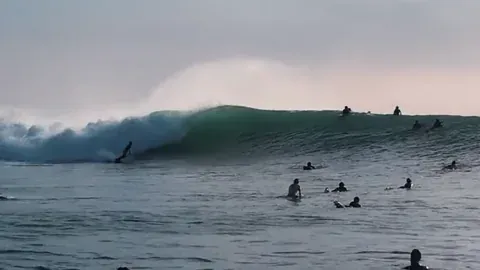
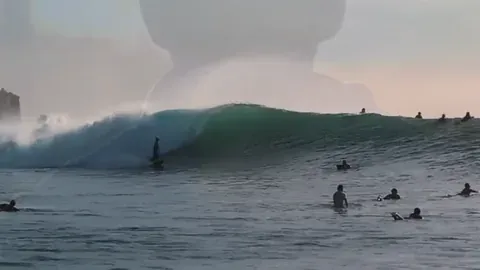
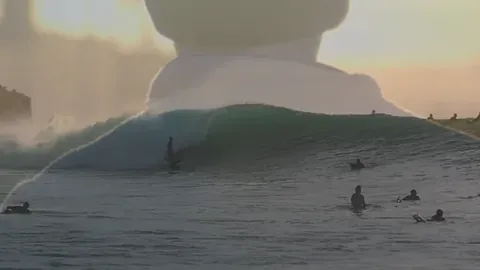
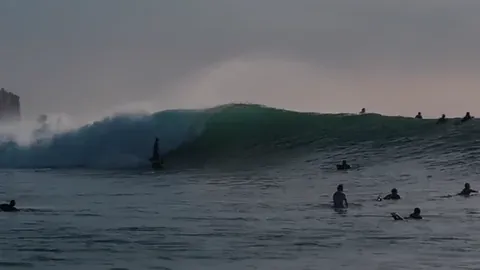
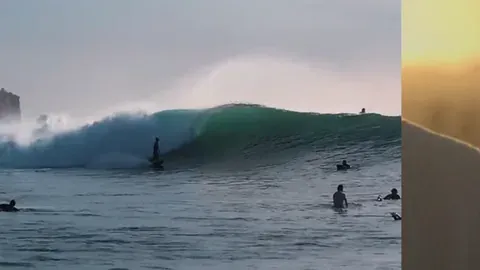
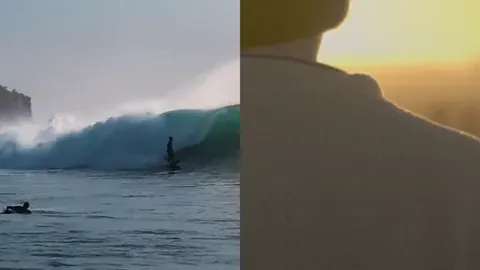
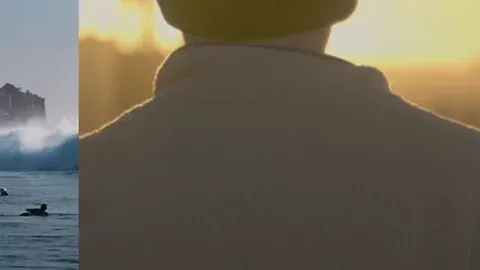
Each one sits at an edit point between two clips, and the editor sets how long it lasts. The CE.SDK Transitions panel lists the plain cut as None, and the frames below show four of its other types, each 1 second long.




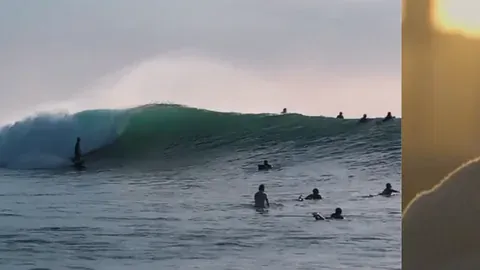
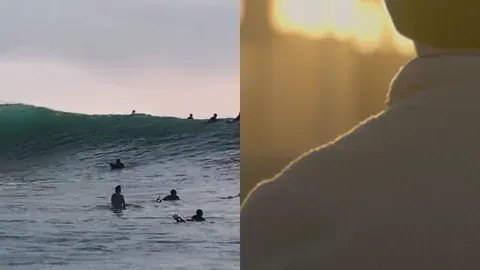
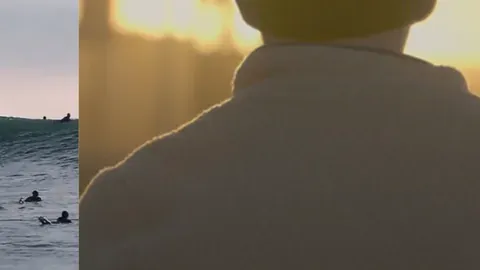
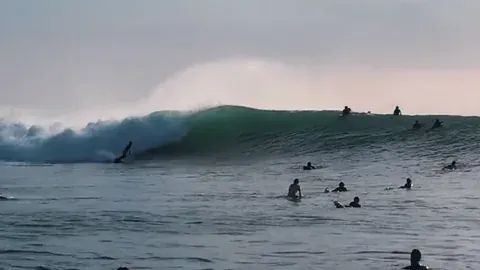
What Happens to the Clips During a Video Transition?
The two clips play over the same stretch of time, so the editing software has to find that shared footage somewhere. Final Cut Pro takes it from footage beyond the edit points, called media handles, and the project keeps its length; when a clip has too little extra footage, it offers to overlap the clips instead, which shortens the project.
CE.SDK always overlaps them, moving the next clip and the rest of the track earlier by the transition’s duration. In our render, two 4 second clips ran 8 seconds with a plain cut and 7 seconds with a 1 second Cross Fade.
Which Type of Video Transition Fits Each Moment?
Pick the transition by what changes between the two clips: a cut when nothing has, a cross-fade when time or place has, a fade to black when a section ends, and a wipe or push when the video turns to a new topic.
| Use | Why | |
|---|---|---|
| The next shot in the same scene | None, a plain cut | The next shot starts on the following frame, so the story keeps moving |
| Time has passed or the place has changed | A cross-fade (dissolve) | Blending the two pictures marks a change of time or place |
| A section or the whole video ends | Fade to black | The picture goes dark before the next part, which reads as an ending |
| The video turns to a new topic or step | A wipe or a push | The next shot crosses the frame and takes the place of the current one |
| The same speaker after a trimmed pause | A short cross-fade | A brief blend makes the jump feel less abrupt |
| A cut to a branded end card | A color wipe in the brand color | In CE.SDK, Color Wipe and Color Fade take a color setting |
How Long Can a Video Transition Be?
In CE.SDK, a transition can last up to half as long as the shorter clip it joins, and your users set its length in the Transitions panel. The picture changes for less time than that number suggests, because the change starts slowly, speeds up through the middle and slows again at the end.
Each transition also comes off the running time, since CE.SDK overlaps the clips: five clips that add up to 30 seconds play for 26 seconds with four 1 second transitions between them. A template built for an exact ad slot needs its clip lengths set with those overlaps counted in.
97%
of a 1 s cross-fade's change
came in its middle half second in our render
2 s
longest overlap of two 4 s clips
we asked for 3 s and got half a clip
1.2 s
length of a new transition
in CE.SDK 1.85.1, before anyone changes it
How Video Transitions Work in CE.SDK
CE.SDK video editing has 20 transition types in five groups: blends, movement, fades, wipes and patterns. Your users can add them on the web, on iOS and on Android, and your code can set the same ones through the engine API.
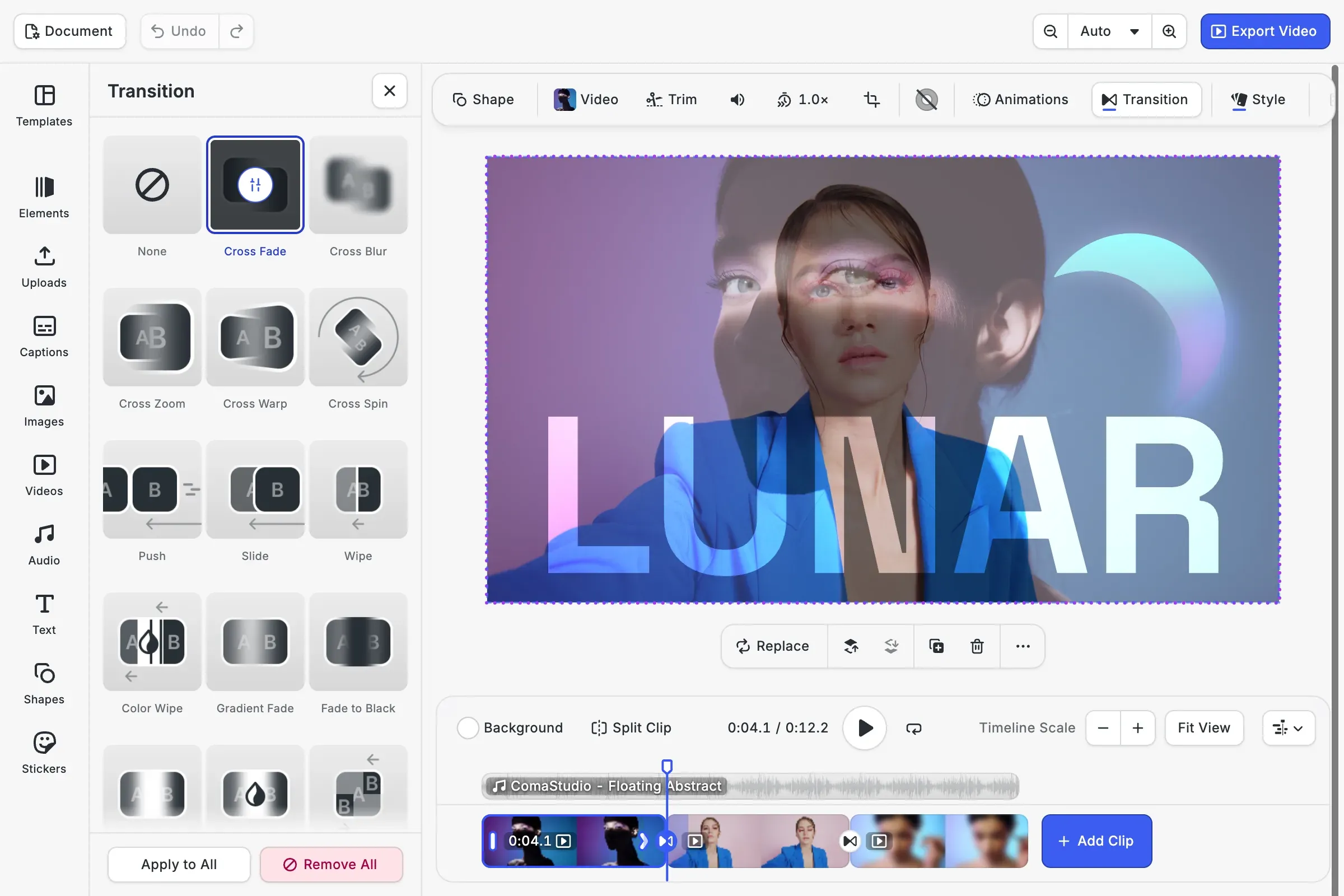
Your users pick one between two clips
A round control on the seam between two clips, or the Transition button for the selected clip, opens the Transitions panel. Each preset has its own settings, such as duration, direction and color, and Apply to All copies a transition to every clip on the track that can take one.
Text, images and stickers transition too
Any clip placed directly on a video track can take one, so a title card, a photo, a sticker or a shape blends into the next clip the way footage does. The sound of the two clips cross-fades over the same stretch, while audio and caption clips take no transitions.
A clip can morph into the next one
Most types have a morph setting. With it on, CE.SDK carries the outgoing clip’s shape, size, position and rotation toward the next clip’s during the transition, which shows most when the two are framed differently.
FAQs
Editing glossaries disagree. Some count the cut as the most common transition, and others describe a transition as the softer alternative to one. The cut is the only type that takes no time on the timeline, so both clips keep their full length, while every other type needs footage from both clips for its whole duration.
Yes. Both names describe one clip fading out while the next fades in, so the two pictures blend for a moment. Final Cut Pro calls it Cross Dissolve and uses it as its default transition, while CE.SDK calls it Cross Fade.
In Final Cut Pro for iPad, a transition on a clip with no neighbor fades in from black at the start or out to black at the end. In CE.SDK a transition always joins two clips, so its controls never appear on the last clip of a track. To fade in at the start or out at the end, give that clip a fade in or fade out animation.
In CE.SDK it does: the audio of the two clips cross-fades over the same stretch as the picture. When the sound should change before or after the picture, editors reach for a J cut or an L cut instead, which lets one clip's audio run under the other clip's picture.
Twenty, in five groups: blends such as Cross Fade and Cross Zoom, movement such as Push and Slide, fades such as Fade to Black and Gradient Fade, wipes, and two patterns, Chop and Two Stripes. The video editor also offers None, which leaves a plain cut.
Links
Documentation and references for this concept.
Video Editor SDK
Add transition presets to the timeline your users edit on, in the browser and on phones.
Apply Transitions Guide
Create, assign and configure transitions, and see how they shift the clips on a track.
Transitions Demo
Pick a transition for two clips and play it back in a working editor.
Related Terms
Jump Cut
A cut that removes time from a single shot of a subject, so the person or object appears to skip ahead while the camera …
Timeline
The time-based editing interface in CE.SDK's video editor where users sequence, trim, and synchronize all media elements…
Video Editor
A CE.SDK Starter Kit for timeline-based video creation and editing, surfacing clip trimming, splitting, reordering, and …