




Sublimation vs. DTF
Also known as: Dye sublimation vs. direct to film
What Is the Difference Between Sublimation and DTF Printing?
Sublimation dyes the material itself. Heat turns the ink into a gas that bonds with polyester fibers or a polyester coating, so the design becomes part of the shirt or mug. DTF prints the design onto a film and heat-presses it onto the garment, where it stays on the surface of the fabric.
That difference decides what each one can print on. Sublimation needs white or light polyester, or a coated item like a mug, while DTF works on cotton, polyester, and blends in any color, black included. CE.SDK exports the print-size artwork that either process starts from.
How Does Sublimation Printing Work?
Sublimation moves dye from paper into the product with heat and pressure. It needs no screens or plates, which makes one-offs and small runs easy to print.
Print on transfer paper
A sublimation printer puts the design on transfer paper with sublimation ink.
Press with heat
The paper goes face down on the product, and a heat press turns the ink into a gas.
The dye bonds
The gas bonds with the polyester, so there is no surface layer to crack or peel, and nothing to feel.
What Can You Print With Sublimation?
Sublimation works on white or light items with polyester to hold the dye, either in the fabric or as a coating. 100% polyester gives the brightest colors, and the less polyester a blend has, the more faded the print.
-
Polyester T-shirts and jerseys
-
All-over-print apparel
-
Coated mugs
-
Phone cases
-
Mouse pads and coasters
-
Flags
When Is DTF Better Than Sublimation?
DTF is the better choice when the garment is cotton or dark. The transfer carries its own white layer, so colors stay bright on a black shirt, and its adhesive holds the print on fabrics sublimation can’t dye. The trade-off is that you can feel the print on the surface of the shirt.
For mugs and other hard items, standard DTF isn’t the tool. UV DTF, a separate process, makes peel-and-stick decals for them instead. DTF vs. DTG explains how a DTF transfer is made.
Sublimation vs. DTF: How Do They Compare?
The fabric and its color usually settle the choice before anything else.
| Sublimation | DTF | |
|---|---|---|
| Fabrics | Polyester and high-polyester blends | Cotton, polyester, and blends |
| Garment colors | White and light colors | Any color, including black |
| White ink | None, white areas show the material | A white layer under the design |
| Feel | None, the dye is in the fibers | A thin, soft layer on top |
| Hard goods | Coated mugs, phone cases, and more | Not with standard DTF |
| Durability | Won't crack or peel | 50+ washes when cured properly |
How Do You Prepare a File for Sublimation?
A sublimation file prints mirrored, can’t rely on white ink, and needs 300 DPI for mugs and phone cases. Shops also differ on color profile, some working in sRGB and others in CMYK, so ask which one they use.
Mirrored for printing
The design has to print mirrored, because the transfer paper goes face down. Check whether the shop mirrors it or expects a mirrored file.
No white ink
Sublimation inks are transparent and there is no white, so white areas in the file stay unprinted and show the color of the product.
300 DPI for mugs and cases
Mugs and phone cases need 300 DPI at their printed size. Check the shop’s guidelines for other products.
How to Prepare Sublimation and DTF Files in CE.SDK
Match the page to the print area
Work in inches or millimeters, make each page the size of the product’s print area, and set the DPI the shop asks for.
Design on the product
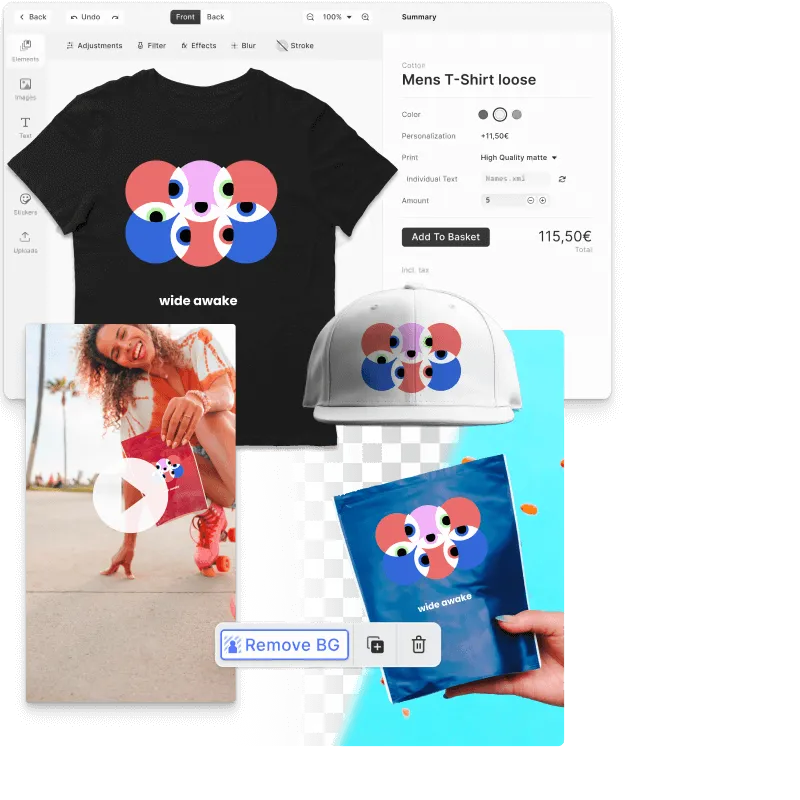
On the web, the Product Editor starter kit lets customers design mugs, phone cases, T-shirts, caps, and tote bags against mockups of each product.
Export the artwork
Export the design as a PNG, leaving the background transparent where the artwork doesn’t fill the area, and send it to the sublimation or DTF partner.
Sublimation and DTF for Custom Merch
Photo mugs and phone cases
A gift shop lets customers place their own photo on a white mug or phone case, and its sublimation partner prints every order.
Merch on dark shirts
A band’s store sells its designs on black cotton tees, which sublimation can’t print, so each order goes to a DTF partner.
Links
Documentation and references for this concept.
Product Editor Starter Kit
An editor for designing mugs, phone cases, T-shirts, and other products against mockups.
Export to PNG
Export print artwork as a PNG, with transparency, at the pixel size a printer asks for.
Product Editor Demo
Customize a design on a range of products and export it for print.
Related Terms
DTF vs. DTG
Two digital ways to print designs on clothing. DTG prints ink straight into the fabric, while DTF prints onto a transfer…
T-Shirt Designer
A CE.SDK Starter Kit tailored for apparel customization: a pre-configured instance with a realistic t-shirt mockup backg…
DPI vs. PPI
Two measures of resolution that often get mixed up. PPI counts the pixels per inch of a digital image, and DPI counts th…
Screen Printing vs. DTG
The two main ways to print apparel: screen printing lays down one ink per mesh screen, DTG sprays full color directly on…