


Single Page Mode
The editor shows only one active page at a time.
Exploring Single Page Mode
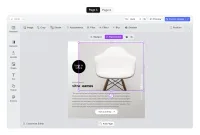
The editor UI can be constrained to display one page at a time, so that users can switch between the pages of a design with a clearer focus per page.
This is often convenient for multi-page use cases, e.g., various print products such as postcards or greeting cards.
Apart from print, the single page mode is also ideal for cases where a template is applied to media in different sizes and formats as is the case in multi-channel publishing. In those cases, users can examine each format individually and make appropriate adjustments.
Exploring Single Page Mode
The editor UI can be constrained to display one page at a time, so that users can switch between the pages of a design with a clearer focus per page.
This is often convenient for multi-page use cases, e.g., various print products such as postcards or greeting cards.
Apart from print, the single page mode is also ideal for cases where a template is applied to media in different sizes and formats as is the case in multi-channel publishing. In those cases, users can examine each format individually and make appropriate adjustments.
Related Demos
Advanced Editor UI
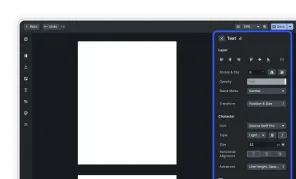
Our editor variant for professional users, grants granular control over designs.
Start with an Image
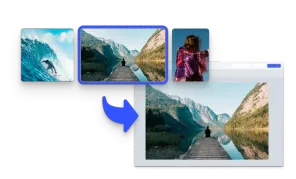
Initialize the editor with an image matching the page size.
Design Editor UI
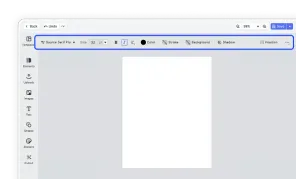
Our easy to use editor variant focused on layout, text, and images is ideal for adapting existing templates.