


Photo Editor UI
This CE.SDK editor configuration is equipped with the essentials for photo editing and includes advanced tools such as background removal.
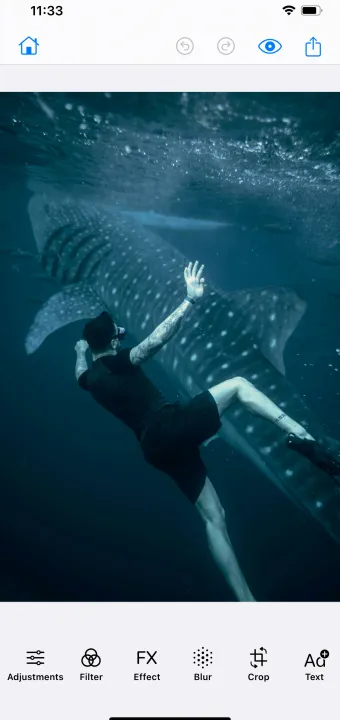
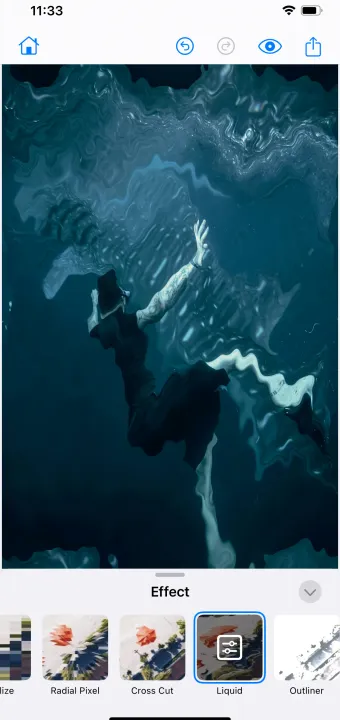
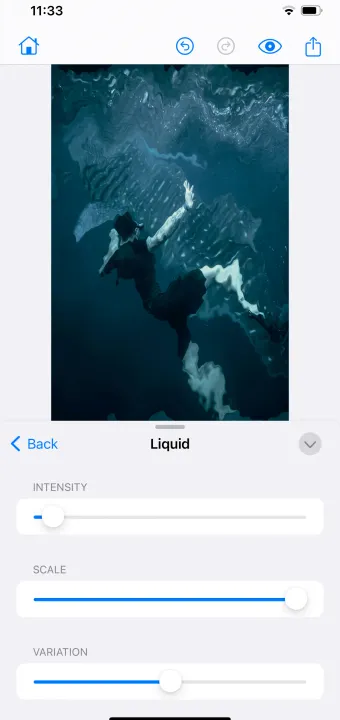
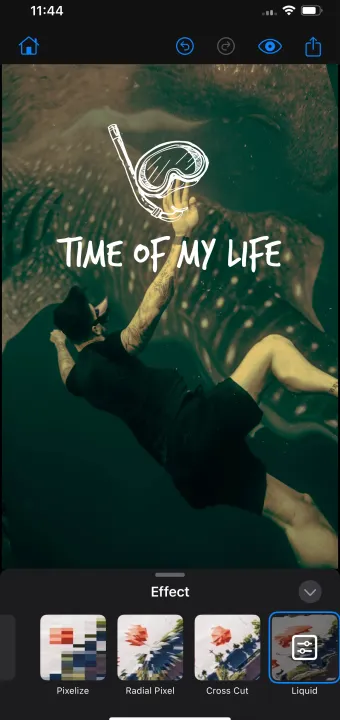
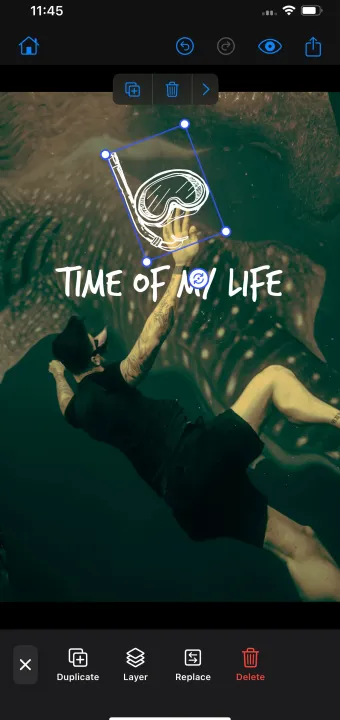
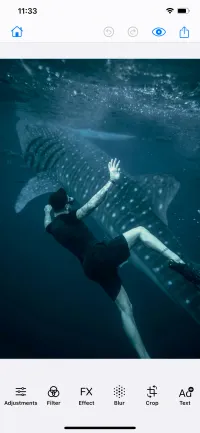
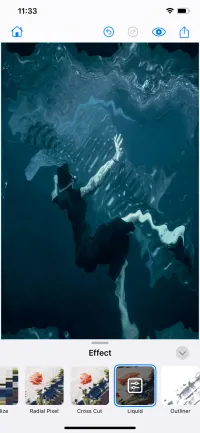
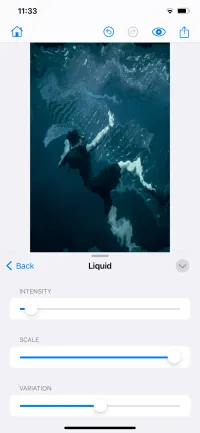
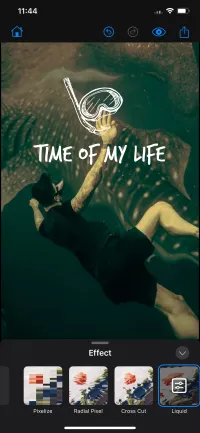
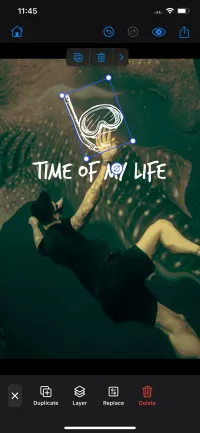
Bring quick and intuitive photo editing features to your users. This photo editor configuration of the CE.SDK reduces the Editor UI to only the essential features for photo editing. It further includes our powerful background removal algorithm that runs entirely on the users device, saving on computing costs.
This configuration can be further adjusted to suit your needs and is fully customisable.
Background Removal
Allow you users to remove the background of their photo with just one click! Note that this functionality is currently only available on Desktop, not our iOS or Android platforms.
Crop
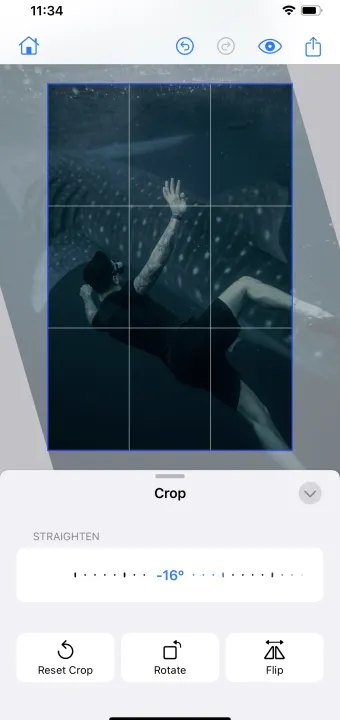
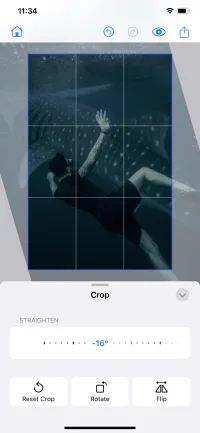
The crop tool includes straightening and scaling, both with rotation and flip functions. Great to allow users to get a profile photo out of a group picture, or quickly adjust a photo to match a specific format.
Adjust
Adjust tool comes with an extensive number of features such as brightness, saturation, contrast, gamma, clarity, exposure, shadows, highlights, blacks, whites, temperature, and sharpness. Those features can help to unleash your users’ creativity and produce stunning visuals. If not all adjust features are needed, their number can be limited based on user skills or use case.
Filters
The photo UI is also shipped with a large number of filters, which can be integrated unchanged, or adjusted based on specific needs. It’s also possible to upload custom filters matching in-app branding.
Photo UI is a great tool to engage users, allow them to express themselves better, and encourage them to produce quality content.
Bring quick and intuitive photo editing features to your users. This photo editor configuration of the CE.SDK reduces the Editor UI to only the essential features for photo editing. It further includes our powerful background removal algorithm that runs entirely on the users device, saving on computing costs.
This configuration can be further adjusted to suit your needs and is fully customisable.
Background Removal
Allow you users to remove the background of their photo with just one click! Note that this functionality is currently only available on Desktop, not our iOS or Android platforms.
Crop
The crop tool includes straightening and scaling, both with rotation and flip functions. Great to allow users to get a profile photo out of a group picture, or quickly adjust a photo to match a specific format.
Adjust
Adjust tool comes with an extensive number of features such as brightness, saturation, contrast, gamma, clarity, exposure, shadows, highlights, blacks, whites, temperature, and sharpness. Those features can help to unleash your users’ creativity and produce stunning visuals. If not all adjust features are needed, their number can be limited based on user skills or use case.
Filters
The photo UI is also shipped with a large number of filters, which can be integrated unchanged, or adjusted based on specific needs. It’s also possible to upload custom filters matching in-app branding.
Photo UI is a great tool to engage users, allow them to express themselves better, and encourage them to produce quality content.
Download

Related Demos
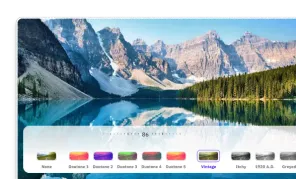
Custom Photo UI
Photo UI is equipped with advanced photo editing options while remaining easy and intuitive to use. Try the demo and see for yourself!
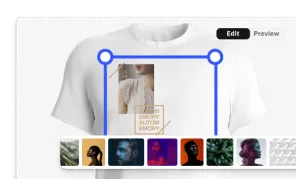
Custom Apparel UI
Custom, mobile apparel UI for creating print-ready design.
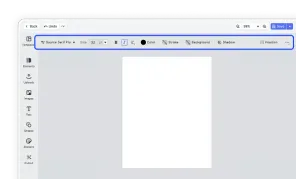
Design Editor UI
Our easy to use editor variant focused on layout, text, and images is ideal for adapting existing templates.