


IMG.LY CoDesign vs. Canva Magic Studio
Canva Magic Studio is the AI layer inside Canva, and its AI Connector lets an agent work on designs held in your Canva account. CoDesign is a free MCP server that runs on your own machine, so the design file stays there and your code can open the same file your designer does.
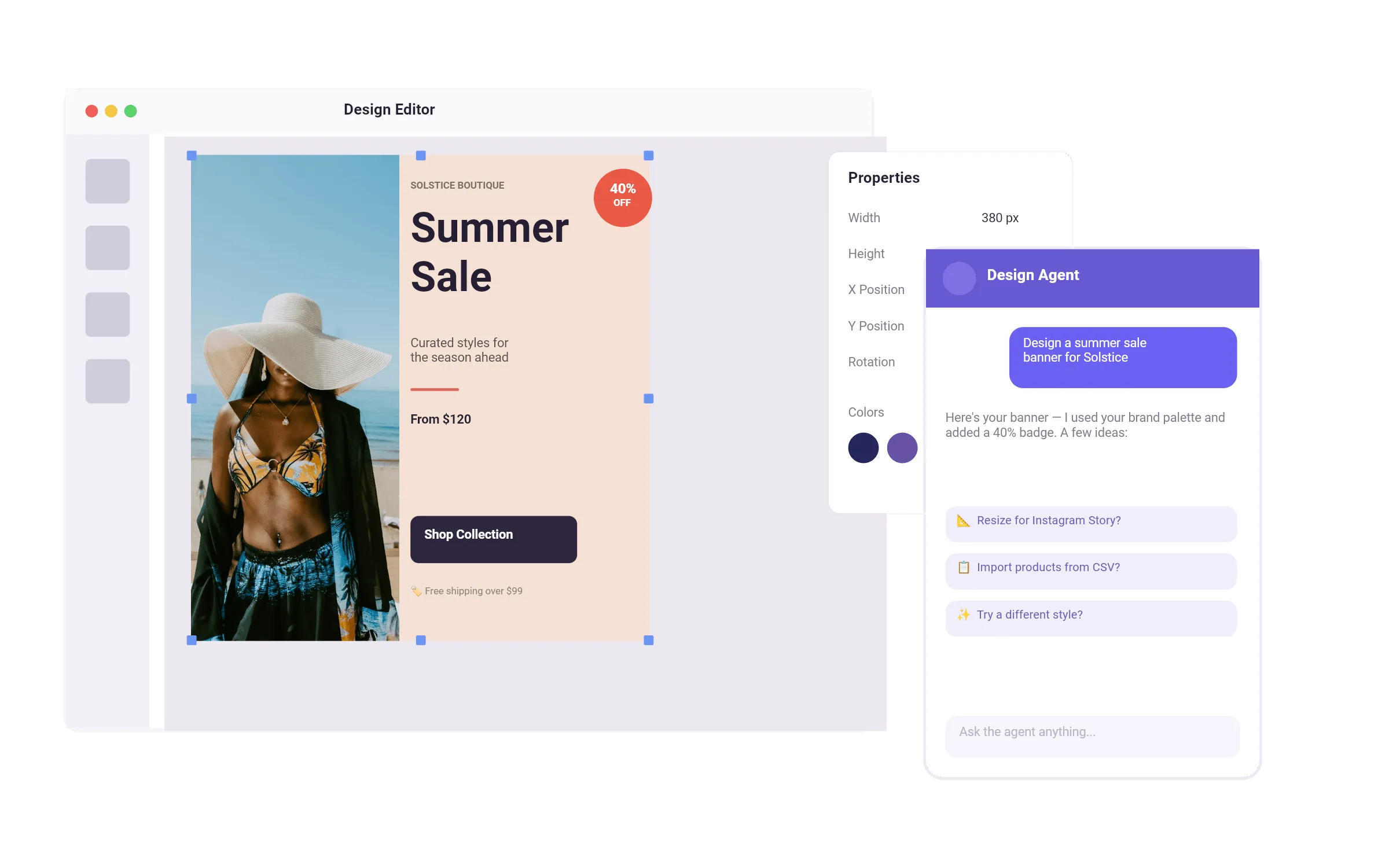
What makes IMG.LY CoDesign the best Canva Magic Studio alternative?
It runs on your own machine
Install one MCP server and your agent calls design like any other tool, whether that is Claude Code, Codex, Cursor, or your own stack. The server and the files it makes stay local.
Built for print, not only screens
Artboards measured in millimetres, bleed at the trim edge, and real PDF out. A 210 by 297 mm menu and a social post come off the same scene.
Agent, code, and designer. Same file.
Your agent edits it, your code automates it, your designer finishes it in a full editor. Nothing gets flattened on the way between them.
Free, local, no seat
The server runs on your own machine with no per-editor cost, and what you design is yours to use commercially, paid client work included.
Trusted by 100+
industry leaders














What our clients say about us
Integrating IMG.LY’s editor meant we didn’t have to build or maintain a complex editing layer ourselves. That kept our team focused on our core AI ad engine and saved us countless development hours — while still giving our customers the ability to polish and customize creatives at scale.
Hikari Senju
CEO, Omneky

With IMG.LY we built a central creative portal that now powers over 140 dealer campaigns across multiple automotive brands. Before this, asset creation was slow and inconsistent.
Martin Röhr
Product Owner, Digitas

By embedding IMG.LY’s editor we were able to hit key RFP requirements and deliver a template-based creative experience that now serves 1,000+ customers. It helped us win more deals and exceed enterprise expectations without needing to hire dedicated design teams.
Rob Driscoll
Director of PM, Optimizely

Since integrating IMG.LY’s editor, we now deliver 30,000+ ad creatives per month, dramatically shorten time-to-launch, and help our clients cut design spend by up to $10,000 per month.
Logan Welbaum
Founder, Plai
Our customers create over a million personalized postcards each year choosing from over hundreds of templates with IMG.LY’s SDK. It’s the only solution that allows us to build our own specialized, on-brand UI that integrates seamlessly with our platform.
Jeanine Zaalberg
Product Manager, SwissPost

From a developer’s perspective, the most powerful feature of the photo editor is the integration process. It was completely flawless, quick, and easy to integrate.
Stefano Fornari
CTO, Funambol
We compared IMG.LY SDK with other solutions and found that it would be the best fit for us since it provides all the features that are crucial for our use case.
Carem Pereira
SCRUM Manager, HP

IMG.LY CoDesign vs. Canva Magic Studio at a glance
| Feature | IMG.LY | Canva Magic Studio | Notes |
|---|---|---|---|
| Where it runs | A local MCP server your agent calls as a tool. One install prompt sets it up in Claude Code, Codex, Cursor, or your own agent stack, and both the server and your files stay on your machine. | A web application, reachable from an agent through the Canva AI Connector, with a separate Dev MCP server that assists developers building Canva apps. The designs themselves stay in a Canva account. | Both can be driven from an agent, so the real question is where the design lives: on your own machine, or in a Canva account on a paid plan. |
| Cost and seats | The local server is free to install and run, with no seat and no per-design fee. An IMG.LY account is needed only for AI image generation, and what you design is yours to use commercially, including paid client work. | Subscription plans priced per user. Free accounts get the earlier generation of AI features; full Canva AI 2.0 sits on paid plans. | Compare against your team size. CoDesign carries no per-editor cost; Canva prices per seat. |
| Where your files live | The server runs on your machine and the files stay there. Nothing leaves your infrastructure unless you ask for AI image generation. | Designs live in a Canva cloud workspace, which is what makes the real-time collaboration work. | A trade rather than a win. Local keeps the work private; cloud is what lets a team edit one file at the same time. |
| Code and automation | The agent, your own code, and a designer all work on the same file. Export the editable design and drive it programmatically on the production engine 100+ companies already run. | The Connect REST API covers assets, designs, autofill, brand templates, merges, resizes, exports, folders and webhooks, and Canva Code generates HTML, CSS and JavaScript widgets that render inside a design. | Canva has the broader REST surface. The difference is what the code touches: CoDesign hands your code the design file itself, while the Connect API operates on designs that stay in a Canva account. |
| Bringing existing work in | Hand your agent a PSD, IDML, PPTX or PDF and it opens as a structured, editable scene rather than a flat page. | The design import API accepts Illustrator, Photoshop, Affinity, Keynote, Pages, Numbers, Word, Excel, PowerPoint, OpenOffice Draw and PDF. | Canva covers the wider set of office and design formats. CoDesign reads InDesign IDML, which their import API does not list, and that is the format most existing print layouts sit in. |
| Export formats | PDF, PNG, JPG, WebP, SVG and HTML, plus the editable design file itself, all watermark-free. | The Connect exports API returns PDF, JPG, PNG, GIF, PowerPoint, MP4 and CSV. | Canva adds PowerPoint, MP4 and CSV. CoDesign adds SVG, HTML and the editable source file, which is what lets your own code pick a design back up. |
| Print output | Artboards sized in millimetres, bleed at the trim edge, and PDF export from the same engine behind the IMG.LY print SDK. A 210 by 297 mm menu and a social post come off one scene. | Canva exports print-ready PDF with crop marks and bleed, and sells print products directly. | Both reach a print PDF. Check colour handling against your printer requirements before committing to either. |
| Output you can edit | Every generation returns a structured scene, so you click the text and fix the typo instead of regenerating and hoping. | Canva says AI 2.0 builds designs from individual editable objects, with layout and hierarchy present in the first output rather than a flat image. | Parity since Canva AI 2.0 in April 2026. This used to separate the two products and no longer does. |
| Brand control | Load a brand kit once and your fonts, colours and logos are applied to every output instead of being reimagined on each generation. | Brand Kit sets colours, fonts and logos, and Canva states brand is present in AI 2.0 output from the first generation. Enterprise plans add controls over which AI features a team may use. | Close to parity. Canva adds administrative control over AI use, which CoDesign does not have. |
| Team collaboration | No shared workspace and no multi-user editing. Work is handed between an agent, your code, and a designer on one file rather than edited by several people at once. | Real-time multi-user editing, comments and shared folders, mature and well established. | Canva is ahead here. If several people editing the same design at once is the requirement, that is Canva. |
| Maturity | A technical preview. It works today and anyone can install it, with no waitlist, but it is rough in places and the tools and their output will keep changing between releases. | A mature product used at scale. Canva AI 2.0 is rolling out on paid plans, with availability varying by region and language. | Worth stating plainly. A team that needs stability today should know CoDesign is early before installing it. |
Key capabilities
Learn more about some of the functionalities of IMG.LY’s SDK.
Editing
Printing




Templating
Text variables.
Enable mass personalization and creative automation by embedding variables.
Placeholders & lockable designs.
Constrain templates to guide your users’ design and ensure brand consistency.
Configurable presets.
Enforce a consistent aesthetic across all creations by using preset filters, adjustments, fonts, and crop ratios.
Customizability
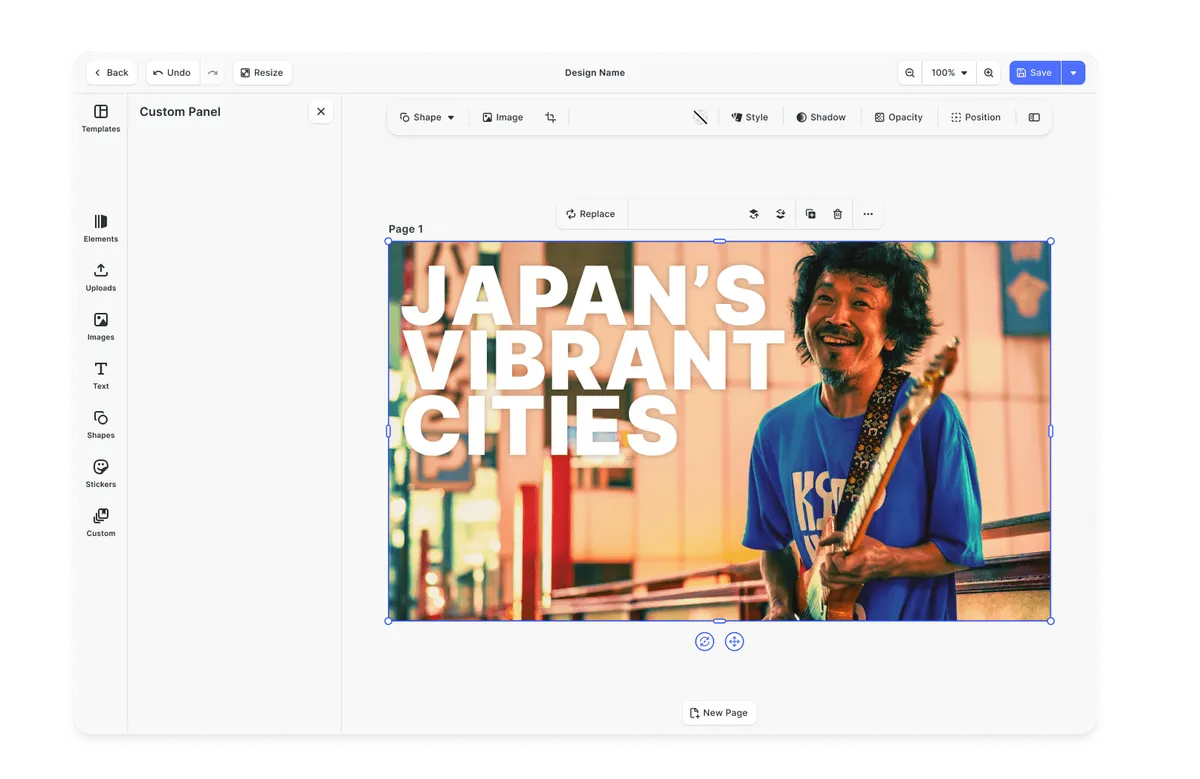
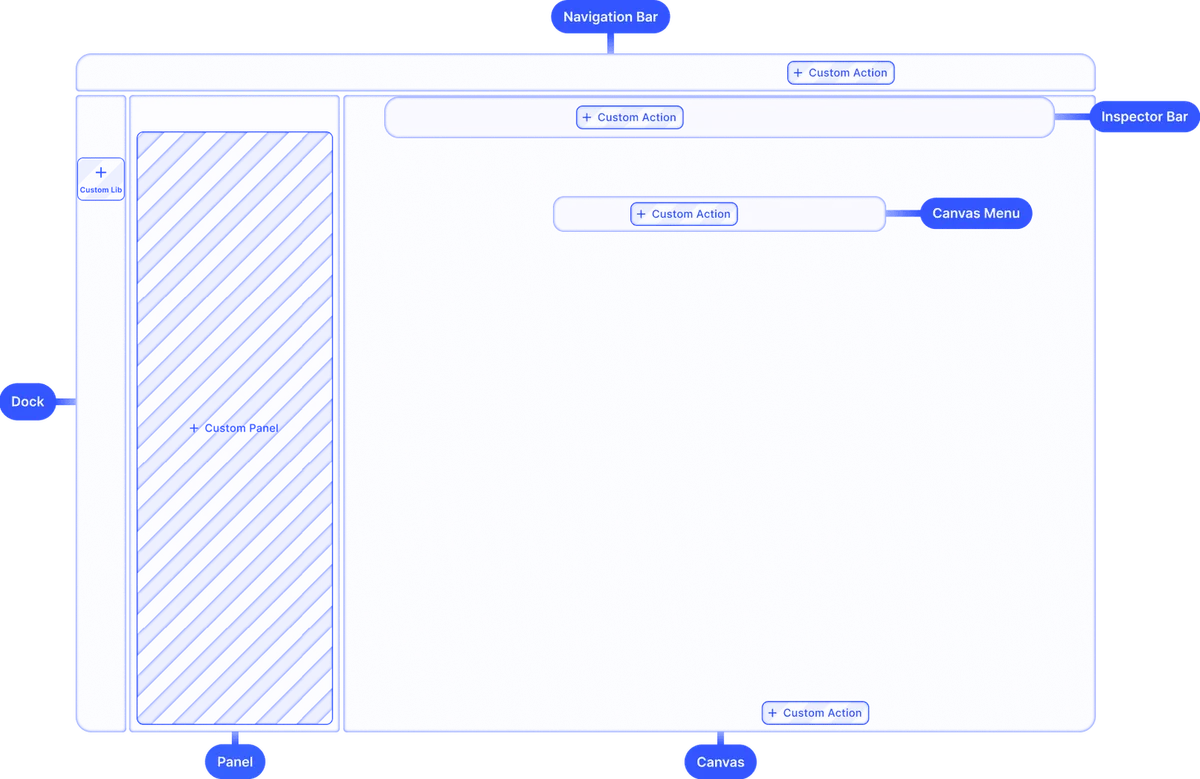
Build custom UIs.
Use the headless API powering all creative operations to implement an entirely custom UI.
Theming.
Theme the editor to match your app.
Media libraries.
Set up custom libraries that are easily sortable.
Toolbar customization.
Reposition toolbar elements, change icons, or rename tools to fit your use case.
Internationalization.
Add support for additional languages, and customize any button label.
Export options.
Export designs in JPG, PNG, or PDF with custom quality, page ranges, and dimensions.
Check out other use cases
Learn more about related solutions.
Apparel Designer
Whether t-shirts, hoodies or caps, build for any use case, deploy on any platform.
Get in touch
Contact our sales team to learn more about licensing options and get access to our AI plugins for CE.SDK.
FAQs
Both can now be driven from an AI agent, and both return editable designs rather than flat images, so those are no longer the difference. Canva works on designs held in your Canva account and is priced per seat. CoDesign is a free MCP server on your own machine, so the file stays local and your own code can open the same file a designer finishes. It also reads InDesign IDML and exports SVG, HTML and the editable source, which Canva does not list.
No. CoDesign is built for marketeers, designers, and people with no design background alike. If you can describe what you need, CoDesign can build it. The output lands on a real canvas where you can make final adjustments yourself - without relying on a designer to finish the job.
Yes. Every output is a structured scene, so you click the text and fix the typo instead of regenerating and hoping. Canva AI 2.0 also returns editable objects now, so this is no longer what separates the two. What still differs is that the same file opens to your code and to a designer in a full editor, not only to the assistant that made it.
Load your brand guidelines once. CoDesign applies them automatically to every output from the first generation, whether you're making one post or a hundred campaign variants. It's not a setting you have to remember to apply or a QA step someone forgets to run.
It is a technical preview. It works and anyone can install it today, with no waitlist and no access request, but it is rough in places and the tools and their output will keep changing between releases. Designs you have already made stay editable.
Yes. Describe the campaign once and ask for every size, channel, or language in the same conversation. CoDesign generates each format and auto-adapts layouts for text expansion across languages, without switching tools or handing off to a designer.
Social posts, ad variants, event graphics, posters, menus, reports, and print work sized in millimetres, all from conversation. It also imports PSD, IDML, PPTX and PDF, so designs you already have can be changed rather than rebuilt, and exports PDF, PNG, JPG, WebP, SVG, HTML, or the editable design file.