VideoEditor SDK for Mobile

Bring intuitive video editing to your iOS, Android, Flutter, and React Native apps.

With built-in camera access, advanced editing tools, and timeline-based workflows, users can capture, edit, and enhance high-quality videos, all within your app.

Create inspiring experience that keeps users engaged and customize the editor to feel like a native part of your app.

Advanced Features

Powerful Video Editor For Your Mobile Apps

Customizable UI

Tailor every aspect of the editor, from tool layout, colors, and icons to fonts, language, and default settings. Enable or disable features, rearrange UI elements, and create custom themes to match your brand.

Powerful Editing Tools

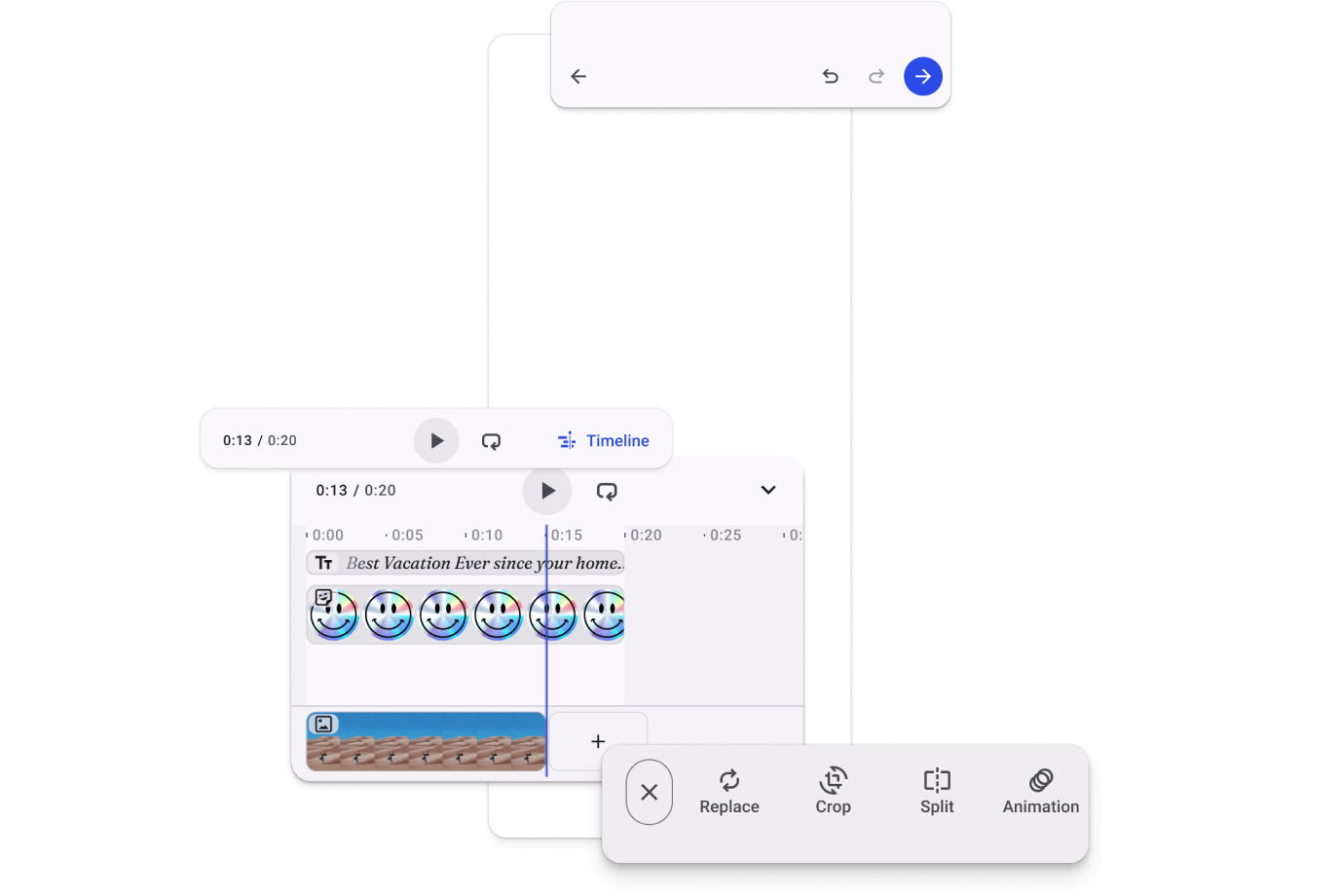
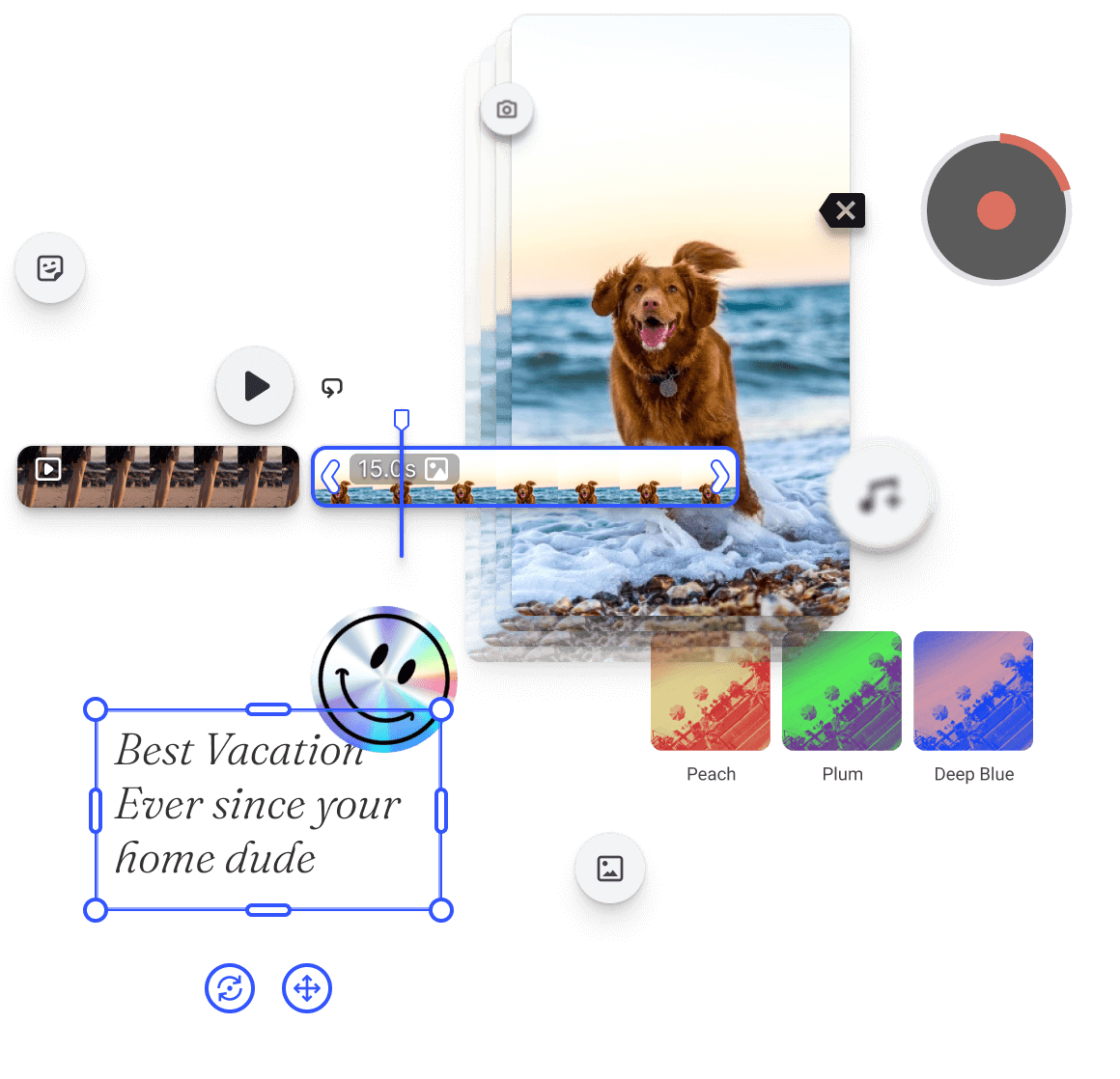
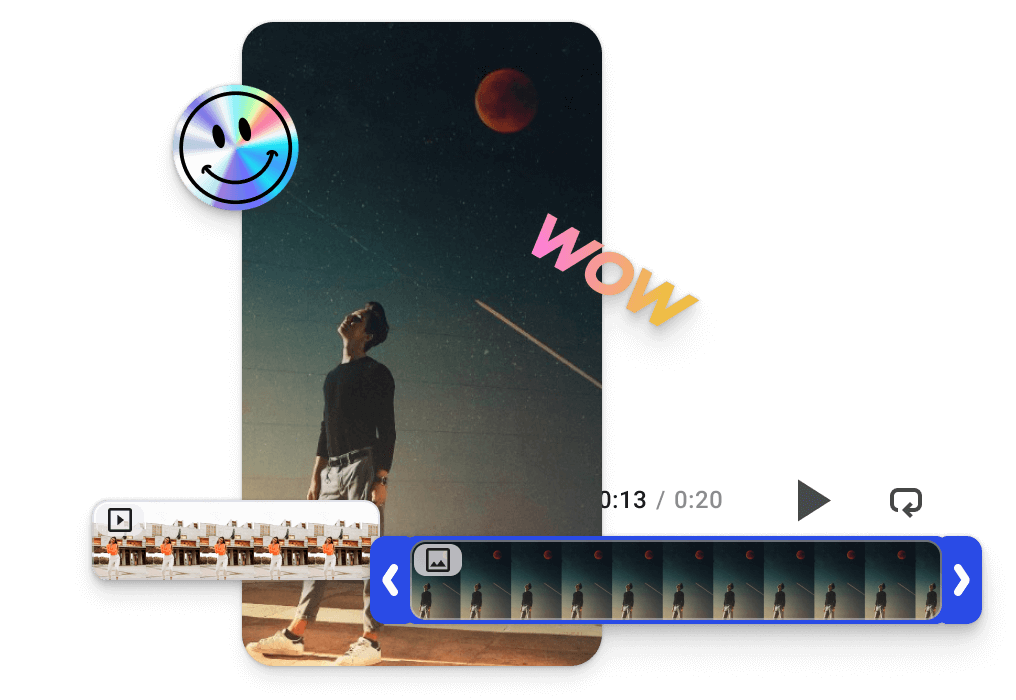
Easily combine videos, photos, stickers, text, and shapes on a flexible timeline empowering your users to create engaging, professional-quality content right from their devices.

Story and Reels Creation

Enable users to create standout reels with features like dual-camera recording, reactions, time-lapse, and audio overlays fuelling high-quality, engaging content that drives growth.

Template-Based Editing

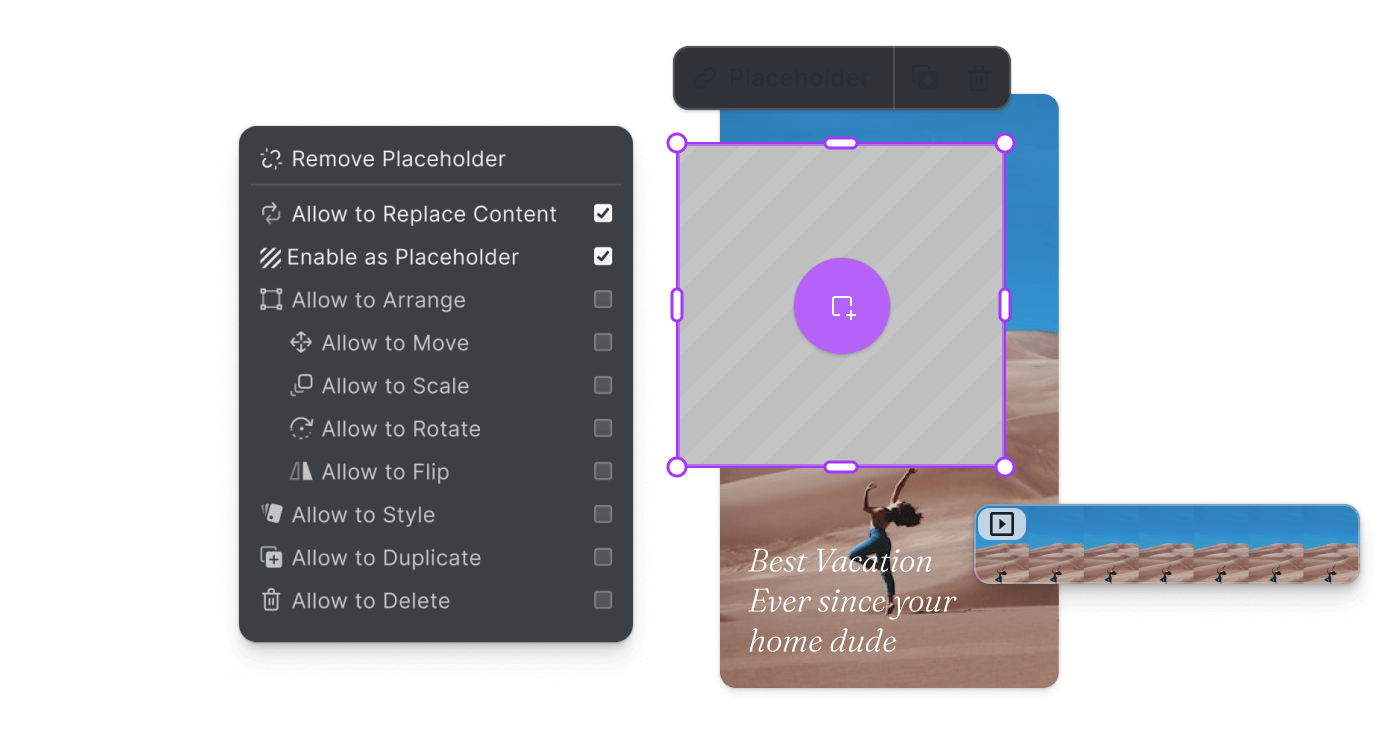
Empower users to create standout videos with customizable templates, dynamic placeholders, and streamlined creation process.

Shape the type of content being generated and align it with your platform’s goals and brand identity.

Client-side Video Encoding

Deliver blazing-fast editing with a fully client-side editor and no backend needed. Reduce upload times and bandwidth usage while cutting infrastructure costs and scaling effortlessly.

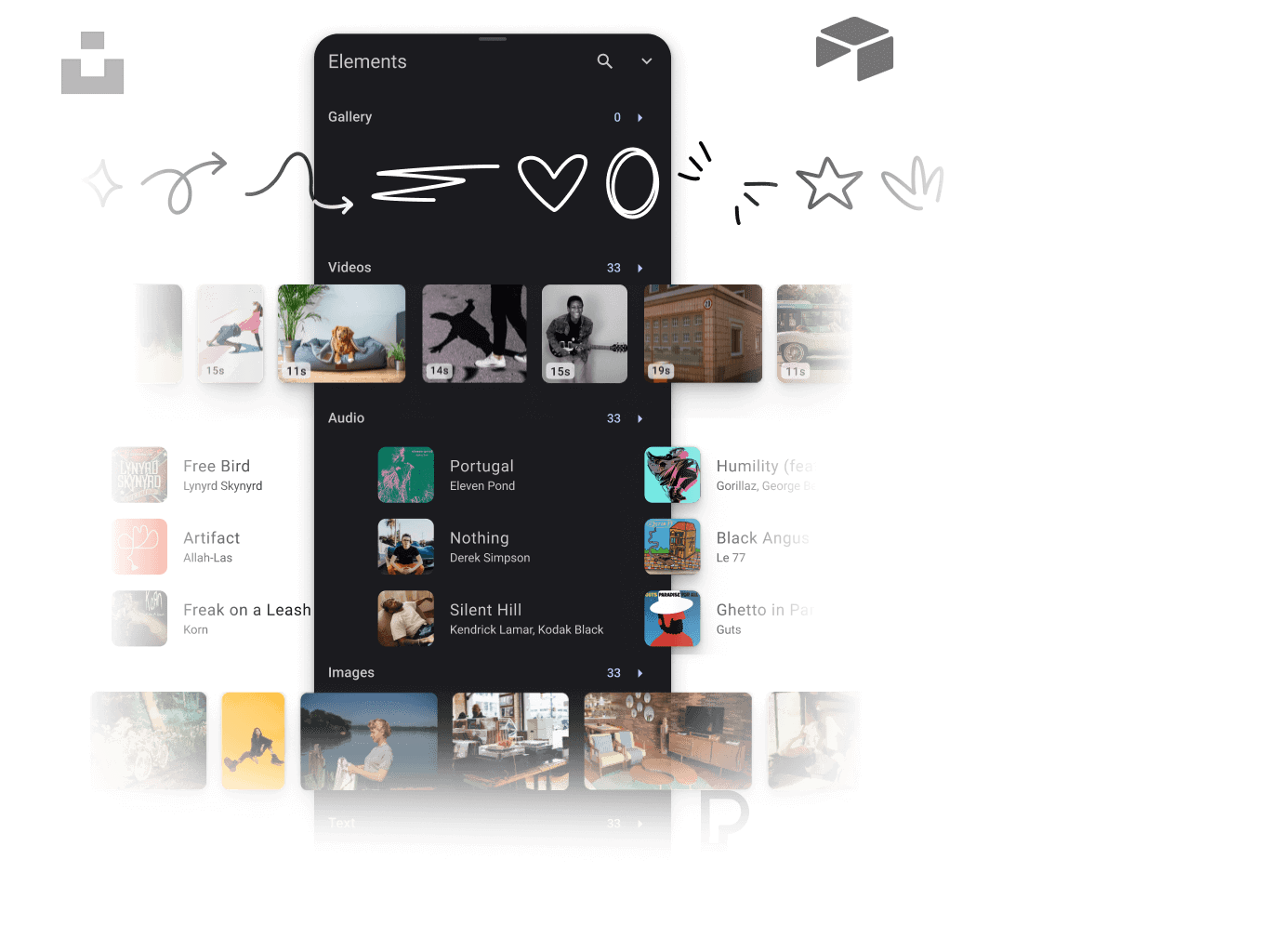
Customizable Asset Library

Enhance the editor with custom assets or built-in elements like filters, overlays, and smart stickers. Integrate libraries like Getty Images and Soundstripe to offer a fully equipped, ready-to-create experience.

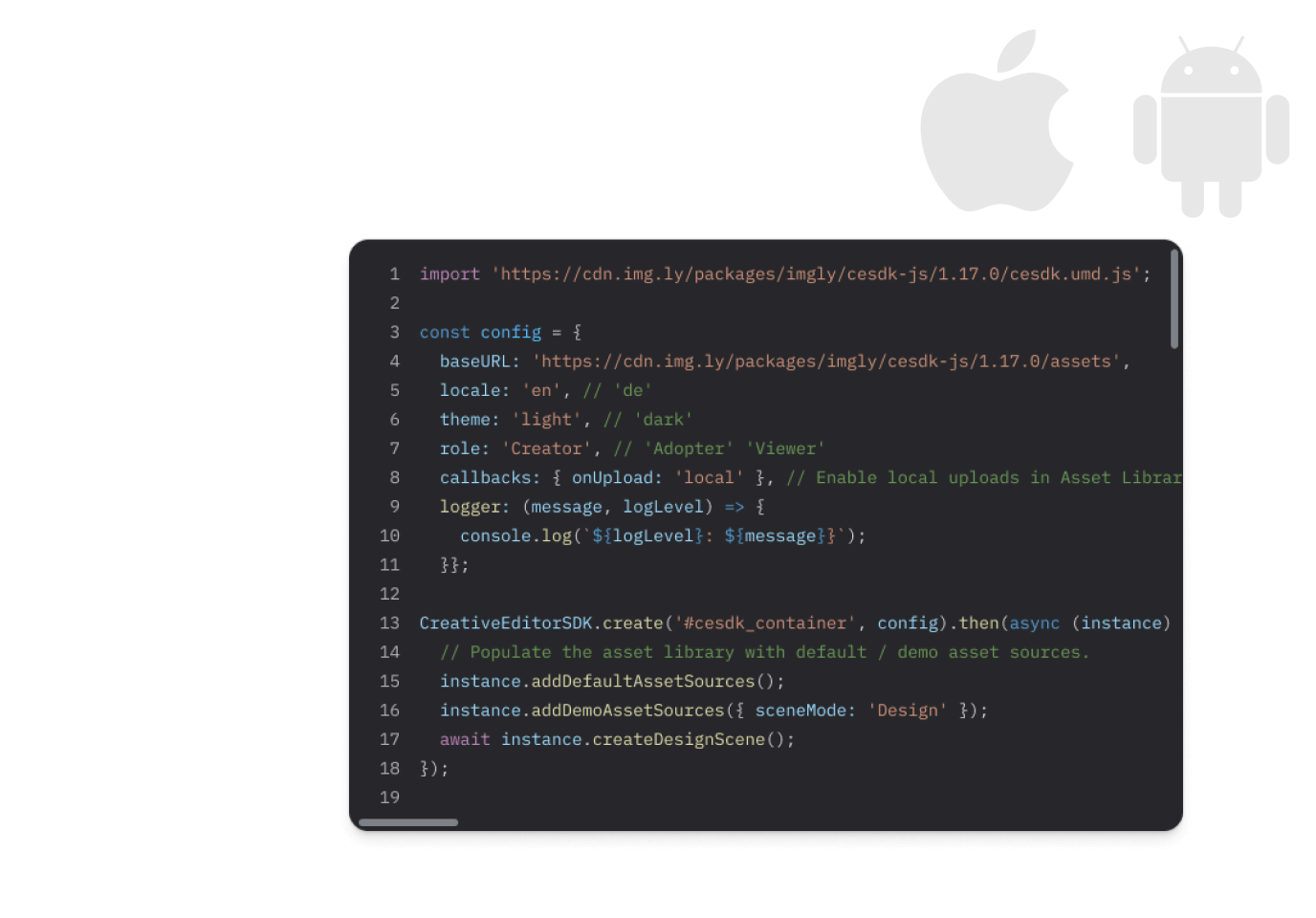
Easy Integration

Integrate with ease using well-documented code and a cross-platform engine that delivers consistent quality on iOS and Android.

Automated Video Creation on Web

Use features like placeholders and dynamic text variables to help your users quickly generate personalized marketing and sales materials streamlining production while maintaining brand consistency.

Everything you need

Key Capabilities

Choose features that best match your use case and create smooth and enjoyable creation process.

Camera Features

Dual Camera

A globe
Web
Mobile

Record from one or multiple cameras.

Timer

A globe
Web
Mobile

Set a countdown (3s, 10s, or custom number) before starting recording.

Speed

A globe
Web
Mobile

Define time-lapse & slow-motion settings.

React

A globe
Web
Mobile

Record simultaneously with the front & back camera.

Editing

Trim

A globe
Web
Mobile

Set the start and end time of videos.

Adjustments

A globe
Web
Mobile

Fine-tune designs with an exhaustive set of adjustment operations such as brightness and contrast.

Effect & Blur

A globe
Web
Mobile

Add a unique mood to designs with effects & blur.

Element Snapping

A globe
Web
Mobile

Snap stickers and text to control points for more precise placements.

Blend Modes & Grouping

A globe
Web
Mobile

Define the blending behavior and grouping.

Undo & Redo

A globe
Web
Mobile

Allow users to undo and redo all editing operations.

Special Effects

Dynamic Stickers

A globe
Web
Mobile

Add any number of clips and arrange them on the timeline.

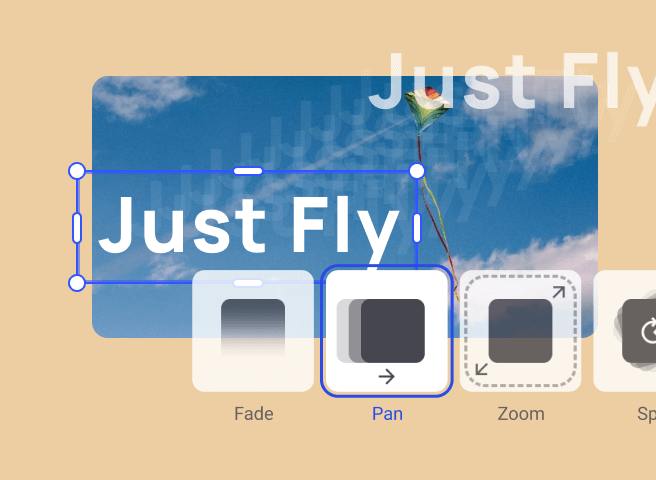
Animations

A globe
Web
Mobile

Animate elements and define exact behaviour.

Trim

A globe
Web
Mobile

Set the start and end time of videos.

Split

A globe
Web
Mobile

Split video into multiple clips.

Templating

Design Templates

A globe
Web
Mobile

Create role based design templates to jumpstart users’ creativity.

Text Variables

A globe
Web
Mobile

Enable mass personalization and creative automation by embedding variables.

Placeholders & Lockable Designs

A globe
Web
Mobile

Constrain templates to guide your users’ design and ensure brand consistency.

Configurable Presets

A globe
Web
Mobile

Enforce a consistent aesthetic across all creations by using preset filters, adjustments, fonts, and crop ratios.

Composition

Timeline

A globe
Web
Mobile

Arrange videos and elements on a timeline.

Asset Libraries

A globe
Web
Mobile

Add custom assets for filters, stickers, overlays and frames.

Merge Video

A globe
Web
Mobile

Pick, edit and merge several video clips into a single visual sequence.

Video Collage

A globe
Web
Mobile

Arrange multiple videos on a single page for immersive video collages.

Timed Elements

A globe
Web
Mobile

Add a dynamic elements such as stickers and set their duration on the timeline.

Overlay Audio

A globe
Web
Mobile

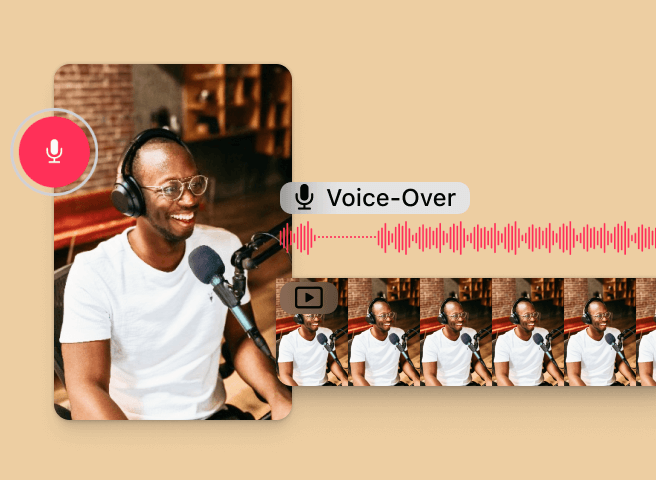
Add audio files to videos and set the mood through music or narration.

Customizability

Build Custom UIs

A globe
Web
Mobile

Use the headless API powering all creative operations to implement an entirely custom UI.

Theming

A globe
Web
Mobile

Change the editor theme to fit seamlessly with your app.

Media Libraries

A globe
Web
Mobile

Set up custom libraries that are easily sortable.

Toolbar Customization

A globe
Web
Mobile

Reposition toolbar elements, change icons, or rename tools to fit your use case.

Internationalization

A globe
Web
Mobile

Add support for additional languages, and customize any button label.

Export Options

A globe
Web
Mobile

Export designs in JPG, PNG, or PDF with custom quality, page ranges, and dimensions.

And there’s more

Check Out Other Use Cases

Enhance your printing workflow, boost efficiency and quality in printing, help your users unleash their creativity.
Web2Print Designer

Web2Print Designer

Elevate your Web2Print application with best-in-class Design Editor.
Creative Automation

Creative Automation

Automate & scale content creation with ease.
Variable Data Printing

Variable Data Printing

Enable mass-personalization in your design & print workflows.
Photo Prints

Photo Prints

Provide seamless design experience and inspire users with easily personalized templates.
Print Personalization

Print Personalization

Streamline personalization for your print products.
Apparel Designer

Apparel Designer

Whether t-shirts, hoodies or caps, build for any use case, deploy on any platform.

More from IMG.LY

IMG.LY for Brands & Agencies

Automate design processes and generate on-brand marketing materials with ease.

IMG.LY for Marketing Tech

Scale and automate any creative workflow.

Camera SDK

Make in-app recording easy with our Camera SDK.

Photo Editor SDK

Bring beautiful photo editing to your applications.

Creative Editor SDK

Empower your users with an easy-to-use design editor.

IMG.LY for Social Media

Unleash your users' creativity & leverage user generated content.

IMG.LY for DAM

Empower users to create, collaborate , and automate design tasks in your app.

Video Editor SDK

Powerful video editor for your iOS, Android, and web applications.

What Our Clients Say About Us

IMG.LY’s solution engineers did a deep dive on our business case and helped us implement a custom print kiosk UI.

André Albrecht
Digital Solution Manager
 @ 
Brother

Our customers create over a million personalized postcards each year choosing from over hundreds of templates with IMG.LY’s SDK. It’s the only solution that allows us to build our own specialized, on-brand UI that integrates seamlessly with our platform.

Jeanine Zaalberg
Product Manager
 @ 
Swiss Post

Our app has photo-editing at the very core of its experience and the editor has been invaluable in making that vision happen. There are no other tools on the market up to the quality of PE.SDK.

Toby Green
Lead Developer
 @ 
Elbi

Get in Touch

Contact our sales team to learn more about licensing options and get access to our AI plugins for CE.SDK.

FAQs

Can we integrate our own assets (Sticker, Frames, Overlays)?

Yes, absolutely! Please refer to our documentation for more information on that topic.

Can I decide on which features to implement?

Yes, you have full control over which features you decide to use. You can configure the toolbar on mobile and on web you can interface with the API directly to build the exact feature you need.

Which platforms/ frameworks are supported?

Our IMG.LY SDK is suitable for web and mobile (Android & iOS). Supported frameworks are React-Native, Flutter, Ionic, and Cordova for mobile and React, Angular, Svelte and Vue.js for web. For more information, please visit our Guides.

Can I enable/ disable a function by default?

Yes, you have full control over the Editor’s UI and functionality. You can also take full control over the editing process with smart templates, lockable designs and placeholders.

Do you offer integration support?

Yes, apart from accessing our complete CreativeEngine documentation you can also contact our support team. Our solutions team offer different levels of support based on your license type.
To explore your use case and potential solutions with us simply get in touch.

Do you offer integration support?

Yes, apart from accessing our complete Video Editor documentation you can also contact our support team. We offer different levels of support based on your license type. To learn more, please get in touch with our Sales Team.

Which server-side technologies do you support?

You can run the CreativeEngine in a Node.js environment and deploy it on any platform with Node.js support. See this guide on how to deploy on AWS for reference.

Can I try your Editors to see how it works?

Yes, we offer a free trial for all our products. You can get your free trial right now.

Read our White Papers
Explore