
Video editing for your web and mobile app
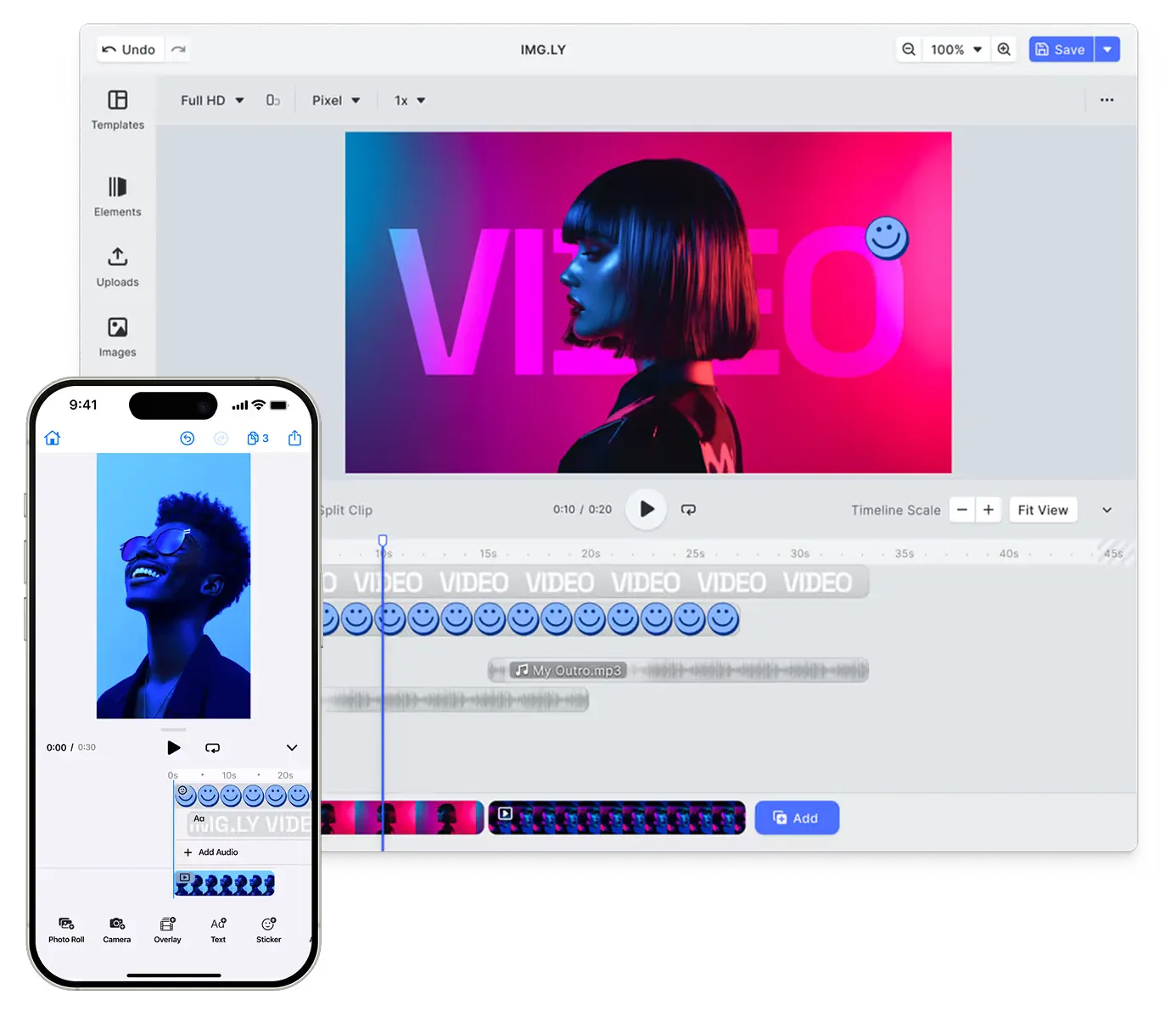
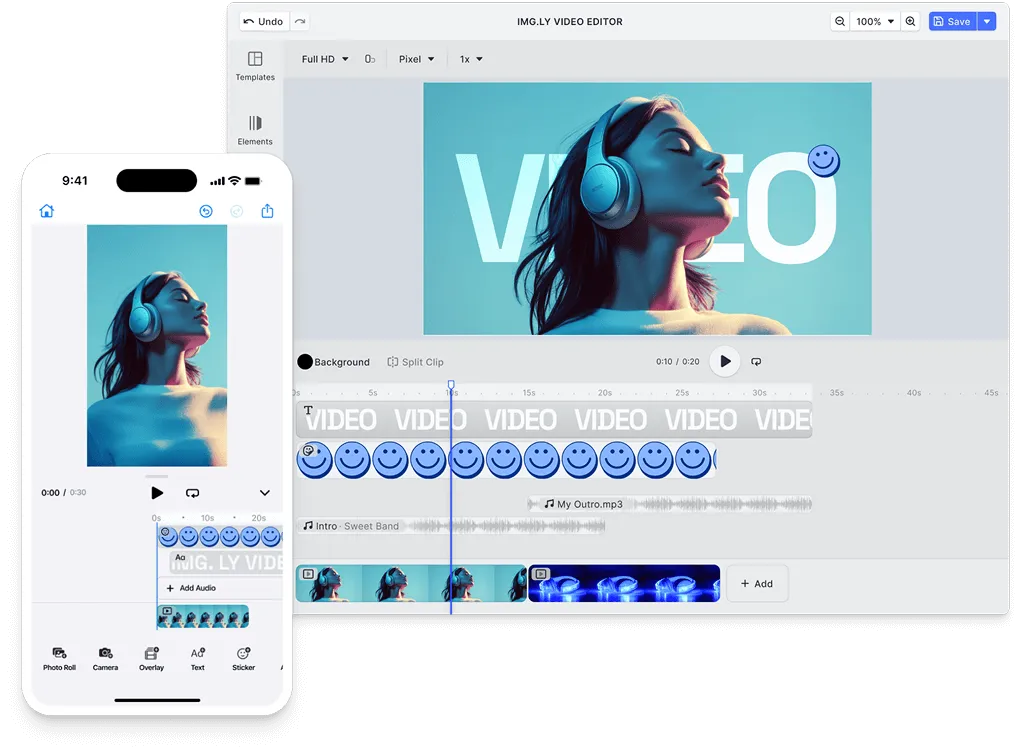
Bring powerful video editing into your iOS, Android, and web apps with one SDK. Create templates on the web, adapt them on mobile, and ship smooth cross-platform creative workflows.
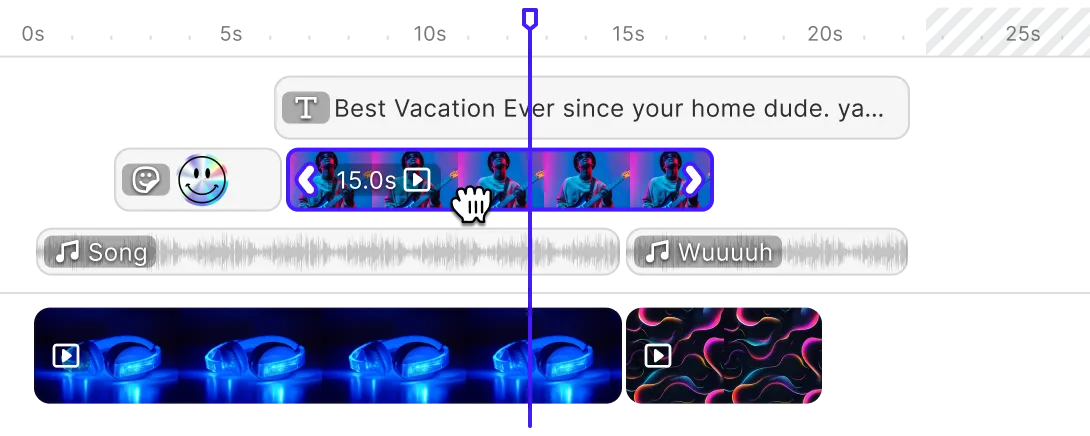
- Timeline editing
- Native AI features
- Templates & automation
- Client-side encoding
Video Editor SDK built for product teams that need instant value
Replace a multi-month editor build with a ready-to-integrate SDK and a developer-focused proven workflow.
Ship a video editor in days!
Replace a year-long video-editor build with a starter kit and a focused integration.
Cut editor maintenance by 80%
Offload editor UX, video processing, and browser quirks to a maintained engine.
3× more videos created in-app
Keep users creating inside your product instead of leaving for external tools.
Choose your video editing experience
Start with the platform your users create on - or ship both from the same SDK.
Video Editor for Web
A browser-based video editor for template-driven creation and automation - no installs, no plugins.
Video Editor for Mobile
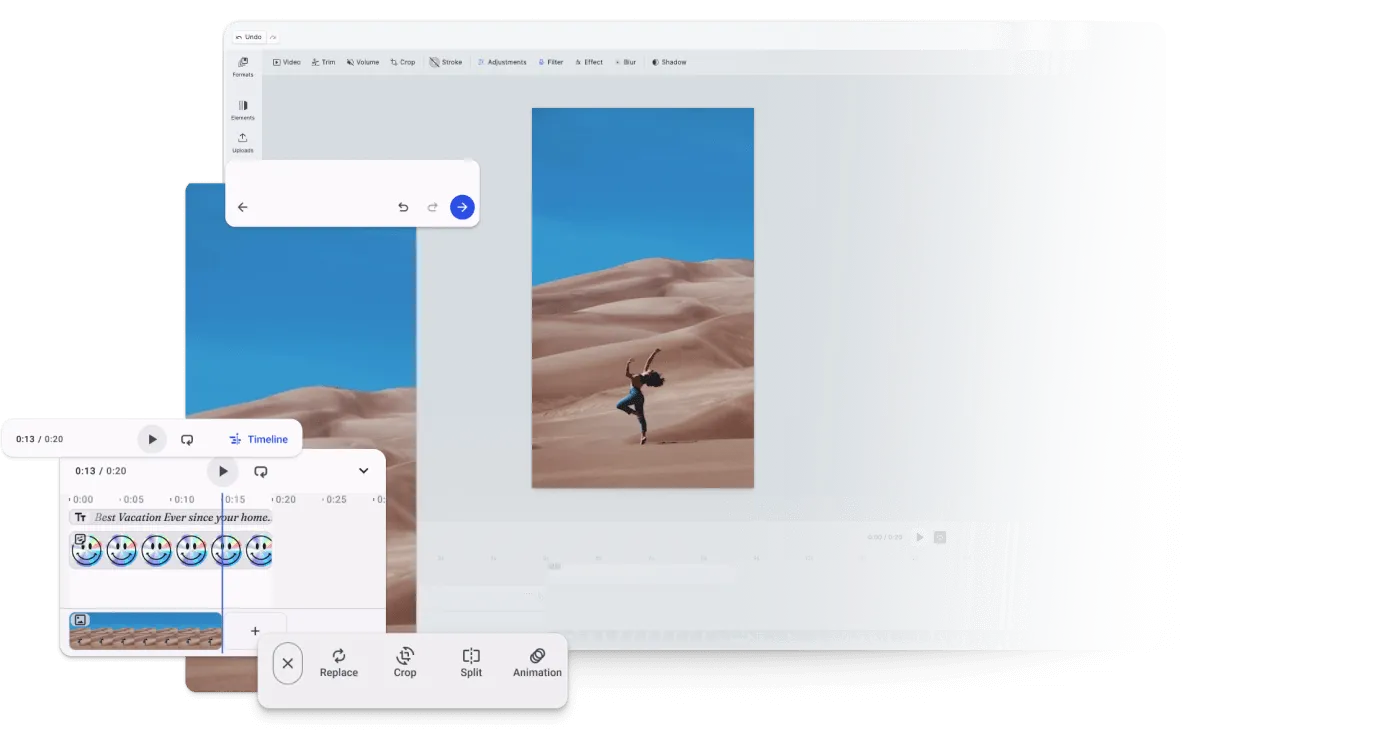
Native in-app video editing for iOS, Android, Flutter, and React Native - with built-in camera capture.
Trusted by 100+
industry leaders














Integrating IMG.LY’s editor meant we didn’t have to build or maintain a complex editing layer ourselves. That kept our team focused on our core AI ad engine and saved us countless development hours — while still giving our customers the ability to polish and customize creatives at scale.
Hikari Senju
CEO, Omneky

With IMG.LY we built a central creative portal that now powers over 140 dealer campaigns across multiple automotive brands. Before this, asset creation was slow and inconsistent.
Martin Röhr
Product Owner, Digitas

By embedding IMG.LY’s editor we were able to hit key RFP requirements and deliver a template-based creative experience that now serves 1,000+ customers. It helped us win more deals and exceed enterprise expectations without needing to hire dedicated design teams.
Rob Driscoll
Director of PM, Optimizely

Since integrating IMG.LY’s editor, we now deliver 30,000+ ad creatives per month, dramatically shorten time-to-launch, and help our clients cut design spend by up to $10,000 per month.
Logan Welbaum
Founder, Plai

Our customers create over a million personalized postcards each year choosing from over hundreds of templates with IMG.LY’s SDK. It’s the only solution that allows us to build our own specialized, on-brand UI that integrates seamlessly with our platform.
Jeanine Zaalberg
Product Manager, SwissPost

From a developer’s perspective, the most powerful feature of the photo editor is the integration process. It was completely flawless, quick, and easy to integrate.
Stefano Fornari
CTO, Funambol
We compared IMG.LY SDK with other solutions and found that it would be the best fit for us since it provides all the features that are crucial for our use case.
Carem Pereira
SCRUM Manager, HP

Key Capabilities
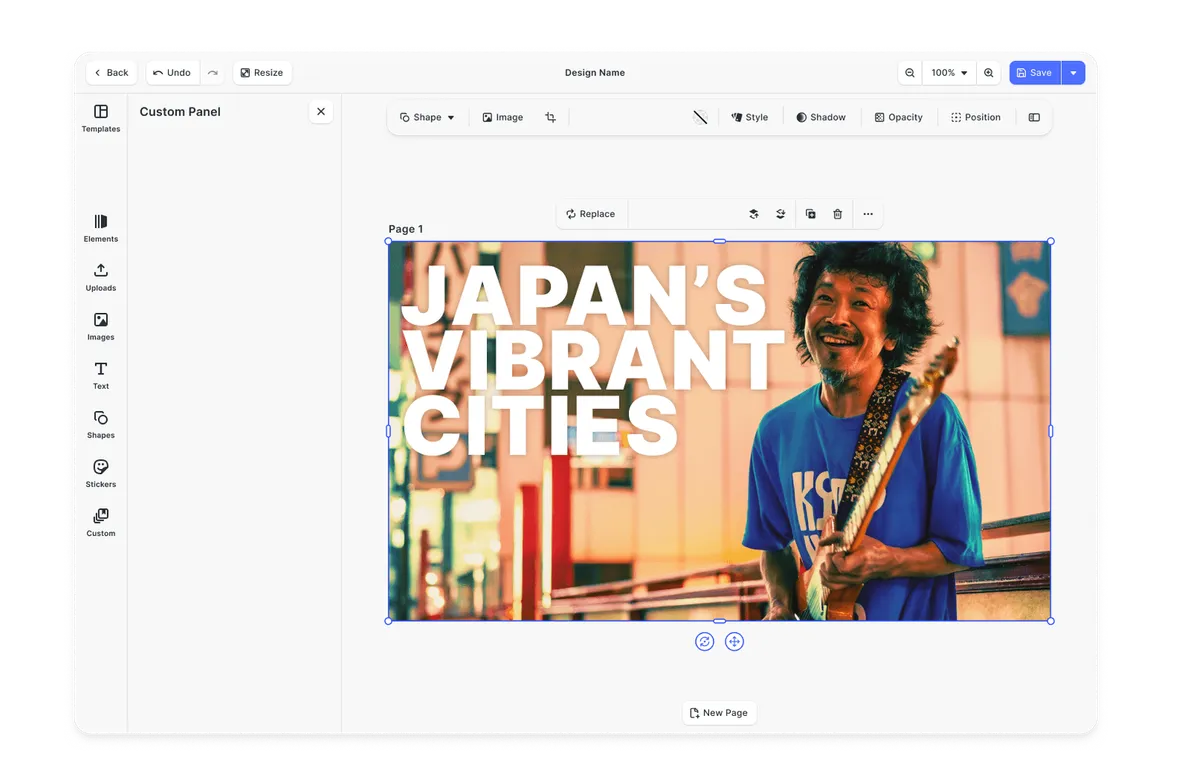
One SDK for cross-platform video editing - extensive features to serve any video creation use case.
For your users






For your product







Looking for the full feature list?
Browse every CE.SDK capability across video, design, photo, print, and AI.
Explore all capabilitiesHow to embed the video editor into your product
From starter kit to multi-platform render, four steps to a configured video editor.
Spin up a working timeline editor
Install the SDK, pick a starter kit for your platform, and run a configured editor with trim, transitions, and audio inside a day.
Starter Kits
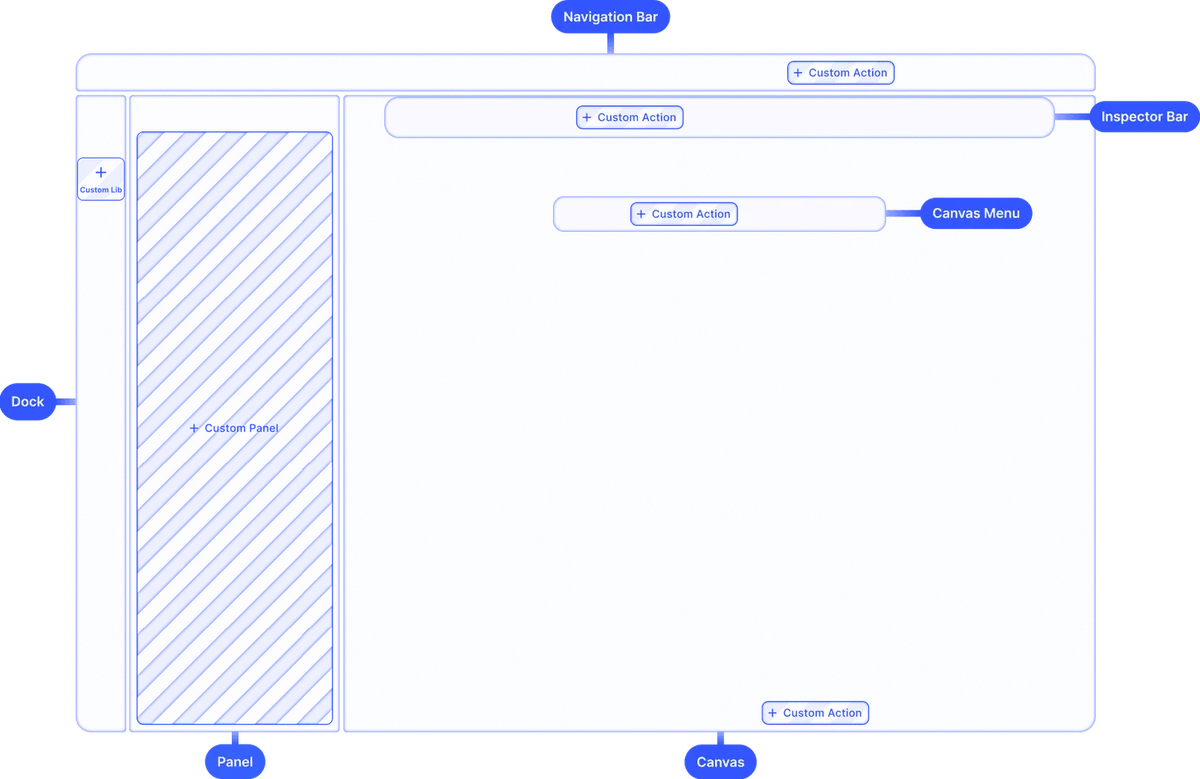
Customize the editor for your product
Pick which tools surface in the toolbar, set the aspect ratios users can target, and apply your brand theme so the editor reads as part of your app and not a third-party widget.
Explore customization demos
Connect templates, fonts, and content libraries
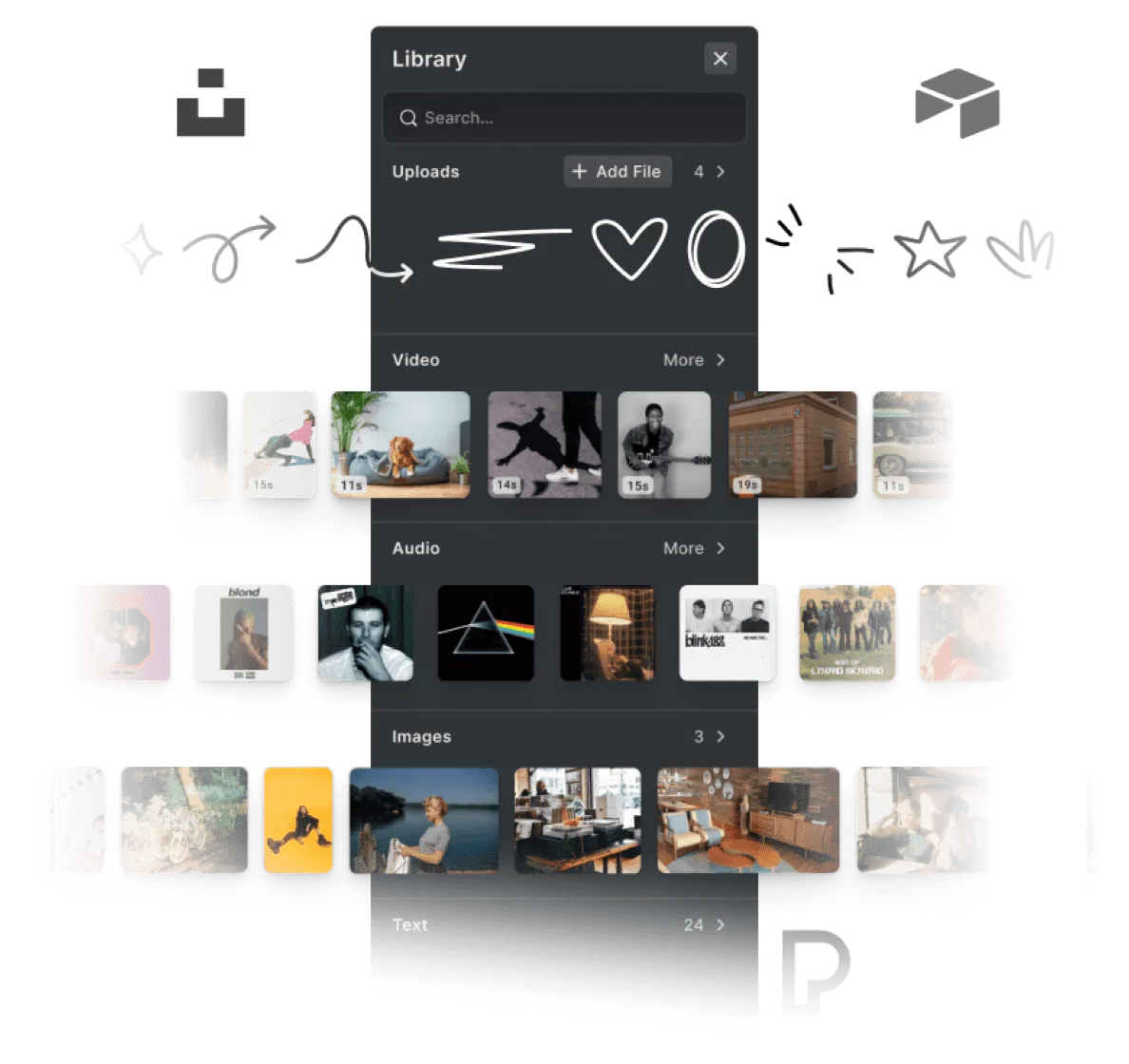
Load your branded templates, wire your asset library and audio sources, and configure the text variables that drive automated runs.
Explore asset demos
Render client-side or hand off to the server
Videos encode in the browser or on device for immediate export. Reuse the same templates server-side for bulk and scheduled renders through one engine.
Why product teams choose the Video Editor SDK
Time to market
Launch a video editor in weeks, not a year-long project.
Ship a full-featured video editor with a proven SDK and starter kit so you can test, iterate, and win video use cases fast - without freezing your roadmap.
Empower non-creators
Make video editing approachable for everyone.
Give non-editors a familiar timeline with templates, presets, and guardrails so they can produce polished, on-brand videos on their own.
One engine, every platform
Build once and render video consistently everywhere.
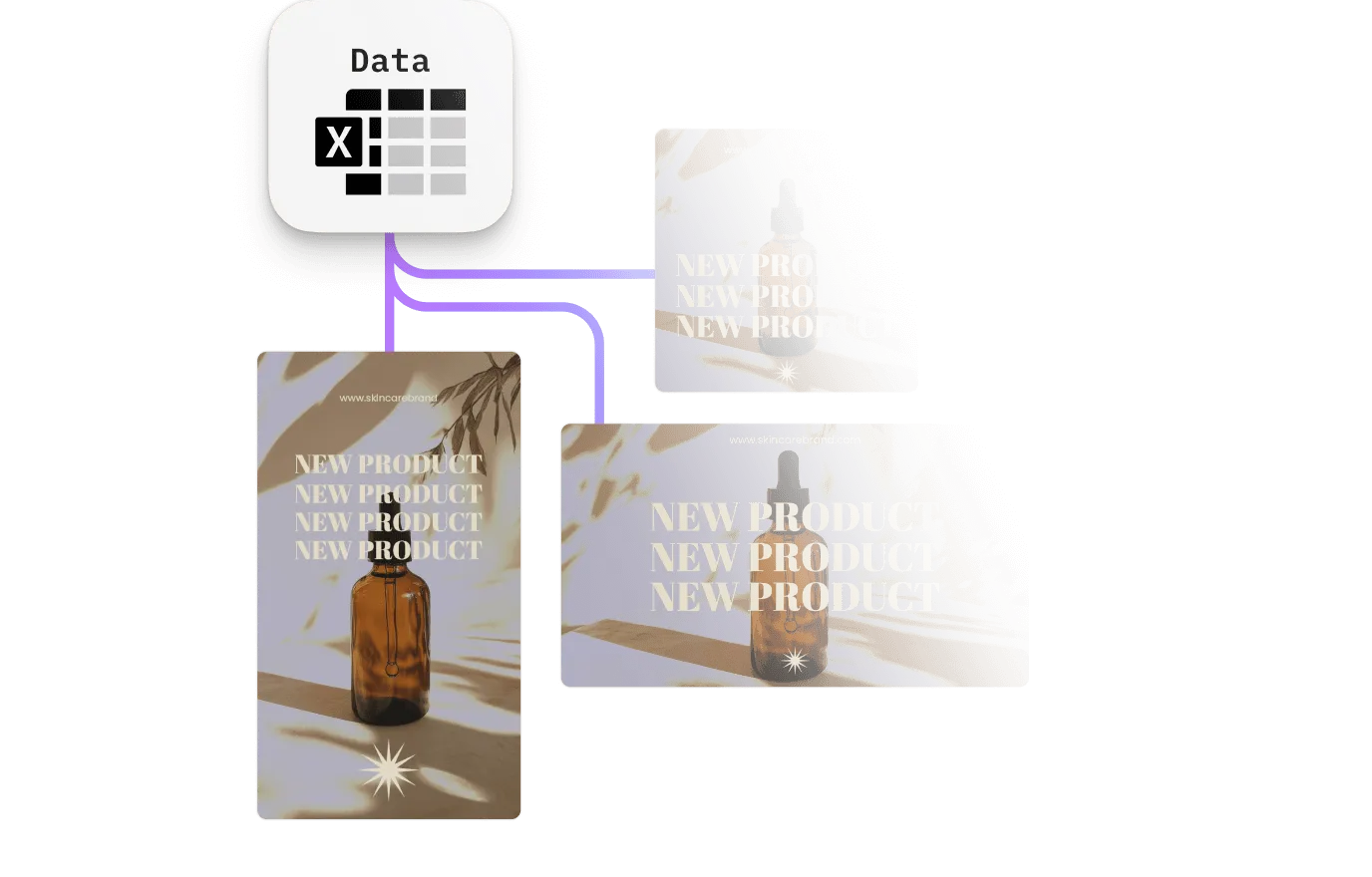
A single video engine powers web, mobile, desktop, and server, so a project created on one platform plays back identically on every other.
An SDK made by developers for developers
Install CE.SDK with one command, plug it into your existing upload or creation flows, and stay in control with a clean, documented API.
npm create vite@latest your-project-name -- --template react-ts && cd your-project-namenpm install @cesdk/cesdk-jsnpm create vite@latest your-project-name -- --template vue-ts && cd your-project-namenpm install @cesdk/cesdk-jsng new your-project-name && cd your-project-namenpm install @cesdk/cesdk-jsnpm create vite@latest your-project-name -- --template svelte-ts && cd your-project-namenpm install @cesdk/cesdk-jsnpx create-next-app@latest your-project-name --typescript && cd your-project-namenpm install @cesdk/cesdk-jsnpm create vite@latest your-project-name -- --template vanilla-ts && cd your-project-namenpm install @cesdk/cesdk-jsNative editing for iOS and Android
The same creative engine, shipped as native SDKs for every mobile stack.
pod 'IMGLYUI'pod installimplementation("ly.img:editor:1.53.0")npm install @imgly/editor-react-nativeflutter pub add imgly_editorBring the editor to the desktop
Embed CE.SDK in Electron and native macOS apps with the same API.
npm install @cesdk/cesdk-jspod 'IMGLYUI'pod installpod 'IMGLYUI'pod installRender headlessly at scale
Run the same engine server-side for batch rendering and creative automation.
npm install @cesdk/nodeimport CreativeEngine from '@cesdk/node';
Cut integration to minutes with IMG.LY Agent Skills
CE.SDK Agent Skills give AI coding assistants bundled documentation, guided code generation, and autonomous project scaffolding for building editor and creative workflows across 10 web frameworks.
claude plugin marketplace add imgly/agent-skillsclaude plugin install cesdk@imglynpx skills add imgly/agent-skills -a claude-codenpx skills add imgly/agent-skills --skill docs-react -a claude-codegit clone https://github.com/imgly/agent-skills.gitcp -r agent-skills/plugins/cesdk/skills/docs-react .claude/skills/cesdk-docs-reactLearn more about Agent Skills
Built to trust in production
The editor your team doesn’t have to build, secure, or maintain.
Secure by design
Editing runs client-side, so user content never leaves the browser unless you upload it. IMG.LY is SOC 2 Type II certified, with SSO available on enterprise plans.
Battle-tested at scale
The same creative engine powers 500M+ creations every month across thousands of applications, with a steady cadence of new releases.
Build-vs-buy, solved
We maintain the editor, browser quirks, and rendering pipeline so your team stays focused on your core product. Dedicated support and SLAs on enterprise plans.
More from IMG.LY
Ready to see it in your browser?
Contact our team to learn more about licensing options and get access to the AI plugins for the Video Editor SDK.
Frequently Asked Questions
The Video Editor SDK is a fully-featured, customizable video editor you embed directly into your web and mobile apps. One creative engine powers timeline editing, templates, automation, and native AI across iOS, Android, and the browser.
Yes. The same video engine runs in the browser (JavaScript, React, Angular, Vue, Svelte, Next.js) and natively on mobile (iOS, Android, React Native, Flutter), so a template authored on the web behaves identically when edited on a phone.
Yes. Commercial licenses allow full white-labeling - remove all IMG.LY branding and present the video editor as a native part of your product.
Yes. You can start a free trial with full access to all video editing features. Contact our team to get started.
On the web, video editing and playback run client-side using WebCodecs for hardware-accelerated decoding and WebGL for compositing - no plugins or installs required. On mobile, the editor uses native video pipelines for the same smooth performance.
The SDK imports and exports MP4, WebM, and MOV, alongside common image and audio formats, with configurable resolution, bitrate, and quality settings for each export.
Yes. The Node.js SDK runs the same engine headlessly, so you can render and encode video projects server-side for batch processing, personalized video, or automated pipelines at scale.
Yes. The SDK is storage-agnostic and supports custom asset sources, so you can connect any CDN, DAM, or stock provider for video clips, audio, and graphics.
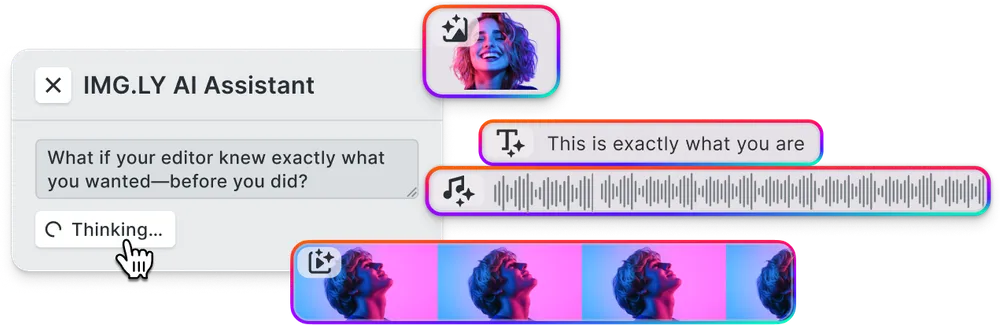
The SDK ships native AI plugins for automatic captions, background removal, video generation, image generation, and text-to-speech voiceovers - all surfaced directly inside the editor UI on web and mobile.
AI plugins are included with your SDK license. Generative model usage is billed separately by the model providers (for example Anthropic, fal.ai, or ElevenLabs).
Yes. The AI plugins are model-agnostic - connect commercial or open-source models through custom endpoints using the open plugin architecture.
Pricing is based on monthly active users (MAU) who interact with the video editor, with flexible plans for startups through enterprises. Contact sales for details.
Yes. A single Video Editor SDK license covers web and mobile platforms, so you can ship cross-platform video editing without negotiating separate agreements per platform.
Yes. Enterprise licenses include custom terms, dedicated support, SLAs, and volume discounts. Contact us to discuss your requirements.