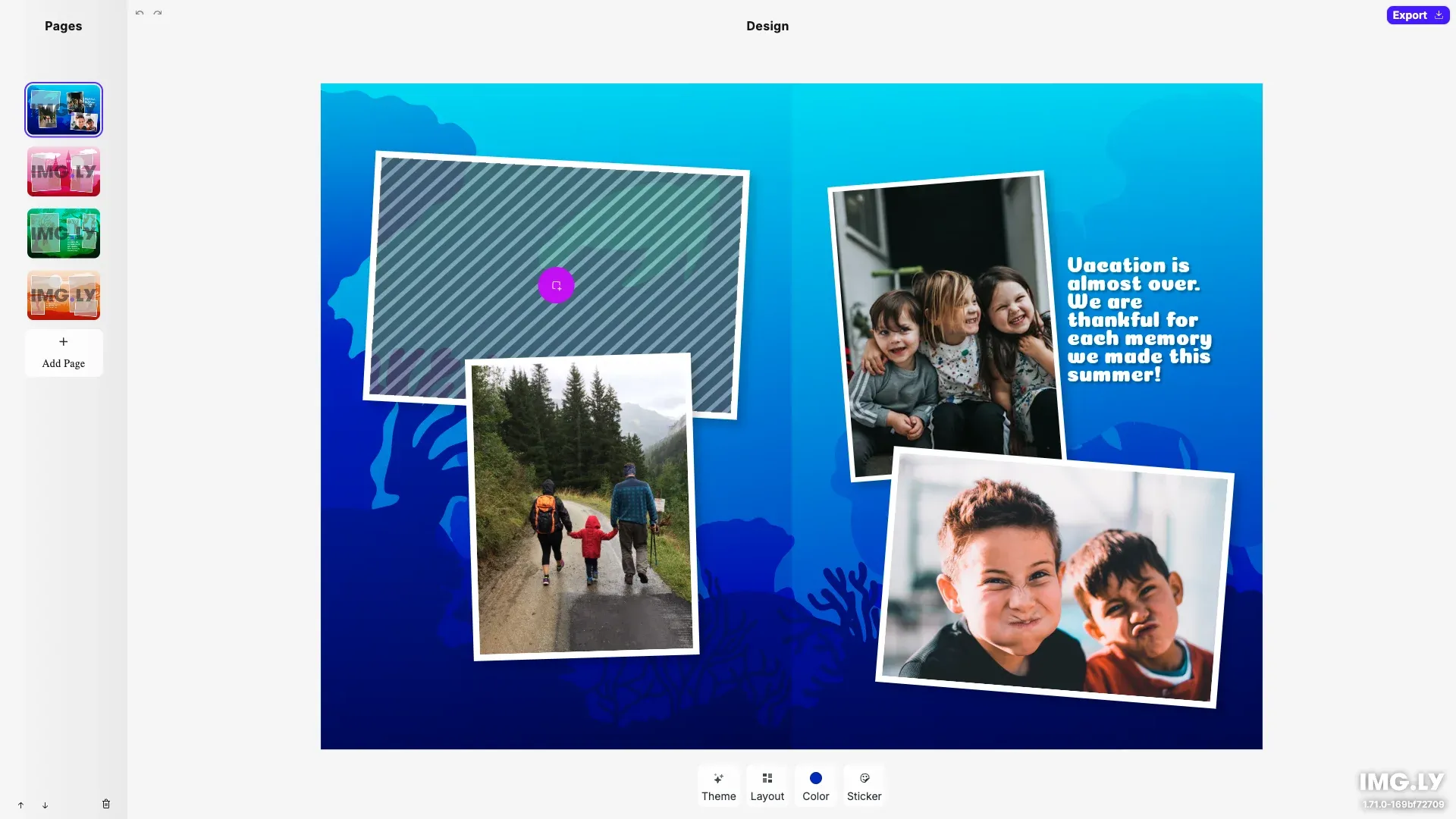
Custom UI for building photo books focusing on theming, page layouts, and managing photo assets.
Pre-requisites#
This guide assumes basic familiarity with React and TypeScript.
- Node.js v22+ with npm – Download
- Supported browsers – Chrome 114+, Edge 114+, Firefox 115+, Safari 15.6+
See Browser Support for the full list
Get Started#
Start fresh with a standalone Photobook Editor project. This creates a complete, ready-to-run application with a custom React-based interface.
Step 1: Clone the Repository#
git clone https://github.com/imgly/starterkit-photobook-ui-react-web.git
cd starterkit-photobook-ui-react-web
git clone https://github.com/imgly/starterkit-photobook-ui-react-web.git
cd starterkit-photobook-ui-react-webnpx degit imgly/starterkit-photobook-ui-react-web starterkit-photobook-ui-react-web
cd starterkit-photobook-ui-react-webnpx degit imgly/starterkit-photobook-ui-react-web starterkit-photobook-ui-react-web
cd starterkit-photobook-ui-react-webThe src/ folder contains the editor code:
src/├── app/ # Demo application├── imgly/│ ├── index.ts # Editor initialization function│ ├── apply-layout.ts│ ├── engine-utils.ts│ ├── imageColorsSource.ts│ ├── loadAssetSourceFromContentJSON.ts│ ├── photobook-layouts.ts│ ├── photobook-stickers.ts│ └── unsplash-source.ts└── index.tsx # Application entry pointStep 2: Install Dependencies#
Install the required packages:
npm installnpm installpnpm installpnpm installyarnyarnStep 3: Run the Development Server#
npm run devnpm run devpnpm run devpnpm run devyarn devyarn devOpen http://localhost:5173 in your browser.
Key Capabilities#
The Photobook Editor includes everything needed for photobook creation workflows.
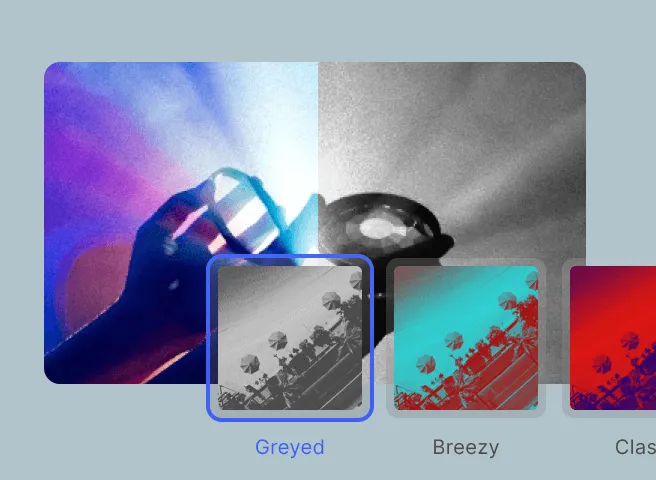
Theme Selector
Allow users to personalize their photobook based on events or aesthetics with per-page theme support.
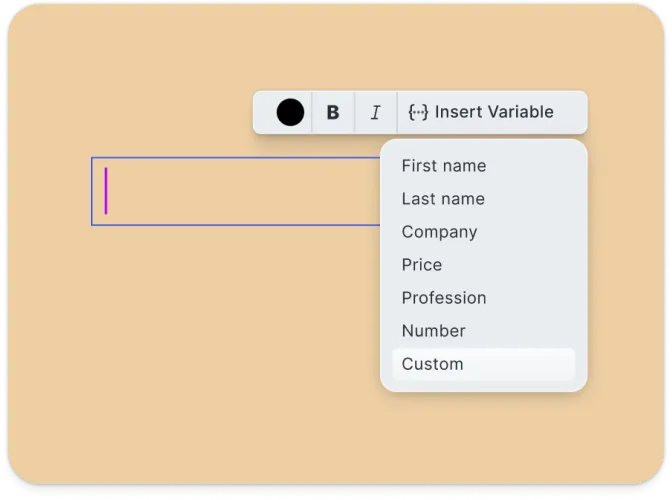
Multi-Page Management
Add, remove, and reorder pages with built-in layout templates for professional results.
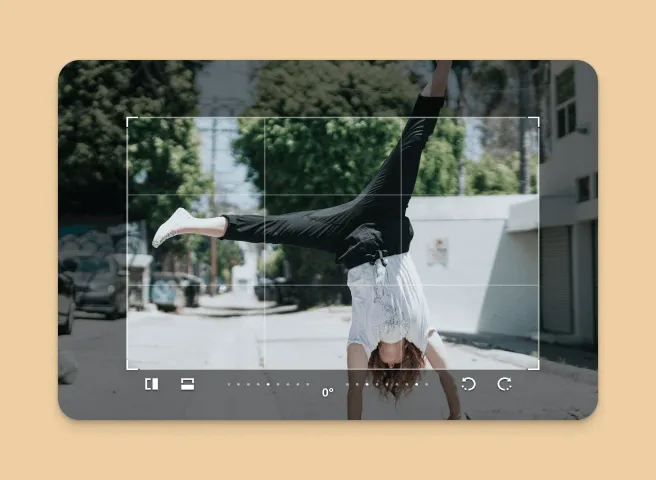
Placeholder Editing
Built-in placeholders make adding and replacing photos effortless with click-to-upload.
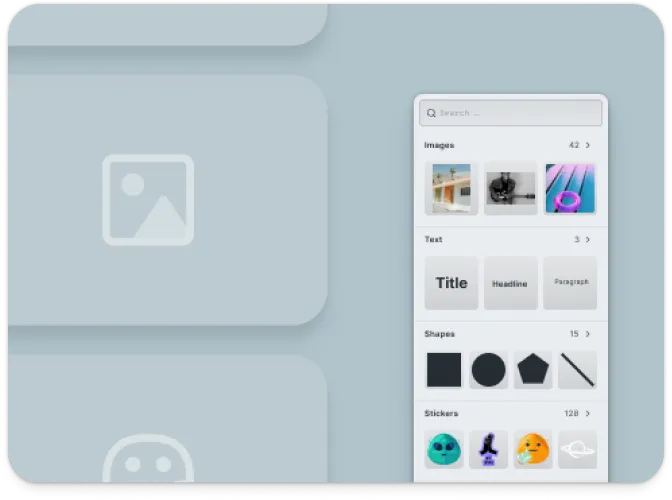
Asset Library
Quickly add embellishments or brand elements using an extendable sticker library.
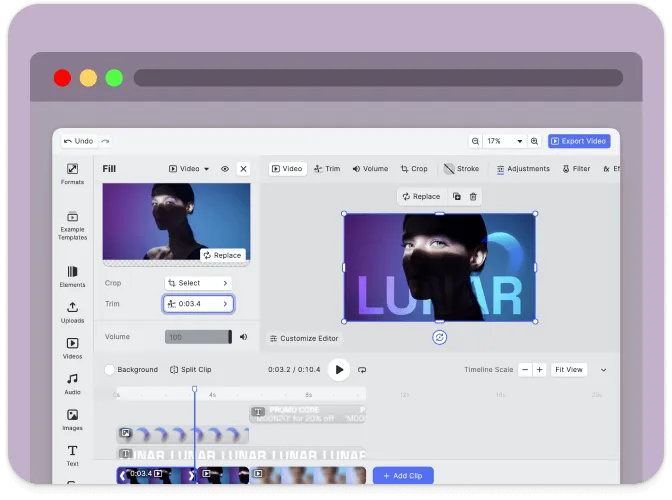
Mobile-Friendly
Responsive interface optimized for both desktop and mobile devices.
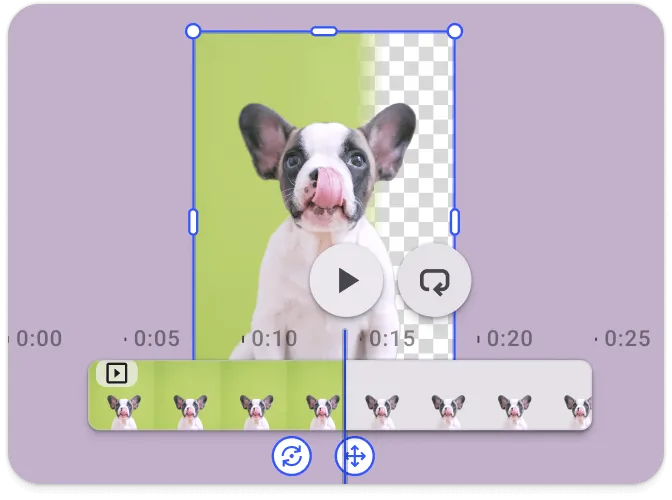
Export Options
Export designs in high-resolution formats suitable for print or digital delivery.
Troubleshooting#
Editor doesn’t load#
- Check console errors: Look for CORS or network errors in browser developer tools
- Verify dependencies: Ensure all npm packages are installed correctly
Assets don’t appear#
- Check network requests: Open DevTools Network tab and look for failed requests
- Verify baseURL: Ensure the asset URL is accessible
Watermark appears in production#
- Add your license key: Set the
licenseproperty in your configuration - Get a license: Contact us at img.ly/forms/contact-sales/
Next Steps#
- Configuration – Complete list of initialization options
- Serve Assets – Self-host engine assets for production
- Theming – Customize colors and appearance
- Localization – Add translations and language support