Load asset definitions from remote JSON files hosted on CDNs or servers into CE.SDK’s asset library.
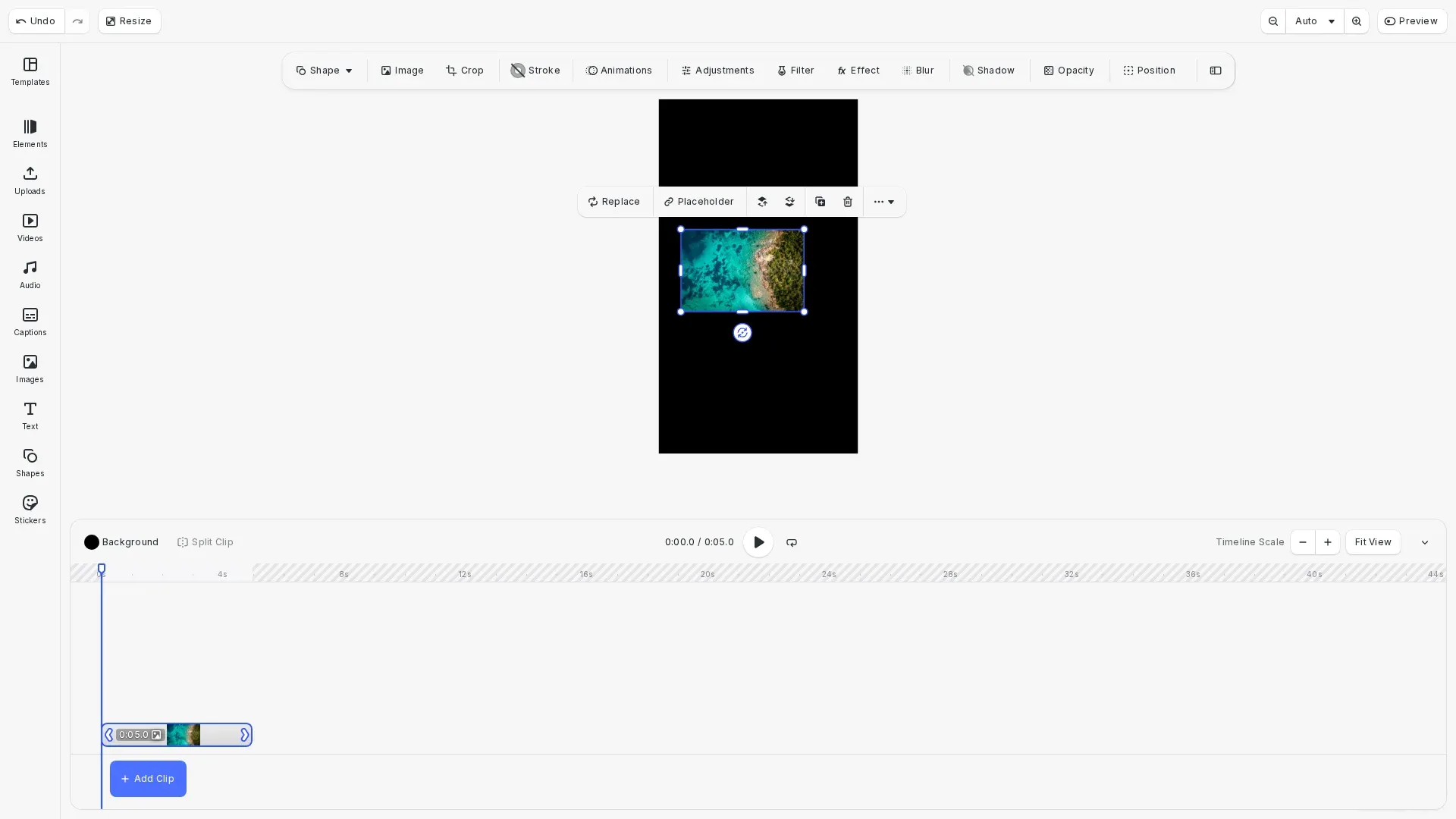
Remote asset loading enables you to host asset definitions on a CDN or server and load them dynamically into CE.SDK. This approach separates asset management from your application code, allowing you to update available assets without deploying new app versions. CE.SDK provides engine.asset.addLocalAssetSourceFromJSONURI() for loading from URLs and engine.asset.addLocalAssetSourceFromJSONString() for loading from JSON content you already have.
This guide covers how to load remote asset manifests, customize base URLs for relative paths, and verify loaded assets.
Setup#
We start by initializing CE.SDK with default and demo asset sources, then create a design scene.
await cesdk.addPlugin(new VideoEditorConfig());
// Add asset source pluginsawait cesdk.addPlugin(new BlurAssetSource());await cesdk.addPlugin(new CaptionPresetsAssetSource());await cesdk.addPlugin(new ColorPaletteAssetSource());await cesdk.addPlugin(new CropPresetsAssetSource());await cesdk.addPlugin(  new UploadAssetSources({    include: ['ly.img.image.upload', 'ly.img.video.upload', 'ly.img.audio.upload']  }));await cesdk.addPlugin(  new DemoAssetSources({    include: [      'ly.img.templates.video.*',      'ly.img.image.*',      'ly.img.audio.*',      'ly.img.video.*'    ]  }));await cesdk.addPlugin(new EffectsAssetSource());await cesdk.addPlugin(new FiltersAssetSource());await cesdk.addPlugin(  new PagePresetsAssetSource({    include: [      'ly.img.page.presets.instagram.*',      'ly.img.page.presets.facebook.*',      'ly.img.page.presets.x.*',      'ly.img.page.presets.linkedin.*',      'ly.img.page.presets.pinterest.*',      'ly.img.page.presets.tiktok.*',      'ly.img.page.presets.youtube.*',      'ly.img.page.presets.video.*'    ]  }));await cesdk.addPlugin(new StickerAssetSource());await cesdk.addPlugin(new TextAssetSource());await cesdk.addPlugin(new TextComponentAssetSource());await cesdk.addPlugin(new TypefaceAssetSource());await cesdk.addPlugin(new VectorShapeAssetSource());
await cesdk.actions.run('scene.create', {  mode: 'Video',  page: {    sourceId: 'ly.img.page.presets',    assetId: 'ly.img.page.presets.instagram.story'  }});
JSON Manifest Structure#
The JSON manifest defines assets with a version, source ID, and assets array. Each asset includes an ID, localized labels, and metadata containing URIs and block types.
{ "version": "2.0.0", "id": "my.custom.assets", "assets": [ { "id": "sample_image", "label": { "en": "Sample Image" }, "meta": { "uri": "{{base_url}}/images/sample.jpg", "thumbUri": "{{base_url}}/thumbnails/sample.jpg", "blockType": "//ly.img.ubq/graphic", "mimeType": "image/jpeg" } } ]}The version field specifies the manifest format version. The id field becomes the asset source identifier. Each asset in the assets array includes metadata for the full-size image URI, thumbnail URI, block type, and MIME type. The {{base_url}} placeholder gets resolved based on the JSON file location or a custom base path you provide.
Loading Assets from a Remote URL#
Call engine.asset.addLocalAssetSourceFromJSONURI() with the JSON URL. The method returns the source ID from the manifest’s id field. CE.SDK uses the parent directory as the base path for resolving {{base_url}} placeholders.
// Load remote assets from a JSON manifest URL// The parent directory of the JSON file is used as the base path for relative URLsconst audioSourceId = await engine.asset.addLocalAssetSourceFromJSONURI( 'https://cdn.img.ly/assets/demo/v3/ly.img.audio/content.json');console.log('Loaded audio assets from:', audioSourceId);Loading Assets from a JSON String#
Call engine.asset.addLocalAssetSourceFromJSONString() when you have the JSON content available, for example from an API response or embedded configuration.
// Load assets from a JSON string when content is already availableconst customAssetJSON = JSON.stringify({  version: '2.0.0',  id: 'my.custom.assets',  assets: [    {      id: 'sample_image_1',      label: { en: 'Sample Image 1' },      meta: {        uri: 'https://img.ly/static/ubq_samples/sample_1.jpg',        thumbUri: 'https://img.ly/static/ubq_samples/sample_1.jpg',        blockType: '//ly.img.ubq/graphic',        mimeType: 'image/jpeg'      }    },    {      id: 'sample_image_2',      label: { en: 'Sample Image 2' },      meta: {        uri: 'https://img.ly/static/ubq_samples/sample_2.jpg',        thumbUri: 'https://img.ly/static/ubq_samples/sample_2.jpg',        blockType: '//ly.img.ubq/graphic',        mimeType: 'image/jpeg'      }    }  ]});
const customSourceId = await engine.asset.addLocalAssetSourceFromJSONString(  customAssetJSON);console.log('Created custom asset source:', customSourceId);
Customizing the Base Path#
When loading from a string, pass an optional base path as the second parameter to resolve {{base_url}} placeholders in the manifest.
// When loading from string, you can specify a custom base path// for resolving {{base_url}} placeholders in the manifestconst assetsWithBasePath = JSON.stringify({  version: '2.0.0',  id: 'my.cdn.assets',  assets: [    {      id: 'cdn_image',      label: { en: 'CDN Image' },      meta: {        uri: '{{base_url}}/sample_1.jpg',        thumbUri: '{{base_url}}/sample_1.jpg',        blockType: '//ly.img.ubq/graphic',        mimeType: 'image/jpeg'      }    }  ]});
const cdnSourceId = await engine.asset.addLocalAssetSourceFromJSONString(  assetsWithBasePath,  'https://img.ly/static/ubq_samples/');console.log('Created CDN asset source with custom base path:', cdnSourceId);
Verifying Loaded Assets#
Call engine.asset.findAssets() with the source ID to query loaded assets. This confirms the manifest was parsed correctly and assets are available.
// Verify loaded assets by querying the asset sourceconst audioAssets = await engine.asset.findAssets(audioSourceId, {  page: 0,  perPage: 10});console.log(`Loaded ${audioAssets.total} audio assets`);
const customAssets = await engine.asset.findAssets(customSourceId, {  page: 0,  perPage: 10});console.log(`Loaded ${customAssets.total} custom assets`);
Applying Remote Assets#
Use engine.asset.apply() to add an asset from a loaded source to the scene. The engine downloads the actual media files when needed.
// Apply an asset from the loaded source to the sceneconst imageAssets = await engine.asset.findAssets(imageSourceId, { page: 0, perPage: 10});if (imageAssets.assets.length > 0) { const asset = imageAssets.assets[0]; await engine.asset.apply(imageSourceId, asset); console.log('Applied asset:', asset.id);}Listing Asset Sources#
Call engine.asset.findAllSources() to list all registered asset sources.
// List all registered asset sourcesconst allSources = engine.asset.findAllSources();console.log('All registered asset sources:', allSources);Removing Asset Sources#
Call engine.asset.removeSource() to remove a loaded asset source when it’s no longer needed. This cleans up the source and its assets from memory.
// Remove an asset source when no longer neededengine.asset.removeSource(cdnSourceId);console.log('Removed asset source:', cdnSourceId);Error Handling#
Wrap calls in try-catch blocks to handle network errors, invalid JSON, or missing files. Both methods throw errors on failure.
Common issues include:
- Network failures: Check connectivity and URL accessibility
- Invalid JSON: Verify manifest structure matches the expected format
- CORS errors: Configure server headers to allow cross-origin requests
- 404 errors: Check URL accessibility and ensure the JSON file exists
API Reference#
| Method | Purpose |
|---|---|
engine.asset.addLocalAssetSourceFromJSONURI() | Load asset definitions from a remote JSON URL |
engine.asset.addLocalAssetSourceFromJSONString() | Load asset definitions from a JSON string |
engine.asset.findAssets() | Query assets from a loaded source |
engine.asset.apply() | Apply an asset to the scene |
engine.asset.removeSource() | Remove an asset source |
engine.asset.findAllSources() | List all registered asset sources |