Export designs to WebP format for optimized web delivery with smaller file sizes than PNG or JPEG.
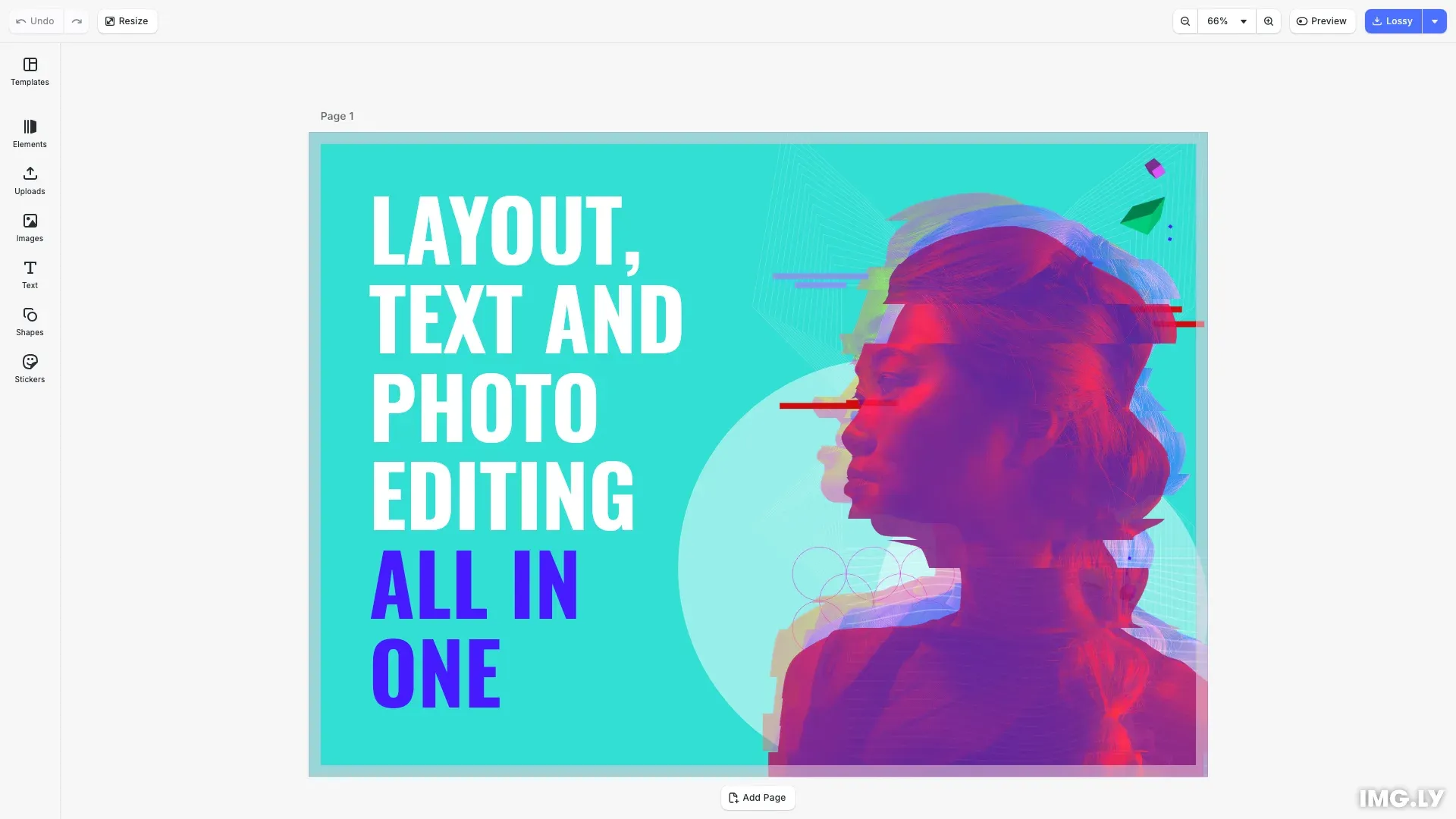
WebP delivers smaller file sizes than PNG and JPEG while preserving image quality and transparency support.
This guide covers exporting to WebP, configuring quality settings, and triggering downloads.
Export to WebP#
Call engine.block.export() with mimeType: 'image/webp' and a webpQuality value between 0 and 1.
// Export with lossy compressionconst blob = await engine.block.export(p, { mimeType: 'image/webp', webpQuality: 0.8});The webpQuality parameter controls compression. A value of 0.8 provides a good balance between file size and visual quality for most use cases.
Export Options#
WebP export supports these options:
| Option | Type | Description |
|---|---|---|
mimeType | 'image/webp' | Required. Specifies WebP format |
webpQuality | number | Quality from 0 to 1. Default 1.0 (lossless) |
targetWidth | number | Optional resize width |
targetHeight | number | Optional resize height |
Combine targetWidth and targetHeight to resize the output, useful for social media or thumbnail generation.
// Export with target dimensions for social mediaconst blob = await engine.block.export(p, { mimeType: 'image/webp', webpQuality: 0.9, targetWidth: 1200, targetHeight: 630});Set webpQuality to 1.0 for lossless compression when pixel-perfect output is required.
Built-in Export Action#
Run the exportDesign action to execute the default export flow programmatically.
// Run built-in export with WebP formatcesdk.actions.run('exportDesign', { mimeType: 'image/webp' });This executes the registered export action, which handles the complete export process including format selection and file download.
Download Export#
Use cesdk.utils.downloadFile() to trigger the browser’s download dialog for the exported blob.
// Download using CE.SDK utilsawait cesdk.utils.downloadFile(blob, 'image/webp');Pass the blob and MIME type to prompt the user to save the file locally.
API Reference#
| API | Description |
|---|---|
engine.block.export() | Exports a block to an image blob with format and quality options |
cesdk.actions.run() | Runs a built-in action like exportDesign |
cesdk.utils.downloadFile() | Triggers browser download dialog for a blob |
Next Steps#
Export Overview - Learn about all supported export formats and their options.
Export to PDF - Generate print-ready PDF documents from your designs.
Size Limits - Understand export size constraints and optimization strategies.
Partial Export - Export specific blocks or regions instead of the full design.