Convert CE.SDK exports to Base64-encoded strings for embedding in HTML, storing in databases, or transmitting via JSON APIs.
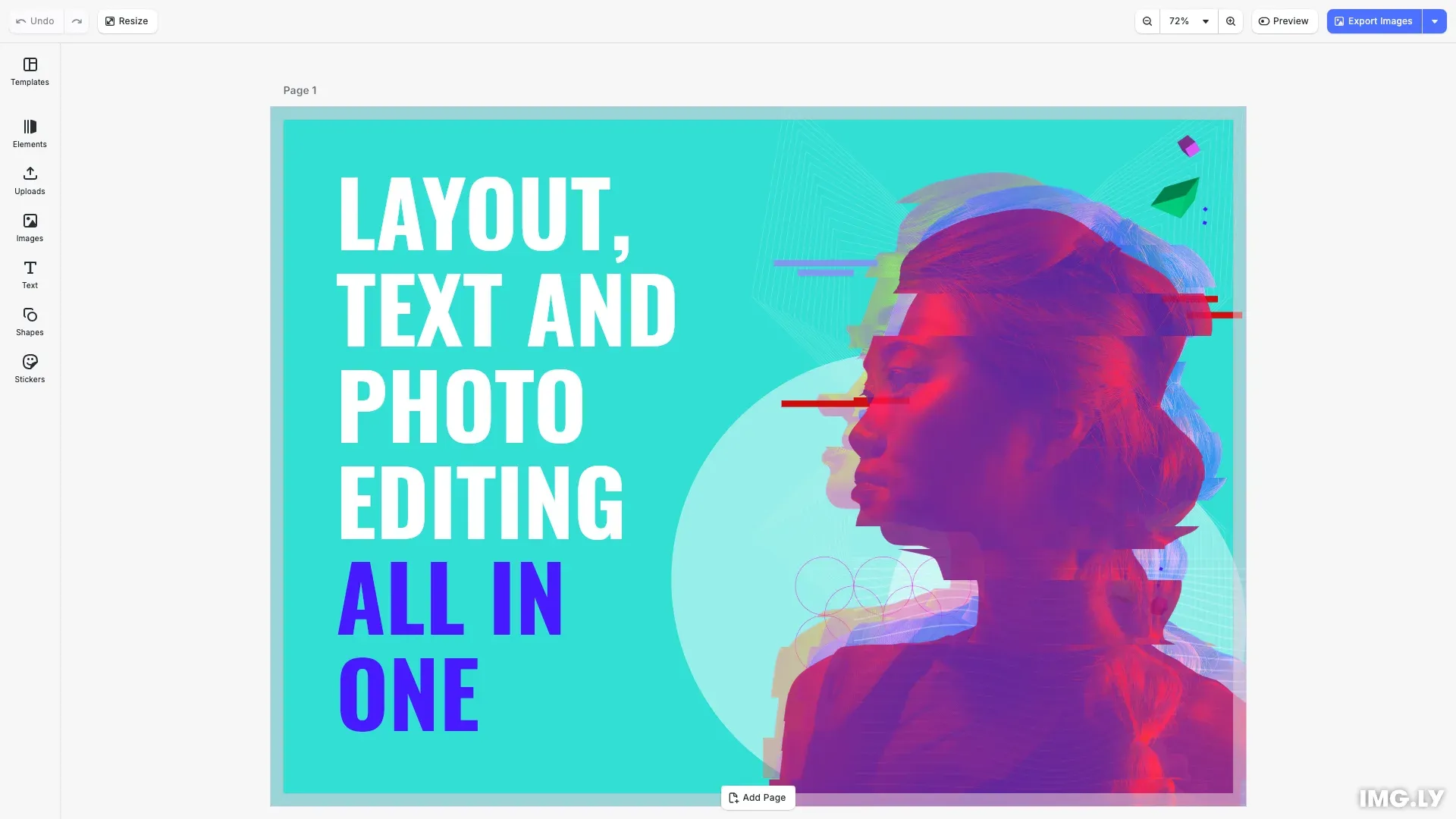
Base64 encoding transforms binary image data into ASCII text, enabling you to embed images directly in HTML, store them in text-only databases, or transmit them through JSON APIs without binary handling.
Export a Block to Base64#
Use engine.block.export() to export a design block as a Blob, then convert it to a Base64 data URI.
const currentPage = engine.scene.getCurrentPage()!;const blob = await engine.block.export(currentPage, { mimeType: 'image/png'});const base64 = await blobToBase64(blob);The export returns a Blob containing the rendered image. You then convert this Blob to a Base64 data URI using the browser’s FileReader API. The resulting string includes the MIME type prefix (data:image/png;base64,...), making it ready for immediate use as an image source.
Convert Blob to Base64#
Convert the exported Blob into a Base64 data URI using the browser’s FileReader API.
private blobToBase64(blob: Blob): Promise<string> { return new Promise((resolve, reject) => { const reader = new FileReader(); reader.onloadend = () => resolve(reader.result as string); reader.onerror = () => reject(reader.error); reader.readAsDataURL(blob); });}The readAsDataURL() method returns a complete data URI including the MIME type prefix (data:image/png;base64,...). This wrapper converts the callback-based FileReader into a Promise for cleaner async/await usage.
Customize the Built-in Export Action#
Override the default exportDesign action to integrate Base64 conversion into CE.SDK’s built-in export flow.
cesdk.actions.register('exportDesign', async () => { const currentPage = engine.scene.getCurrentPage()!; const blob = await engine.block.export(currentPage, { mimeType: 'image/png' }); const base64 = await this.blobToBase64(blob); await cesdk.utils.downloadFile(blob, 'image/png');});When registered, this action replaces the default export behavior. Any UI component or keyboard shortcut that triggers exportDesign will use your custom handler instead.
Download the Export#
Use cesdk.utils.downloadFile() to save the exported Blob to the user’s device. The method accepts a Blob and MIME type, triggering a browser download with the appropriate file extension.
When to Use Base64#
Base64 encoding works well for:
- Embedding images directly in HTML or CSS without additional HTTP requests
- Storing images in text-only databases like Redis or localStorage
- Transmitting images through JSON APIs that don’t support binary data
- Generating data URIs for email templates
Troubleshooting#
Base64 string too long — Use JPEG or WebP formats with lower quality settings. Reduce dimensions with targetWidth and targetHeight export options.
Image not displaying — Verify the data URI includes the correct MIME type prefix. Check that the string wasn’t truncated during storage or transmission.
Performance issues — FileReader operations are asynchronous but encoding large images can still block the UI. Consider Web Workers for images over 1MB.
API Reference#
| Method | Description |
|---|---|
engine.block.export(block, options) | Export a block to a Blob with format options (mimeType, jpegQuality, webpQuality, targetWidth, targetHeight) |
engine.scene.getCurrentPage() | Get the currently active page block |
FileReader.readAsDataURL(blob) | Convert Blob to Base64 data URI (Browser API) |
cesdk.utils.downloadFile(blob, mimeType) | Download a Blob as a file |
cesdk.actions.register(name, handler) | Register or override an action |
cesdk.ui.showNotification(options) | Display a notification to the user |
Next Steps#
- Export Options — Explore all available export formats and configuration
- Export to PDF — Generate PDFs for print and document workflows
- Partial Export — Export specific regions or individual elements
- Size Limits — Handle large exports and memory constraints