Understand the asset system—how external media and resources like images, stickers, or videos are handled in CE.SDK.
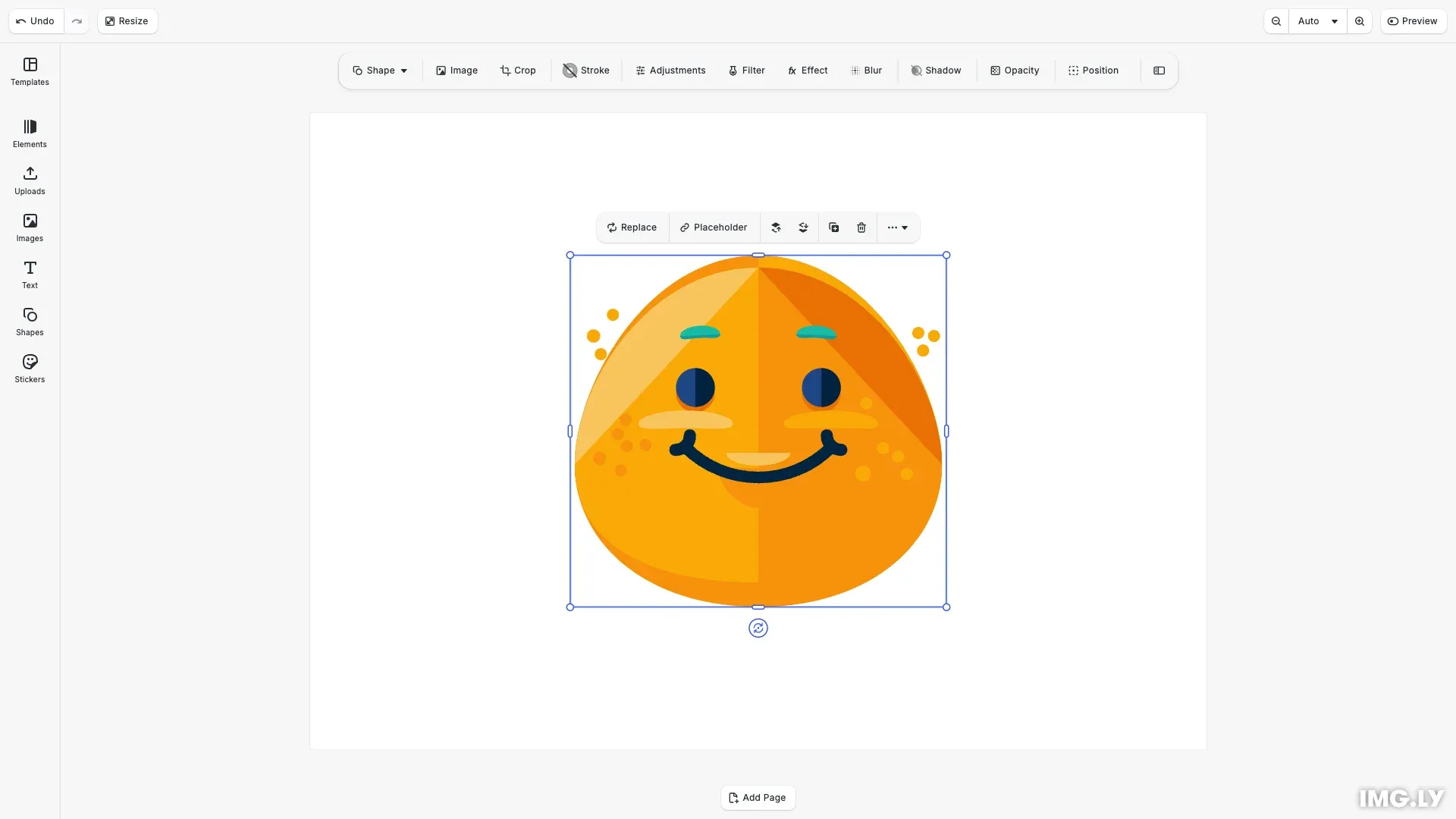
Images, videos, audio, fonts, stickers, and templates—every premade resource you can add to a design is what we call an Asset. The editor gets access to these Assets through Asset Sources. When you apply an Asset, CE.SDK creates or modifies a Block to display that content.
This guide covers the core concepts of the Asset system. For detailed instructions on inserting specific media types, see the Images, Videos, and Shapes & Stickers guides.
Assets vs Blocks#
Assets are content definitions with metadata (URIs, dimensions, labels) that exist outside the scene. Blocks are the visual elements in the scene tree that display content.
When you apply an asset, CE.SDK creates a block configured according to the asset’s properties. Multiple blocks can reference the same asset, and assets can exist without being used in any block.
The Asset Data Model#
An asset describes content that can be added to designs. Each asset has an id and optional properties:
// An asset is a content definition with metadata// It describes content that can be added to designsconst stickerAsset: AssetResult = { id: 'sticker-smile', label: 'Smile Sticker', tags: ['emoji', 'happy'], groups: ['stickers'], meta: { uri: 'https://cdn.img.ly/assets/v3/ly.img.sticker/images/emoticons/imgly_sticker_emoticons_smile.svg', thumbUri: 'https://cdn.img.ly/assets/v3/ly.img.sticker/images/emoticons/imgly_sticker_emoticons_smile.svg', blockType: '//ly.img.ubq/graphic', fillType: '//ly.img.ubq/fill/image', width: 62, height: 58, mimeType: 'image/svg+xml' }};Key properties include:
id— Unique identifier for the assetlabel— Display name (can be localized)tags— Searchable keywordsgroups— Categories for filteringmeta— Content-specific data includinguri,thumbUri,blockType,fillType,width,height, andmimeType
Asset Sources#
Asset sources provide assets to the editor. Each source has an id and implements a findAssets() method that returns paginated results.
// Asset sources provide assets to the editor// Each source has an id and a findAssets() methodconst customSource: AssetSource = {  id: 'my-assets',
  async findAssets(query: AssetQueryData): Promise<AssetsQueryResult> {    // Return paginated results matching the query    return {      assets: [stickerAsset],      total: 1,      currentPage: query.page,      nextPage: undefined    };  }};
engine.asset.addSource(customSource);
The findAssets() callback receives query parameters (page, perPage, query, tags, groups) and returns a result object with assets, total, currentPage, and nextPage.
Sources can also implement optional methods like getGroups(), getSupportedMimeTypes(), and applyAsset() for custom behavior.
Querying Assets#
Search and filter assets from registered sources using findAssets():
// Query assets from a sourceconst results = await engine.asset.findAssets('my-assets', { page: 0, perPage: 10});console.log('Found assets:', results.total);Results include pagination info. Loop through pages until nextPage is undefined to retrieve all matching assets.
Applying Assets#
Use apply() to create a new block from an asset:
// Apply an asset to create a block in the sceneif (results.assets.length > 0) {  const blockId = await engine.asset.apply('my-assets', results.assets[0]);  console.log('Created block:', blockId);
  // Center the sticker on the page  const page = engine.scene.getCurrentPage();  if (page && blockId) {    const pageWidth = engine.block.getWidth(page);    const pageHeight = engine.block.getHeight(page);    // SVG is 62x58, scale to fit nicely    const stickerWidth = 62;    const stickerHeight = 58;    engine.block.setWidth(blockId, stickerWidth);    engine.block.setHeight(blockId, stickerHeight);    engine.block.setPositionX(blockId, (pageWidth - stickerWidth) / 2);    engine.block.setPositionY(blockId, (pageHeight - stickerHeight) / 2);  }}
The method returns the new block ID, which you can use to position and configure the block.
Local Asset Sources#
Local sources store assets in memory and support dynamic add/remove operations. Use these for user uploads or runtime-generated content:
// Local sources support dynamic add/remove operationsengine.asset.addLocalSource('uploads', ['image/svg+xml', 'image/png']);
engine.asset.addAssetToSource('uploads', {  id: 'uploaded-1',  label: { en: 'Heart Sticker' },  meta: {    uri: 'https://cdn.img.ly/assets/v3/ly.img.sticker/images/emoticons/imgly_sticker_emoticons_love.svg',    thumbUri:      'https://cdn.img.ly/assets/v3/ly.img.sticker/images/emoticons/imgly_sticker_emoticons_love.svg',    blockType: '//ly.img.ubq/graphic',    fillType: '//ly.img.ubq/fill/image',    mimeType: 'image/svg+xml'  }});
Source Events#
Subscribe to asset source lifecycle events for reactive UIs:
// Subscribe to asset source lifecycle eventsconst unsubscribe = engine.asset.onAssetSourceUpdated((sourceId) => {  console.log('Source updated:', sourceId);});
// Notify that source contents changedengine.asset.assetSourceContentsChanged('uploads');
unsubscribe();
Call assetSourceContentsChanged() after modifying a source to notify subscribers.