Add motion to design blocks with entrance, exit, and loop animations using CE.SDK’s animation system.
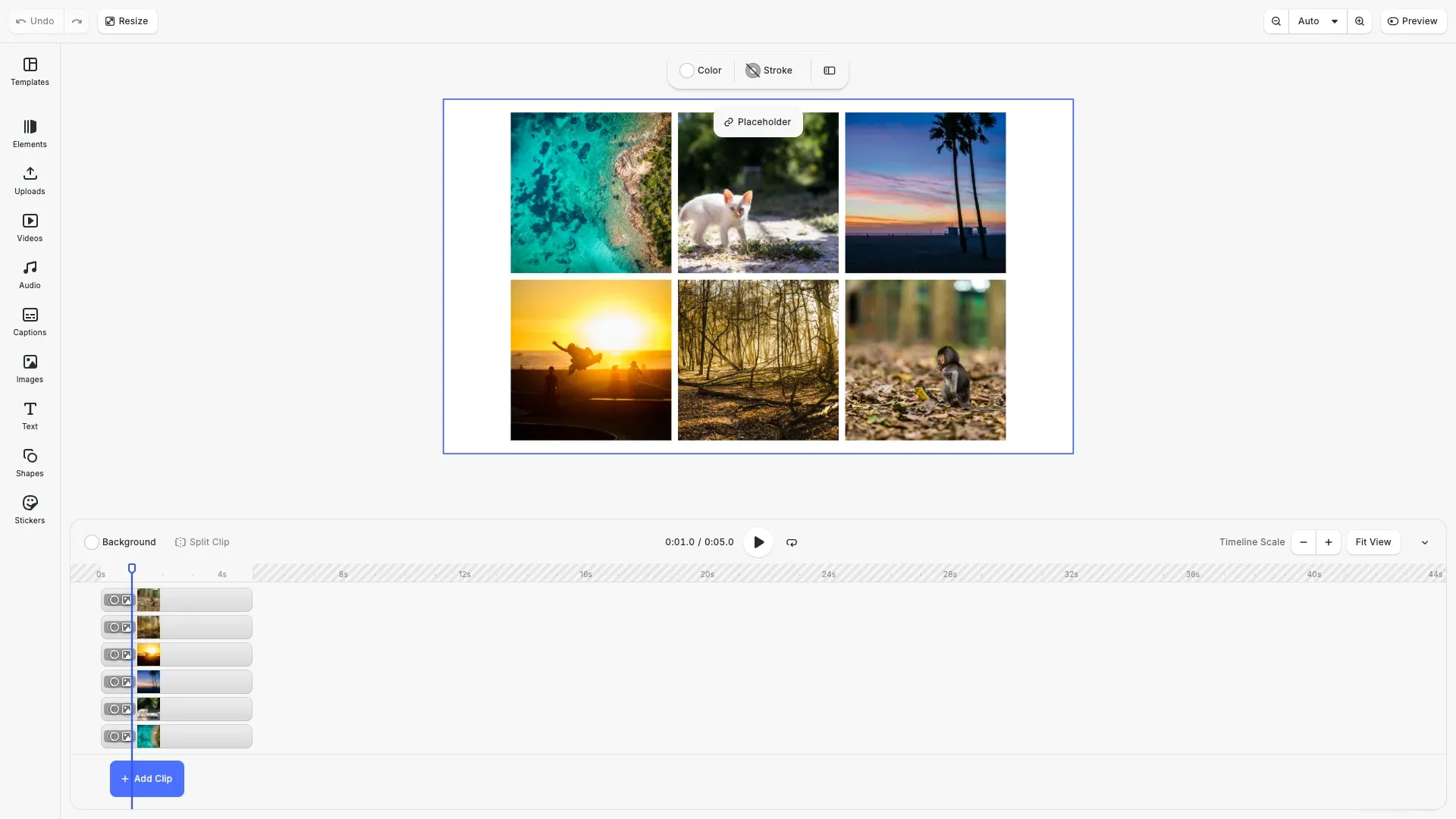
Base animations in CE.SDK add motion to design blocks through entrance (In), exit (Out), and loop animations. Animations are created as separate objects and attached to blocks, enabling reusable configurations across multiple elements.
This guide covers creating animations, attaching them to blocks, configuring properties like duration and easing, and managing animation lifecycle.
Animation Fundamentals#
Before applying animations to a block, we verify it supports them using supportsAnimation(). Once confirmed, we create an animation instance and attach it to the block.
// Check if block supports animations before applyingif (engine.block.supportsAnimation(block1)) { // Create an entrance animation const slideAnimation = engine.block.createAnimation('slide'); engine.block.setInAnimation(block1, slideAnimation); engine.block.setDuration(slideAnimation, 1.0);}We use createAnimation() with an animation type like 'slide', 'fade', or 'zoom'. The animation is then attached using setInAnimation() for entrance animations. Duration is set with setDuration() in seconds.
CE.SDK provides several animation types:
- Entrance animations:
slide,fade,blur,grow,zoom,pop,wipe,pan,baseline,spin - Loop animations:
spin_loop,fade_loop,blur_loop,pulsating_loop,breathing_loop,jump_loop,squeeze_loop,sway_loop
Entrance Animations#
Entrance animations (In animations) define how a block appears on screen. We create the animation, attach it with setInAnimation(), and configure its properties.
// Create a fade entrance animation with easingconst fadeInAnimation = engine.block.createAnimation('fade');engine.block.setInAnimation(block2, fadeInAnimation);engine.block.setDuration(fadeInAnimation, 1.0);engine.block.setEnum(fadeInAnimation, 'animationEasing', 'EaseOut');We use setEnum() to configure the easing function. Available easing options include 'Linear', 'EaseIn', 'EaseOut', and 'EaseInOut'. The 'EaseOut' easing starts fast and slows down toward the end, creating a natural deceleration effect.
Exit Animations#
Exit animations (Out animations) define how a block leaves the screen. We use setOutAnimation() to attach them.
// Create an exit animationconst zoomInAnimation = engine.block.createAnimation('zoom');engine.block.setInAnimation(block3, zoomInAnimation);engine.block.setDuration(zoomInAnimation, 1.0);
const fadeOutAnimation = engine.block.createAnimation('fade');engine.block.setOutAnimation(block3, fadeOutAnimation);engine.block.setDuration(fadeOutAnimation, 1.0);engine.block.setEnum(fadeOutAnimation, 'animationEasing', 'EaseIn');
When using both entrance and exit animations, CE.SDK automatically manages their timing to prevent overlap. Changing the duration of an In animation may adjust the Out animation’s duration to maintain valid timing.
Loop Animations#
Loop animations run continuously while the block is visible. We use setLoopAnimation() to attach them.
// Create a breathing loop animationconst breathingLoop = engine.block.createAnimation('breathing_loop');engine.block.setLoopAnimation(block4, breathingLoop);engine.block.setDuration(breathingLoop, 1.0);The duration for loop animations defines the length of each cycle. A 2-second breathing loop will complete one full pulse every 2 seconds.
Animation Properties#
Each animation type has specific configurable properties. We use findAllProperties() to discover available properties for an animation.
// Create slide animation and configure directionconst slideFromTop = engine.block.createAnimation('slide');engine.block.setInAnimation(block5, slideFromTop);engine.block.setDuration(slideFromTop, 1.0);
// Set slide direction (in radians: 0=right, PI/2=bottom, PI=left, 3*PI/2=top)engine.block.setFloat(  slideFromTop,  'animation/slide/direction',  Math.PI / 2);engine.block.setEnum(slideFromTop, 'animationEasing', 'EaseInOut');
// Discover all available properties for this animationconst properties = engine.block.findAllProperties(slideFromTop);console.log('Slide animation properties:', properties);
For slide animations, the animation/slide/direction property controls the entry direction in radians:
0— From the rightMath.PI / 2— From the bottomMath.PI— From the left3 * Math.PI / 2— From the top
Managing Animation Lifecycle#
Animation objects must be properly managed to avoid memory leaks. When replacing an animation, we destroy the old one before setting the new one. We can retrieve current animations using getInAnimation(), getOutAnimation(), and getLoopAnimation().
// Set initial animationsconst initialIn = engine.block.createAnimation('pan');engine.block.setInAnimation(block6, initialIn);engine.block.setDuration(initialIn, 1.0);
const spinLoop = engine.block.createAnimation('spin_loop');engine.block.setLoopAnimation(block6, spinLoop);engine.block.setDuration(spinLoop, 1.0);
// Get current animationsconst currentIn = engine.block.getInAnimation(block6);const currentLoop = engine.block.getLoopAnimation(block6);const currentOut = engine.block.getOutAnimation(block6);
console.log(  'Animation IDs - In:',  currentIn,  'Loop:',  currentLoop,  'Out:',  currentOut);
// Replace in animation (destroy old one first to avoid memory leaks)if (currentIn !== 0) {  engine.block.destroy(currentIn);}const newInAnimation = engine.block.createAnimation('wipe');engine.block.setInAnimation(block6, newInAnimation);engine.block.setDuration(newInAnimation, 1.0);
A return value of 0 indicates no animation is attached. Destroying a design block also destroys all its attached animations, but detached animations must be destroyed manually.
Easing Functions#
We can query available easing options using getEnumValues().
// Query available easing optionsconst easingOptions = engine.block.getEnumValues('animationEasing');console.log('Available easing options:', easingOptions);Easing functions control animation acceleration:
| Easing | Description |
|---|---|
Linear | Constant speed throughout |
EaseIn | Starts slow, accelerates toward the end |
EaseOut | Starts fast, decelerates toward the end |
EaseInOut | Starts slow, speeds up, then slows down again |
API Reference#
| Method | Description |
|---|---|
createAnimation(type) | Create a new animation instance |
supportsAnimation(block) | Check if block supports animations |
setInAnimation(block, anim) | Apply entrance animation to block |
setOutAnimation(block, anim) | Apply exit animation to block |
setLoopAnimation(block, anim) | Apply loop animation to block |
getInAnimation(block) | Get entrance animation (returns 0 if none) |
getOutAnimation(block) | Get exit animation (returns 0 if none) |
getLoopAnimation(block) | Get loop animation (returns 0 if none) |
setDuration(anim, seconds) | Set animation duration |
getDuration(anim) | Get animation duration |
setEnum(anim, prop, value) | Set enum property (easing, etc.) |
setFloat(anim, prop, value) | Set float property (direction, etc.) |
findAllProperties(anim) | Get all available properties for animation |
getEnumValues(prop) | Get available values for enum property |
destroy(anim) | Destroy animation instance |
Next Steps#
- Text Animations — Animate text with writing styles and character control
- Animation Overview — Understand animation concepts and capabilities